USB port RAM 1500 2022 User Guide
[x] Cancel search | Manufacturer: RAM, Model Year: 2022, Model line: 1500, Model: RAM 1500 2022Pages: 496, PDF Size: 18.03 MB
Page 438 of 496

436SERVICING AND MAINTENANCE
F37 ––Spare
F38 ––Spare
F39 ––Spare
F40 20 Amp Blue –Dome Pursuit Vehicle *
F41 A&B –15 Amp BlueLumbar Support & Pass SW / Steering Column Control
Module / HVAC Control Module / ICS Switch Bank / Upper
Switch Bank
F42 A&B –10 Amp RedMod Transfer Case Switch Module (TCSM) / SBW / Electric
Park Brake SW / Module TPM Trailer / Module Gateway Can-C
Trailer TPM / Seat LT & RT Vent
F43 A&B –10 Amp Red Port Diagnostics / Front & Rear USB
F44 –20 Amp YellowRadio / DCSD / Telematics Box Mod / Trailer Gateway Module
(360)
F45 30 Amp Pink –Mod Door MUX Driver
F46 30 Amp Pink –Mod Door MUX Passenger
F47 ––Spare
F48A –10 Amp RedRear View Mirror / SW Window Passenger / Rear USB /
Wireless Charging Pad Mod
F49 –15 Amp BlueMod CVPM / SNSR Blind Spot / HDLP Adaptive Front Lighting
Sensor (AFLS)
F50A –10 Amp Red Battery PACK Control Mod *
F51 A&B ––Spare
Cavity Cartridge Fuse Micro Fuse Description
* If Equipped
22_DT_OM_EN_USC_t.book Page 436
Page 493 of 496
491
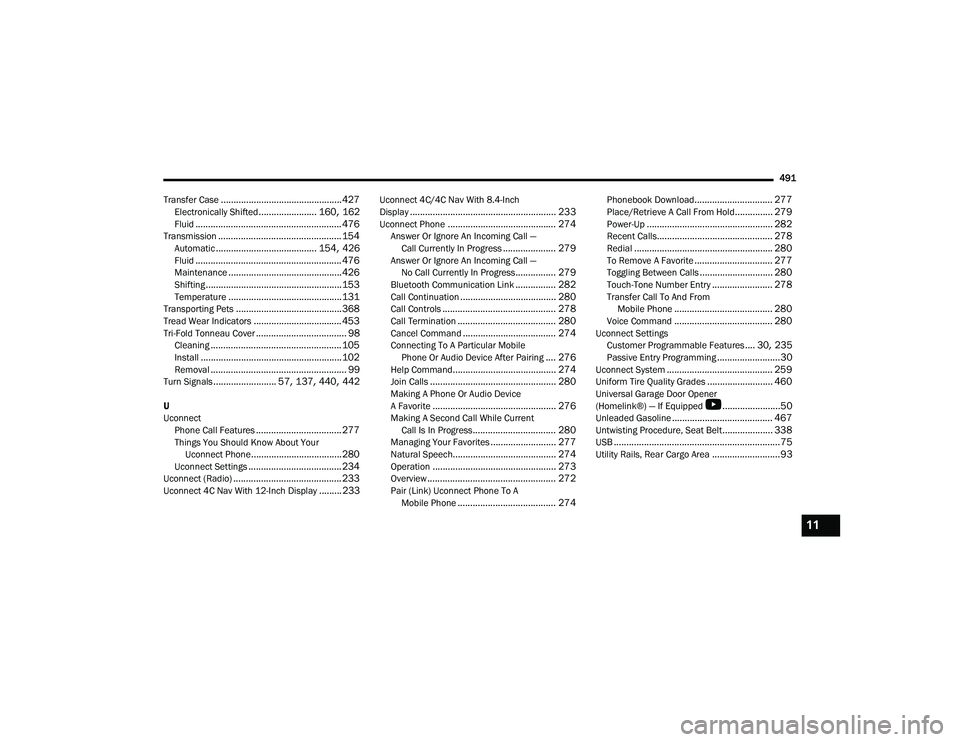
Transfer Case
................................................ 427Electronically Shifted....................... 160, 162Fluid.......................................................... 476Transmission................................................. 154Automatic........................................ 154, 426Fluid.......................................................... 476Maintenance............................................. 426Shifting...................................................... 153Temperature............................................. 131Transporting Pets.......................................... 368Tread Wear Indicators................................... 453Tri-Fold Tonneau Cover.................................... 98Cleaning.................................................... 105Install........................................................ 102Removal...................................................... 99Turn Signals......................... 57, 137, 440, 442
U
Uconnect Phone Call Features
.................................. 277Things You Should Know About Your Uconnect Phone.................................... 280Uconnect Settings..................................... 234Uconnect (Radio)........................................... 233Uconnect 4C Nav With 12-Inch Display......... 233
Uconnect 4C/4C Nav With 8.4-Inch
Display.......................................................... 233Uconnect Phone........................................... 274Answer Or Ignore An Incoming Call —Call Currently In Progress..................... 279Answer Or Ignore An Incoming Call —No Call Currently In Progress................ 279Bluetooth Communication Link................ 282Call Continuation...................................... 280Call Controls............................................. 278Call Termination....................................... 280Cancel Command..................................... 274Connecting To A Particular Mobile Phone Or Audio Device After Pairing.... 276Help Command......................................... 274Join Calls.................................................. 280Making A Phone Or Audio Device
A Favorite................................................. 276Making A Second Call While CurrentCall Is In Progress................................. 280Managing Your Favorites.......................... 277Natural Speech......................................... 274Operation................................................. 273Overview................................................... 272Pair (Link) Uconnect Phone To AMobile Phone....................................... 274
Phonebook Download............................... 277Place/Retrieve A Call From Hold............... 279Power-Up.................................................. 282Recent Calls.............................................. 278Redial....................................................... 280To Remove A Favorite............................... 277Toggling Between Calls............................. 280Touch-Tone Number Entry........................ 278Transfer Call To And From Mobile Phone....................................... 280Voice Command....................................... 280Uconnect SettingsCustomer Programmable Features.... 30, 235Passive Entry Programming.........................30Uconnect System.......................................... 259Uniform Tire Quality Grades.......................... 460Universal Garage Door Opener
(Homelink®) — If Equipped
b
.......................50Unleaded Gasoline........................................ 467Untwisting Procedure, Seat Belt.................... 338USB..................................................................75Utility Rails, Rear Cargo Area...........................93
11
22_DT_OM_EN_USC_t.book Page 491