maintenance RAM 1500 2022 Owners Manual
[x] Cancel search | Manufacturer: RAM, Model Year: 2022, Model line: 1500, Model: RAM 1500 2022Pages: 496, PDF Size: 18.03 MB
Page 3 of 496
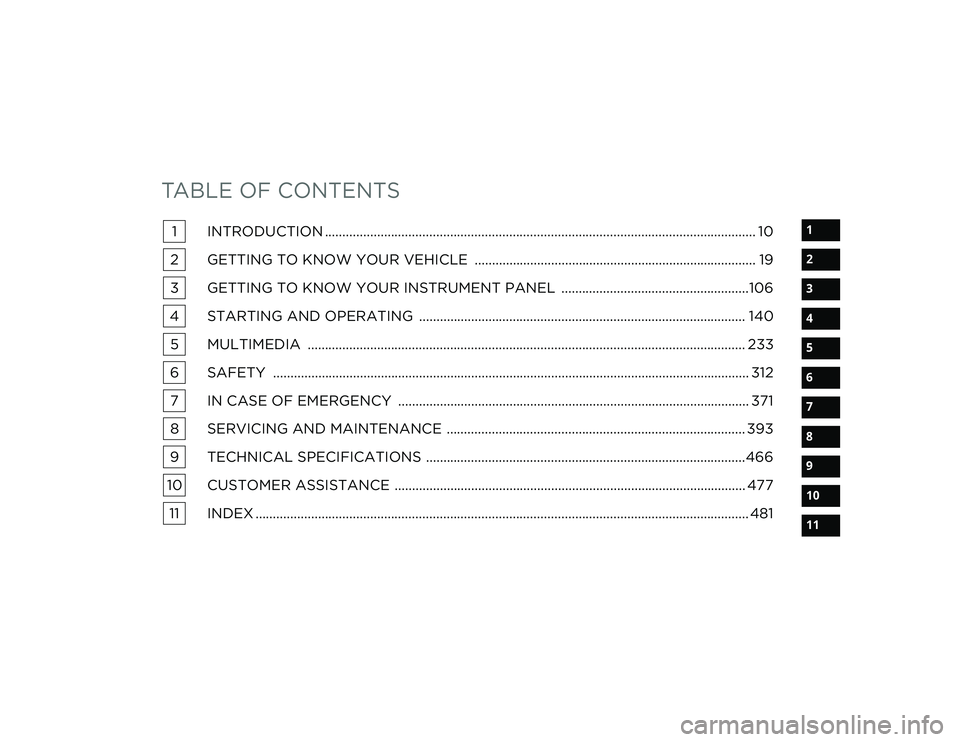
TABLE OF CONTENTS
1
2
3
4
5
6
7
8
9
10
11
1 INTRODUCTION ............................................................................................................................ 10
2 GETTING TO KNOW YOUR VEHICLE ................................................................................. 19
3 GETTING TO KNOW YOUR INSTRUMENT PANEL ......................................................106
4 STARTING AND OPERATING .............................................................................................. 140 5 MULTIMEDIA .............................................................................................................................. 233
6 SAFETY ......................................................................................................................................... 312 7 IN CASE OF EMERGENCY ..................................................................................................... 371
8 SERVICING AND MAINTENANCE ...................................................................................... 393
9 TECHNICAL SPECIFICATIONS ............................................................................................466
10 CUSTOMER ASSISTANCE ..................................................................................................... 477 11 INDEX .............................................................................................................................................. 481
22_DT_OM_EN_USC_t.book Page 1
Page 6 of 496
4
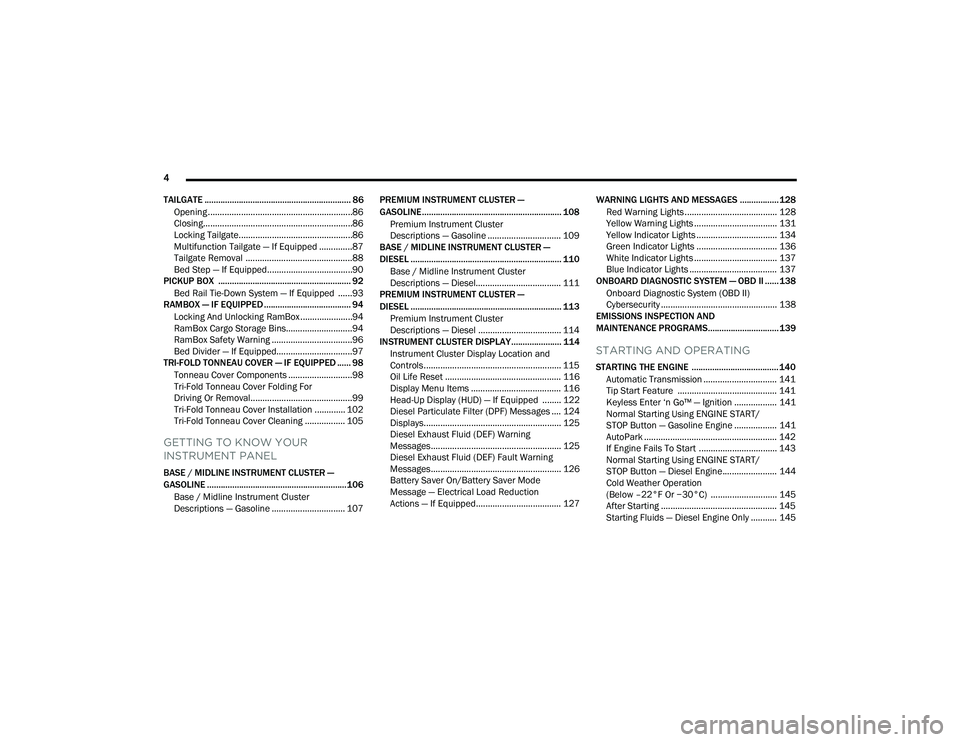
TAILGATE ................................................................ 86 Opening .............................................................86
Closing...............................................................86
Locking Tailgate................................................86
Multifunction Tailgate — If Equipped ..............87
Tailgate Removal .............................................88
Bed Step — If Equipped....................................90
PICKUP BOX .......................................................... 92
Bed Rail Tie-Down System — If Equipped ......93
RAMBOX — IF EQUIPPED ...................................... 94
Locking And Unlocking RamBox ......................94
RamBox Cargo Storage Bins............................94
RamBox Safety Warning ..................................96
Bed Divider — If Equipped................................97
TRI-FOLD TONNEAU COVER — IF EQUIPPED ...... 98
Tonneau Cover Components ...........................98
Tri-Fold Tonneau Cover Folding For
Driving Or Removal...........................................99
Tri-Fold Tonneau Cover Installation ............. 102
Tri-Fold Tonneau Cover Cleaning ................. 105
GETTING TO KNOW YOUR
INSTRUMENT PANEL
BASE / MIDLINE INSTRUMENT CLUSTER —
GASOLINE .............................................................106
Base / Midline Instrument Cluster
Descriptions — Gasoline ............................... 107 PREMIUM INSTRUMENT CLUSTER —
GASOLINE............................................................. 108
Premium Instrument Cluster
Descriptions — Gasoline ............................... 109
BASE / MIDLINE INSTRUMENT CLUSTER —
DIESEL .................................................................. 110
Base / Midline Instrument Cluster
Descriptions — Diesel.................................... 111
PREMIUM INSTRUMENT CLUSTER —
DIESEL .................................................................. 113
Premium Instrument Cluster
Descriptions — Diesel ................................... 114
INSTRUMENT CLUSTER DISPLAY...................... 114
Instrument Cluster Display Location and
Controls.......................................................... 115Oil Life Reset ................................................. 116
Display Menu Items ...................................... 116
Head-Up Display (HUD) — If Equipped ........ 122
Diesel Particulate Filter (DPF) Messages .... 124
Displays.......................................................... 125Diesel Exhaust Fluid (DEF) Warning
Messages....................................................... 125
Diesel Exhaust Fluid (DEF) Fault Warning
Messages....................................................... 126
Battery Saver On/Battery Saver Mode
Message — Electrical Load Reduction
Actions — If Equipped.................................... 127 WARNING LIGHTS AND MESSAGES ................. 128
Red Warning Lights ....................................... 128
Yellow Warning Lights ................................... 131
Yellow Indicator Lights .................................. 134Green Indicator Lights .................................. 136White Indicator Lights ................................... 137
Blue Indicator Lights ..................................... 137
ONBOARD DIAGNOSTIC SYSTEM — OBD II ...... 138
Onboard Diagnostic System (OBD II)
Cybersecurity ................................................. 138
EMISSIONS INSPECTION AND
MAINTENANCE PROGRAMS............................... 139
STARTING AND OPERATING
STARTING THE ENGINE ...................................... 140
Automatic Transmission ............................... 141
Tip Start Feature .......................................... 141Keyless Enter ‘n Go™ — Ignition .................. 141
Normal Starting Using ENGINE START/
STOP Button — Gasoline Engine .................. 141
AutoPark ........................................................ 142
If Engine Fails To Start ................................. 143
Normal Starting Using ENGINE START/
STOP Button — Diesel Engine....................... 144
Cold Weather Operation
(Below –22°F Or −30°C) ............................ 145
After Starting ................................................. 145
Starting Fluids — Diesel Engine Only ........... 145
22_DT_OM_EN_USC_t.book Page 4
Page 8 of 496
6
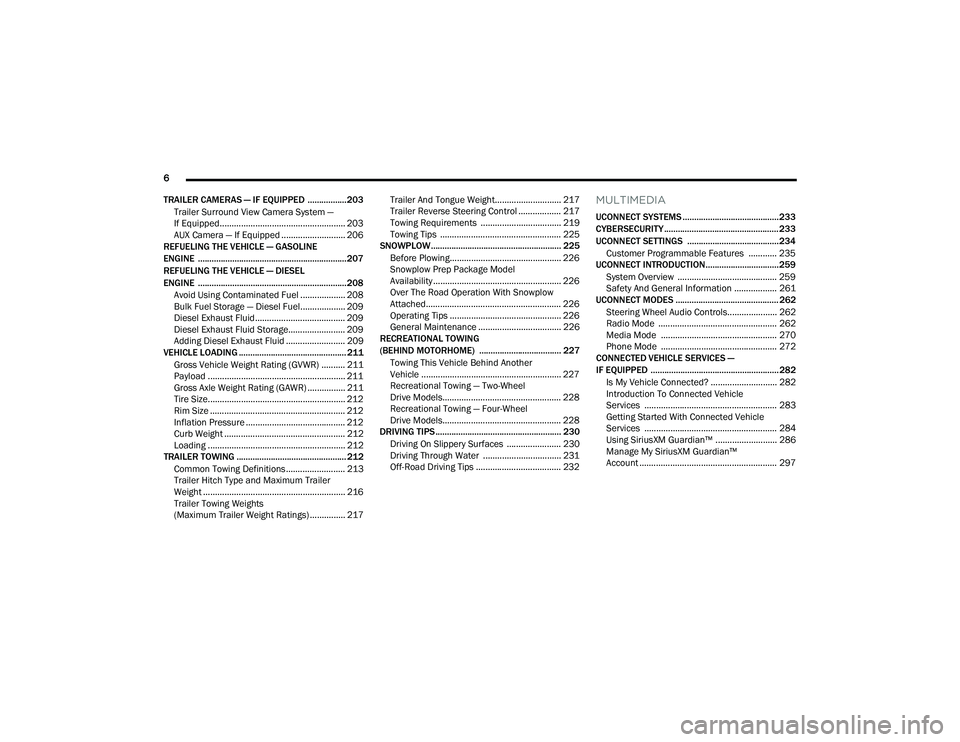
TRAILER CAMERAS — IF EQUIPPED ................. 203 Trailer Surround View Camera System —
If Equipped..................................................... 203
AUX Camera — If Equipped ........................... 206
REFUELING THE VEHICLE — GASOLINE
ENGINE ................................................................. 207
REFUELING THE VEHICLE — DIESEL
ENGINE ................................................................. 208
Avoid Using Contaminated Fuel ................... 208
Bulk Fuel Storage — Diesel Fuel................... 209
Diesel Exhaust Fluid ...................................... 209Diesel Exhaust Fluid Storage........................ 209
Adding Diesel Exhaust Fluid ......................... 209
VEHICLE LOADING ............................................... 211
Gross Vehicle Weight Rating (GVWR) .......... 211
Payload .......................................................... 211
Gross Axle Weight Rating (GAWR) ................ 211
Tire Size.......................................................... 212
Rim Size ......................................................... 212
Inflation Pressure .......................................... 212
Curb Weight ................................................... 212Loading .......................................................... 212
TRAILER TOWING ................................................ 212
Common Towing Definitions ......................... 213Trailer Hitch Type and Maximum Trailer
Weight ............................................................ 216
Trailer Towing Weights
(Maximum Trailer Weight Ratings) ............... 217 Trailer And Tongue Weight............................ 217
Trailer Reverse Steering Control .................. 217
Towing Requirements .................................. 219
Towing Tips ................................................... 225
SNOWPLOW......................................................... 225
Before Plowing............................................... 226
Snowplow Prep Package Model
Availability ...................................................... 226
Over The Road Operation With Snowplow
Attached......................................................... 226
Operating Tips ............................................... 226
General Maintenance ................................... 226
RECREATIONAL TOWING
(BEHIND MOTORHOME) .................................... 227
Towing This Vehicle Behind Another
Vehicle ........................................................... 227
Recreational Towing — Two-Wheel
Drive Models.................................................. 228
Recreational Towing — Four-Wheel
Drive Models.................................................. 228
DRIVING TIPS ....................................................... 230
Driving On Slippery Surfaces ....................... 230
Driving Through Water ................................. 231
Off-Road Driving Tips .................................... 232
MULTIMEDIA
UCONNECT SYSTEMS .......................................... 233
CYBERSECURITY .................................................. 233
UCONNECT SETTINGS ........................................ 234Customer Programmable Features ............ 235
UCONNECT INTRODUCTION................................ 259
System Overview .......................................... 259Safety And General Information .................. 261
UCONNECT MODES ............................................. 262
Steering Wheel Audio Controls..................... 262Radio Mode .................................................. 262Media Mode ................................................. 270
Phone Mode ................................................. 272
CONNECTED VEHICLE SERVICES —
IF EQUIPPED ........................................................ 282
Is My Vehicle Connected? ............................ 282
Introduction To Connected Vehicle
Services ........................................................ 283
Getting Started With Connected Vehicle
Services ........................................................ 284
Using SiriusXM Guardian™ .......................... 286
Manage My SiriusXM Guardian™
Account .......................................................... 297
22_DT_OM_EN_USC_t.book Page 6
Page 10 of 496
8
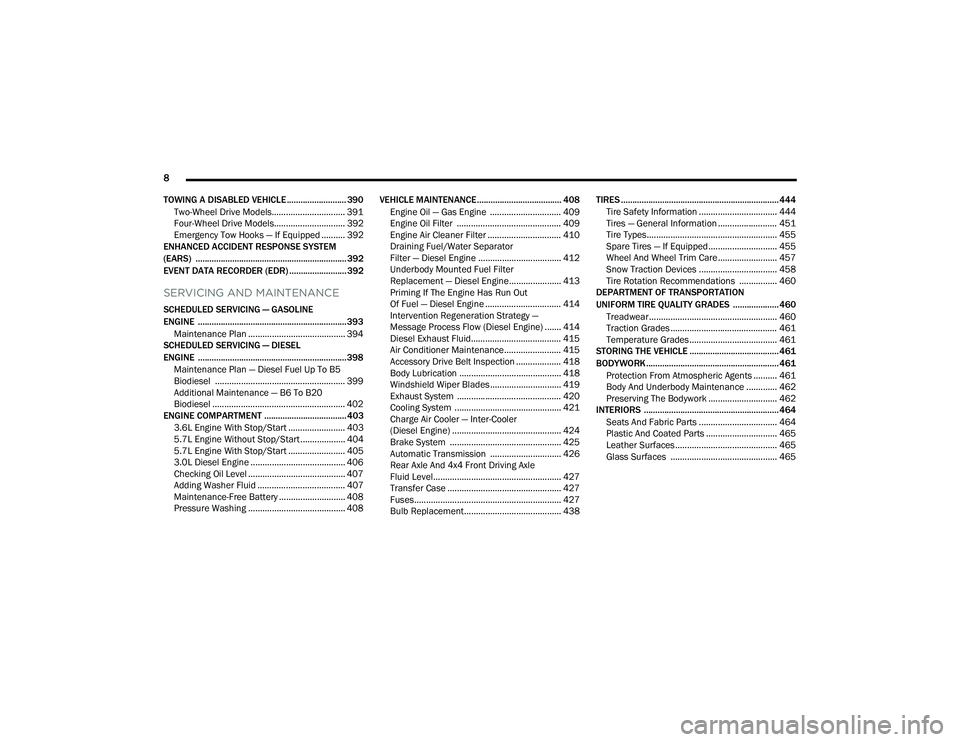
TOWING A DISABLED VEHICLE .......................... 390 Two-Wheel Drive Models............................... 391
Four-Wheel Drive Models.............................. 392Emergency Tow Hooks — If Equipped .......... 392
ENHANCED ACCIDENT RESPONSE SYSTEM
(EARS) .................................................................. 392
EVENT DATA RECORDER (EDR) ......................... 392
SERVICING AND MAINTENANCE
SCHEDULED SERVICING — GASOLINE
ENGINE ................................................................. 393
Maintenance Plan ......................................... 394
SCHEDULED SERVICING — DIESEL
ENGINE ................................................................. 398
Maintenance Plan — Diesel Fuel Up To B5
Biodiesel ....................................................... 399
Additional Maintenance — B6 To B20
Biodiesel ........................................................ 402
ENGINE COMPARTMENT .................................... 403
3.6L Engine With Stop/Start ........................ 403
5.7L Engine Without Stop/Start ................... 404
5.7L Engine With Stop/Start ........................ 405
3.0L Diesel Engine ........................................ 406
Checking Oil Level ......................................... 407
Adding Washer Fluid ..................................... 407
Maintenance-Free Battery ............................ 408
Pressure Washing ......................................... 408 VEHICLE MAINTENANCE..................................... 408
Engine Oil — Gas Engine .............................. 409Engine Oil Filter ............................................ 409
Engine Air Cleaner Filter ............................... 410
Draining Fuel/Water Separator
Filter — Diesel Engine ................................... 412Underbody Mounted Fuel Filter
Replacement — Diesel Engine...................... 413Priming If The Engine Has Run Out
Of Fuel — Diesel Engine ................................ 414Intervention Regeneration Strategy —
Message Process Flow (Diesel Engine) ....... 414
Diesel Exhaust Fluid...................................... 415
Air Conditioner Maintenance........................ 415
Accessory Drive Belt Inspection ................... 418Body Lubrication ........................................... 418Windshield Wiper Blades.............................. 419Exhaust System ............................................ 420
Cooling System ............................................. 421Charge Air Cooler — Inter-Cooler
(Diesel Engine) .............................................. 424
Brake System ............................................... 425
Automatic Transmission .............................. 426Rear Axle And 4x4 Front Driving Axle
Fluid Level...................................................... 427
Transfer Case ................................................ 427Fuses.............................................................. 427
Bulb Replacement......................................... 438 TIRES ..................................................................... 444
Tire Safety Information ................................. 444
Tires — General Information ......................... 451
Tire Types....................................................... 455Spare Tires — If Equipped............................. 455Wheel And Wheel Trim Care......................... 457
Snow Traction Devices ................................. 458
Tire Rotation Recommendations ................ 460
DEPARTMENT OF TRANSPORTATION
UNIFORM TIRE QUALITY GRADES .................... 460
Treadwear...................................................... 460
Traction Grades ............................................. 461Temperature Grades..................................... 461
STORING THE VEHICLE ....................................... 461
BODYWORK .......................................................... 461
Protection From Atmospheric Agents .......... 461
Body And Underbody Maintenance ............. 462
Preserving The Bodywork ............................. 462
INTERIORS ........................................................... 464
Seats And Fabric Parts ................................. 464
Plastic And Coated Parts .............................. 465
Leather Surfaces........................................... 465
Glass Surfaces ............................................. 465
22_DT_OM_EN_USC_t.book Page 8
Page 12 of 496

10
INTRODUCTION
Dear Customer,
Congratulations on the purchase of your new Ram vehicle. Be assured that it represents precision workmanship, distinctive styling, and high quality.
This is a specialized utility vehicle. It can go places and perform tasks that are not intended for conventional passenger vehicles. It handles and maneuvers
differently from many passenger vehicles both on-road and off-road, so take time to become familiar with your vehicle. If equipped, the two-wheel drive version
of this vehicle was designed for on-road use only. It is not intended for off-road driving or use in other severe conditions suited for a four-wheel drive vehicle.
Before you start to drive this vehicle, read the Owner’s Manual. Be sure you are familiar with all vehicle controls, particularly those used for braking, steering,
transmission, and transfer case shifting. Learn how your vehicle handles on different road surfaces. Your driving skills will improve with experience. When driving
off-road, or working the vehicle, don’t overload the vehicle or expect the vehicle to overcome the natural laws of physics. Always observe federal, state, provincial
and local laws wherever you drive. As with other vehicles of this type, failure to operate this vehicle correctly may result in loss of control or a collision Úpage 230.
This Owner's Manual has been prepared with the assistance of service and engineering specialists to acquaint you with the operation and maintenance of your
vehicle. It is supplemented by customer-oriented documents. Within this information, you will find a description of the services that FCA US LLC offers to its
customers as well as the details of the terms and conditions for maintaining its validity. Please take the time to read all of these publications carefully before
driving your vehicle for the first time. Following the instructions, recommendations, tips, and important warnings in this manual will help ensure safe and
enjoyable operation of your vehicle.
This Owner's Manual describes all versions of this vehicle. Options and equipment dedicated to specific markets or versions are not expressly indicated in the
text. Therefore, you should only consider the information that is related to the trim level, engine, and version that you have purchased. Any content introduced
throughout the Owner's Information, which may or may not be applicable to your vehicle, will be identified with the wording “If Equipped”. All data contained in
this publication are intended to help you use your vehicle in the best possible way. FCA US LLC aims at a constant improvement of the vehicles produced. For
this reason, it reserves the right to make changes to the model described for technical and/or commercial reasons. For further information, contact an authorized
dealer.
When it comes to service, remember that authorized dealers know your Ram vehicle best, have factory-trained technicians, genuine Mopar® parts, and care
about your satisfaction.
22_DT_OM_EN_USC_t.book Page 10
Page 85 of 496
GETTING TO KNOW YOUR VEHICLE83
Any release of the switch during open or close
operation will stop the sunroof movement. The
sunroof will remain in a partially opened position
until the switch is operated and held again.
NOTE:If the sunshade is in the closed position when
Express or Manual Open operation is initiated the
sunshade will automatically open to the half open
position prior to the sunroof opening.
Pinch Protect Feature
This feature will detect an obstruction in the
opening of the sunroof during Express Close
operation. If an obstruction in the path of the
sunroof is detected, the sunroof will automatically
retract. Remove the obstruction if this occurs.
NOTE:
If three consecutive sunroof close attempts result in
Pinch Protect reversals, Pinch Protect will disable
and the sunroof must be closed in Manual Mode.
Venting Sunroof
Push and release the Vent button within one half
second and the sunroof will open to the vent
position. This is called “Express Vent”, and it will
occur regardless of sunroof position. During
Express Vent operation, any other actuation of the
switch will stop the sunroof.
Sunshade Operation
The sunshade can be opened manually. However,
the sunshade will open automatically as the
sunroof opens.
NOTE:The sunshade cannot be closed if the sunroof is
open.
Ignition Off Operation
The power sunroof switch will remain active for up
to approximately 10 minutes after the ignition
switch is placed in the OFF position. Opening either
front door will cancel this feature.
NOTE:Ignition Off time is programmable through the
Uconnect system Ú page 234.
Sunroof Maintenance
Use only a non-abrasive cleaner and a soft cloth to
clean the glass panel. Periodically check for and
clear out any debris that may have collected in the
tracks.
DUAL PANE POWER SUNROOF —
I
F EQUIPPED
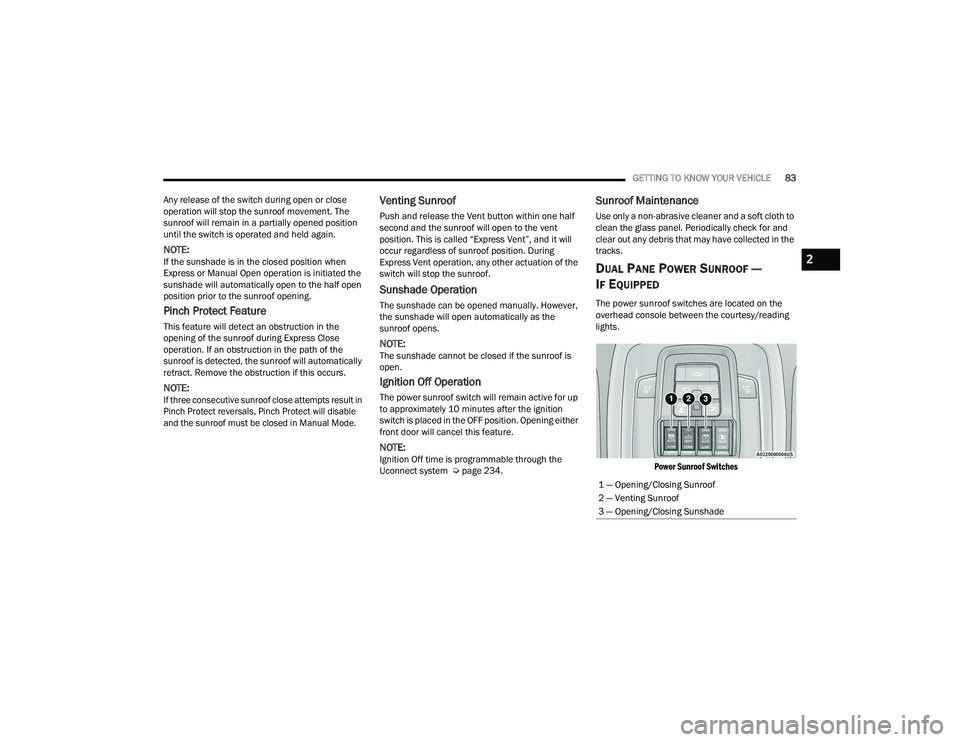
The power sunroof switches are located on the
overhead console between the courtesy/reading
lights.
Power Sunroof Switches
1 — Opening/Closing Sunroof
2 — Venting Sunroof
3 — Opening/Closing Sunshade
2
22_DT_OM_EN_USC_t.book Page 83
Page 87 of 496
GETTING TO KNOW YOUR VEHICLE85
Manual Open/Close
Push and hold the sunshade switch rearward, the
sunshade will open to the half open position and
stop automatically. Push and hold the sunshade
switch again and the sunshade will open to the full
open position.
Push and hold the switch forward and the
sunshade will close and stop at full closed position.
Releasing the switch while the sunshade is in
motion will stop the sunshade in a partially open
position.
Pinch Protect Feature
This feature will detect an obstruction in the
opening of the sunroof during Express Close
operation. If an obstruction in the path of the
sunroof is detected, the sunroof will automatically
retract. Remove the obstruction if this occurs.
NOTE:If three consecutive sunroof close attempts result
in Pinch Protect reversals, Pinch Protect will
disable and the sunroof must be closed in
Manual Mode.
Venting Sunroof
Push and release the Vent button within one half
second and the sunroof will open to the vent
position. This is called “Express Vent” and it will
occur regardless of sunroof position. During
Express Vent operation, any movement of the
switch will stop the sunroof.
NOTE:If the sunshade was not already open, it will auto -
matically open prior to the roof opening to the vent
position.
Ignition Off Operation
The power sunroof switch will remain active for up
to approximately 10 minutes after the ignition
switch is placed in the OFF position. Opening either
front door will cancel this feature.
NOTE:Ignition Off time is programmable through the
Uconnect system Ú page 234.
Sunroof Maintenance
Use only a non-abrasive cleaner and a soft cloth to
clean the glass panel. Periodically check for and
clear out any debris that may have collected in the
tracks.
HOOD
TO OPEN THE HOOD
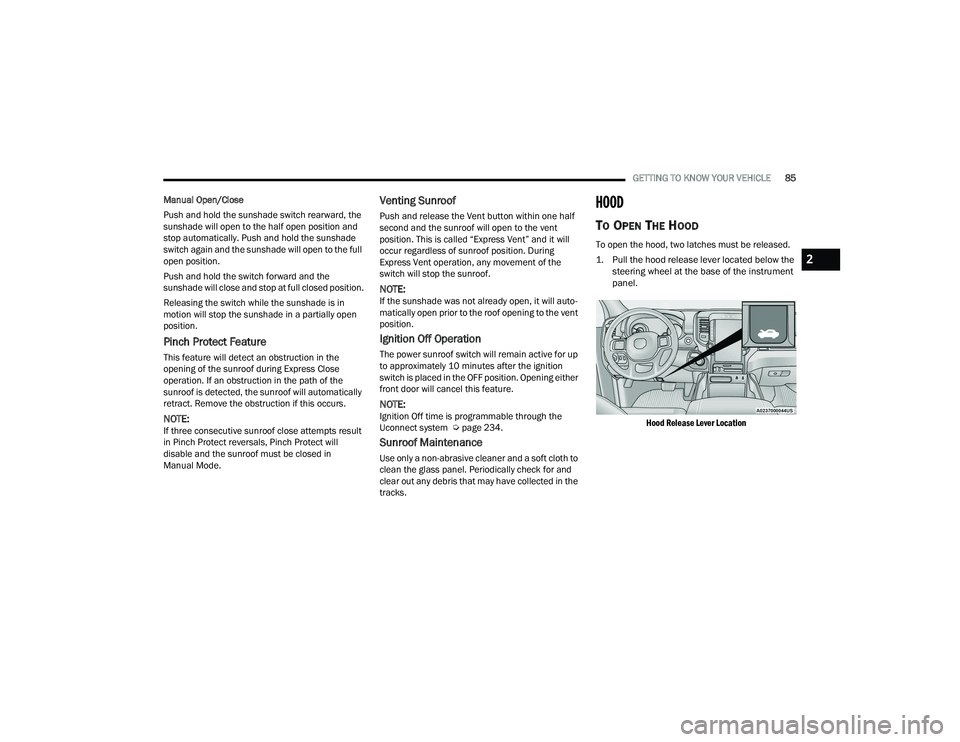
To open the hood, two latches must be released.
1. Pull the hood release lever located below the
steering wheel at the base of the instrument
panel.
Hood Release Lever Location
2
22_DT_OM_EN_USC_t.book Page 85
Page 118 of 496
116GETTING TO KNOW YOUR INSTRUMENT PANEL
OIL LIFE RESET
Your vehicle is equipped with an engine oil change
indicator system. The “Oil Change Required”
message will display in the instrument cluster
display for five seconds after a single chime has
sounded, to indicate the next scheduled oil change
interval. The engine oil change indicator system is
duty cycle based, which means the engine oil
change interval may fluctuate, dependent upon
your personal driving style.
Unless reset, this message will continue to display
each time you place the ignition in the ON/RUN
position. To turn off the message temporarily, push
and release the OK or arrow buttons. To reset the
oil change indicator system (after performing the
scheduled maintenance), refer to the following
procedure:
1. Without pressing the brake pedal, push the ENGINE START/STOP button and place the
ignition in the ON/RUN position (do not start
the engine).
2. Push and release the down arrow button to
scroll downward through the main menu to
“Vehicle Info.”
3. Push and release the right arrow button to
access the ”Oil Life” screen. 4. Push and hold the
OK button to reset oil life. If
conditions are met, the gauge and numeric
display will update to show 100%. If conditions
are not met a pop-up message of “To reset oil
life engine must be off with ignition in run” will
be displayed (for five seconds), and the user
will remain at the Oil Life screen.
5. Push and release the up or down arrow
button to exit the submenu screen.
NOTE:If the indicator message illuminates when you start
the vehicle, the oil change indicator system did not
reset. If necessary, repeat this procedure.
DISPLAY MENU ITEMS
Push and release the up or down arrow
button until the desired selectable menu icon is
highlighted in the instrument cluster display.
Speedometer
Push and release the up or down arrow
button until the speedometer menu item is
highlighted in the instrument cluster display. Push
and release the OK button to cycle the display
between mph and km/h.
Vehicle Info
Push and release the up or down arrow
button until the Vehicle Info menu icon is displayed
in the instrument cluster display. Push and release
the left or right arrow button to scroll through
the information submenus and push and release
the OK button to select or reset the resettable
submenus.
Tire Pressure Monitor System
Air Suspension — If Equipped
Coolant Temperature — If Equipped
Trans Temperature (Automatic only)
Oil Temperature
Oil Pressure — If Equipped
Oil Life
Battery Voltage — If Equipped
Gauge Summary — If Equipped
Coolant Temp
Trans Temp
Oil Temp
Oil Pressure
Engine Hours
22_DT_OM_EN_USC_t.book Page 116
Page 126 of 496
124GETTING TO KNOW YOUR INSTRUMENT PANEL
Display Height
Brightness
NOTE:
The HUD basic settings (Brightness, Display
Height and Non Custom layouts), are controlled
through the Settings Screen in the Instrument
Cluster Úpage 114.
HUD custom content layout preferences can be
selected through your touchscreen. For more
information, please refer to your Uconnect
Owner’s Manual Supplement.
DIESEL PARTICULATE FILTER (DPF)
M
ESSAGES
This engine meets all required diesel engine
emissions standards. To achieve these emissions
standards, your vehicle is equipped with a
state-of-the-art engine and exhaust system. These
systems are seamlessly integrated into your
vehicle and managed by the Powertrain Control
Module (PCM). The PCM manages engine
combustion to allow the exhaust system’s catalyst
to trap and burn Particulate Matter (PM)
pollutants, with no input or interaction on your part. Your vehicle has the ability to alert you to
additional maintenance required on your vehicle or
engine. Refer to the following messages that may
be displayed on your instrument cluster:
Exhaust Filter XX% Full Safely Drive at Highway
Speeds to Remedy
— This message will be
displayed in the instrument cluster if the
exhaust particulate filter reaches 80% of its
maximum storage capacity. Under conditions of
exclusive short duration and low speed driving
cycles, your diesel engine and exhaust
after-treatment system may never reach the
conditions required to cleanse the filter to
remove the trapped PM. If this occurs, the
“Exhaust Filter XX% Full Safely Drive at Highway
Speeds to Remedy” message will be displayed
in the instrument cluster display. If this
message is displayed, you will hear one chime
to assist in alerting you of this condition. By
simply driving your vehicle at highway speeds
for up to 20 minutes, you can remedy the condi -tion in the particulate filter system and allow
your diesel engine and exhaust after-treatment
system to cleanse the filter to remove the
trapped PM and restore the system to normal
operating condition.
Exhaust System — Regeneration In Process
Exhaust Filter XX% Full
— This message indi-
cates that the DPF is self-cleaning. Maintain
your current driving condition until regeneration
is completed.
Exhaust System — Regeneration Completed —
This message indicates that the DPF
self-cleaning is completed. If this message is
displayed, you will hear one chime to assist in
alerting you of this condition.
Exhaust Service Required — See Dealer Now —
This messages indicates regeneration has been
disabled due to a system malfunction. At this
point the engine Powertrain Control Module
(PCM) will register a fault code, the instrument
panel will display a MIL light.
WARNING!
A hot exhaust system can start a fire if you park
over materials that can burn, such as grass or
leaves, and those items that come into contact
with your exhaust system. Do not park or operate
your vehicle in areas where your exhaust system
can contact anything that can burn.
CAUTION!
See an authorized dealer, as damage to the
exhaust system could occur soon with continued
operation.
22_DT_OM_EN_USC_t.book Page 124
Page 135 of 496

GETTING TO KNOW YOUR INSTRUMENT PANEL133
Rear Axle Locker Fault Indicator Light —
If Equipped
This warning light will illuminate to
indicate when a rear axle locker fault has
been detected.
Service Forward Collision Warning (FCW)
Light — If Equipped
This warning light will illuminate to
indicate a fault in the FCW System.
Contact an authorized dealer for service
Úpage 325.
Service Stop/Start System Warning Light —
If Equipped
This warning light will illuminate when the
Stop/Start system is not functioning
properly and service is required. Contact
an authorized dealer for service.
Service 4WD Warning Light — If Equipped
This warning light will illuminate to signal
a fault with the 4WD system. If the light
stays on or comes on during driving, it
means that the 4WD system is not
functioning properly and that service is required.
We recommend you drive to the nearest service
center and have the vehicle serviced immediately.
Cruise Control Fault Warning Light
This warning light will illuminate to
indicate the Cruise Control System is not
functioning properly and service is
required. Contact an authorized dealer.
Tire Pressure Monitoring System (TPMS)
Warning Light
The warning light switches on and a
message is displayed to indicate that the
tire pressure is lower than the
recommended value and/or that slow
pressure loss is occurring. In these cases, optimal
tire duration and fuel consumption may not be
guaranteed.
Should one or more tires be in the condition
mentioned above, the display will show the
indications corresponding to each tire. Each tire, including the spare (if provided), should
be checked monthly when cold and inflated to the
inflation pressure recommended by the vehicle
manufacturer on the vehicle placard or tire
inflation pressure label. If your vehicle has tires of
a different size than the size indicated on the
vehicle placard or tire inflation pressure label, you
should determine the proper tire inflation pressure
for those tires.
As an added safety feature, your vehicle has been
equipped with a Tire Pressure Monitoring System
(TPMS) that illuminates a low tire pressure telltale
when one or more of your tires is significantly
underinflated. Accordingly, when the low tire
pressure telltale illuminates, you should stop and
check your tires as soon as possible, and inflate
them to the proper pressure. Driving on a
significantly underinflated tire causes the tire to
overheat and can lead to tire failure. Underinflation
also reduces fuel efficiency and tire tread life, and
may affect the vehicle’s handling and stopping
ability.
Please note that the TPMS is not a substitute for
proper tire maintenance, and it is the driver’s
responsibility to maintain correct tire pressure,
even if underinflation has not reached the level to
trigger illumination of the TPMS low tire pressure
telltale.
CAUTION!
Do not continue driving with one or more flat
tires as handling may be compromised. Stop the
vehicle, avoiding sharp braking and steering. If a
tire puncture occurs, repair immediately using
the dedicated tire repair kit and contact an
authorized dealer as soon as possible.
3
22_DT_OM_EN_USC_t.book Page 133