Def Ram 2500 2018 Owner's Manual
[x] Cancel search | Manufacturer: RAM, Model Year: 2018, Model line: 2500, Model: Ram 2500 2018Pages: 700, PDF Size: 8.86 MB
Page 26 of 700
Air Suspension (Remote Lowering Of The Vehicle)
— If Equipped
For easy entry and loading, your vehicle can be
lowered by pushing the key fob air suspension
lowering button two times. When key fob low-
ering is requested, the vehicle will send a series
of chirps and flashes to alert the customer that the opera-
tion has begun and will continue these alerts until it
successfully lowers.
The following conditions must be met for the vehicle to
lower remotely:
• The vehicle must not already be in Entry/Exit (Park)
ride height.
• The vehicle battery must be fully charged.
• All doors must be closed.
• The key fob must be out of the vehicle. Canceling Remote Lowering
Vehicle lowering can be cancelled at anytime. When vehicle
lowering is canceled, the vehicle will raise up to the next
defined level and lock out the remote lowering feature
until the ignition has been cycled ON/OFF.
To cancel vehicle lowering, push the key fob air suspension
lowering button one time during the lowering process.
When vehicle lowering is canceled, the horn will chirp two
times and the turn signal lamps will flash four times. Once
raising is completed, the horn will chirp one time.
NOTE:
Refer to “Air Suspension System” in “Starting And
Operating” for further information.
Replacing The Battery In The Key Fob With Remote
Control
The recommended replacement battery is one CR2032
battery.
NOTE:
• Perchlorate Material — special handling may apply. See
www.dtsc.ca.gov/hazardouswaste/perchlorate
• Do not touch the battery terminals that are on the back
housing or the printed circuit board.
24 GETTING TO KNOW YOUR VEHICLE
Page 44 of 700

The vehicle doors can also be locked by using the key fob
lock button or the lock button located on the vehicle’s
interior door panel.
General Information
The following regulatory statement applies to all radio
frequency (RF) devices equipped in this vehicle:
This device complies with Part 15 of the FCC Rules and
with Industry Canada license-exempt RSS standard(s).
Operation is subject to the following two conditions:
1. This device may not cause harmful interference, and
2. This device must accept any interference received, in-cluding interference that may cause undesired opera-
tion.
NOTE: Changes or modifications not expressly approved
by the party responsible for compliance could void the
user ’s authority to operate the equipment.
Automatic Door Locks — If Equipped
The auto door lock feature default condition is enabled.
When enabled, the door locks will lock automatically when
the vehicle’s speed exceeds 15 mph (24 km/h). The auto
door lock feature can be enabled or disabled by your authorized dealer per written request of the customer.
Please see your authorized dealer for service.
Automatic Doors Unlock — If Equipped
This feature unlocks all of the doors of the vehicle when
either front door is opened. This will occur only after the
vehicle has been shifted into the PARK position after the
vehicle has been driven (shifted out of PARK and all doors
closed).
Automatic Doors Unlock Programming — If
Equipped
The Automatic Doors Unlock feature can be enabled or
disabled as follows:
•
For vehicles not equipped with a touchscreen radio,
refer to “Instrument Cluster Display” in “Getting To
Know Your Instrument Panel” for further information.
• For vehicles equipped with a touchscreen radio, refer to
“Uconnect Settings” in “Multimedia” for further infor-
mation.
NOTE: Use the Auto Unlock Doors feature in accordance
with local laws.
42 GETTING TO KNOW YOUR VEHICLE
Page 58 of 700
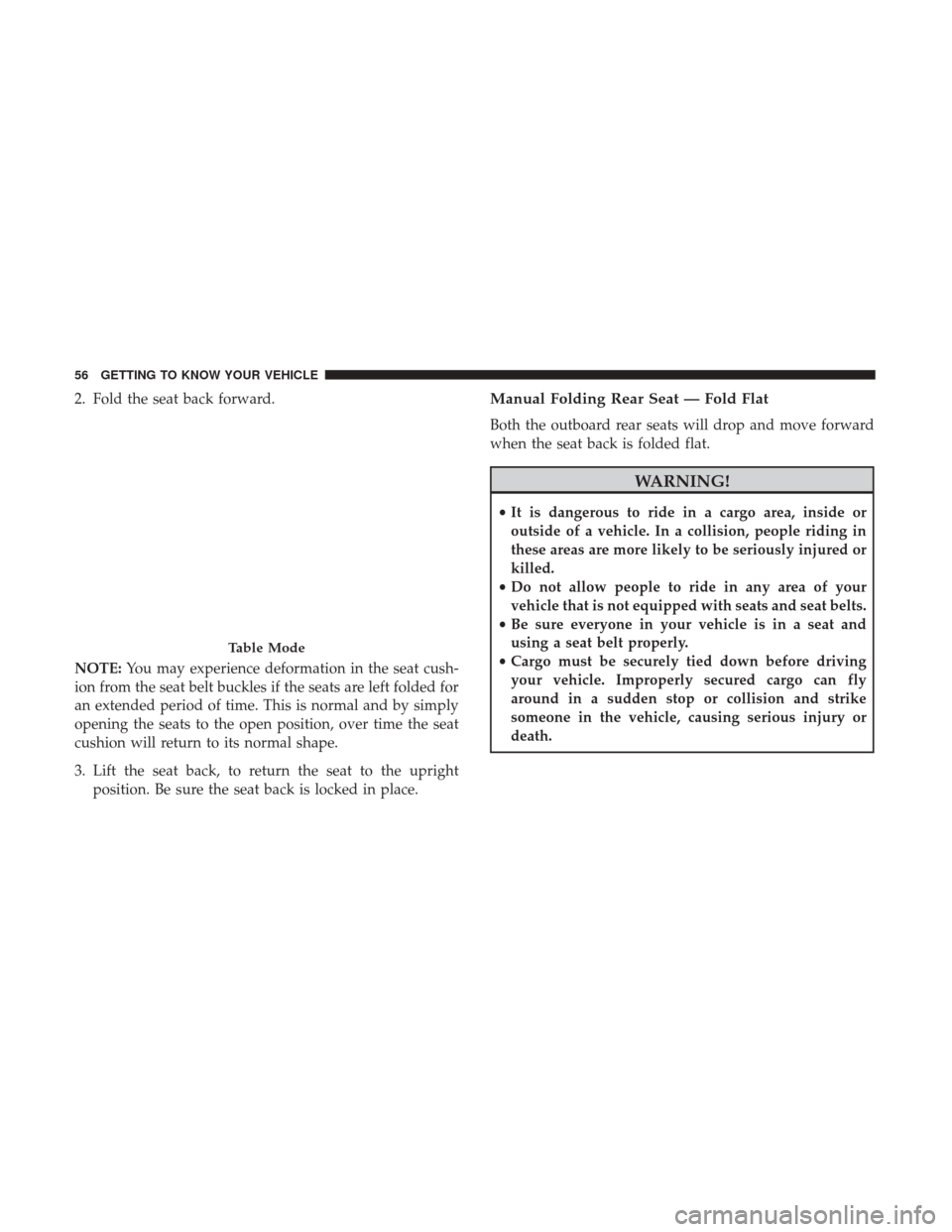
2. Fold the seat back forward.
NOTE:You may experience deformation in the seat cush-
ion from the seat belt buckles if the seats are left folded for
an extended period of time. This is normal and by simply
opening the seats to the open position, over time the seat
cushion will return to its normal shape.
3. Lift the seat back, to return the seat to the upright position. Be sure the seat back is locked in place.Manual Folding Rear Seat — Fold Flat
Both the outboard rear seats will drop and move forward
when the seat back is folded flat.
WARNING!
•It is dangerous to ride in a cargo area, inside or
outside of a vehicle. In a collision, people riding in
these areas are more likely to be seriously injured or
killed.
• Do not allow people to ride in any area of your
vehicle that is not equipped with seats and seat belts.
• Be sure everyone in your vehicle is in a seat and
using a seat belt properly.
• Cargo must be securely tied down before driving
your vehicle. Improperly secured cargo can fly
around in a sudden stop or collision and strike
someone in the vehicle, causing serious injury or
death.
Table Mode
56 GETTING TO KNOW YOUR VEHICLE
Page 59 of 700

To fold either rear seat flat:
1. Lift the handle, located on the outboard side of either ofthe rear seats.
2. Fold the seatback down and push the seat forward. 3. Lift the seat back, to return the seat to the upright
position. Be sure the seat is locked in place.
NOTE: You may experience deformation in the seat cush-
ion from the seat belt buckles if the seats are left folded for
an extended period of time. This is normal and by simply
opening the seats to the open position, over time the seat
cushion will return to its normal shape.
Folding Rear Seat Handle
Rear Passenger Fold-Flat Seats
3
GETTING TO KNOW YOUR VEHICLE 57
Page 73 of 700

Heated Mirrors — If Equipped
These mirrors are heated to melt frost or ice. This
feature will be activated whenever you turn on the
rear window defroster (if equipped). Refer to “Climate
Controls” in this section for further information.
Tilt Side Mirrors In Reverse — If Equipped
Tilt Side Mirrors In Reverse provides automatic outside
mirror positioning which will aid the driver ’s view of the
ground rearward of the front doors. The outside mirrors
will move slightly downward from the present position
when the vehicle is shifted into REVERSE. The outside
mirrors will then return to the original position when the
vehicle is shifted out of the REVERSE position. Each stored
memory setting will have an associated Tilt Side Mirrors In
Reverse position.
NOTE: The Tilt Side Mirrors In Reverse feature is not
turned on when delivered from the factory.
This feature can be programmed through the Uconnect
system. Refer to “Uconnect Settings” in “Multimedia” for
further information.
Blindspot Mirror
3
GETTING TO KNOW YOUR VEHICLE 71
Page 80 of 700

Fog Lights — If Equipped
The fog lights are turned on by rotating the headlight
switch to the parking light or headlight position and
pushing in the headlight rotary control.
The fog lights will operate only when the parking lights are
on or when the vehicle headlights are on low beam. An
indicator light located in the instrument cluster display
will illuminate when the fog lights are on. The fog lights
will turn off when the switch is pushed a second time,
when the headlight switch is rotated to the off position, or
the high beam is selected.
Turn Signals
Move the multifunction lever up or down and the arrows
on each side of the instrument cluster display will flash to
show proper operation of the front and rear turn signal
lights.
NOTE:If either light remains on and does not flash, or
there is a very fast flash rate, check for a defective outside
light bulb. If an indicator fails to light when the lever is
moved, it would suggest that the indicator bulb is defec-
tive.
Fog Light Switch
Turn Signal Lever
78 GETTING TO KNOW YOUR VEHICLE
Page 85 of 700

you hear a click. This feature is termed the “Parade” mode
and is useful when headlights are required during the day.
NOTE:If your vehicle is equipped with a touchscreen, the
dimming of the touchscreen is programmable through the
Uconnect system. Refer to “Uconnect Settings” in “Multi-
media” for further details.
Illuminated Approach
The courtesy lights will turn on when you use the key fob
to unlock the doors or open any door.
This feature also turns on the approach lighting in the
outside mirrors (if equipped). Refer to “Mirrors” in “Get-
ting To Know Your Vehicle” for further information.
The lights will fade to off after approximately 30 seconds,
or they will immediately fade to off once the ignition
switch is turned to ON/RUN from the OFF position.
The front courtesy overhead console and door courtesy
lights will not turn off if the dimmer control is in the
“Dome ON” position (rotate vertical thumb wheel all the
way to the top detent).
The illuminated entry system will not operate if the
dimmer control is in the “Dome OFF” position (rotate
vertical thumb wheel all the way to the bottom detent). NOTE:
If your vehicle is equipped with illuminated ap-
proach lights under the outside mirrors, they can be turned
off by moving the instrument panel dimmer into the
“Dome Defeat” detent position.
WINDSHIELD WIPERS AND WASHERS
Windshield Wipers
The wipers and washers are operated by a switch in the
multifunction lever. Turn the end of the lever to select the
desired wiper speed.
Windshield Wiper/Washer Switch
3
GETTING TO KNOW YOUR VEHICLE 83
Page 86 of 700
Rotate the end of the lever upward, to the first detent past
the intermittent settings for low-speed wiper operation.
Rotate the end of the lever upward to the second detent
past the intermittent settings for high-speed wiper opera-
tion.
Intermittent Wiper System
The intermittent feature of this system was designed for
use when weather conditions make a single wiping cycle,
with a variable pause between cycles, desirable. For maxi-
mum delay between cycles, rotate the control knob upward
to the first detent.
The delay interval decreases as you rotate the knob until it
enters the low continual speed position. The delay can be
regulated from a maximum of about 18 seconds between
cycles, to a cycle every one second. The delay intervals will
double in duration when the vehicle speed is 10 mph
(16 km/h) or less.
Windshield Washers
To use the windshield washer, push the washer knob,
located on the end of the multifunction lever, inward to the
second detent. Washer fluid will be sprayed and the wiper
will operate for two to three cycles after the washer knob is
released from this position.If the washer knob is depressed while in the delay range,
the wiper will operate for several seconds after the washer
knob is released. It will then resume the intermittent
interval previously selected. If the washer knob is pushed
while in the off position, the wiper will turn on and cycle
approximately three times after the wash knob is released.
To prevent freeze-up of your windshield washer system in
cold weather, select a solution or mixture that meets or
exceeds the temperature range of your climate. This rating
information can be found on most washer fluid containers.
WARNING!
Sudden loss of visibility through the windshield could
lead to a collision. You might not see other vehicles or
other obstacles. To avoid sudden icing of the wind-
shield during freezing weather, warm the windshield
with the defroster before and during windshield
washer use.
84 GETTING TO KNOW YOUR VEHICLE
Page 89 of 700
Manual Climate Control Descriptions
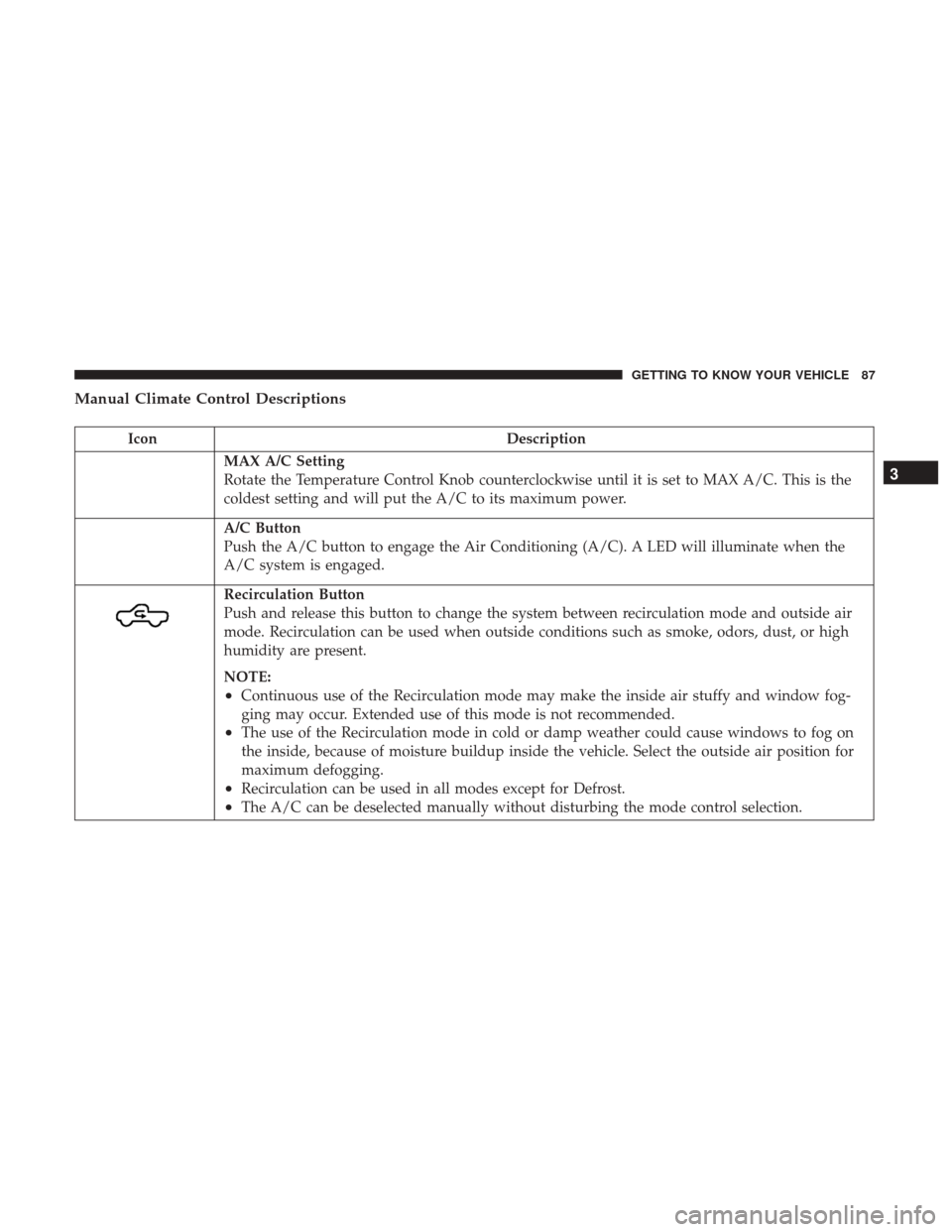
IconDescription
MAX A/C Setting
Rotate the Temperature Control Knob counterclockwise until it is set to MAX A/C. This is the
coldest setting and will put the A/C to its maximum power.
A/C Button
Push the A/C button to engage the Air Conditioning (A/C). A LED will illuminate when the
A/C system is engaged.
Recirculation Button
Push and release this button to change the system between recirculation mode and outside air
mode. Recirculation can be used when outside conditions such as smoke, odors, dust, or high
humidity are present.
NOTE:
•Continuous use of the Recirculation mode may make the inside air stuffy and window fog-
ging may occur. Extended use of this mode is not recommended.
•The use of the Recirculation mode in cold or damp weather could cause windows to fog on
the inside, because of moisture buildup inside the vehicle. Select the outside air position for
maximum defogging.
•Recirculation can be used in all modes except for Defrost.
•The A/C can be deselected manually without disturbing the mode control selection.
3
GETTING TO KNOW YOUR VEHICLE 87
Page 90 of 700
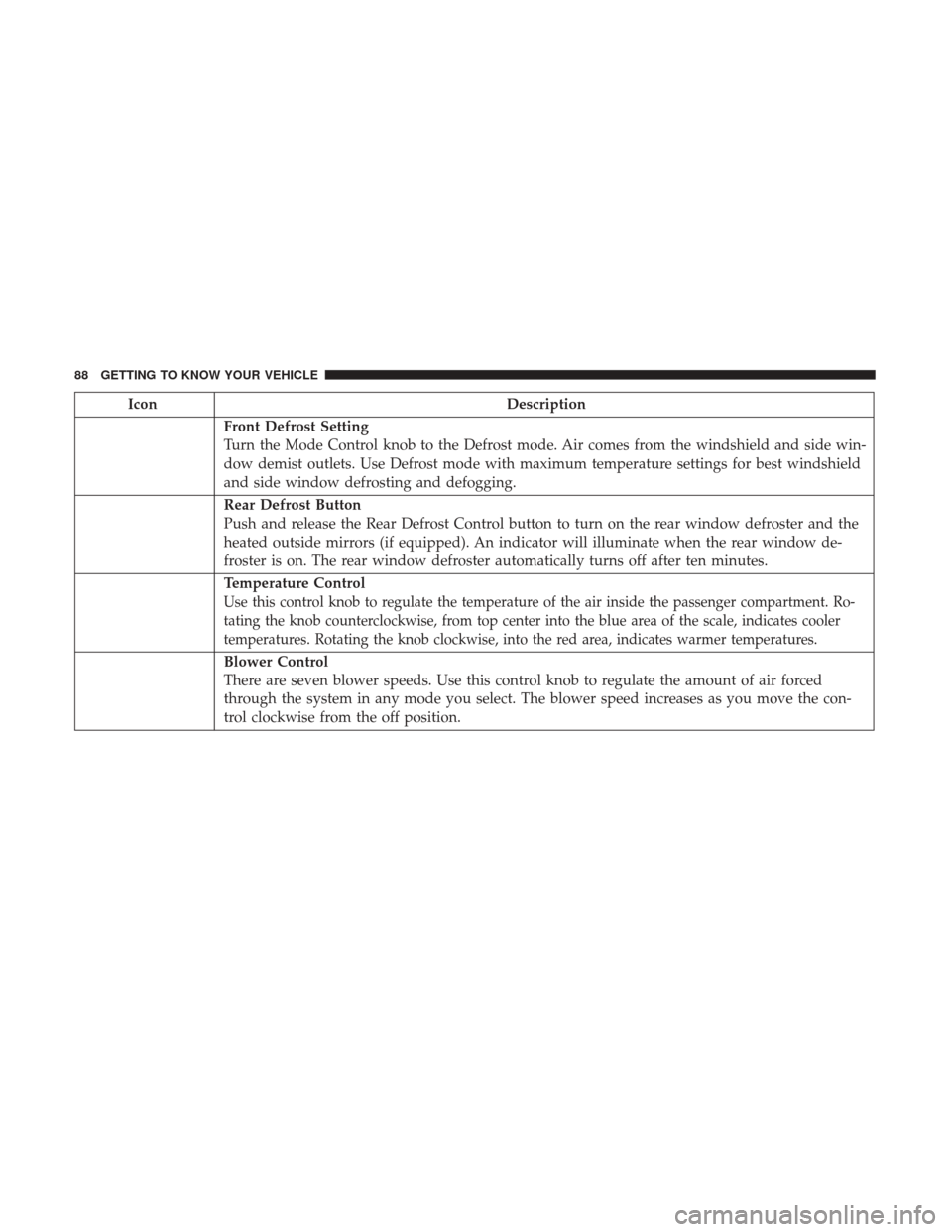
IconDescription
Front Defrost Setting
Turn the Mode Control knob to the Defrost mode. Air comes from the windshield and side win-
dow demist outlets. Use Defrost mode with maximum temperature settings for best windshield
and side window defrosting and defogging.
Rear Defrost Button
Push and release the Rear Defrost Control button to turn on the rear window defroster and the
heated outside mirrors (if equipped). An indicator will illuminate when the rear window de-
froster is on. The rear window defroster automatically turns off after ten minutes.
Temperature Control
Use this control knob to regulate the temperature of the air inside the passenger compartment. Ro-
tating the knob counterclockwise, from top center into the blue area of the scale, indicates cooler
temperatures. Rotating the knob clockwise, into the red area, indicates warmer temperatures.
Blower Control
There are seven blower speeds. Use this control knob to regulate the amount of air forced
through the system in any mode you select. The blower speed increases as you move the con-
trol clockwise from the off position.
88 GETTING TO KNOW YOUR VEHICLE