Page 90 Ram 2500 2020 Owners Manual
[x] Cancel search | Manufacturer: RAM, Model Year: 2020, Model line: 2500, Model: Ram 2500 2020Pages: 553, PDF Size: 21.99 MB
Page 93 of 553
GETTING TO KNOW YOUR VEHICLE91
If equipped, there may be a 115 Volt (400 Watts
maximum) inverter located to the right of the
center stack, just below the climate controls.
This inverter can power cellular phones, elec -
tronics and other low power devices requiring
power up to 400 Watts. Certain high-end video
game consoles exceed this power limit, as will
most power tools.
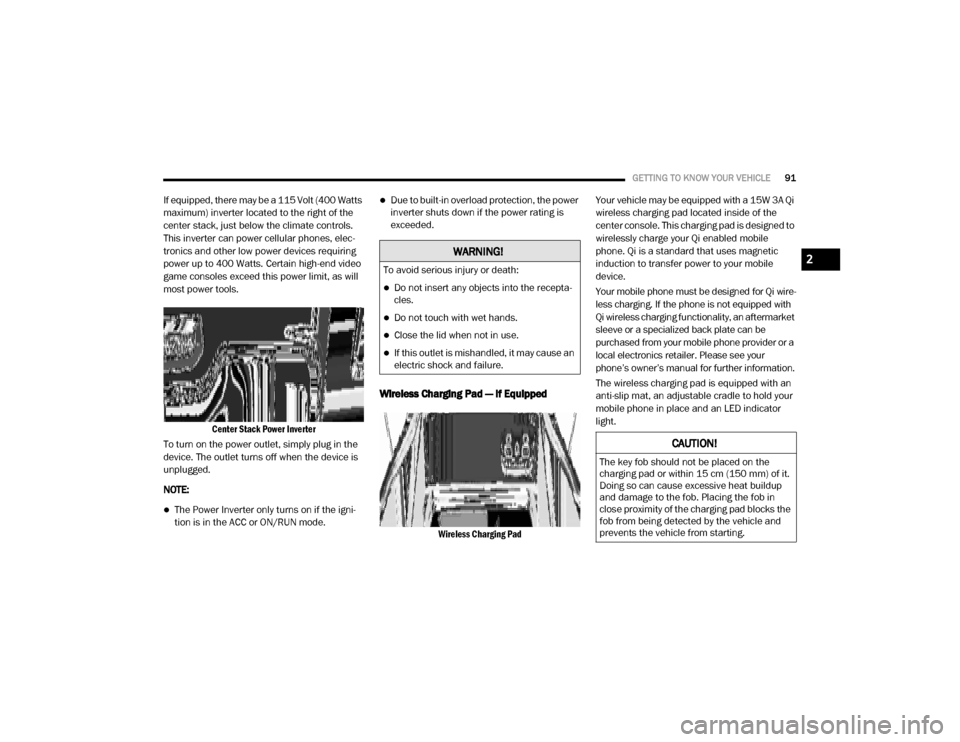
Center Stack Power Inverter
To turn on the power outlet, simply plug in the
device. The outlet turns off when the device is
unplugged.
NOTE:
The Power Inverter only turns on if the igni -
tion is in the ACC or ON/RUN mode.
Due to built-in overload protection, the power
inverter shuts down if the power rating is
exceeded.
Wireless Charging Pad — If Equipped
Wireless Charging Pad
Your vehicle may be equipped with a 15W 3A Qi
wireless charging pad located inside of the
center console. This charging pad is designed to
wirelessly charge your Qi enabled mobile
phone. Qi is a standard that uses magnetic
induction to transfer power to your mobile
device.
Your mobile phone must be designed for Qi wire
-
less charging. If the phone is not equipped with
Qi wireless charging functionality, an aftermarket
sleeve or a specialized back plate can be
purchased from your mobile phone provider or a
local electronics retailer. Please see your
phone’s owner’s manual for further information.
The wireless charging pad is equipped with an
anti-slip mat, an adjustable cradle to hold your
mobile phone in place and an LED indicator
light.
WARNING!
To avoid serious injury or death:
Do not insert any objects into the recepta -
cles.
Do not touch with wet hands.
Close the lid when not in use.
If this outlet is mishandled, it may cause an
electric shock and failure.
CAUTION!
The key fob should not be placed on the
charging pad or within 15 cm (150 mm) of it.
Doing so can cause excessive heat buildup
and damage to the fob. Placing the fob in
close proximity of the charging pad blocks the
fob from being detected by the vehicle and
prevents the vehicle from starting.
2
20_DJD2_OM_EN_USC_t.book Page 91
Page 94 of 553
92GETTING TO KNOW YOUR VEHICLE
(Continued)
Overhead Sunglass Storage
At the front of the overhead console, a compart-
ment is provided for the storage of one pair of
sunglasses.
From the closed position, push the door latch to
open the compartment.
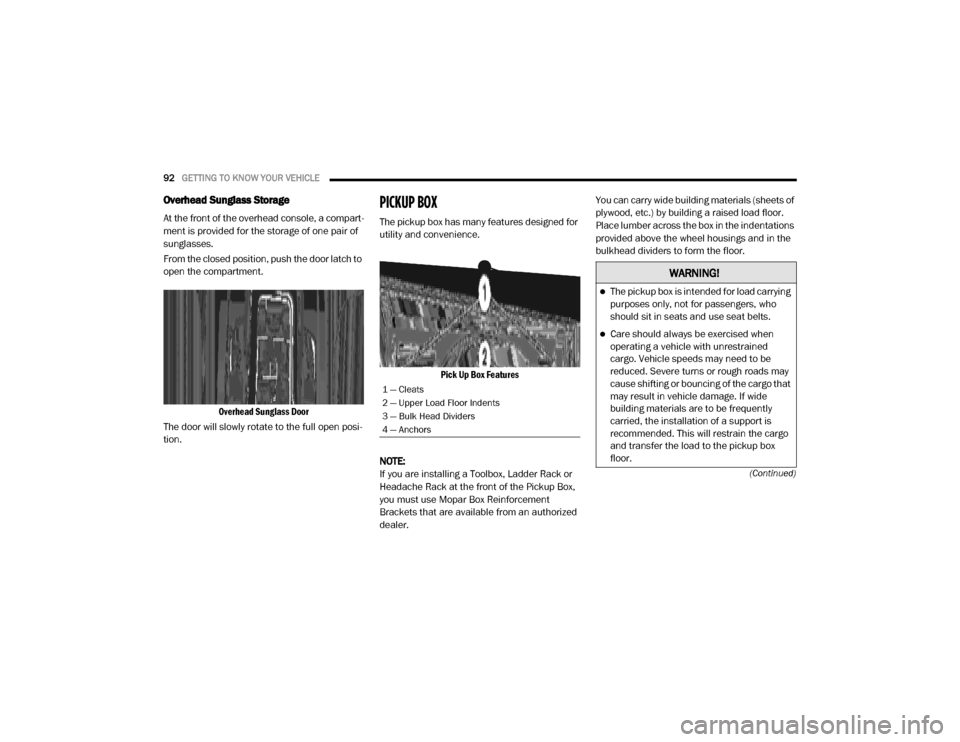
Overhead Sunglass Door
The door will slowly rotate to the full open posi -
tion.
PICKUP BOX
The pickup box has many features designed for
utility and convenience.
Pick Up Box Features
NOTE:
If you are installing a Toolbox, Ladder Rack or
Headache Rack at the front of the Pickup Box,
you must use Mopar Box Reinforcement
Brackets that are available from an authorized
dealer. You can carry wide building materials (sheets of
plywood, etc.) by building a raised load floor.
Place lumber across the box in the indentations
provided above the wheel housings and in the
bulkhead dividers to form the floor.
1 — Cleats
2 — Upper Load Floor Indents
3 — Bulk Head Dividers
4 — Anchors
WARNING!
The pickup box is intended for load carrying
purposes only, not for passengers, who
should sit in seats and use seat belts.
Care should always be exercised when
operating a vehicle with unrestrained
cargo. Vehicle speeds may need to be
reduced. Severe turns or rough roads may
cause shifting or bouncing of the cargo that
may result in vehicle damage. If wide
building materials are to be frequently
carried, the installation of a support is
recommended. This will restrain the cargo
and transfer the load to the pickup box
floor.
20_DJD2_OM_EN_USC_t.book Page 92
Page 95 of 553

GETTING TO KNOW YOUR VEHICLE93
There are stampings in the sheet metal on the
inner side bulkheads of the box in front of and
behind both wheel housings. Place wooden
boards across the box from side to side to
create separate load compartments in the
pickup box.
There are four tie-down cleats bolted to the
lower sides of the pickup box that can sustain
loads up to 1000 lbs (450 kg) total.
Cargo Camera — If Equipped
Your vehicle may be equipped with the Cargo
Camera that allows you to see an image of the
inside of the pickup box. The image will be
displayed in the Uconnect screen.
The Cargo Camera is located in the bottom
center area of the Center High-Mounted
Stoplamp (CHMSL).
A touchscreen button to indicate the current
active camera image being displayed is made
available whenever the Cargo Camera image is
displayed.
A touchscreen button to switch the display to
rear view camera image is made available
whenever the Cargo Camera image is displayed.
A touchscreen button "X" to disable display of
the camera image is made available when the
vehicle is not in REVERSE gear.
A display timer is initiated when the Cargo
Camera image is displayed. The image will
continue to be displayed until the display timer
exceeds 10 seconds and the vehicle speed is
above 8 mph (13 km/h) or the touchscreen
button "X" to disable display of the Cargo
Camera image is pressed. Cargo Camera With Dynamic Centerline (Avail
-
able With Surround View Camera Only) — If
Equipped
The Dynamic Centerline feature provides an
overlay on the Cargo Camera display screen
that aligns to the center of the pickup box to aid
in hooking up a fifth wheel camper or goose -
neck trailer. The centerline auto aligns to the
center of the pickup box, and can also be manu -
ally adjusted. The centerline will adjust in
response to steering angle inputs, and will not
obstruct the gooseneck receiver or an
approaching trailer gooseneck in the camera
feed.
Activation
The Dynamic Centerline feature can be acti -
vated through the Uconnect settings by
pressing the Cargo Camera soft button,
followed by the “Adjust Centerline” soft button
on the touchscreen.
If the Dynamic Centerline feature is turned on,
the overlay will display anytime the Cargo
Camera image is displayed.If you wish to carry more than 600 lbs
(272 kg) of material suspended above the
wheelhouse, supports must be installed to
transfer the weight of the load to the pickup
box floor or vehicle damage may result. The
use of proper supports will permit loading
up to the rated payload.
Unrestrained cargo may be thrown forward
in an accident causing serious or fatal
injury.
WARNING! (Continued)
2
20_DJD2_OM_EN_USC_t.book Page 93
Page 96 of 553

94GETTING TO KNOW YOUR VEHICLE
Adjusting Centerline
Follow the steps below to manually adjust the
centerline:
1. Press the “Adjust Centerline” soft button
located in the bottom right corner of the
Cargo Camera display.
2. Use the arrows on the bottom left corner of the Cargo Camera display to adjust the
centerline horizontally or vertically.
3. Once the desired position is achieved, press the “Accept” button to set the centerline to
the newly specified position.
Deactivation
The Dynamic Centerline feature will automati -
cally be deactivated whenever the Cargo
Camera display is deactivated. It can also be
manually deactivated through the Uconnect
settings.
For further information, refer to “Surround View
Camera System” in “Starting And Operating.” NOTE:
If the vehicle speed remains below 8 mph
(13 km/h), the Cargo Camera image will be
displayed continuously until the touchscreen
button "X" to disable display of the Cargo
Camera image is pressed.
The touchscreen button “X” to disable the
display of the camera image is made avail
-
able ONLY when the vehicle is not in reverse.
If snow, ice, mud, or any foreign substance
builds up on the camera lens, clean the lens,
rinse with water, and dry with a soft cloth. Do
not cover the lens.
Turning Cargo Camera On Or Off — With
Uconnect 4C/4C NAV
1. Press the “Controls” button located on the
bottom of the Uconnect display.
2. Press the “Cargo Camera” button to turn the Cargo Camera system on. NOTE:
Once initiated by the "Cargo Camera" button,
the Cargo Camera image will be displayed until
the vehicle speed remains below 8 mph
(13 km/h) and the 10 second timer runs out.
The image may be deactivated by pressing the
"X" soft button, placing the ignition in the OFF
position, placing the gear selector in PARK, or
pressing the image defeat “X” button. On deac
-
tivation, the previous selected screen will
appear.
RAMBOX — IF EQUIPPED
The RamBox system is an integrated pickup box
storage and cargo management system
consisting of up to three features:
Integrated box side storage bins
Cargo divider (if equipped)
Bed rail tie-down system (if equipped)
There will also be a 115 Volt (400 Watt) power
inverter located in the RamBox. Refer to
“Internal Equipment” in this chapter for further
information.
20_DJD2_OM_EN_USC_t.book Page 94
Page 97 of 553

GETTING TO KNOW YOUR VEHICLE95
RamBox Integrated Box Side Storage Bins
Cargo storage bins are located on both sides of
the pickup box. The cargo storage bins provide
watertight, lockable, illuminated storage for up
to 300 lbs (136 kg) of evenly distributed cargo.
RamBox Cargo Storage Bins
To open a storage bin with the RamBox
unlocked, push and release the button located
on the lid. The RamBox lid will open upward to
allow hand access. Lift the lid to fully open.
NOTE:
RamBox will not open when the button is
pushed if the RamBox is locked.
RamBox Pushbutton And Lock
The interior of the RamBox will automatically
illuminate when the lid is opened. In addition to
the automatic illumination, there is a manual
on/off switch located at the rear of each storage
bin. Pushing the switch once will turn off the bin
lights, pushing the switch again will turn the
lights back on.
RamBox Light Switch
Cargo bins feature two removable drain plugs
(to allow water to drain from bins). To remove
plug, pull up on the edge. To install, push the
plug downward into drain hole.
NOTE:
Provisions are provided in the bins for cargo
dividers and shelf supports. These accessories
(in addition to other RamBox accessories) are
available from Mopar.
CAUTION!
Failure to follow the following items could
cause damage to the vehicle:
Assure that all cargo inside the storage bins
is properly secured.
Do not exceed cargo weight rating of
300 lbs (136 kg) for 2500 and 3500
series vehicles per bin.
CAUTION!
Leaving the lid open for extended periods of
time could cause the vehicle battery to
discharge. If the lid is required to stay open
for extended periods of time, it is
recommended that the bin lights be turned
off manually using the on/off switch.
2
20_DJD2_OM_EN_USC_t.book Page 95
Page 98 of 553

96GETTING TO KNOW YOUR VEHICLE
Locking And Unlocking RamBox
Push and release the lock or unlock button on
the key fob to lock and unlock all doors, the tail -
gate and the RamBox (if equipped). Refer to
“Keys” in this chapter for further details. The
RamBox storage bins can be locked using the
vehicle key. To lock and unlock the storage bin,
insert the key into the keyhole on the push
button and turn clockwise to lock or counter -
clockwise to unlock. Always return the key to the
upright (vertical) position before removing the
key from the push button.
RamBox Safety Warning
Carefully follow these warnings to help prevent
personal injury or damage to your vehicle:
RamBox Storage Bin Cover Emergency
Release Lever — If Equipped
As a security measure, a Storage Bin Cover
Emergency Release is built into the storage bin
cover latching mechanism.
Storage Bin Cover Emergency Release Lever
NOTE:
In the event of an individual being locked inside
the storage bin, the storage bin cover can be
opened from inside of the bin by pulling on the
glow-in-the-dark lever attached to the storage
bin cover latching mechanism.
Bed Divider — If Equipped
The bed divider has two functional positions:
Storage Position
Divider Position
CAUTION!
Ensure cargo bin lids are closed and
latched before moving or driving vehicle.
Loads applied to the top of the bin lid
should be minimized to prevent damage to
the lid and latching/hinging mechanisms.
Damage to the RamBox bin may occur due
to heavy/sharp objects placed in bin that
shift due to vehicle motion. In order to mini -
mize potential for damage, secure all cargo
to prevent movement and protect inside
surfaces of bin from heavy/sharp objects
with appropriate padding.
WARNING!
Always close the storage bin covers when
your vehicle is unattended.
Do not allow children to have access to the
storage bins. Once in the storage bin, young
children may not be able to escape. If
trapped in the storage bin, children can die
from suffocation or heat stroke.
In an accident, serious injury could result if
the storage bin covers are not properly
latched.
Do not drive the vehicle with the storage bin
covers open.
Keep the storage bin covers closed and
latched while the vehicle is in motion.
Do not use a storage bin latch as a tie
down.
20_DJD2_OM_EN_USC_t.book Page 96
Page 99 of 553
GETTING TO KNOW YOUR VEHICLE97
Storage Position
The storage position for the bed divider is at the
front of the truck bed which maximizes the bed
cargo area when not in use.
To install the bed divider into the storage posi -
tion, perform the following:
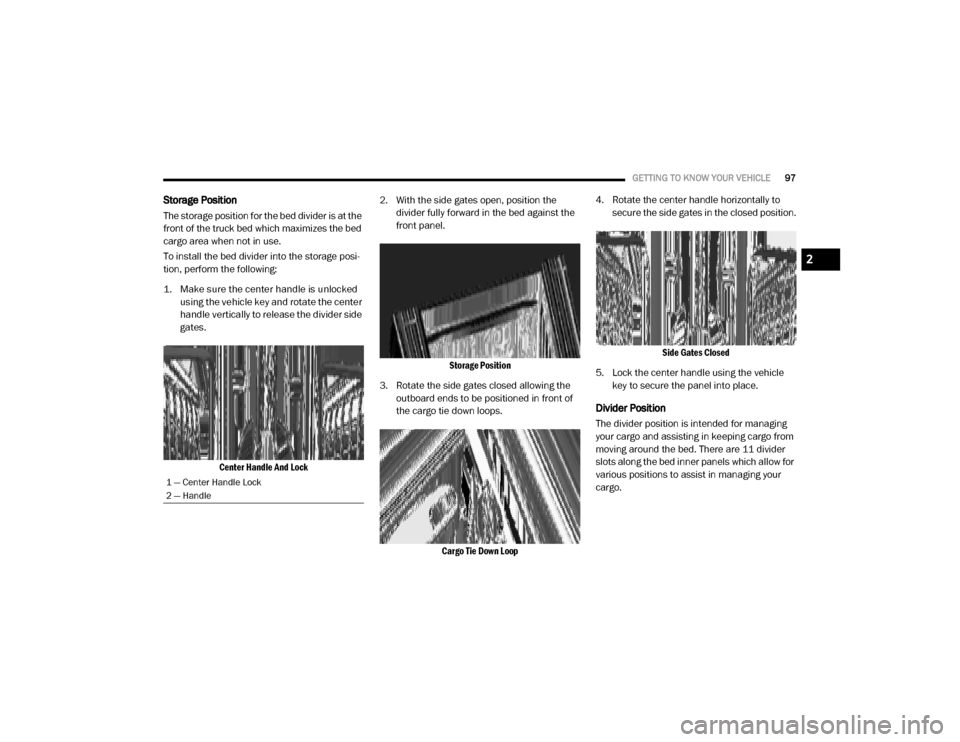
1. Make sure the center handle is unlocked using the vehicle key and rotate the center
handle vertically to release the divider side
gates.
Center Handle And Lock
2. With the side gates open, position the
divider fully forward in the bed against the
front panel.
Storage Position
3. Rotate the side gates closed allowing the outboard ends to be positioned in front of
the cargo tie down loops.
Cargo Tie Down Loop
4. Rotate the center handle horizontally to
secure the side gates in the closed position.
Side Gates Closed
5. Lock the center handle using the vehicle key to secure the panel into place.
Divider Position
The divider position is intended for managing
your cargo and assisting in keeping cargo from
moving around the bed. There are 11 divider
slots along the bed inner panels which allow for
various positions to assist in managing your
cargo.
1 — Center Handle Lock
2 — Handle
2
20_DJD2_OM_EN_USC_t.book Page 97
Page 100 of 553

98GETTING TO KNOW YOUR VEHICLE
To install the bed divider into a divider position,
perform the following:
1. Make sure the center handle is unlocked
using the vehicle key and rotate the center
handle vertically to release the divider side
gates.
Center Handle And Lock
2. With the side gates open, position the divider so the outboard ends align with the
intended slots in the sides of the bed.
Aligning Gate To Slots
3. Rotate the side gates closed so that the outboard ends are secured into the
intended slots of the bed.
4. Rotate the center handle horizontally to secure the side gates in the closed position.
Side Gates Closed
5. Lock the center handle to secure the panel
into place.
Bed Rail Tie-Down System — If Equipped
NOTE:
This feature is only available for vehicles
equipped with a RamBox.
There are two adjustable cleats on each side of the
bed that can be used to assist in securing cargo.
Adjustable Cleats
1 — Center Handle Lock
2 — Handle
CAUTION!
The maximum load per cleat should not
exceed 250 lbs (113 kg) and the angle of
the load on each cleat should not exceed
45 degrees above horizontal, or damage to
the cleat or cleat rail may occur.
20_DJD2_OM_EN_USC_t.book Page 98
Page 101 of 553

GETTING TO KNOW YOUR VEHICLE99
Each cleat must be located and tightened down
in one of the detents, along either rail, in order
to keep cargo properly secure.
To move the cleat to any position on the rail,
turn the nut counterclockwise several turns.
Then pull out on the cleat and slide it to the
detent nearest the desired location. Make sure
the cleat is seated in the detent and tighten the
nut.
Adjustable Cleat Assembly
Cleat Removal (With Tonneau Cover)
To remove the cleats from the utility rail, remove
the end cap screw located in the center of the
end cap, using a #T30 Torx head driver.
Remove the end cap and slide the cleat off the
end of the rail.
End Cap Screw Location If Equipped With Tonneau Cover
Cleat Removal (Without Tonneau Cover)
Remove the end cap by pushing upward on the
release button located beneath the end cap
while pulling the cap away from the rail. The
cleat can now be removed by sliding it off the
end of the rail.
End Cap Release Button If Not Equipped With Tonneau
Cover
Pull End Cap Away From Rail
1 — Utility Rail Detent
2 — Cleat Retainer Nut
3 — Utility Rail Cleat
2
20_DJD2_OM_EN_USC_t.book Page 99
Page 102 of 553

100GETTING TO KNOW YOUR VEHICLE
SLIDE-IN CAMPERS
Camper Applications
Certain truck models are not recommended for
slide-in campers. To determine if your vehicle is
excluded, please refer to the “Consumer Infor -
mation Truck-Camper Loading” document at
www.ramtrucks.com . For safety reasons, follow
all instructions in this important document.
NOTE:
When a cap or pickup camper is installed on a
vehicle, an alternate Center High-Mounted Stop
Light (CHMSL) must be provided.
EASY-OFF TAILGATE
To simplify mounting of a camper unit with an
overhang, the tailgate can be removed.
NOTE:
The electric connector at the bottom of the tail -
gate must be disconnected prior to removing
the tailgate.
Disconnecting The Rear Camera And
Remote Keyless Entry
1. Open the tailgate to access the rear camera or Remote Keyless Entry
connector bracket located on the rear sill.
Connector Bracket
2. Remove the connector bracket from the sill by pushing inward in the locking tab.
Locking Tab
3. Disconnect the chassis wiring harness, ensuring the connector bracket does not
fall into the sill.
4. Connect the chassis plug and bracket (provided in the glove compartment) to the
chassis wiring harness and insert the
bracket back into the sill.
5. Connect the tailgate plug (provided in the glove compartment) to the tailgate wiring
harness to ensure that the terminals do not
corrode.
6. Tape the tailgate harness and bracket against the forward-facing surface of the
tailgate. This will prevent damaging the
connector and bracket when storing or rein -
stalling the tailgate.
WARNING!
To avoid inhaling carbon monoxide, which is
deadly, the exhaust system on vehicles
equipped with “Cap or Slide-In Campers”
should extend beyond the overhanging
camper compartment and be free of leaks.
20_DJD2_OM_EN_USC_t.book Page 100