oil temperature Ram 3500 2019 Owner's Manual
[x] Cancel search | Manufacturer: RAM, Model Year: 2019, Model line: 3500, Model: Ram 3500 2019Pages: 696, PDF Size: 13.89 MB
Page 12 of 696

10
DEALER SERVICE ........................................................... 506
Engine Oil — Gas Engine .......................................... 507
Engine Oil Filter ......................................................... 509
Engine Air Cleaner Filter ......................................... 509
Air Conditioner Maintenance ................................. 511
Accessory Drive Belt Inspection ................................ 516
Body Lubrication ....................................................... 517
Windshield Wiper Blades ......................................... 517
Exhaust System ........................................................... 520
Cooling System ........................................................... 522
Brake System ............................................................... 527
Automatic Transmission ............................................ 528
Rear Axle And 4x4 Front Driving Axle Fluid
Level .......................................................................... 529
Transfer Case ............................................................... 530
HOISTING ......................................................................... 531
TIRES ..................................................................................531
Tire Safety Information ............................................531
Tires — General Information ...................................541
Tire Types .....................................................................547
Spare Tires — If Equipped .....................................548
Wheel And Wheel Trim Care ..................................551
Tire Chains (Traction Devices) ................................. 552
Tire Rotation Recommendations ..............................553
DEPARTMENT OF TRANSPORTATION UNIFORM
TIRE QUALITY GRADES ...............................................555
Treadwear .....................................................................556
Traction Grades............................................................ 556
Temperature Grades ................................................... 556
STORING THE VEHICLE .............................................557
BODYWORK ......................................................................557
Protection From Atmospheric Agents ....................557
Body And Underbody Maintenance .........................558
Preserving The Bodywork .......................................... 558
INTERIORS .......................................................................561
Seats And Fabric Parts ................................................561
Plastic And Coated Parts ............................................562
Leather Parts.................................................................563
Glass Surfaces ..............................................................563
Page 164 of 696

162 GETTING TO KNOW YOUR INSTRUMENT PANEL
7. Temperature Gauge•The gauge pointer shows engine coolant temperature.The pointer positioned within the normal range indi -
cates that the engine cooling system is operating satis -
factorily.
•The gauge pointer will likely indicate a higher tempera -
ture when driving in hot weather, up mountain grades,
or when towing a trailer. It should not be allowed to
exceed the upper limits of the normal operating range.WARNING!
A hot engine cooling system is dangerous. You or others
could be badly burned by steam or boiling coolant. You
may want to call an authorized dealer for service if your
vehicle overheats. If you decide to look under the hood
yourself, see “Servicing And Maintenance.” Follow the
warnings under the Cooling System Pressure Cap
paragraph.
CAUTION!
Driving with a hot engine cooling system could damage
your vehicle. If the temperature gauge reads “H,” pull
over and stop the vehicle. Idle the vehicle with the air
conditioner turned off until the pointer drops back into
the normal range. If the pointer remains on the “H,” turn
the engine off immediately and call an authorized dealer
for service.
Page 166 of 696
164 GETTING TO KNOW YOUR INSTRUMENT PANEL
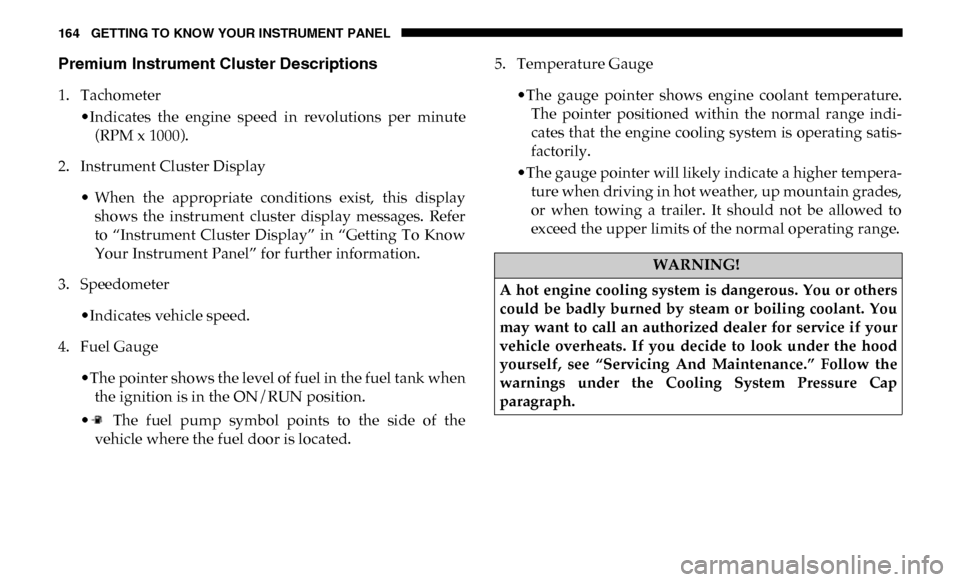
Premium Instrument Cluster Descriptions
1. Tachometer•Indicates the engine speed in revolutions per minute(RPM x 1000).
2. Instrument Cluster Display
• When the appropriate conditions exist, this displayshows the instrument cluster display messages. Refer
to “Instrument Cluster Display” in “Getting To Know
Your Instrument Panel” for further information.
3. Speedometer
•Indicates vehicle speed.
4. Fuel Gauge
•The pointer shows the level of fuel in the fuel tank whenthe ignition is in the ON/RUN position.
• The fuel pump symbol points to the side of the vehicle where the fuel door is located. 5. Temperature Gauge
•The gauge pointer shows engine coolant temperature.The pointer positioned within the normal range indi -
cates that the engine cooling system is operating satis -
factorily.
•The gauge pointer will likely indicate a higher tempera -
ture when driving in hot weather, up mountain grades,
or when towing a trailer. It should not be allowed to
exceed the upper limits of the normal operating range.
WARNING!
A hot engine cooling system is dangerous. You or others
could be badly burned by steam or boiling coolant. You
may want to call an authorized dealer for service if your
vehicle overheats. If you decide to look under the hood
yourself, see “Servicing And Maintenance.” Follow the
warnings under the Cooling System Pressure Cap
paragraph.
Page 171 of 696

GETTING TO KNOW YOUR INSTRUMENT PANEL 169
Display Menu Items
Push and release the up or down arrow button until the
desired selectable menu icon is highlighted in the instrument
cluster display.
Speedometer
Push and release the up or down arrow button until the
speedometer menu item is highlighted in the instrument
cluster display. Push and release the right arrow button to
cycle the display between mph and km/h.
Vehicle Info
Push and release the up or down arrow button until the
Vehicle Info menu item is highlighted in the instrument
cluster display. Push and release the right arrow button to
enter the submenus items of Vehicle Info. Follow the direc -
tional prompts to access or reset any of the following Vehicle
Info submenu items:
• Tire Pressure
• Coolant Temperature — If Equipped
• Transmission Temperature — If Equipped
• Oil Temperature — If Equipped
• Oil Pressure • Exhaust Brake — If Equipped
• Turbo Boost — If Equipped
• Oil Life
• Fuel Filter Life — If Equipped
• Battery Voltage
• Gauge Summary — If Equipped
• Engine Hours
Driver Assist — If Equipped
The Driver Assist menu displays the status of the ACC
system.
Push and release the
up or down arrow button until the
Driver Assist menu is displayed in the instrument cluster
display.
Adaptive Cruise Control (ACC) Feature
The instrument cluster display displays the current ACC
system settings. The information displayed depends on ACC
system status.
3
Page 175 of 696

GETTING TO KNOW YOUR INSTRUMENT PANEL 173
Upper Left
• None
• Compass (Default Setting) — If Equipped
• Outside Temp — If Equipped
• Time
• Range To Empty
• Average MPG
• Current MPG
• Trip A Distance
• Trip B Distance
• Trailer Trip — If Equipped
• Trailer Brake — If Equipped
• Oil Pressure — If Equipped
• Coolant Temperature — If Equipped
• Oil Temperature — If Equipped
• Battery Voltage — If Equipped
• Transmission Temperature — If Equipped
• Oil Life — If Equipped• Exhaust Brake — If Equipped
• Turbo Boost — If Equipped
• Fuel Filter Life — If Equipped
Upper Center
• None
• Compass
• Outside Temp
• Time
• Range To Empty
• Average MPG
• Current MPG
• Trip A Distance
• Trip B Distance
• Trailer Trip
• Audio
• Speedometer (Default Setting)
• Menu Title
3
Page 176 of 696

174 GETTING TO KNOW YOUR INSTRUMENT PANEL
Upper Right
• None
• Compass — If Equipped
• Outside Temp (Default Setting) — If Equipped
• Time
• Range To Empty
• Average MPG
• Current MPG
• Trip A Distance
• Trip B Distance
• Trailer Trip — If Equipped
• Trailer Brake — If Equipped
• Oil Pressure — If Equipped
• Coolant Temperature — If Equipped
• Oil Temperature — If Equipped
• Battery Voltage — If Equipped• Transmission Temperature — If Equipped
• Oil Life — If Equipped
• Exhaust Brake — If Equipped
• Turbo Boost — If Equipped
• Fuel Filter Life — If Equipped
Left Side — If Equipped
• None
• Range
• Average MPG
• Menu Icon (Default Setting)
• Coolant Temperature
• Oil Temperature
• Transmission Temperature
• Oil Life
• Fuel Filter Life — If Equipped
Page 177 of 696

GETTING TO KNOW YOUR INSTRUMENT PANEL 175
Right Side — If Equipped
• None
• Range (Default Setting)
• Average MPG
• Menu Icon
• Coolant Temperature
• Oil Temperature
• Transmission Temperature
• Oil Life
• Fuel Filter Life — If Equipped
Lower Left — If Equipped
• None
• Compass
• Outside Temp
• Time
• Range To Empty• Average MPG
• Current MPG
• Trip A Distance
• Trip B Distance
• Trailer Trip
• Trailer Brake
• Oil Pressure
• Coolant Temperature
• Oil Temperature
• Battery Voltage (Default Setting)
• Transmission Temperature
• Oil Life
• Exhaust Brake — If Equipped
• Turbo Boost — If Equipped
• Fuel Filter Life — If Equipped
3
Page 178 of 696

176 GETTING TO KNOW YOUR INSTRUMENT PANEL
Lower Right — If Equipped
• None
• Compass
• Outside Temp
• Time
• Range To Empty
• Average MPG
• Current MPG
• Trip A Distance
• Trip B Distance
• Trailer Trip
• Trailer Brake
• Oil Pressure (Default Setting)• Coolant Temperature
• Oil Temperature
• Battery Voltage
• Transmission Temperature
• Oil Life
• Exhaust Brake — If Equipped
• Turbo Boost — If Equipped
• Fuel Filter Life — If Equipped
Restore Defaults
• Cancel (Default Setting)
• Ok
Page 184 of 696
182 GETTING TO KNOW YOUR INSTRUMENT PANEL
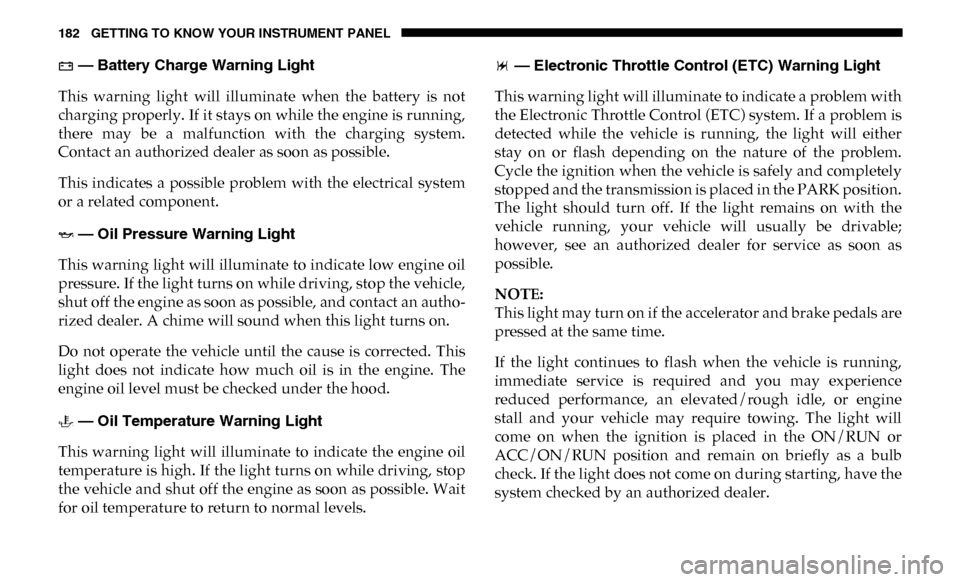
— Battery Charge Warning Light
This warning light will illuminate when the battery is not
charging properly. If it stays on while the engine is running,
there may be a malfunction with the charging system.
Contact an authorized dealer as soon as possible.
This indicates a possible problem with the electrical system
or a related component.
— Oil Pressure Warning Light
This warning light will illuminate to indicate low engine oil
pressure. If the light turns on while driving, stop the vehicle,
shut off the engine as soon as possible, and contact an autho -
rized dealer. A chime will sound when this light turns on.
Do not operate the vehicle until the cause is corrected. This
light does not indicate how much oil is in the engine. The
engine oil level must be checked under the hood.
— Oil Temperature Warning Light
This warning light will illuminate to indicate the engine oil
temperature is high. If the light turns on while driving, stop
the vehicle and shut off the engine as soon as possible. Wait
for oil temperature to return to normal levels. — Electronic Throttle Control (ETC) Warning Light
This warning light will illuminate to indicate a problem with
the Electronic Throttle Control (ETC) system. If a problem is
detected while the vehicle is running, the light will either
stay on or flash depending on the nature of the problem.
Cycle the ignition when the vehicle is safely and completely
stopped and the transmission is placed in the PARK position.
The light should turn off. If the light remains on with the
vehicle running, your vehicle will usually be drivable;
however, see an authorized dealer for service as soon as
possible.
NOTE:
This light may turn on if the accelerator and brake pedals are
pressed at the same time.
If the light continues to flash when the vehicle is running,
immediate service is required and you may experience
reduced performance, an elevated/rough idle, or engine
stall and your vehicle may require towing. The light will
come on when the ignition is placed in the ON/RUN or
ACC/ON/RUN position and remain on briefly as a bulb
check. If the light does not come on during starting, have the
system checked by an authorized dealer.
Page 185 of 696
GETTING TO KNOW YOUR INSTRUMENT PANEL 183
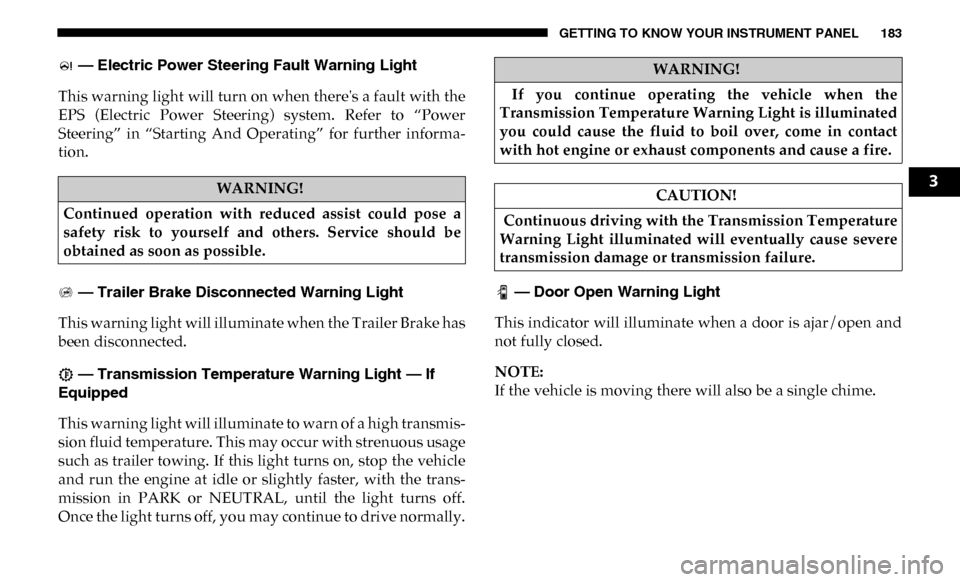
— Electric Power Steering Fault Warning Light
This warning light will turn on when there's a fault with the
EPS (Electric Power Steering) system. Refer to “Power
Steering” in “Starting And Operating” for further informa -
tion.
— Trailer Brake Disconnected Warning Light
This warning light will illuminate when the Trailer Brake has
been disconnected.
— Transmission Temperature Warning Light — If
Equipped
This warning light will illuminate to warn of a high transmis -
sion fluid temperature. This may occur with strenuous usage
such as trailer towing. If this light turns on, stop the vehicle
and run the engine at idle or slightly faster, with the trans -
mission in PARK or NEUTRAL, until the light turns off.
Once the light turns off, you may continue to drive normally. — Door Open Warning Light
This indicator will illuminate when a door is ajar/open and
not fully closed.
NOTE:
If the vehicle is moving there will also be a single chime.
WARNING!
Continued operation with reduced assist could pose a
safety risk to yourself and others. Service should be
obtained as soon as possible.
WARNING!
If you continue operating the vehicle when the
Transmission Temperature Warning Light is illuminated
you could cause the fluid to boil over, come in contact
with hot engine or exhaust components and cause a fire.
CAUTION!
Continuous driving with the Transmission Temperature
Warning Light illuminated will eventually cause severe
transmission damage or transmission failure.
3