battery Ram 3500 2020 Owner's Guide
[x] Cancel search | Manufacturer: RAM, Model Year: 2020, Model line: 3500, Model: Ram 3500 2020Pages: 568
Page 224 of 568

222STARTING AND OPERATING
removed from the brake pedal prior to
pushing the start button again in order for the
ignition to move directly to off.
If the engine stalls, or if the ignition switch is
left ON for more than two minutes after the
“Wait To Start” telltale goes out, reset the
intake air heater by turning the ignition
switch to the OFF position for at least five
seconds and then back ON. Repeat steps 1
through 5 of “Starting Procedure – Engine
Manifold Air Temperature Below 66°F
(19°C).”
STARTING PROCEDURE — ENGINE
M
ANIFOLD AIR TEMPERATURE BELOW
0°F (-18°C)
In extremely cold weather below 0°F (-18°C) it
may be beneficial to cycle the intake air heater
twice before attempting to start the engine. This
can be accomplished by turning the ignition OFF
for at least 5 seconds and then back ON after
the “Wait To Start” telltale has turned off, but
before the engine is started. However,
excessive cycling of the intake air heater will
result in damage to the heater elements or
reduced battery voltage. NOTE:
If multiple pre-heat cycles are used before
starting, additional engine run time may be
required to maintain battery state of charge at a
satisfactory level.
1. If the engine stalls after the initial start, the
ignition must be turned to the OFF position
for at least five seconds and then to the ON
position to recycle the intake air heater.
NOTE:
Excessive white smoke and poor engine perfor -
mance will result if intake air heater are not
recycled.
2. Heat generated by the intake air heater dissipates rapidly in a cold engine. If more
than two minutes pass between the time
the “Wait To Start” telltale turns off and the
engine is started, recycle the intake air
heater by turning the ignition switch to the
OFF position for at least five seconds and
then back ON.
3. If the vehicle is driven and vehicle speed exceeds 19 mph (31 km/h) before the intake
air heater post-heat (after start) cycle is
complete, the intake air heater will shut off. 4. If the engine is cranked for more than
10 seconds, the post-heat cycle will turn off.
NOTE:
Engine idle speed will automatically increase
to 1,000 RPM and engage the Variable
Geometry Turbocharger at low coolant
temperatures to improve engine warm-up.
When a diesel engine is allowed to run out of
fuel or the fuel gels at low temperatures, air
is pulled into the fuel system. If your engine
has run out of fuel, refer to “Dealer Service/
Priming If The Engine Has Run Out Of Fuel” in
“Servicing And Maintenance” for further
information.
If the engine stalls, or if the ignition switch is
left ON for more than two minutes after the
“Wait To Start” telltale goes out, reset the
intake air heater by turning the ignition
switch to the OFF position for at least
5 seconds and then back ON. Repeat steps
1 through 5 of “Starting Procedure – Engine
Manifold Air Temperature Below 66°F
(19°C).”
20_DJD2_OM_EN_USC_t.book Page 222
Page 227 of 568

STARTING AND OPERATING225
The fuel grade should be clearly marked on
the pump at the fuel station.
The engine requires the use of “Ultra Low
Sulfur Diesel Fuel”. Use of incorrect fuel
could result in engine and exhaust system
damage. Refer to “Fuel Requirements” in
“Technical Specifications” for further infor -
mation.
If climatized or diesel Number 1 ULSD fuel is
not available, and you are operating below
(20°F/-6°C), in sustained arctic conditions,
Mopar Premium Diesel Fuel Treatment (or
equivalent) is recommended to avoid gelling
(see Fuel Operating Range Chart).
Under some circumstances increased engine
noise may be audible in the seconds
following a cold start. This is most likely to
occur when using fuel that isn't blended for
the ambient temperature present. This may
occur on an unseasonably cold day or when a
truck is fueled in a warmer climate and driven
to a colder climate. The noise can typically be
prevented by using Mopar Premium Diesel
Fuel Treatment as recommended (see Fuel
Operating Range Chart).
Engine Oil Usage
Refer to “Dealer Service” in “Servicing And
Maintenance” for the correct engine oil
viscosity.
Winter Front Cover Usage
A Winter front or cold weather cover is to be
used in ambient temperatures below 32°F
(0°C), especially during extended idle
conditions. This cover is equipped with four
flaps for managing total grille opening in varying
ambient temperatures. If a Winter front or cold
weather cover is to be used the flaps should be
left in the full open position to allow air flow to
the charge air cooler and automatic
transmission oil cooler. When ambient
temperatures drop below 0°F (-17°C) the four
flaps need to be closed. A suitable cold weather
cover is available from your Mopar dealer.
Battery Blanket Usage
A battery loses 60% of its cranking power as the
battery temperature decreases to 0°F (-18°C).
For the same decrease in temperature, the
engine requires twice as much power to crank
at the same RPM. The use of 120 VAC powered
battery blankets will greatly increase starting capability at low temperatures. Suitable battery
blankets are available from an authorized
Mopar dealer.
Engine Warm-Up
Avoid full throttle operation when the engine is
cold. When starting a cold engine, bring the
engine up to operating speed slowly to allow the
oil pressure to stabilize as the engine warms up.
NOTE:
High-speed, no-load running of a cold engine
can result in excessive white smoke and poor
engine performance. No-load engine speeds
should be kept under 1,000 RPM during the
warm-up period, especially in cold ambient
temperature conditions.
Your vehicle is equipped with an engine warm
up protection feature that may limit engine
performance after cold starting at low ambient
temperatures. The length of time engine speed
is limited is dependent upon engine coolant
temperature. Engine speed may be briefly
limited to 1000 RPM after starting with coolant
temperature below freezing conditions, and
may be limited to 1000 RPM for up to
approximately 2 minutes under more severe
cold conditions.
5
20_DJD2_OM_EN_USC_t.book Page 225
Page 248 of 568
246STARTING AND OPERATING
AUXILIARY SWITCHES — IF EQUIPPED
There can be up to six auxiliary switches located
in the lower switch bank of the instrument panel
which can be used to power various electronic
devices and PTO (Power Take Off) – If Equipped.
If Power Take Off is equipped, it will take the
place of the sixth Auxiliary switch. Connections
to the switches are found under the hood in the
connectors attached to the auxiliary Power
Distribution Center.
You have the ability to configure the
functionality of the auxiliary switches via the
instrument cluster display. All switches can now
be configured for setting the switch type
operation to latching or momentary, power
source of either battery or ignition, and ability to
hold last state across key cycles.
NOTE:
Holding last state conditions are met when
switch type is set to latching and power source
is set to ignition.
For further information on using the auxiliary
switches, please refer to the Ram Body Builders
Guide by accessing www.rambodybuilder.com
and choosing the appropriate links.
ACTIVE NOISE CANCELLATION
Your vehicle is equipped with an Active Noise
Cancellation system that cannot be turned off.
This system is designed to address exhaust and
engine noise. The system relies on four
microphones embedded in the headliner, which
monitor exhaust and engine noise, and assists
an onboard frequency generator, which creates
counteracting sound waves in the audio
system’s speakers. This helps keep the vehicle
quiet at idle and during drive. The system is
deactivated when the windows are rolled down.
FOUR-WHEEL DRIVE OPERATION — IF
EQUIPPED
Four-wheel drive trucks are equipped with
either a manually shifted transfer case or an
electronically shifted transfer case. Refer to the
operating instructions for your transfer case,
located in this section for further information.
ELECTRONICALLY SHIFTED TRANSFER
C
ASE (EIGHT SPEED TRANSMISSION) —
I
F EQUIPPED
This is an electronic shift transfer case and is
operated by the 4WD Control Switch (Transfer
Case Switch), which is located on the
instrument panel.
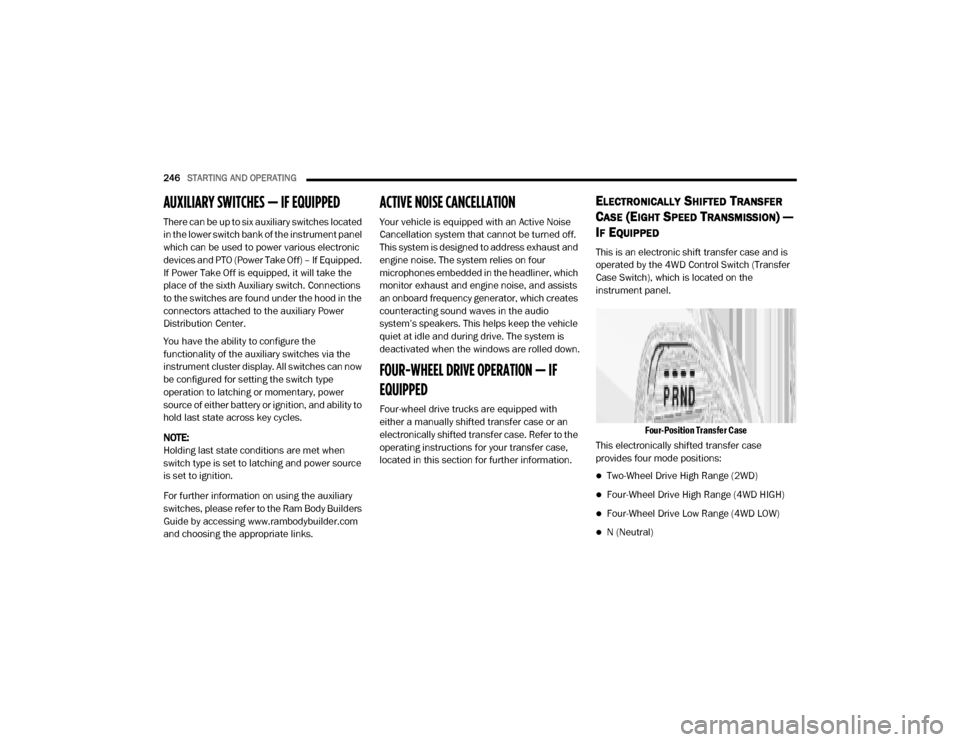
Four-Position Transfer Case
This electronically shifted transfer case
provides four mode positions:
Two-Wheel Drive High Range (2WD)
Four-Wheel Drive High Range (4WD HIGH)
Four-Wheel Drive Low Range (4WD LOW)
N (Neutral)
20_DJD2_OM_EN_USC_t.book Page 246
Page 259 of 568

STARTING AND OPERATING257
in “Getting To Know Your Instrument Panel” or
“Uconnect Settings” in “Multimedia” (if
equipped with a touch screen radio) for further
information.
NOTE:
This mode is intended to be enabled with the
engine running.
Transport Mode
For towing your vehicle with four wheels off the
road, the air suspension system has a feature
which will put the vehicle below Normal Ride
Height (NRH) and disable the automatic load
leveling system. This mode is intended to be
enabled with engine running. Refer to
“Instrument Cluster Display” in “Getting To
Know Your Instrument Panel” or “Uconnect
Settings” in “Understanding Your Instrument
Panel” if equipped with a touch screen radio for
further information.
NOTE:
This mode is intended to be enabled with the
engine running. Wheel Alignment Mode
Before performing a wheel alignment this mode
must be enabled. Refer to “Instrument Cluster
Display” in “Getting To Know Your Instrument
Panel” or “Uconnect Settings” in “Multimedia”
(if equipped with a touch screen radio) for
further information.
NOTE:
This mode is intended to be enabled with the
engine running.
Bed Lowering Mode
This setting is used to lower the rear suspension
to the lowest possible height and disable the air
suspension system. It enables easier loading/
unloading of the truck and makes it easier to
hook up trailers. Refer to “Instrument Cluster
Display” in “Getting To Know Your Instrument
Panel” or “Uconnect Settings” in
“Understanding Your Instrument Panel” if
equipped with a touch screen radio for further
information.
Protection Strategy
In order to “protect” the air suspension system,
the vehicle will disable load leveling as required
(suspension overloaded, battery charge low,
etc.). Load leveling will automatically resume as
soon as system operation requirements are
met. See an authorized dealer if system does
not resume.
INSTRUMENT CLUSTER DISPLAY
M
ESSAGES
When the appropriate conditions exist, a
message will appear in the instrument cluster
display. Refer to “Instrument Cluster Display” in
“Getting To Know Your Instrument Panel” for
further information.
An audible chime will be heard whenever a
system error has been detected.
See an authorized dealer for system service if
normal operation does not resume.5
20_DJD2_OM_EN_USC_t.book Page 257
Page 276 of 568

274STARTING AND OPERATING
1. Inspect the winch, winch mount, and
synthetic rope for damage. Do not use the
winch if the mount is loose or rope shows
excessive wear, frays, or damage.
Winch Rope
2. Put on gloves.
3. Disengage the clutch to allow free spooling of the winch drum, rotate the clutch lever on
the winch to disengage. Freespooling
conserves battery power.
Free Spool Lever
4. Free the winch hook and attach the hook strap. Free the winch hook from its anchor
point. Attach the hook strap to the hook (if
not attached).
Hook Strap
Always inspect winch installation and
synthetic rope condition before operating
the winch. Frayed, kinked or damaged rope
must be replaced immediately. Loose or
damaged winch installation must be
corrected immediately.
Always be sure any element which can
interfere with safe winching operations is
removed prior to initiating winching.
Always keep remote control lead clear of
the drum, synthetic rope and rigging.
Inspect for cracks, pinches, frayed rope, or
loose connections. Replace if damaged.
Be careful not to pull the winch rope collar
through the rollers. Watch and listen to
winch for proper snugness.
Never power hook through fairlead. Could
cause damage.
CAUTION! (Continued)
20_DJD2_OM_EN_USC_t.book Page 274
Page 281 of 568

STARTING AND OPERATING279
NOTE:
Always store the remote control in a protected,
clean, dry area.
RIGGING TECHNIQUES
Various winching situations will require
application of other winching techniques. These
could range from too little distance to achieve
maximum pull using straight line rigging, simply
increasing pulling power, or maintaining a
straight-line pulling situation. You will have to
assess what technique is correct for your
situation. Think "safety" at all times.
How To Change The Pulling Direction
Change Pulling Directions
All winching operations should have a straight
line from the winch to the object being pulled. This minimizes the synthetic rope collecting on
one side of the drum affecting pulling efficiency
and damaging synthetic rope. A snatch block,
secured to a point directly in front of the vehicle
will enable you to change your pulling direction
while still allowing the synthetic rope to be at
90° to wind properly onto the spooling drum.
Increasing Pulling Power
In some cases, you may find yourself needing
more pulling power. The use of snatch blocks
increases mechanical advantage and that
increases your pulling power.
Double Line
Wire Rope Routing
Because pulling power decreases with the
number of layers of synthetic rope on the winch drum, you can use a snatch block to double line
out more rope. This decreases the number of
layers of synthetic rope on the drum, and
increases pulling power. Start by feeding out
enough synthetic rope to free the winch hook.
Attach the hook to your vehicle's frame/tow
hook and run the rope through a snatch block.
Disengage the clutch and, using the snatch
block, pull out enough synthetic rope to reach
your anchor point. Do not attach the hook to the
mounting kit. Secure to the anchor point with a
tree trunk protector or choker chain. Attach the
clevis/shackle. Attach the shackle to the two
ends of the strap/chain, being careful not to
over tighten (tighten and back-off 1/2 turn).
FUEL SAVER TECHNOLOGY — GAS ENGINE
(IF EQUIPPED)
This feature offers improved fuel economy by
shutting off four of the engine's eight cylinders
during light load and cruise conditions. The
system is automatic with no driver inputs or
additional driving skills required.
NOTE:
This system may take some time to return to full
functionality after a battery disconnect.
5
20_DJD2_OM_EN_USC_t.book Page 279
Page 337 of 568

STARTING AND OPERATING335
The Trailer Tow Package may include a four- and
seven-pin wiring harness. Use a factory
approved trailer harness and connector.
NOTE:
Do not cut or splice wiring into the vehicle’s
wiring harness.
The electrical connections are all complete to
the vehicle but you must mate the harness to a
trailer connector. Refer to the following
illustrations.
NOTE:
Disconnect trailer wiring connector from the
vehicle before launching a boat (or any other
device plugged into vehicle’s electrical
connect) into water.
Be sure to reconnect once clear from water
area.
Four-Pin Connector
Seven-Pin Connector
1 — Female Pins
2 — Male Pin
3 — Ground
4 — Park
5 — Left Stop/Turn
6 — Right Stop/Turn1 — Battery
2 — Backup Lamps
3 — Right Stop/Turn
4 — Electric Brakes
5 — Ground
6 — Left Stop/Turn
7 — Running Lamps
5
20_DJD2_OM_EN_USC_t.book Page 335
Page 340 of 568

338STARTING AND OPERATING
NOTE:
Detach the snowplow when transporting
passengers.
Vehicle front end wheel alignment was set to
specifications at the factory without
consideration for the weight of the plow. Front
end toe-in should be checked and reset if
necessary at the beginning and end of the
snowplow season. This will help prevent uneven
tire wear.
The blade should be lowered whenever the
vehicle is parked.
Maintain and operate your vehicle and
snowplow equipment following the
recommendations provided by the specific
snowplow manufacturer.OVER THE ROAD OPERATION WITH
S
NOWPLOW ATTACHED
The blade restricts air flow to the radiator and
causes the engine to operate at higher than
normal temperatures. Therefore, when
transporting the plow, angle the blade
completely and position it as low as road or
surface conditions permit. Do not exceed
40 mph (64 km/h). The operator should always
maintain a safe stopping distance and allow
adequate passing clearance.
OPERATING TIPS
Under ideal snow plowing conditions, 20 mph
(32 km/h) should be maximum operating
speed. The operator should be familiar with the
area and surface to be cleaned. Reduce speed
and use extreme caution when plowing
unfamiliar areas or under poor visibility.
GENERAL MAINTENANCE
Snowplows should be maintained in
accordance with the plow manufacturer's
instructions.
Keep all snowplow electrical connections and
battery terminals clean and free of corrosion.
When plowing snow, to avoid transmission and
drivetrain damage, the following precautions
should be observed.
Operate with transfer case in 4LO when
plowing small or congested areas where
speeds are not likely to exceed 15 mph
(24 km/h). At higher speeds operate in 4HI.
Vehicles with automatic transmissions
should use 4LO range when plowing deep or
heavy snow for extended periods of time to
avoid transmission overheating.
Do not shift the transmission unless the
engine has returned to idle and wheels have
stopped. Make a practice of stepping on the
brake pedal while shifting the transmission.
20_DJD2_OM_EN_USC_t.book Page 338
Page 348 of 568
346
IN CASE OF EMERGENCY
HAZARD WARNING FLASHERS
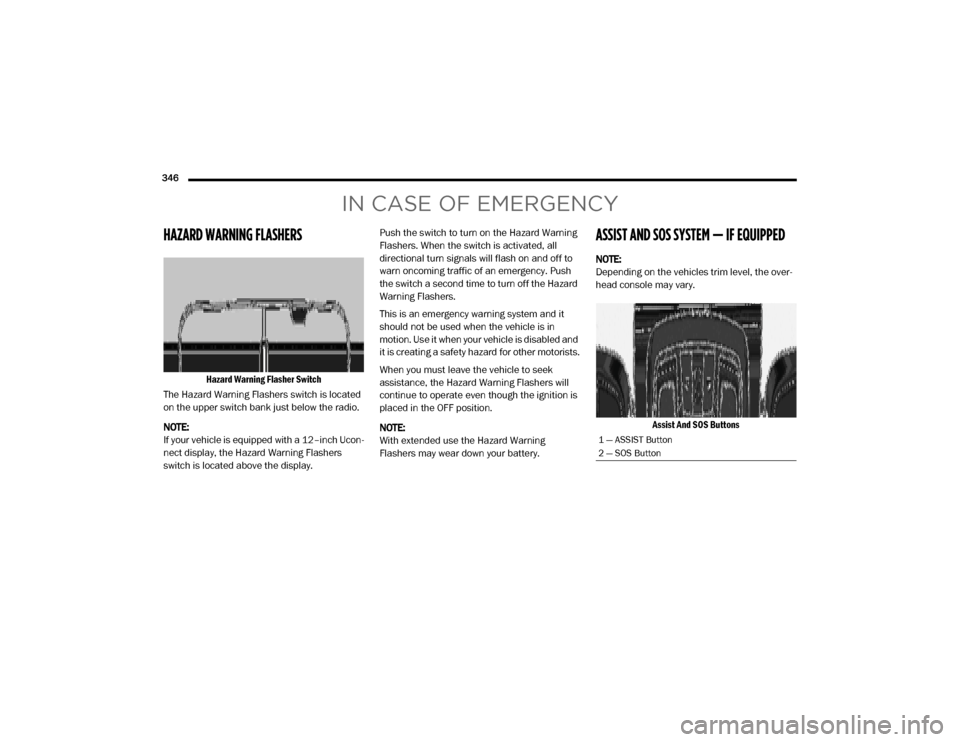
Hazard Warning Flasher Switch
The Hazard Warning Flashers switch is located
on the upper switch bank just below the radio.
NOTE:
If your vehicle is equipped with a 12–inch Ucon -
nect display, the Hazard Warning Flashers
switch is located above the display. Push the switch to turn on the Hazard Warning
Flashers. When the switch is activated, all
directional turn signals will flash on and off to
warn oncoming traffic of an emergency. Push
the switch a second time to turn off the Hazard
Warning Flashers.
This is an emergency warning system and it
should not be used when the vehicle is in
motion. Use it when your vehicle is disabled and
it is creating a safety hazard for other motorists.
When you must leave the vehicle to seek
assistance, the Hazard Warning Flashers will
continue to operate even though the ignition is
placed in the OFF position.
NOTE:
With extended use the Hazard Warning
Flashers may wear down your battery.
ASSIST AND SOS SYSTEM — IF EQUIPPED
NOTE:
Depending on the vehicles trim level, the over
-
head console may vary.
Assist And SOS Buttons
1 — ASSIST Button
2 — SOS Button
20_DJD2_OM_EN_USC_t.book Page 346
Page 351 of 568

IN CASE OF EMERGENCY349
(Continued)
SOS Call System Limitations
Vehicles sold in Mexico DO NOT have SOS Call
system capabilities. SOS or other emergency line operators in
Mexico may not answer or respond to SOS
system calls.
If the SOS Call system detects a malfunction,
any of the following may occur at the time the
malfunction is detected, and at the beginning of
each ignition cycle:
The overhead console light located between
the ASSIST and SOS buttons will continuously
be illuminated red.
The Device Screen will display the following
message: “Vehicle device requires service.
Please contact an authorized dealer.”
An In-Vehicle Audio message will state
“Vehicle device requires service. Please
contact an authorized dealer.”
Even if the SOS Call system is fully functional,
factors beyond FCA US LLC’s control may
prevent or stop the SOS Call system operation.
These include, but are not limited to, the
following factors:Delayed accessories mode is active.
The ignition is in the OFF position.
The vehicle’s electrical systems are not
intact.
The SOS Call system software and/or hard
-
ware are damaged during a crash.
The vehicle battery loses power or becomes
disconnected during a vehicle crash.
The SOS Call system is embedded into the
vehicle’s electrical system. Do not add
aftermarket electrical equipment to the
vehicle’s electrical system. This may
prevent your vehicle from sending a signal
to initiate an emergency call. To avoid inter -
ference that can cause the SOS Call system
to fail, never add aftermarket equipment
(e.g., two-way mobile radio, CB radio, data
recorder, etc.) to your vehicle’s electrical
system or modify the antennas on your
vehicle. IF YOUR VEHICLE LOSES BATTERY
POWER FOR ANY REASON (INCLUDING
DURING OR AFTER AN ACCIDENT), THE
UCONNECT FEATURES, APPS AND
SERVICES, AMONG OTHERS, WILL NOT
OPERATE.
Modifications to any part of the SOS Call
system could cause the air bag system to
fail when you need it. You could be injured
if the air bag system is not there to help
protect you.
WARNING! (Continued)
WARNING!
Ignoring the overhead console light could
mean you will not have SOS Call services. If
the overhead console light is illuminated,
have an authorized dealer service the SOS
Call system immediately.
The Occupant Restraint Control module
turns on the air bag Warning Light on the
instrument panel if a malfunction in any
part of the system is detected. If the Air Bag
Warning Light is illuminated, have an
authorized dealer service the Occupant
Restraint Control system immediately.
WARNING! (Continued)
6
20_DJD2_OM_EN_USC_t.book Page 349