door lock Ram 3500 2020 Service Manual
[x] Cancel search | Manufacturer: RAM, Model Year: 2020, Model line: 3500, Model: Ram 3500 2020Pages: 568
Page 486 of 568
484MULTIMEDIA
UCONNECT 4/4C/4C NAV SETTINGS
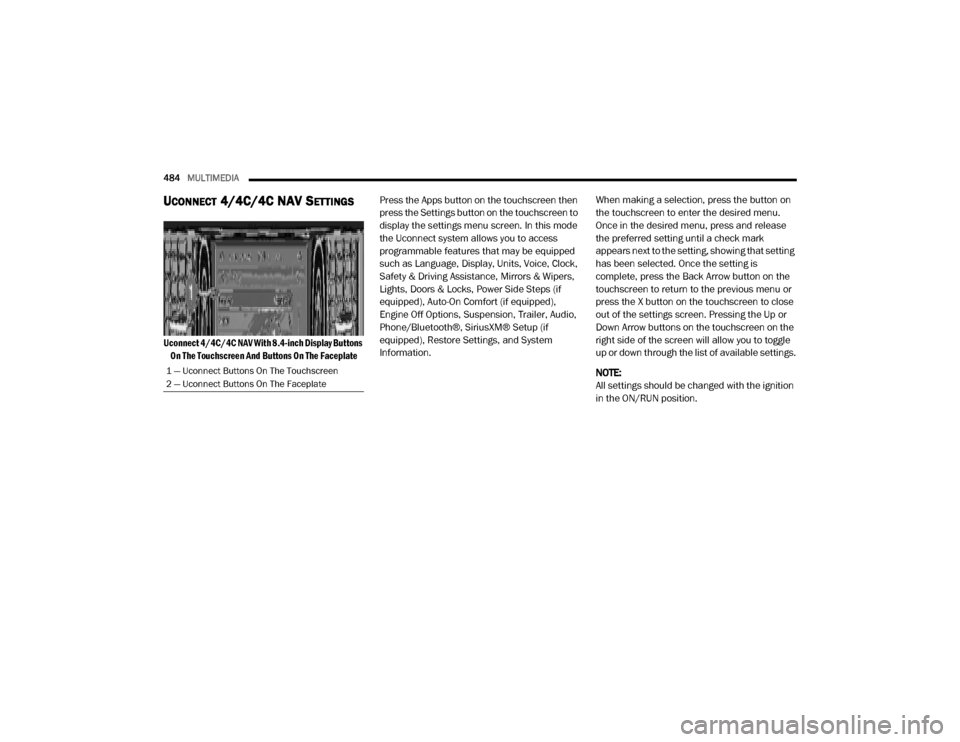
Uconnect 4/4C/4C NAV With 8.4-inch Display Buttons
On The Touchscreen And Buttons On The Faceplate
Press the Apps button on the touchscreen then
press the Settings button on the touchscreen to
display the settings menu screen. In this mode
the Uconnect system allows you to access
programmable features that may be equipped
such as Language, Display, Units, Voice, Clock,
Safety & Driving Assistance, Mirrors & Wipers,
Lights, Doors & Locks, Power Side Steps (if
equipped), Auto-On Comfort (if equipped),
Engine Off Options, Suspension, Trailer, Audio,
Phone/Bluetooth®, SiriusXM® Setup (if
equipped), Restore Settings, and System
Information.
When making a selection, press the button on
the touchscreen to enter the desired menu.
Once in the desired menu, press and release
the preferred setting until a check mark
appears next to the setting, showing that setting
has been selected. Once the setting is
complete, press the Back Arrow button on the
touchscreen to return to the previous menu or
press the X button on the touchscreen to close
out of the settings screen. Pressing the Up or
Down Arrow buttons on the touchscreen on the
right side of the screen will allow you to toggle
up or down through the list of available settings.
NOTE:
All settings should be changed with the ignition
in the ON/RUN position.
1 — Uconnect Buttons On The Touchscreen
2 — Uconnect Buttons On The Faceplate
20_DJD2_OM_EN_USC_t.book Page 484
Page 495 of 568

MULTIMEDIA493
Lights
After pressing the Lights button on the touchscreen, the following settings will be available:Rain Sensing Auto Wipers — If Equipped
OnOff
NOTE:
Automatically adjusts the wiper speed based on the amount of precipitation. Headlights with Wipers OnOff
Setting Name Selectable Options
Setting NameSelectable Options
Headlight Off Delay–+
NOTE:
When the “Headlight Off Delay” feature is selected, the driver can choose to have the headlights remain on for 0, 30, 60, or 90 seconds when exiting
the vehicle. Headlight Illumination On Approach –+
NOTE:
When the “Headlight Illumination On Approach” feature is selected, the headlights will activate and remain on for 0, 30, 60, or 90 seconds when the
doors are unlocked with the key fob. Headlights With Wipers — If Equipped OnOff
NOTE:
When the “Headlights With Wipers” feature is selected, and the headlight switch is in the AUTO position, the headlights turn on approximately 10
seconds after the wipers are turned on. The headlights also turn off when the wipers are turned off if they were turned on by this feature.
9
20_DJD2_OM_EN_USC_t.book Page 493
Page 496 of 568

494MULTIMEDIA
Doors & Locks
After pressing the Doors & Locks button on the touchscreen, the following settings will be available:Auto Dim High Beams — If Equipped
OnOff
NOTE:
When the “Auto Dim High Beams” feature is selected, the high beam headlights deactivate automatically under certain conditions. Daytime Running Lights — If Equipped OnOff
NOTE:
When the “Daytime Running Lights” feature is selected, the daytime running lights can be turned On or Off. This feature is only available if allowed by
law in the country of the vehicle purchase. Flash Lights With Lock OnOff
NOTE:
When the “Flash Lights With Lock” feature is selected, the exterior lamps flash when the doors are locked or unlocked with the key fob. This feature
may be selected with or without the Sound Horn On Lock feature selected. Rear Cargo Guidance Lights — If Equipped OnOff
NOTE:
When the “Rear Cargo Guidance Lights” feature is selected, the lights in the cargo and bed of the truck will come on either when the headlight switch
is pressed, or the button on the back bed of the truck is pressed.
Setting Name Selectable Options
Setting NameSelectable Options
Auto Door Locks — If EquippedOn Off
NOTE:
When the “Auto Door Locks” feature is selected, all doors lock automatically when the vehicle reaches a speed of 15 mph (24 km/h).
20_DJD2_OM_EN_USC_t.book Page 494
Page 497 of 568

MULTIMEDIA495
Auto Unlock On Exit On Off
NOTE:
When the “Auto Unlock On Exit” feature is selected, all doors unlock when the vehicle is stopped and the transmission is in the PARK or NEUTRAL
position, and the driver's door is opened. Flash Lights With Lock On Off
NOTE:
When the “Flash Lights With Lock” feature is selected, the front and rear turn signals flash when the doors are locked or unlocked with the key fob.
This feature may be selected with or without the “Sound Horn With Lock” feature selected. Sound Horn With Lock Off1st Press 2nd Press
Sound Horn With Remote Start On Off
1st Press Of Key Fob Unlocks Driver Door All Doors
NOTE:
When “1st Press Of Key Fob Unlocks: Driver Door” is programmed, only the driver's door unlocks on the first press of the key fob Unlock button.
You must push the key fob unlock button twice to unlock the passengers’ doors.
When “All Doors” is programmed, all of the doors unlock on the first push of the key fob unlock button.
If the vehicle is programmed “1st Press Of Key Fob Unlocks: All Doors”, all doors will unlock no matter which Passive Entry equipped door handle
is grasped. If “1st Press Of Key Fob Unlocks: Driver Door” is programmed, only the driver’s door will unlock when the driver’s door is grasped.
With Passive Entry, if “1st Press Of Key Fob Unlocks: Driver Door” is programmed pushing the handle more than once only results in the driver’s
door opening. If “Driver Door” is programmed, once the driver’s door is opened, the interior door lock/unlock switch can be used to unlock all doors
(or use key fob).
Setting Name Selectable Options
9
20_DJD2_OM_EN_USC_t.book Page 495
Page 498 of 568

496MULTIMEDIA
Power Side Steps — If Equipped
After pressing the Power Side Steps button on the touchscreen, the following setting will be available:Passive Entry — If Equipped
On Off
NOTE:
The “Passive Entry” feature allows you to lock and unlock the vehicle’s door(s) without having to push the key fob Lock or Unlock buttons. Personal Settings Linked To Key Fob — If Equipped On
Off
NOTE:
The “Personal Settings Linked To Key Fob” feature provides automatic driver seat positioning to enhance driver mobility when entering and exiting
the vehicle.
The seats return to the memorized seat location (if “Personal Settings Linked To Key Fob” is set to On) when the key fob is used to unlock the door.
Setting Name Selectable Options
Setting NameSelectable Options
Power Side StepsAutomaticStow
20_DJD2_OM_EN_USC_t.book Page 496
Page 507 of 568
MULTIMEDIA505
UCONNECT 4C NAV WITH 12-INCH
D
ISPLAY SETTINGS
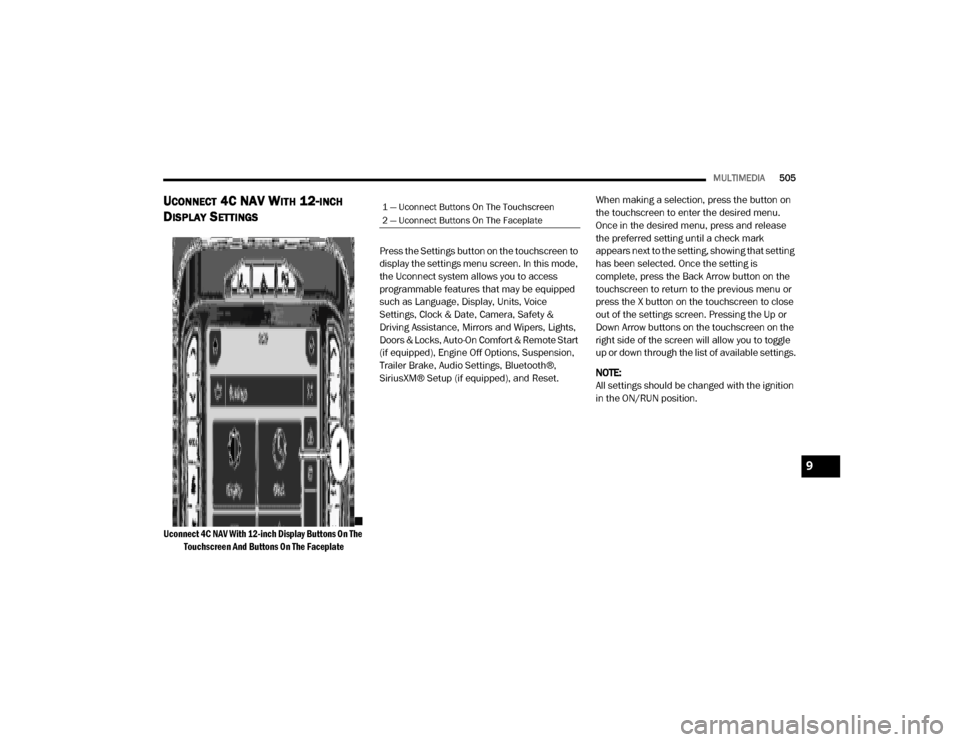
Uconnect 4C NAV With 12-inch Display Buttons On The
Touchscreen And Buttons On The Faceplate
Press the Settings button on the touchscreen to
display the settings menu screen. In this mode,
the Uconnect system allows you to access
programmable features that may be equipped
such as Language, Display, Units, Voice
Settings, Clock & Date, Camera, Safety &
Driving Assistance, Mirrors and Wipers, Lights,
Doors & Locks, Auto-On Comfort & Remote Start
(if equipped), Engine Off Options, Suspension,
Trailer Brake, Audio Settings, Bluetooth®,
SiriusXM® Setup (if equipped), and Reset.
When making a selection, press the button on
the touchscreen to enter the desired menu.
Once in the desired menu, press and release
the preferred setting until a check mark
appears next to the setting, showing that setting
has been selected. Once the setting is
complete, press the Back Arrow button on the
touchscreen to return to the previous menu or
press the X button on the touchscreen to close
out of the settings screen. Pressing the Up or
Down Arrow buttons on the touchscreen on the
right side of the screen will allow you to toggle
up or down through the list of available settings.
NOTE:
All settings should be changed with the ignition
in the ON/RUN position.
1 — Uconnect Buttons On The Touchscreen
2 — Uconnect Buttons On The Faceplate
9
20_DJD2_OM_EN_USC_t.book Page 505
Page 515 of 568

MULTIMEDIA513
Headlight Illumination On Approach –+
NOTE:
When the “Headlight Illumination On Approach” feature is selected, the headlights will activate and remain on for 0, 30, 60, or 90 seconds when the
doors are unlocked with the key fob. Headlights With Wipers — If Equipped OnOff
NOTE:
When the “Headlights With Wipers” feature is selected, and the headlight switch is in the AUTO position, the headlights turn on approximately 10
seconds after the wipers are turned on. The headlights also turn off when the wipers are turned off if they were turned on by this feature. Auto Dim High Beams — If Equipped OnOff
NOTE:
When the “Auto Dim High Beams” feature is selected, the high beam headlights deactivate automatically under certain conditions. Daytime Running Lights OnOff
NOTE:
When the “Daytime Running Lights” feature is selected, the daytime running lights can be turned On or Off. This feature is only available if allowed by
law in the country of the vehicle purchase. Steering Directed Lights OnOff
NOTE:
When the “Steering Directed Lights” feature is selected, the headlights turn with the direction of the steering wheel.
Setting Name Selectable Options
9
20_DJD2_OM_EN_USC_t.book Page 513
Page 516 of 568

514MULTIMEDIA
Doors & Locks
After pressing the Doors & Locks button on the touchscreen, the following settings will be available:Flash Lights with Lock
OnOff
NOTE:
When the “Flash Lights With Lock” feature is selected, the exterior lamps flash when the doors are locked or unlocked with the key fob. This feature
may be selected with or without the “Sound Horn With Lock” feature selected. Rear Guidance Lights w/ Cargo Lights— If Equipped On
Off
NOTE:
When the “Rear Guidance Lights w/ Cargo Lights” feature is selected, the lights in the cargo and bed of the truck will come on either when the head -
light switch is pressed, or the button on the back bed of the truck is pressed.
Setting Name Selectable Options
Setting NameSelectable Options
Auto Door LocksOn Off
Auto Unlock On Exit OnOff
NOTE:
When the “Auto Unlock On Exit” feature is selected, all doors unlock when the vehicle is stopped, the transmission is in the PARK or NEUTRAL position,
and the driver's door is opened. Flash Lights With Lock OnOff
NOTE:
When the “Flash Lights With Lock” feature is selected, the front and rear turn signals flash when the doors are locked or unlocked with the key fob.
This feature may be selected with or without the “Sound Horn With Lock” feature selected. Sound Horn with Lock — If Equipped Off1st Press 2nd Press
20_DJD2_OM_EN_USC_t.book Page 514
Page 517 of 568

MULTIMEDIA515
Sound Horn With Remote Start OnOff
1st Press Of Key Fob Unlocks Driver Door All Doors
NOTE:
When “1st Press Of Key Fob Unlocks: Driver Door” is programmed, only the driver's door unlocks on the first press of the key fob unlock button.
You must push the key fob unlock button twice to unlock the passengers’ doors.
When “All Doors” is programmed, all of the doors unlock on the first push of the key fob unlock button.
If the vehicle is programmed “1st Press Of Key Fob Unlocks: All Doors”, all doors unlock no matter which Passive Entry equipped door handle is
grasped. If “1st Press Of Key Fob Unlocks: Driver Door” is programmed, only the driver’s door unlocks when the driver’s door is grasped.
With Passive Entry, if “1st Press Of Key Fob Unlocks: Driver Door” is programmed pushing the handle more than once only results in the driver’s
door opening. If “Driver Door” is programmed, once the driver’s door is opened, the interior door lock/unlock switch can be used to unlock all doors
(or use key fob). Passive Entry — If Equipped OnOff
NOTE:
The “Passive Entry” feature allows you to lock and unlock the vehicle’s door(s) without having to push the key fob lock or unlock buttons. Personal Settings Linked To Key Fob — If Equipped On
Off
NOTE:
The “Personal Settings Linked To Key Fob” feature provides automatic driver seat positioning to enhance driver mobility when entering and exiting
the vehicle.
The seats return to the memorized seat location (if “Personal Settings Linked To Key Fob” is set to On) when the key fob is used to unlock the door.
Setting Name Selectable Options
9
20_DJD2_OM_EN_USC_t.book Page 515
Page 554 of 568

552
INDEX
A
Adaptive Cruise Control (ACC)
(Cruise Control)
.............................................. 282Adding Engine Coolant (Antifreeze)............... 418Adding Fuel.......................................... 319, 320Additives, Fuel............................................... 454AdjustDown........................................................... 35Forward....................................................... 35Rearward..................................................... 35Up................................................................ 35Adjustable Pedals............................................ 42Air BagAir Bag Operation...................................... 185Air Bag Warning Light................................ 182Enhanced Accident Response......... 189, 384Event Data Recorder (EDR)....................... 384If Deployment Occurs................................ 188Knee Impact Bolsters................................ 185Maintaining Your Air Bag System.............. 190Maintenance............................................. 190Redundant Air Bag Warning Light.............183Transporting Pets...................................... 209Air Bag Light............................... 130, 182, 210Air Cleaner, Engine (Engine Air
Cleaner Filter)...................................... 403, 425
Air Conditioner Maintenance........................ 405Air Conditioner Refrigerant.................. 405, 406Air Conditioner System................................. 405Air Conditioning......................................... 57, 67Air Conditioning Filter..............................69, 406Air Conditioning System................................... 67Air Conditioning, Operating Tips....................... 68Air Filter........................................................ 403Air PressureTires......................................................... 436AlarmPanic........................................................... 15Security Alarm....................................25, 132Alterations/ModificationsVehicle......................................................... 12Android Auto................................................. 545Antifreeze (Engine Coolant)................. 418, 459Capacites................................................. 460Disposal................................................... 420Anti-Lock Brake System (ABS)...................... 144Anti-Lock Warning Light................................ 137Apple CarPlay................................................ 546Assist, Hill Start............................................. 151Audio Systems (Radio).................................. 467Auto Down Power Windows............................. 70Automatic Door Locks...................................... 30
Automatic Headlights.......................................50Automatic Tailgate Release.............................74Automatic Temperature Control (ATC)..............67Automatic Transmission....................... 235, 424Adding Fluid.............................................. 424Fluid And Filter Change............................. 424Fluid Change............................................. 424Fluid Level Check............................. 422, 423Fluid Type............................... 422, 463, 466Shifting..................................................... 239Special Additives...................................... 422Automatic Transmission Limp Home Mode... 238AUX Camera......................................... 311, 318Auxiliary Driving Systems.............................. 153Axle Fluid.....................................424, 463, 466Axle Lubrication............................................ 424
B
Back-Up......................................................... 309Back-Up Camera........................................... 309Bar, Stabilizer/Sway System......................... 260Battery................................................. 132, 400Blanket..................................................... 225Charging System Light.............................. 132Keyless Key Fob Replacement....................15Battery Saver Feature......................................53
20_DJD2_OM_EN_USC_t.book Page 552