seats Ram 3500 Chassis Cab 2018 User Guide
[x] Cancel search | Manufacturer: RAM, Model Year: 2018, Model line: 3500 Chassis Cab, Model: Ram 3500 Chassis Cab 2018Pages: 527, PDF Size: 5.83 MB
Page 56 of 527
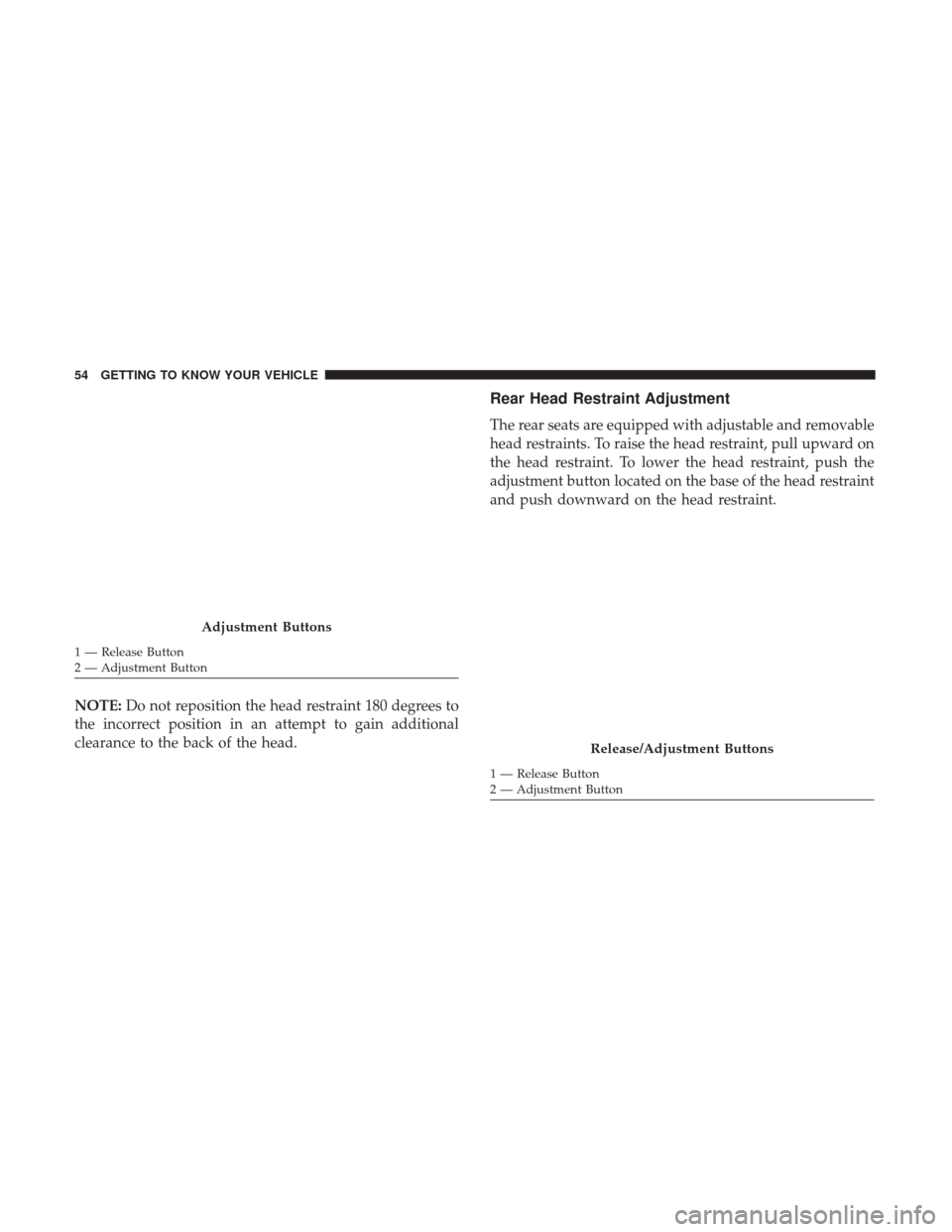
NOTE:Do not reposition the head restraint 180 degrees to
the incorrect position in an attempt to gain additional
clearance to the back of the head.
Rear Head Restraint Adjustment
The rear seats are equipped with adjustable and removable
head restraints. To raise the head restraint, pull upward on
the head restraint. To lower the head restraint, push the
adjustment button located on the base of the head restraint
and push downward on the head restraint.
Adjustment Buttons
1 — Release Button
2 — Adjustment Button
Release/Adjustment Buttons
1 — Release Button
2 — Adjustment Button
54 GETTING TO KNOW YOUR VEHICLE
Page 111 of 527
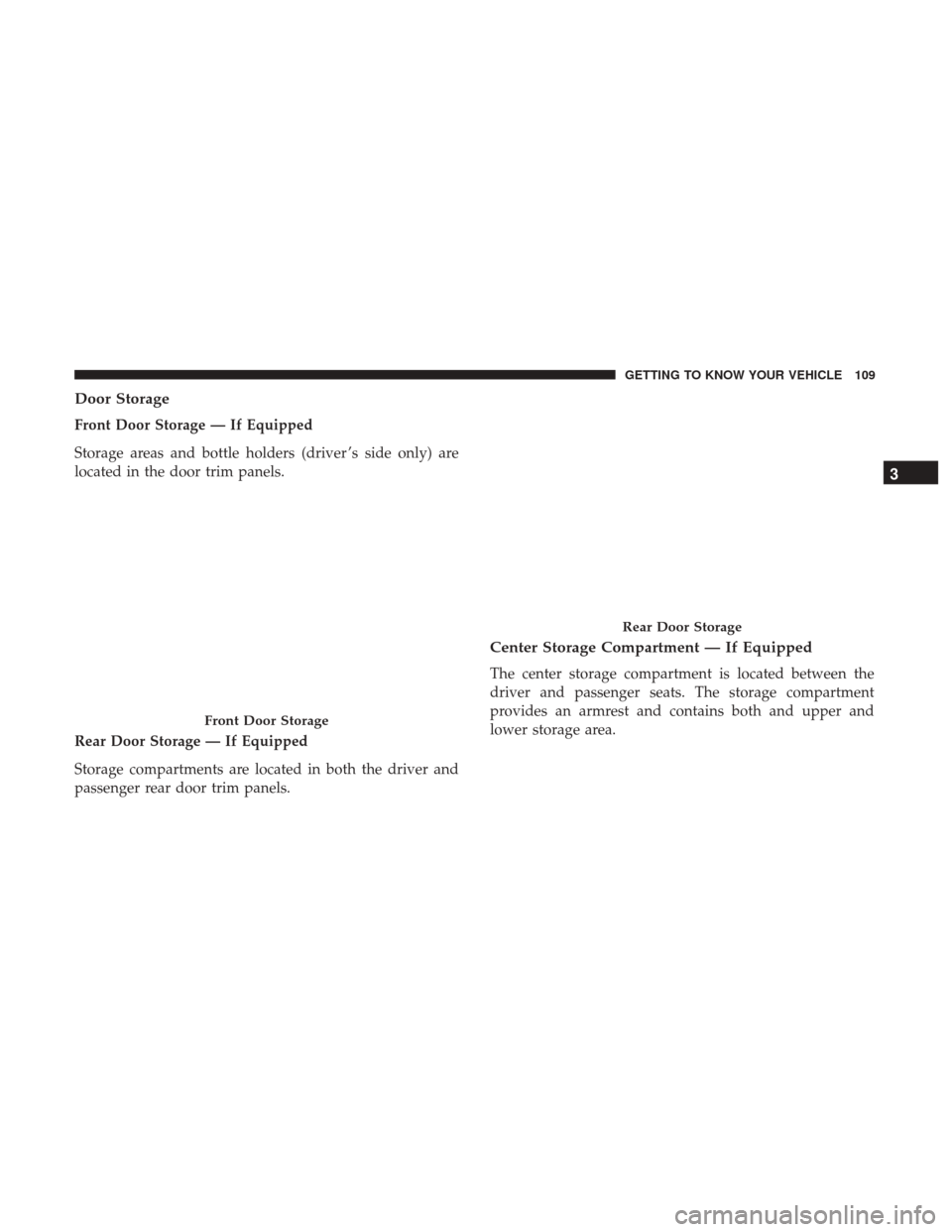
Door Storage
Front Door Storage — If Equipped
Storage areas and bottle holders (driver ’s side only) are
located in the door trim panels.
Rear Door Storage — If Equipped
Storage compartments are located in both the driver and
passenger rear door trim panels.
Center Storage Compartment — If Equipped
The center storage compartment is located between the
driver and passenger seats. The storage compartment
provides an armrest and contains both and upper and
lower storage area.
Front Door Storage
Rear Door Storage
3
GETTING TO KNOW YOUR VEHICLE 109
Page 114 of 527
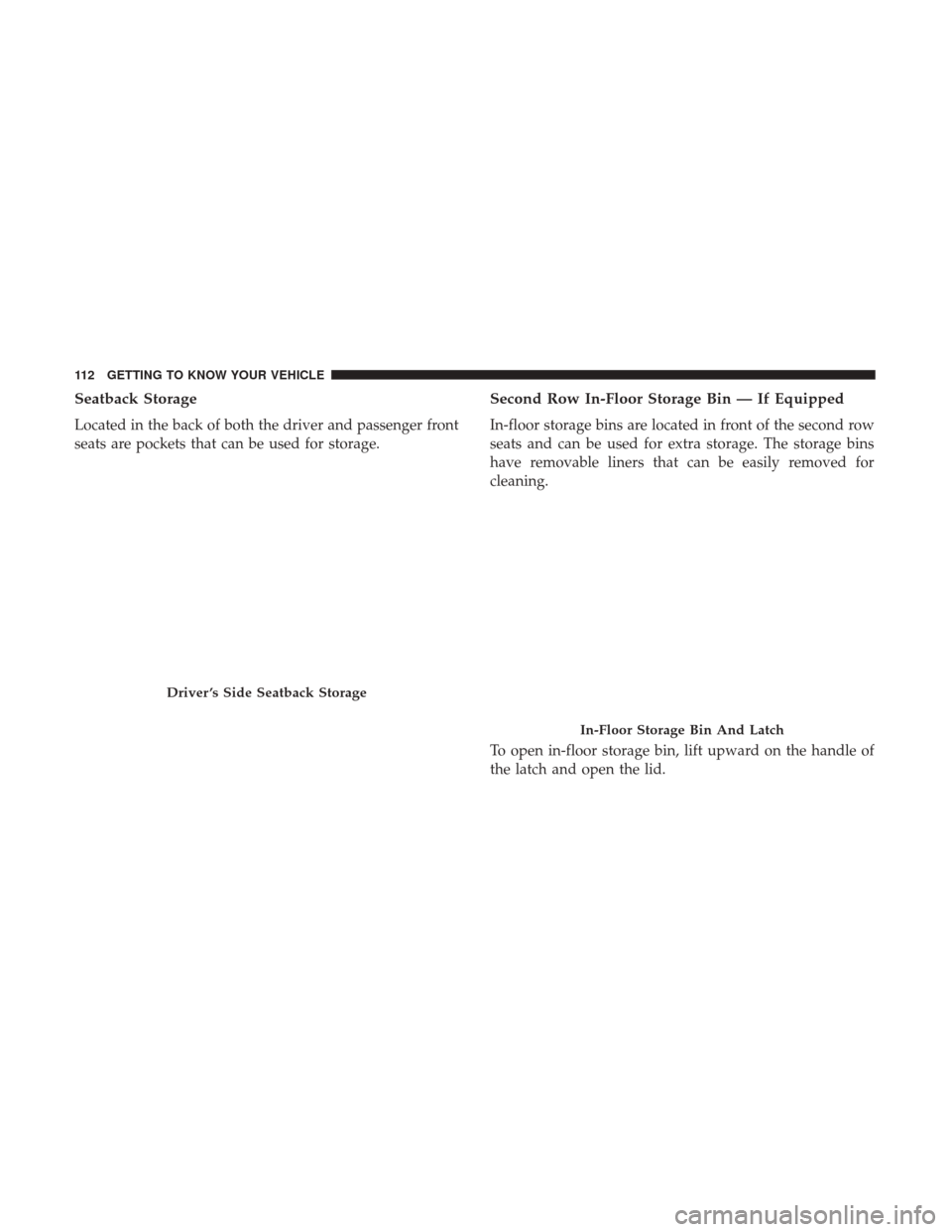
Seatback Storage
Located in the back of both the driver and passenger front
seats are pockets that can be used for storage.
Second Row In-Floor Storage Bin — If Equipped
In-floor storage bins are located in front of the second row
seats and can be used for extra storage. The storage bins
have removable liners that can be easily removed for
cleaning.
To open in-floor storage bin, lift upward on the handle of
the latch and open the lid.
Driver ’s Side Seatback Storage
In-Floor Storage Bin And Latch
112 GETTING TO KNOW YOUR VEHICLE
Page 115 of 527
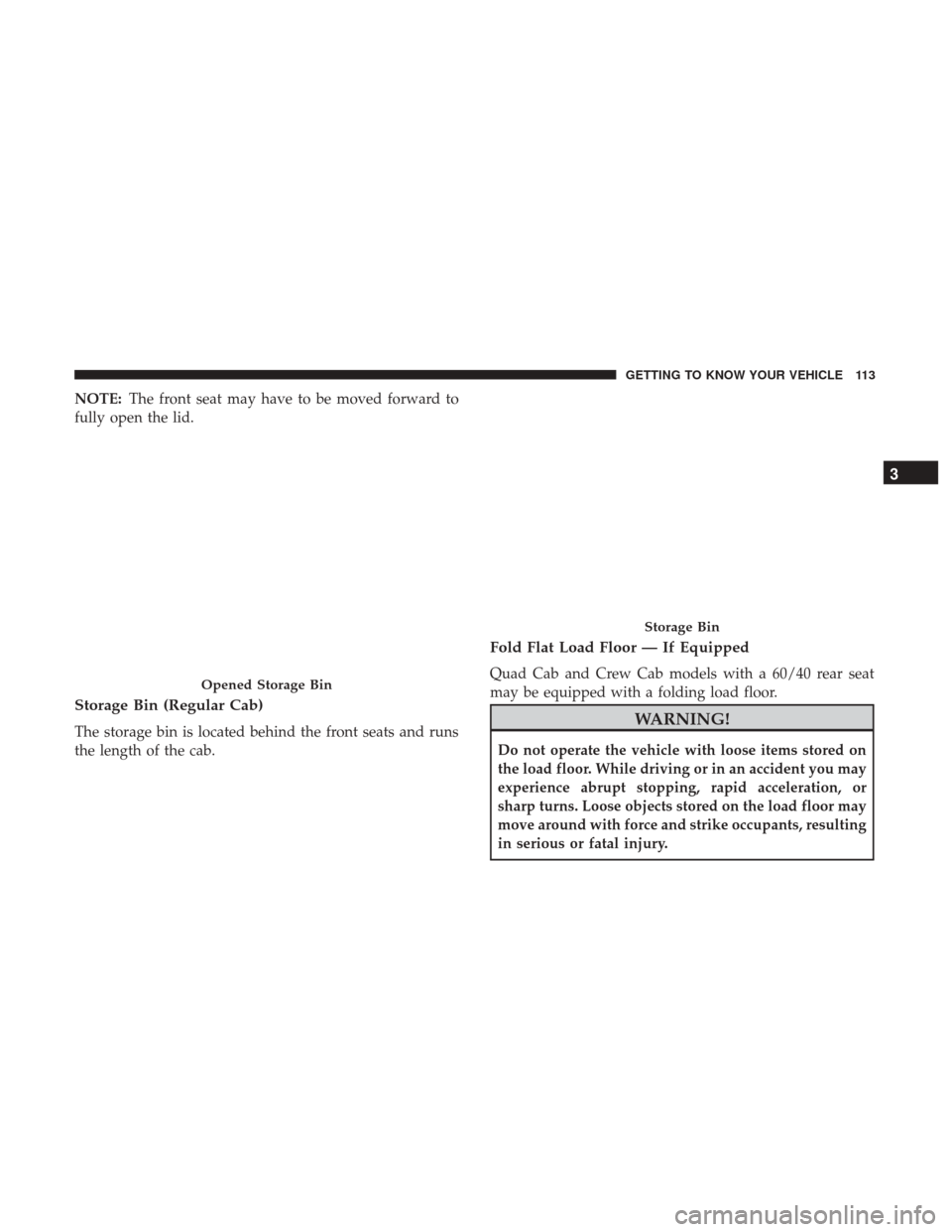
NOTE:The front seat may have to be moved forward to
fully open the lid.
Storage Bin (Regular Cab)
The storage bin is located behind the front seats and runs
the length of the cab.
Fold Flat Load Floor — If Equipped
Quad Cab and Crew Cab models with a 60/40 rear seat
may be equipped with a folding load floor.
WARNING!
Do not operate the vehicle with loose items stored on
the load floor. While driving or in an accident you may
experience abrupt stopping, rapid acceleration, or
sharp turns. Loose objects stored on the load floor may
move around with force and strike occupants, resulting
in serious or fatal injury.
Opened Storage Bin
Storage Bin
3
GETTING TO KNOW YOUR VEHICLE 113
Page 119 of 527
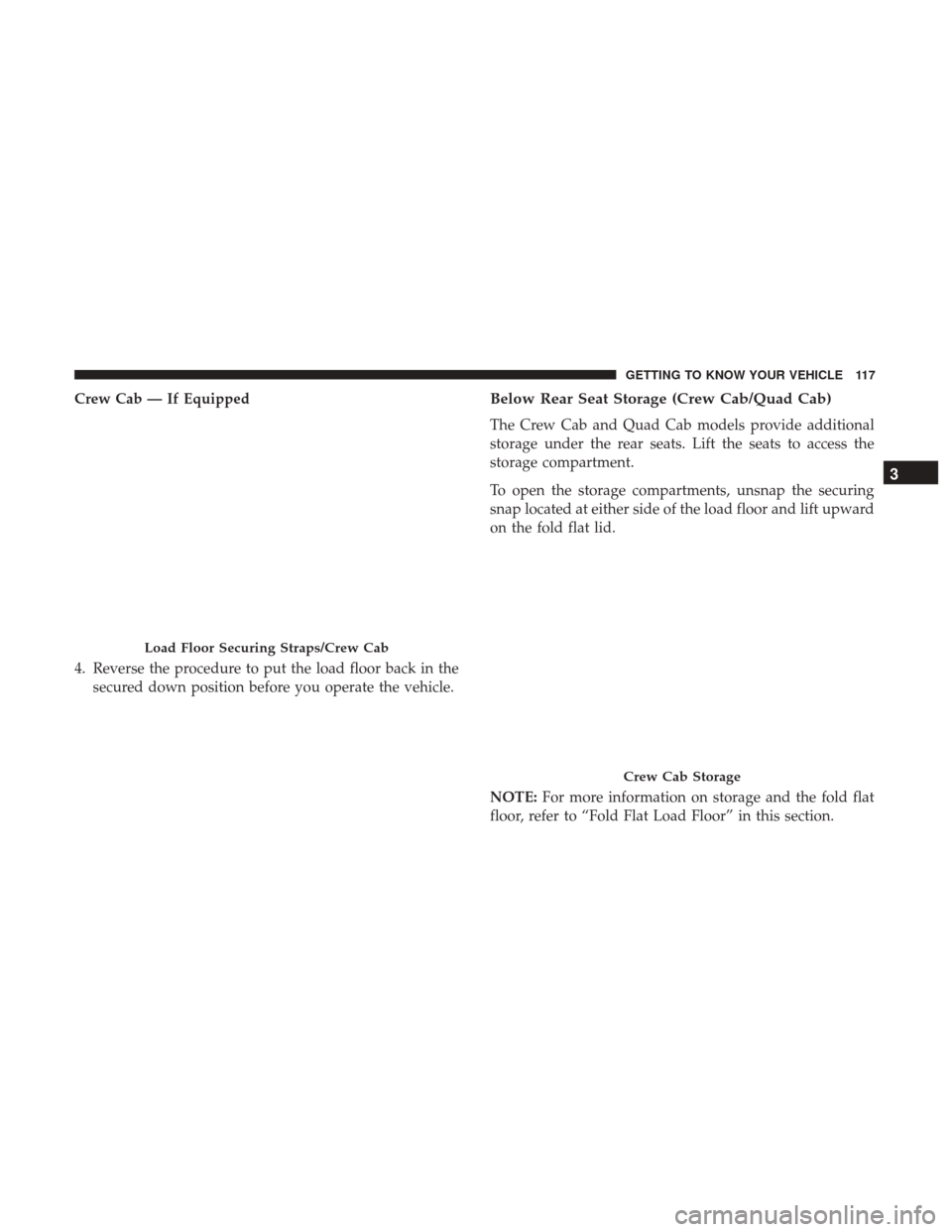
Crew Cab — If Equipped
4. Reverse the procedure to put the load floor back in thesecured down position before you operate the vehicle.Below Rear Seat Storage (Crew Cab/Quad Cab)
The Crew Cab and Quad Cab models provide additional
storage under the rear seats. Lift the seats to access the
storage compartment.
To open the storage compartments, unsnap the securing
snap located at either side of the load floor and lift upward
on the fold flat lid.
NOTE: For more information on storage and the fold flat
floor, refer to “Fold Flat Load Floor” in this section.
Load Floor Securing Straps/Crew Cab
Crew Cab Storage
3
GETTING TO KNOW YOUR VEHICLE 117
Page 120 of 527
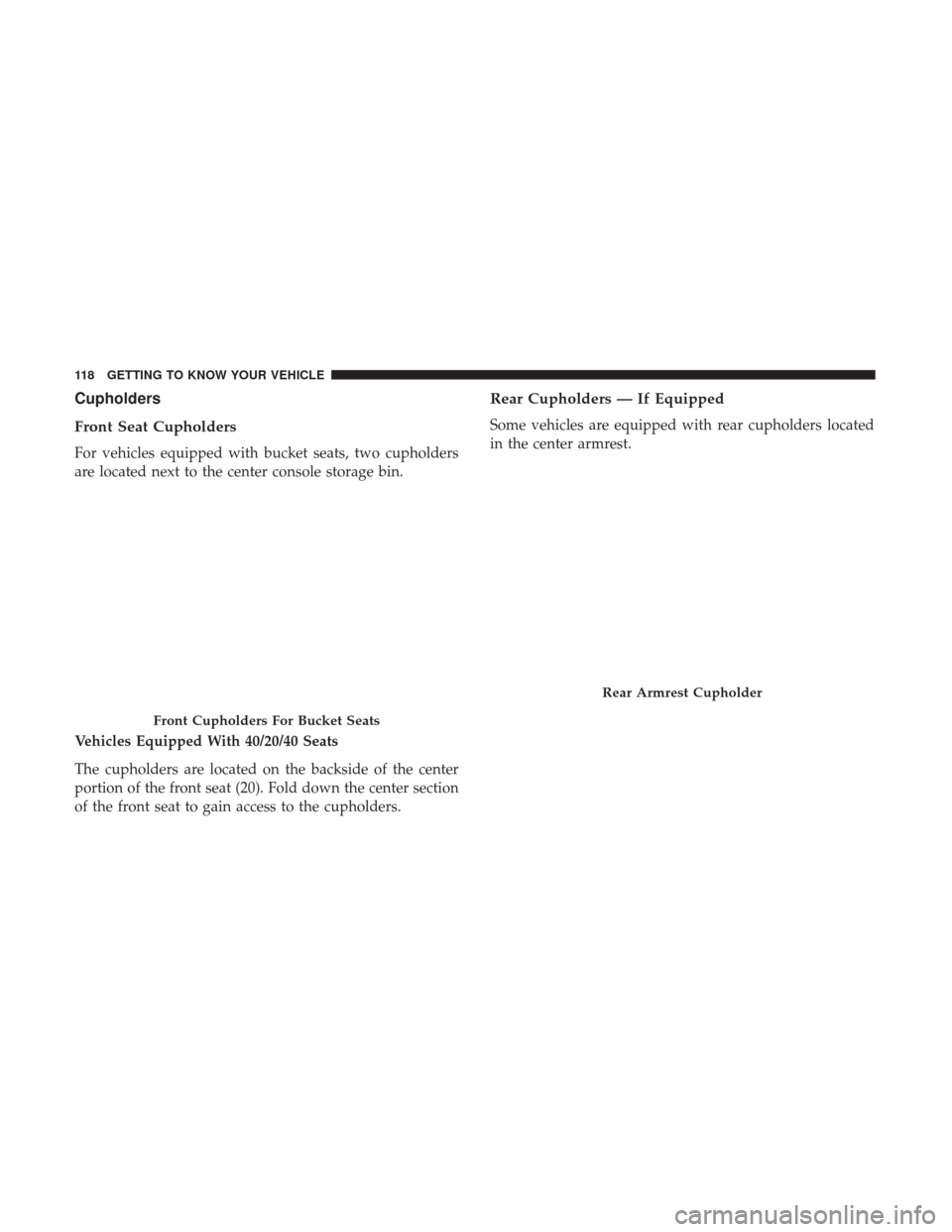
Cupholders
Front Seat Cupholders
For vehicles equipped with bucket seats, two cupholders
are located next to the center console storage bin.
Vehicles Equipped With 40/20/40 Seats
The cupholders are located on the backside of the center
portion of the front seat (20). Fold down the center section
of the front seat to gain access to the cupholders.
Rear Cupholders — If Equipped
Some vehicles are equipped with rear cupholders located
in the center armrest.
Front Cupholders For Bucket Seats
Rear Armrest Cupholder
118 GETTING TO KNOW YOUR VEHICLE
Page 122 of 527
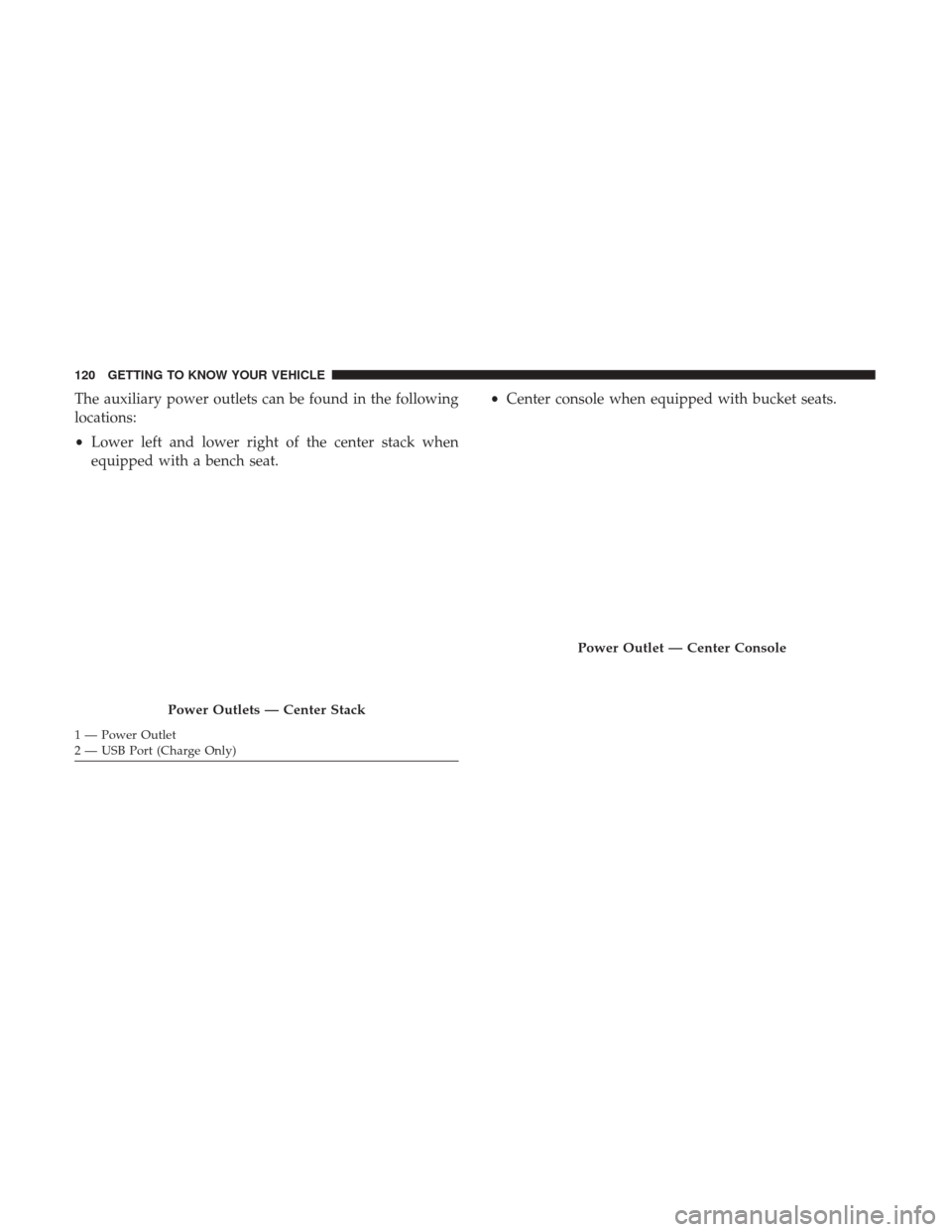
The auxiliary power outlets can be found in the following
locations:
•Lower left and lower right of the center stack when
equipped with a bench seat. •
Center console when equipped with bucket seats.
Power Outlets — Center Stack
1 — Power Outlet
2 — USB Port (Charge Only)
Power Outlet — Center Console
120 GETTING TO KNOW YOUR VEHICLE
Page 147 of 527
Turn Menu Off — If Equipped
Push and release therightarrow button to exit the main
menu.
Push and release any instrument cluster display control
button to enter the instrument cluster display main menu
again.
Battery Saver On/Battery Saver Mode Message —
Electrical Load Reduction Actions — If Equipped
This vehicle is equipped with an Intelligent Battery Sensor
(IBS) to perform additional monitoring of the electrical
system and status of the vehicle battery.
In cases when the IBS detects charging system failure, or
the vehicle battery conditions are deteriorating, electrical
load reduction actions will take place to extend the driving
time and distance of the vehicle. This is done by reducing
power to or turning off non-essential electrical loads.
Load reduction is only active when the engine is running.
It will display a message if there is a risk of battery
depletion to the point where the vehicle may stall due to
lack of electrical supply, or will not restart after the current
drive cycle. When load reduction is activated, the message “Battery
Saver On” or “Battery Saver Mode” will appear in the
instrument cluster.
These messages indicate the vehicle battery has a low state
of charge and continues to lose electrical charge at a rate
that the charging system cannot sustain.
NOTE:
•
The charging system is independent from load reduc-
tion. The charging system performs a diagnostic on the
charging system continuously.
• If the Battery Charge Warning Light is on it may indicate
a problem with the charging system. Refer to “Battery
Charge Warning Light” in “Getting To Know Your
Instrument Panel” for further information.
The electrical loads that may be switched off (if equipped),
and vehicle functions which can be affected by load
reduction:
• Heated Seat/Vented Seats/Heated Wheel
• Heated/Cooled Cup Holders — If Equipped
• Rear Defroster And Heated Mirrors
• HVAC System
4
GETTING TO KNOW YOUR INSTRUMENT PANEL 145
Page 181 of 527

NOTE:Changes or modifications not expressly approved
by the party responsible for compliance could void the
user ’s authority to operate the equipment.
OCCUPANT RESTRAINT SYSTEMS
Some of the most important safety features in your vehicle
are the restraint systems:
Occupant Restraint Systems Features
• Seat Belt Systems
• Supplemental Restraint Systems (SRS) Air Bags
• Child Restraints
Some of the safety features described in this section may be
standard equipment on some models, or may be optional
equipment on others. If you are not sure, ask your autho-
rized dealer.
Important Safety Precautions
Please pay close attention to the information in this section.
It tells you how to use your restraint system properly, to
keep you and your passengers as safe as possible. Here are some simple steps you can take to minimize the
risk of harm from a deploying air bag:
1. Children 12 years old and under should always ride
buckled up in a vehicle with a rear seat.
2. If a child from 2 to 12 years old (not in a rear-facing child restraint) must ride in the front passenger seat, move the
seat as far back as possible and use the proper child
restraint (refer to “Child Restraints” in this section for
further information).
3. Children that are not big enough to wear the vehicle seat belt properly (refer to “Child Restraints” in this section
for further information) should be secured in a vehicle
with a rear seat in child restraints or belt-positioning
booster seats. Older children who do not use child
restraints or belt-positioning booster seats should ride
properly buckled up in a vehicle with a rear seat.
4. Never allow children to slide the shoulder belt behind them or under their arm.
5. You should read the instructions provided with your child restraint to make sure that you are using it
properly.
5
SAFETY 179
Page 182 of 527
6. All occupants should always wear their lap and shoul-der belts properly.
7. The driver and front passenger seats should be moved back as far as practical to allow the front air bags room
to inflate.
8. Do not lean against the door or window. If your vehicle has side air bags, and deployment occurs, the side air
bags will inflate forcefully into the space between occu-
pants and the door and occupants could be injured.
9. If the air bag system in this vehicle needs to be modified to accommodate a disabled person, refer to the “Cus-
tomer Assistance” section for customer service contact
information.
WARNING!
•Never place a rear-facing child restraint in front of an
air bag. A deploying passenger front air bag can
cause death or serious injury to a child 12 years or
younger, including a child in a rear-facing child
restraint.
• Only use a rear-facing child restraint in a vehicle
with a rear seat.
Seat Belt Systems
Buckle up even though you are an excellent driver, even on
short trips. Someone on the road may be a poor driver and
could cause a collision that includes you. This can happen
far away from home or on your own street.
Research has shown that seat belts save lives, and they can
reduce the seriousness of injuries in a collision. Some of the
worst injuries happen when people are thrown from the
vehicle. Seat belts reduce the possibility of ejection and the
risk of injury caused by striking the inside of the vehicle.
Everyone in a motor vehicle should be belted at all times.
Enhanced Seat Belt Use Reminder System (BeltAlert)
Driver and Passenger BeltAlert (if equipped)
BeltAlert is a feature intended to remind the driver
and outboard front seat passenger (if equipped with
outboard front passenger seat BeltAlert) to buckle their
seat belts. The Belt Alert feature is active whenever the
ignition switch is in the START or ON/RUN position.
Initial Indication
If the driver is unbuckled when the ignition switch is first
in the START or ON/RUN position, a chime will signal for
180 SAFETY