keyless Ram 4500 Chassis Cab 2018 User Guide
[x] Cancel search | Manufacturer: RAM, Model Year: 2018, Model line: 4500 Chassis Cab, Model: Ram 4500 Chassis Cab 2018Pages: 529, PDF Size: 5.89 MB
Page 39 of 529
WARNING!(Continued)
•Allowing children to be in a vehicle unattended is
dangerous for a number of reasons. A child or others
could be seriously or fatally injured. Children
should be warned not to touch the parking brake,
brake pedal or the gear selector.
• Do not leave the key fob in or near the vehicle, or in
a location accessible to children, and do not leave the
ignition of a vehicle equipped with Keyless Enter-
N-Go in the ACC or ON/RUN mode. A child could
operate power windows, other controls, or move the
vehicle.
Power Door Locks — If Equipped
The power door lock switches are on each front door trim
panel. Use these switches to lock or unlock the doors.
NOTE: The key fob may not be able to be detected by the
vehicle Keyless Enter-N-Go system if it is located next to a
mobile phone, laptop or other electronic device; these
devices may block the key fob’s wireless signal and prevent
the Keyless Enter-N-Go system from starting the vehicle. If you push the power door lock switch while the key fob
is in the ignition, and any front door is open, the power
locks will not operate. This prevents you from accidentally
locking your key fob in the vehicle. Removing the key fob
or closing the door will allow the locks to operate. A chime
will sound if the key fob is in the ignition switch and a door
is open, as a reminder to remove the key fob.
Keyless Enter-N-Go — Passive Entry
The Passive Entry system is an enhancement to the vehi-
cle’s Remote Keyless Entry system and a feature of Keyless
Power Door Lock Switch
3
GETTING TO KNOW YOUR VEHICLE 37
Page 50 of 529
Power Passenger Seat Adjustment — If Equipped
Some models are equipped with a six-way power passen-
ger seat. The power seat switch is located on the outboard
side of the seat. The switch is used to control the movement
of the seat and seat cushion.
Adjusting The Seat Forward Or Rearward
The seat can be adjusted both forward and rearward. Push
the seat switch forward or rearward. The seat will move in
the direction of the switch. Release the switch when the
desired position has been reached.
Adjusting The Seat Up Or Down
The height of the seats can be adjusted up or down. Pull
upward or push downward on the rear of seat switch, the
seat will move in the direction of the switch. Release the
switch when the desired position has been reached.
Tilting The Seat Up Or Down
The angle of the seat cushion can be adjusted in four
directions. Pull upward or push downward on the front or
rear of the seat switch, the front or rear of the seat cushion
will move in the direction of the switch. Release the switch
when the desired position is reached.
Driver Memory Seat — If Equipped
This feature allows the driver to store up to two different
memory profiles for easy recall through a memory switch.
Each memory profile contains desired position settings for
the driver ’s seat, side mirrors, adjustable pedals (if
equipped) and a set of desired radio station presets. Your
remote keyless entry key fob can also be programmed to
recall the same positions when the unlock button is
pushed.
NOTE:Your vehicle is equipped with two key fobs, one
key fob can be linked to memory position 1 and the other
key fob can be linked to memory position 2.
The memory seat buttons are located on the outboard side
of the driver ’s seat cushion.
48 GETTING TO KNOW YOUR VEHICLE
Page 51 of 529
Programming The Memory Feature
To create a new memory profile, perform the following:
1. Cycle the vehicle’s ignition to the ON/RUN position (donot start the engine).
2. Adjust all memory profile settings to desired prefer- ences (i.e., driver ’s seat, outside mirrors and radio
station presets).
3. Push and release the set (S) button on the memory switch. 4. Within five seconds, push and release either of the
memory buttons (1) or (2). The instrument cluster dis-
play will show which memory position has been set.
NOTE:
• Memory profiles can be set without the vehicle in PARK,
but the vehicle must be in PARK to recall a memory
profile.
• To set a memory profile to your key fob, refer to
“Linking And Unlinking The Remote Keyless Entry Key
Fob To Memory” in this section.
Linking And Unlinking The Remote Keyless Entry
Key Fob To Memory
Your key fobs can be programmed to recall one of two
pre-programmed memory profiles by pushing the unlock
button on the key fob.
NOTE: Before programming your key fobs to memory the
feature has to be selected.
• If your vehicle is equipped with a touchscreen, you must
select the “Memory To Fob” feature through the
Uconnect system. Refer to “Uconnect Settings” in “Mul-
timedia” for further information.
Memory Seat Buttons
3
GETTING TO KNOW YOUR VEHICLE 49
Page 53 of 529
Driver Two Memory Position Recall
•To recall the memory setting for driver two using the
memory switch, push memory button (2) on the
memory switch.
• To recall the memory settings for driver two using the
key fob, push the unlock button on the key fob linked to
memory position 2.
A recall can be cancelled by pushing any of the memory
buttons during a recall (S, 1, or 2). When a recall is
cancelled, the driver’s seat and the power pedals (if
equipped) stop moving. A delay of one second will occur
before another recall can be selected.
Easy Entry/Exit Seat
This feature provides automatic driver ’s seat positioning to
enhance driver mobility when entering and exiting the
vehicle.
The distance the driver ’s seat moves depends on where
you have the driver ’s seat positioned when you remove the
key fob from the ignition (or change the ignition to OFF, for
vehicles equipped with Keyless Enter-N-Go).
• When you remove the key fob from the ignition (or
change the ignition to OFF, for vehicles equipped with Keyless Enter-N-Go), the driver ’s seat will move about
2.4 inches (60 mm) rearward if the driver ’s seat position
is greater than or equal to 2.7 inches (67.7 mm) forward
of the rear stop. The seat will return to its previously set
position when you place the ignition into the ACC or
RUN position.
• When you remove the key fob from the ignition (or
change the ignition to OFF, for vehicles equipped with
Keyless Enter-N-Go), the driver ’s seat will move to a
position 0.3 inches (7.7 mm) forward of the rear stop if
the driver ’s seat position is between 0.9 inches and 2.7
inches (22.7 mm and 67.7 mm) forward of the rear stop.
The seat will return to its previously set position when
you place the ignition to the ACC or RUN position.
• The Easy Entry/Easy Exit feature is disabled when the
driver ’s seat position is less than 0.9 inches (22.7 mm)
forward of the rear stop. At this position, there is no
benefit to the driver by moving the seat for Easy Exit or
Easy Entry.
Each stored memory setting will have an associated Easy
Entry and Easy Exit position.
3
GETTING TO KNOW YOUR VEHICLE 51
Page 62 of 529
•The pedals cannotbe adjusted when the vehicle is in
REVERSE or when the Speed Control System is on. The
following messages will appear on vehicles equipped
with an instrument cluster display if the pedals are
attempted to be adjusted when the system is locked out:
“Adjustable Pedal Disabled — Cruise Control Engaged”
or “Adjustable Pedal Disabled — Vehicle In Reverse”.
NOTE:
• Always adjust the pedals to a position that allows full
pedal travel.
• Further small adjustments may be necessary to find the
best possible seat/pedal position.
• For vehicles equipped with Driver Memory Seat, you
can use your remote keyless entry key fob or the
memory switch on the driver ’s door trim panel to return
the adjustable pedals to pre-programmed positions. Re-
fer to “Driver Memory Seat” in “Getting To Know Your
Vehicle” for further information.
WARNING!
Do not adjust the pedals while the vehicle is moving.
You could lose control and have an accident. Always
adjust the pedals while the vehicle is parked.
CAUTION!
Do not place any article under the adjustable pedals or
impede its ability to move, as it may cause damage to
the pedal controls. Pedal travel may become limited if
movement is stopped by an obstruction in the adjust-
able pedal’s path.
MIRRORS
Inside Day/Night Mirror — If Equipped
The mirror head can be adjusted up, down, left, and right
for various drivers. The mirror should be adjusted to center
on the view through the rear window.
Headlight glare from vehicles behind you can be reduced
by moving the small control under the mirror to the night
position (toward the rear of the vehicle). The mirror should
be adjusted while set in the day position (toward the
windshield).
60 GETTING TO KNOW YOUR VEHICLE
Page 78 of 529
Battery Saver
To protect the life of your vehicle’s battery, load shedding
is provided for both the interior and exterior lights.
If the ignition is OFF and any door is left ajar for 10 minutes
or the dimmer control is rotated all the way up to the dome
on position for 10 minutes, the interior lights will automati-
cally turn off.
NOTE:Battery saver mode is canceled if the ignition is
ON.
If the headlights remain on while the ignition is cycled OFF,
the exterior lights will automatically turn off after eight
minutes. If the headlights are turned on and left on for
eight minutes while the ignition is OFF, the exterior lights
will automatically turn off.
INTERIOR LIGHTS
Courtesy Lights
Courtesy and dome lights are turned on when the front
doors are opened, when the dimmer control (rotating
wheel on the bottom of the switch) is rotated to the far right
detent position. If your vehicle is equipped with Remote
Keyless Entry, and the unlock button is pushed on the key
fob, the courtesy and dome lights will turn on.
Courtesy/Reading Lights
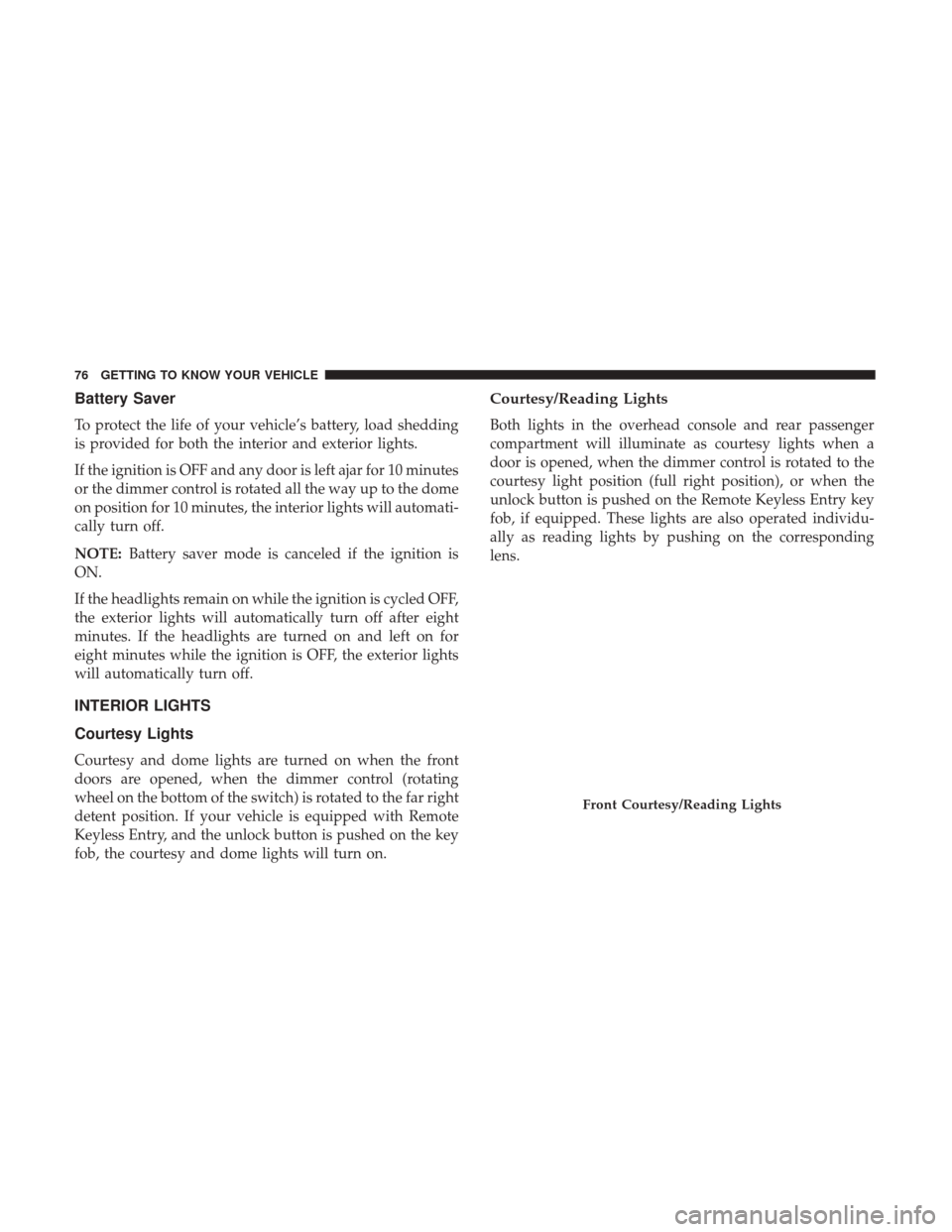
Both lights in the overhead console and rear passenger
compartment will illuminate as courtesy lights when a
door is opened, when the dimmer control is rotated to the
courtesy light position (full right position), or when the
unlock button is pushed on the Remote Keyless Entry key
fob, if equipped. These lights are also operated individu-
ally as reading lights by pushing on the corresponding
lens.
Front Courtesy/Reading Lights
76 GETTING TO KNOW YOUR VEHICLE
Page 101 of 529
WINDOWS
Power Windows — If Equipped
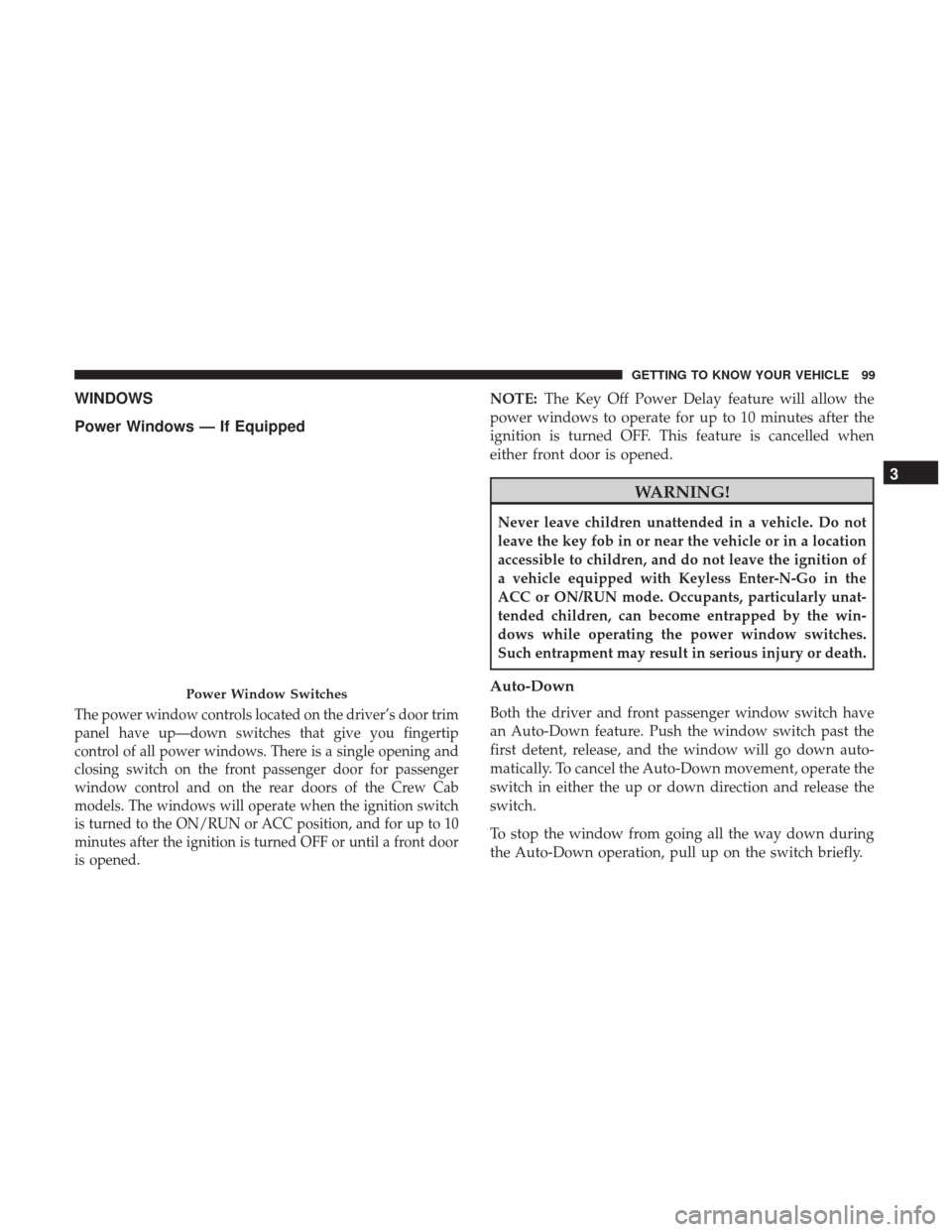
The power window controls located on the driver’s door trim
panel have up—down switches that give you fingertip
control of all power windows. There is a single opening and
closing switch on the front passenger door for passenger
window control and on the rear doors of the Crew Cab
models. The windows will operate when the ignition switch
is turned to the ON/RUN or ACC position, and for up to 10
minutes after the ignition is turned OFF or until a front door
is opened.
NOTE:The Key Off Power Delay feature will allow the
power windows to operate for up to 10 minutes after the
ignition is turned OFF. This feature is cancelled when
either front door is opened.
WARNING!
Never leave children unattended in a vehicle. Do not
leave the key fob in or near the vehicle or in a location
accessible to children, and do not leave the ignition of
a vehicle equipped with Keyless Enter-N-Go in the
ACC or ON/RUN mode. Occupants, particularly unat-
tended children, can become entrapped by the win-
dows while operating the power window switches.
Such entrapment may result in serious injury or death.
Auto-Down
Both the driver and front passenger window switch have
an Auto-Down feature. Push the window switch past the
first detent, release, and the window will go down auto-
matically. To cancel the Auto-Down movement, operate the
switch in either the up or down direction and release the
switch.
To stop the window from going all the way down during
the Auto-Down operation, pull up on the switch briefly.
Power Window Switches
3
GETTING TO KNOW YOUR VEHICLE 99
Page 106 of 529
battery be placed in the hand-held transmitter of the device
that is being programmed to the HomeLink system.
To erase the channels place the ignition in the ON/RUN
position and push and hold the two outside HomeLink
buttons (I and III) for up to 20 seconds. The instrument
cluster display will display “CLEARING CHANNELS.”
Release the buttons when “CHANNELS CLEARED” ap-
pears on the display.
NOTE:
•For vehicle’s equipped with Keyless Enter-N-Go, place
the ignition in the RUN position with the Engine ON.
Make sure while programming HomeLink with the
engine ON that your vehicle is outside of your garage, or
that the garage door remains open at all times.
• Erasing all channels should only be performed when
programming HomeLink for the first time. Do not erase
channels when programming additional buttons.
• If you have any problems, or require assistance, please
call toll-free 1-800-355-3515 or, on the Internet at
HomeLink.com for information or assistance.Programming A Rolling Code
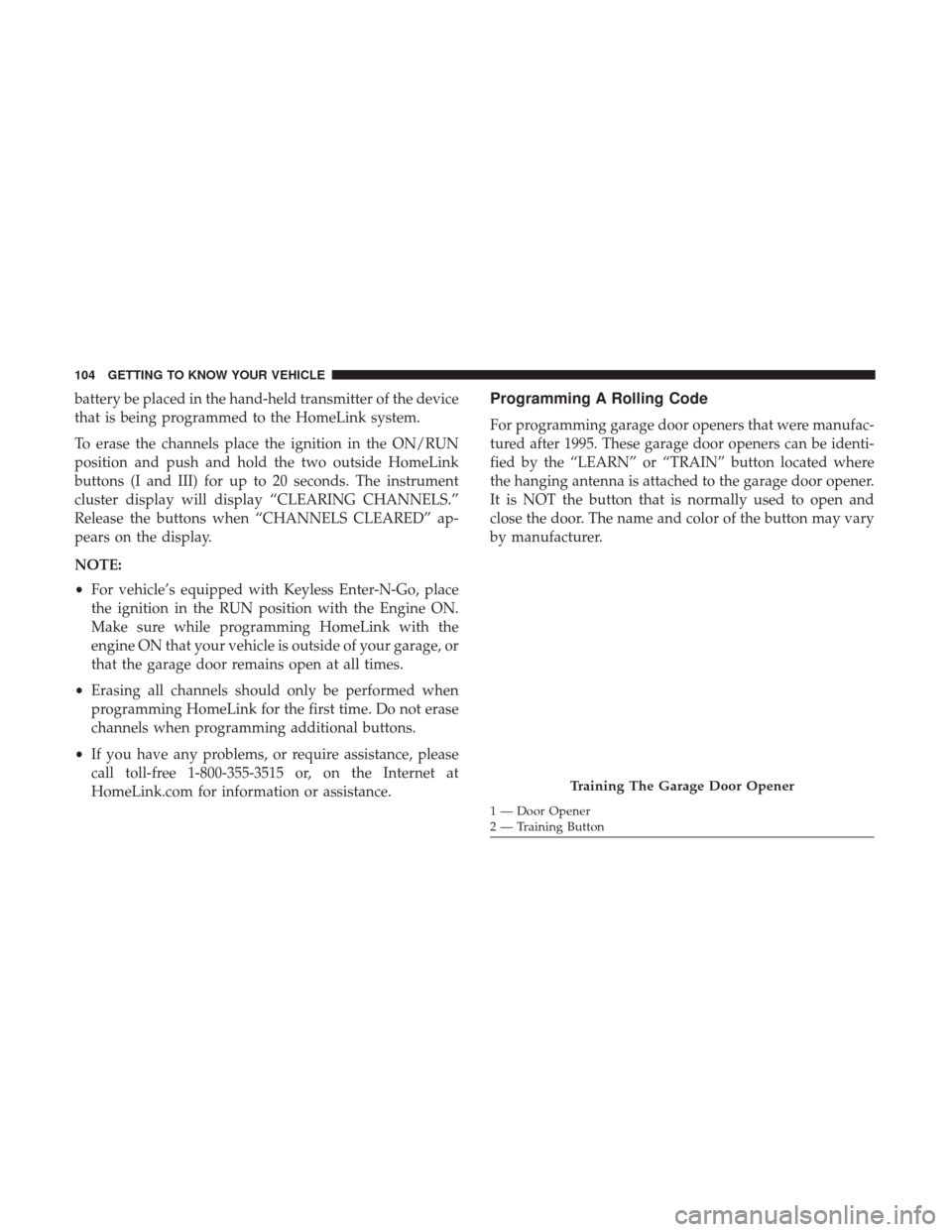
For programming garage door openers that were manufac-
tured after 1995. These garage door openers can be identi-
fied by the “LEARN” or “TRAIN” button located where
the hanging antenna is attached to the garage door opener.
It is NOT the button that is normally used to open and
close the door. The name and color of the button may vary
by manufacturer.
Training The Garage Door Opener
1 — Door Opener
2 — Training Button
104 GETTING TO KNOW YOUR VEHICLE
Page 107 of 529

1. Turn the ignition switch to the ON/RUN position.
NOTE:For vehicles equipped with Keyless Enter-N-Go,
place the ignition in the RUN position with the Engine ON.
Make sure while programming HomeLink with the engine
ON that your vehicle is outside of your garage, or that the
garage door remains open at all times.
2. Place the hand - held transmitter 1 to 3 inches (3 to 8 cm) away from the HomeLink button you wish to program.
3. Push and hold the HomeLink button you want to program while you push and hold the hand - held
transmitter button.
4. Continue to hold both buttons until the instrument cluster display changes from “CHANNEL # TRAIN-
ING” to “CHANNEL # TRAINED,” then release both
buttons.
NOTE: •It may take up to 30 seconds or longer in some cases
for the channel to train.
• If “DID NOT TRAIN” appears in the Instrument
Cluster Display, repeat from Step 2. 5. At the garage door opener motor (in the garage), locate
the “LEARN” or “TRAINING” button. This can usually
be found where the hanging antenna wire is attached to
the garage door opener/device motor. Firmly push and
release the “LEARN” or “TRAINING” button. On some
garage door openers/devices there may be a light that
blinks when the garage door opener/device is in the
LEARN/TRAIN mode.
NOTE: You have 30 seconds in which to initiate the next
step after the LEARN button has been pushed.
6. Return to the vehicle and push the programmed HomeLink button twice (holding the button for two
seconds each time). The instrument cluster display will
show “CHANNEL # TRANSMIT.” If the garage door
opener/device activates, programming is complete.
NOTE: If the garage door opener/device does not activate,
push the button a third time (for two seconds) to complete
the training.
To program the remaining two HomeLink buttons, repeat
each step for each remaining button. DO NOT erase the
channels.
3
GETTING TO KNOW YOUR VEHICLE 105
Page 109 of 529

2. Push and hold the desired HomeLink button until theindicator light begins to flash after 20 seconds. Do not
release the button.
3. Without releasing the button proceed with “Program-
ming A Non-Rolling Code” step 2 and follow all remain-
ing steps.
Canadian/Gate Operator Programming
For programming transmitters in Canada/United States
that require the transmitter signals to “time-out” after
several seconds of transmission.
Canadian radio frequency laws require transmitter signals
to time-out (or quit) after several seconds of transmission –
which may not be long enough for HomeLink to pick up
the signal during programming. Similar to this Canadian
law, some U.S. gate operators are designed to time-out in
the same manner.
It may be helpful to unplug the device during the cycling
process to prevent possible overheating of the garage door
or gate motor.
1. Turn the ignition switch to the ON/RUN position. NOTE:
For vehicle’s equipped with Keyless Enter-N-Go,
place the ignition in the RUN position with the Engine ON.
For vehicle’s equipped with Keyless Enter-N-Go, place the
ignition in the RUN position with the Engine ON. Make
sure while programming HomeLink with the engine ON
that your vehicle is outside of your garage, or that the
garage door remains open at all times.
2. Place the hand - held transmitter 1 to 3 inches (3 to 8 cm) away from the HomeLink button you wish to program.
3. Push and hold the HomeLink button while you push and release (“cycle”), your hand - held transmitter every
two seconds.
4. Continue to hold both buttons until the instrument cluster display changes from “CHANNEL # TRAIN-
ING” to “CHANNEL # TRAINED,” then release both
buttons.
NOTE: •It may take up to 30 seconds or longer in some cases
for the channel to train.
• If the instrument cluster display shows “DID NOT
TRAIN”, repeat from Step 2.
3
GETTING TO KNOW YOUR VEHICLE 107