warning Ram 4500 Chassis Cab 2018 Owner's Guide
[x] Cancel search | Manufacturer: RAM, Model Year: 2018, Model line: 4500 Chassis Cab, Model: Ram 4500 Chassis Cab 2018Pages: 529, PDF Size: 5.89 MB
Page 65 of 529
WARNING!
Vehicles and other objects seen in the passenger side
convex mirror will look smaller and farther away than
they really are. Relying too much on your passenger
side convex mirror could cause you to collide with
another vehicle or other object. Use your inside mirror
when judging the size or distance of a vehicle seen in
the passenger side convex mirror. Some vehicles will
not have a convex passenger side mirror.
Driver’s Outside Automatic Dimming Mirror — If
Equipped
The driver ’s outside mirror will automatically adjust for
glare from vehicles behind you. This feature is controlled
by the inside automatic dimming mirror and will automati-
cally adjust for headlight glare when the inside mirror
adjusts.
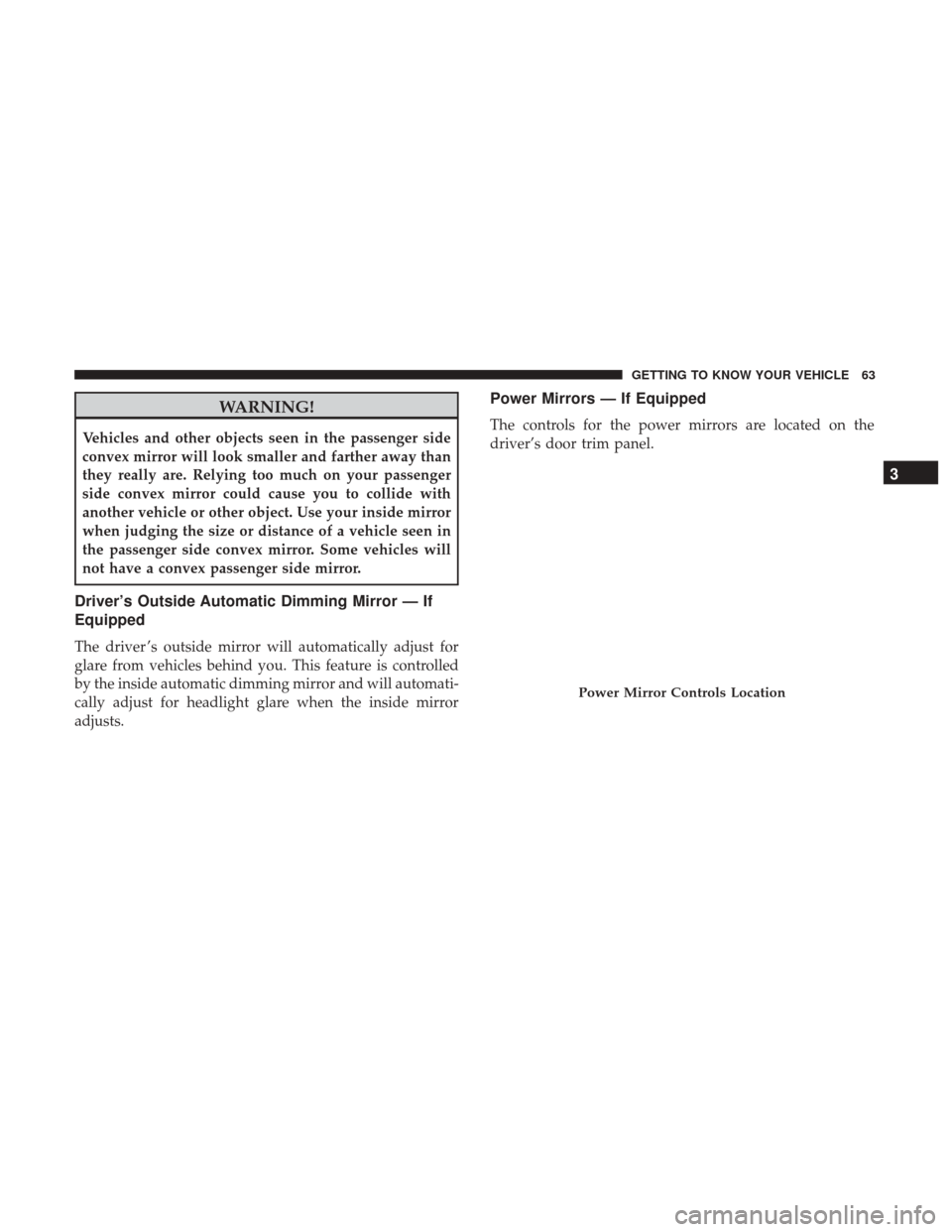
Power Mirrors — If Equipped
The controls for the power mirrors are located on the
driver’s door trim panel.
Power Mirror Controls Location
3
GETTING TO KNOW YOUR VEHICLE 63
Page 82 of 529
The delay interval decreases as you rotate the knob until it
enters the low continual speed position. The delay can be
regulated from a maximum of about 18 seconds between
cycles, to a cycle every one second. The delay intervals will
double in duration when the vehicle speed is 10 mph
(16 km/h) or less.
Windshield Washers
To use the windshield washer, push the washer knob,
located on the end of the multifunction lever, inward to the
second detent. Washer fluid will be sprayed and the wiper
will operate for two to three cycles after the washer knob is
released from this position.
If the washer knob is depressed while in the delay range,
the wiper will operate for several seconds after the washer
knob is released. It will then resume the intermittent
interval previously selected. If the washer knob is pushed
while in the off position, the wiper will turn on and cycle
approximately three times after the wash knob is released.
To prevent freeze-up of your windshield washer system in
cold weather, select a solution or mixture that meets or
exceeds the temperature range of your climate. This rating
information can be found on most washer fluid containers.
WARNING!
Sudden loss of visibility through the windshield could
lead to a collision. You might not see other vehicles or
other obstacles. To avoid sudden icing of the wind-
shield during freezing weather, warm the windshield
with the defroster before and during windshield
washer use.
Mist Feature
When a single wipe to clear off road mist or spray from a
passing vehicle is needed, push the washer knob, located
on the end of the multifunction lever, inward to the first
detent and release. The wipers will cycle one time and
automatically shut off.
NOTE:The mist feature does not activate the washer
pump; therefore, no washer fluid will be sprayed on the
windshield. The wash function must be used in order to
spray the windshield with washer fluid.
Rain Sensing Wipers — If Equipped
This feature senses moisture on the windshield and auto-
matically activates the wipers for the driver. The feature is
especially useful for road splash or overspray from the
80 GETTING TO KNOW YOUR VEHICLE
Page 101 of 529
WINDOWS
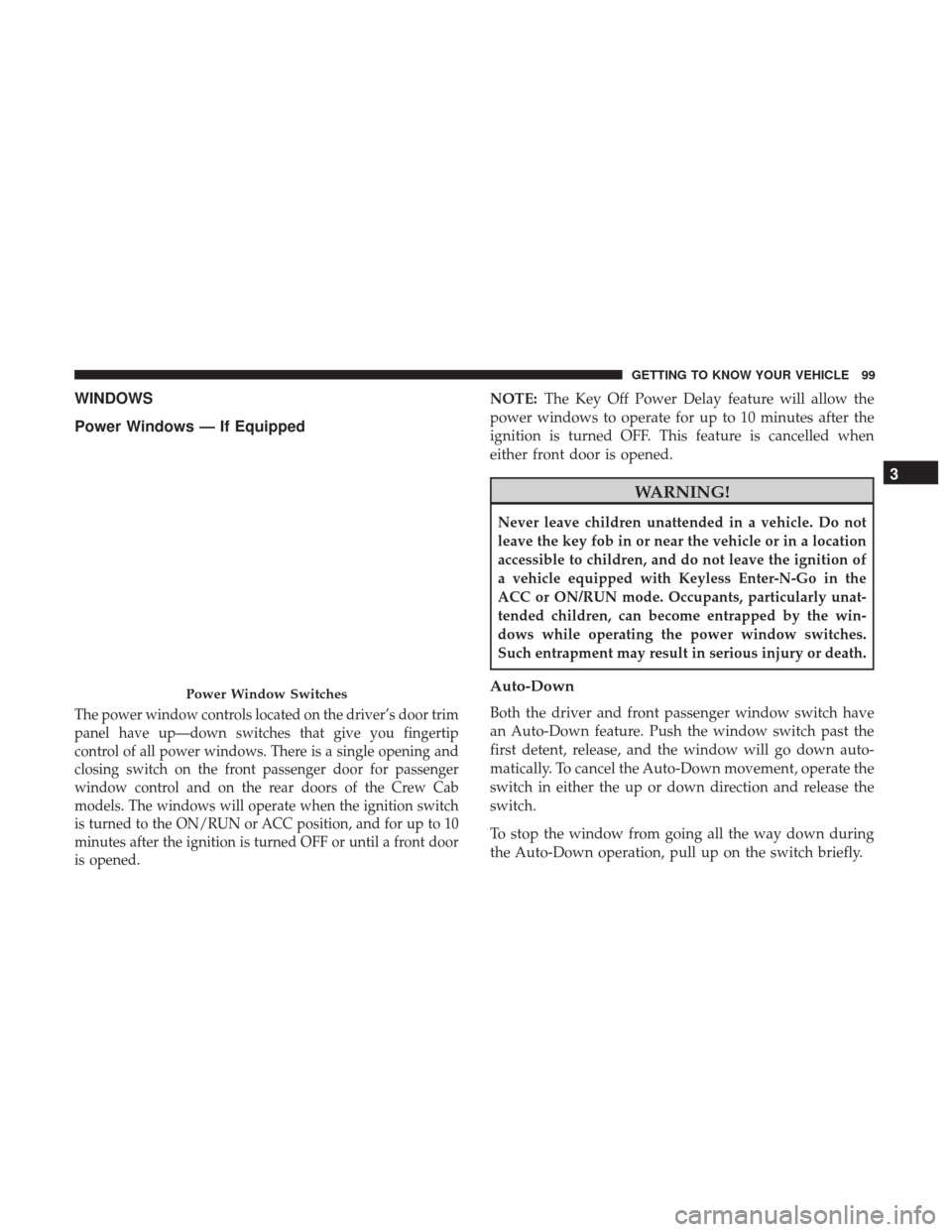
Power Windows — If Equipped
The power window controls located on the driver’s door trim
panel have up—down switches that give you fingertip
control of all power windows. There is a single opening and
closing switch on the front passenger door for passenger
window control and on the rear doors of the Crew Cab
models. The windows will operate when the ignition switch
is turned to the ON/RUN or ACC position, and for up to 10
minutes after the ignition is turned OFF or until a front door
is opened.
NOTE:The Key Off Power Delay feature will allow the
power windows to operate for up to 10 minutes after the
ignition is turned OFF. This feature is cancelled when
either front door is opened.
WARNING!
Never leave children unattended in a vehicle. Do not
leave the key fob in or near the vehicle or in a location
accessible to children, and do not leave the ignition of
a vehicle equipped with Keyless Enter-N-Go in the
ACC or ON/RUN mode. Occupants, particularly unat-
tended children, can become entrapped by the win-
dows while operating the power window switches.
Such entrapment may result in serious injury or death.
Auto-Down
Both the driver and front passenger window switch have
an Auto-Down feature. Push the window switch past the
first detent, release, and the window will go down auto-
matically. To cancel the Auto-Down movement, operate the
switch in either the up or down direction and release the
switch.
To stop the window from going all the way down during
the Auto-Down operation, pull up on the switch briefly.
Power Window Switches
3
GETTING TO KNOW YOUR VEHICLE 99
Page 102 of 529
To open the window part way, push to the switch to the
first detent and release it when you want the window to
stop.
Auto-Up Feature With Anti-Pinch Protection (4-Door
Models Driver And Front Passenger Door Only) —
If Equipped
Pull the window switch fully upward to the second detent,
release, and the window will go up automatically.
To stop the window from going all the way up during the
Auto-Up operation, push down on the switch briefly.
To close the window part way, lift the window switch to
the first detent and release when you want the window to
stop.
NOTE:If the window runs into any obstacle during the
Auto-Closure, it will reverse direction and then go back
down. Remove the obstacle and use the window switch
again to close the window. Any impact due to rough road
conditions may trigger the auto reverse function unexpect-
edly during auto closure. If this happens, pull the switch
lightly to the first detent and hold to close the window
manually.
WARNING!
There is no anti-pinch protection when the window is
almost closed. Be sure to clear all objects from the
window before closing.
Reset Auto-Up
Should the Auto-Up feature stop working, the window
may need to be reset. To reset Auto-Up:
1. Make sure the door is fully closed.
2. Pull the window switch up to close the window com- pletely and continue to hold the switch up for an
additional two seconds after the window is closed.
3. Push the window switch down firmly to the second detent to open the window completely and continue to
hold the switch down for an additional two seconds
after the window is fully open.
Window Lockout Switch (4–Door Models Only)
The window lockout switch on the driver’s door allows
you to disable the window control on the rear passenger
doors. To disable the window controls on the rear passen-
ger doors, push the window lock switch into the latched or
100 GETTING TO KNOW YOUR VEHICLE
Page 104 of 529
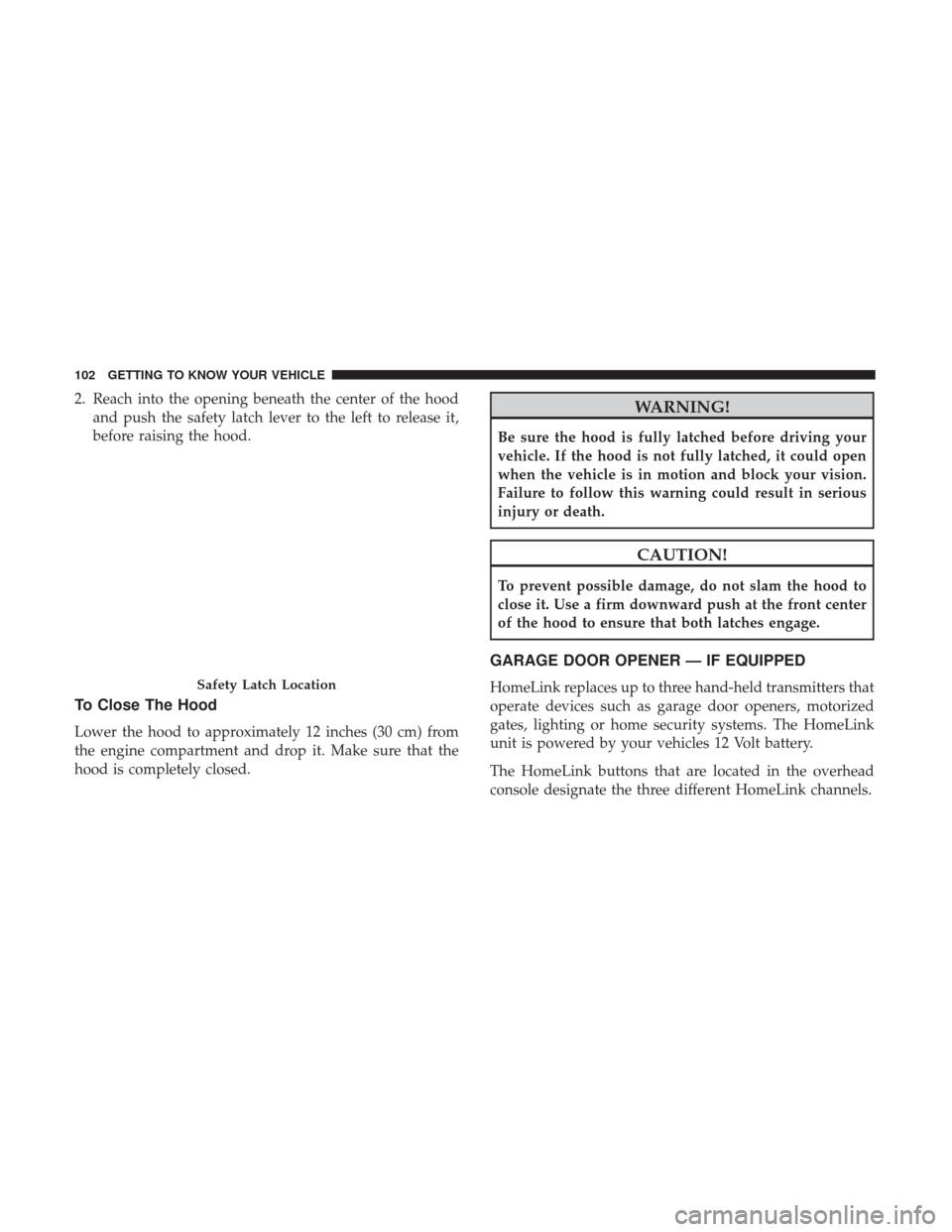
2. Reach into the opening beneath the center of the hoodand push the safety latch lever to the left to release it,
before raising the hood.
To Close The Hood
Lower the hood to approximately 12 inches (30 cm) from
the engine compartment and drop it. Make sure that the
hood is completely closed.
WARNING!
Be sure the hood is fully latched before driving your
vehicle. If the hood is not fully latched, it could open
when the vehicle is in motion and block your vision.
Failure to follow this warning could result in serious
injury or death.
CAUTION!
To prevent possible damage, do not slam the hood to
close it. Use a firm downward push at the front center
of the hood to ensure that both latches engage.
GARAGE DOOR OPENER — IF EQUIPPED
HomeLink replaces up to three hand-held transmitters that
operate devices such as garage door openers, motorized
gates, lighting or home security systems. The HomeLink
unit is powered by your vehicles 12 Volt battery.
The HomeLink buttons that are located in the overhead
console designate the three different HomeLink channels.Safety Latch Location
102 GETTING TO KNOW YOUR VEHICLE
Page 105 of 529
NOTE:HomeLink is disabled when the Vehicle Security
Alarm is active.
WARNING!
• Your motorized door or gate will open and close
while you are training the universal transceiver. Do
not train the transceiver if people, pets or other
objects are in the path of the door or gate. Only use
this transceiver with a garage door opener that has a
“stop and reverse” feature as required by Federal
(Continued)
WARNING! (Continued)
safety standards. This includes most garage door
opener models manufactured after 1982. Do not use a
garage door opener without these safety features.
Call toll-free 1-800-355-3515 or, on the Internet at
www.HomeLink.com for safety information or assis-
tance.
• Vehicle exhaust contains carbon monoxide, a danger-
ous gas. Do not run your vehicle in the garage while
training the transceiver. Exhaust gas can cause seri-
ous injury or death.
NOTE: Only use this transceiver with a garage door
opener that has a “stop and reverse” feature as required by
federal safety standards. This includes most garage door
opener models manufactured after 1982. Do not use a
garage door opener without these safety features. Call
toll-free 1-800-355-3515 or, on the Internet at
HomeLink.com for safety information or assistance.
Before You Begin Programming HomeLink
Ensure your vehicle is parked outside of the garage before
you begin programming.
For efficient programming and accurate transmission of
the radio-frequency signal it is recommended that a new
HomeLink Buttons
3
GETTING TO KNOW YOUR VEHICLE 103
Page 111 of 529
Troubleshooting Tips
If you are having trouble programming HomeLink, here
are some of the most common solutions:
•Replace the battery in the Garage Door Opener hand-
held transmitter.
• Push the LEARN button on the Garage Door Opener to
complete the training for a Rolling Code.
• Did you unplug the device for programming and re-
member to plug it back in?
If you have any problems, or require assistance, please call
toll-free 1-800-355-3515 or, on the Internet at
HomeLink.com for information or assistance.
WARNING!
• Vehicle exhaust contains carbon monoxide, a danger-
ous gas. Do not run your vehicle in the garage while
programming the transceiver. Exhaust gas can cause
serious injury or death.
• Your motorized door or gate will open and close
while you are programming the universal trans-
ceiver. Do not program the transceiver if people, pets
(Continued)
WARNING! (Continued)
or other objects are in the path of the door or gate.
Only use this transceiver with a garage door opener
that has a “stop and reverse” feature as required by
Federal safety standards. This includes most garage
door opener models manufactured after 1982. Do not
use a garage door opener without these safety fea-
tures. Call toll-free 1-800-355-3515 or, on the Internet
at HomeLink.com for safety information or assis-
tance.
General Information
The following regulatory statement applies to all Radio
Frequency (RF) devices equipped in this vehicle:
This device complies with Part 15 of the FCC Rules and
with Industry Canada license-exempt RSS standard(s).
Operation is subject to the following two conditions:
1. This device may not cause harmful interference, and
2. This device must accept any interference received, in-
cluding interference that may cause undesired opera-
tion.
3
GETTING TO KNOW YOUR VEHICLE 109
Page 115 of 529
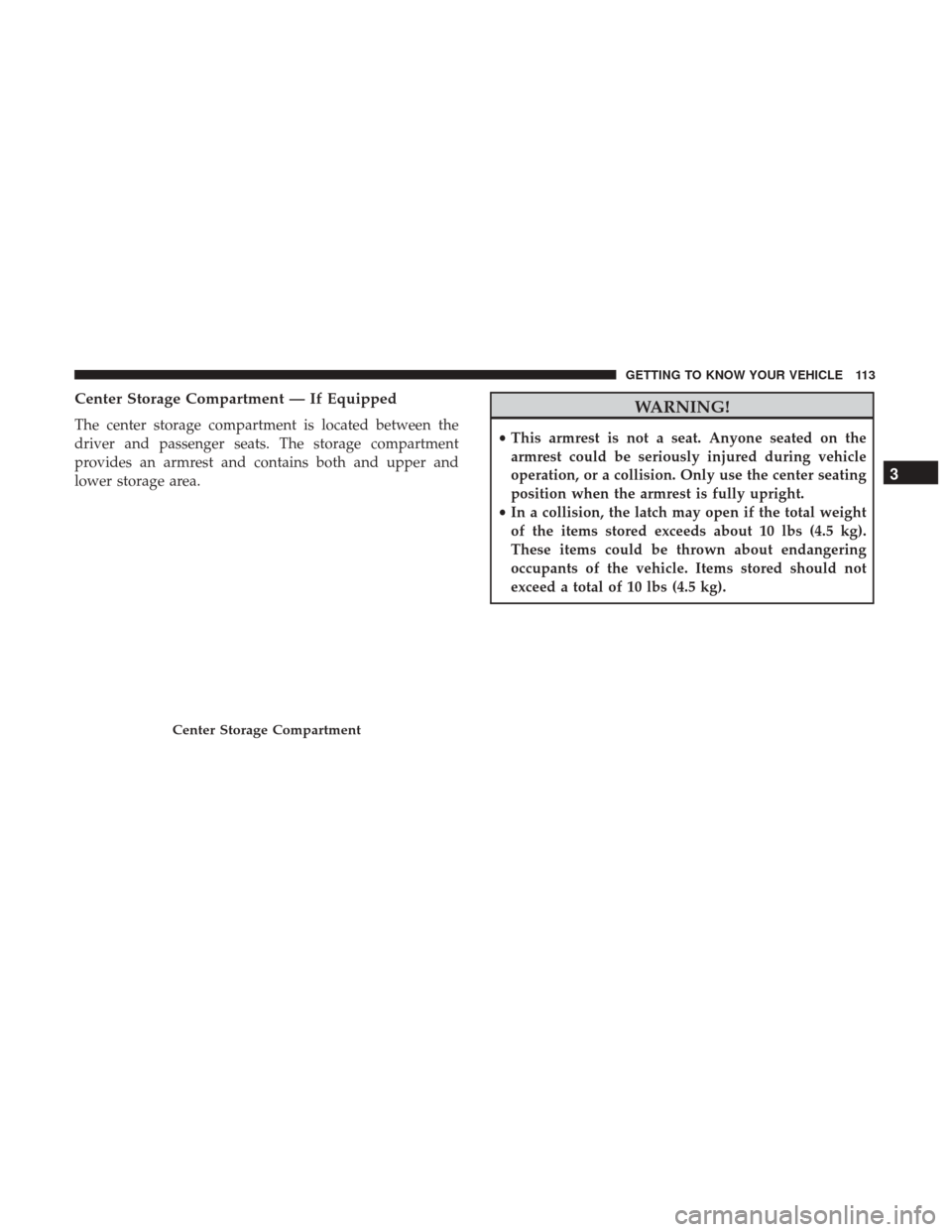
Center Storage Compartment — If Equipped
The center storage compartment is located between the
driver and passenger seats. The storage compartment
provides an armrest and contains both and upper and
lower storage area.
WARNING!
•This armrest is not a seat. Anyone seated on the
armrest could be seriously injured during vehicle
operation, or a collision. Only use the center seating
position when the armrest is fully upright.
• In a collision, the latch may open if the total weight
of the items stored exceeds about 10 lbs (4.5 kg).
These items could be thrown about endangering
occupants of the vehicle. Items stored should not
exceed a total of 10 lbs (4.5 kg).
Center Storage Compartment
3
GETTING TO KNOW YOUR VEHICLE 113
Page 116 of 529
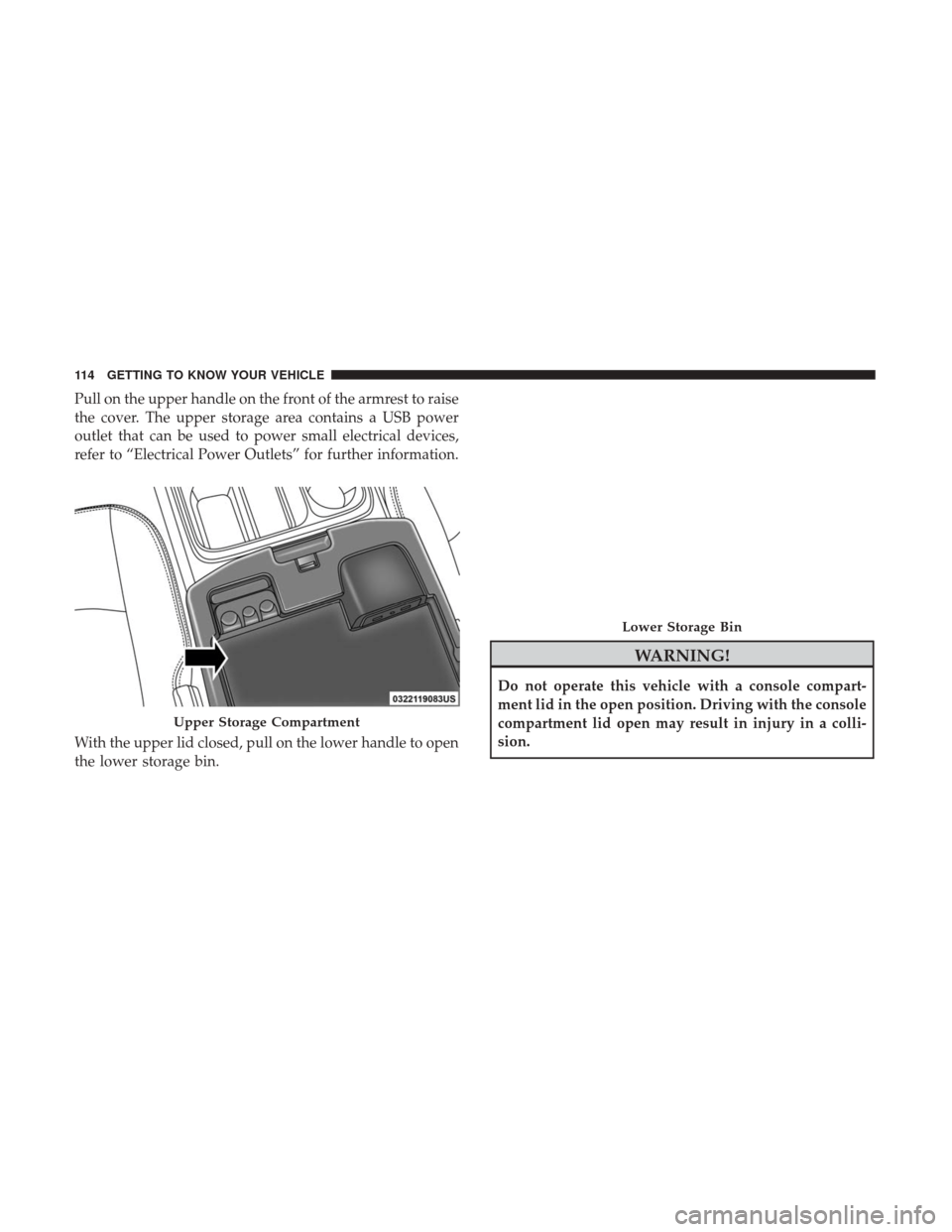
Pull on the upper handle on the front of the armrest to raise
the cover. The upper storage area contains a USB power
outlet that can be used to power small electrical devices,
refer to “Electrical Power Outlets” for further information.
With the upper lid closed, pull on the lower handle to open
the lower storage bin.
WARNING!
Do not operate this vehicle with a console compart-
ment lid in the open position. Driving with the console
compartment lid open may result in injury in a colli-
sion.
Upper Storage Compartment
Lower Storage Bin
114 GETTING TO KNOW YOUR VEHICLE
Page 119 of 529
Storage Bin (Regular Cab)
The storage bin is located behind the front seats and runs
the length of the cab.
Fold Flat Load Floor — If Equipped
Quad Cab and Crew Cab models with a 60/40 rear seat
may be equipped with a folding load floor.
WARNING!
Do not operate the vehicle with loose items stored on
the load floor. While driving or in an accident you may
experience abrupt stopping, rapid acceleration, or
sharp turns. Loose objects stored on the load floor may
move around with force and strike occupants, resulting
in serious or fatal injury.
Unfolding The Load Floor/Quad Cab
1. Lift the 60/40 seat cushion(s) to the upward position.
Storage Bin
Unfolding The Load Floor
3
GETTING TO KNOW YOUR VEHICLE 117