audio Ram 5500 Chassis Cab 2012 Owner's Guide
[x] Cancel search | Manufacturer: RAM, Model Year: 2012, Model line: 5500 Chassis Cab, Model: Ram 5500 Chassis Cab 2012Pages: 508, PDF Size: 7.01 MB
Page 261 of 508
MUSIC TYPE Button
Pressing this button once will turn on the Music Type
mode for five seconds. Pressing the MUSIC TYPE button
or turning the TUNE/SCROLL control knob within five
seconds will allow the program format type to be se-
lected.
Toggle the MUSIC TYPE button again to select the music
type.
By pressing the SEEK button when the Music Type
function is active, the radio will be tuned to the next
channel with the same selected Music Type name.
If a preset button is activated while in the Music Type
(Program Type) mode, the Music Type mode will be
exited and the radio will tune to the preset channel.
SETUP Button
Pressing the SETUP button allows you to select the
following items:
•Display Sirius ID number — Press the AUDIO/
SELECT button to display the Sirius ID number. This
number is used to activate, deactivate, or change the
Sirius subscription.
SET Button – To Set the Pushbutton Memory
When you are receiving a channel that you wish to
commit to pushbutton memory, press the SET button.
The symbol SET 1 will now show in the display window.
Select the button (1-6) you wish to lock onto this channel
and press and release that button. If a button is not
selected within five seconds after pressing the SET but-
ton, the channel will continue to play but will not be
stored into pushbutton memory.
4
UNDERSTANDING YOUR INSTRUMENT PANEL 259
Page 262 of 508
You may add a second channel to each pushbutton by
repeating the above procedure with this exception: Press
the SET button twice and SET 2 will show in the display
window. Each button can be set for SET 1 and SET 2. This
allows a total of 12 Satellite channels to be stored into
pushbutton memory. The channels stored in SET 2
memory can be selected by pressing the pushbutton
twice.
Every time a preset button is used, a corresponding
button number will display.
Buttons1-6
These buttons tune the radio to the channels that you
commit to pushbutton memory (12 Satellite stations).
Operating Instructions - Uconnect™ Phone
(If Equipped)
Refer to “Uconnect™ Phone” in “Understanding The
Features Of Your Vehicle”.
STEERING WHEEL AUDIO CONTROLS —
IF EQUIPPED
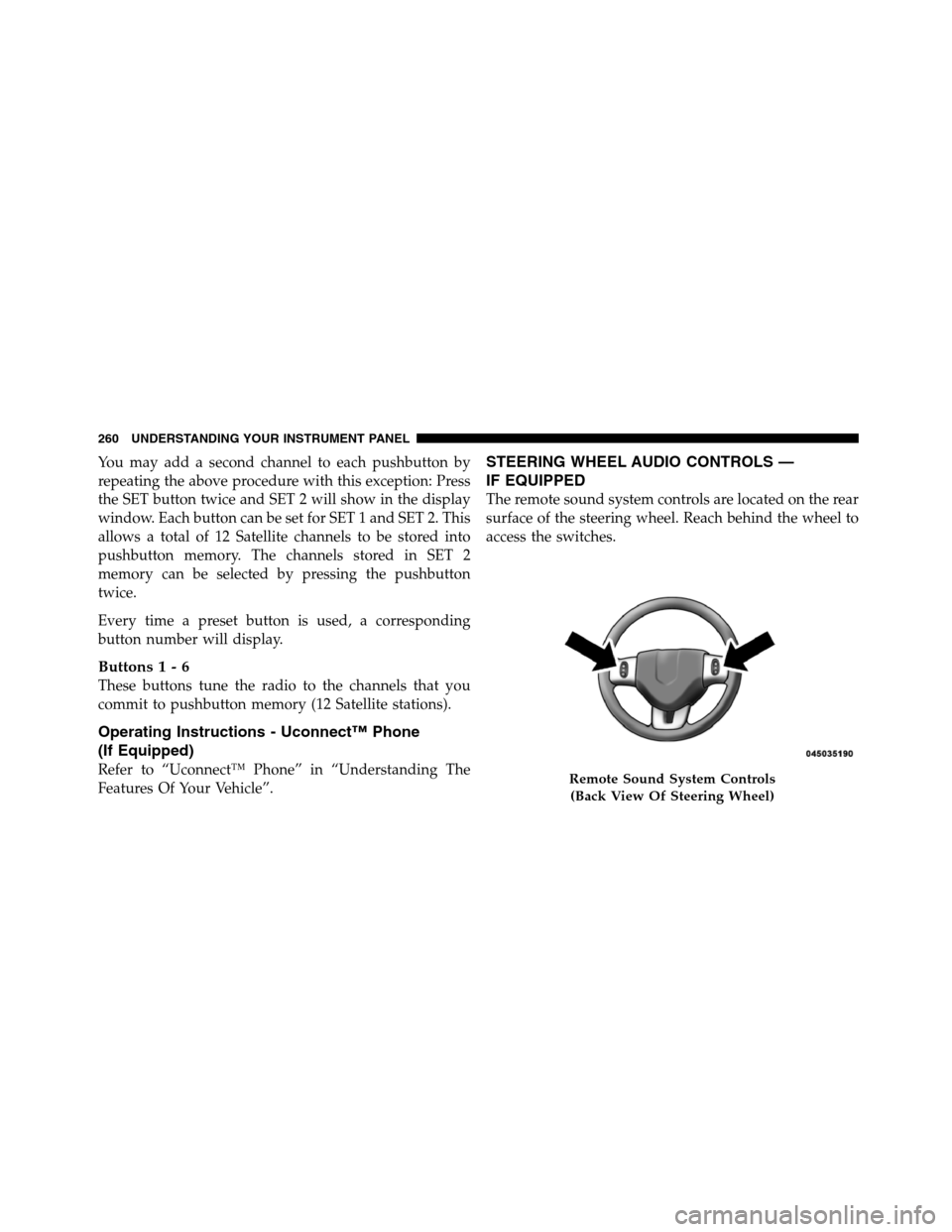
The remote sound system controls are located on the rear
surface of the steering wheel. Reach behind the wheel to
access the switches.
Remote Sound System Controls
(Back View Of Steering Wheel)
260 UNDERSTANDING YOUR INSTRUMENT PANEL
Page 263 of 508
The right hand control is a rocker type switch with a
pushbutton in the center. Pressing the top of the switch
will increase the volume, and pressing the bottom of the
switch will decrease the volume.
The button located in the center of the right hand control
will switch modes to Radio, CD or other valid audio
source.
The left hand control is a rocker type switch with a
pushbutton in the center. The function of the left hand
control is different depending on which mode you are in.
The following describes the left hand control operation in
each mode.
Radio Operation
Pressing the top of the switch will SEEK up for the next
listenable station and pressing the bottom of the switch
will SEEK down for the next listenable station.The button located in the center of the left hand control
will tune to the next pre-set station that you have
programmed in the radio pre-set pushbuttons.
CD Player
Pressing the top of the switch once will go to the next
track on the CD. Pressing the bottom of the switch once
will go to the beginning of the current track or to the
beginning of the previous track if it is within one second
after the current track begins to play.
If you press the switch up or down twice it plays the
second track, three times, it will play the third, etc.
The button in the center of the left hand switch changes
CDs on the 6–Disc in-dash CD changer radio. This button
does not function for all other radios.
4
UNDERSTANDING YOUR INSTRUMENT PANEL 261
Page 445 of 508
Cavity Cartridge
FuseMini
FuseDescription
M13 20 Amp
YellowMain #2 Instrument
Cluster/Wireless Con-
trol Module/ITM/
Siren/Multifunction
Switch (Steering Col-
umn Module)
M14 20 Amp
YellowBack Up Camera (Do-
mestic Only)
M15 20 Amp
YellowPower Seat
Module(s)/Audio
Telematics/Daytime
Running Lights
Relay/Instrument
Cluster/Transfer Case
Module
M16 10 Amp
RedAirbag ModuleCavity Cartridge
FuseMini
FuseDescription
M18 15 Amp
BlueCenter Stop Lamp
M19 25 Amp
NaturalAutomatic Shutdown
1 and 2
M20 15 Amp
BlueInstrument Cluster
Interior Lighting /Sw
Steering Wheel/Sw
Bank
M21 20 Amp
YellowAutomatic Shutdown
3
M22 10 Amp
RedHorns (Low/High) –
Right
M23 10 Amp
RedHorns (Low/High) –
Left
M25 20 Amp
YellowFuel Pump Motor/
Diesel Lift Pump – If
Equipped
7
MAINTAINING YOUR VEHICLE 443
Page 501 of 508
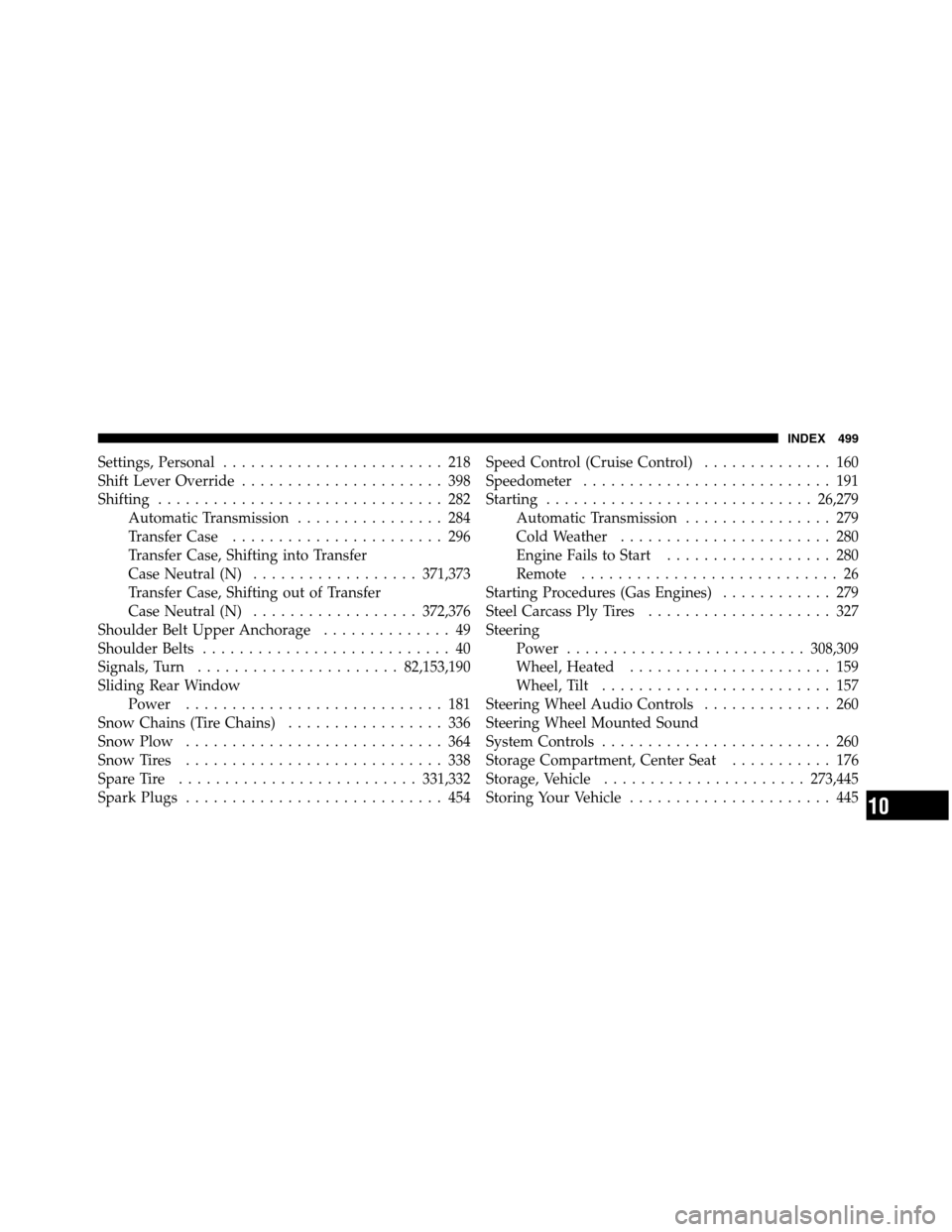
Settings, Personal........................ 218
Shift Lever Override...................... 398
Shifting ............................... 282
Automatic Transmission................ 284
Transfer Case....................... 296
Transfer Case, Shifting into Transfer
Case Neutral (N)..................371,373
Transfer Case, Shifting out of Transfer
Case Neutral (N)..................372,376
Shoulder Belt Upper Anchorage.............. 49
Shoulder Belts........................... 40
Signals, Turn...................... 82,153,190
Sliding Rear Window
Power............................ 181
Snow Chains (Tire Chains)................. 336
Snow Plow............................ 364
Snow Tires............................ 338
Spare Tire..........................331,332
Spark Plugs............................ 454Speed Control (Cruise Control).............. 160
Speedometer........................... 191
Starting............................. 26,279
Automatic Transmission................ 279
Cold Weather....................... 280
Engine Fails to Start.................. 280
Remote............................ 26
Starting Procedures (Gas Engines)............ 279
Steel Carcass Ply Tires.................... 327
Steering
Power..........................308,309
Wheel, Heated...................... 159
Wheel, Tilt......................... 157
Steering Wheel Audio Controls.............. 260
Steering Wheel Mounted Sound
System Controls......................... 260
Storage Compartment, Center Seat........... 176
Storage, Vehicle......................273,445
StoringYourVehicle ...................... 445
10
INDEX 499