instrument panel Ram 5500 Chassis Cab 2015 Manual PDF
[x] Cancel search | Manufacturer: RAM, Model Year: 2015, Model line: 5500 Chassis Cab, Model: Ram 5500 Chassis Cab 2015Pages: 599, PDF Size: 4.51 MB
Page 226 of 599
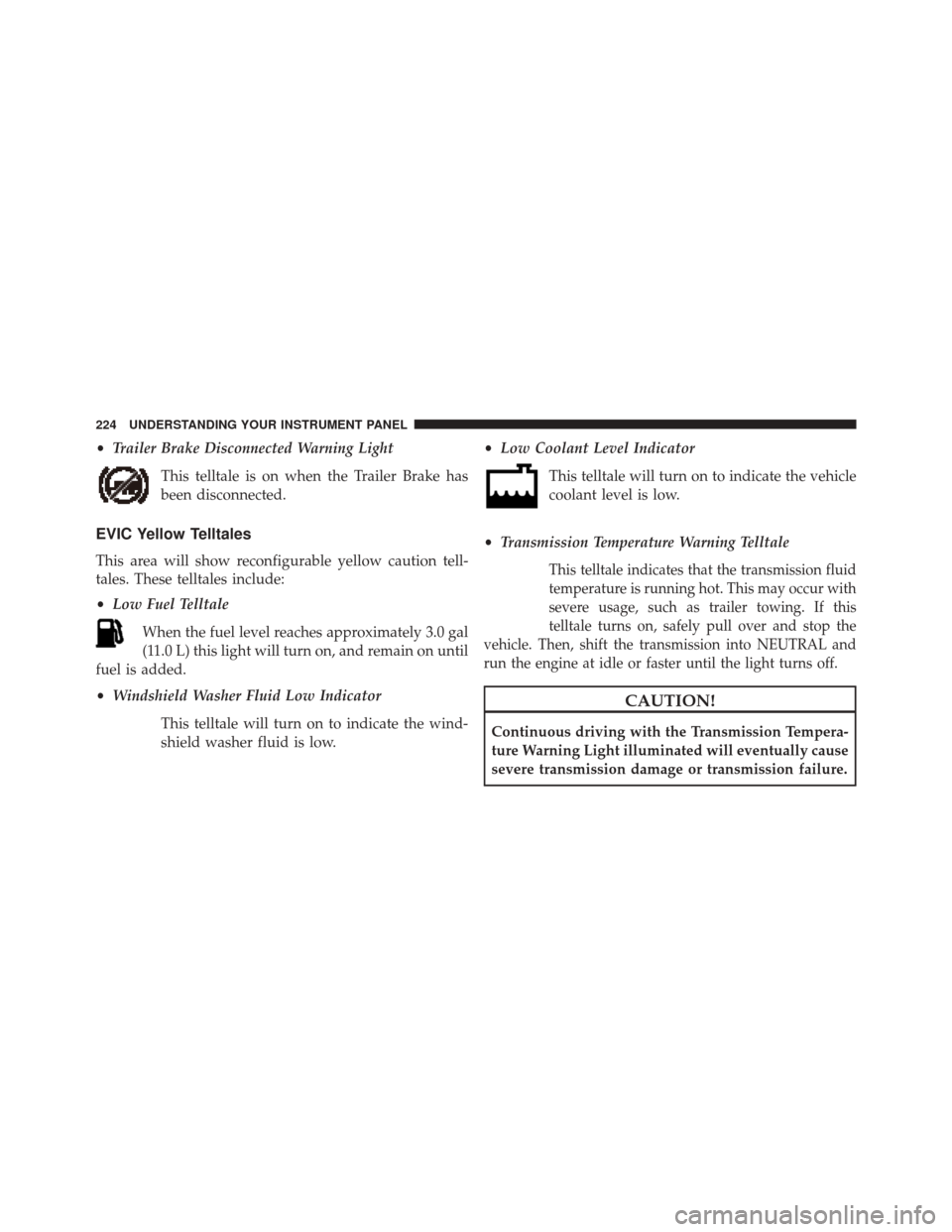
•Trailer Brake Disconnected Warning Light
This telltale is on when the Trailer Brake has
been disconnected.
EVIC Yellow Telltales
This area will show reconfigurable yellow caution tell-
tales. These telltales include:
•Low Fuel Telltale
When the fuel level reaches approximately 3.0 gal
(11.0 L) this light will turn on, and remain on until
fuel is added.
• Windshield Washer Fluid Low Indicator
This telltale will turn on to indicate the wind-
shield washer fluid is low. •
Low Coolant Level Indicator
This telltale will turn on to indicate the vehicle
coolant level is low.
• Transmission Temperature Warning TelltaleThis telltale indicates that the transmission fluid
temperature is running hot. This may occur with
severe usage, such as trailer towing. If this
telltale turns on, safely pull over and stop the
vehicle. Then, shift the transmission into NEUTRAL and
run the engine at idle or faster until the light turns off.
CAUTION!
Continuous driving with the Transmission Tempera-
ture Warning Light illuminated will eventually cause
severe transmission damage or transmission failure.
224 UNDERSTANDING YOUR INSTRUMENT PANEL
Page 227 of 599
WARNING!
If you continue operating the vehicle when the
Transmission Temperature Warning Light is illumi-
nated you could cause the fluid to boil over, come in
contact with hot engine or exhaust components and
cause a fire.
• Loose Fuel Filler Cap
This telltale will turn on to indicate that the fuel
filler cap may be loose.
EVIC White Telltales
•Electronic Speed Control ON
This light will turn on when the electronic
speed control is ON. For further information,
refer to “Electronic Speed Control” in “Under-
standing The Features Of Your Vehicle.”
• Electronic Speed Control SET
This light will turn on when the electronic
speed control is SET. For further information,
refer to “Electronic Speed Control” in “Under-
standing The Features Of Your Vehicle.”
• Hill Descent Control – If equipped
This indicator will illuminate when Hill Descent
Control (HDC) has been selected using the Hill
Descent Control Switch., refer to “Electronic
Brake Control” in “Starting And Operating.”
4
UNDERSTANDING YOUR INSTRUMENT PANEL 225
Page 228 of 599
EVIC Selectable Menu Items
Push and release the UP or DOWN arrow buttons until the
desired Selectable Menu item is highlighted in the EVIC.
Speedometer
Push and release theUPorDOWN arrow button until
the speedometer menu item is highlighted in the EVIC.
Push and release the RIGHTarrow button to cycle the
display between mph and km/h.
Vehicle Info
Push and release the UPorDOWN arrow button(s) until
the Vehicle Info menu item is highlighted in the EVIC.
Push and release the RIGHTarrow button to enter the
sub-menus items of Vehicle Info. follow the directional
prompts to access or reset any of the following Vehicle
Info sub-menu items:
• Tire Pressure •
Coolant Temp
• Transmission Temp (Automatic only)
• Oil Temp
• Oil Pressure
• Oil Life
• Battery Voltage
• Gauge Summary
• Engine HoursFuel Economy
Push and release the UPorDOWN arrow button until
the Fuel Economy menu item is highlighted. Push and
Hold the RIGHTarrow button to reset Average Fuel
Economy.
• Current Fuel
226 UNDERSTANDING YOUR INSTRUMENT PANEL
Page 229 of 599

•Economy gauge
• Average Fuel Economy value
• Range to Empty
• Dual Fuel Tank levels — If Equipped
• Push and release the RIGHT arrow button to display
the Fuel Tank Level submenu item. Your EVIC will
display the fuel levels of the Front and Rear fuel tanks.
The fuel is automatically transferred from the Rear
tank to the Front tank based on both tank levels. Fuel
transfer is complete once the Front Fuel Level is
greater than the Rear Fuel Level.
Trip A
Push and release the UPorDOWN arrow button until
the Trip A menu item is highlighted in the EVIC. The Trip
A information will display the following:
• Distance •
Average MPG
• Elapsed Time
Push and hold RIGHTarrow button to reset all informa-
tion.
Trip B
Push and release Up & Down arrow button until the Trip
B menu item is highlighted in the EVIC. The Trip B
information will display the following:
• Distance
• Average MPG
• Elapsed Time
Push and hold the RIGHTarrow button to reset all the
information.
4
UNDERSTANDING YOUR INSTRUMENT PANEL 227
Page 230 of 599
Trailer Tow
Push and release theUPorDOWN arrow button until
the Trailer Tow menu item is highlighted. Push and
release the RIGHTarrow button and the next screen will
display the following trailer trip information:
• Trip (trailer specific) Distance
• Trailer Brake
• Output
• Type
• Gain
Push and hold the RIGHTarrow button to reset all the
information.
EVIC Messages
• Front Seatbelts Unbuckled
• Driver Seatbelt Unbuckled •
Passenger Seatbelt Unbuckled
• Service Airbag System
• Traction Control Off
• Washer Fluid Low
• Oil Pressure Low
• Oil Change Due
• Fuel Low
• Service Antilock Brake System
• Service Electronic Throttle Control
• Service Power Steering
• Cruise Off
• Cruise Ready
• Cruise Set To XXX MPH
228 UNDERSTANDING YOUR INSTRUMENT PANEL
Page 231 of 599
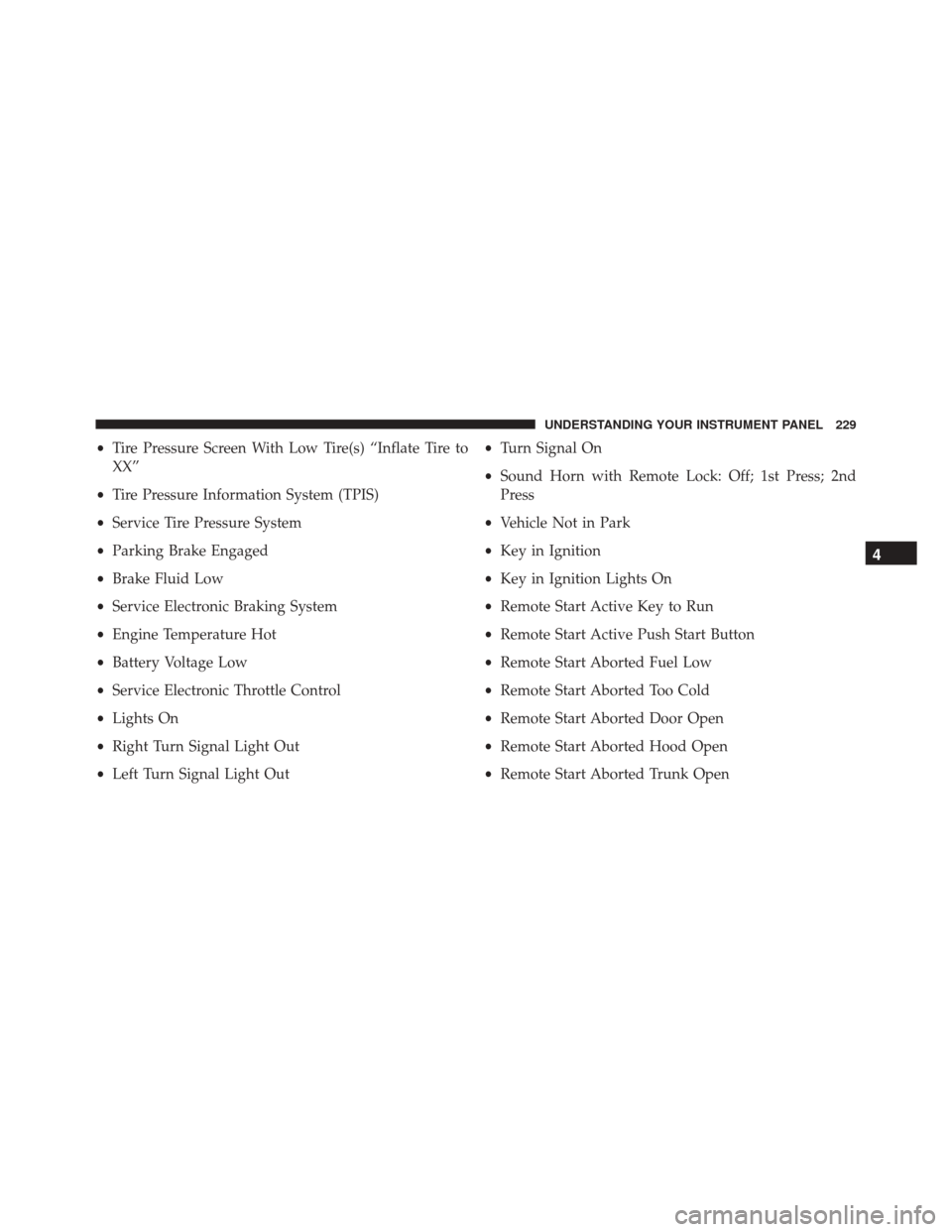
•Tire Pressure Screen With Low Tire(s) “Inflate Tire to
XX”
• Tire Pressure Information System (TPIS)
• Service Tire Pressure System
• Parking Brake Engaged
• Brake Fluid Low
• Service Electronic Braking System
• Engine Temperature Hot
• Battery Voltage Low
• Service Electronic Throttle Control
• Lights On
• Right Turn Signal Light Out
• Left Turn Signal Light Out •
Turn Signal On
• Sound Horn with Remote Lock: Off; 1st Press; 2nd
Press
• Vehicle Not in Park
• Key in Ignition
• Key in Ignition Lights On
• Remote Start Active Key to Run
• Remote Start Active Push Start Button
• Remote Start Aborted Fuel Low
• Remote Start Aborted Too Cold
• Remote Start Aborted Door Open
• Remote Start Aborted Hood Open
• Remote Start Aborted Trunk Open
4
UNDERSTANDING YOUR INSTRUMENT PANEL 229
Page 232 of 599
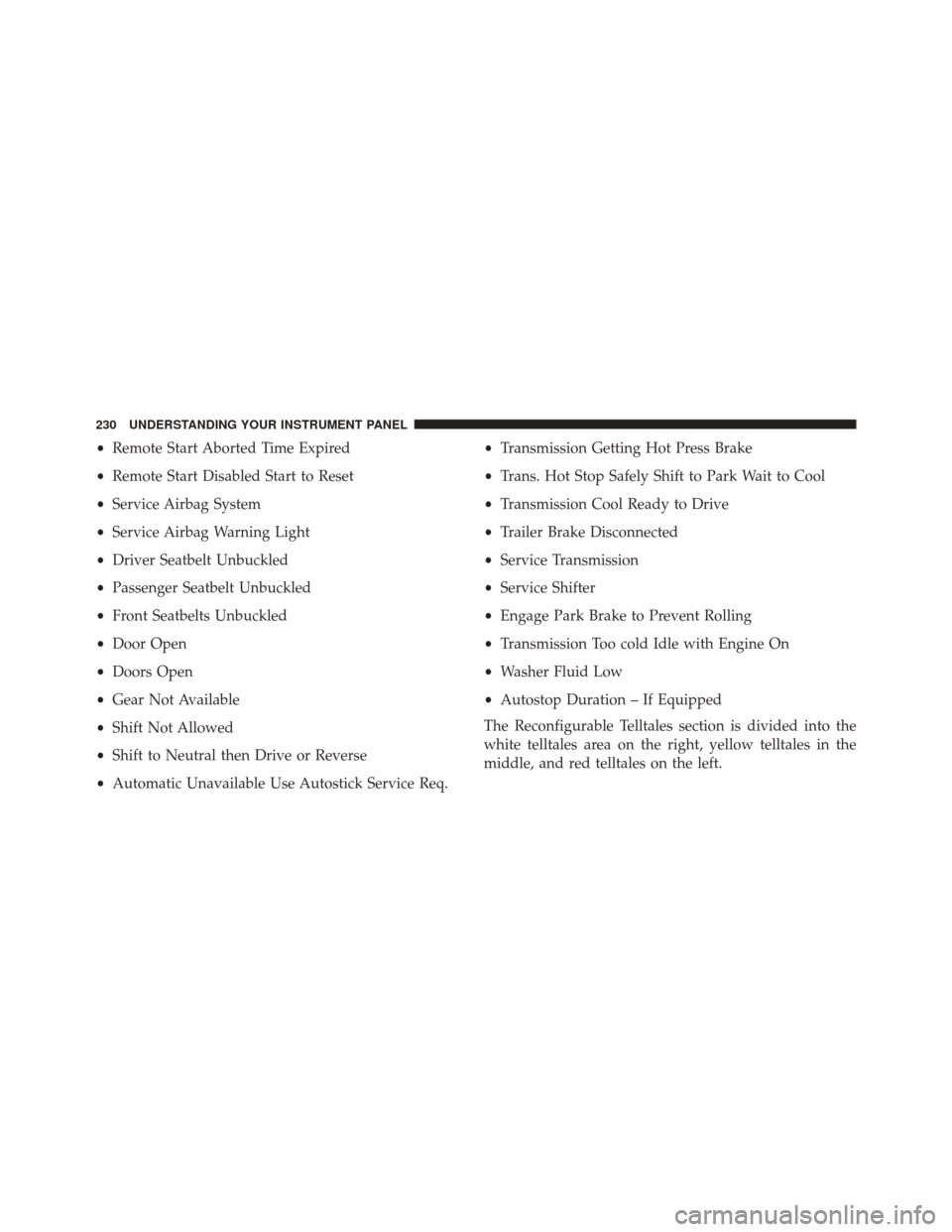
•Remote Start Aborted Time Expired
• Remote Start Disabled Start to Reset
• Service Airbag System
• Service Airbag Warning Light
• Driver Seatbelt Unbuckled
• Passenger Seatbelt Unbuckled
• Front Seatbelts Unbuckled
• Door Open
• Doors Open
• Gear Not Available
• Shift Not Allowed
• Shift to Neutral then Drive or Reverse
• Automatic Unavailable Use Autostick Service Req. •
Transmission Getting Hot Press Brake
• Trans. Hot Stop Safely Shift to Park Wait to Cool
• Transmission Cool Ready to Drive
• Trailer Brake Disconnected
• Service Transmission
• Service Shifter
• Engage Park Brake to Prevent Rolling
• Transmission Too cold Idle with Engine On
• Washer Fluid Low
• Autostop Duration – If Equipped
The Reconfigurable Telltales section is divided into the
white telltales area on the right, yellow telltales in the
middle, and red telltales on the left.
230 UNDERSTANDING YOUR INSTRUMENT PANEL
Page 233 of 599

Screen Setup
Push and release theUPorDOWN arrow button until
the Screen Setup menu item is highlighted in the EVIC.
Push and release the RIGHTarrow button to enter the
Screen Setup sub-menu. The Screen Setup feature allows
you to change what information is displayed in the
instrument cluster as well as the location that information
is displayed.
Vehicle Settings
Personal Settings allows the driver to set and recall
features when the transmission is in PARK.
Push and release the UPand DOWN button until Set-
tings displays in the EVIC.
Follow the prompts to display and set any of the follow-
ing Vehicle Settings.
NOTE: Your vehicle may or may not be equipped with
all the following settings.
Setting Names Setting Names
Abbreviated (Left Submenu Layer) Sub-Menus (Right Submenu Layer)
1 Language Select LanguageEnglish, Spanish, French, Italian, German, Dutch
2 Units Units U.S.; Metric
4
UNDERSTANDING YOUR INSTRUMENT PANEL 231
Page 234 of 599
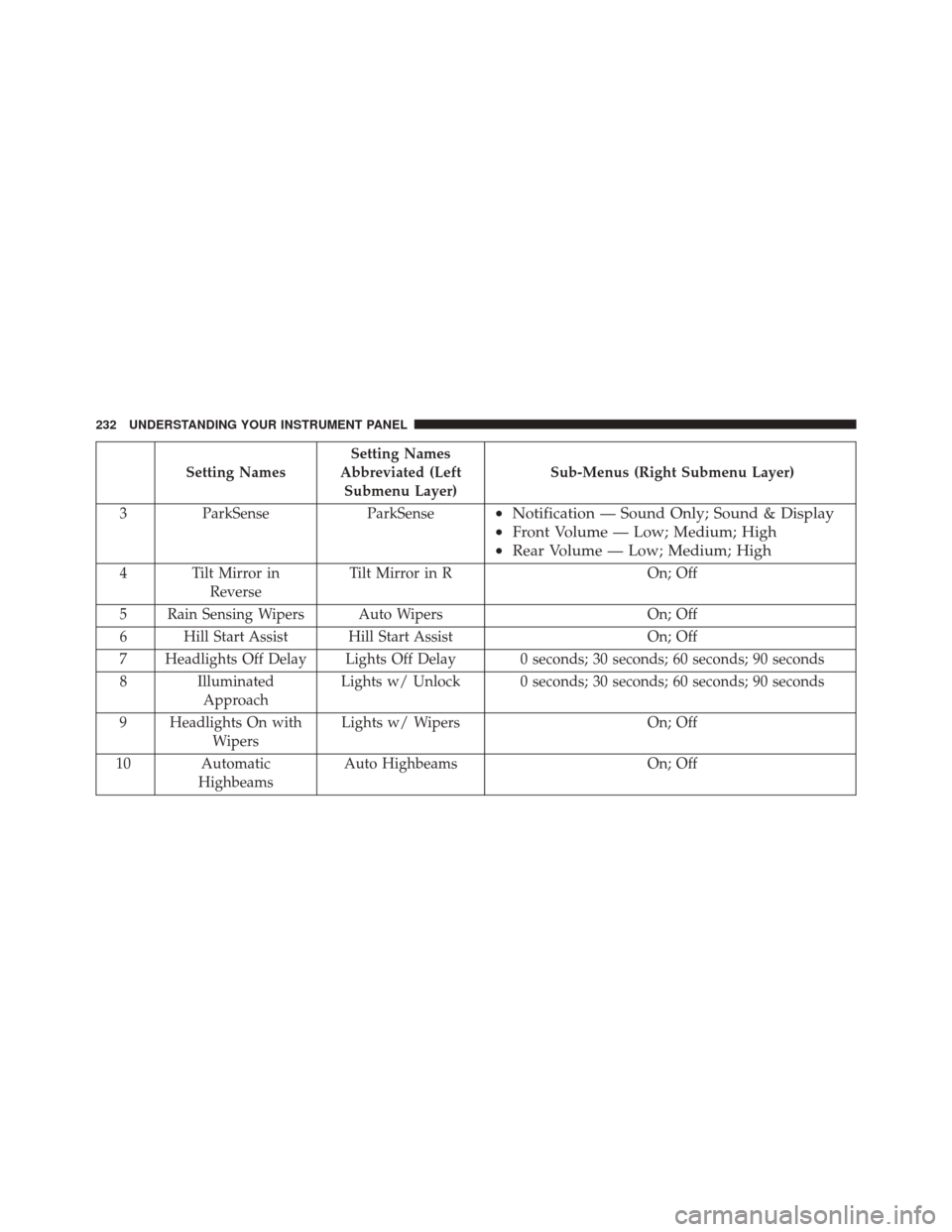
Setting NamesSetting Names
Abbreviated (Left Submenu Layer) Sub-Menus (Right Submenu Layer)
3 ParkSense ParkSense
•Notification — Sound Only; Sound & Display
• Front Volume — Low; Medium; High
• Rear Volume — Low; Medium; High
4 Tilt Mirror in
Reverse Tilt Mirror in R
On; Off
5 Rain Sensing Wipers Auto Wipers On; Off
6 Hill Start Assist Hill Start Assist On; Off
7 Headlights Off Delay Lights Off Delay 0 seconds; 30 seconds; 60 seconds; 90 seconds
8 Illuminated Approach Lights w/ Unlock 0 seconds; 30 seconds; 60 seconds; 90 seconds
9 Headlights On with Wipers Lights w/ Wipers
On; Off
10 Automatic Highbeams Auto Highbeams
On; Off
232 UNDERSTANDING YOUR INSTRUMENT PANEL
Page 235 of 599
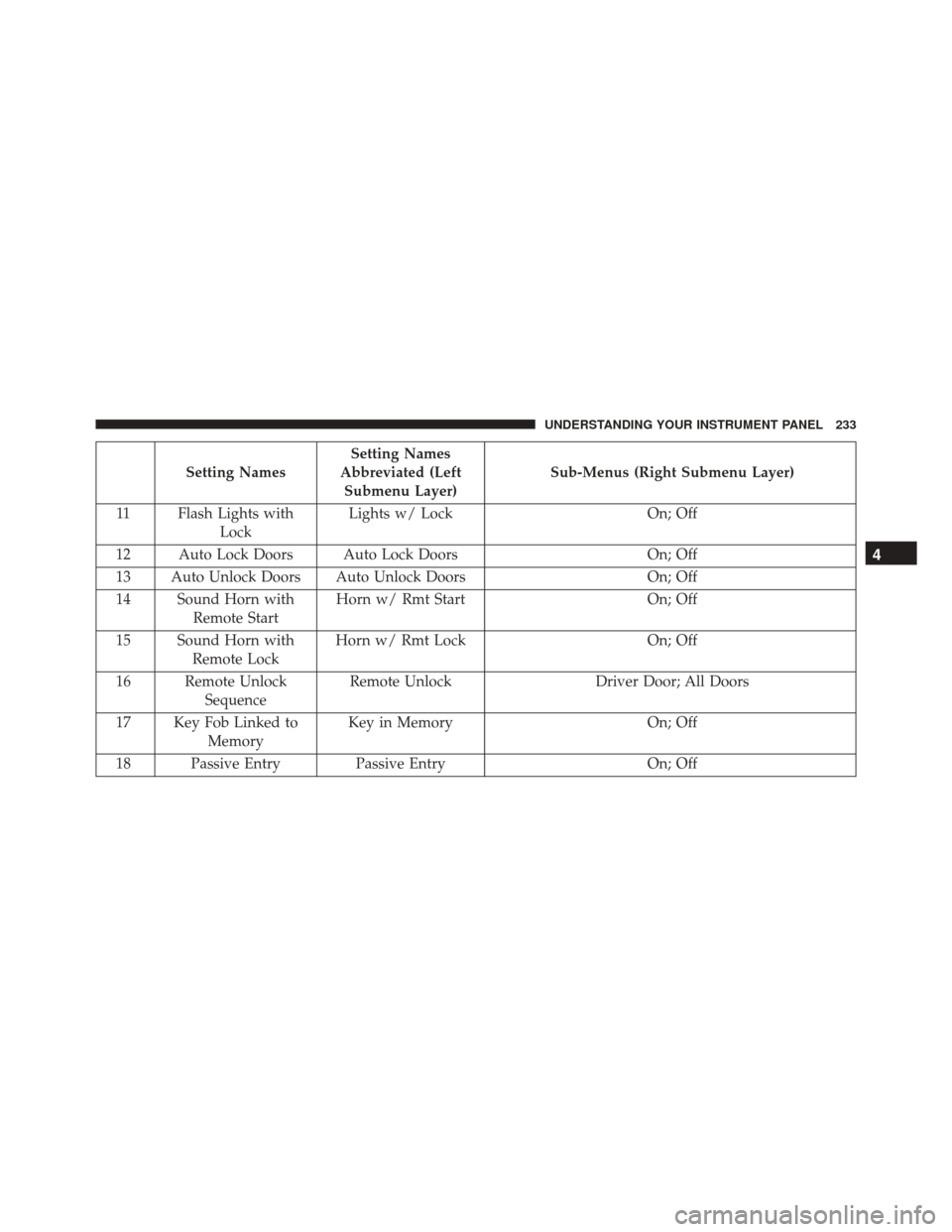
Setting NamesSetting Names
Abbreviated (Left Submenu Layer) Sub-Menus (Right Submenu Layer)
11 Flash Lights with Lock Lights w/ Lock
On; Off
12 Auto Lock Doors Auto Lock Doors On; Off
13 Auto Unlock Doors Auto Unlock Doors On; Off
14 Sound Horn with Remote Start Horn w/ Rmt Start
On; Off
15 Sound Horn with Remote Lock Horn w/ Rmt Lock
On; Off
16 Remote Unlock Sequence Remote Unlock
Driver Door; All Doors
17 Key Fob Linked to Memory Key in Memory
On; Off
18 Passive Entry Passive Entry On; Off
4
UNDERSTANDING YOUR INSTRUMENT PANEL 233