lights RAM CHASSIS CAB 2016 Repair Manual
[x] Cancel search | Manufacturer: RAM, Model Year: 2016, Model line: CHASSIS CAB, Model: RAM CHASSIS CAB 2016Pages: 675, PDF Size: 5.46 MB
Page 389 of 675
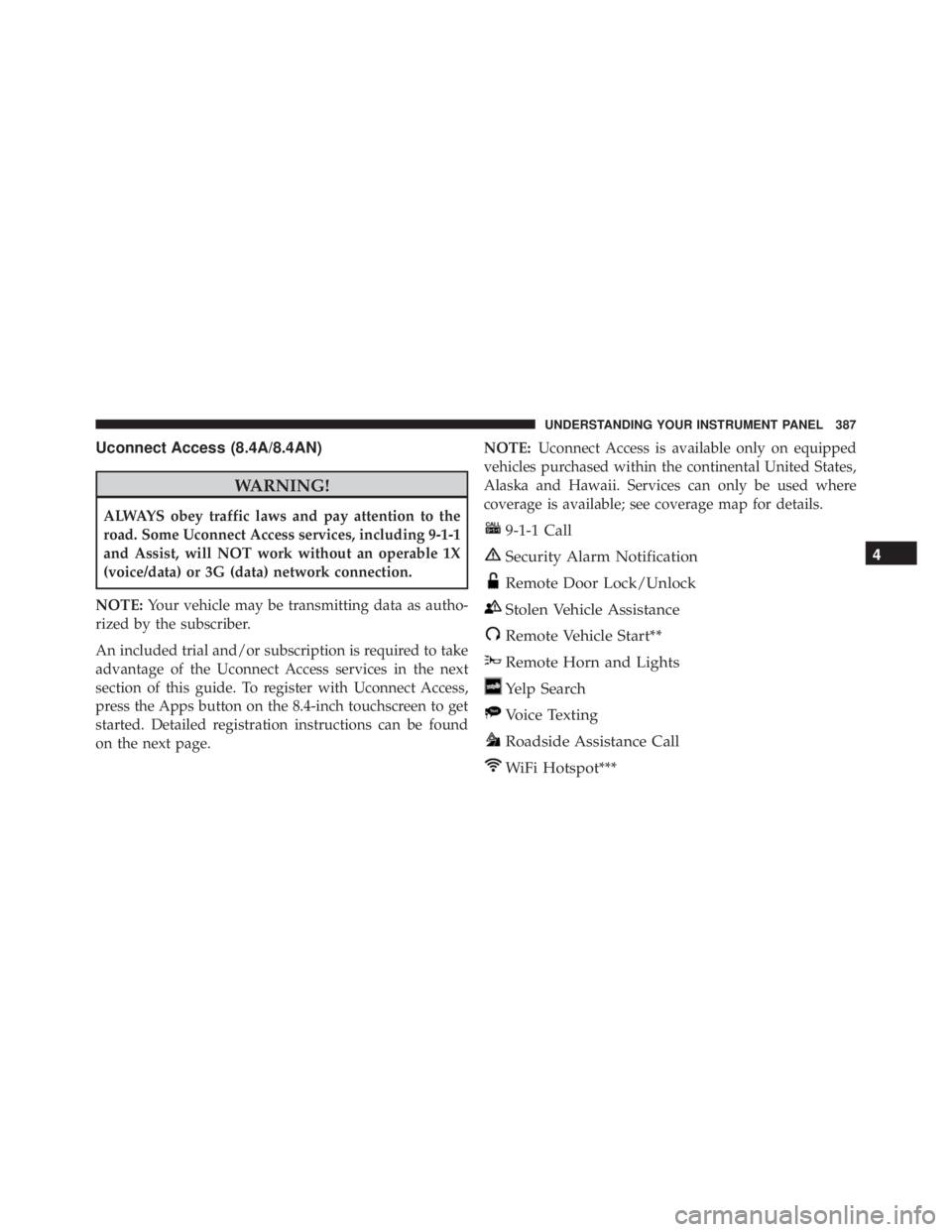
Uconnect Access (8.4A/8.4AN)
WARNING!ALWAYS obey traffic laws and pay attention to the
road. Some Uconnect Access services, including 9-1-1
and Assist, will NOT work without an operable 1X
(voice/data) or 3G (data) network connection.
NOTE: Your vehicle may be transmitting data as autho-
rized by the subscriber.
An included trial and/or subscription is required to take
advantage of the Uconnect Access services in the next
section of this guide. To register with Uconnect Access,
press the Apps button on the 8.4-inch touchscreen to get
started. Detailed registration instructions can be found
on the next page. NOTE: Uconnect Access is available only on equipped
vehicles purchased within the continental United States,
Alaska and Hawaii. Services can only be used where
coverage is available; see coverage map for details.
9-1-1 Call
Security Alarm Notification
Remote Door Lock/Unlock
Stolen Vehicle Assistance
Remote Vehicle Start**
Remote Horn and Lights
Yelp Search
Voice Texting
Roadside Assistance Call
WiFi Hotspot*** 4UNDERSTANDING YOUR INSTRUMENT PANEL 387
Page 430 of 675

• Neutral (NEUTRAL)
This electronically shifted transfer case is designed to be
driven in the two-wheel drive position (2WD) for normal
street and highway conditions on dry, hard surfaced
roads.
When additional traction is required, the transfer case
4WD LOCK and 4WD LOW positions can be used to
maximize torque to the front driveshaft, forcing the front
and rear wheels to rotate at the same speed. This is
accomplished by rotating the 4WD Control Switch to the
desired position.
Refer to “Shifting Procedure” in this section for specific
shifting instructions.
The 4WD LOCK and 4WD LOW positions are designed
for loose, slippery road surfaces only. Driving in the 4WD
LOCK and 4WD LOW positions on dry hard surfaced
roads may cause increased tire wear and damage to the
driveline components. NOTE: The transfer case NEUTRAL position is selected
by pushing the button located on the lower left hand
corner of the 4WD Control Switch. The transfer case
NEUTRAL position is to be used for recreational towing
only. Refer to “Recreational Towing” in “Starting And
Operating” for further information.
Transfer Case Position Indicator Lights
The Transfer Case Position Indicator Lights (4WD and
4LOW) are located in the instrument cluster and indicate
the current and desired transfer case selection. When you
select a different transfer case position, the indicator
lights will do the following:
If All Shift Conditions Are Met:
1. The current position indicator light will turn OFF.
2. The selected position indicator light will flash until the
transfer case completes the shift.428 STARTING AND OPERATING
Page 435 of 675

Shifting can be performed with the vehicle rolling 2 to
3 mph (3 to 5 km/h) or completely stopped. You can use
either of the following procedures:
Preferred Procedure
1. With the engine running, slow the vehicle to 2 to
3 mph (3 to 5 km/h).
2. Shift the transmission into NEUTRAL.
3. While still rolling, rotate the transfer case control
switch to the desired position.
4. After the desired position indicator light is ON (not
flashing), shift the transmission back into gear.
Alternate Procedure
1. Bring the vehicle to a complete stop.
2. With the ignition switch in the ON position and the
engine running, shift the transmission into NEUTRAL. 3. Rotate the transfer case control switch to the desired
position.
4. After the desired position indicator light is ON (not
flashing), shift the transmission back into gear.
NOTE:
• If Steps 1 or 2 of either the Preferred or Alternate
Procedure are not satisfied prior to attempting the
shift, then the desired position indicator light will flash
continuously while the original position indicator light
is ON, until all requirements have been met.
• The ignition switch must be in the ON position for a
shift to take place and for the position indicator lights
to be operable. If the ignition switch is not in the ON
position, the shift will not take place and no position
indicator lights will be on or flashing. 5STARTING AND OPERATING 433
Page 524 of 675

WARNING!Connecting a trailer that is not compatible with the
ITBM system may result in reduced or complete loss
of trailer braking. There may be a increase in stop-
ping distance or trailer instability which could result
in personal injury.
NOTE:
• An aftermarket controller may be available for use
with trailers with air or electric-over-hydraulic trailer
brake systems. To determine the type of brakes on
your trailer and the availability of controllers, check
with your trailer manufacturer or dealer.
• Removal of the ITBM will cause errors and it may
cause damage to the electrical system and electronic
modules of the vehicle. See your authorized dealer if
an aftermarket module is to be installed. Towing Requirements — Trailer Lights And Wiring
Whenever you pull a trailer, regardless of the trailer size,
stop lights and turn signals on the trailer are required for
motoring safety.
NOTE: Do not cut or splice wiring into the vehicle’s
wiring harness.
WARNING!Any work done to the vehicle’s electrical system or
wiring should be performed by a qualified automo-
tive technician. If done improperly it may cause
damage to the electrical system wiring and could
result in serious or fatal injury.
Towing Tips
Before setting out on a trip, practice turning, stopping
and backing the trailer up in an area away from heavy
traffic.522 STARTING AND OPERATING
Page 535 of 675

13. Attach the vehicle to the tow vehicle using a suitable
tow bar.
14. Release the parking brake.
NOTE: With electronic shift transfer case:
• Steps 2 through 5 are requirements that must be met
before pushing the NEUTRAL (N) button, and must
continue to be met until the shift has been completed.
If any of these requirements are not met before push-
ing the NEUTRAL (N) button or are no longer met
during the shift, the NEUTRAL (N) indicator light will
flash continuously until all requirements are met or
until the NEUTRAL (N) button is released.
• The ignition switch must be in the ON/RUN position
for a shift to take place and for the position indicator
lights to be operable. If the ignition switch is not in the
ON/RUN position, the shift will not take place and no
position indicator lights will be on or flashing. • A flashing NEUTRAL (N) position indicator light
indicates that shift requirements have not been met.
Shifting Out Of NEUTRAL (N)
Use the following procedure to prepare your vehicle for
normal usage.
1. Bring the vehicle to a complete stop, leaving it con-
nected to the tow vehicle.
2. Firmly apply the parking brake.
3. Turn the ignition switch to the ON/RUN position, but
do not start the engine.
4. Press and hold the brake pedal.
5. Shift the transmission into NEUTRAL.
• With manual shift transfer case, shift the transfer
case lever to the desired position. 5STARTING AND OPERATING 533
Page 536 of 675

• With electronic shift transfer case, push and hold the
transfer case NEUTRAL (N) button until the NEU-
TRAL (N) indicator light turns off. After the NEU-
TRAL (N) indicator light turns off, release the NEU-
TRAL (N) button. After the NEUTRAL (N) button
has been released, the transfer case will shift to the
position indicated by the selector switch.
NOTE: When shifting the transfer case out of NEUTRAL
(N), the engine should remain OFF to avoid gear clash.
6. Shift automatic transmission into PARK.
7. Release the brake pedal (and clutch pedal on a manual
transmission).
8. Disconnect vehicle from the tow vehicle.
9. Start the engine.
10. Press and hold the brake pedal.
11. Release the parking brake. 12. Shift the transmission into gear, release the brake
pedal (and clutch pedal on manual transmissions),
and check that the vehicle operates normally.
NOTE: With electronic shift transfer case:
• Steps 3 through 5 are requirements that must be met
before pressing the NEUTRAL (N) button, and must
continue to be met until the shift has been completed.
If any of these requirements are not met before push-
ing the NEUTRAL (N) button or are no longer met
during the shift, the NEUTRAL (N) indicator light will
flash continuously until all requirements are met or
until the NEUTRAL (N) button is released.
• The ignition switch must be in the ON/RUN position
for a shift to take place and for the position indicator
lights to be operable. If the ignition switch is not in the
ON/RUN position, the shift will not take place and no
position indicator lights will be on or flashing.
• A flashing NEUTRAL (N) position indicator light
indicates that shift requirements have not been met.534 STARTING AND OPERATING
Page 607 of 675

CAUTION!Direct contact of air fresheners, insect repellents,
suntan lotions, or hand sanitizers to the plastic,
painted, or decorated surfaces of the interior may
cause permanent damage. Wipe away immediately.
CAUTION!Damage caused by these type of products may not be
covered by your New Vehicle Limited Warranty.
CAUTION!Do not use Alcohol and Alcohol-based and/or Keton
based cleaning products to clean leather seats, as
damage to the seat may result. Cleaning Headlights
Your vehicle is equipped with plastic headlights and fog
lights that are lighter and less susceptible to stone break-
age than glass headlights.
Plastic is not as scratch resistant as glass and therefore
different lens cleaning procedures must be followed.
To minimize the possibility of scratching the lenses and
reducing light output, avoid wiping with a dry cloth. To
remove road dirt, wash with a mild soap solution fol-
lowed by rinsing.
Do not use abrasive cleaning components, solvents, steel
wool or other aggressive material to clean the lenses.
Glass Surfaces
All glass surfaces should be cleaned on a regular basis
with MOPAR Glass Cleaner, or any commercial
household-type glass cleaner. Never use an abrasive type 7MAINTAINING YOUR VEHICLE 605
Page 613 of 675

Cavity Cartridge Fuse Micro Fuse Description
F24 30 Amp Pink – Driver Door Module
F25 30 Amp Pink – Front Wiper
F26 30 Amp Pink – Antilock Brakes / Stability Control Mod-
ule / Valves
F28 20 Amp Blue – Trailer Tow Backup Lights – If Equipped
F29 20 Amp Blue – Trailer Tow Parking Lights – If Equipped
F30 30 Amp Pink – Trailer Tow Receptacle
F31 30 Amp Pink (1500
LD Diesel) – Urea Heater Control – If Equipped
F32 – – Spare Fuse
F33 20 Amp Blue – Special Services Vehicle Only
F34 30 Amp Pink – Vehicle System Interface Module #2 – If
Equipped
F35 30 Amp Pink – Sunroof – If Equipped
F36 30 Amp Pink – Rear Defroster – If Equipped 7MAINTAINING YOUR VEHICLE 611
Page 614 of 675

Cavity Cartridge Fuse Micro Fuse Description
F37 30 Amp Pink – Cummins Diesel Fuel Heater #2 – If
Equipped
F38 30 Amp Pink – Power Inverter 115V AC – If Equipped
F39 20 Amp Blue – Power Outlet – Special Services Only
F41 – 10 Amp Red Active Grill Shutter – If Equipped
F42 – 20 Amp Yellow Horn
F44 – 10 Amp Red Diagnostic Port
F46 – 10 Amp Red Upfitter – If Equipped
F49 – 10 Amp Red Instrument Panel Cluster
F50 – 20 Amp Yellow Air Suspension Control Module – If
Equipped
F51 – 10 Amp Red Ignition Node Module / Keyless Ignition
F52 – 5 Amp Tan Battery Sensor
F53 – 20 Amp Yellow Trailer Tow – Left Turn/Stop Lights
F54 – 20 Amp Yellow Adjustable Pedals612 MAINTAINING YOUR VEHICLE
Page 617 of 675

Cavity Cartridge Fuse Micro Fuse Description
F77 – 10 Amp Red Drivetrain Control Module/Front Axle
Disconnect Module
F78 – 10 Amp Red Engine Control Module / Electric Power
Steering
F79 – 15 Amp Blue Clearance Lights
F80 – 10 Amp Red Universal Garage Door Opener / Compass
F81 – 20 Amp Yellow Trailer Tow Right Turn / Stop Lights
F82 – 10 Amp Red Steering Column Control Module / Cruise
Control
F84 – 15 Amp Blue Switch Bank / Instrument Cluster
F85 – 10 Amp Red Airbag Module
F86 – 10 Amp Red Airbag Module
F87 – 10 Amp Red Air Suspension – If Equipped / Trailer
Tow / Steering Column Control Module
F88 – 15 Amp Blue Instrument Panel Cluster 7MAINTAINING YOUR VEHICLE 615