door lock Ram ProMaster 2016 User Guide
[x] Cancel search | Manufacturer: RAM, Model Year: 2016, Model line: ProMaster, Model: Ram ProMaster 2016Pages: 448, PDF Size: 3.28 MB
Page 24 of 448
CAUTION!
An unlocked vehicle is an invitation to thieves.
Always remove the key from the ignition and lock all
of the doors when leaving the vehicle unattended.
Automatic Door Locks
The auto door lock feature default condition is enabled.
When enabled, the door locks will lock automatically
when the vehicle’s speed exceeds 12 mph (20 km/h). The
auto door lock feature can be enabled or disabled
through the EVIC or the Uconnect system.
Auto Unlock Doors
This feature unlocks all doors when the driver door is
open.
WINDOWS
Power Windows
The control on the left front door panel has UP/DOWN
switches that give you fingertip control of all power
windows. There is a single opening and closing switch on
the front passenger door for passenger window control
and on rear doors of the Crew Cab models. The windows
will operate when the ignition switch is turned to ON/
RUN and for three minutes after the ignition is turned
OFF or until a front door is opened.
22 THINGS TO KNOW BEFORE STARTING YOUR VEHICLE
Page 25 of 448
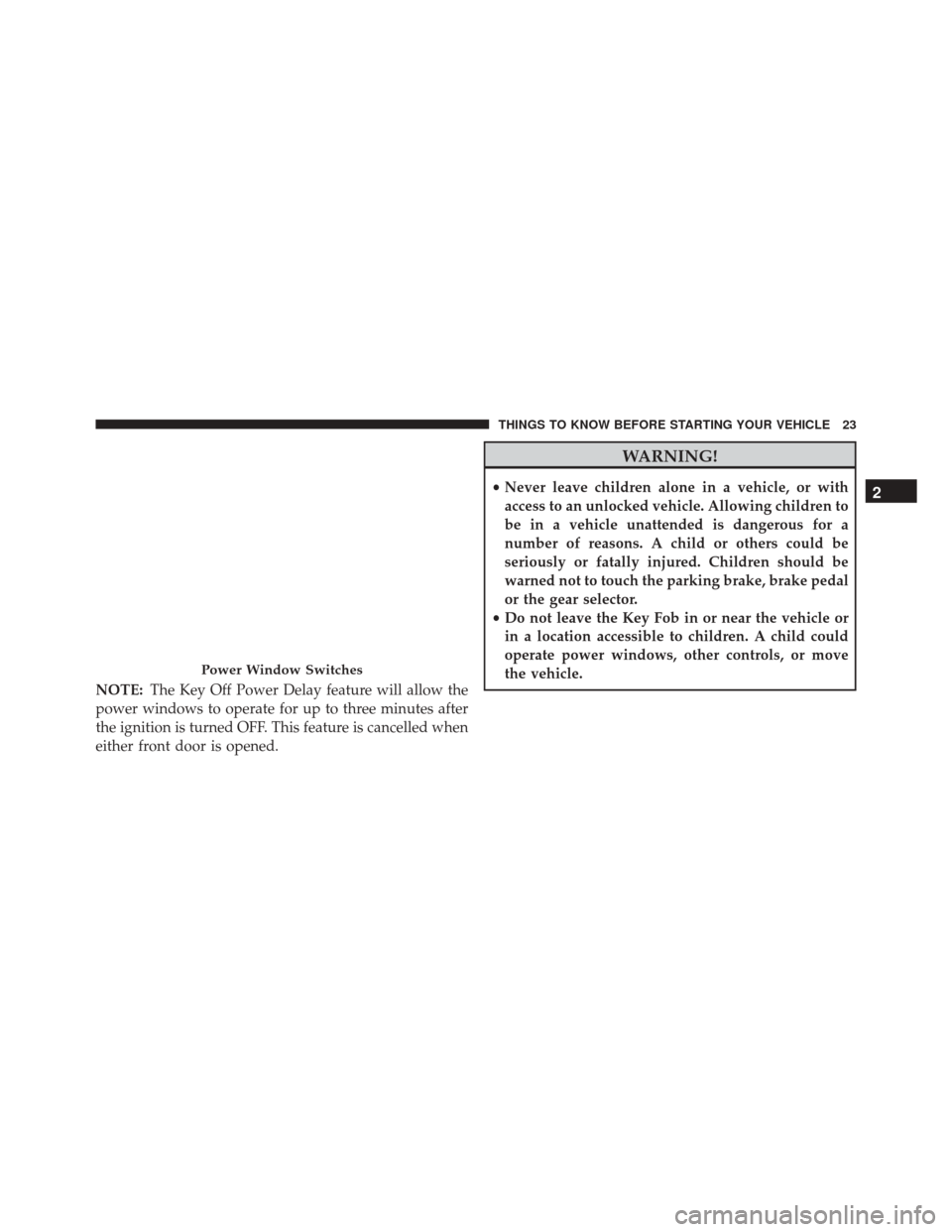
NOTE:The Key Off Power Delay feature will allow the
power windows to operate for up to three minutes after
the ignition is turned OFF. This feature is cancelled when
either front door is opened.
WARNING!
• Never leave children alone in a vehicle, or with
access to an unlocked vehicle. Allowing children to
be in a vehicle unattended is dangerous for a
number of reasons. A child or others could be
seriously or fatally injured. Children should be
warned not to touch the parking brake, brake pedal
or the gear selector.
• Do not leave the Key Fob in or near the vehicle or
in a location accessible to children. A child could
operate power windows, other controls, or move
the vehicle.
Power Window Switches
2
THINGS TO KNOW BEFORE STARTING YOUR VEHICLE 23
Page 51 of 448

Fuel Cut Off Switch
Your vehicle is equipped with a Fuel Cut Off safety
switch. In the event of an accident, if the communication
network remains intact, and the power remains intact,
depending on the nature of the event, the Fuel Cut Off
Switch may perform the following functions:
•Cut off fuel to the engine and turn off the engine.
• Flash hazard lights as long as the battery has power or
until the hazard light button is pressed. The hazard
lights can be deactivated by pressing the hazard light
button.
• Turn on the interior lights, which remain on as long as
the battery has power.
• Unlock the power door locks. NOTE:
After an accident, remember to cycle the ignition
to the STOP (OFF/LOCK) position and remove the key
from the ignition switch to avoid draining the battery.
Carefully check the vehicle for fuel leaks in the engine
compartment and on the ground near the engine com-
partment and fuel tank before resetting the system and
starting the engine. If there are no fuel leaks or damage to
the vehicle electrical devices (e.g. headlights) after an
accident, reset the Fuel Cut Off Switch by following the
procedure described below.
WARNING!
If, after a crash, you smell fuel or see leaks from the
fuel system, do not reset the switches to avoid the
risk of fire.
2
THINGS TO KNOW BEFORE STARTING YOUR VEHICLE 49
Page 70 of 448
Periodic Safety Checks You Should Make Outside
The Vehicle
Tires
Examine tires for excessive tread wear and uneven wear
patterns. Check for stones, nails, glass, or other objects
lodged in the tread or sidewall. Inspect the tread for cuts
and cracks. Inspect sidewalls for cuts, cracks, and bulges.
Check the wheel bolts for tightness. Check the tires
(including spare) for proper cold inflation pressure.
Lights
Have someone observe the operation of brake lights and
exterior lights while you work the controls. Check turn
signal and high beam indicator lights on the instrument
panel.
Door Latches
Check for proper closing, latching, and locking.
Fluid Leaks
Check area under vehicle after overnight parking for fuel,
engine coolant, oil, or other fluid leaks. Also, if gasoline
fumes are detected or if fuel, power steering fluid (if
equipped), or brake fluid leaks are suspected. The cause
should be located and corrected immediately.
68 THINGS TO KNOW BEFORE STARTING YOUR VEHICLE
Page 85 of 448
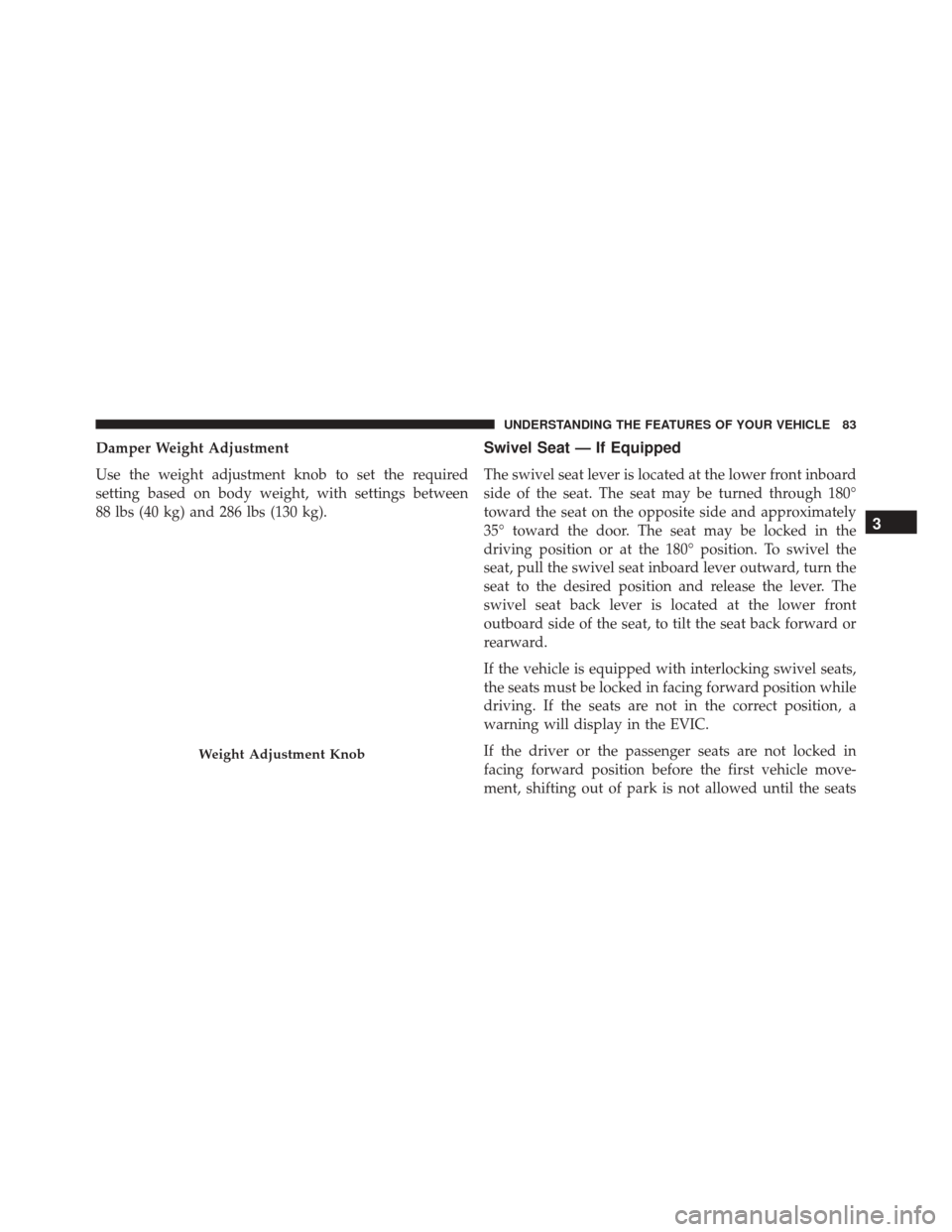
Damper Weight Adjustment
Use the weight adjustment knob to set the required
setting based on body weight, with settings between
88 lbs (40 kg) and 286 lbs (130 kg).Swivel Seat — If Equipped
The swivel seat lever is located at the lower front inboard
side of the seat. The seat may be turned through 180°
toward the seat on the opposite side and approximately
35° toward the door. The seat may be locked in the
driving position or at the 180° position. To swivel the
seat, pull the swivel seat inboard lever outward, turn the
seat to the desired position and release the lever. The
swivel seat back lever is located at the lower front
outboard side of the seat, to tilt the seat back forward or
rearward.
If the vehicle is equipped with interlocking swivel seats,
the seats must be locked in facing forward position while
driving. If the seats are not in the correct position, a
warning will display in the EVIC.
If the driver or the passenger seats are not locked in
facing forward position before the first vehicle move-
ment, shifting out of park is not allowed until the seats
Weight Adjustment Knob
3
UNDERSTANDING THE FEATURES OF YOUR VEHICLE 83
Page 194 of 448
Buttons On The Touchscreen
Buttons on the touchscreen are accessible on the
Uconnect display.
Customer Programmable Features/Personal
Settings
Push the Settings button on the faceplate to display the
menu setting screen. In this mode the Uconnect system
allows you to access programmable features that may be
equipped such as Display, Clock & Date, Safety & Driv-
ing Assistance (if equipped), Lights, Doors & Locks,
Audio, Phone/Bluetooth, SiriusXM Setup (if equipped),
Restore Settings and Clear Personal Data.
NOTE:
•Only one category may be selected at a time.
• The Back arrow will change into a Done button if any
changes are made. When making a selection, press the button on the touch-
screen to enter the desired mode. Once in the desired
mode, press and release the preferred setting. Once the
setting is complete, either press the Back Arrow button
on the touchscreen or the Back button on the faceplate to
return to the previous menu or press the X button on the
touchscreen to return to the Main Settings screen. Press-
ing the Up or Down Arrow buttons on the touchscreen on
the right side of the screen will allow you to toggle up or
down through the available settings.
Display
After pressing the Display button on the touchscreen the
following settings will be available:
•
Display Mode
Press the display mode button to set the display bright-
ness according to manual or auto condition. In auto mode
the display brightness is aligned to that of the instrument
panel.
192 UNDERSTANDING YOUR INSTRUMENT PANEL
Page 198 of 448

Lights
After pressing the Lights button on the touchscreen the
following settings will be available:
•Daytime Running Lights — If Equipped
When this feature is selected, the headlights will turn on
whenever the engine is running. To make your selection,
press the Daytime Running Lights button on the touch-
screen, until a check-mark appears next to setting, indi-
cating that the setting has been selected.
Doors & Locks
After pressing the “Doors & Locks” button on the touch-
screen the following settings will be available:
• Auto Door Locks
When this feature is selected, all doors will lock auto-
matically when the vehicle reaches a speed of 12 mph
(20 km/h). To make your selection, press the “Auto Lock” button on the touchscreen, then choose “Yes” or
“No.” The button will highlight indicating that the set-
ting has been selected.
Audio
After pressing the Audio button on the touchscreen the
following settings will be available:
•
Balance
This feature allows you to adjust the Balance settings.
Press and drag the speaker icon, use the arrows to adjust,
or tap the speaker icon to readjust to the center.
• Equalizer
This feature allows you to adjust the Bass, Mid and Treble
settings. Adjust the settings with the “–” or “+” arrow
buttons on the touchscreen or by selecting any point on
the scale between the Up and Down arrow buttons on the
touchscreen.
196 UNDERSTANDING YOUR INSTRUMENT PANEL
Page 370 of 448

2. Remove and replace the A/C air filter from the filterretainer. 3. Install the A/C air filter/filter retainer back into the
fresh air inlet. When installing the filter retainer make
sure the retainer is fully engaged.
4. Install the two screws back into the assembly to secure the filter retainer to the fresh air inlet.
Body Lubrication
Locks and all body pivot points, including such items as
seat tracks, door hinge pivot points and rollers, liftgate,
tailgate, decklid, sliding doors and hood hinges, should
be lubricated periodically with a lithium based grease,
such as MOPAR Spray White Lube to assure quiet, easy
operation and to protect against rust and wear. Prior to
the application of any lubricant, the parts concerned
should be wiped clean to remove dust and grit; after
lubricating excess oil and grease should be removed.
Particular attention should also be given to hood latching
components to ensure proper function. When performing
Removing Air Filer
1 — Fresh Air Inlet
2 — A/C Air Filter
3 — A/C Air Filter Retainer 368 MAINTAINING YOUR VEHICLE
Page 406 of 448

Front, Rear Roof Lamps
1. Remove two screw and remove the lamp assembly.
2. Remove the socket bulb by turning counterclockwise.
3. Remove bulb and replace as needed.
4. Reinstall the bulb socket and rotate clockwise to lockin place.
5. Reinstall lamp.
Rear Tail, Stop, Backup, Turn Signal And Rear
Side Marker Lamps
1. Open rear doors.
2. Remove the two screws and remove the tail lamp.
3. Remove the tail/stop, turn signal, backup and rear side marker bulb/socket by rotating counter-
clockwise.
4. Remove the bulb and replace as needed.
5. Reinstall bulb/socket and rotate clockwise to lock in place.
6. Reinstall lamp.
404 MAINTAINING YOUR VEHICLE
Page 432 of 448
Adding Engine Coolant (Antifreeze)............372
Adding Fuel ............................ .287
Adding Washer Fluid ..................... .369
Additives, Fuel .......................... .284
AirBag.................................39 Advance Front Air Bag ....................41
Air Bag Operation .......................42
Air Bag Warning Light ....................50
Event Data Recorder (EDR) .................53
FrontAirBag...........................39
If A Deployment Occurs ...................47
Knee Impact Bolsters .....................43
Maintaining Your Air Bag System ............52
Transporting Pets ........................63
Air Bag Deployment ........................39
Air Bag Light ...................... .50, 66, 134
Air Bag Maintenance .......................52
Air Cleaner, Engine (Engine Air Cleaner Filter) . . . .361
Air Conditioner Maintenance .................366Air Conditioning
......................... .204
Air Conditioning Controls ...................204
Air Conditioning Filter .....................367
Air Conditioning Refrigerant .................366
Air Conditioning System .................204, 366
Air Pressure, Tires ........................ .263
Alarm (Security Alarm) ......................15
Alarm System (Security Alarm) ................15
Alterations/Modifications, Vehicle ...............7
Antifreeze (Engine Coolant) ...............371, 405
Disposal ............................. .374
Anti-Lock Brake System (ABS) ................241
Anti-Lock Warning Light ....................155
Appearance Care ........................ .380
Ashtray ............................... .121
Assist, Hill Start ......................... .249
Audio Systems (Radio) .....................199
Auto Down Power Windows ..................24
Automatic Door Locks ......................22
430 INDEX