key Ram ProMaster 2016 User Guide
[x] Cancel search | Manufacturer: RAM, Model Year: 2016, Model line: ProMaster, Model: Ram ProMaster 2016Pages: 448, PDF Size: 3.28 MB
Page 23 of 448
WARNING!
•Do not leave children or animals inside parked
vehicles in hot weather. Interior heat build-up may
cause serious injury or death.
(Continued)
WARNING! (Continued)
•For personal security and safety in the event of a
collision, lock the vehicle doors as you drive as
well as when you park and leave the vehicle.
• Before exiting a vehicle, always apply the parking
brake, shift the transmission into PARK, and re-
move the Key Fob from the vehicle. When leaving
the vehicle, always lock your vehicle.
• Never leave children alone in a vehicle, or with
access to an unlocked vehicle. Allowing children to
be in a vehicle unattended is dangerous for a
number of reasons. A child or others could be
seriously or fatally injured. Children should be
warned not to touch the parking brake, brake pedal
or the gear selector.
• Do not leave the Key Fob in or near the vehicle, or
in a location accessible to children. A child could
operate power windows, other controls, or move
the vehicle.
Load Compartment Power Door Lock Switch
2
THINGS TO KNOW BEFORE STARTING YOUR VEHICLE 21
Page 24 of 448
CAUTION!
An unlocked vehicle is an invitation to thieves.
Always remove the key from the ignition and lock all
of the doors when leaving the vehicle unattended.
Automatic Door Locks
The auto door lock feature default condition is enabled.
When enabled, the door locks will lock automatically
when the vehicle’s speed exceeds 12 mph (20 km/h). The
auto door lock feature can be enabled or disabled
through the EVIC or the Uconnect system.
Auto Unlock Doors
This feature unlocks all doors when the driver door is
open.
WINDOWS
Power Windows
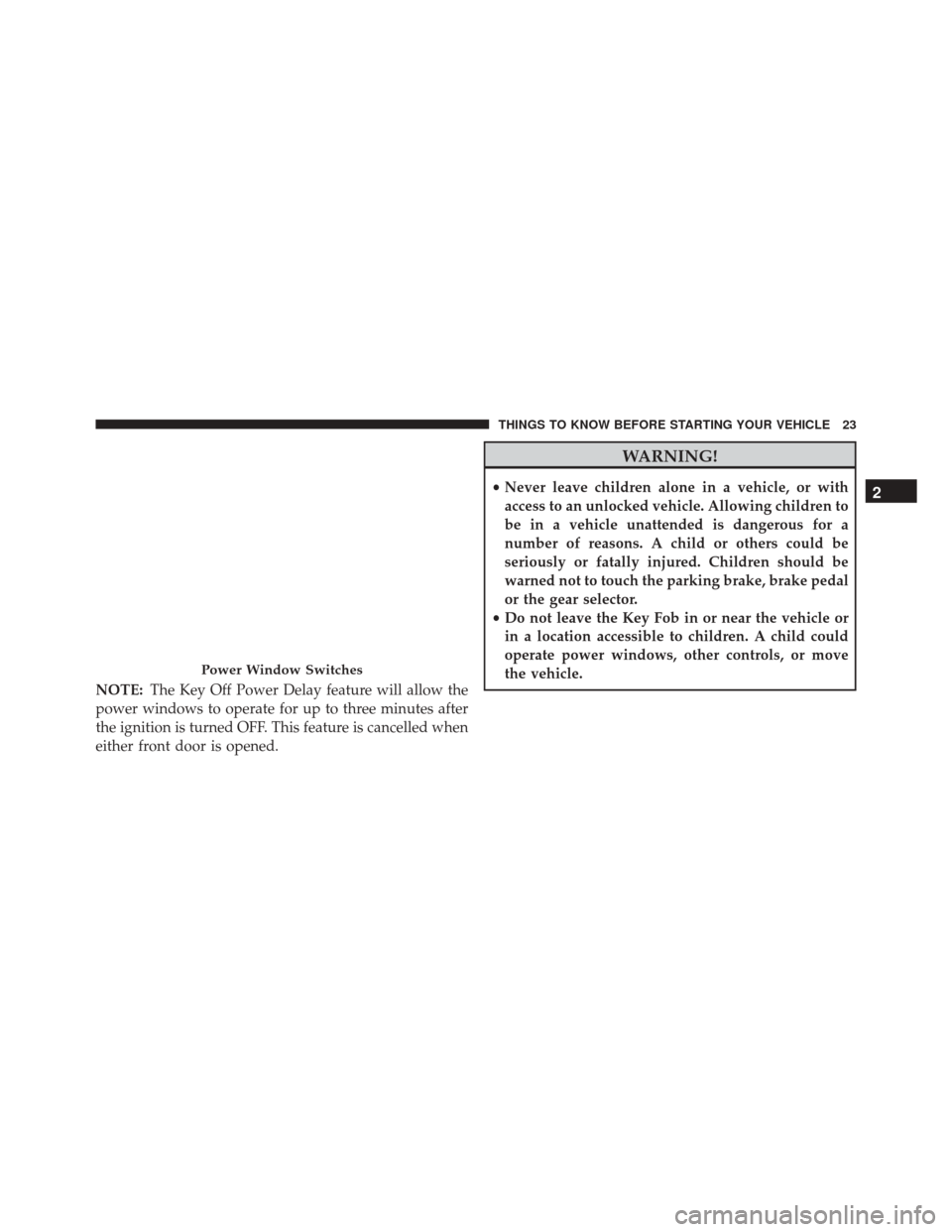
The control on the left front door panel has UP/DOWN
switches that give you fingertip control of all power
windows. There is a single opening and closing switch on
the front passenger door for passenger window control
and on rear doors of the Crew Cab models. The windows
will operate when the ignition switch is turned to ON/
RUN and for three minutes after the ignition is turned
OFF or until a front door is opened.
22 THINGS TO KNOW BEFORE STARTING YOUR VEHICLE
Page 25 of 448
NOTE:The Key Off Power Delay feature will allow the
power windows to operate for up to three minutes after
the ignition is turned OFF. This feature is cancelled when
either front door is opened.
WARNING!
• Never leave children alone in a vehicle, or with
access to an unlocked vehicle. Allowing children to
be in a vehicle unattended is dangerous for a
number of reasons. A child or others could be
seriously or fatally injured. Children should be
warned not to touch the parking brake, brake pedal
or the gear selector.
• Do not leave the Key Fob in or near the vehicle or
in a location accessible to children. A child could
operate power windows, other controls, or move
the vehicle.
Power Window Switches
2
THINGS TO KNOW BEFORE STARTING YOUR VEHICLE 23
Page 51 of 448

Fuel Cut Off Switch
Your vehicle is equipped with a Fuel Cut Off safety
switch. In the event of an accident, if the communication
network remains intact, and the power remains intact,
depending on the nature of the event, the Fuel Cut Off
Switch may perform the following functions:
•Cut off fuel to the engine and turn off the engine.
• Flash hazard lights as long as the battery has power or
until the hazard light button is pressed. The hazard
lights can be deactivated by pressing the hazard light
button.
• Turn on the interior lights, which remain on as long as
the battery has power.
• Unlock the power door locks. NOTE:
After an accident, remember to cycle the ignition
to the STOP (OFF/LOCK) position and remove the key
from the ignition switch to avoid draining the battery.
Carefully check the vehicle for fuel leaks in the engine
compartment and on the ground near the engine com-
partment and fuel tank before resetting the system and
starting the engine. If there are no fuel leaks or damage to
the vehicle electrical devices (e.g. headlights) after an
accident, reset the Fuel Cut Off Switch by following the
procedure described below.
WARNING!
If, after a crash, you smell fuel or see leaks from the
fuel system, do not reset the switches to avoid the
risk of fire.
2
THINGS TO KNOW BEFORE STARTING YOUR VEHICLE 49
Page 86 of 448

are both locked in facing forward position. When the
seats are not in the right position and the first vehicle
movement after the cranking is attempted, a chime and a
text message will appear in EVIC. Rotate and lock the
swivel seats in the correct position before trying again.
If the driver or the passenger seats are not locked in
facing forward position during movement of the vehicle,
a message will be visualized in the EVIC and an inter-
mittent chime will sound until key-off or until the swivel
seats are locked in facing forward position. Stop and
move the swivel seats in the correct position before
proceeding.If a fault is present in the system and it is not possible to
check the correct position of the swivel seats, a message
and the generic warning light appears in the EVIC to
inform about the failure. In these conditions, check the
status of the swivel seats and not drive the vehicle until
the swivel seats are locked in facing forward position.
Swivel Seat Lever
84 UNDERSTANDING THE FEATURES OF YOUR VEHICLE
Page 97 of 448
Turn Signals
Move the multifunction lever up or down and the arrows
on each side of the instrument cluster flash to show
proper operation of the front and rear turn signal lights.
NOTE:If either light remains on and does not flash, or
there is a very fast flash rate, check for a defective outside
light bulb. If an indicator fails to light when the lever is
moved, it would suggest that the indicator bulb is
defective.
Parking Lights
These lights can only be turned on with ignition key in
the STOP position or removed, by moving the end of the
multifunction lever to O (off) position and then to the
headlight position.
The warning light telltale in the instrument panel comes
on. The lights stay on until the next ignition cycle is
performed.
Lane Change Assist
Tap the lever up or down once, without moving beyond
the detent, and the turn signal (right or left) will flash five
times then automatically turn off.
High Beam/Low Beam Select Switch
Pull the multifunction lever toward you to switch the
headlights to high beam. Pull the lever a second time to
switch the headlights back to low beam.
Flash-To-Pass
You can signal another vehicle with your headlights by
partially pulling the multifunction lever toward the steer-
ing wheel. This will cause the high beam headlights to
turn on until the lever is released.
Follow Me Home/Headlight Delay
When this feature is selected the driver can choose to
have the headlights remain on for a preset period of time.
3
UNDERSTANDING THE FEATURES OF YOUR VEHICLE 95
Page 98 of 448

Activation
Remove the key or turn the ignition to the OFF/LOCK
position, and pull the multifunction lever toward the
steering wheel, within two minutes. Each time the lever
is pulled, the activation of the lights will be extended by
30 seconds. The activation of the lights can be extended to
a maximum of 210 seconds.
The warning light on the instrument panel will light up
and the corresponding message will appear in the EVIC
display for as long as the function is activated. The
warning light comes on when the lever is operated and
stays on until the function is automatically deactivated.
Each movement of the lever only increases the amount of
time the lights stay on.
Deactivation
Pull the multifunction lever toward the steering wheel
and hold it for more than two seconds.
Interior Lights
These lights are mounted between the sun visors on the
overhead shelf. Each light is turned on by pushing the
corresponding switch.
96 UNDERSTANDING THE FEATURES OF YOUR VEHICLE
Page 120 of 448

POWER OUTLETS — IF EQUIPPED
Passenger Compartment Power Outlet
The cigar lighter and the power outlet are located in the
center console. It only operates with the ignition key at
MAR/ON.Load Compartment Power Outlet
The Load Compartment Power Outlet is located on the
left rear side of the rear cargo compartment. The outlet
can be is used for powering 12 Volt adaptive accessories
and recharging communications devices.
NOTE:
Do not connect devices with power higher than
180 W to the socket. Do not damage the socket by using
unsuitable adaptors.
Passenger Compartment Power Outlet
118 UNDERSTANDING THE FEATURES OF YOUR VEHICLE
Page 139 of 448

Electronic Throttle Control (ETC) Warning Light
Red TelltaleLight What It Means
Electronic Throttle Control (ETC) Warning Light
This light informs you of a problem with the Electronic Throttle Control (ETC) system. If a
problem is detected while the engine is running, the light will either stay on or flash de-
pending on the nature of the problem. Cycle the ignition key when the vehicle is safely and
completely stopped and the transmission is placed in the PARK position. The light should
turn off. If the light remains on with the engine running, your vehicle will usually be driv-
able; however, see an authorized dealer for service as soon as possible.
If the light continues to flash when the engine is running, immediate service is required and
you may experience reduced performance, an elevated/rough idle, or engine stall and your
vehicle may require towing. The light will come on when the ignition is first turned to ON/
RUN and remain on briefly as a bulb check. If the light does not come on during starting,
have the system checked by an authorized dealer.
4
UNDERSTANDING YOUR INSTRUMENT PANEL 137
Page 149 of 448

Vehicle Security Indicator Light
Yellow TelltaleLight What It Means
Vehicle Security Indicator Light
If during starting, the key code is not correctly recognized, the Vehicle Security Light comes
on in the instrument panel. In this case, turn the key to OFF and then to ON/RUN; if it is
still locked, try again with the other keys that come with the vehicle. Contact an authorized
dealer if you still cannot start the engine.
If with the engine running and the warning light comes on, this means that the system is
running a self-test (for example for a voltage drop).
4
UNDERSTANDING YOUR INSTRUMENT PANEL 147