horn Ram ProMaster City 2015 Owner's Manual
[x] Cancel search | Manufacturer: RAM, Model Year: 2015, Model line: ProMaster City, Model: Ram ProMaster City 2015Pages: 414, PDF Size: 2.86 MB
Page 18 of 414
General Information
The Sentry Key® system complies with FCC rules part 15
and with RSS-210 of Industry Canada. Operation is
subject to the following conditions:
•This device may not cause harmful interference.
• This device must accept any interference that may be
received, including interference that may cause unde-
sired operation.
NOTE: Changes or modifications not expressly approved
by the party responsible for compliance could void the
user’s authority to operate the equipment.
VEHICLE SECURITY ALARM — IF EQUIPPED
The Vehicle Security Alarm monitors the vehicle doors
and ignition for unauthorized operation. When the Ve-
hicle Security Alarm is activated, interior switches for door locks are disabled. The system provides both au-
dible and visible signals. Every intrusion attempt causes
three continuous alarm cycles. Every alarm cycle lasts 30
seconds. For 26 seconds, horn will sound, and the turn
signal lights will flash. For four seconds, it will pause.
After a maximum 10 alarm cycles, only the turn signal
lights will flash until the next alarm activation.
Rearming Of The System
If the system has not been disabled, the Vehicle Security
Alarm will rearm itself after processing all the alarm
cycles related to the intrusion attempt. If the condition
which initiated the alarm is still present, the system will
ignore that condition and monitor the remaining doors
and ignition.
16 THINGS TO KNOW BEFORE STARTING YOUR VEHICLE
Page 21 of 414
To Lock The Doors
Push and release the LOCK button on the RKE transmit-
ter to lock all doors. The turn signal lights will flash and
the horn will chirp to acknowledge the signal.
Programming Additional Transmitters
Refer to “Sentry Key” in “Things To Know Before Start-
ing” for further information.
If you do not have a programmed RKE transmitter,
contact your authorized dealer for details.
Transmitter Battery Replacement
NOTE:Perchlorate Material – special handling may ap-
ply. See www.dtsc.ca.gov/hazardouswaste/perchlorate
The recommended replacement battery is CR2032.
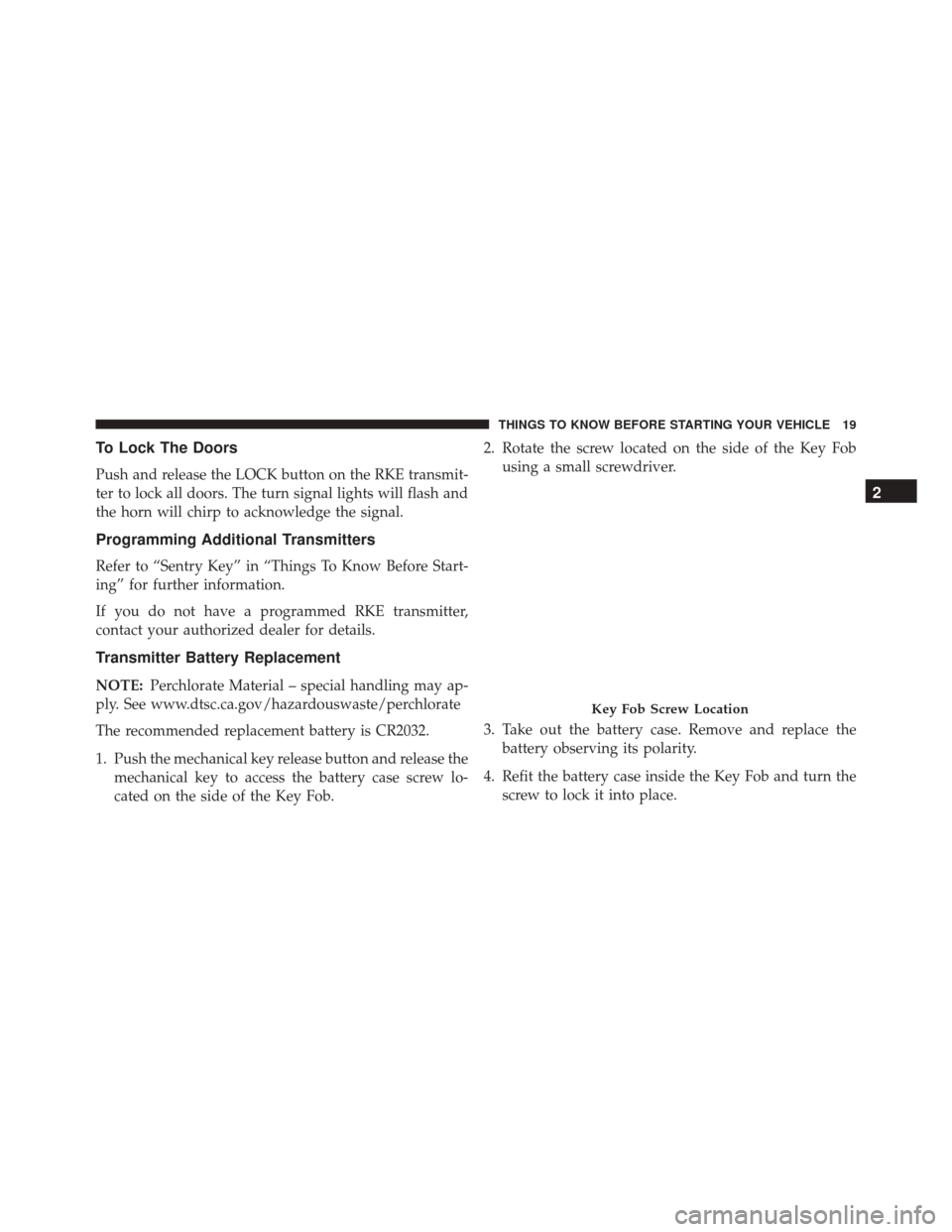
1. Push the mechanical key release button and release the mechanical key to access the battery case screw lo-
cated on the side of the Key Fob. 2. Rotate the screw located on the side of the Key Fob
using a small screwdriver.
3. Take out the battery case. Remove and replace the battery observing its polarity.
4. Refit the battery case inside the Key Fob and turn the screw to lock it into place.
Key Fob Screw Location
2
THINGS TO KNOW BEFORE STARTING YOUR VEHICLE 19
Page 24 of 414
Locking The Doors From The Outside
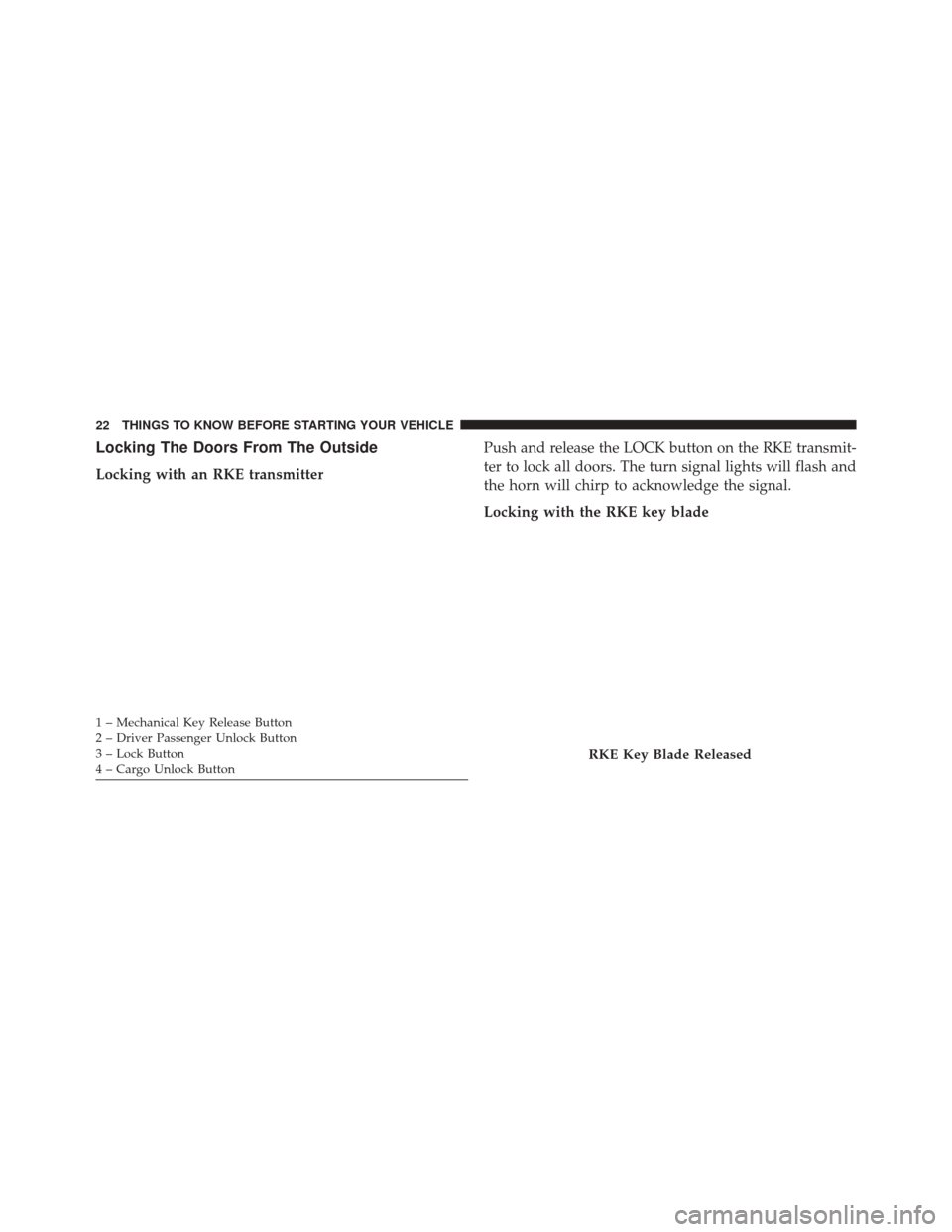
Locking with an RKE transmitterPush and release the LOCK button on the RKE transmit-
ter to lock all doors. The turn signal lights will flash and
the horn will chirp to acknowledge the signal.
Locking with the RKE key blade
1 – Mechanical Key Release Button
2 – Driver Passenger Unlock Button
3 – Lock Button
4 – Cargo Unlock Button
RKE Key Blade Released
22 THINGS TO KNOW BEFORE STARTING YOUR VEHICLE
Page 147 of 414
INSTRUMENT PANEL FEATURES
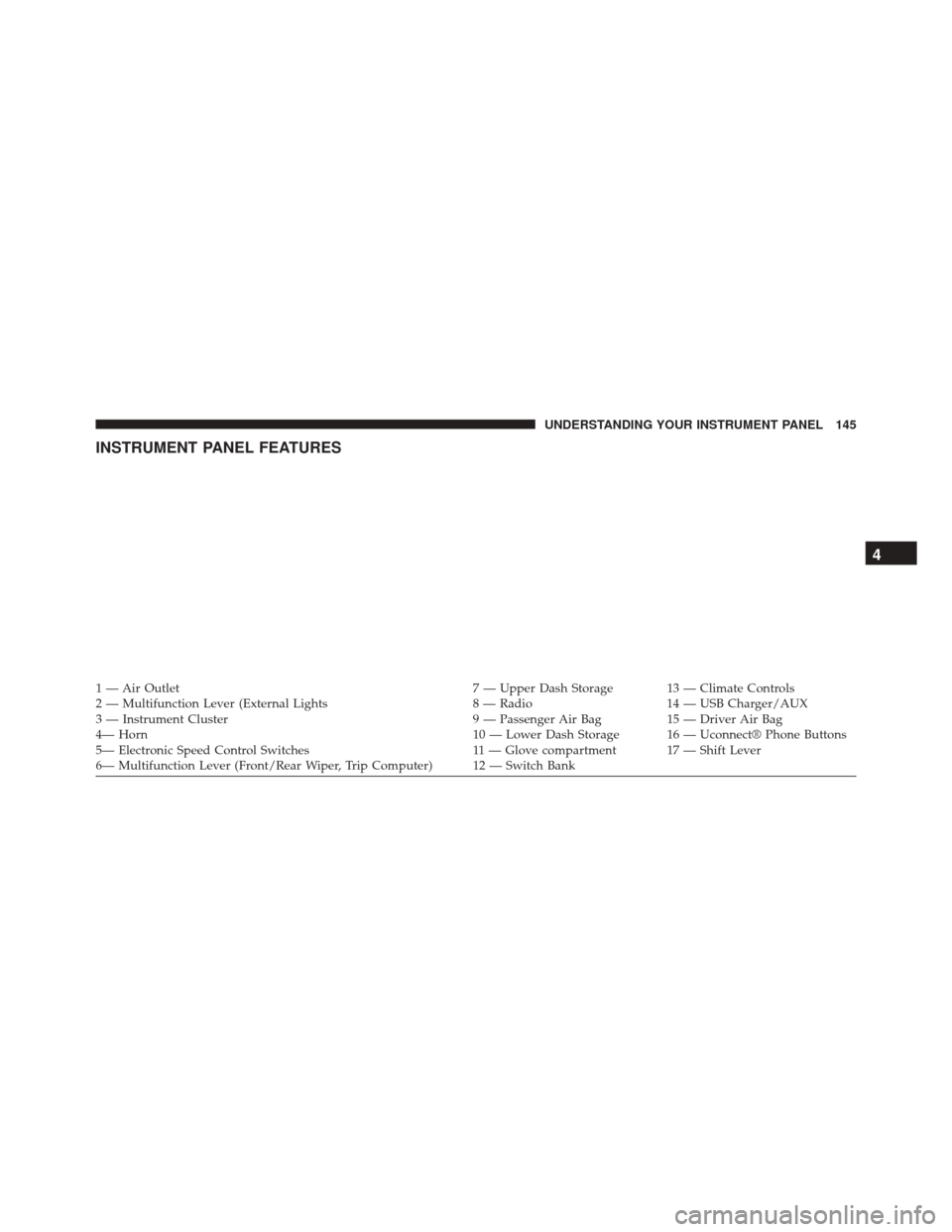
1 — Air Outlet7 — Upper Dash Storage 13 — Climate Controls
2 — Multifunction Lever (External Lights 8 — Radio14 — USB Charger/AUX
3 — Instrument Cluster 9 — Passenger Air Bag15 — Driver Air Bag
4— Horn 10 — Lower Dash Storage 16 — Uconnect® Phone Buttons
5— Electronic Speed Control Switches 11 — Glove compartment 17 — Shift Lever
6— Multifunction Lever (Front/Rear Wiper, Trip Computer) 12 — Switch Bank
4
UNDERSTANDING YOUR INSTRUMENT PANEL 145
Page 176 of 414
“No.” The button will highlight indicating that the set-
ting has been selected. Press the back arrow/Done button
on the touchscreen to return to the previous menu.
•Flash Lights With Lock
When this feature is selected, the exterior lights will flash
when the doors are locked with the Remote Keyless
Entry (RKE) transmitter. To make your selection, press
the “Flash Headlights With Lock” button on the touch-
screen, then choose “Yes” or “No.” The button will
highlight indicating that the setting has been selected.
Press the back arrow/Done button on the touchscreen to
return to the previous menu.
• Sound Horn With Remote Lock
When this feature is selected, the horn will sound when
the door locks are activated. To make your selection,
press the “Sound Horn With Remote Lock” button on the
touchscreen, then choose “Yes” or “No.” The button will highlight indicating that the setting has been selected.
Press the back arrow/Done button on the touchscreen to
return to the previous menu.
Audio
After pressing the Audio button on the touchscreen the
following settings will be available:
•
Balance
This feature allows you to adjust the Balance settings.
Press and drag the speaker icon, use the arrows to adjust,
or tap the speaker icon to readjust to the center.
• Equalizer
This feature allows you to adjust the Bass, Mid and Treble
settings. Adjust the settings with the “–” or “+” arrow
buttons on the touchscreen or by selecting any point on
the scale between the Up and Down arrow buttons on the
touchscreen. Then press the back arrow/Done button on
the touchscreen.
174 UNDERSTANDING YOUR INSTRUMENT PANEL
Page 364 of 414
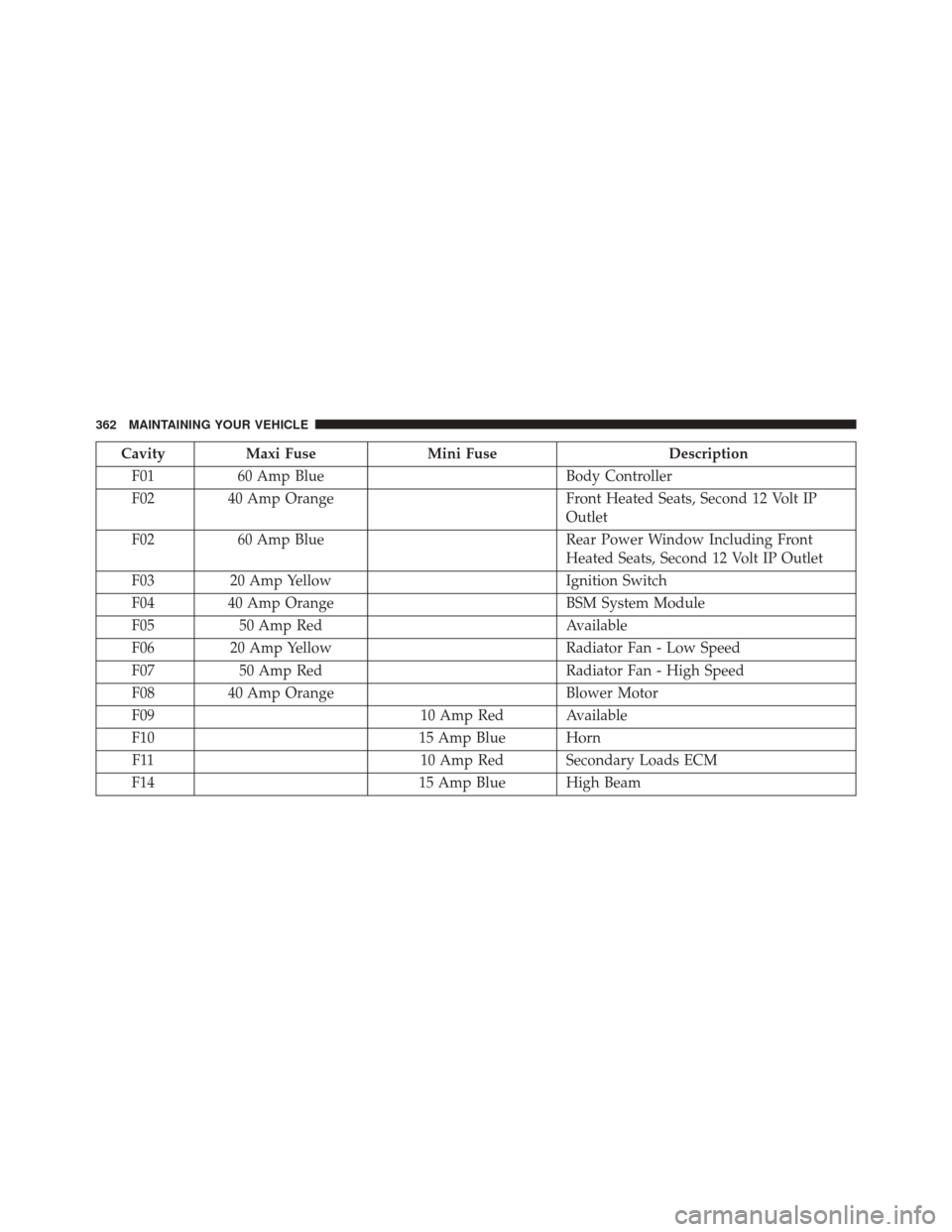
CavityMaxi Fuse Mini Fuse Description
F01 60 Amp Blue Body Controller
F02 40 Amp Orange Front Heated Seats, Second 12 Volt IP
Outlet
F02 60 Amp Blue Rear Power Window Including Front
Heated Seats, Second 12 Volt IP Outlet
F03 20 Amp Yellow Ignition Switch
F04 40 Amp Orange BSM System Module
F05 50 Amp Red Available
F06 20 Amp Yellow Radiator Fan - Low Speed
F07 50 Amp Red Radiator Fan - High Speed
F08 40 Amp Orange Blower Motor
F09 10 Amp Red Available
F10 15 Amp Blue Horn
F11 10 Amp Red Secondary Loads ECM
F14 15 Amp Blue High Beam
362 MAINTAINING YOUR VEHICLE