roof Ram ProMaster City 2020 User Guide
[x] Cancel search | Manufacturer: RAM, Model Year: 2020, Model line: ProMaster City, Model: Ram ProMaster City 2020Pages: 350, PDF Size: 13.27 MB
Page 206 of 350
IN CASE OF EMERGENCY 203
Third Brake Light (Center Mount)
To change the bulb, proceed as follows:
1. For versions with tailgate, loosen the two fasteningscrews and extract the cluster.
2. For versions with swing doors, remove rubber plugs, remove retaining tabs and extract the cluster.
3. For versions with high roof and swing doors, remove the pressure-fit plastic guard and rubber cap using a screw -
driver, release the retaining tags as shown in the figure
and remove the unit.
4. Remove the appropriate tabs and remove the bulb holder.
5. Remove the snap-fitted bulb and replace it.
License Plate Lights
Proceed as follows to replace the bulbs:
1. Disengage the holding tabs and remove the lens by lifting to the left.
2. Remove the bulbs by releasing them from the side contacts; insert the new bulbs and make sure they are
correctly clamped between these contacts.Replacing Interior Bulbs
Dome Lamp With Spot Lights
To change the bulbs, proceed as follows:
1. Remove dome lamp by depressing the tabs, using a suit -
able tool.
Dome Lamp Assembly
6
2020_RAM_PROMASTER_CITY_OM_USA=GUID-7B6A7FCA-79B0-423F-95C5-ED2A949C3D13=1=en=.book Page 203
Page 207 of 350
204 IN CASE OF EMERGENCY
2. Open protective cover.Dome Lamp
3. Replace the bulbs releasing them from the side contacts making sure that the new bulbs are correctly secured
between the contacts.
4. Close the protective cover and reposition it back into its housing, making sure that it locks into place. Rear Roof Lamp
To change the bulb, proceed as follows:
1. Remove roof lamp by depressing the tabs, using a suit
-
able tool.
Roof Lamp
1 — Protective Cover
2 — Bulbs
2020_RAM_PROMASTER_CITY_OM_USA=GUID-7B6A7FCA-79B0-423F-95C5-ED2A949C3D13=1=en=.book Page 204
Page 208 of 350
IN CASE OF EMERGENCY 205
2. Open the cover.Roof Lamp (Reverse Side) 3. Replace the bulb releasing them from the side contacts
making sure that the new bulbs are correctly secured
between the contacts.
Roof Lamp (Reverse Side)
4. Close the protective cover and reposition it back into its housing, making sure that it locks into place.
1 — Cover
1 — Bulb
6
2020_RAM_PROMASTER_CITY_OM_USA=GUID-7B6A7FCA-79B0-423F-95C5-ED2A949C3D13=1=en=.book Page 205
Page 321 of 350
318 MULTIMEDIA
IPOD®/USB/MP3 CONTROL — IF EQUIPPED
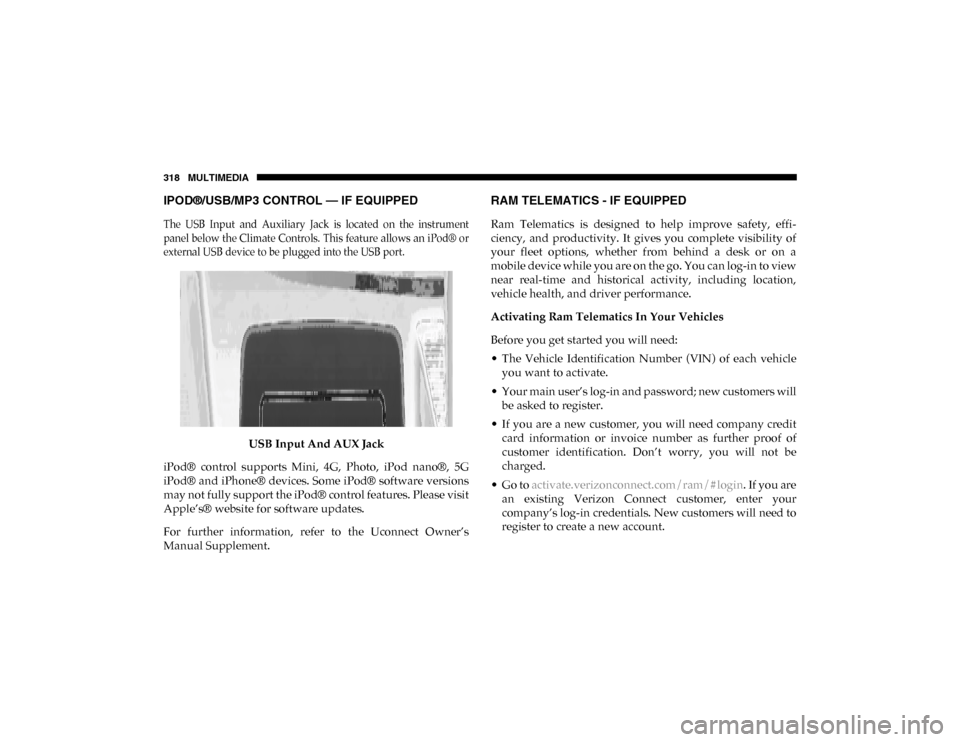
The USB Input and Auxiliary Jack is located on the instrument
panel below the Climate Controls. This feature allows an iPod® or
external USB device to be plugged into the USB port.
USB Input And AUX Jack
iPod® control supports Mini, 4G, Photo, iPod nano®, 5G
iPod® and iPhone® devices. Some iPod® software versions
may not fully support the iPod® control features. Please visit
Apple’s® website for software updates.
For further information, refer to the Uconnect Owner’s
Manual Supplement.
RAM TELEMATICS - IF EQUIPPED
Ram Telematics is designed to help improve safety, effi -
ciency, and productivity. It gives you complete visibility of
your fleet options, whether from behind a desk or on a
mobile device while you are on the go. You can log-in to view
near real-time and historical activity, including location,
vehicle health, and driver performance.
Activating Ram Telematics In Your Vehicles
Before you get started you will need:
• The Vehicle Identification Number (VIN) of each vehicle you want to activate.
• Your main user’s log-in and password; new customers will be asked to register.
• If you are a new customer, you will need company credit card information or invoice number as further proof of
customer identification. Don’t worry, you will not be
charged.
• Go to activate.verizonconnect.com/ram/#login . If you are
an existing Verizon Connect customer, enter your
company’s log-in credentials. New customers will need to
register to create a new account.
2020_RAM_PROMASTER_CITY_OM_USA=GUID-7B6A7FCA-79B0-423F-95C5-ED2A949C3D13=1=en=.book Page 318