air condition RENAULT TWINGO RS 2009 2.G Electrical Equipment - Lightening User Guide
[x] Cancel search | Manufacturer: RENAULT, Model Year: 2009, Model line: TWINGO RS, Model: RENAULT TWINGO RS 2009 2.GPages: 44, PDF Size: 0.24 MB
Page 36 of 44
80D-36
MR-413-X44-80D000$900_eng.mif
V1
LIGHTING
Fault finding - Fault Finding Chart80D
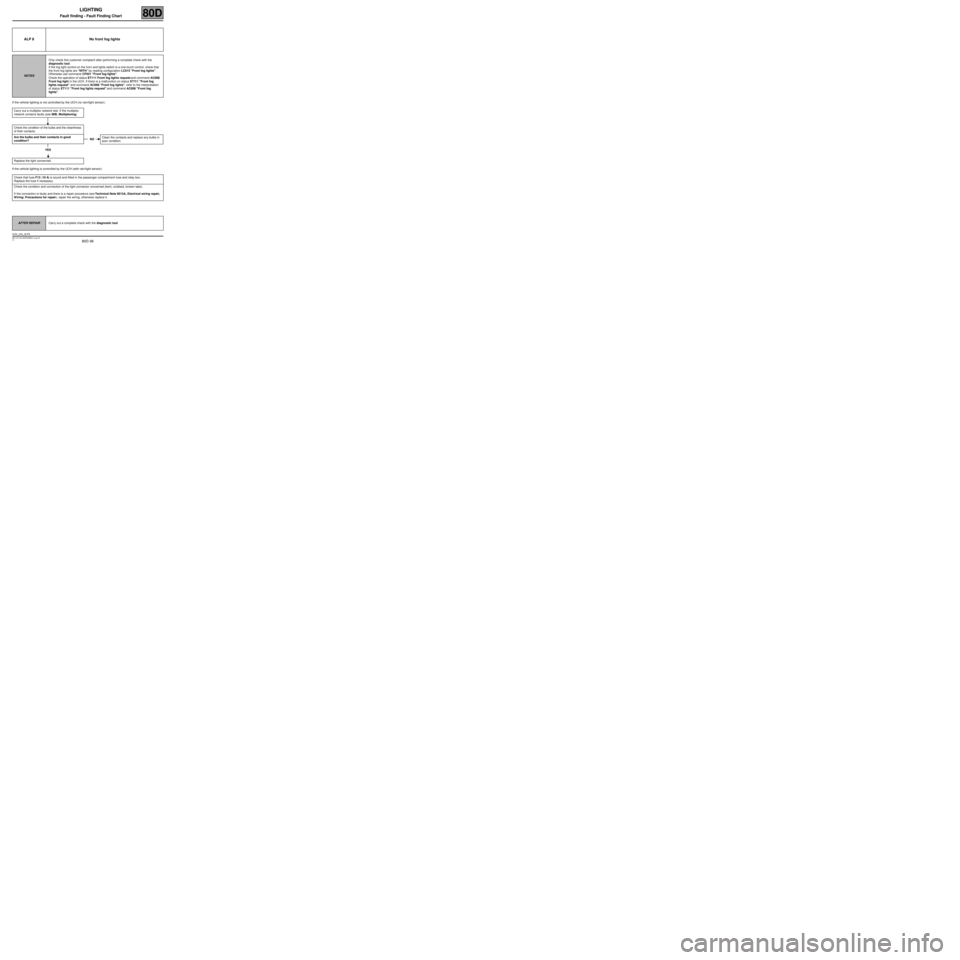
If the vehicle lighting is not controlled by the UCH (no rain/light sensor):
If the vehicle lighting is controlled by the UCH (with rain/light sensor):
ALP 8 No front fog lights
NOTESOnly check this customer complaint after performing a complete check with the
diagnostic tool.
If the fog light control on the horn and lights switch is a one-touch control, check that
the front fog lights are "WITH" by reading configuration LC015 "Front fog lights".
Otherwise use command CF021 "Front fog lights".
Check the operation of status ET111 Front fog lights request and command AC008
Front fog light in the UCH. If there is a malfunction on status ET111 "Front fog
lights request" and command AC008 "Front fog lights", refer to the interpretation
of status ET111 "Front fog lights request" and command AC008 "Front fog
lights".
Carry out a multiplex network test. If the multiplex
network contains faults (see 88B, Multiplexing).
Check the condition of the bulbs and the cleanliness
of their contacts.
Are the bulbs and their contacts in good
condition?
YES
Replace the light concerned.
Check that fuse F13 (10 A) is sound and fitted in the passenger compartment fuse and relay box.
Replace the fuse if necessary.
Check the condition and connection of the light connector concerned (bent, oxidised, broken tabs).
If the connection is faulty and there is a repair procedure (see Technical Note 6015A, Electrical wiring repair,
Wiring: Precautions for repair), repair the wiring, otherwise replace it.
NOClean the contacts and replace any bulbs in
poor condition.
AFTER REPAIRCarry out a complete check with the diagnostic tool.
UCH_V44_ALP8
Page 37 of 44
80D-37
MR-413-X44-80D000$900_eng.mif
V1
LIGHTING
Fault finding - Fault Finding Chart80D
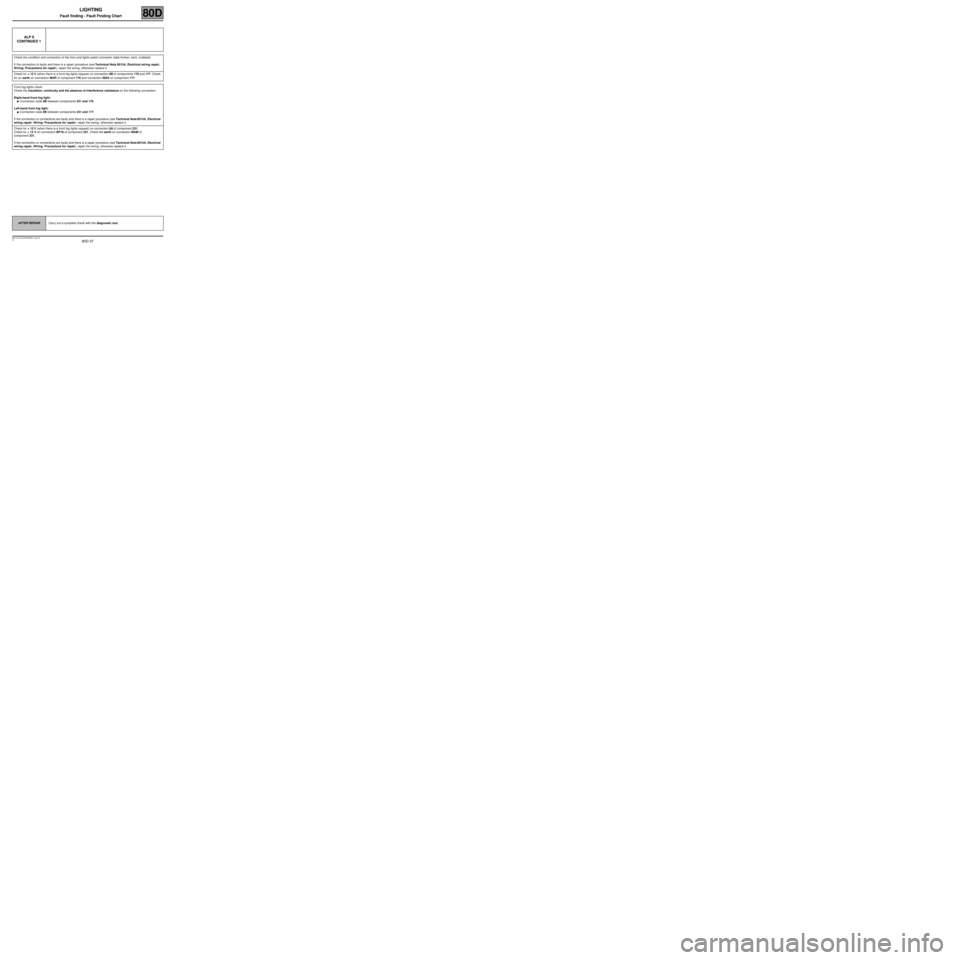
ALP 8
CONTINUED 1
Check the condition and connection of the horn and lights switch connector (tabs broken, bent, oxidised).
If the connection is faulty and there is a repair procedure (see Technical Note 6015A, Electrical wiring repair,
Wiring: Precautions for repair), repair the wiring, otherwise replace it.
Check for + 12 V (when there is a front fog lights request) on connection 8B of components 176 and 177. Check
for an earth on connection MAR of component 176 and connection MAS on component 177.
Front fog lights check:
Check the insulation, continuity and the absence of interference resistance on the following connection:
Right-hand front fog light:
●Connection code 8B between components 231 and 176.
Left-hand front fog light:
●Connection code 8B between components 231 and 177.
If the connection or connections are faulty and there is a repair procedure (see Technical Note 6015A, Electrical
wiring repair, Wiring: Precautions for repair), repair the wiring, otherwise replace it.
Check for + 12 V (when there is a front fog lights request) on connection 8A of component 231.
Check for + 12 V on connection BP16 of component 231. Check the earth on connection MAM of
component 231.
If the connection or connections are faulty and there is a repair procedure (see Technical Note 6015A, Electrical
wiring repair, Wiring: Precautions for repair), repair the wiring, otherwise replace it.
AFTER REPAIRCarry out a complete check with the diagnostic tool.
Page 39 of 44
80D-39
MR-413-X44-80D000$900_eng.mif
V1
LIGHTING
Fault finding - Fault Finding Chart80D
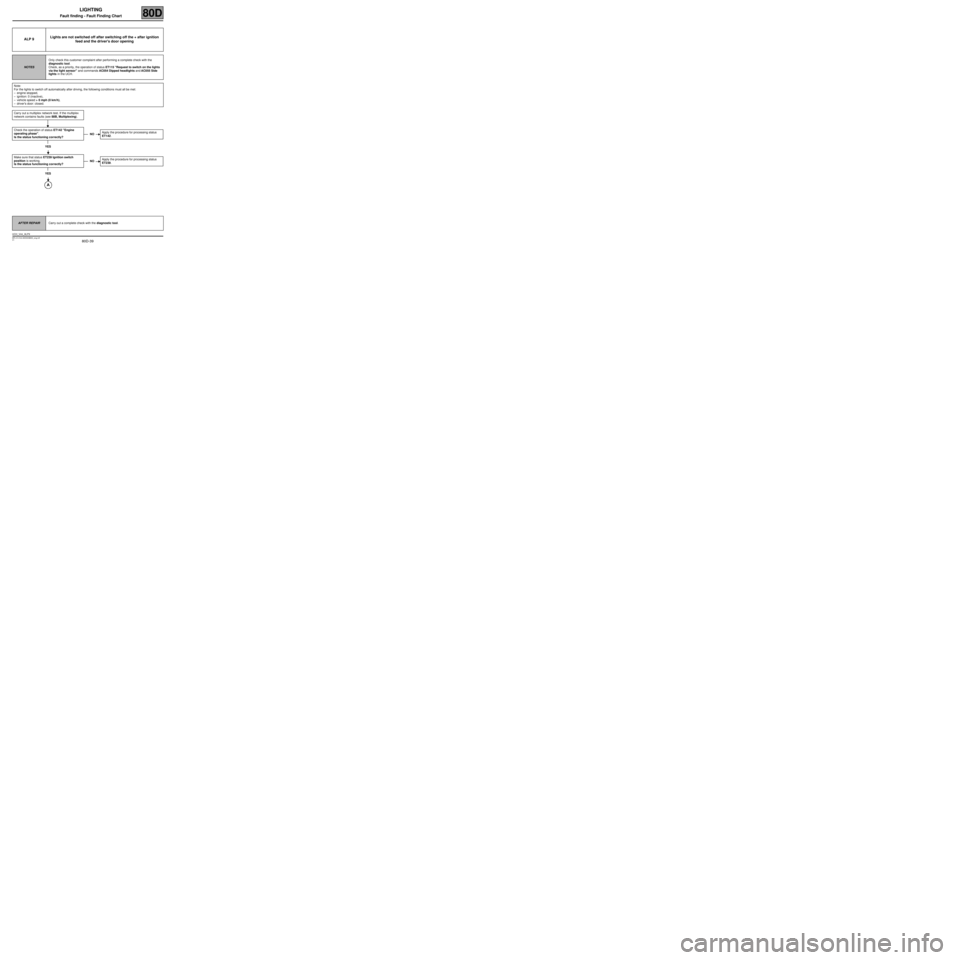
ALP 9Lights are not switched off after switching off the + after ignition
feed and the driver's door opening
NOTESOnly check this customer complaint after performing a complete check with the
diagnostic tool.
Check, as a priority, the operation of status ET115 "Request to switch on the lights
via the light sensor" and commands AC054 Dipped headlights and AC055 Side
lights in the UCH.
Note:
For the lights to switch off automatically after driving, the following conditions must all be met:
–engine stopped,
–ignition: 0 (inactive),
–vehicle speed > 0 mph (0 km/h),
–driver's door: closed.
Carry out a multiplex network test. If the multiplex
network contains faults (see 88B, Multiplexing).
Check the operation of status ET142 "Engine
operating phase".
Is the status functioning correctly?
YES
Make sure that status ET239 Ignition switch
position is working.
Is the status functioning correctly?
YES
NOApply the procedure for processing status
ET142.
NOApply the procedure for processing status
ET239.
AFTER REPAIRCarry out a complete check with the diagnostic tool.
UCH_V44_ALP9
Page 42 of 44
80D-42
MR-413-X44-80D000$900_eng.mif
V1
LIGHTING
Fault finding - Fault Finding Chart80D
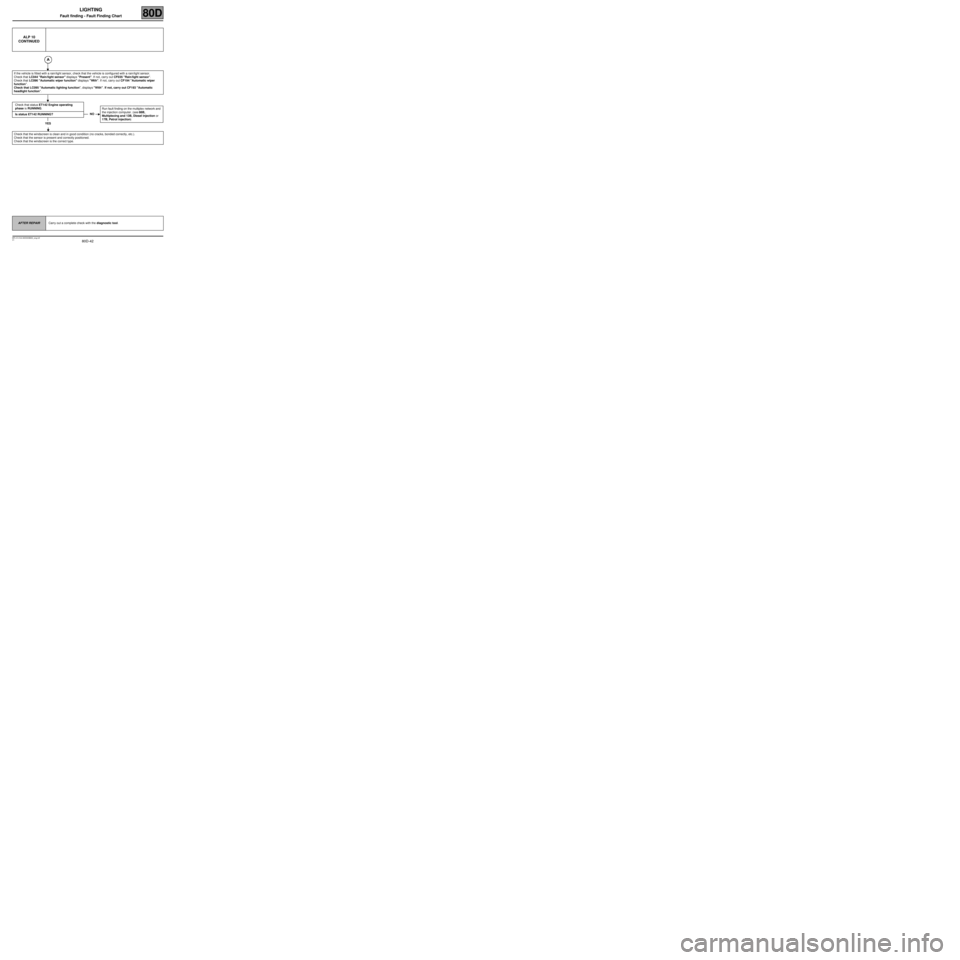
ALP 10
CONTINUED
If the vehicle is fitted with a rain/light sensor, check that the vehicle is configured with a rain/light sensor.
Check that LC044 "Rain/light sensor" displays "Present". If not, carry out CF035 "Rain/light sensor".
Check that LC096 "Automatic wiper function" displays "With". If not, carry out CF194 "Automatic wiper
function".
Check that LC095 "Automatic lighting function", displays "With". If not, carry out CF193 "Automatic
headlight function".
Check that status ET142 Engine operating
phase is RUNNING.
Is status ET142 RUNNING?
YES
Check that the windscreen is clean and in good condition (no cracks, bonded correctly, etc.).
Check that the sensor is present and correctly positioned.
Check that the windscreen is the correct type.
NORun fault finding on the multiplex network and
the injection computer. (see 88B,
Multiplexing and 13B, Diesel injection or
17B, Petrol injection)
AFTER REPAIRCarry out a complete check with the diagnostic tool.