Seat Alhambra 2019 Owner's Guide
Alhambra 2019
Seat
Seat
https://www.carmanualsonline.info/img/39/28796/w960_28796-0.png
Seat Alhambra 2019 Owner's Guide
Page 218 of 392
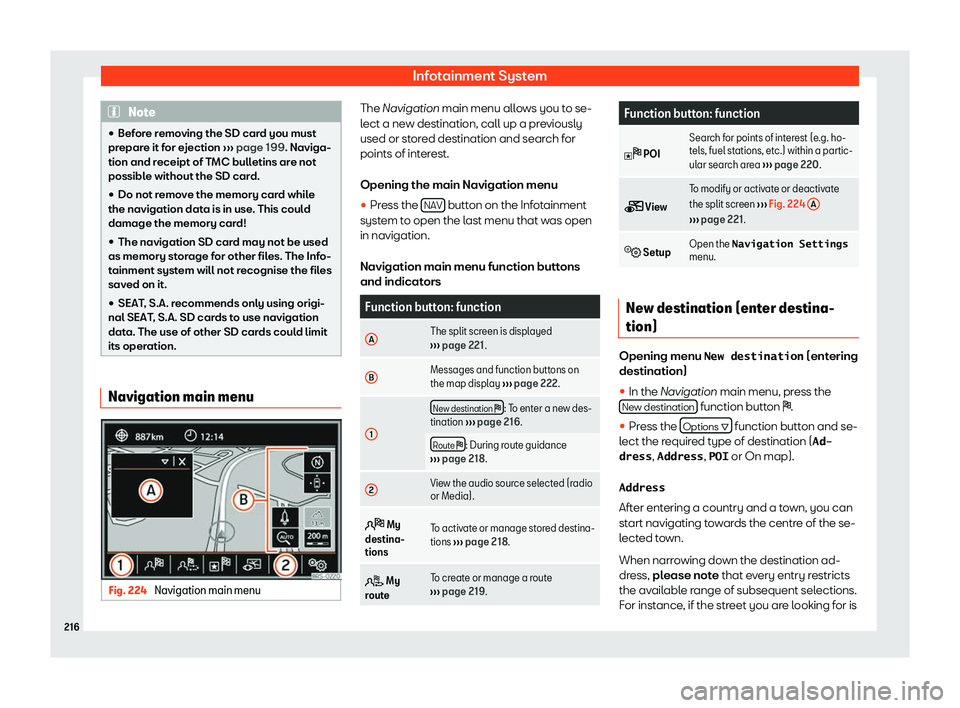
Infotainment System
Note
�
Page 220 of 392
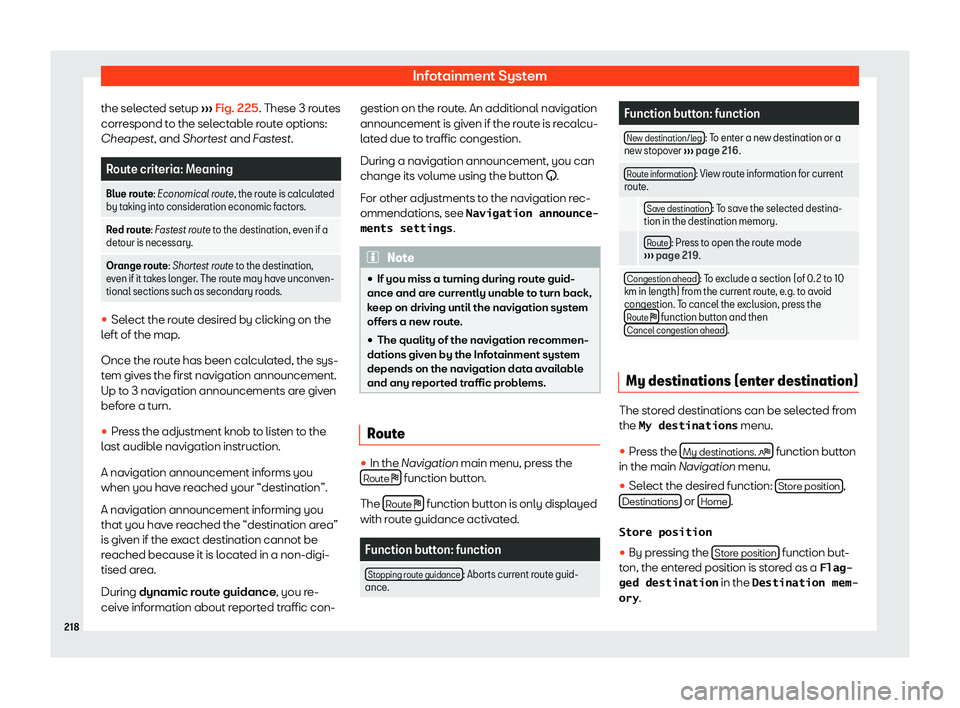
Infotainment System
the selected setup
Page 222 of 392
Infotainment System
Function button: function
B Press on the destination to display the function
buttons.
: Delete destination.
: To st
art guidance direct to the selected
destination. Destinations that come bef or
e the
selected destination are ignored.
: To open the detailed view of the destination
in question.
C Available function buttons.
New dest.: T
o add a ne
w destination t
o the tour.
Destinations: To add a new destination fr
om
My destinations to the tour.
Save: To store the created tour in the tour mem-
ory.
Star
t: To start route guidance.
Calcul
atea)
: To update cal
culated distance
and estimated arrival time.
Stop b)
: To stop route guidance to the active
destination.
1 To move a stopover or a destination to another
position on the list. Press and hol
d t
o move the
destination. a)
This function button is only displayed with route
guidance activ at
ed and when a destination has been
added t
o the tour.
b) This function button is only displayed with route
guidance activated. P
oints of interest
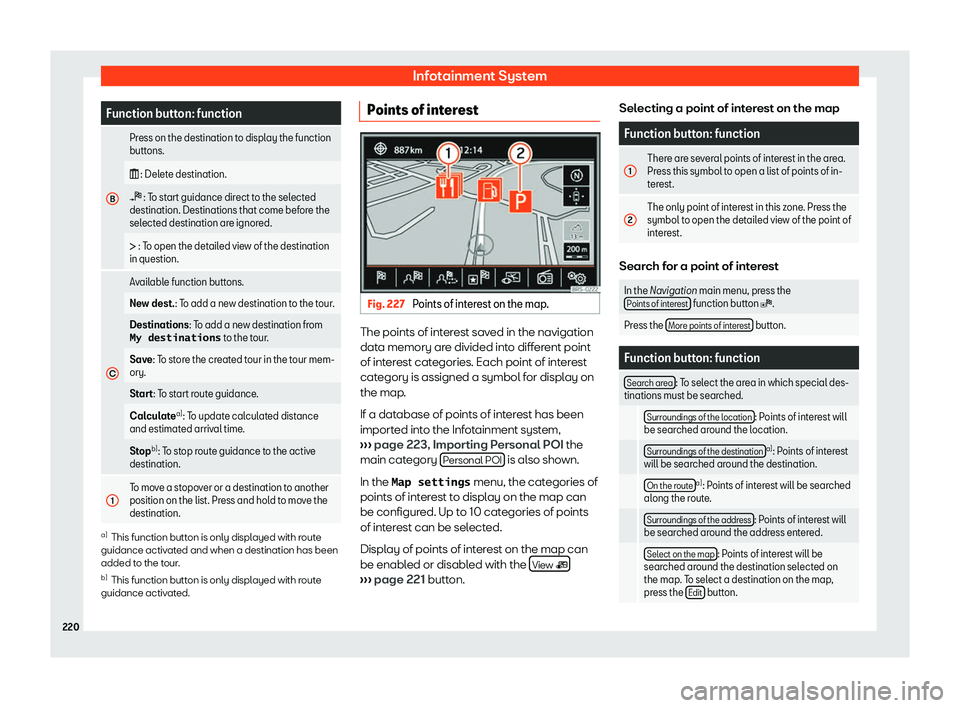
Fig. 227
Points of interest on the map. The points of interest saved in the navigation
dat
a memory ar
e divided int
o different point
of interest categories. Each point of interest
category is assigned a symbol for display on
the map.
If a database of points of interest has been
imported into the Infotainment system,
Page 224 of 392
Infotainment System
Function button: function
Compass : Displays a compass with the current trav-
elling direction and indicat es the curr
ent position of
the vehicle (street name).
Manoeuvre a)
: The list of manoeuvres is displayed.
R
oad signs : Based on the features of the vehicle, the
road signs st or
ed in the navigation data or the road
signs recognised by the road sign detector are dis-
played.
Sat. data : current vehicle position in coordinates and
GPS stat us (sat
ellite reception). a)
This function button is only displayed with route
guidance activ at
ed.
Map displ
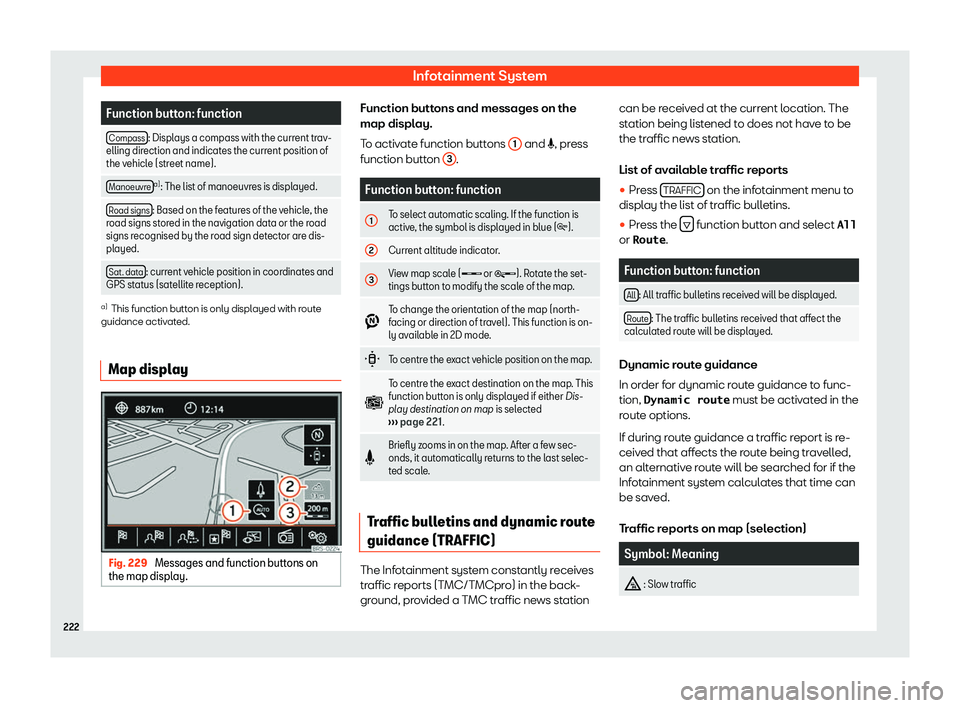
ayFig. 229
Messages and function buttons on
the map displ ay. Function buttons and messages on the
map displ
ay.
T o activ
ate function buttons 1 and , pr
ess
function butt on 3 .
Function button: function
1 To select automatic scaling. If the function is
active
, the symbol is displ
ayed in blue (
Page 226 of 392
Page 228 of 392
Infotainment System
General information The instructions shown on the screen for
each tel
ephone menu will depend on the
functions of the mobil
e telephone used. There
may be variations.
Take into account the instructions to use a
mobile telephone in the vehicle without con-
nection to the external antenna
Page 230 of 392
Infotainment System
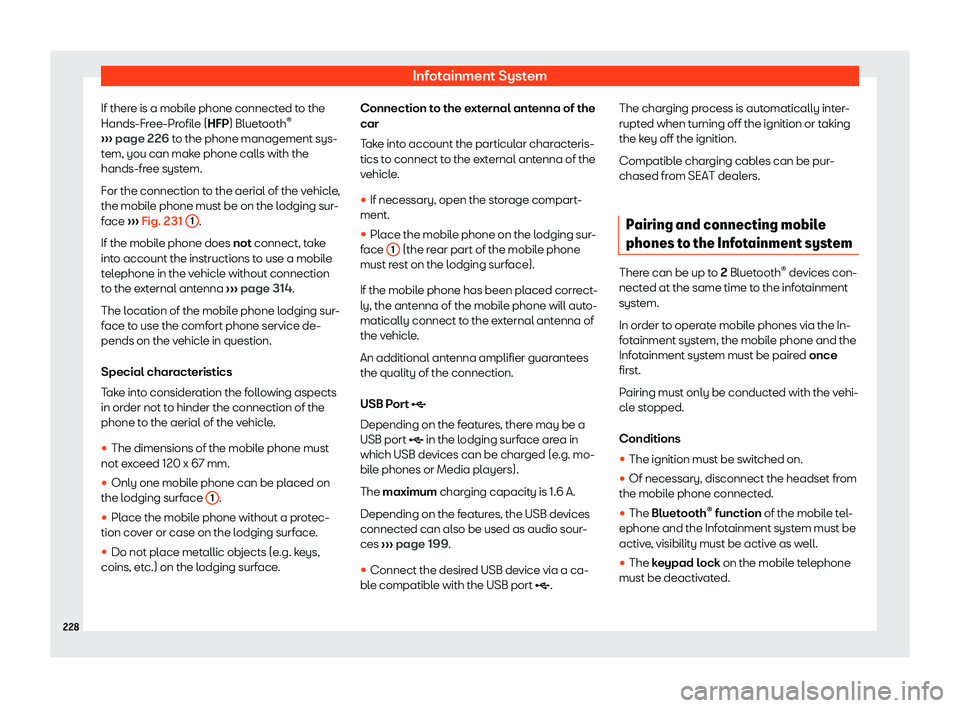
If there is a mobile phone connected to the
Hands-Fr ee-Pr
ofil
e (HFP) Bluetooth
Page 232 of 392
Infotainment System
be on after turning the phone management
system off
. Y
ou might have to turn off the
mobile phone. Description of the telephone
management system.
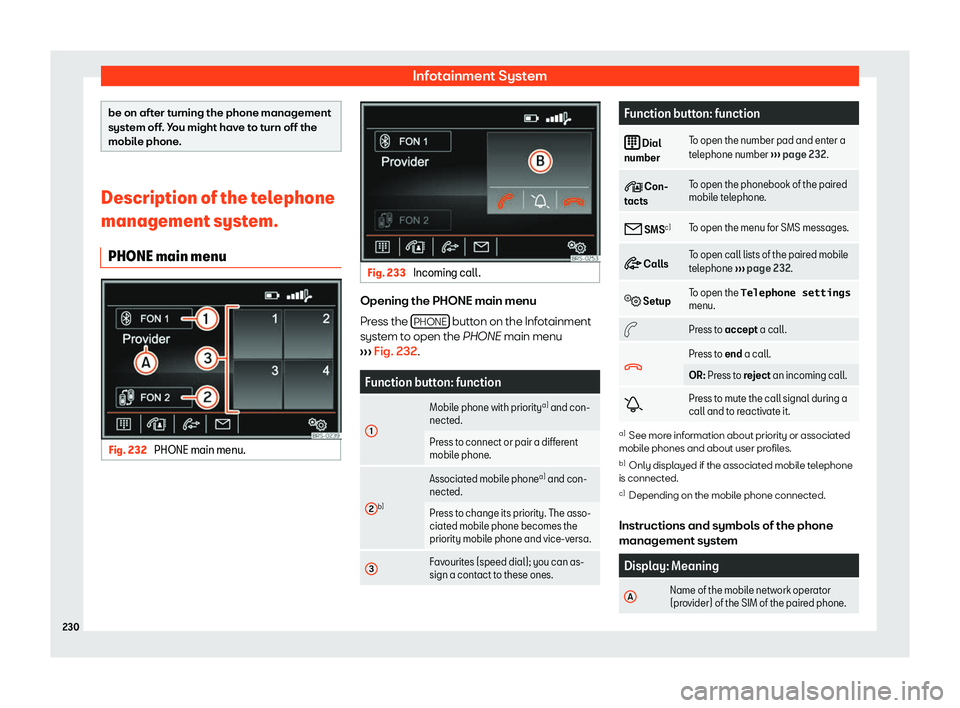
PHONE main menu Fig. 232
PHONE main menu. Fig. 233
Incoming call. Opening the PHONE main menu
Pr
ess the
PHONE button on the Infotainment
syst em t
o open the
PHONE main menu
Page 234 of 392
Infotainment System
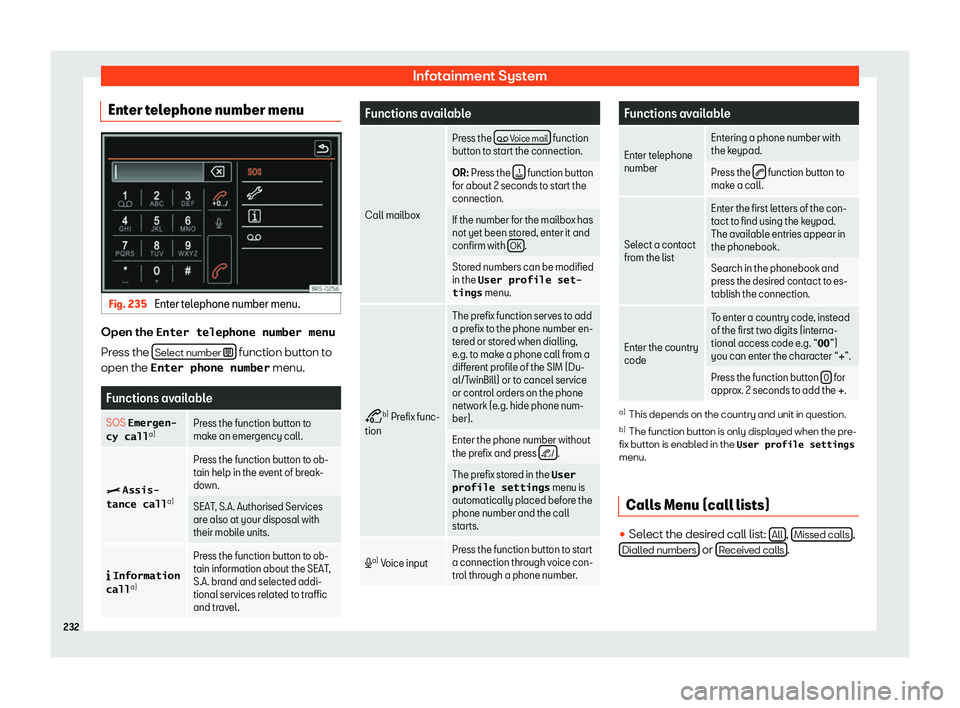
Enter telephone number menu Fig. 235
Enter telephone number menu. Open the Enter telephone number menu
Pr ess the
Sel
ect number
function button to
open the Enter phone number menu.Functions available
SOS Emergen- cy call a) Press the function button to
make an emergency call
.
> Assis-
tance call a)Press the function button to ob-
tain help in the e
v
ent of break-
down.
SEAT, S.A. Authorised Services
are al so at your disposal with
their mobil
e units.
Page 235 of 392
Phone management system (PHONE)*
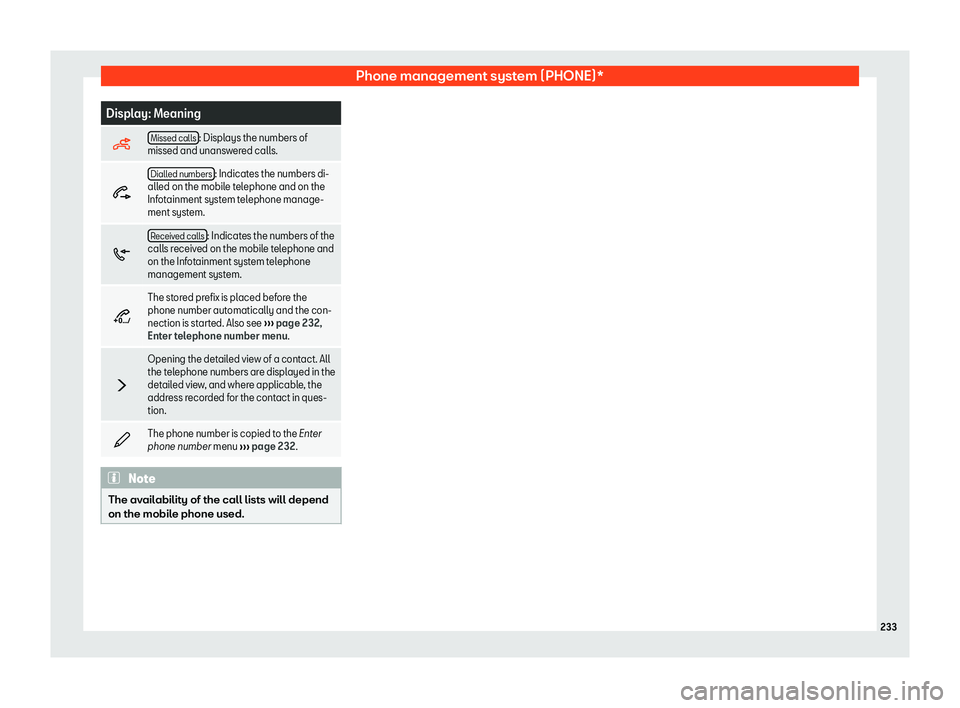
Display: Meaning
Missed calls : Displays the numbers of
missed and unansw er
ed calls.
Dialled numbers : Indicates the numbers di-
alled on the mobile t
elephone and on the
Infotainment system telephone manage-
ment system.
Received calls : Indicates the numbers of the
calls r eceiv
ed on the mobile telephone and
on the Infotainment system telephone
management system.
2 The stored prefix is placed before the
phone number automatically and the con-
nection is st
art
ed. Also see