brake light Seat Altea 2014 User Guide
[x] Cancel search | Manufacturer: SEAT, Model Year: 2014, Model line: Altea, Model: Seat Altea 2014Pages: 321, PDF Size: 4.52 MB
Page 88 of 321
86Cockpit
WARNING
● Before opening the bonnet, read and observe the warnings on
⇒ page 235.
● If the brake warning lamp does not go out, or if it lights up when driv-
ing, the brake fluid level ⇒ page 249, Brake fluid in the reservoir is too
low. Risk of accident. Stop the vehicle and do not drive on. Obtain techni-
cal assistance.
● If the brake warning lamp lights up together with the ABS warning
lamp , the control function of the ABS could be out of action. This could
cause the rear wheels to lock quickly when you brake. This could cause
the rear to break away. Risk of skidding. Stop the vehicle and seek tech-
nical assistance.
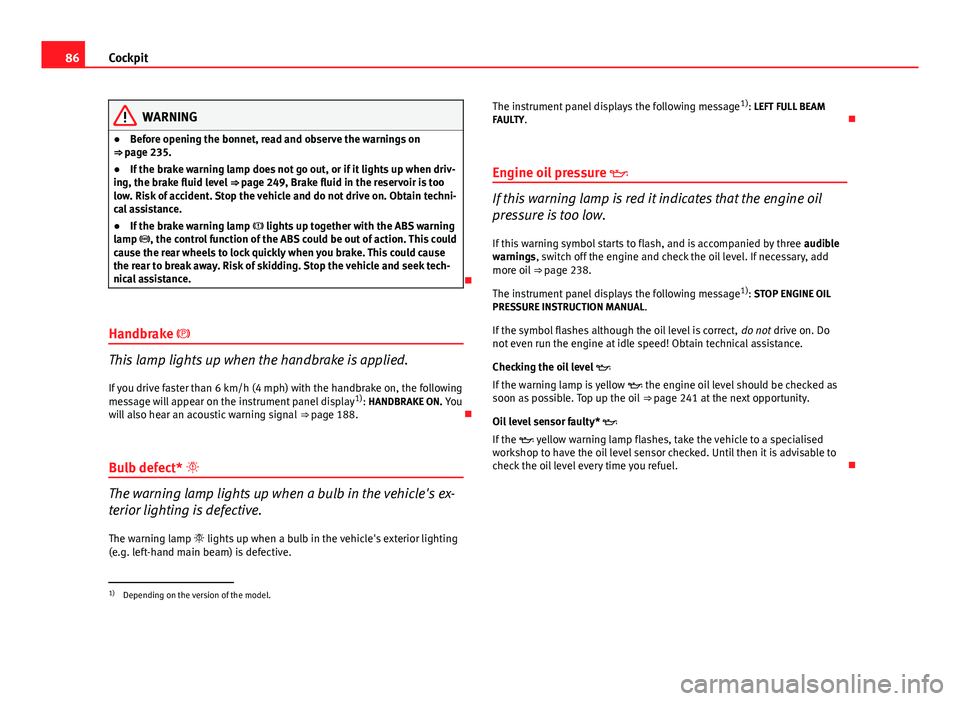
Handbrake
This lamp lights up when the handbrake is applied. If you drive faster than 6 km/h (4 mph) with the handbrake on, the following
message will appear on the instrument panel display 1)
: HANDBRAKE ON. You
will also hear an acoustic warning signal ⇒ page 188.
Bulb defect*
The warning lamp lights up when a bulb in the vehicle's ex-
terior lighting is defective.
The warning lamp lights up when a bulb in the vehicle's exterior lighting
(e.g. left-hand main beam) is defective. The instrument panel displays the following message
1)
: LEFT FULL BEAM
FAULTY.
Engine oil pressure
If this warning lamp is red it indicates that the engine oil
pressure is too low.
If this warning symbol starts to flash, and is accompanied by three audible
warnings, switch off the engine and check the oil level. If necessary, add
more oil ⇒ page 238.
The instrument panel displays the following message 1)
: STOP ENGINE OIL
PRESSURE INSTRUCTION MANUAL .
If the symbol flashes although the oil level is correct, do not drive on. Do
not even run the engine at idle speed! Obtain technical assistance.
Checking the oil level
If the warning lamp is yellow the engine oil level should be checked as
soon as possible. Top up the oil ⇒ page 241 at the next opportunity.
Oil level sensor faulty*
If the yellow warning lamp flashes, take the vehicle to a specialised
workshop to have the oil level sensor checked. Until then it is advisable to
check the oil level every time you refuel.
1)
Depending on the version of the model.
Page 90 of 321
88Cockpit
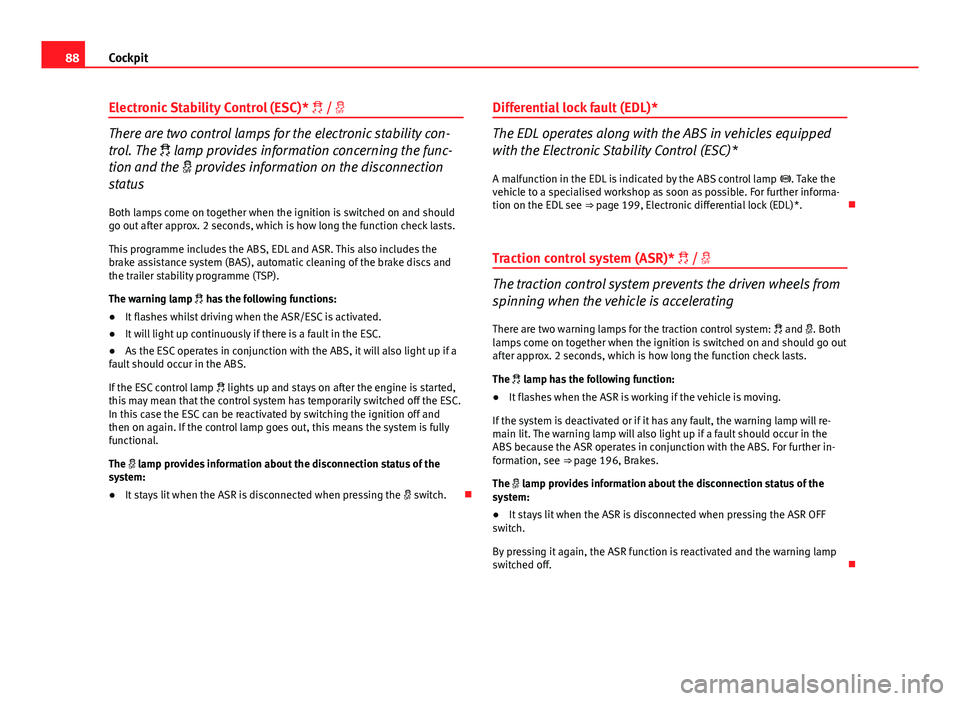
Electronic Stability Control (ESC)* /
There are two control lamps for the electronic stability con-
trol. The lamp provides information concerning the func-
tion and the provides information on the disconnection
status
Both lamps come on together when the ignition is switched on and should
go out after approx. 2 seconds, which is how long the function check lasts.
This programme includes the ABS, EDL and ASR. This also includes the
brake assistance system (BAS), automatic cleaning of the brake discs and
the trailer stability programme (TSP).
The warning lamp has the following functions:
● It flashes whilst driving when the ASR/ESC is activated.
● It will light up continuously if there is a fault in the ESC.
● As the ESC operates in conjunction with the ABS, it will also light up if a
fault should occur in the ABS.
If the ESC control lamp lights up and stays on after the engine is started,
this may mean that the control system has temporarily switched off the ESC.
In this case the ESC can be reactivated by switching the ignition off and
then on again. If the control lamp goes out, this means the system is fully
functional.
The lamp provides information about the disconnection status of the
system:
● It stays lit when the ASR is disconnected when pressing the switch.Differential lock fault (EDL)*The EDL operates along with the ABS in vehicles equipped
with the Electronic Stability Control (ESC)*
A malfunction in the EDL is indicated by the ABS control lamp . Take the
vehicle to a specialised workshop as soon as possible. For further informa-
tion on the EDL see ⇒ page 199, Electronic differential lock (EDL)*.
Traction control system (ASR)* /
The traction control system prevents the driven wheels from
spinning when the vehicle is accelerating
There are two warning lamps for the traction control system: and . Both
lamps come on together when the ignition is switched on and should go out
after approx. 2 seconds, which is how long the function check lasts.
The lamp has the following function:
● It flashes when the ASR is working if the vehicle is moving.
If the system is deactivated or if it has any fault, the warning lamp will re-
main lit. The warning lamp will also light up if a fault should occur in the
ABS because the ASR operates in conjunction with the ABS. For further in-
formation, see ⇒ page 196, Brakes.
The lamp provides information about the disconnection status of the
system:
● It stays lit when the ASR is disconnected when pressing the ASR OFF
switch.
By pressing it again, the ASR function is reactivated and the warning lamp
switched off.
Page 91 of 321
89
Cockpit
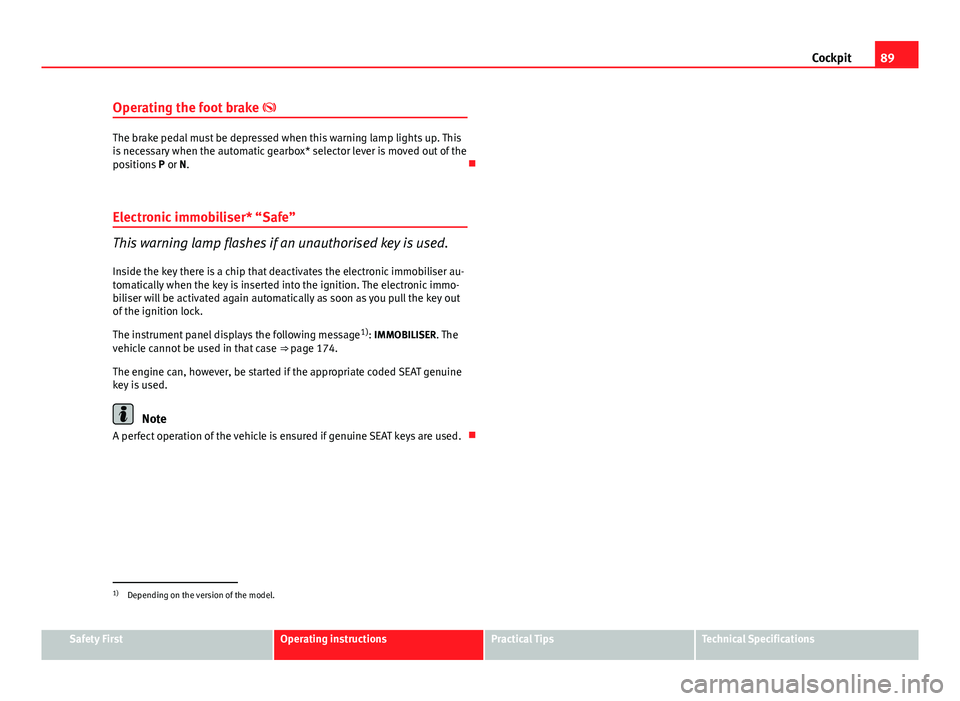
Operating the foot brake
The brake pedal must be depressed when this warning lamp lights up. This
is necessary when the automatic gearbox* selector lever is moved out of the
positions P or N.
Electronic immobiliser* “Safe”
This warning lamp flashes if an unauthorised key is used.
Inside the key there is a chip that deactivates the electronic immobiliser au-
tomatically when the key is inserted into the ignition. The electronic immo-
biliser will be activated again automatically as soon as you pull the key out
of the ignition lock.
The instrument panel displays the following message 1)
: IMMOBILISER. The
vehicle cannot be used in that case ⇒ page 174.
The engine can, however, be started if the appropriate coded SEAT genuine
key is used.
Note
A perfect operation of the vehicle is ensured if genuine SEAT keys are used.
1)
Depending on the version of the model.
Safety FirstOperating instructionsPractical TipsTechnical Specifications
Page 123 of 321
121
Lights and visibility
3. Switch the ignition off.
4. Apply the handbrake.
5. On a manual gearbox engage 1st gear. On an automatic gear- box, move the selector lever to P.
6. Use the warning triangle to draw the attention of other road users to your vehicle.
7. Always take the vehicle key with you when you leave the vehi- cle.
Switch on the hazard warning lights to warn other road users, for example:
● reaching the tail end of a traffic jam,
● there is an emergency
● your vehicle breaks down due to a technical fault,
● you are towing another vehicle or your vehicle is being towed.
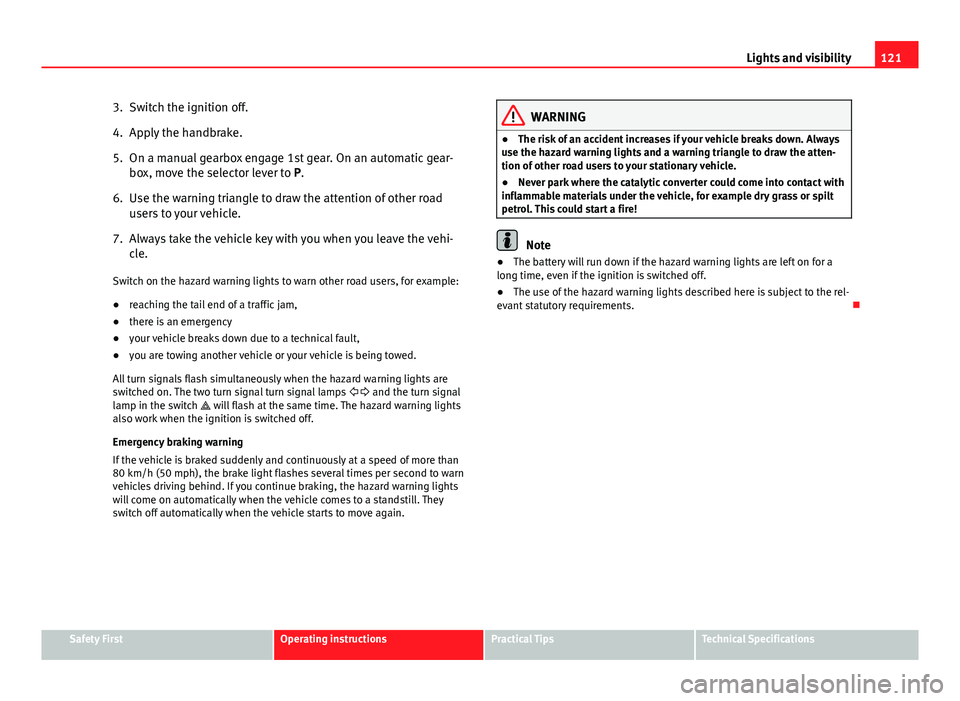
All turn signals flash simultaneously when the hazard warning lights are
switched on. The two turn signal turn signal lamps and the turn signal
lamp in the switch will flash at the same time. The hazard warning lights
also work when the ignition is switched off.
Emergency braking warning
If the vehicle is braked suddenly and continuously at a speed of more than
80 km/h (50 mph), the brake light flashes several times per second to warn
vehicles driving behind. If you continue braking, the hazard warning lights
will come on automatically when the vehicle comes to a standstill. They
switch off automatically when the vehicle starts to move again.
WARNING
● The risk of an accident increases if your vehicle breaks down. Always
use the hazard warning lights and a warning triangle to draw the atten-
tion of other road users to your stationary vehicle.
● Never park where the catalytic converter could come into contact with
inflammable materials under the vehicle, for example dry grass or spilt
petrol. This could start a fire!
Note
● The battery will run down if the hazard warning lights are left on for a
long time, even if the ignition is switched off.
● The use of the hazard warning lights described here is subject to the rel-
evant statutory requirements.
Safety FirstOperating instructionsPractical TipsTechnical Specifications
Page 147 of 321
145
Seats and storage
Luggage compartment net*
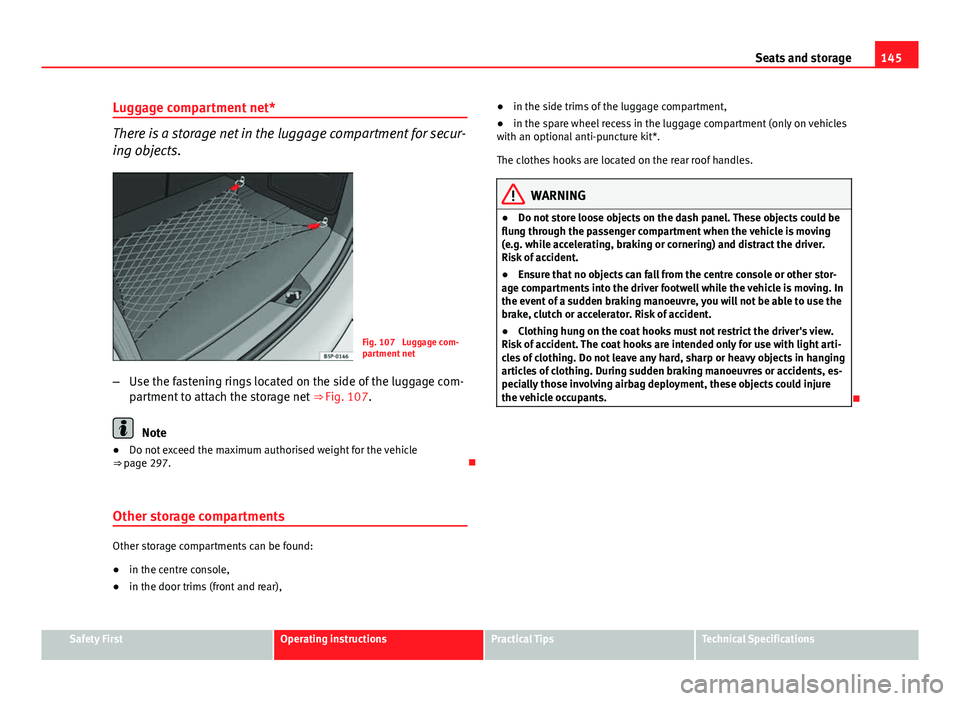
There is a storage net in the luggage compartment for secur-
ing objects.
Fig. 107 Luggage com-
partment net
– Use the fastening rings located on the side of the luggage com-
partment to attach the storage net ⇒ Fig. 107.
Note
● Do not exceed the maximum authorised weight for the vehicle
⇒ page 297.
Other storage compartments
Other storage compartments can be found:
● in the centre console,
● in the door trims (front and rear), ●
in the side trims of the luggage compartment,
● in the spare wheel recess in the luggage compartment (only on vehicles
with an optional anti-puncture kit*.
The clothes hooks are located on the rear roof handles.
WARNING
● Do not store loose objects on the dash panel. These objects could be
flung through the passenger compartment when the vehicle is moving
(e.g. while accelerating, braking or cornering) and distract the driver.
Risk of accident.
● Ensure that no objects can fall from the centre console or other stor-
age compartments into the driver footwell while the vehicle is moving. In
the event of a sudden braking manoeuvre, you will not be able to use the
brake, clutch or accelerator. Risk of accident.
● Clothing hung on the coat hooks must not restrict the driver's view.
Risk of accident. The coat hooks are intended only for use with light arti-
cles of clothing. Do not leave any hard, sharp or heavy objects in hanging
articles of clothing. During sudden braking manoeuvres or accidents, es-
pecially those involving airbag deployment, these objects could injure
the vehicle occupants.
Safety FirstOperating instructionsPractical TipsTechnical Specifications
Page 174 of 321
172Driving
WARNING (Continued)
● Adjust the driver seat or steering wheel so that there is a distance of
at least 25 cm between the steering wheel and your chest ⇒ Fig. 138. If
you fail to observe the minimum distance, the airbag will not protect you.
Risk of fatal injury.
● If your physical constitution does not allow you to maintain the mini-
mum distance of 25 cm, contact a Technical Service. The Technical Serv-
ice will help you to decide if special specific modifications are necessary.
● If you adjust the steering wheel so that it points towards your face,
the driver airbag will not protect you properly in the event of an accident.
Make sure that the steering wheel points towards your chest.
● When driving, always hold the steering wheel with both hands on the
outside of the ring at the 9 o'clock and 3 o'clock positions. Never hold
the steering wheel at the 12 o'clock position, or in any other manner
(e.g. in the centre of the steering wheel, or on the inside of the rim). In
such cases, if the airbag is triggered, you may sustain injuries to the
arms, hands and head.
Safety
Electronic Stability Control (ESC)*
The ESC helps make driving safer in extreme driving condi-
tions.
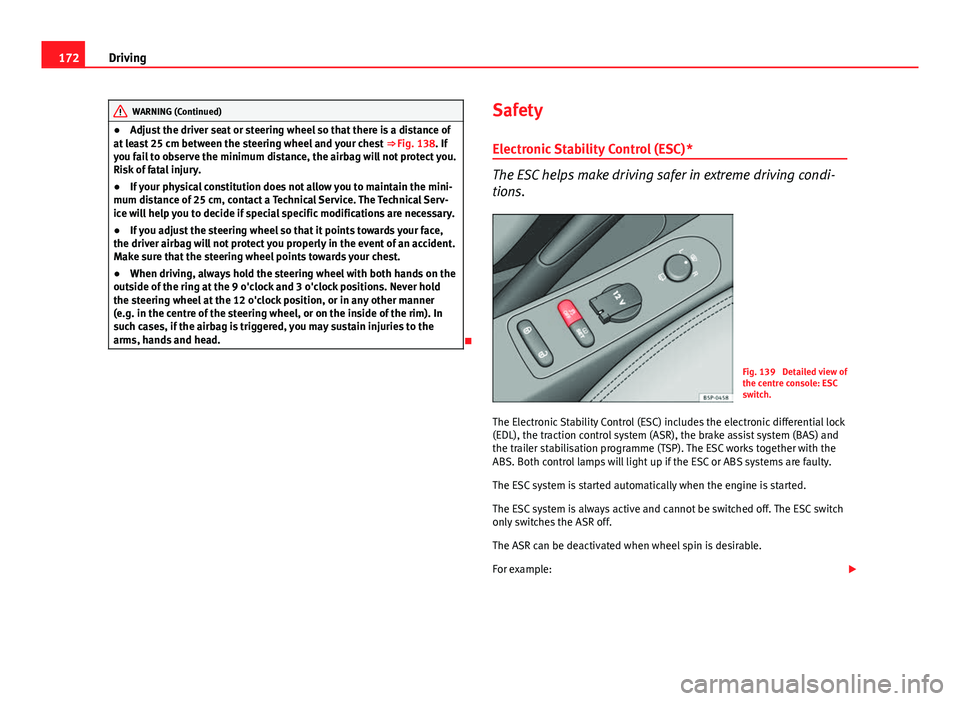
Fig. 139 Detailed view of
the centre console: ESC
switch.
The Electronic Stability Control (ESC) includes the electronic differential lock
(EDL), the traction control system (ASR), the brake assist system (BAS) and
the trailer stabilisation programme (TSP). The ESC works together with the
ABS. Both control lamps will light up if the ESC or ABS systems are faulty.
The ESC system is started automatically when the engine is started.
The ESC system is always active and cannot be switched off. The ESC switch
only switches the ASR off.
The ASR can be deactivated when wheel spin is desirable.
For example:
Page 187 of 321
185
Driving
– Select a gear for driving ( R, D or S).
– Release the button and wait a few seconds for the gear to en-
gage, a light jerk will be felt.
– Release the brake and accelerate.
Short stop
– Hold the vehicle stationary with the brake pressed down (for ex-
ample at traffic lights). The selector lever does not need to be
put into the positions P or N for this.
– Do not press the accelerator.
Parking
– Press the brake pedal and hold to bring the vehicle to a stop.
– Apply the handbrake firmly.
– Press in the button on the selector lever knob, move the lever to
the position P and release the button.
Driving slowly
– Move the selector lever to position D and press to the right to
put the lever into tiptronic mode.
– Press the gear lever towards (-) to select a lower gear.
Hill stop
– Hold the vehicle, in all cases, using the brake pedal to prevent
rolling back.
– Do not try to slow the vehicle using another forward gear (en-
gine braking). Descending gradients
–
With the gear engaged, release the brake and accelerate.
The steeper the gradient the lower the gear must be for effective engine
braking. For example, if 3rd gear is used on a very steep gradient, the en-
gine braking is insufficient and vehicle accelerates. So that the engine
speed does not become excessive, the gearbox changes to the next highest
gear. Depress the brake pedal and move the selector lever to the tiptronic
gate to return to 3rd gear.
WARNING
● The driver should never leave the vehicle while the engine is running
or with any gear selected. If for any reason you must leave the vehicle
with the engine running, apply the handbrake and move the selector lev-
er to position P.
● When the engine is running and the positions D, S or R are selected,
it is necessary to hold the vehicle with the brake pedal because the vehi-
cle will creep at a low speed.
● Never accelerate while changing the position of the gear lever (risk of
an accident).
● The gear lever must never be moved into the positions R or P while
moving (risk of an accident).
● Before descending a steep gradient, reduce speed and use the tip-
tronic programme to select a lower gear.
● If you must stop on a hill, always hold the vehicle using the footbrake
to avoid rolling back.
Safety FirstOperating instructionsPractical TipsTechnical Specifications
Page 188 of 321
186Driving
WARNING (Continued)
● The footbrake must not be held for a long period of time, not even
lightly; continuous braking will cause overheating of the brakes and a re-
duction or even a loss of braking power and a significant increase in
braking distances.
● Never allow the vehicle to coast down a gradient with the selector lev-
er in positions N or D, even when the engine is not running. For descents,
the use of the tiptronic programme is recommended to keep the speed
reduced.
CAUTION
● Never use the automatic gearbox to hold the vehicle stationary on a hill,
even for short periods, as this may overheat the gearbox and cause dam-
age. Apply the handbrake or depress the foot brake to hold the vehicle in
position.
● If the vehicle is allowed to roll with the engine stopped but the selector
in position N then the gearbox may be damaged because it will not be lubri-
cated. Changing gear in tiptronic mode*
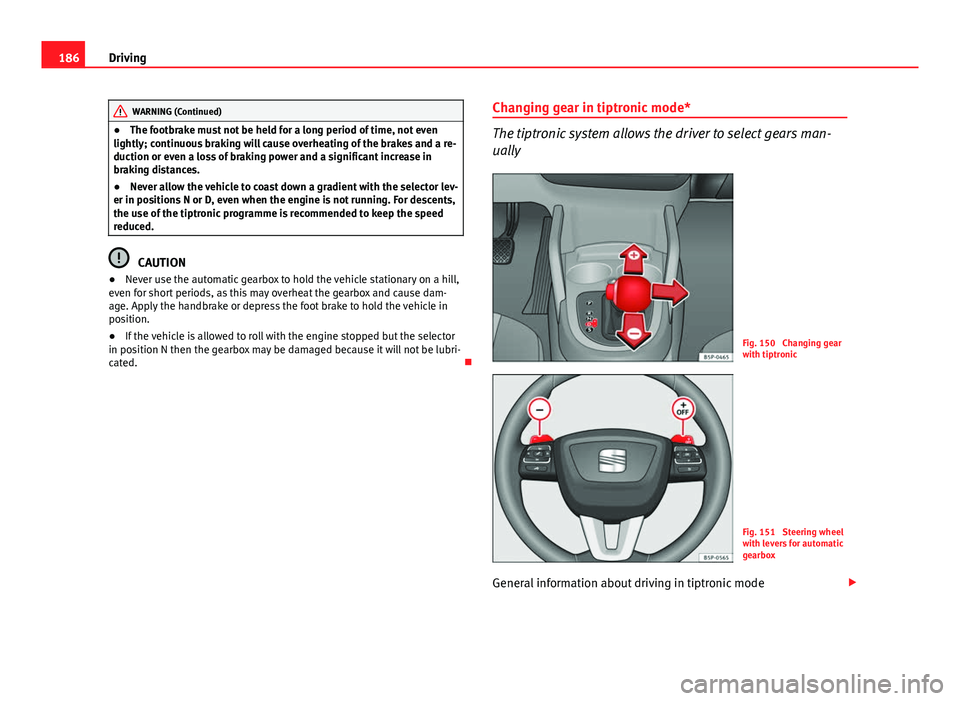
The tiptronic system allows the driver to select gears man-
ually
Fig. 150 Changing gear
with tiptronic
Fig. 151 Steering wheel
with levers for automatic
gearbox
General information about driving in tiptronic mode
Page 190 of 321
188Driving
Handbrake
Using the handbrake
The handbrake should be applied firmly to prevent the vehi-
cle from accidentally rolling away.
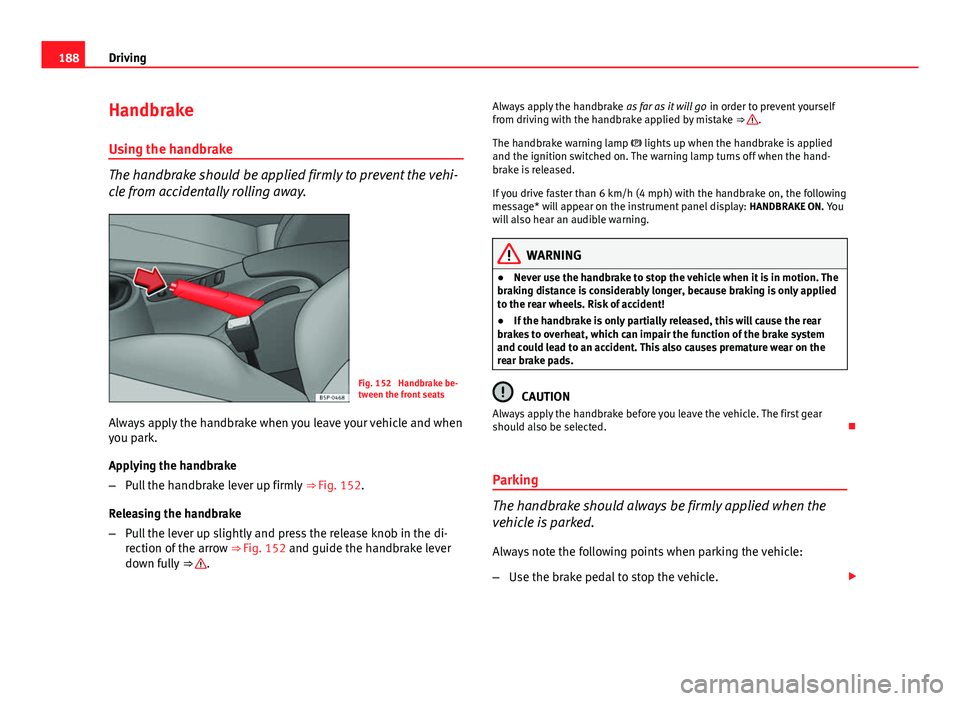
Fig. 152 Handbrake be-
tween the front seats
Always apply the handbrake when you leave your vehicle and when
you park.
Applying the handbrake
– Pull the handbrake lever up firmly ⇒ Fig. 152.
Releasing the handbrake
– Pull the lever up slightly and press the release knob in the di-
rection of the arrow ⇒ Fig. 152 and guide the handbrake lever
down fully ⇒
. Always apply the handbrake
as far as it will go in order to prevent yourself
from driving with the handbrake applied by mistake ⇒
.
The handbrake warning lamp lights up when the handbrake is applied
and the ignition switched on. The warning lamp turns off when the hand-
brake is released.
If you drive faster than 6 km/h (4 mph) with the handbrake on, the following
message* will appear on the instrument panel display: HANDBRAKE ON. You
will also hear an audible warning.
WARNING
● Never use the handbrake to stop the vehicle when it is in motion. The
braking distance is considerably longer, because braking is only applied
to the rear wheels. Risk of accident!
● If the handbrake is only partially released, this will cause the rear
brakes to overheat, which can impair the function of the brake system
and could lead to an accident. This also causes premature wear on the
rear brake pads.
CAUTION
Always apply the handbrake before you leave the vehicle. The first gear
should also be selected.
Parking
The handbrake should always be firmly applied when the
vehicle is parked.
Always note the following points when parking the vehicle:
– Use the brake pedal to stop the vehicle.
Page 191 of 321
189
Driving
– Apply the handbrake.
– Select first gear.
– Switch the engine off and remove the key from the ignition. Turn
the steering wheel slightly to engage the steering lock.
– Always take you keys with you when you leave the vehicle ⇒
.
Additional notes on parking the vehicle on gradients:
Turn the steering wheel so that the vehicle rolls against the kerb if it started
to roll.
● If the vehicle is parked facing downhill, turn the front wheels so that
they point towards the kerb .
● If the vehicle is parked facing uphill, turn the front wheels so that they
point away from the kerb .
● Secure the vehicle as normal by applying the handbrake firmly and se-
lecting first gear.
WARNING
● Take measures to reduce the risk of injury when you leave your vehi-
cle unattended.
● Never park where the hot exhaust system could ignite inflammable
materials, such as dry grass, low bushes, spilt fuel etc.
● Never allow vehicle occupants to remain in the vehicle when it is
locked. They would be unable to open the vehicle from the inside, and
could become trapped in the vehicle in an emergency. In the event of an
emergency, locked doors will delay assistance to vehicle occupants.
● Never leave children alone in the vehicle. They could set the vehicle
in motion, for example, by releasing the handbrake or the gearbox lever.
● Depending on weather conditions, it may become extremely hot or
cold inside the vehicle. This can be fatal.
Hill driving assistant*
This function is only included in vehicles with ESC.
The hill driving assistant helps the driver to move off and upwards on a hill
when the vehicle is stationary.
The system maintains brake pressure for approximately two seconds after
the driver takes his foot off the brake pedal to prevent the vehicle from
lurching backwards when it is started. During these two seconds, the driver
has enough time to release the clutch pedal and accelerate without the ve-
hicle moving and without having to use the handbrake, making start-up
easier, more comfortable and safer.
These are the basic operation conditions:
● being on a ramp or hill/slope,
● closed doors,
● vehicle completely stationary,
● engine running and foot on the brake,
● besides having a gear engaged or being in neutral for manual gear
change and with the selector lever at positions S, D or R in vehicles with au-
tomatic gearbox.
This system is also active in reversing uphill.
WARNING
● If you do not start the vehicle immediately after taking your foot off
the brake pedal, the vehicle may start to roll back under certain condi-
tions. Depress the brake pedal or use the hand brake immediately.
● If the engine stalls, depress the brake pedal or use the hand brake
immediately.
● When following a line of traffic uphill, if you want to prevent the vehi-
cle from rolling back accidentally when starting off, hold the brake pedal
down for a few seconds before starting off.
Safety FirstOperating instructionsPractical TipsTechnical Specifications