lights Seat Altea 2015 User Guide
[x] Cancel search | Manufacturer: SEAT, Model Year: 2015, Model line: Altea, Model: Seat Altea 2015Pages: 236, PDF Size: 4.23 MB
Page 44 of 236
Operation
There is a fault in the ABS if:
● The warning lamp
does not light up
when the ignition i
s switched on.
● The control lamp does not go out again af-
ter a few seconds.
● The control lamp lights up when the vehicle
is moving.
The vehicle can still be braked in the normal
way, without the ABS function. Take the vehi-
cle to a specialised workshop as soon as
possible. For further information on the ABS
see the ››› page 136
.
If a fault occurs in the ABS, the ESC* control
lamp will also light up.
Brake system fault
If the ABS warning lamp lights up together
with the brake warning lamp , there is a
fault in the ABS function and in the brake
system ››› .
WARNING
● Before opening the bonnet, read and ob-
serve the warnings ››› page 163, Working in
the engine compartment.
● If the br
ake system warning lamp should
light up together with the ABS warning lamp
, stop the vehicle immediately and check the brake fluid level in the reservoir
››› page 172, Brake fluid. If the brake fluid
l ev
el has dropped below the “MIN” mark you
must not drive on. Risk of accident. Obtain
technical assistance.
● If the brake fluid level is correct, the fault in
the brake system may have been caused by a
failure of the ABS system. This could cause
the rear wheels to lock quickly when you
brake. This could cause the rear to break
away. Risk of skidding. Stop the vehicle and
seek technical assistance. Washer fluid*
This warning lamp lights up to indicate that
the windscreen washer level is very low.
This serves as a reminder to fill up the reser-
voir at the earliest opportunity
››› page 171.
The following message is shown on the in-
strument panel display* 1)
: REFILL WIND-
SCREEN WASHER FLUID .
Alternator This warning lamp signals a fault in the alter-
nator.The warning lamp
lights up when the igni-
tion i
s switched on. It should go out when the
engine has started running.
If the warning lamp
lights up while driv-
ing, the alternator is no longer charging the
battery. You should immediately drive to the
nearest specialised workshop.
You should avoid using electrical equipment
that is not absolutely necessary because this
will drain the battery.
Worn brake pads If the
symbol lights up, have the front
brake pads (and, for safety reasons, the rear
pads as well) inspected by a specialised
workshop. 1)
Depending on the version of the model.
42
Page 45 of 236
Dash panel
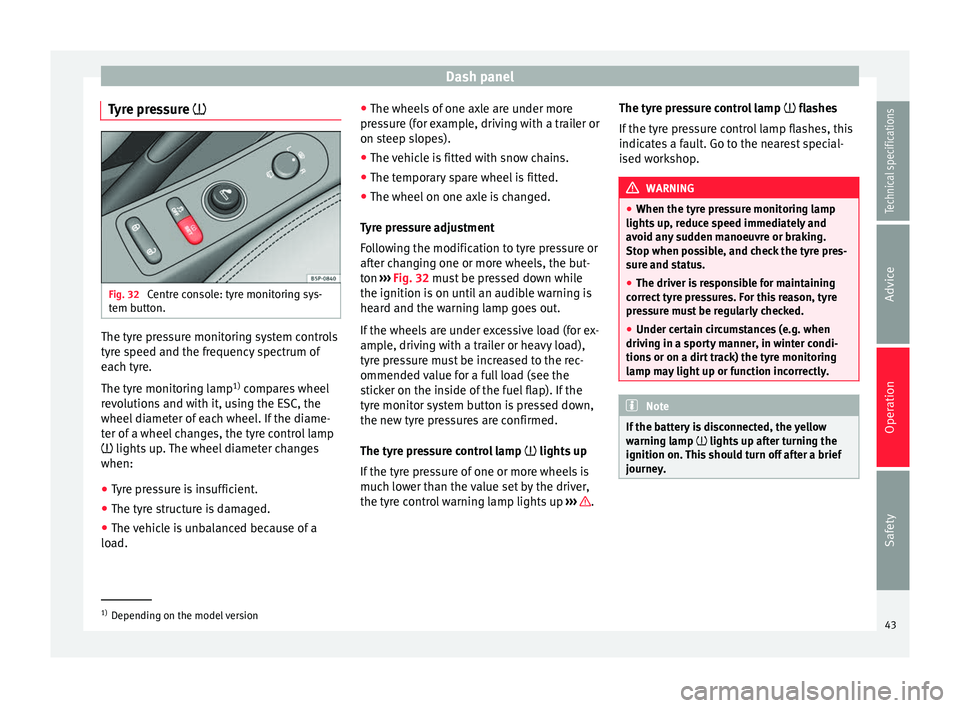
Tyre pressure Fig. 32
Centre console: tyre monitoring sys-
tem button. The tyre pressure monitoring system controls
tyre speed and the frequency spectrum of
each tyre.
The tyre monitoring lamp
1)
compares wheel
revolutions and with it, using the ESC, the
wheel diameter of each wheel. If the diame-
ter of a wheel changes, the tyre control lamp
lights up. The wheel diameter changes
when:
● Tyre pressure is insufficient.
● The tyre structure is damaged.
● The vehicle is unbalanced because of a
load. ●
The wheels of one axle are under more
pressure (for example, driving with a trailer or
on steep slopes).
● The vehicle is fitted with snow chains.
● The temporary spare wheel is fitted.
● The wheel on one axle is changed.
Tyre pressure adjustment
Following the modification to tyre pressure or
after changing one or more wheels, the but-
ton ››› Fig. 32 must be pressed down while
the ignition i s
on until an audible warning is
heard and the warning lamp goes out.
If the wheels are under excessive load (for ex-
ample, driving with a trailer or heavy load),
tyre pressure must be increased to the rec-
ommended value for a full load (see the
sticker on the inside of the fuel flap). If the
tyre monitor system button is pressed down,
the new tyre pressures are confirmed.
The tyre pressure control lamp lights up
If the tyre pressure of one or more wheels is
much lower than the value set by the driver,
the tyre control warning lamp lights up ››› .The tyre pressure control lamp
flashes
If the ty
re pressure control lamp flashes, this
indicates a fault. Go to the nearest special-
ised workshop. WARNING
● When the tyre pressure monitoring lamp
lights up, reduce speed immediately and
avoid any sudden manoeuvre or braking.
Stop when possible, and check the tyre pres-
sure and status.
● The driver is responsible for maintaining
correct tyre pressures. For this reason, tyre
pressure must be regularly checked.
● Under certain circumstances (e.g. when
driving in a sporty manner, in winter condi-
tions or on a dirt track) the tyre monitoring
lamp may light up or function incorrectly. Note
If the battery is disconnected, the yellow
warning lamp lights up after turning the
ignition on.
This should turn off after a brief
journey. 1)
Depending on the model version
43
Technical specifications
Advice
Operation
Safety
Page 46 of 236
Operation
Brake system* Situations in which the warning lamp lights
up
● the br ak
e fluid level is too low
››› page 172.
The ins
trument panel displays the following
message 1)
: STOP BRAKE FLUID INSTRUCTION
MANUAL
.
● there is a fault in the brake system.
The instrument panel displays the following
message 1)
: BRAKE SYSTEM FAULT INSTRUC-
TION MANUAL .
This warning lamp can light up together with
the ABS system warning lamp. WARNING
● Before opening the bonnet, read and ob-
serve the warnings on ››› page 163.
● If the brake warning lamp does not go out,
or if it lights up when driving, the brake fluid
level in the reservoir ››› page 172, Brake fluid
is too low. Risk of accident. Stop the vehicle
and do not drive on. Obtain technical assis-
tance.
● If the brake warning lamp lights up to-
gether with the ABS lamp this could be
due to an ABS fault. This could cause the rear wheels to lock quickly when you brake. This
could cause the rear to break away. Risk of
skidding. Stop the vehicle and seek technical
assistance.
Handbrake
This lamp lights up when the handbrake is
applied.
If you drive faster than 6 km/h (4 mph) with
the handbrake on, the following message will
appear on the instrument panel display
1)
:
HANDBRAKE ON. You will also hear an acous-
tic warning signal ››› page 123.
Bulb defect* The warning lamp lights up when there is
a fault in the turn signals, headlights, side
lights and fog lights, e.g. in the left head-
light.
The instrument panel displays the following
message
1)
: LEFT FULL BEAM FAULTY .Engine oil pressure
If this warning lamp is red it indicates that
the engine oil pressure is too low.
If this warning symbol starts to flash, and is
accompanied by three
audible warnings,
switch off the engine and check the oil level.
If necessary, add more oil ››› page 166.
The instrument panel displays the following
message 1)
: STOP ENGINE OIL PRESSURE IN-
S TRUCTION MANU
AL.
If the warning lamp flashes although the oil
level is correct, stop driving. Do not even run
the en gine at
idle speed! Obtain technical as-
sistance.
Checking the oil level
If the warning lamp is yellow the engine
oil level should be checked as soon as possi-
ble. Top up the oil ›››
page 168 at the next
opportunity.
Oil level sensor faulty*
If the yellow warning lamp flashes, take
the vehicle to a specialised workshop to have
the oil level sensor checked. Until then it is
advisable to check the oil level every time
you refuel. 1)
Depending on the version of the model.
44
Page 47 of 236
Dash panel
Cruise speed (cruise control)* The warning lamp
comes on when the
c
ruise control system is switched on. For fur-
ther information on the cruise control system,
see ››› page 142
.
Indicator for open doors or boot* This warning lamp lights up if one of the
doors is open.
The warning light
should go off when all
the doors are closed correctly.
The system also works when the ignition is
switched off. It should disappear approxi-
mately 15 seconds after the vehicle has been
locked.
Electromechanical steering* For vehicles with power steering, the level of
steering assistance depends on the vehicle's
speed and on the steering angle.
The warning lamp should light up for a few
seconds when the ignition is switched on. It
should go out once the engine is started.
If the battery is disconnected, the indicator
remains lit, even with the engine running. The warning light only goes off after a dis-
tance of approx. 50 m.
There is a fault in the electromechanical
steering system if the lamp does not go out
or lights up while the vehicle is in motion.
The warning lamp may appear in two differ-
ent colours to indicate faults. If the light is
yellow, it indicates a minor fault. If the light is
red, seek assistance from a specialised work-
shop immediately, as the power steering is
not working; in this case you should not keep
driving. Stop the vehicle and seek technical
assistance. The power steering does not work
if the battery is flat or if the engine is off (e.g.
for towing). You should take into account that
you will need considerably more power than
normal to steer the vehicle if the power steer-
ing is not working correctly or at all.
For those vehicles fitted with ESC*, the
“Steering manoeuvre recommendation”
››› page 134 function is included.
Emi s
sion control system* Control lamp
flashes:
When there is misfiring that can damage the
catalytic converter. Reduce speed and drive
carefully to the nearest specialised workshop
to have the engine checked. The instrument panel displays the following
message
1)
: EXHAUST GAS SEE WORKSHOP
.
The c ontr
ol lamp
lights up:
If a fault has developed during driving which
has reduced the quality of the exhaust gas
(e.g. lambda probe fault). Reduce speed and
drive carefully to the nearest specialised
workshop to have the engine checked.
The instrument panel displays the following
message:
EXHAUST GAS SEE WORKSHOP .
Electronic Stability Control (ESC)*
/. There are two control lamps for the electronic
stability control. The lamp
provides infor-
mation concerning function and disconnec-
tion status.
Both warning lamps light up together when
the ignition is switched on and should turn
off after approximately 2 seconds. This is the
time taken for the function check.
This programme includes the ABS, EDL and
ASR. This also includes the brake assistance
system (BAS), automatic cleaning of the
brake discs and the trailer stability pro-
gramme (TSP). »1)
Depending on the version of the model.
45
Technical specifications
Advice
Operation
Safety
Page 48 of 236
Operation
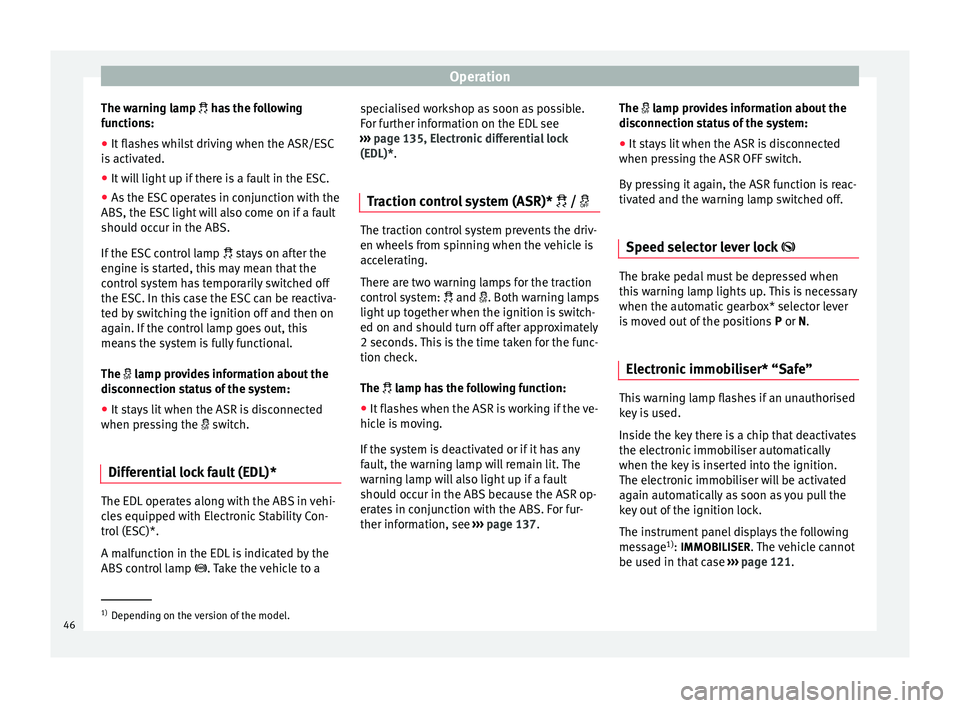
The warning lamp
has the following
f
unctions:
● It flashes whilst driving when the ASR/ESC
is activated.
● It will light up if there is a fault in the ESC.
● As the ESC operates in conjunction with the
ABS, the ESC light will also come on if a fault
should occur in the ABS.
If the ESC control lamp
stays on after the
engine is started, this may mean that the
control system has temporarily switched off
the ESC. In this case the ESC can be reactiva-
ted by switching the ignition off and then on
again. If the control lamp goes out, this
means the system is fully functional.
The lamp provides information about the
disconnection status of the system:
● It stays lit when the ASR is disconnected
when pressing the switch.
Differential lock fault (EDL)* The EDL operates along with the ABS in vehi-
cles equipped with Electronic Stability Con-
trol (ESC)*.
A malfunction in the EDL is indicated by the
ABS control lamp
. Take the vehicle to a specialised workshop as soon as possible.
For further information on the EDL see
››› page 135, Electronic differential lock
(EDL)* .
T r
action control system (ASR)* / The traction control system prevents the driv-
en wheels from spinning when the vehicle is
accelerating.
There are two warning lamps for the traction
control system:
and . Both warning lamps
light up together when the ignition is switch-
ed on and should turn off after approximately
2 seconds. This is the time taken for the func-
tion check.
The lamp has the following function:
● It flashes when the ASR is working if the ve-
hicle is moving.
If the system is deactivated or if it has any
fault, the warning lamp will remain lit. The
warning lamp will also light up if a fault
should occur in the ABS because the ASR op-
erates in conjunction with the ABS. For fur-
ther information, see ›››
page 137. The
lamp provides information about the
di
sconnection status of the system:
● It stays lit when the ASR is disconnected
when pressing the ASR OFF switch.
By pressing it again, the ASR function is reac-
tivated and the warning lamp switched off.
Speed selector lever lock The brake pedal must be depressed when
this warning lamp lights up. This is necessary
when the automatic gearbox* selector lever
is moved out of the positions
P
or N
.
Electronic immobiliser* “Safe” This warning lamp flashes if an unauthorised
key is used.
Inside the key there is a chip that deactivates
the electronic immobiliser automatically
when the key is inserted into the ignition.
The electronic immobiliser will be activated
again automatically as soon as you pull the
key out of the ignition lock.
The instrument panel displays the following
message
1)
: IMMOBILISER
. The vehicle cannot
be used in that case ›››
page 121. 1)
Depending on the version of the model.
46
Page 51 of 236
Dash panel
●
In LongLife Service vehicles, if the battery
is disconnected for a long period, the days re-
maining until the next service cannot be cal-
culated. Therefore, the service message dis-
plays on the instrument panel may be incor-
rect. Take into account the maximum author-
ised service intervals. Warning or information message in
the display
The system runs a check on certain compo-
nents and functions when the ignition is
switched on and while the vehicle is moving.
Functional faults are indicated by symbols
with warning or information messages in the
display. An audible warning is given in cer-
tain cases.
Warning symbols
There are red warning symbols (priority 1)
and yellow warning symbols (priority 2).
Information text
In addition to warning messages given on a
fault, you will receive information in the dis-
play on procedures or will be asked to carry
out certain tasks. Note
In the case of screens without warning or in-
formation messages, faults are indicated ex-
clusively by the control lamps. Warning messages, Priority 1 (red)
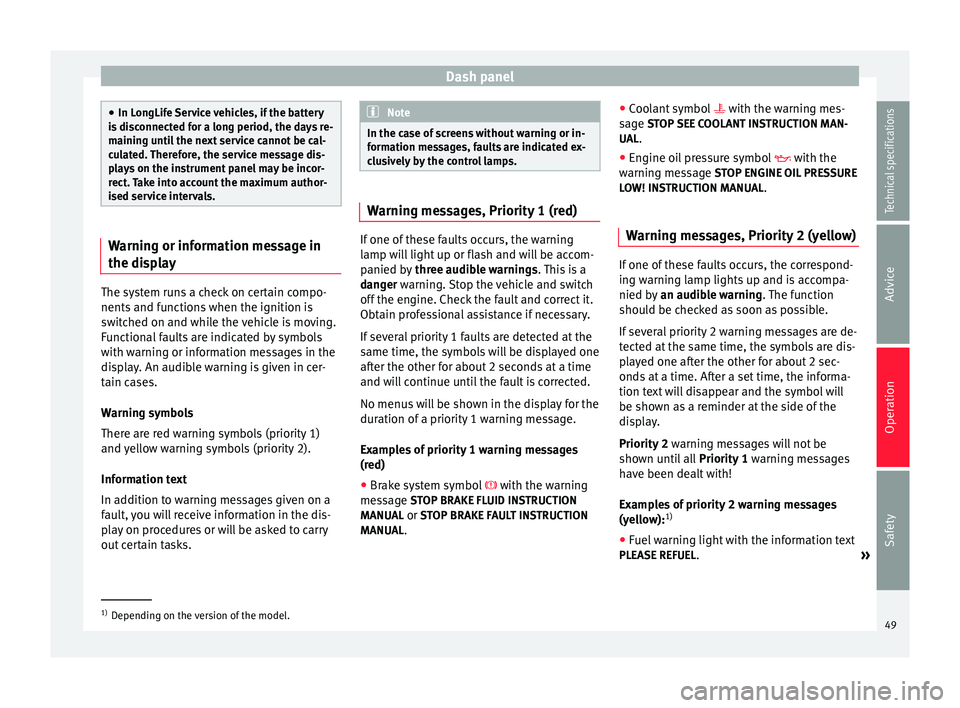
If one of these faults occurs, the warning
lamp will light up or flash and will be accom-
panied by
three audible warnings. This is a
danger warning. Stop the vehicle and switch
off the en
gine. Check the fault and correct it.
Obtain professional assistance if necessary.
If several priority 1 faults are detected at the
same time, the symbols will be displayed one
after the other for about 2 seconds at a time
and will continue until the fault is corrected.
No menus will be shown in the display for the
duration of a priority 1 warning message.
Examples of priority 1 warning messages
(red)
● Brake system symbol with the warning
message STOP BRAKE FLUID INSTRUCTION
MANUAL or STOP BRAKE FAULT INSTRUCTION
MANUAL . ●
Coolant symbol with the warning mes-
s ag
e STOP SEE COOLANT INSTRUCTION MAN-
UAL.
● Engine oil pressure symbol with the
warnin
g message STOP ENGINE OIL PRESSURE
LOW! INSTRUCTION MANUAL.
Warning messages, Priority 2 (yellow) If one of these faults occurs, the correspond-
ing warning lamp lights up and is accompa-
nied by
an audible warning. The function
should be checked as soon as possible.
If several priority 2 warning messages are de-
tected at the same time, the symbols are dis-
played one after the other for about 2 sec-
onds at a time. After a set time, the informa-
tion text will disappear and the symbol will
be shown as a reminder at the side of the
display.
Priority 2 warning messages will not be
shown until all Priority 1 warning messages
have been dealt with!
Examples of priority 2 warning messages
(yellow): 1)
● Fuel warning light with the information text
PLEASE REFUEL .
»1)
Depending on the version of the model.
49
Technical specifications
Advice
Operation
Safety
Page 56 of 236
Operation
● Select the submenu Multifunction Display
Data from the Configuration menu
››› page 54 .
● The di s
plays can be activated or deactiva-
ted individually by marking the required op-
tion and pressing the OK button on the wind-
screen wiper lever or the multifunction steer-
ing wheel*.
Outside temperature indicator
The measurement margin ranges from -45 °C
(-49 °F) to +58 °C (+136.4 °F). At tempera-
tures lower than +4°C (+39.2 °F), an “ice crys-
tal symbol” is displayed and a “warning” is
sounded if the vehicle is moving at more
than 20 km/h (12 mph) (ice warning). This
symbol flashes first for around 10 seconds
and remains lit as long as the outside tem-
perature does not rise above +4 °C (+39.2 °F)
or +6 °C (+42.8 °F) if it was already lit. WARNING
There could be black ice on the road surface
even if the “snowflake symbol” is not shown.
For this reason you should not rely exclusive-
ly on this display - Risk of accident! Note
● There are different instrument panels;
therefore the multifunction display may vary.
● When the vehicle is stationary or travelling
at very low speeds, the temperature dis- played may be slightly higher than the actual
outside temperature as a result of the heat
radiated from the engine.
● Vehicles with a multifunction steering
wheel* do not have buttons on the wind-
screen wiper lever. The multifunction display
can only be controlled from the buttons on
the multifunction steering wheel*. Vehicle status menu
Open Vehicle Condition menu
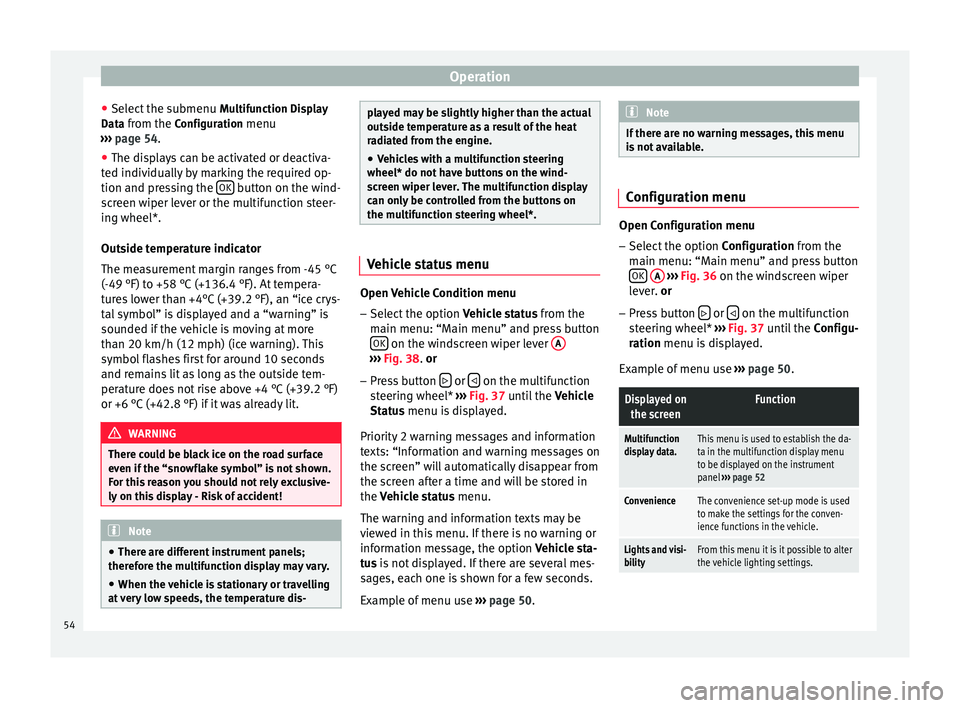
– Select the option Vehicle status from the
main menu: “Main menu” and press button OK on the windscreen wiper lever
A ›››
Fig. 38 .
or
– Pr
ess button or
on the multifunction
steering wheel* ››› Fig. 37 until the
V
ehicle
St
atus menu is displayed.
Priority 2 warning messages and information
texts: “Information and warning messages on
the screen” will automatically disappear from
the screen after a time and will be stored in
the
Vehicle status menu.
The warning and information texts may be
viewed in this menu. If there is no warning or
information message, the option
Vehicle sta-
tus is not displayed. If there are several mes-
sages, each one is shown for a few seconds.
Example of menu use ››› page 50. Note
If there are no warning messages, this menu
is not available. Configuration menu
Open Configuration menu
– Select the option Configuration from the
main menu: “Main menu” and press button OK
A
››› Fig. 36 on the windscreen wiper
l ev
er. or
– Pr e
ss button or
on the multifunction
steering wheel* ›››
Fig. 37 until the
C
onfigu-
r
ation menu is displayed.
Examp
le of menu use ›››
page 50.
Displayed on
the screenFunction
Multifunction
display data.This menu is used to establish the da-
ta in the multifunction display menu
to be displayed on the instrument
panel ››› page 52
ConvenienceThe convenience set-up mode is used
to make the settings for the conven-
ience functions in the vehicle.
Lights and visi-
bilityFrom this menu it is it possible to alter
the vehicle lighting settings. 54
Page 58 of 236
Operation
Lights and visibility menu Open Lights and visibility Menu
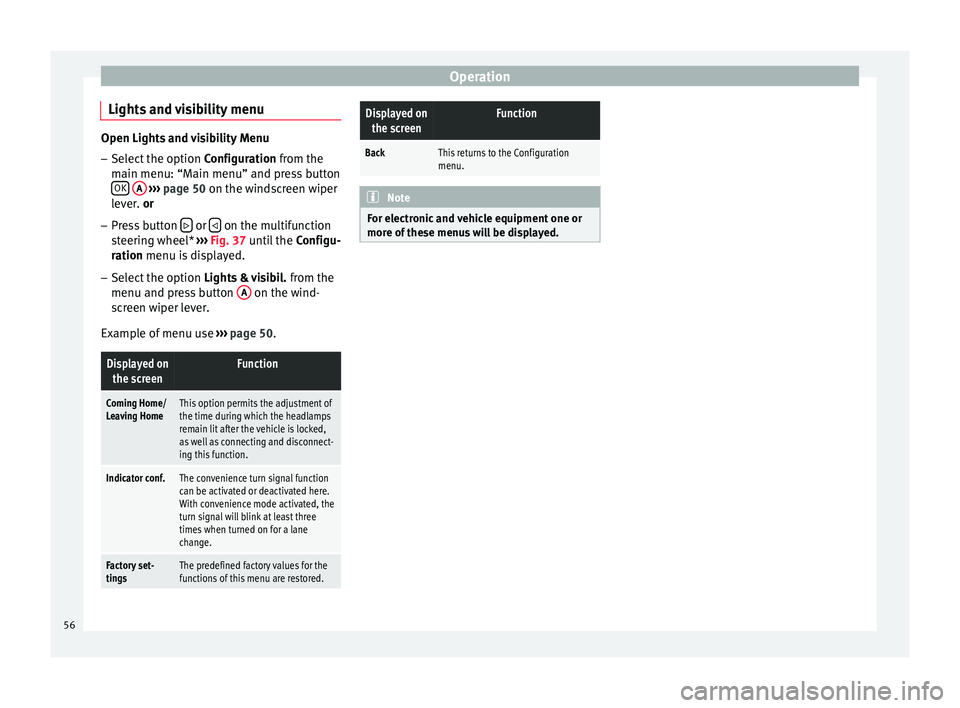
– Select the option Configuration from the
m ain menu: “M
ain menu” and press button
OK
A
››› page 50 on the windscreen wiper
l ev
er. or
– Press button or
on the multifunction
steering wheel* ››› Fig. 37 until the Configu-
r
ation menu is displayed.
– Select the option Lights & visibil. from the
menu and press button A on the wind-
screen wiper lever.
Example of menu use ›››
page 50.
Displayed on
the screenFunction
Coming Home/
Leaving HomeThis option permits the adjustment of
the time during which the headlamps
remain lit after the vehicle is locked,
as well as connecting and disconnect-
ing this function.
Indicator conf.The convenience turn signal function
can be activated or deactivated here.
With convenience mode activated, the
turn signal will blink at least three
times when turned on for a lane
change.
Factory set-
tingsThe predefined factory values for the
functions of this menu are restored.
Displayed onthe screenFunction
BackThis returns to the Configuration
menu. Note
For electronic and vehicle equipment one or
more of these menus will be displayed. 56
Page 77 of 236
Lights and visibility
Using the remote control
– Push the lock button on the remote control
for approximately 3 seconds. The slid-
ing/tilting sunroof is closed.
– Release the unlock button to interrupt the
function.
– When the sliding/tilting sunroof has closed
completely, the turn signals flash once. Note
The sliding/tilting sunroof rotary knob re-
mains in the last position selected if the roof
is closed using convenience closing from out-
side the vehicle and will have to be re-posi-
tioned the next time you drive. Roll-back function of the
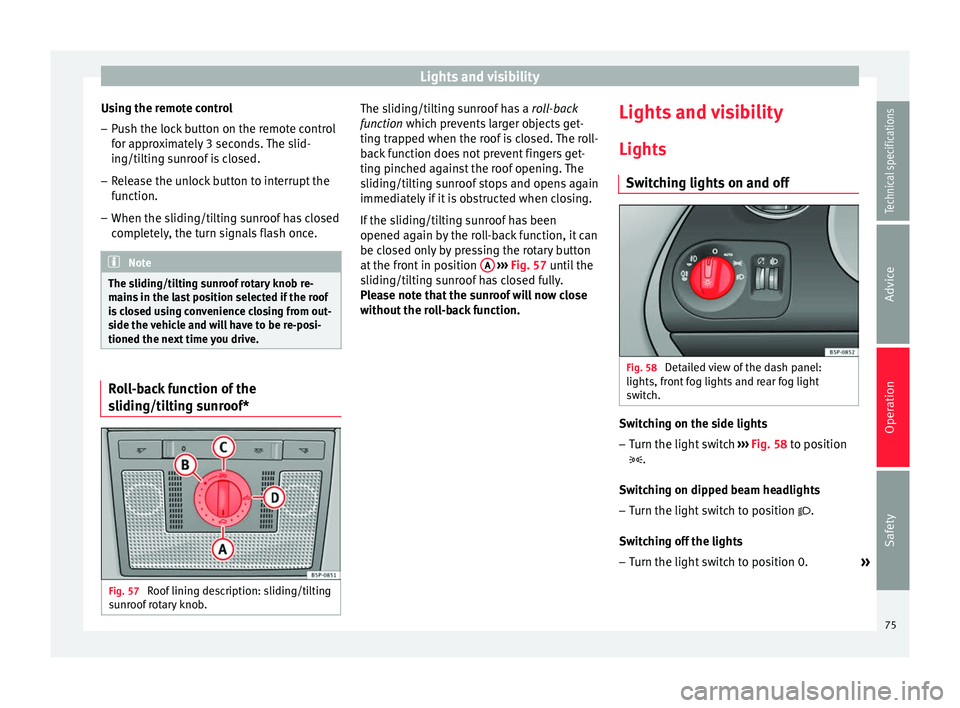
sliding/tilting sunroof*
Fig. 57
Roof lining description: sliding/tilting
sunroof rotary knob. The sliding/tilting sunroof has a
roll-back
function which prevents larger objects get-
tin g tr
apped when the roof is closed. The roll-
back function does not prevent fingers get-
ting pinched against the roof opening. The
sliding/tilting sunroof stops and opens again
immediately if it is obstructed when closing.
If the sliding/tilting sunroof has been
opened again by the roll-back function, it can
be closed only by pressing the rotary button
at the front in position A
››› Fig. 57 until the
s lidin
g/tilting sunroof has closed fully.
Please note that the sunroof will now close
without the roll-back function. Lights and visibility
Lights Switching lights on and off Fig. 58
Detailed view of the dash panel:
lights, front fog lights and rear fog light
switch. Switching on the side lights
– Turn the light switch ››› Fig. 58 to position
.
Sw it
ching on dipped beam headlights
– Turn the light switch to position .
Switching off the lights – Turn the light switch to position 0.
»
75
Technical specifications
Advice
Operation
Safety
Page 78 of 236

Operation
Switching on front fog lights* – Pull the switch out of position or
to
the first stop. The symbol of the light
control lights up.
Switching on the rear fog lights (vehicles
with front fog lights) – Pull the switch out of position or
to
the second stop ››› . A control lamp lights
up on the dash panel.
Switching on the rear fog lights (vehicles
with no front fog lights) – Pull the light switch from position to the
last stop. A control lamp lights up in the
dash panel. WARNING
Never drive with just the side lights on. Risk
of accident. The side lights are not bright
enough to illuminate the road ahead and to
ensure that other road users are able to see
you. Always use your dipped beam head-
lights if it is dark or if visibility is poor. Note
● The dipped beam headlights will only work
with the ignition on. The side lights come on
automatically when the ignition is turned off.
● If the lights are left on after the key has
been taken out of the ignition lock, an audi-
ble warning will sound while the driver door remains open. This is a reminder to switch
the lights off.
● The rear fog light is so bright that it can
dazzle drivers behind you. You should use
the rear fog light only when visibility is very
poor.
● If you are towing a trailer equipped with a
rear fog light on a vehicle with a factory-fitted
towing bracket, the rear fog light on the vehi-
c l
e will automatically be switched off.
● The use of the lighting described here is
subject to the relevant statutory require-
ments.
● Depending on weather conditions (very
cold or wet), the front and rear lights and the
indicators may be temporarily misted. This
has no influence on the useful life of the
lighting system. The lights will soon demist
when they are switched on. Automatic lighting*
Fig. 59
Automatic lighting. Activation
– Rotate the switch to the position. It will
light up.
Deactivation – Turn the light switch to .
Automatic lighting
If automatic headlight control is switched on,
dipped beam headlights are automatically
switched on by a photosensor if you drive in-
to a tunnel, for example.
The rain sensor switches on the dipped beam
headlights when the windscreen wipers have
been operating continuously for a few sec-
onds and it switches the lights off when the
continuous or interval wipe is switched off for
some minutes ››› page 84.
76