infotainment Seat Arona 2019 User Guide

Seat Arona 2019 User Guide Arona 2019 Seat Seat https://www.carmanualsonline.info/img/39/28907/w960_28907-0.png Seat Arona 2019 User Guide

Page 182 of 372
Seat Arona 2019 User Guide Infotainment System


Page 184 of 372

Seat Arona 2019 User Guide Infotainment System
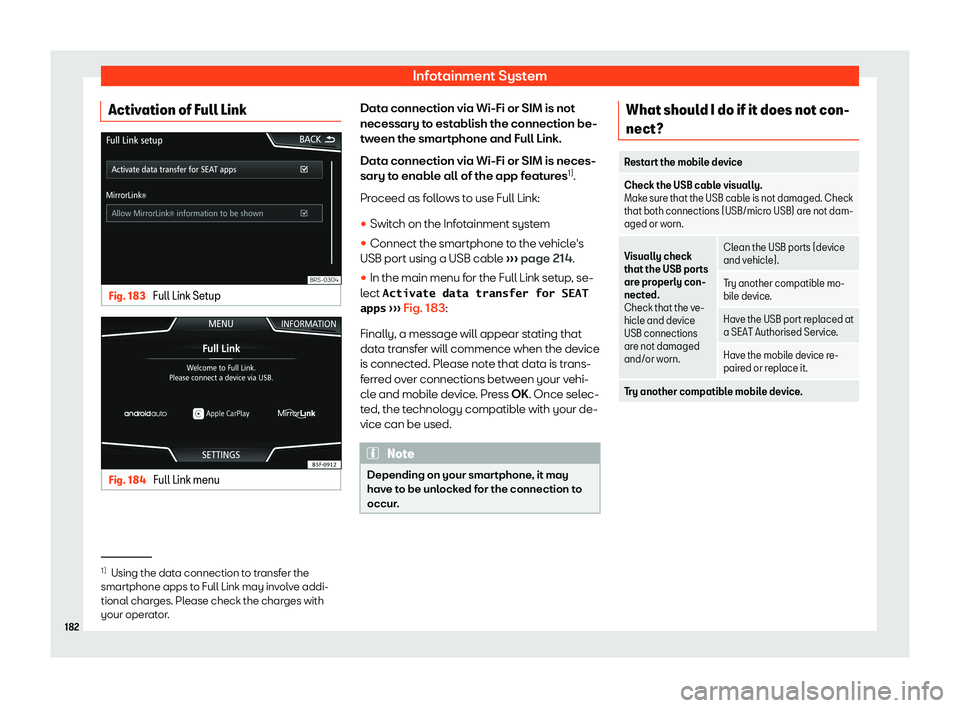
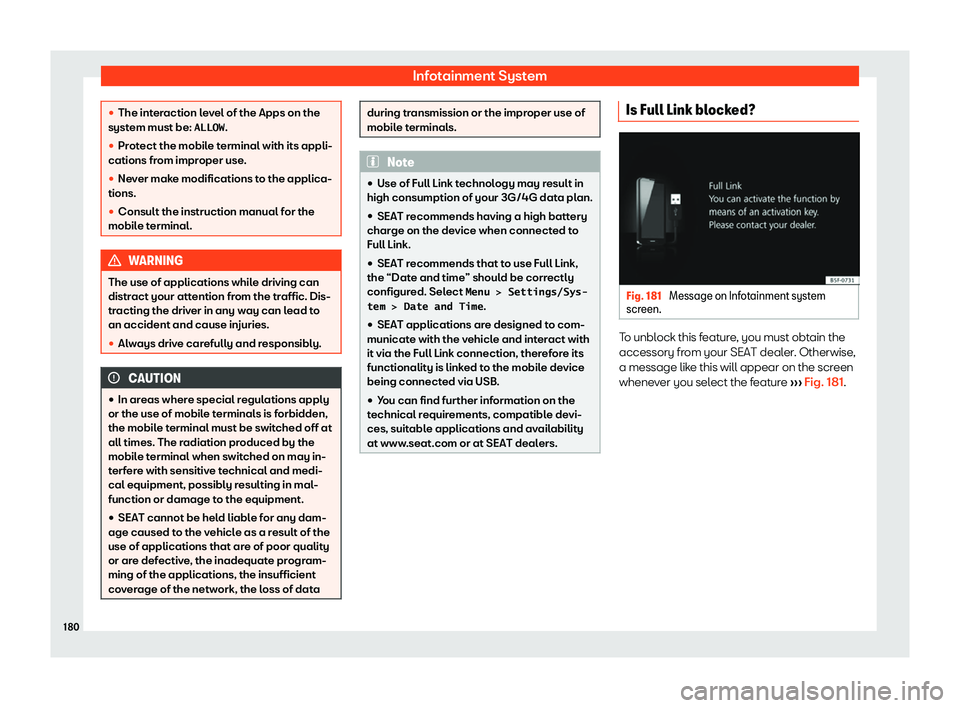
Activation of Full Link Fig. 183 
Full Link Setup Fig. 184 
Full Link menu Data connection via Wi-Fi or SIM is not
necessary t
o est
ablish the connection be-
tw een the smar
tphon

Page 186 of 372

Seat Arona 2019 User Guide Infotainment System
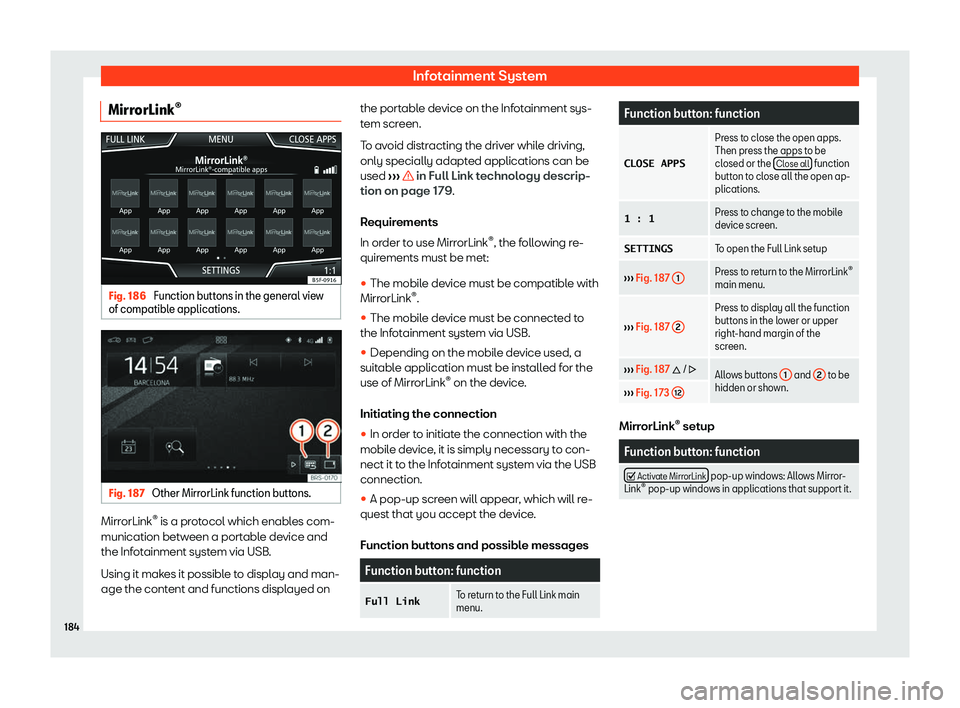
MirrorLink

Page 188 of 372

Seat Arona 2019 User Guide Infotainment System
Note
Some mobile devices require a change in
the USB connection mode in order to use
Android Aut o

Page 189 of 372

Seat Arona 2019 User Guide Connectivity
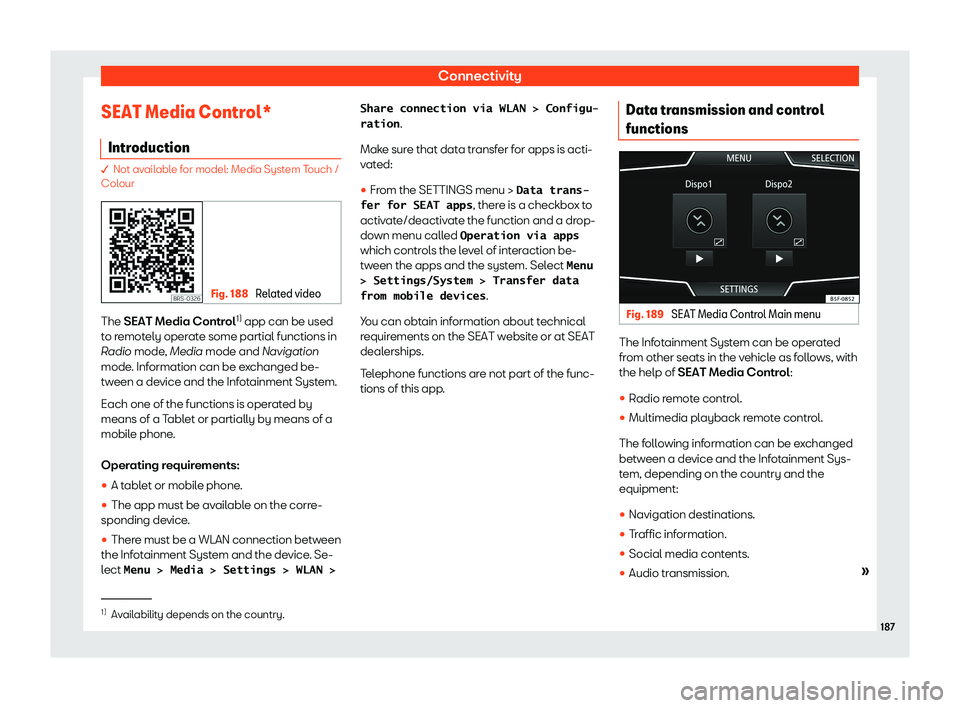
SEAT Media Control* Intr oduction � Not available for model: Media System Touch /
Colour
Fig. 188 
Related video The SEAT Media Contr
ol1)
 app can be used
t o r emot
ely oper
ate some p

Page 190 of 372

Seat Arona 2019 User Guide Infotainment System


Page 192 of 372

Seat Arona 2019 User Guide Infotainment System
Operating modes R adio
R el at
ed video Fig. 190 
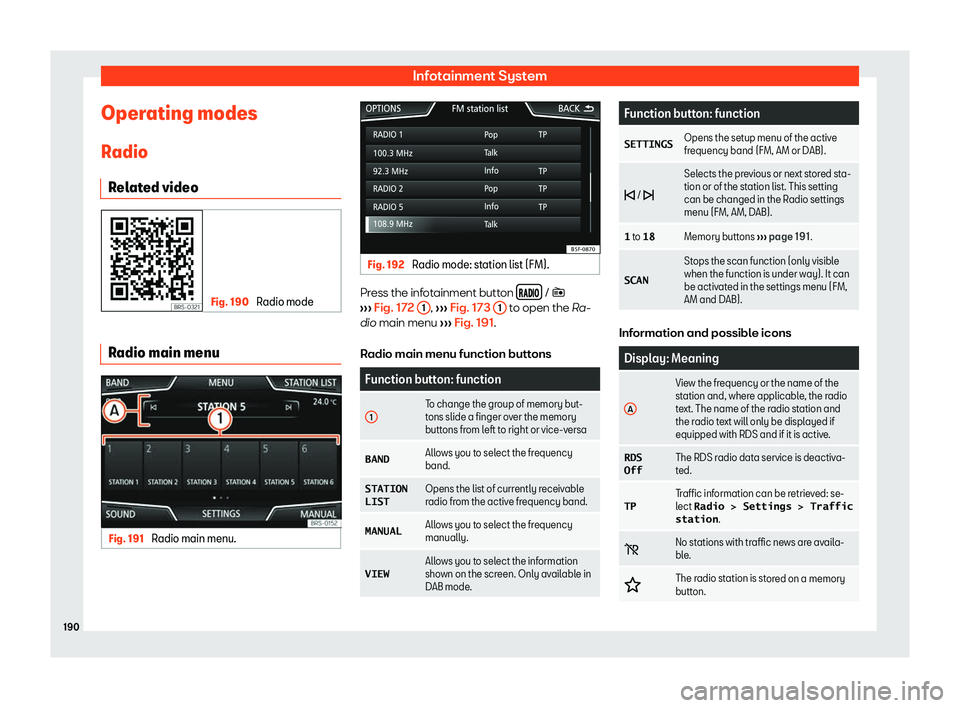
Radio mode Radio main menu
Fig. 191 
Radio main menu. Fig. 192 
Radio mode: station list (FM). Press the infotainment button 
�

Page 194 of 372

Seat Arona 2019 User Guide Infotainment System
by the Infotainment system via their corre-
sponding driv es or audio input sock
ets (inter
-
nal CD driv
e, memory card slot, AUX-IN multi-
media socket etc.).
Copyright
Audio and

Page 196 of 372

Seat Arona 2019 User Guide Infotainment System
When a Media source that has already been
pl ayed is sel
ected again, pl
ayback is r
e-
sumed from the point at which it was stop-
ped.
Optional Media playback sources Function but

Page 198 of 372

Seat Arona 2019 User Guide Infotainment System
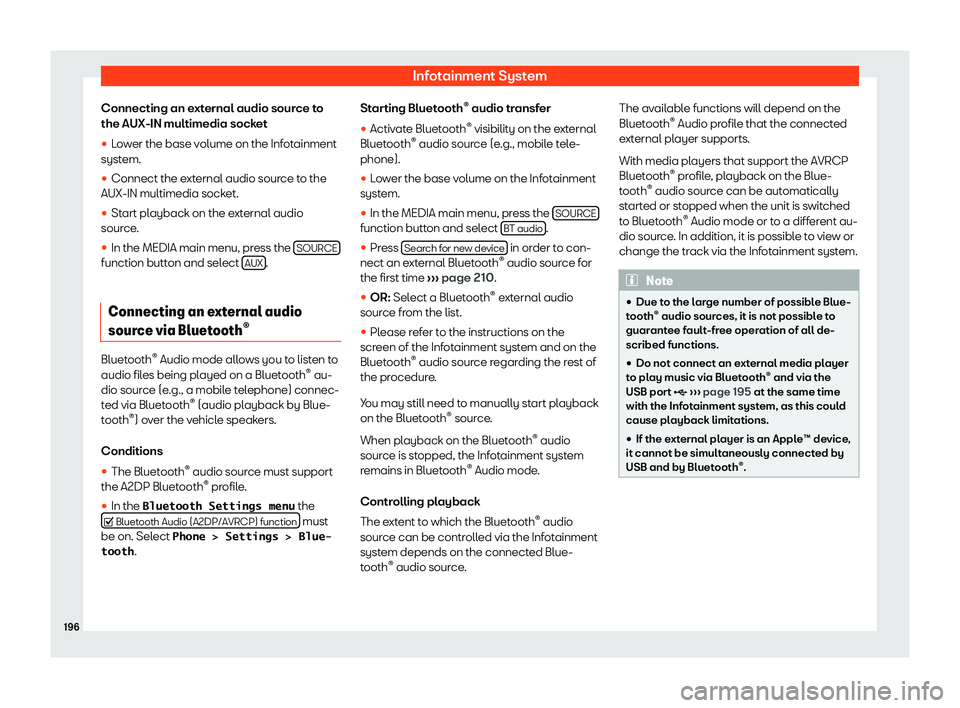
Connecting an external audio source to
the AUX-IN multimedia sock et

Page:   < prev 1-10 11-20 21-30 31-40 next >