Seat Arona 2019 Owner's Guide
Arona 2019
Seat
Seat
https://www.carmanualsonline.info/img/39/28907/w960_28907-0.png
Seat Arona 2019 Owner's Guide
Page 199 of 372
Operating modes
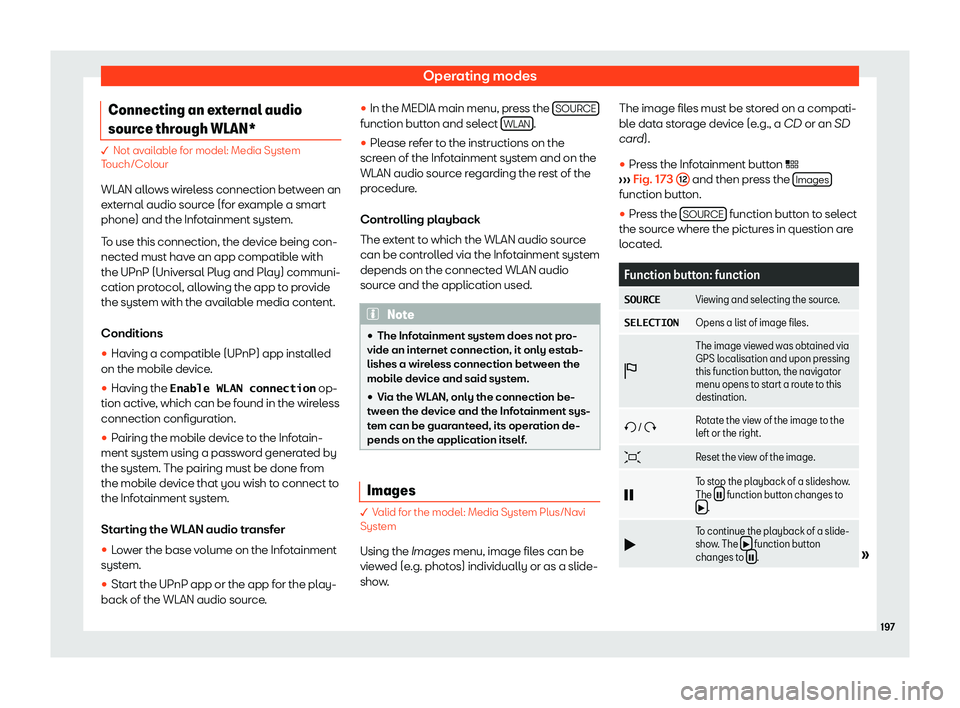
Connecting an external audio
sour ce thr
ough WLAN* � Not available for model: Media System
Touch/Colour
WLAN all o
ws wireless connection between an
external audio source (for example a smart
phone) and the Infotainment system.
To use this connection, the device being con-
nected must have an app compatible with
the UPnP (Universal Plug and Play) communi-
cation protocol, allowing the app to provide
the system with the available media content.
Conditions
�
Page 200 of 372
Infotainment System
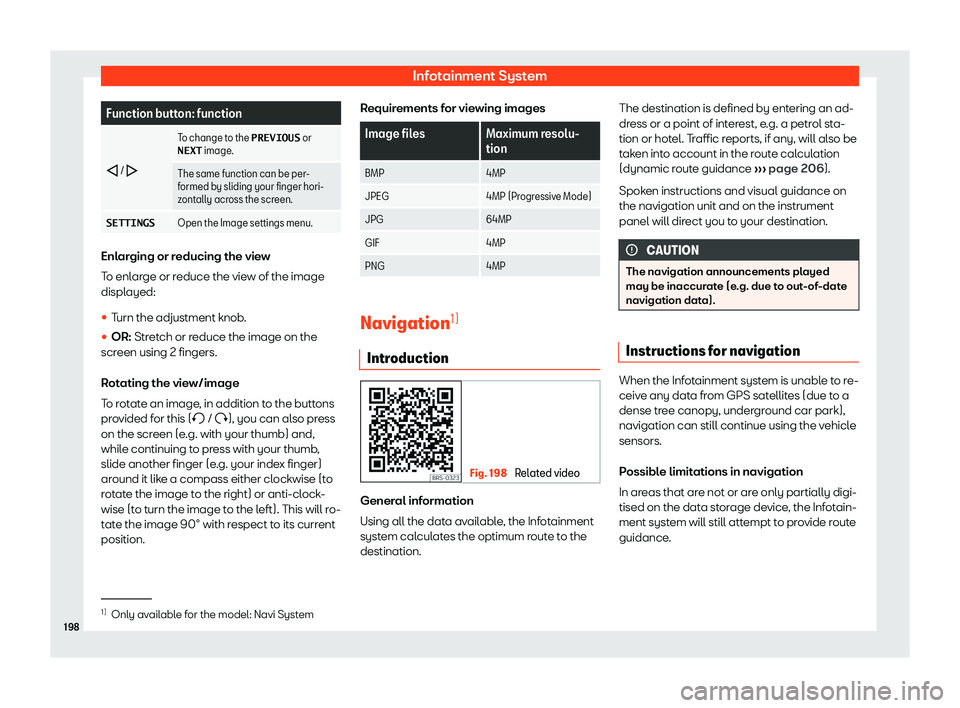
Function button: function
/
To change to the PREVIOUS
or
NEXT image.
The same function can be per-
formed by sliding your finger hori-
zontally acr oss the scr
een.
SETTINGS Open the Image settings menu.Enlarging or reducing the view
To enlarge or r
educe the vie
w of the image
displayed:
�
Page 201 of 372
Operating modes
Navigation area and updating navigation
dat a
R oads and str eets ar
e sub
ject to constant
change (e.g. new roads, changes to street
names and building numbers). Therefore, if
the navigation data is not updated, then er-
rors or inaccuracies may occur during guid-
ance.
SEAT recommends updating navigation data
on a regular basis. Up to date navigation data
can be downloaded from www.seat.com or
acquired at a SEAT dealer.
Updating and using navigation da-
ta from an SD card The Infotainment system always requires the
navigation dat
a that is curr
ently valid f
or this
unit in or
der to allow all functions to be used
in full. Using an old version may lead to errors
during navigation.
Updating navigation data
The current navigation data can be downloa-
ded in the internet at www.seat.com and stor-
ed in a SD card compatible with the unit.
Suitable SD Cards can be acquired at SEAT
dealerships.
The procedure is described on the internet at
www.seat.com. Using navigation data
�
Page 202 of 372
Infotainment System
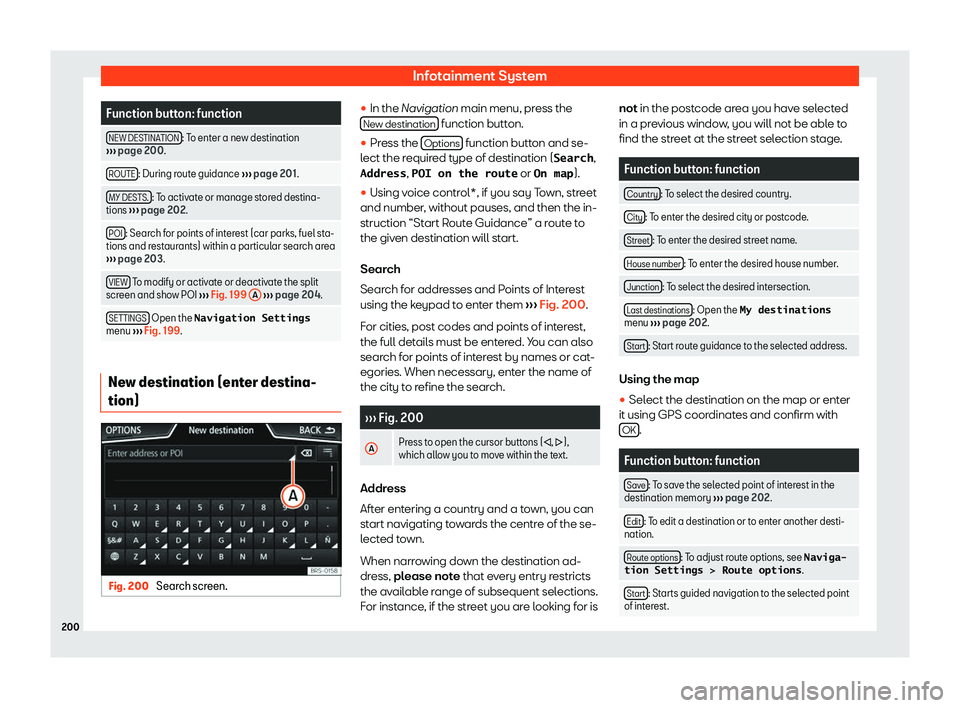
Function button: function
NEW DESTINATION : To enter a new destination
Page 204 of 372
Infotainment System
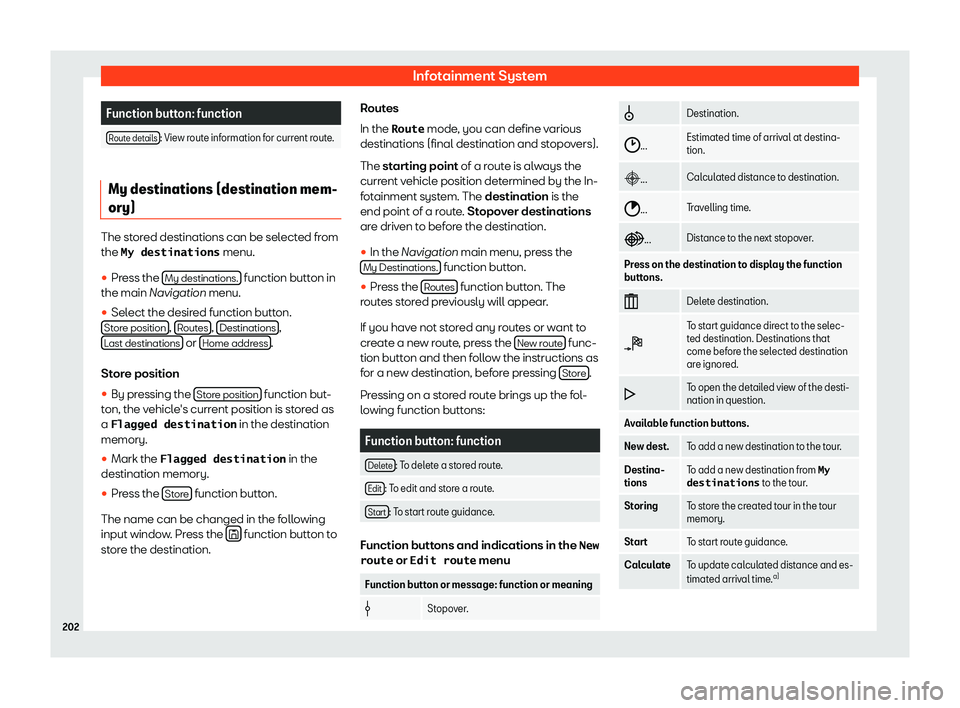
Function button: function
Route details : View route information for current route.
My destinations (destination mem-
ory)
The stored destinations can be selected from
the My destinations
menu.
�
Page 206 of 372
Infotainment System
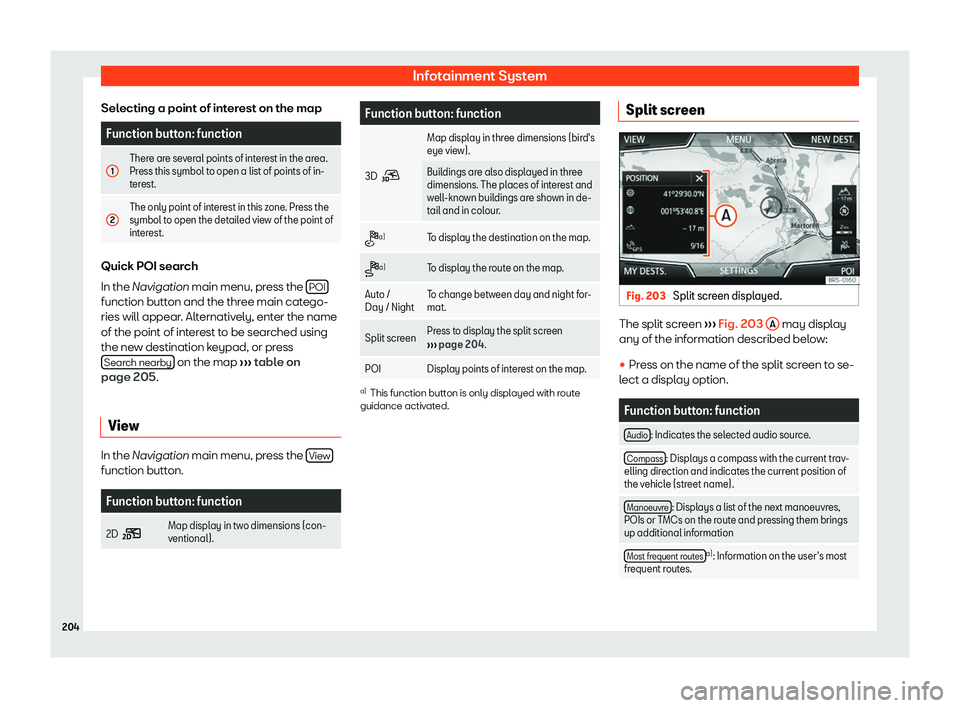
Selecting a point of interest on the map Function button: function
1 There are several points of interest in the area.
Press this symbol to open a list of points of in-
ter
est.
2 The only point of interest in this zone. Press the
symbol to open the detailed view of the point of
int
erest. Quick POI search
In the Navigation main menu, press the
POIfunction button and the three main catego-
ries will appear
. Alt
ernativ ely, ent
er the name
of the point of int
erest to be searched using
the new destination keypad, or press Search nearby on the map
Page 208 of 372
Infotainment System
Traffic reports and dynamic route
guidance t o the destination (TRAF-
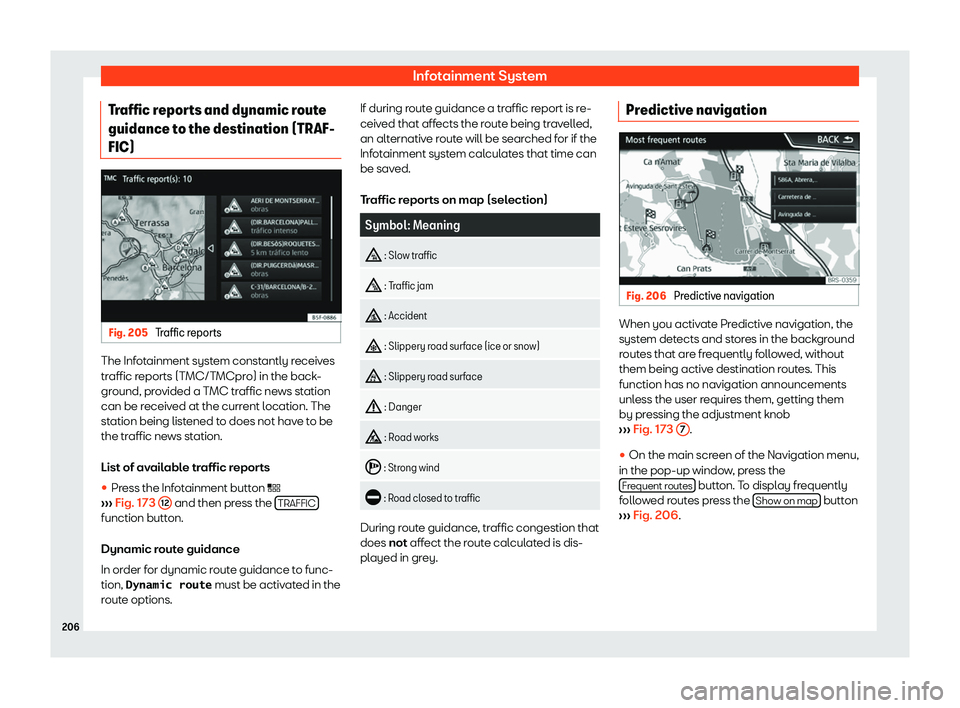
FIC) Fig. 205
Traffic reports The Infotainment system constantly receives
tr
affic r
eports (T MC/T
MCpr
o) in the back-
ground, provided a TMC traffic news station
can be received at the current location. The
station being listened to does not have to be
the traffic news station.
List of available traffic reports
�
Page 210 of 372
Infotainment System
Route guidance in Demo mode If demo mode is activated in the Navigation
Settings menu, an additional pop-up win-
dow opens when you start rout e guidance
.
�
Page 212 of 372
Infotainment System
warnings in its instruction manual. Only use
compatible Bluetooth
Page 213 of 372
Operating modes
Note
To prevent them from being heard through
the speakers, the button and mobile t el
e-
phone alert tones must be disconnected.
Where necessary, disconnect the headset
from the mobile telephone you wish to con-
nect to the system. Pairing and connecting a mobile
telephone to the Inf
ot
ainment sys-
tem In order to manage a mobile telephone via
the Inf
ot
ainment syst em, it is necessary t
o
pair both de
vices once.
For your safety, we recommend you make the
link when the vehicle is stationary. In some
countries it is not possible to perform the pair-
ing with the vehicle running.
Conditions
You must guarantee the following setup in the
mobile phone and the Infotainment system:
�