infotainment Seat Arona 2020 User Guide

Seat Arona 2020 User Guide Arona 2020 Seat Seat https://www.carmanualsonline.info/img/39/28899/w960_28899-0.png Seat Arona 2020 User Guide

Page 155 of 372
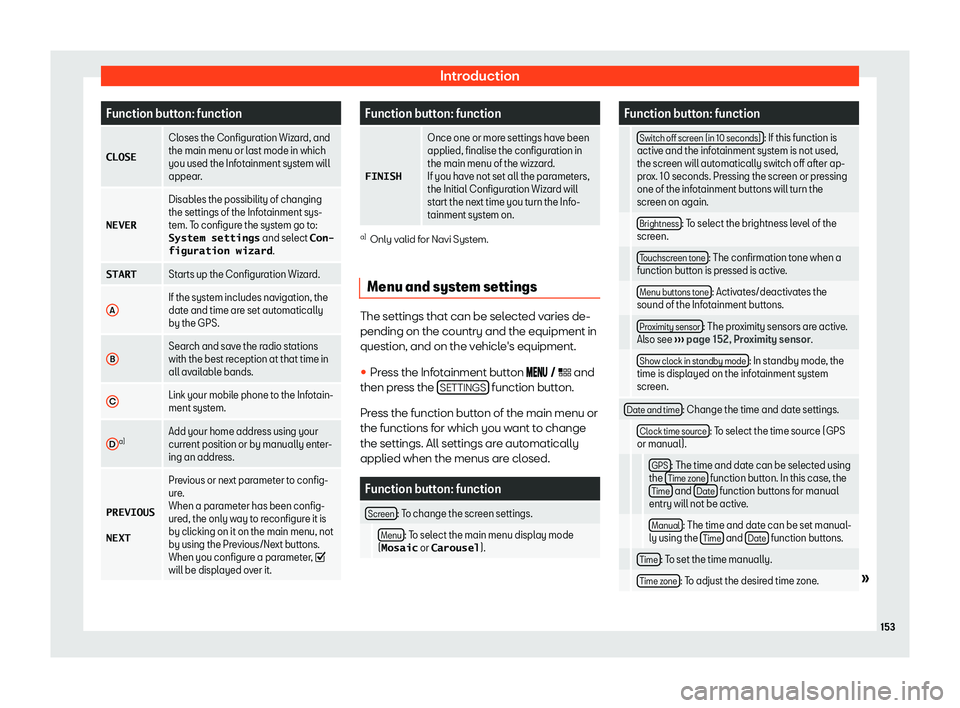
Seat Arona 2020 User Guide Introduction
Function button: function
�C�L�O�S�E Closes the Configuration Wizard, and
the main menu or last mode in which
you used the Infotainment syst em will
appear
.
�N�E�V�E�R Disables the possi

Page 156 of 372

Seat Arona 2020 User Guide Infotainment System
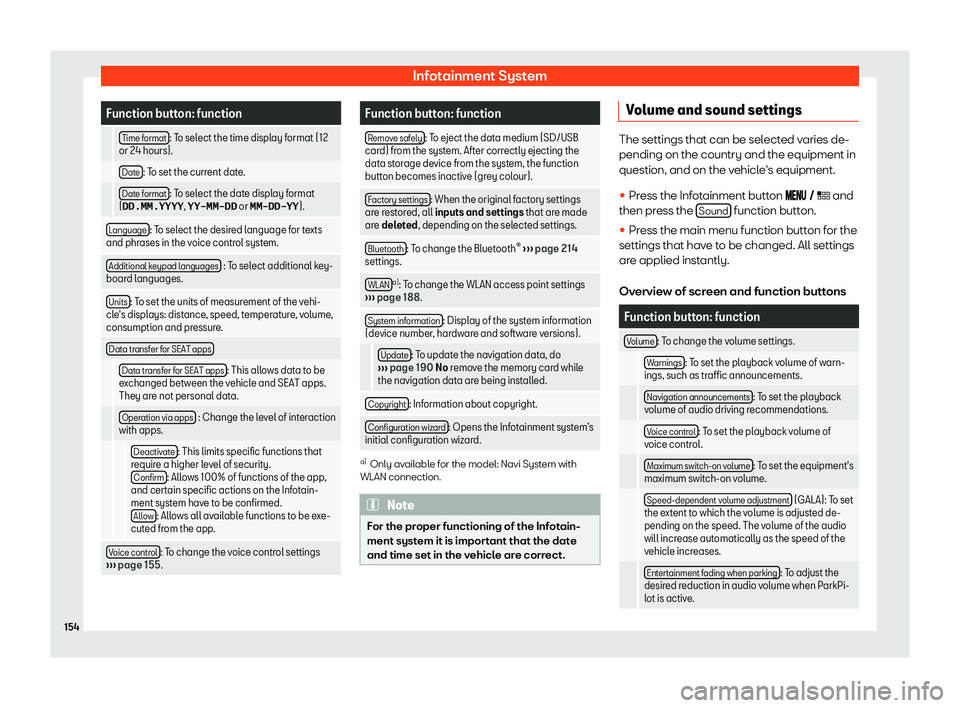
Function button: function
  Time format : To select the time display format (12
or 24 hours).
  Date : To set the current date.
  Date format : To select the date display format
(�

Page 158 of 372

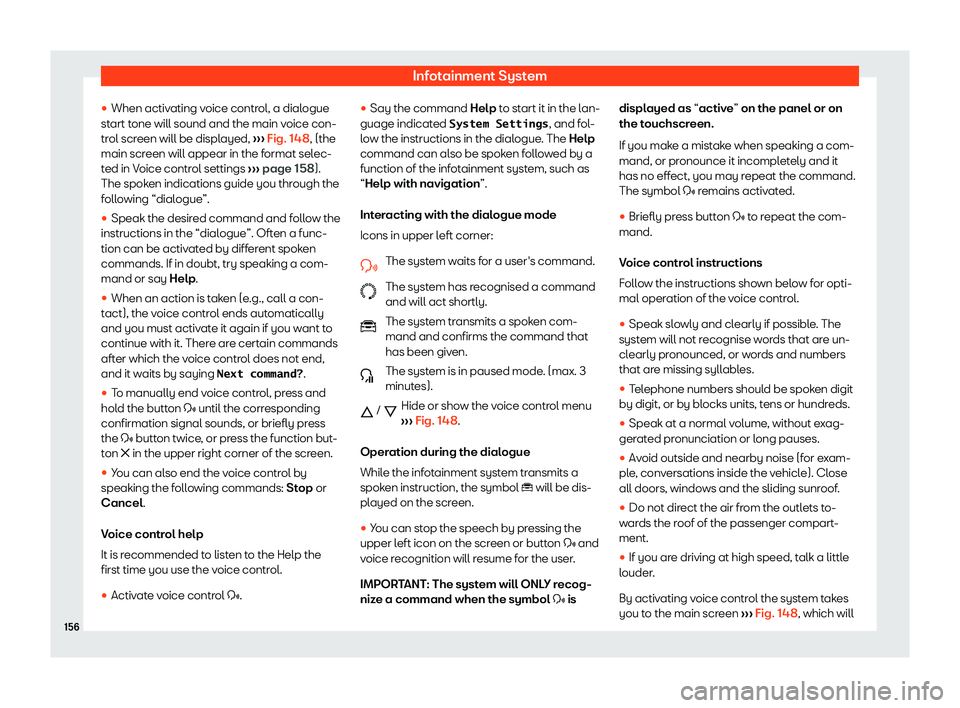
Seat Arona 2020 User Guide Infotainment System


Page 160 of 372

Seat Arona 2020 User Guide Infotainment System
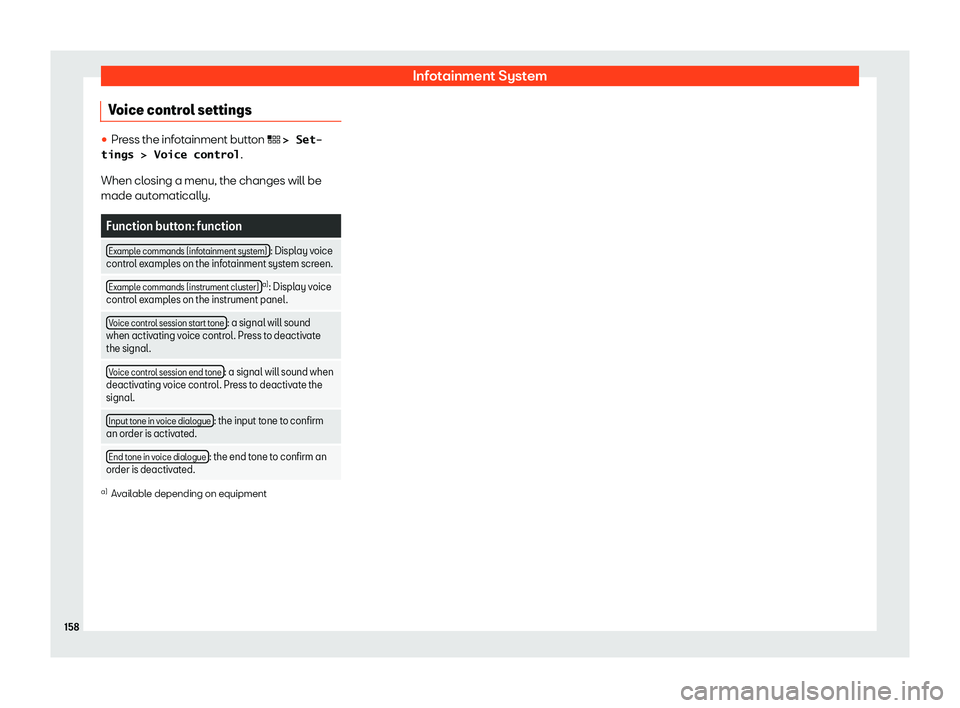
Voice control settings 

Page 162 of 372

Seat Arona 2020 User Guide Infotainment System
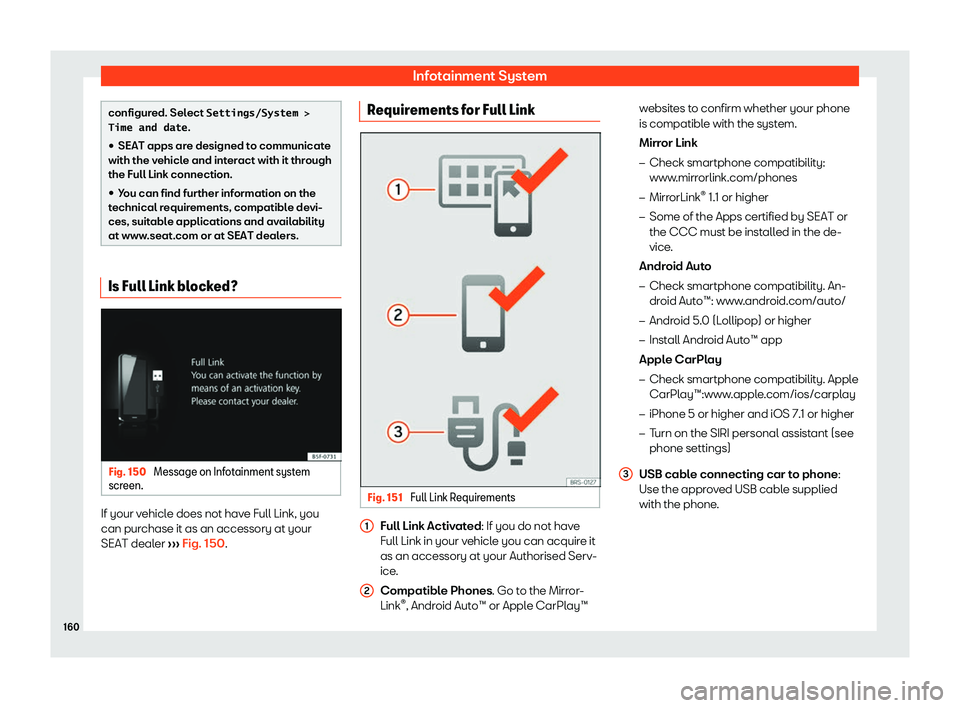
configured. Select �S�e�t�t�i�n�g�s�/�S�y�s�t�e�m� �>
�T�i�m�e� �a�n�d� �d�a�t�e .


Page 164 of 372

Seat Arona 2020 User Guide Infotainment System
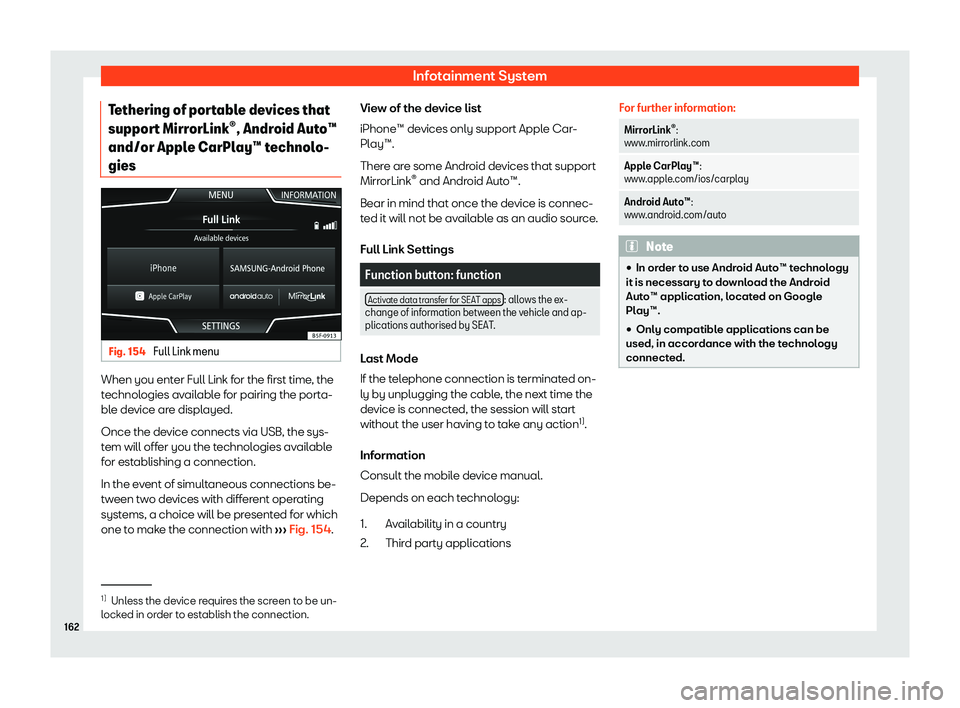
Tethering of portable devices that
suppor t Mirr
orLink

Page 166 of 372

Seat Arona 2020 User Guide Infotainment System
Requirements
In or der t
o use Appl e CarPl
ay

Page 168 of 372

Seat Arona 2020 User Guide Infotainment System
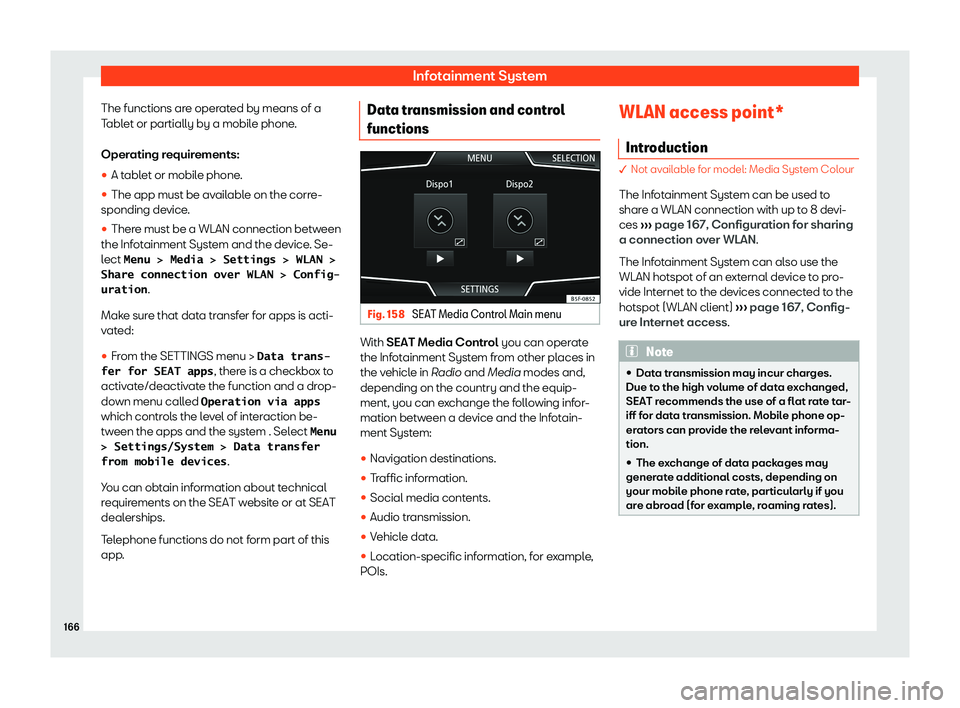
The functions are operated by means of a
T abl
et or partially by a mobil e phone
.
Oper
ating requirements:


Page 170 of 372

Seat Arona 2020 User Guide Infotainment System


Page 171 of 372

Seat Arona 2020 User Guide Operating modes
Operating modes R adio
R el at
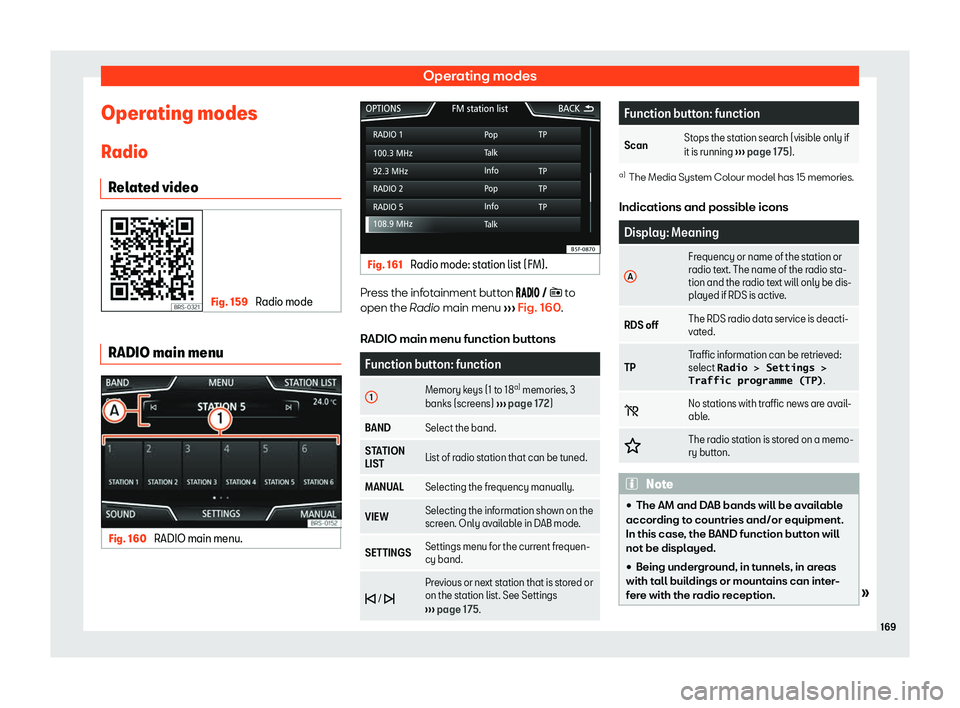
ed video Fig. 159 
Radio mode RADIO main menu
Fig. 160 
RADIO main menu. Fig. 161 
Radio mode: station list (FM). Press the infotainment button ��
Page:   < prev 1-10 11-20 21-30 31-40 41-50 50 next >