Seat Arona 2020 Owner's Guide
Arona 2020
Seat
Seat
https://www.carmanualsonline.info/img/39/28899/w960_28899-0.png
Seat Arona 2020 Owner's Guide
Page 192 of 372
Infotainment System
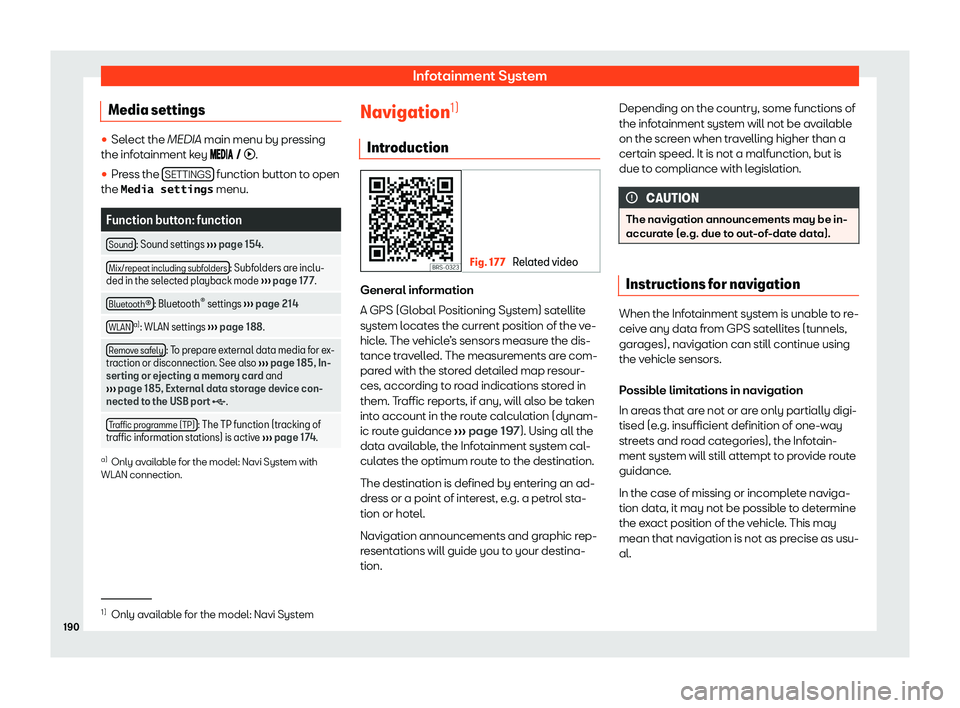
Media settings �
Page 194 of 372
Infotainment System
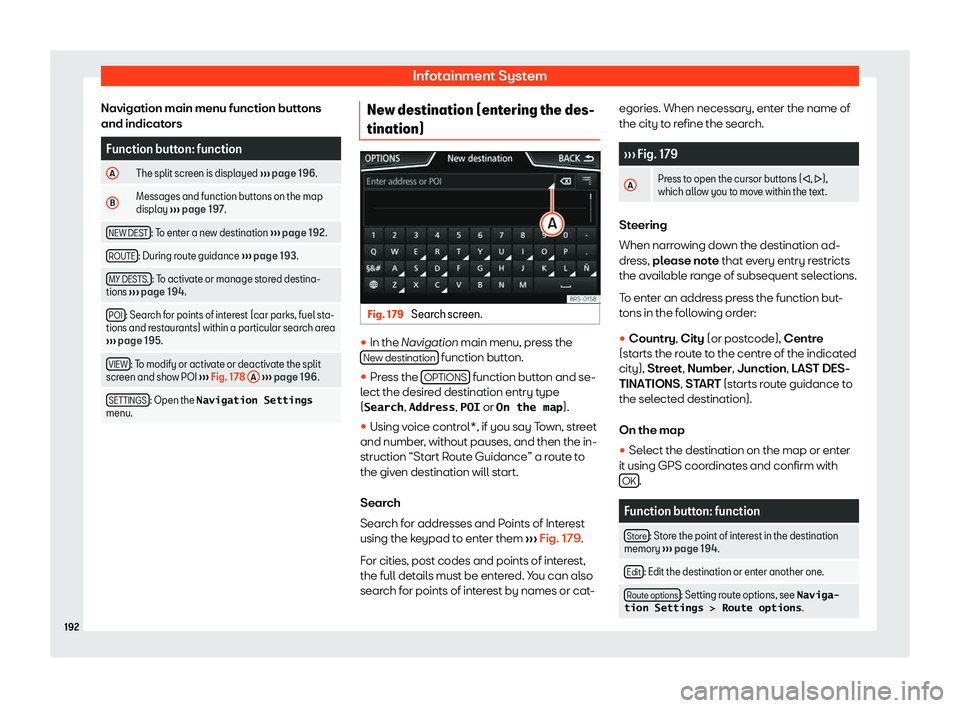
Navigation main menu function buttons
and indicat orsFunction button: function
A The split screen is displayed
Page 196 of 372
Infotainment System
Function button: function
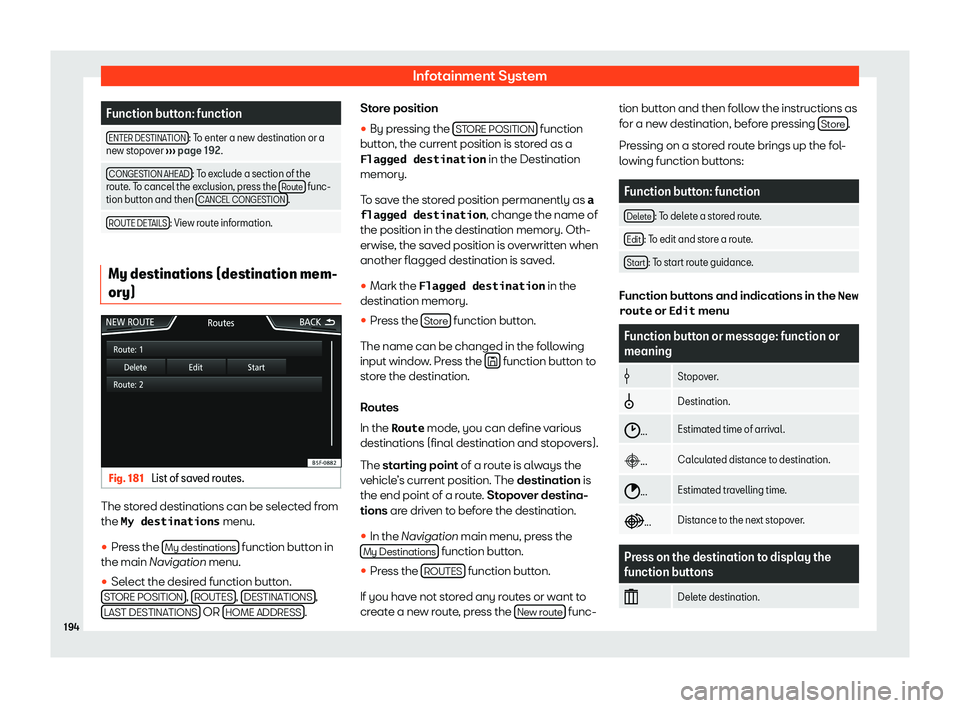
ENTER DESTINATION : To enter a new destination or a
new stopov er
Page 198 of 372
Infotainment System
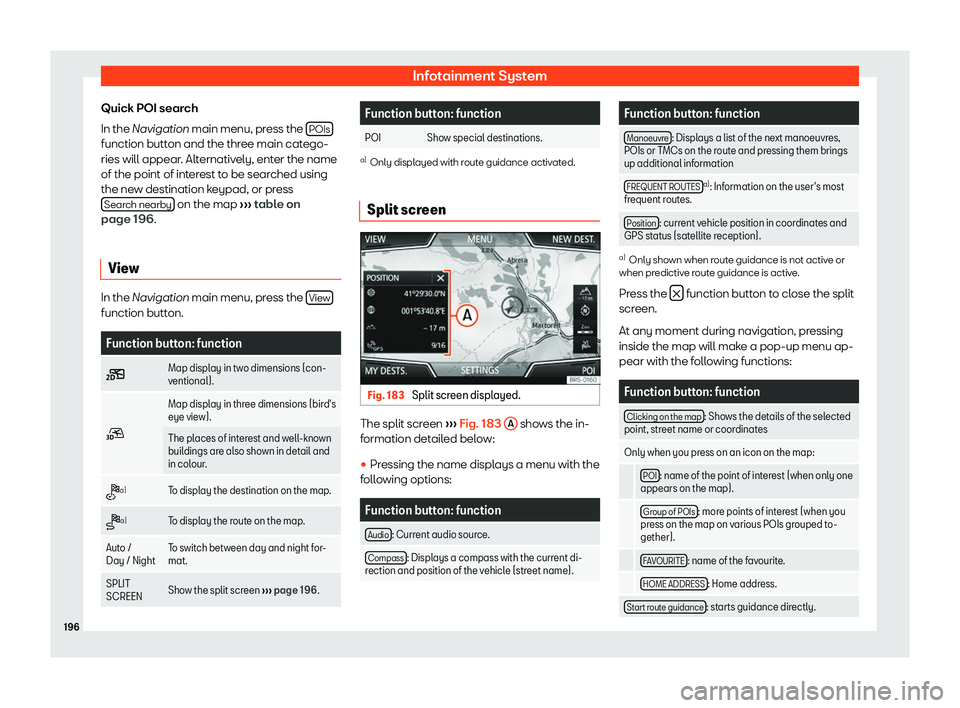
Quick POI search
In the Navigation main menu, pr ess the
POIs function button and the three main catego-
ries will appear
. Alt
ernativ ely, ent
er the name
of the point of int
erest to be searched using
the new destination keypad, or press Search nearby on the map
Page 200 of 372
Infotainment System
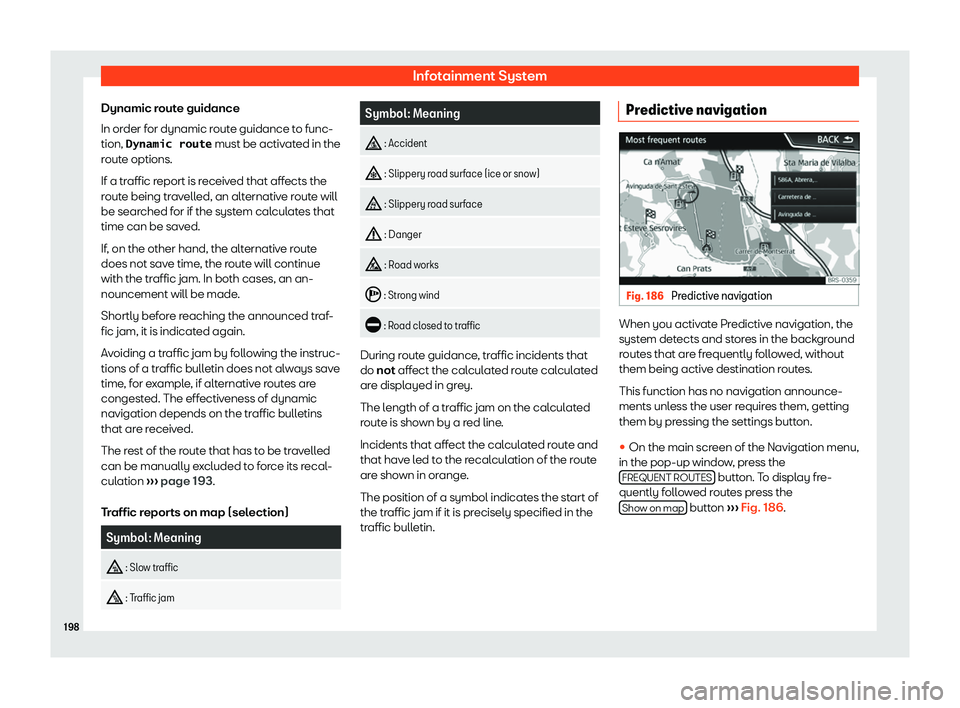
Dynamic route guidance
In or der f
or dynamic r out
e guidance t
o func-
tion, Dynamic route must be activated in the
route options.
If a traffic report is received that affects the
route being travelled, an alternative route will
be searched for if the system calculates that
time can be saved.
If, on the other hand, the alternative route
does not save time, the route will continue
with the traffic jam. In both cases, an an-
nouncement will be made.
Shortly before reaching the announced traf-
fic jam, it is indicated again.
Avoiding a traffic jam by following the instruc-
tions of a traffic bulletin does not always save
time, for example, if alternative routes are
congested. The effectiveness of dynamic
navigation depends on the traffic bulletins
that are received.
The rest of the route that has to be travelled
can be manually excluded to force its recal-
culation
Page 202 of 372
Infotainment System
A manually entered starting point is overwrit-
t en with the curr
ent location of the v
ehicl
e, if
the vehicle starts moving. Note
Deactivate the Demo mode after use, oth-
erwise you will always have t o sel
ect
whether to start a virtual route or normal
route before starting route guidance. Navigation settings
�
Page 204 of 372
Infotainment System
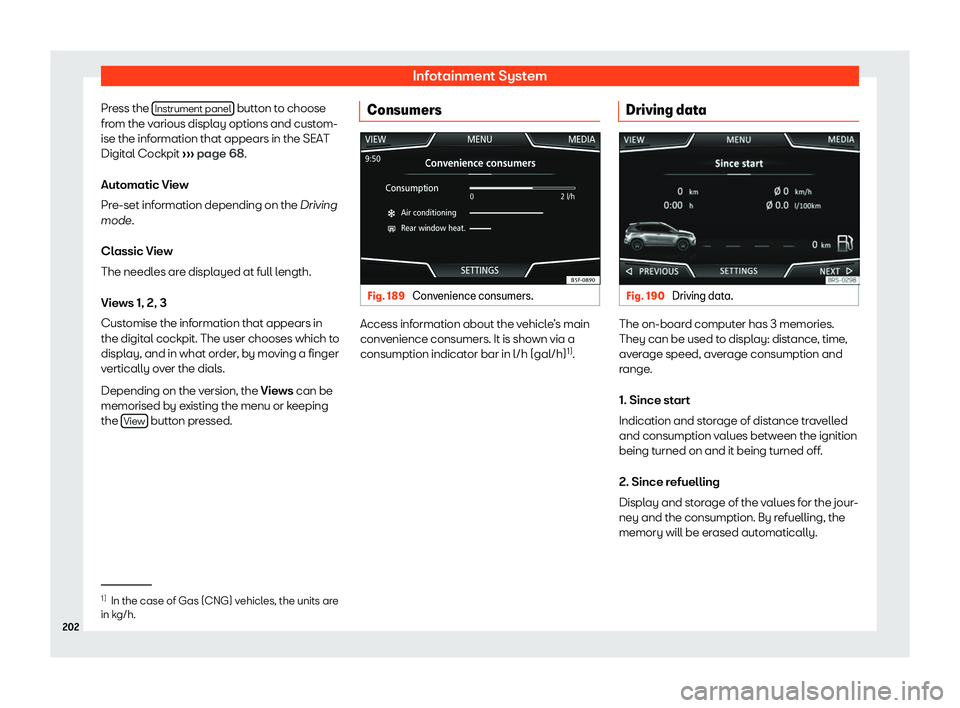
Press the Instrument panel button to choose
fr om the v
arious displ ay options and cust
om-
ise the inf
ormation that appears in the SEAT
Digital Cockpit
Page 206 of 372
Infotainment System
Indication
Page 208 of 372
Page 210 of 372
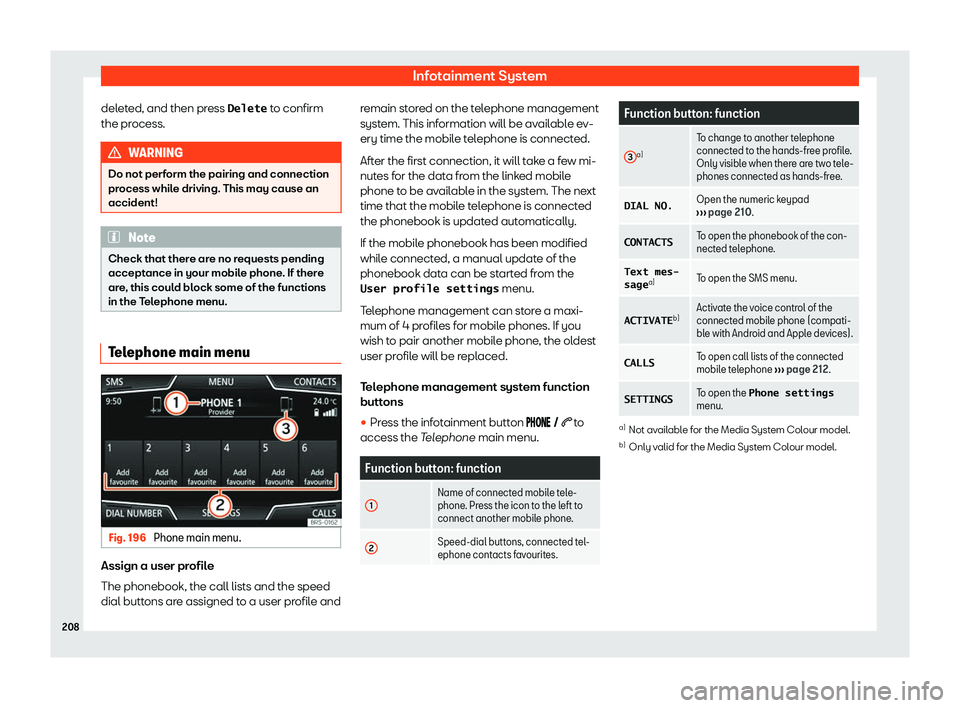
Infotainment System
deleted, and then press Delete to confirm
the pr ocess. WARNING
Do not perform the pairing and connection
process while driving. This may cause an
accident! Note
Check that there are no requests pending
acceptance in your mobile phone. If ther e
ar
e, this could block some of the functions
in the Telephone menu. Telephone main menu
Fig. 196
Phone main menu. Assign a user profile
The phonebook
, the call lists and the speed
dial butt ons are assigned t
o a user pr
ofile andremain stored on the telephone management
system. This information will be availabl
e ev-
ery time the mobile telephone is connected.
After the first connection, it will take a few mi-
nutes for the data from the linked mobile
phone to be available in the system. The next
time that the mobile telephone is connected
the phonebook is updated automatically.
If the mobile phonebook has been modified
while connected, a manual update of the
phonebook data can be started from the
User profile settings menu.
Telephone management can store a maxi-
mum of 4 profiles for mobile phones. If you
wish to pair another mobile phone, the oldest
user profile will be replaced.
Telephone management system function
buttons �