Seat Leon 2019 User Guide
Leon 2019
Seat
Seat
https://www.carmanualsonline.info/img/39/29360/w960_29360-0.png
Seat Leon 2019 User Guide
Page 174 of 396
Infotainment System
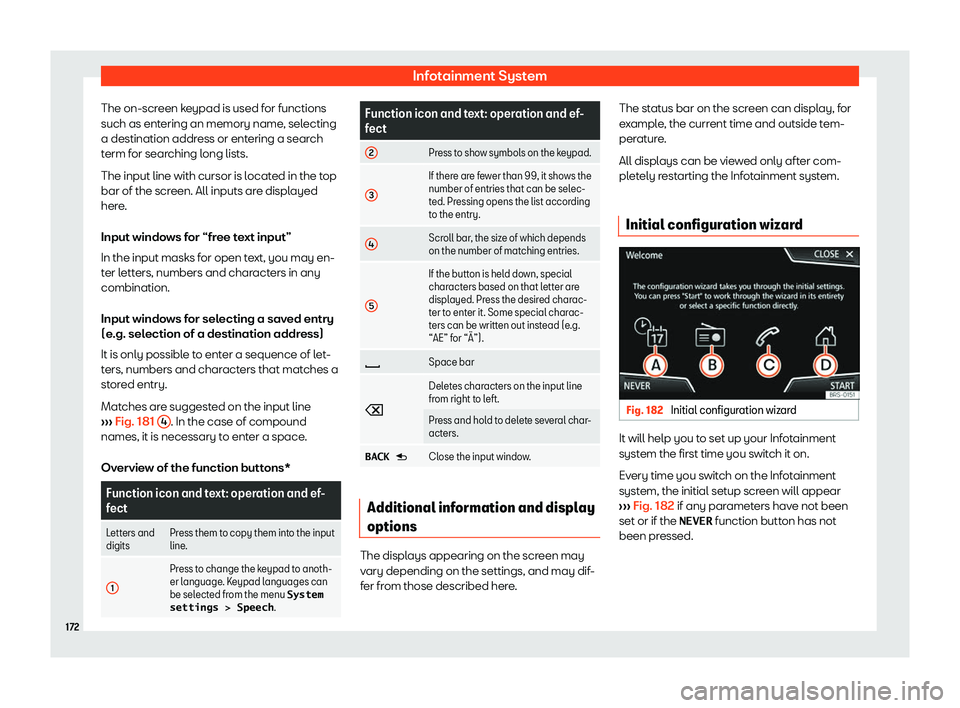
The on-screen keypad is used for functions
such as ent ering an memory name
, selecting
a destination addr ess or ent
ering a search
term for searching long lists.
The input line with cursor is located in the top
bar of the screen. All inputs are displayed
here.
Input windows for “free text input”
In the input masks for open text, you may en-
ter letters, numbers and characters in any
combination.
Input windows for selecting a saved entry
(e.g. selection of a destination address)
It is only possible to enter a sequence of let-
ters, numbers and characters that matches a
stored entry.
Matches are suggested on the input line
Page 175 of 396
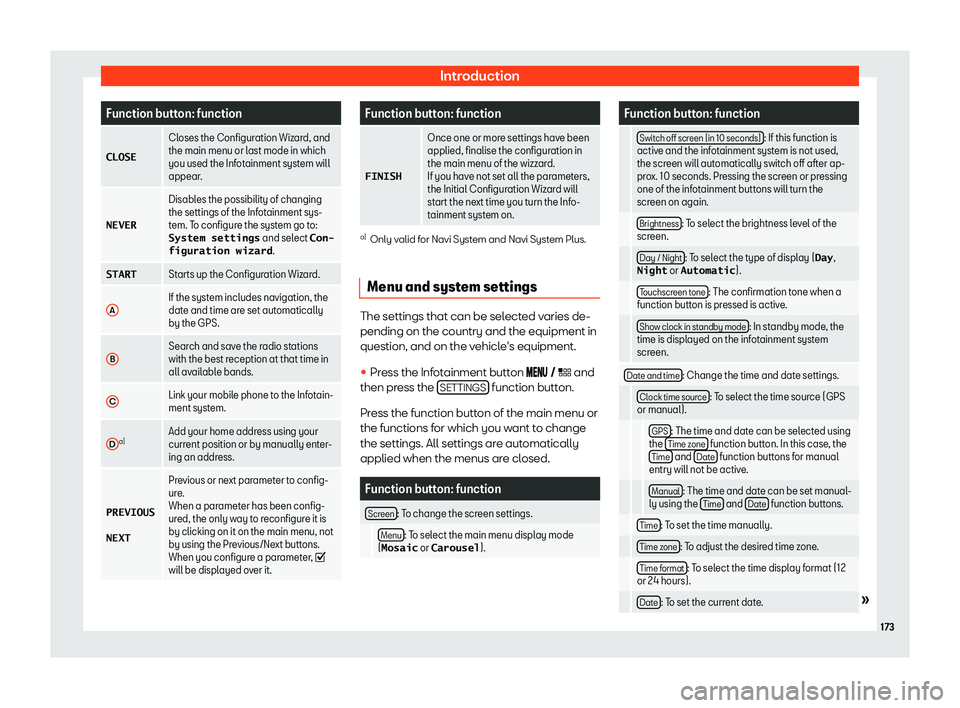
Introduction
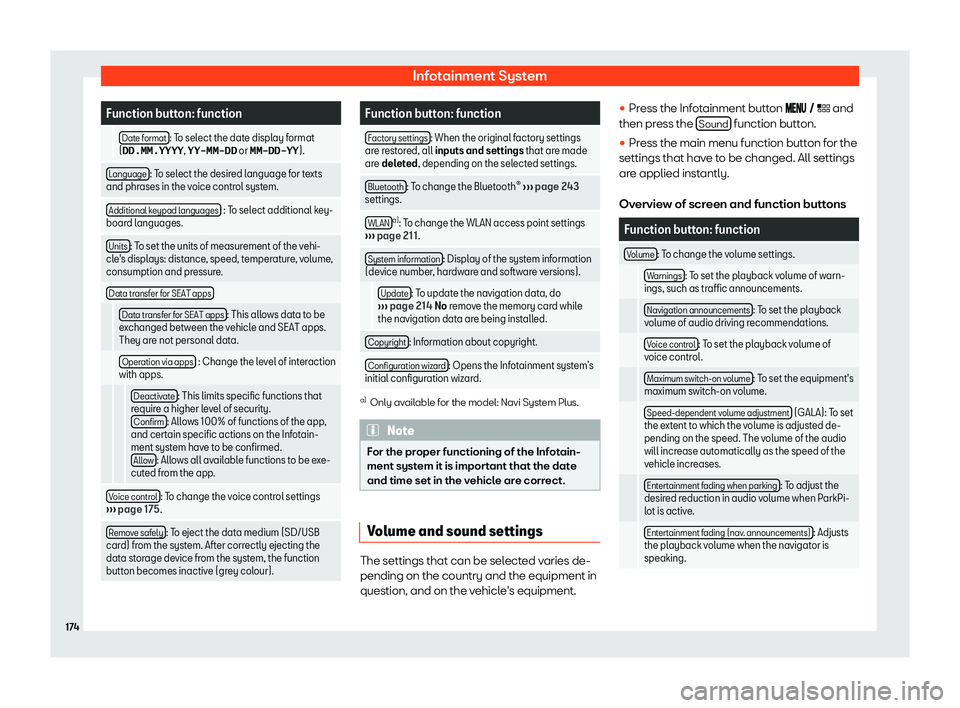
Function button: function
CLOSE Closes the Configuration Wizard, and
the main menu or last mode in which
you used the Infotainment syst em will
appear
.
NEVER Disables the possibility of changing
the settings of the Infotainment sys-
tem. T
o configur
e the system go to:
System settings and select Con-
figuration wizard .
START Starts up the Configuration Wizard.
A If the system includes navigation, the
date and time are set automatically
by the GPS.
B Search and save the radio stations
with the best reception at that time in
all availabl
e bands.
C Link your mobile phone to the Infotain-
ment system.
D a)
Add your home address using your
current position or by manually enter-
ing an addr
ess.
PREVIOUS
NEXT Pr
evious or next parameter to config-
ure.
When a parameter has been config-
ur
ed, the only way to reconfigure it is
by clicking on it on the main menu, not
by using the Previous/Next buttons.
When you configure a parameter,
will be displayed over it. Function button: function
FINISH Once one or more settings have been
applied, finalise the configuration in
the main menu of the wizzard.
If you hav
e not set all the par
ameters,
the Initial Configuration Wizard will
start the next time you turn the Info-
tainment system on. a)
Only valid for Navi System and Navi System Plus.
Menu and system settings The settings that can be selected varies de-
pending on the country and the equipment in
question, and on the v
ehicl
e
Page 176 of 396
Infotainment System
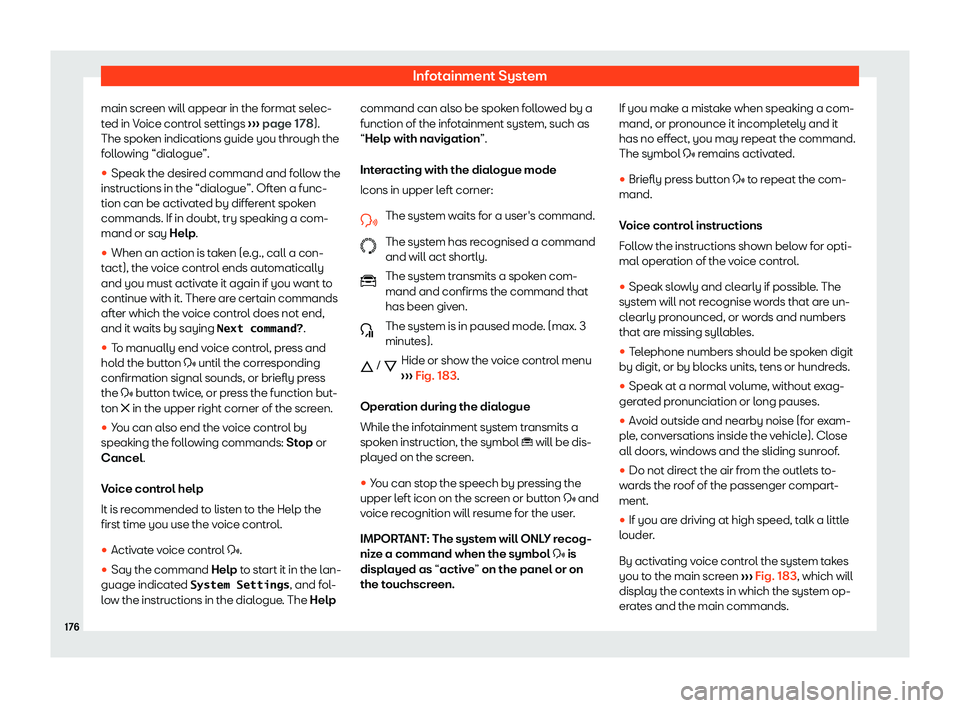
Function button: function
Date format : To select the date display format
(DD.MM.YYYY , YY-MM-DD or MM-DD-YY ).
Language : To select the desired language for texts
and phrases in the voice control system.
Additional k
eypad languages : To select additional key-
board languages.
Units : To set the units of measurement of the vehi-
cle
Page 178 of 396
Infotainment System
main screen will appear in the format selec-
t ed in V
oice contr ol settings
Page 180 of 396
Infotainment System
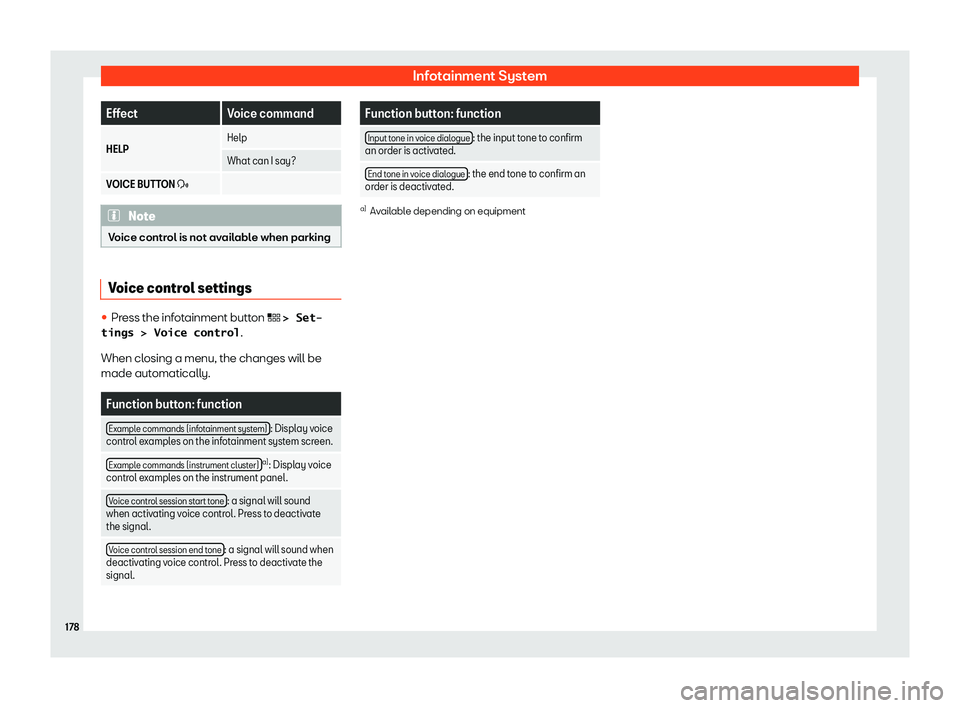
Effect
Voice command
HELP Help
What can I say?
VOICE BUTTON
Page 182 of 396
Infotainment System
configured. Select Settings > Time and
date .
�
Page 184 of 396
Infotainment System
Tethering of portable devices that
suppor t Mirr
orLink
Page 186 of 396
Infotainment System
Requirements
In or der t
o use Appl e CarPl
ay
Page 188 of 396
Infotainment System
The functions are operated by means of a
T abl
et or partially by a mobil e phone
.
Oper
ating requirements:
�
Page 190 of 396