Seat Leon 2019 Owner's Guide
Leon 2019
Seat
Seat
https://www.carmanualsonline.info/img/39/29360/w960_29360-0.png
Seat Leon 2019 Owner's Guide
Page 191 of 396
Operating modes
Operating modes R adio
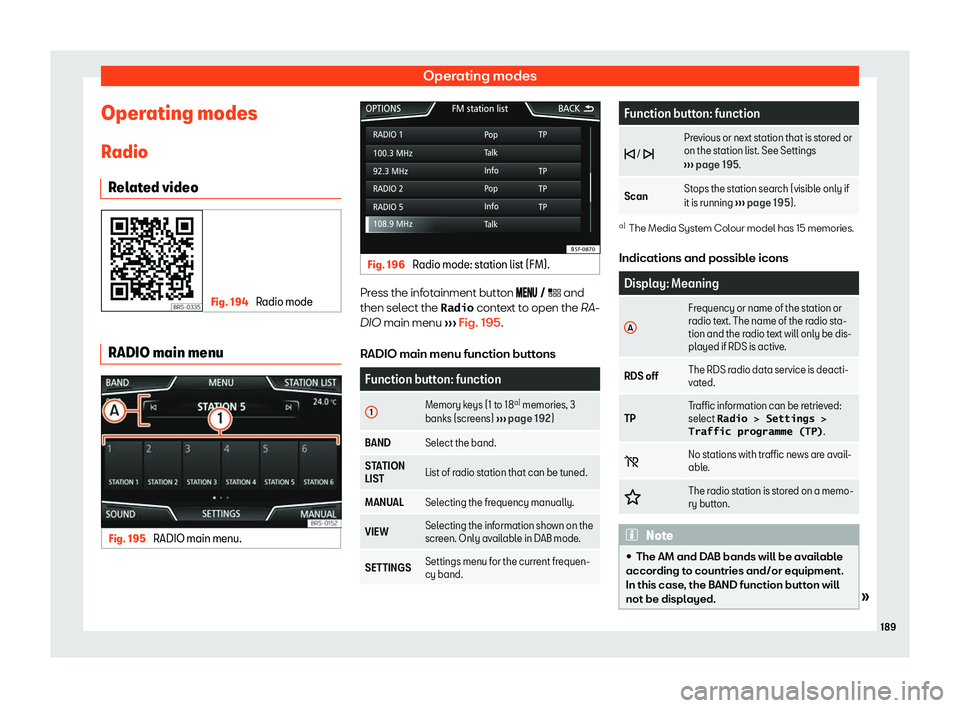
R el at
ed video Fig. 194
Radio mode RADIO main menu
Fig. 195
RADIO main menu. Fig. 196
Radio mode: station list (FM). Press the infotainment button
and
then select the Radio context to open the RA-
DIO main menu
Page 192 of 396
Page 194 of 396
Infotainment System
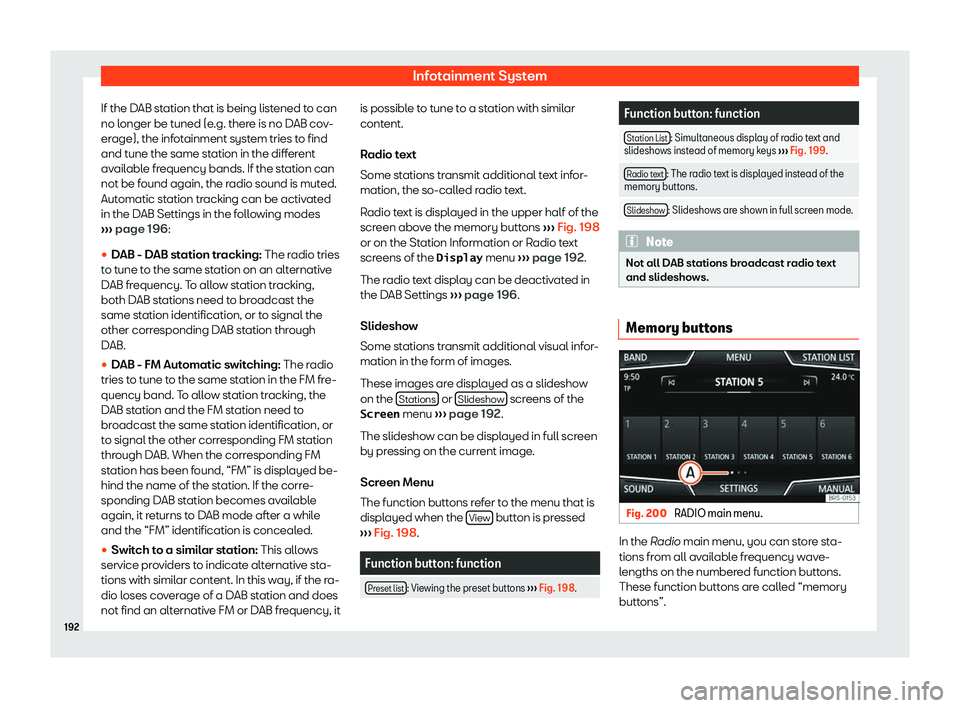
If the DAB station that is being listened to can
no l onger be t
uned (e.g. ther
e is no D
AB cov-
erage), the infotainment system tries to find
and tune the same station in the different
available frequency bands. If the station can
not be found again, the radio sound is muted.
Automatic station tracking can be activated
in the DAB Settings in the following modes
Page 196 of 396
Infotainment System
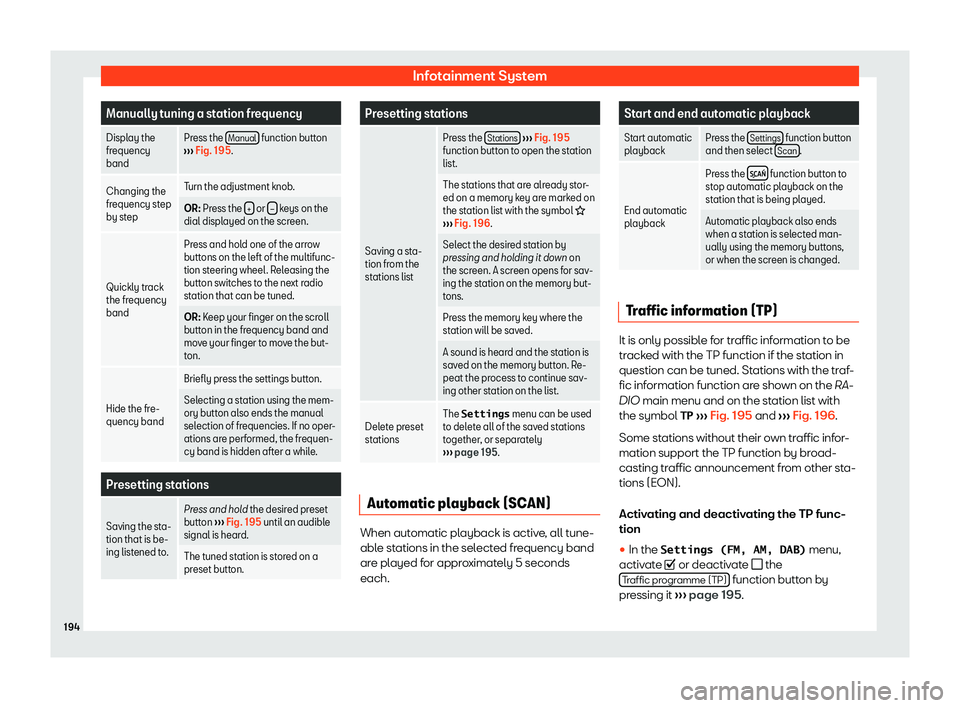
Manually tuning a station frequency
Display the
frequency
band Press the
Manual function button
Page 198 of 396
Infotainment System
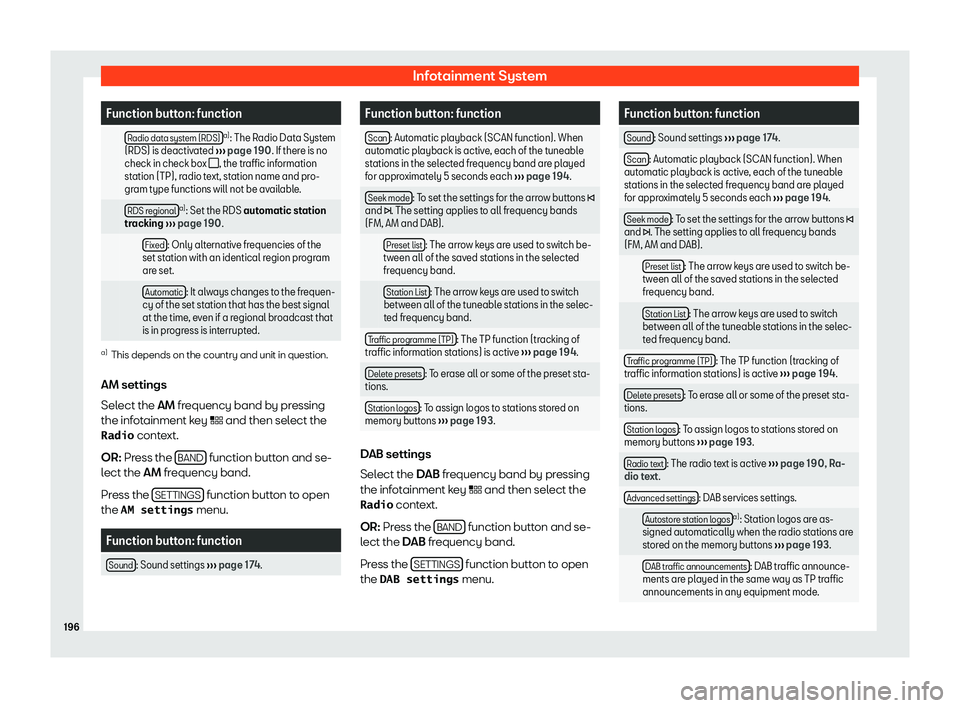
Function button: function
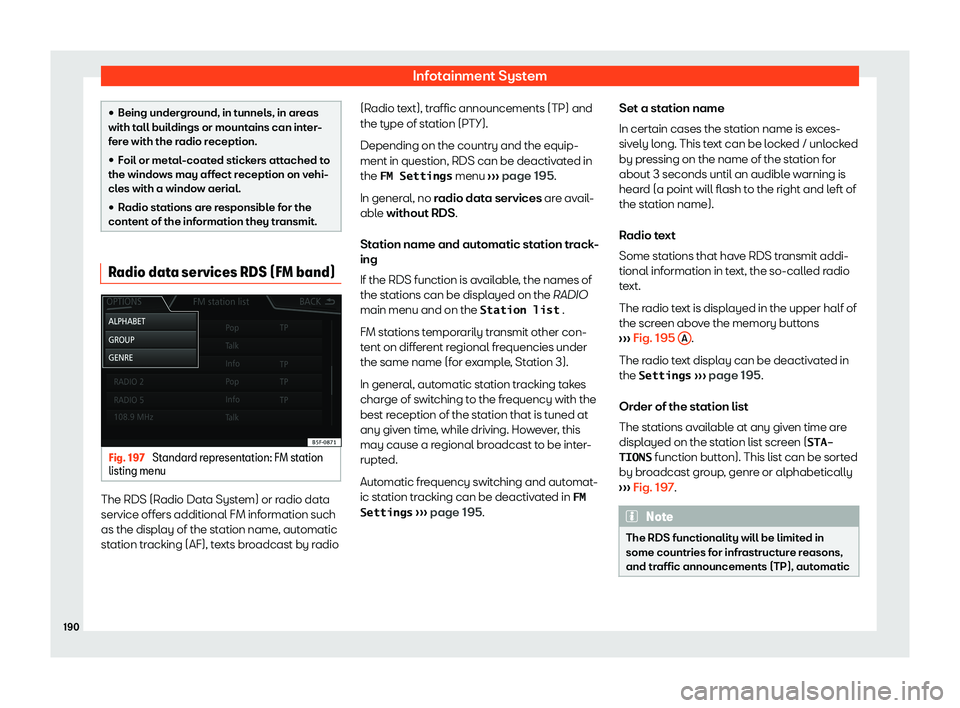
Radio data system (RDS) a)
: The Radio Data System
(RDS) is deactiv at
ed
Page 199 of 396
Operating modes
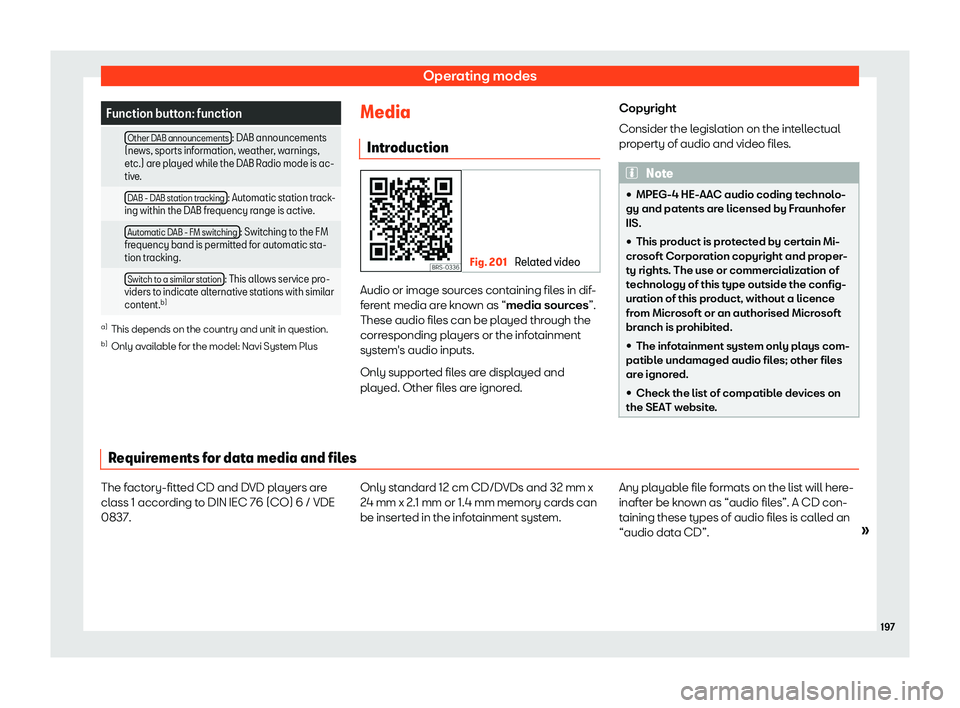
Function button: function
Other DAB announcements : DAB announcements
(news, sports information, weather , w
arnings,
etc.) are played while the DAB Radio mode is ac-
tive.
DAB - DAB station tracking : Automatic station track-
ing within the DAB frequency range is active
.
Automatic DAB - FM switching : Switching to the FM
frequency band is permitted for aut omatic st
a-
tion tracking.
Switch to a similar station : This allows service pro-
viders to indicate alternativ e st
ations with similar
content. b) a)
This depends on the country and unit in question.
b) Only available for the model: Navi System Plus Media
Intr oduction Fig. 201
Related video Audio or image sources containing files in dif-
f
er
ent media ar e kno
wn as “
media sources”.
These audio files can be played through the
corresponding players or the infotainment
system
Page 200 of 396
Infotainment System
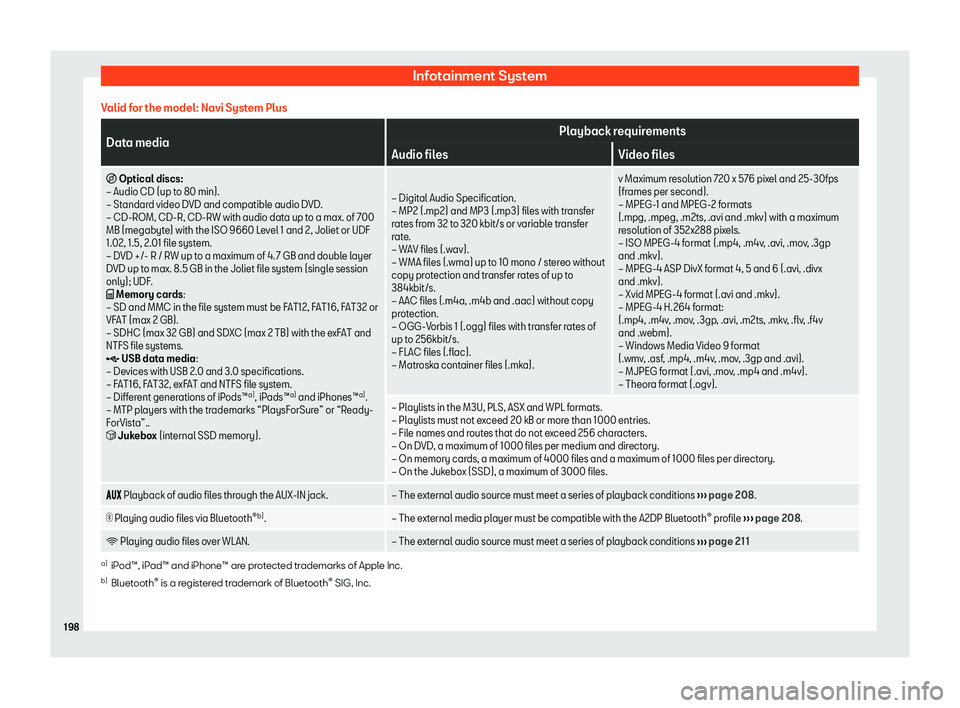
Valid for the model: Navi System Plus Data media
Playback requirements
Audio files Video files
I Optical discs:
Page 202 of 396
Infotainment System
Valid for the model: Media System Colour Media sources
Playback requirements
K SD and MMC memory cards according to fil
e syst em FAT12, FAT16, FAT32, XFAT or
VFAT (max 2GB), as well as SDHC and SDXC memory cards.
Page 204 of 396
Infotainment System
MEDIA main menu function buttons Function button: function
SOURCE
MEDIA a) The media source that is being
played. Press to sel
ect another me-
dia sour
ce.
JUKEBOX b)
: Internal hard drive
(SSD)
Page 206 of 396
Infotainment System
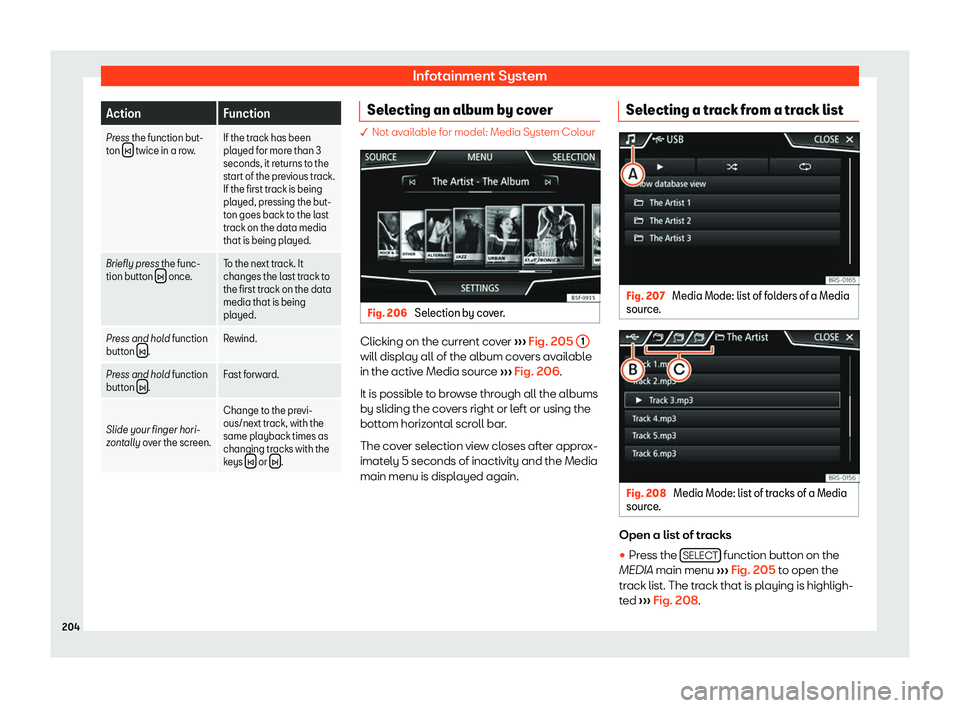
Action
Function
Press the function but-
ton twice in a row.
If the track has been
played for more than 3
seconds, it r
et
urns to the
start of the previous track.
If the first track is being
played, pressing the but-
ton goes back to the last
track on the data media
that is being played.
Briefly press the func-
tion button once.
To the next track. It
changes the last track to
the first track on the dat
a
media that is being
played.
Press and hold function
button .
Rewind.
Press and hold function
button .
Fast forward.
Slide your finger hori-
zontally o v
er the screen. Change to the previ-
ous/next track, with the
same playback times as
changing tr
acks with the
keys or
. Selecting an album by cover
� Not available for model: Media System Colour
Fig. 206
Selection by cover. Clicking on the current cover