infotainment SKODA KAMIQ 2019 Owner´s Manual
[x] Cancel search | Manufacturer: SKODA, Model Year: 2019, Model line: KAMIQ, Model: SKODA KAMIQ 2019Pages: 185, PDF Size: 25.05 MB
Page 174 of 185
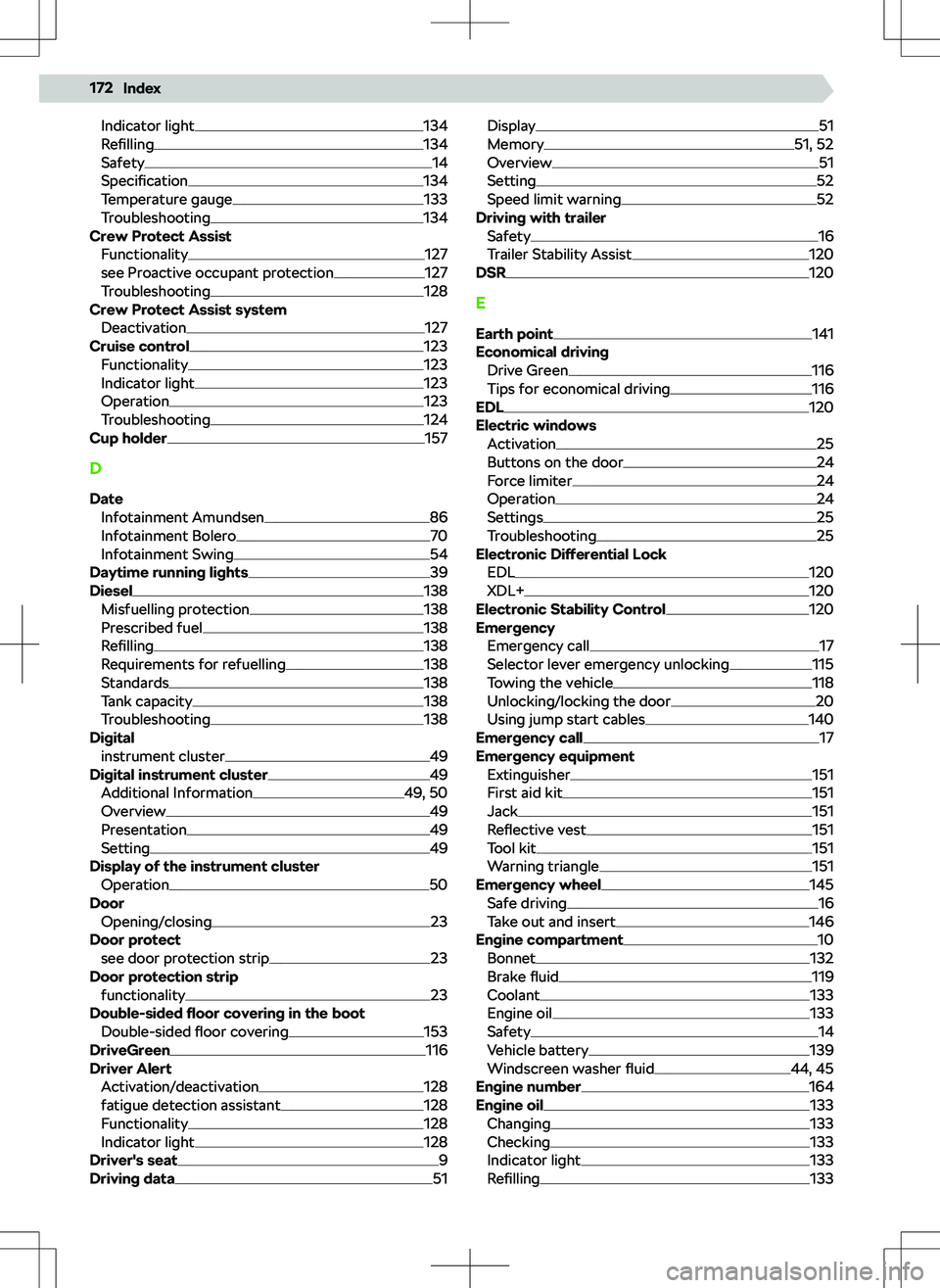
Indicator light134
Refilling134
Safety14
Specification134
Temperature gauge133
Troubleshooting134
Crew Protect Assist
Functionality
127
see Proactive occupant protection127
Troubleshooting128
Crew Protect Assist system Deactivation
127
Cruise control123
Functionality123
Indicator light123
Operation123
Troubleshooting124
Cup holder157
D Date Infotainment Amundsen
86
Infotainment Bolero70
Infotainment Swing54
Daytime running lights39
Diesel138
Misfuelling protection138
Prescribed fuel138
Refilling138
Requirements for refuelling138
Standards138
Tank capacity138
Troubleshooting138
Digital instrument cluster
49
Digital instrument cluster49
Additional Information49, 50
Overview49
Presentation49
Setting49
Display of the instrument cluster Operation
50
Door Opening/closing
23
Door protect see door protection strip
23
Door protection strip functionality
23
Double-sided floor covering in the boot
Double-sided floor covering
153
DriveGreen116
Driver Alert Activation/deactivation
128
fatigue detection assistant128
Functionality128
Indicator light128
Driver
Page 176 of 185
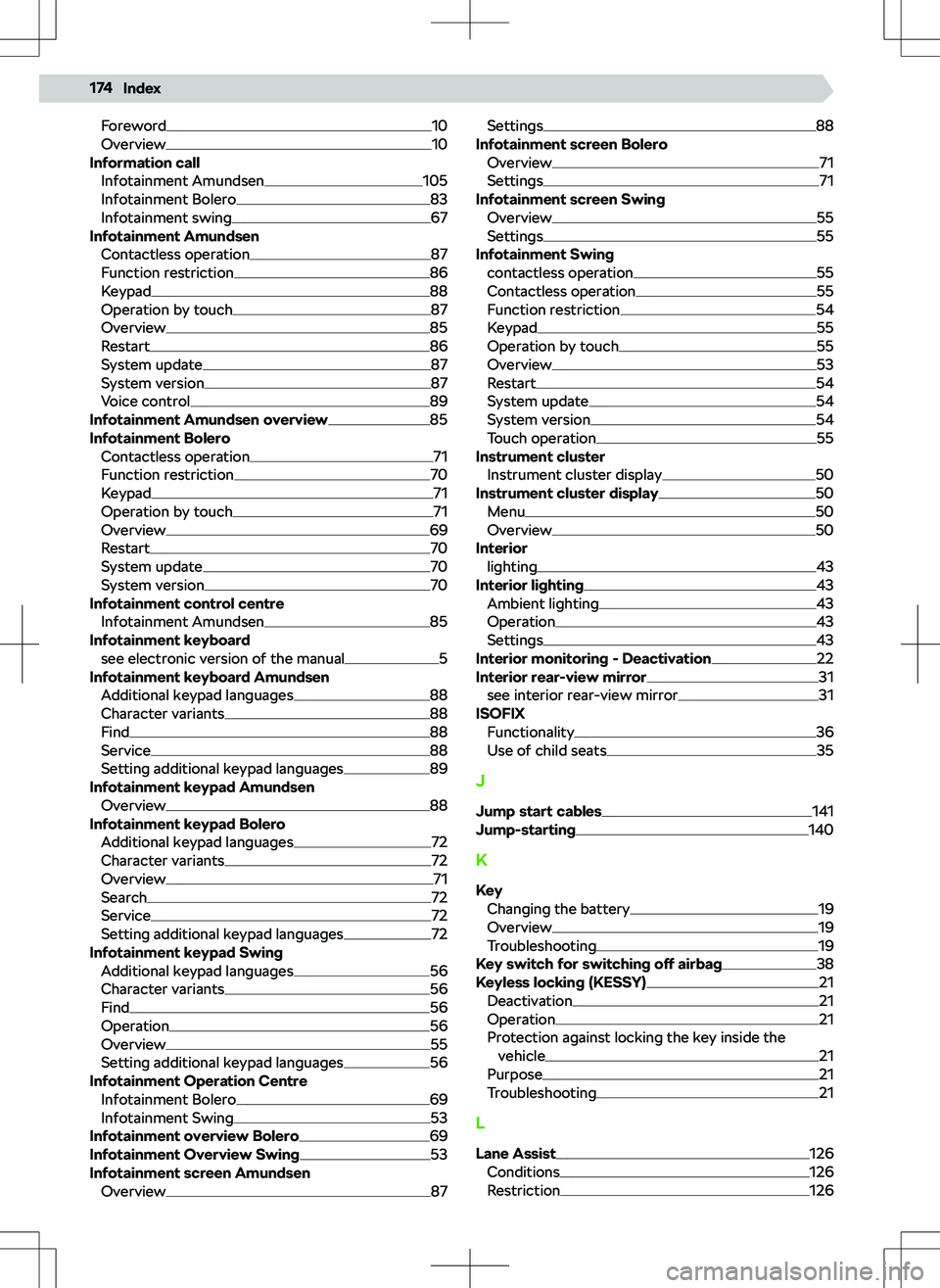
Foreword10
Overview10
Information call Infotainment Amundsen
105
Infotainment Bolero83
Infotainment swing67
Infotainment Amundsen
Contactless operation
87
Function restriction86
Keypad88
Operation by touch87
Overview85
Restart86
System update87
System version87
Voice control89
Infotainment Amundsen overview85
Infotainment Bolero Contactless operation
71
Function restriction70
Keypad71
Operation by touch71
Overview69
Restart70
System update70
System version70
Infotainment control centre Infotainment Amundsen
85
Infotainment keyboard see electronic version of the manual
5
Infotainment keyboard Amundsen Additional keypad languages
88
Character variants88
Find88
Service88
Setting additional keypad languages89
Infotainment keypad Amundsen Overview
88
Infotainment keypad Bolero Additional keypad languages
72
Character variants72
Overview71
Search72
Service72
Setting additional keypad languages72
Infotainment keypad Swing Additional keypad languages
56
Character variants56
Find56
Operation56
Overview55
Setting additional keypad languages56
Infotainment Operation Centre Infotainment Bolero
69
Infotainment Swing53
Infotainment overview Bolero69
Infotainment Overview Swing53
Infotainment screen Amundsen Overview
87
Settings88
Infotainment screen Bolero Overview
71
Settings71
Infotainment screen Swing Overview
55
Settings55
Infotainment Swing contactless operation
55
Contactless operation55
Function restriction54
Keypad55
Operation by touch55
Overview53
Restart54
System update54
System version54
Touch operation55
Instrument cluster Instrument cluster display
50
Instrument cluster display50
Menu50
Overview50
Interior lighting
43
Interior lighting43
Ambient lighting43
Operation43
Settings43
Interior monitoring - Deactivation22
Interior rear-view mirror31
see interior rear-view mirror31
ISOFIX Functionality
36
Use of child seats35
J Jump start cables
141
Jump-starting140
K
Key Changing the battery
19
Overview19
Troubleshooting19
Key switch for switching off airbag38
Keyless locking (KESSY)21
Deactivation21
Operation21
Protection against locking the key inside the vehicle
21
Purpose21
Troubleshooting21
L
Lane Assist
126
Conditions126
Restriction126
174Index
Page 178 of 185
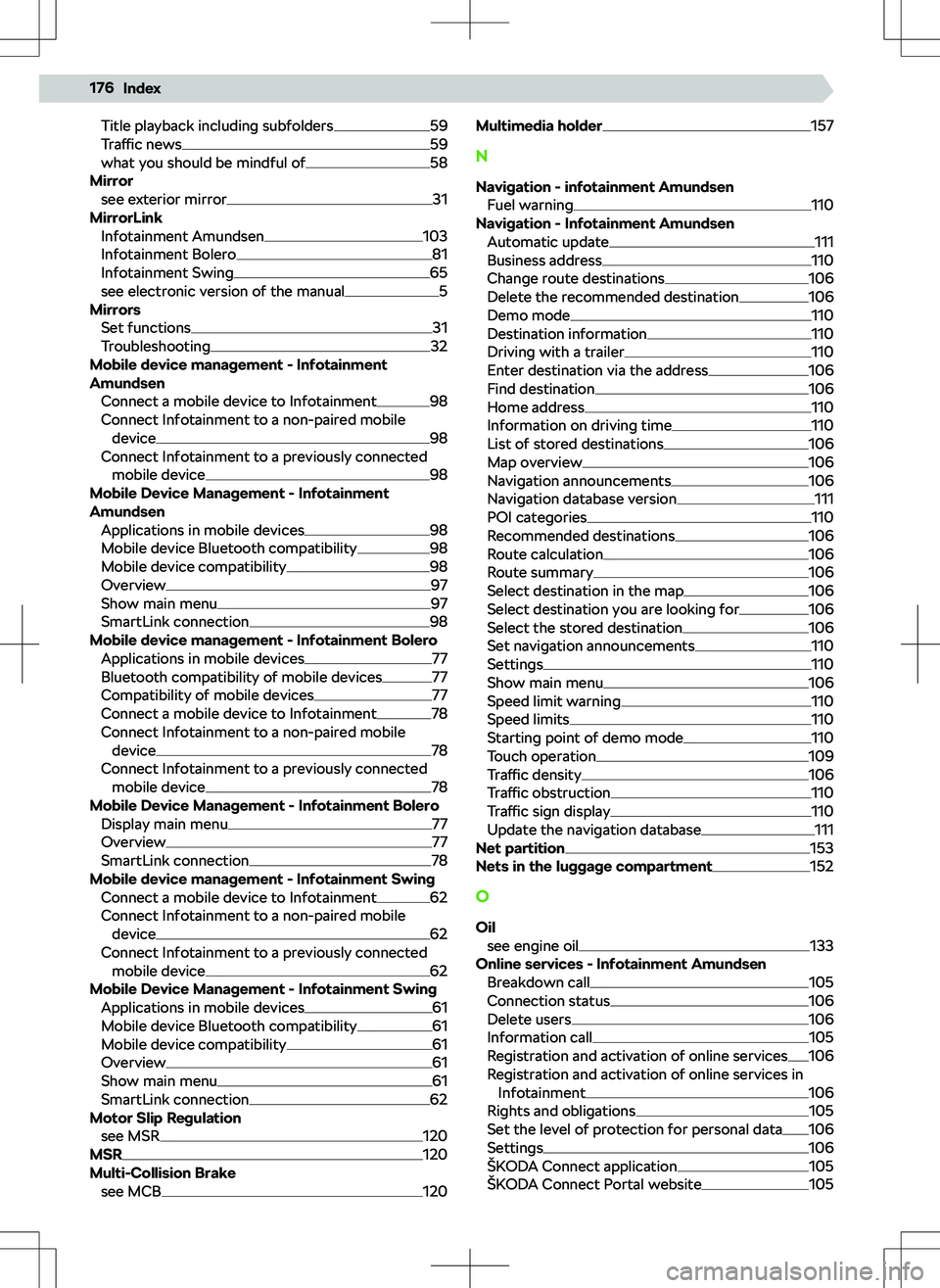
Title playback including subfolders59
Traffic news59
what you should be mindful of58
Mirror see exterior mirror
31
MirrorLink Infotainment Amundsen
103
Infotainment Bolero81
Infotainment Swing65
see electronic version of the manual5
Mirrors Set functions
31
Troubleshooting32
Mobile device management - Infotainment
Amundsen
Connect a mobile device to Infotainment
98
Connect Infotainment to a non-paired mobile device
98
Connect Infotainment to a previously connected mobile device
98
Mobile Device Management - Infotainment
Amundsen Applications in mobile devices
98
Mobile device Bluetooth compatibility98
Mobile device compatibility98
Overview97
Show main menu97
SmartLink connection98
Mobile device management - Infotainment Bolero Applications in mobile devices
77
Bluetooth compatibility of mobile devices77
Compatibility of mobile devices77
Connect a mobile device to Infotainment78
Connect Infotainment to a non-paired mobile device
78
Connect Infotainment to a previously connected mobile device
78
Mobile Device Management - Infotainment Bolero Display main menu
77
Overview77
SmartLink connection78
Mobile device management - Infotainment Swing Connect a mobile device to Infotainment
62
Connect Infotainment to a non-paired mobile device
62
Connect Infotainment to a previously connected mobile device
62
Mobile Device Management - Infotainment Swing Applications in mobile devices
61
Mobile device Bluetooth compatibility61
Mobile device compatibility61
Overview61
Show main menu61
SmartLink connection62
Motor Slip Regulation see MSR
120
MSR120
Multi-Collision Brake see MCB
120
Multimedia holder157
N
Navigation - infotainment Amundsen Fuel warning
110
Navigation - Infotainment Amundsen Automatic update
111
Business address110
Change route destinations106
Delete the recommended destination106
Demo mode110
Destination information110
Driving with a trailer110
Enter destination via the address106
Find destination106
Home address110
Information on driving time110
List of stored destinations106
Map overview106
Navigation announcements106
Navigation database version111
POI categories110
Recommended destinations106
Route calculation106
Route summary106
Select destination in the map106
Select destination you are looking for106
Select the stored destination106
Set navigation announcements110
Settings110
Show main menu106
Speed limit warning110
Speed limits110
Starting point of demo mode110
Touch operation109
Traffic density106
Traffic obstruction110
Traffic sign display110
Update the navigation database111
Net partition153
Nets in the luggage compartment152
O
Oil see engine oil
133
Online services - Infotainment Amundsen Breakdown call
105
Connection status106
Delete users106
Information call105
Registration and activation of online services106
Registration and activation of online services in Infotainment
106
Rights and obligations105
Set the level of protection for personal data106
Settings106
Page 180 of 185
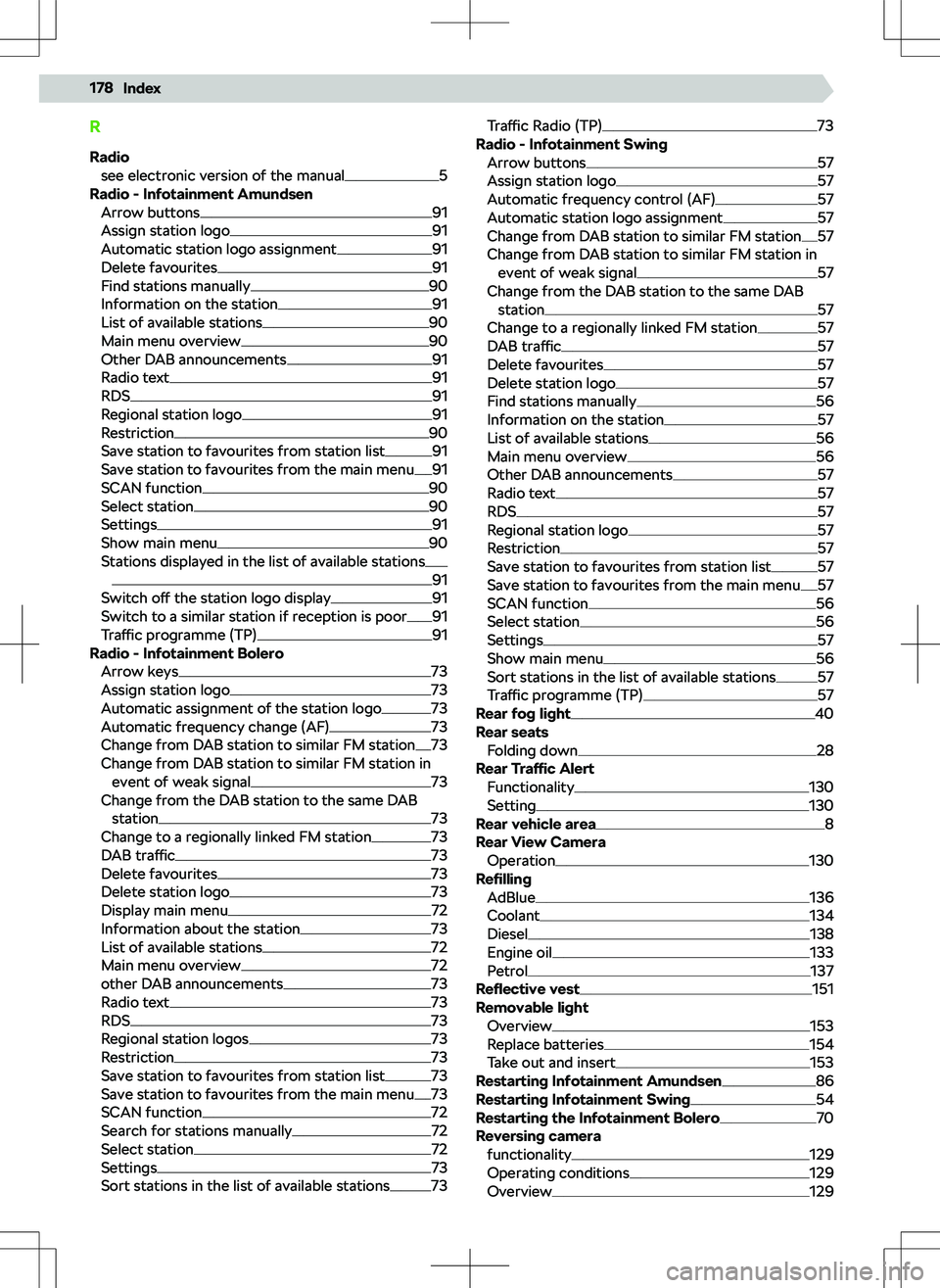
RRadio see electronic version of the manual
5
Radio - Infotainment Amundsen Arrow buttons
91
Assign station logo91
Automatic station logo assignment91
Delete favourites91
Find stations manually90
Information on the station91
List of available stations90
Main menu overview90
Other DAB announcements91
Radio text91
RDS91
Regional station logo91
Restriction90
Save station to favourites from station list91
Save station to favourites from the main menu91
SCAN function90
Select station90
Settings91
Show main menu90
Stations displayed in the list of available stations
91
Switch o
Page 182 of 185
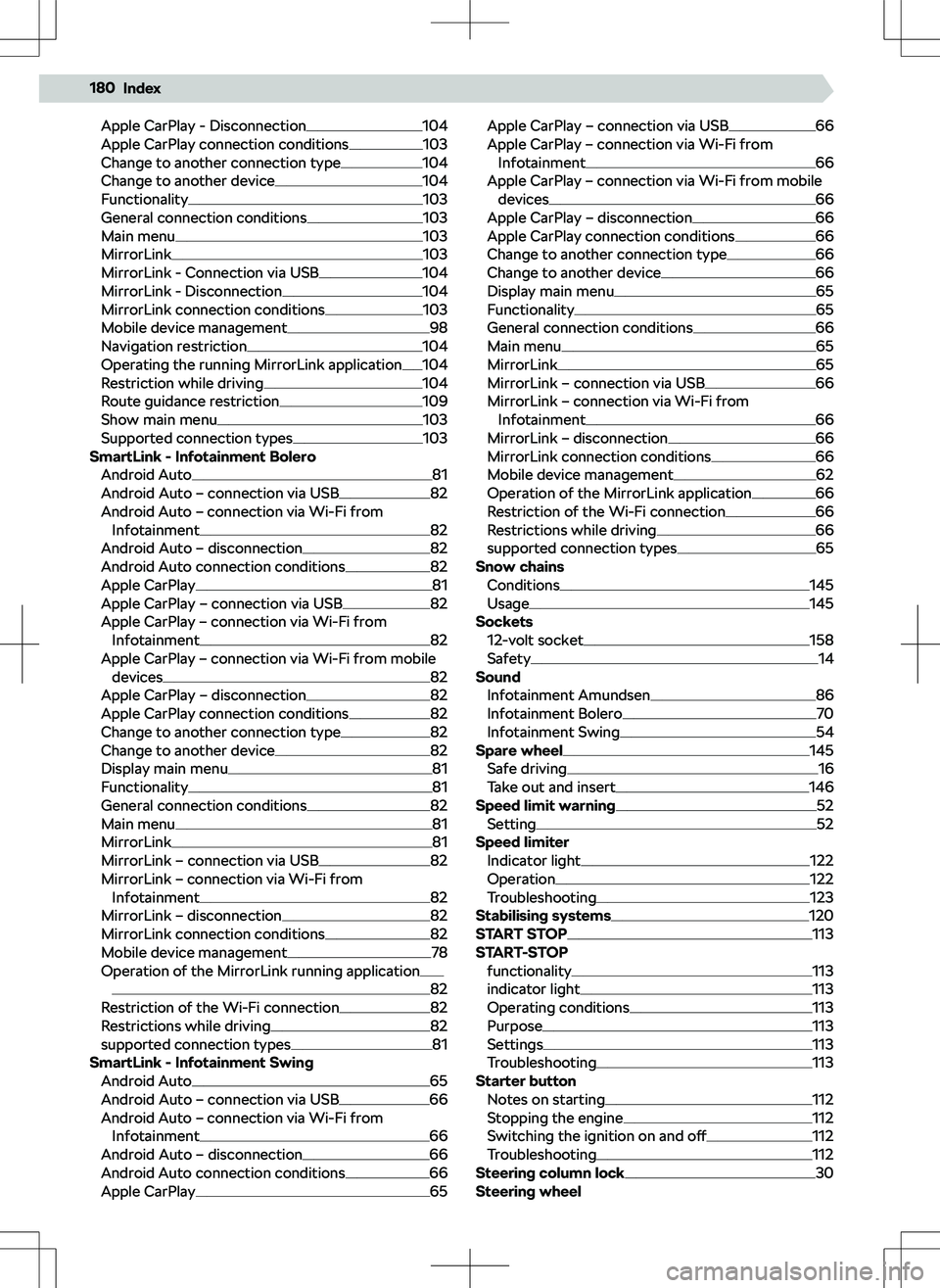
Apple CarPlay - Disconnection104
Apple CarPlay connection conditions103
Change to another connection type104
Change to another device104
Functionality103
General connection conditions103
Main menu103
MirrorLink103
MirrorLink - Connection via USB104
MirrorLink - Disconnection104
MirrorLink connection conditions103
Mobile device management98
Navigation restriction104
Operating the running MirrorLink application104
Restriction while driving104
Route guidance restriction109
Show main menu103
Supported connection types103
SmartLink - Infotainment Bolero Android Auto
81
Android Auto
Page 184 of 185
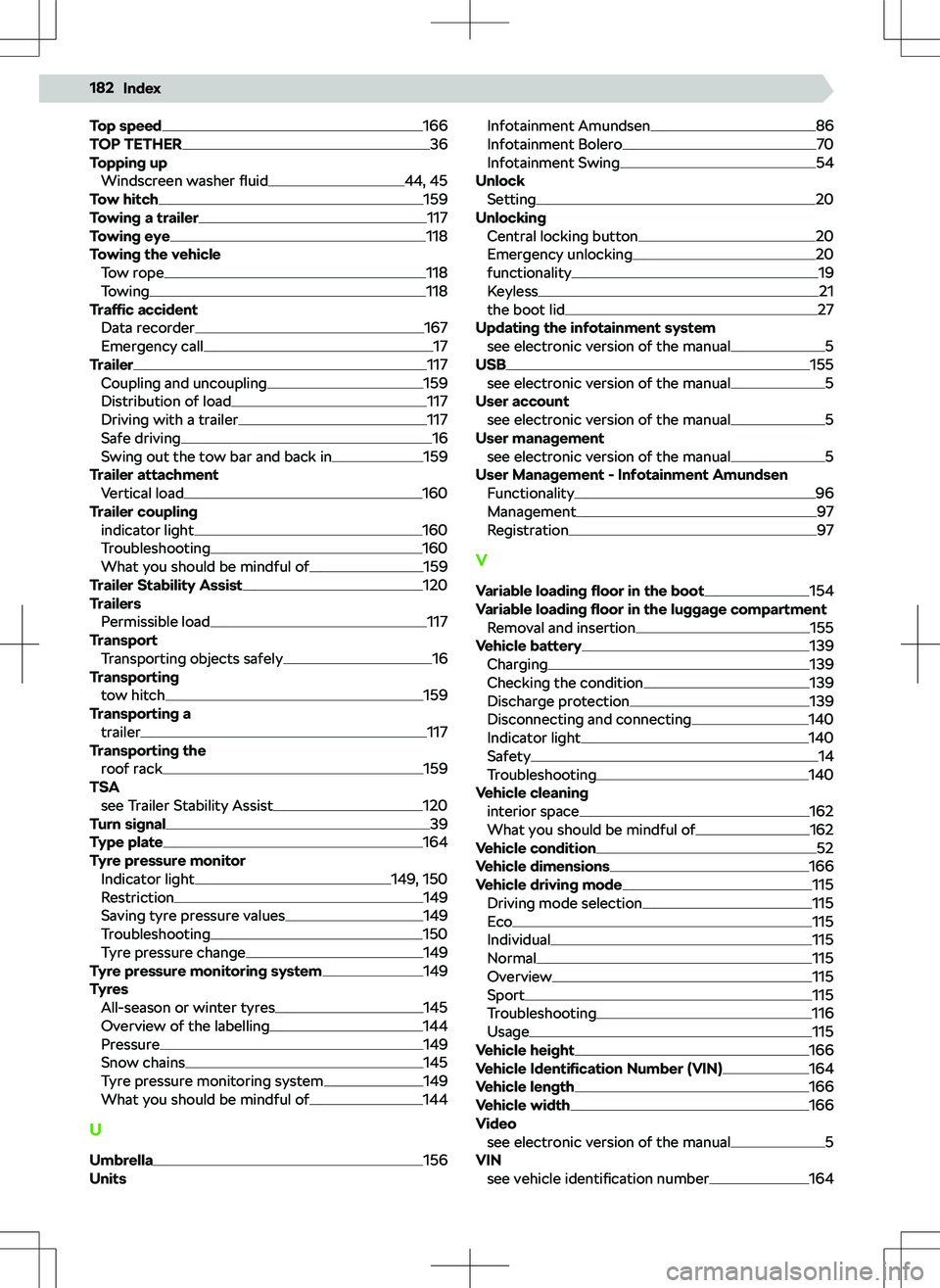
Top speed166
TOP TETHER36
Topping up Windscreen washer fluid
44, 45
Tow hitch159
Towing a trailer117
Towing eye118
Towing the vehicle Tow rope
118
Towing118
Traffic accident
Data recorder
167
Emergency call17
Trailer117
Coupling and uncoupling159
Distribution of load117
Driving with a trailer117
Safe driving16
Swing out the tow bar and back in159
Trailer attachment Vertical load
160
Trailer coupling indicator light
160
Troubleshooting160
What you should be mindful of159
Trailer Stability Assist120
Trailers Permissible load
117
Transport Transporting objects safely
16
Transporting tow hitch
159
Transporting a trailer
117
Transporting the roof rack
159
TSA see Trailer Stability Assist
120
Turn signal39
Type plate164
Tyre pressure monitor Indicator light
149, 150
Restriction149
Saving tyre pressure values149
Troubleshooting150
Tyre pressure change149
Tyre pressure monitoring system149
Tyres All-season or winter tyres
145
Overview of the labelling144
Pressure149
Snow chains145
Tyre pressure monitoring system149
What you should be mindful of144
U
Umbrella
156
Units
Infotainment Amundsen86
Infotainment Bolero70
Infotainment Swing54
Unlock Setting
20
Unlocking Central locking button
20
Emergency unlocking20
functionality19
Keyless21
the boot lid27
Updating the infotainment system see electronic version of the manual
5
USB155
see electronic version of the manual5
User account see electronic version of the manual
5
User management see electronic version of the manual
5
User Management - Infotainment Amundsen Functionality
96
Management97
Registration97
V Variable loading floor in the boot
154
Variable loading floor in the luggage compartment
Removal and insertion
155
Vehicle battery139
Charging139
Checking the condition139
Discharge protection139
Disconnecting and connecting140
Indicator light140
Safety14
Troubleshooting140
Vehicle cleaning interior space
162
What you should be mindful of162
Vehicle condition52
Vehicle dimensions166
Vehicle driving mode115
Driving mode selection115
Eco115
Individual115
Normal115
Overview115
Sport115
Troubleshooting116
Usage115
Vehicle height166
Vehicle Identi
Page 185 of 185
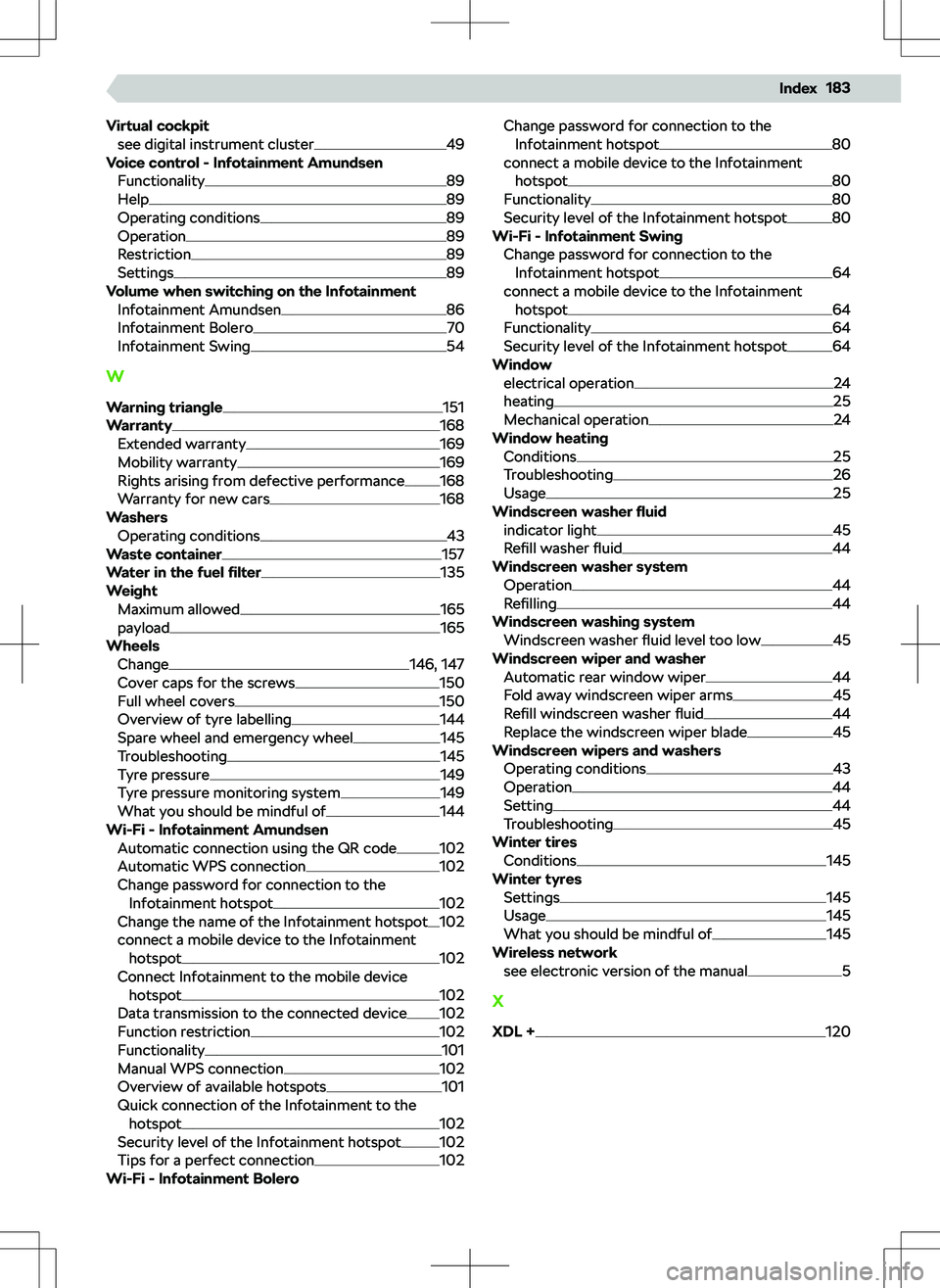
Virtual cockpitsee digital instrument cluster49
Voice control - Infotainment Amundsen Functionality
89
Help89
Operating conditions89
Operation89
Restriction89
Settings89
Volume when switching on the Infotainment Infotainment Amundsen
86
Infotainment Bolero70
Infotainment Swing54
W
Warning triangle
151
Warranty168
Extended warranty169
Mobility warranty169
Rights arising from defective performance168
Warranty for new cars168
Washers Operating conditions
43
Waste container157
Water in the fuel