SKODA KAMIQ 2020 Owner´s Manual
KAMIQ 2020
SKODA
SKODA
https://www.carmanualsonline.info/img/3/38021/w960_38021-0.png
SKODA KAMIQ 2020 Owner´s Manual
Page 23 of 194
Serious accident - automatic call
In the event of an accident where the airbag or belt
tensioner activates, a call is automatically started
with the emergency call centre.
Minor accident - call option
The Infotainment screen displays the option to set
up a connection to the emergency call centre or
breakdown service.
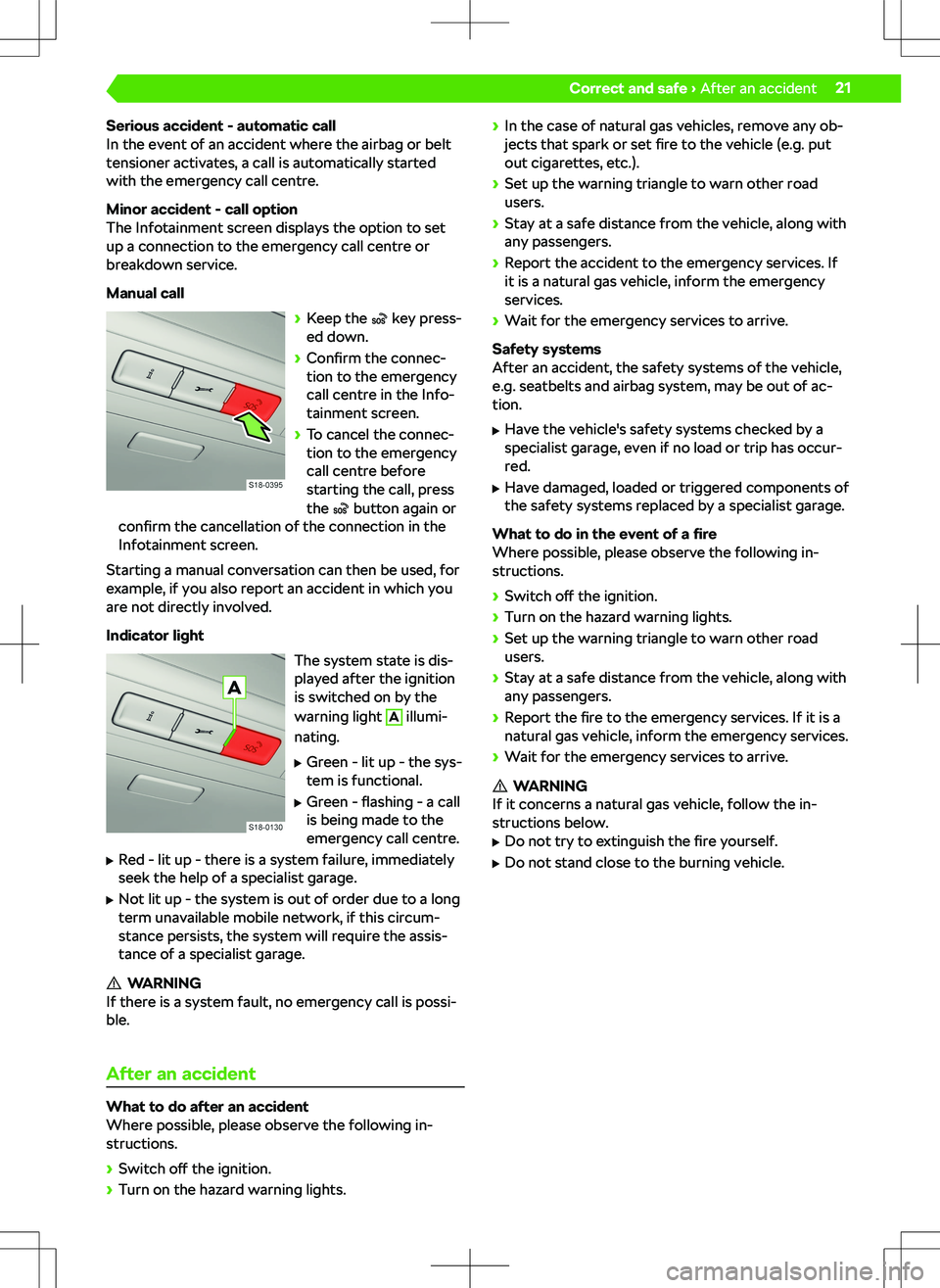
Manual call
Page 56 of 194
Hold - Show main menu
Driving data
Overview
The driving data display works with the ignition
switched on.
In the instrument cluster display
Depending on the equipment, the display of the in-
strument cluster shows information such as speed,
fuel consumption, range, etc.
Information on the quality of natural gas
For natural gas vehicles, the display of the instru-
ment cluster shows the natural gas quality in percent
from 70% to 100%. The higher the value, the lower
the consumption of natural gas.
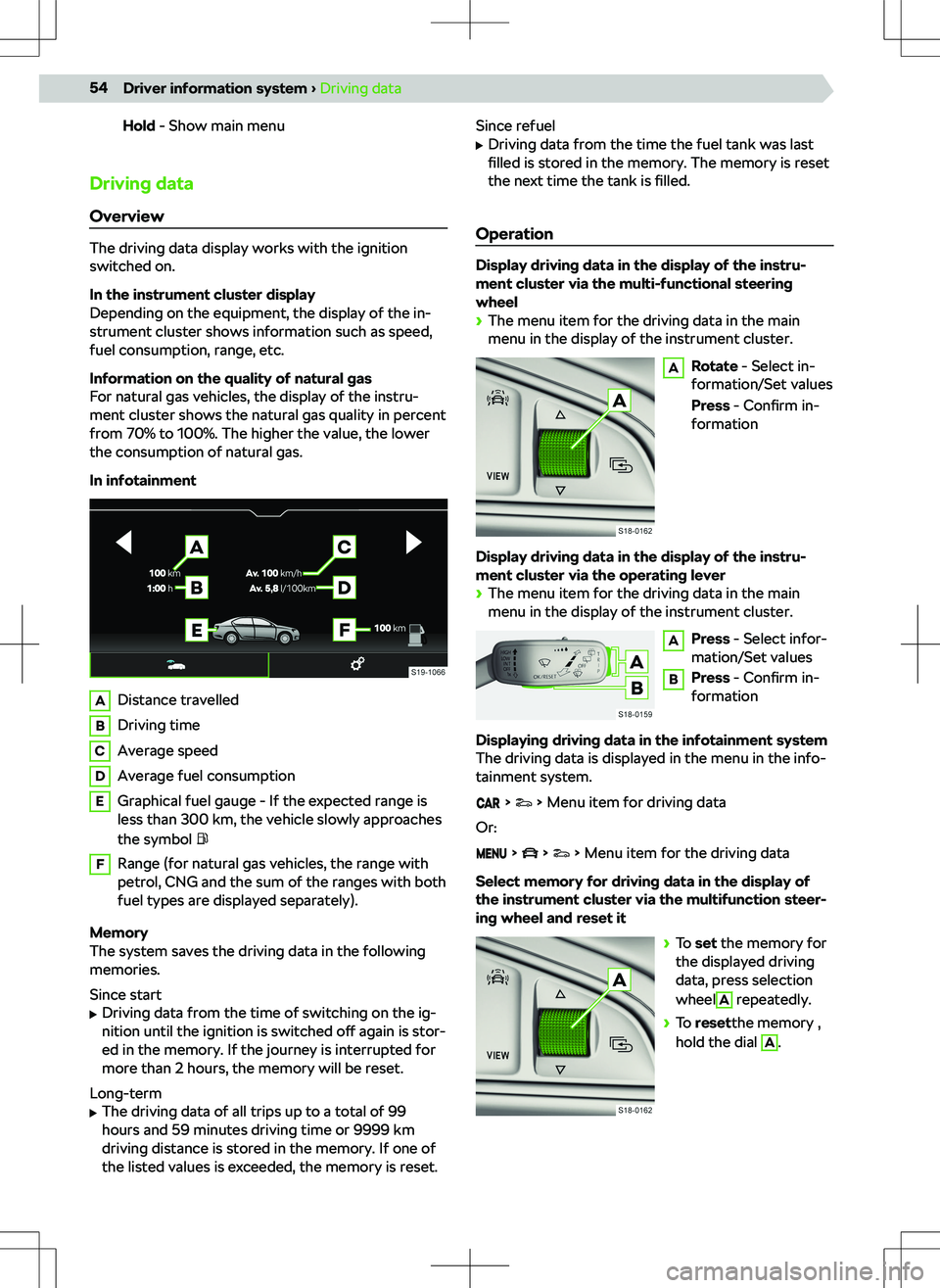
In infotainment
ADistance travelledBDriving timeCAverage speedDAverage fuel consumptionEGraphical fuel gauge - If the expected range is
less than 300 km, the vehicle slowly approaches
the symbol FRange (for natural gas vehicles, the range with
petrol, CNG and the sum of the ranges with both
fuel types are displayed separately).
Memory
The system saves the driving data in the following
memories.
Since start
Page 58 of 194
Messages in relation to faults can also be displayed in
the Infotainment.
The warning messages will continue to be dis-
played until the malfunctions have been remedied.
After the message is displayed for the first time, only
the indicator lights
(Hazard) or (Warning) re-
main displayed.
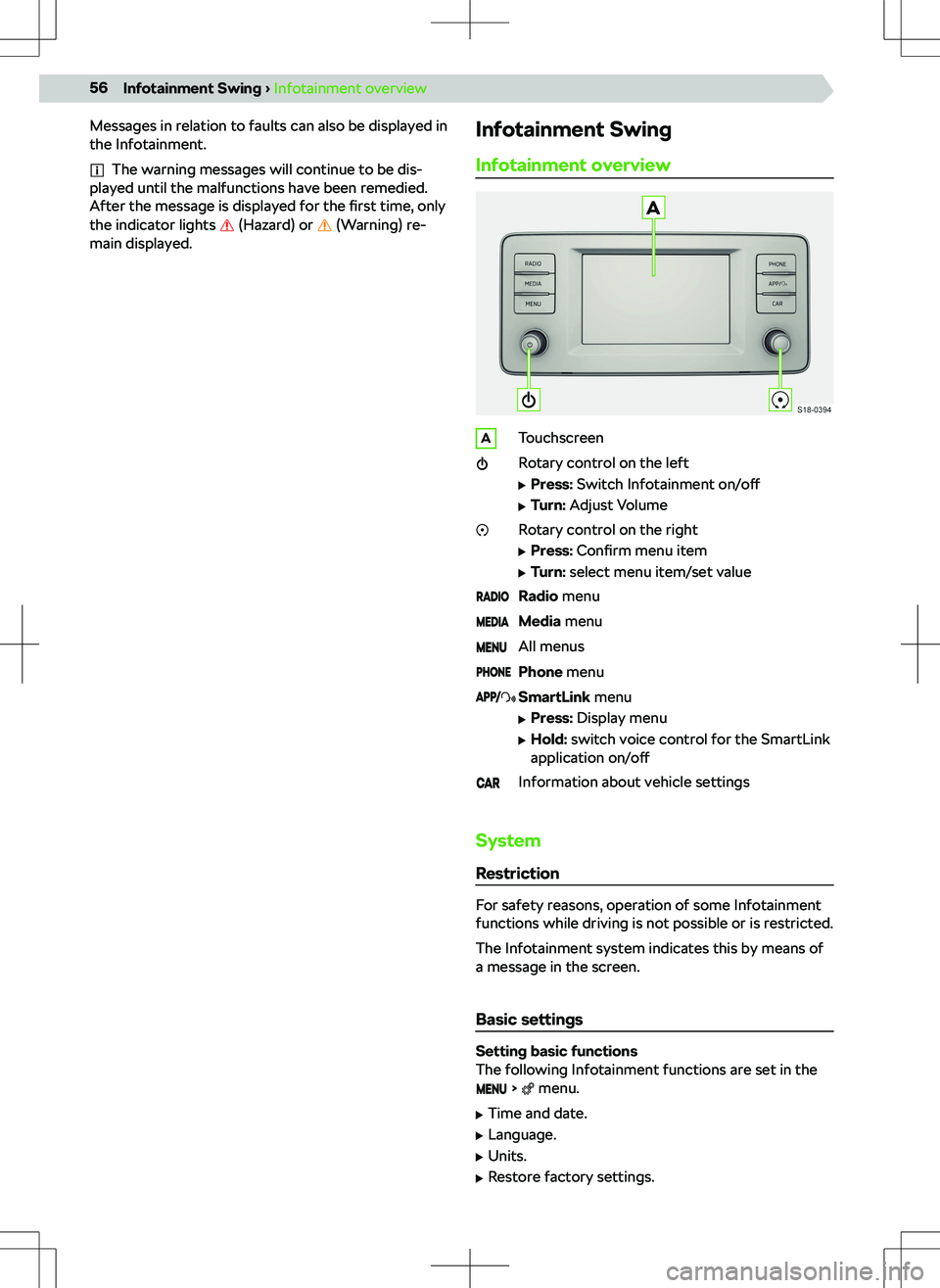
Infotainment Swing
Infotainment overviewATouchscreenRotary control on the left
Page 59 of 194
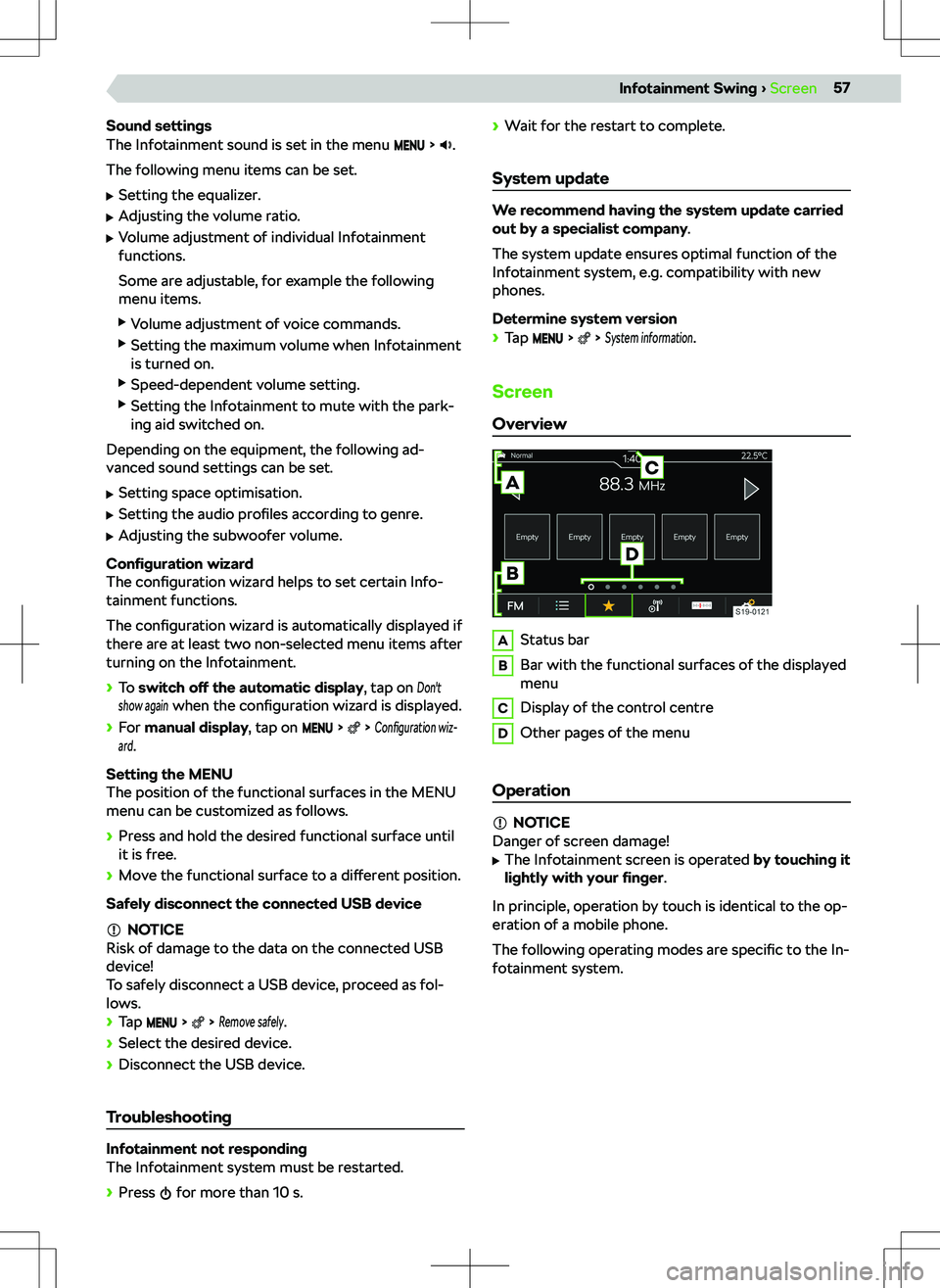
Sound settings
The Infotainment sound is set in the menu .
The following menu items can be set.
Page 63 of 194
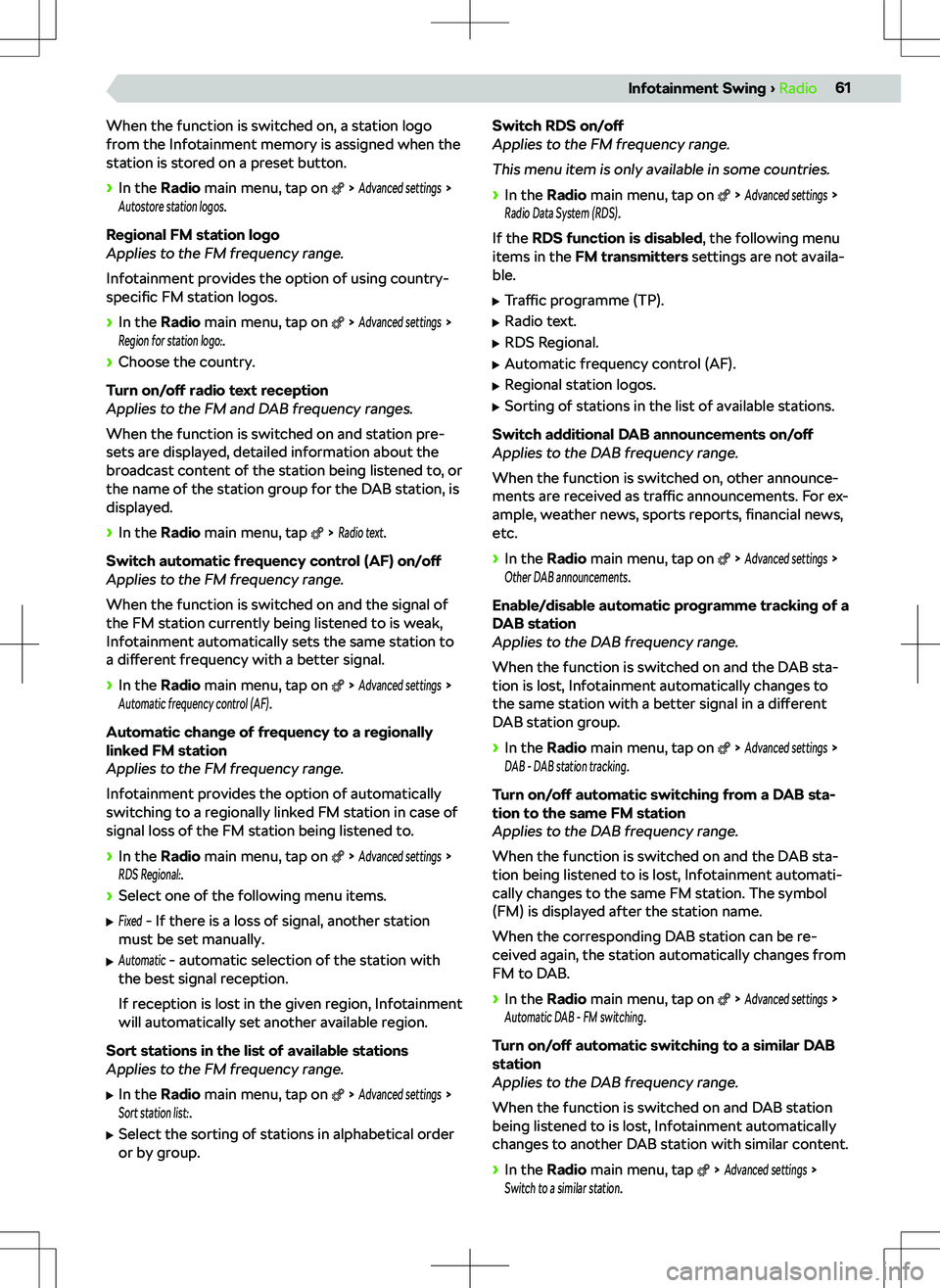
When the function is switched on, a station logo
from the Infotainment memory is assigned when the
station is stored on a preset button.
Page 73 of 194
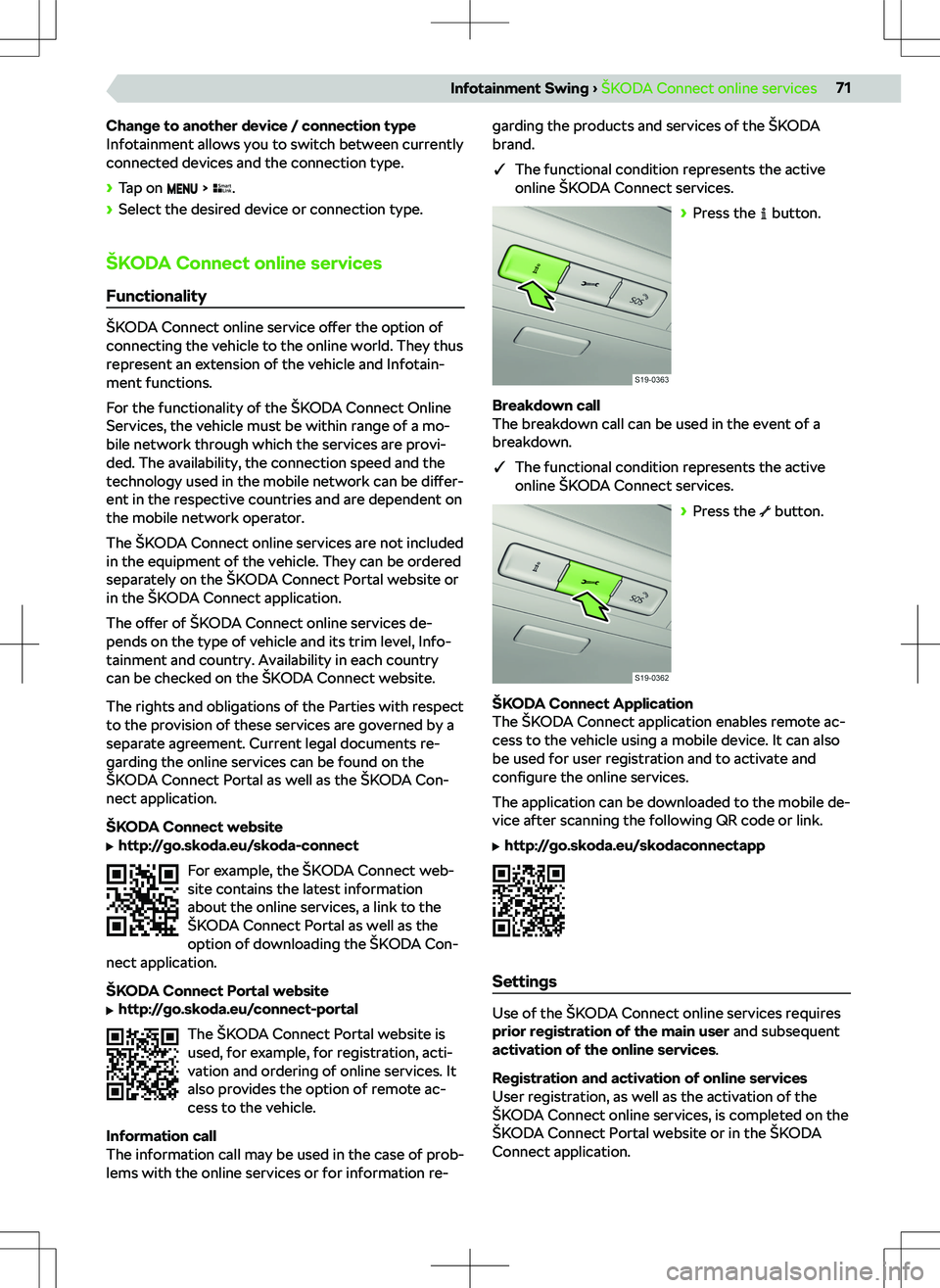
Change to another device / connection type
Infotainment allows you to switch between currently
connected devices and the connection type.
Page 75 of 194
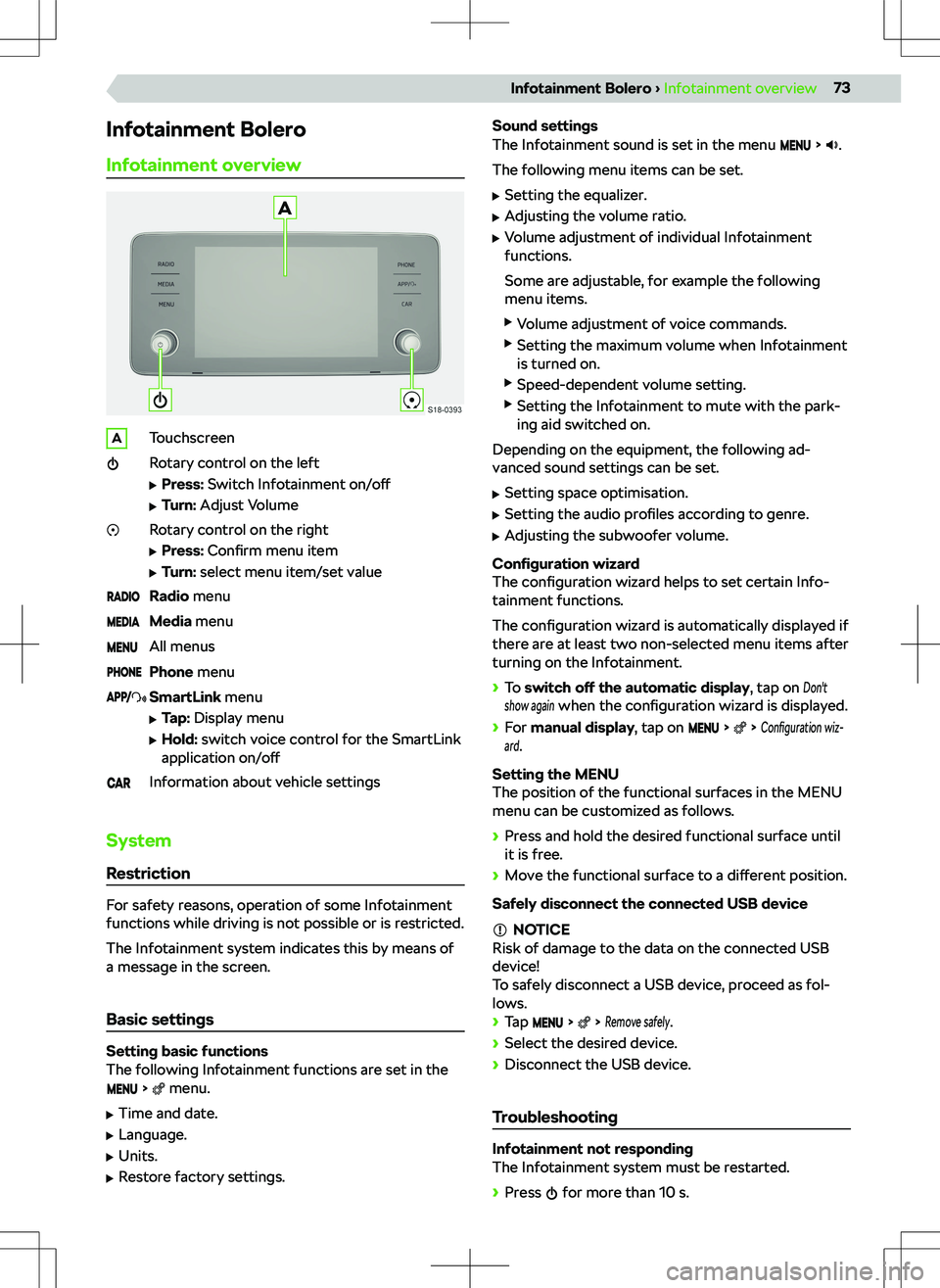
Infotainment Bolero
Infotainment overviewATouchscreenRotary control on the left
Page 84 of 194
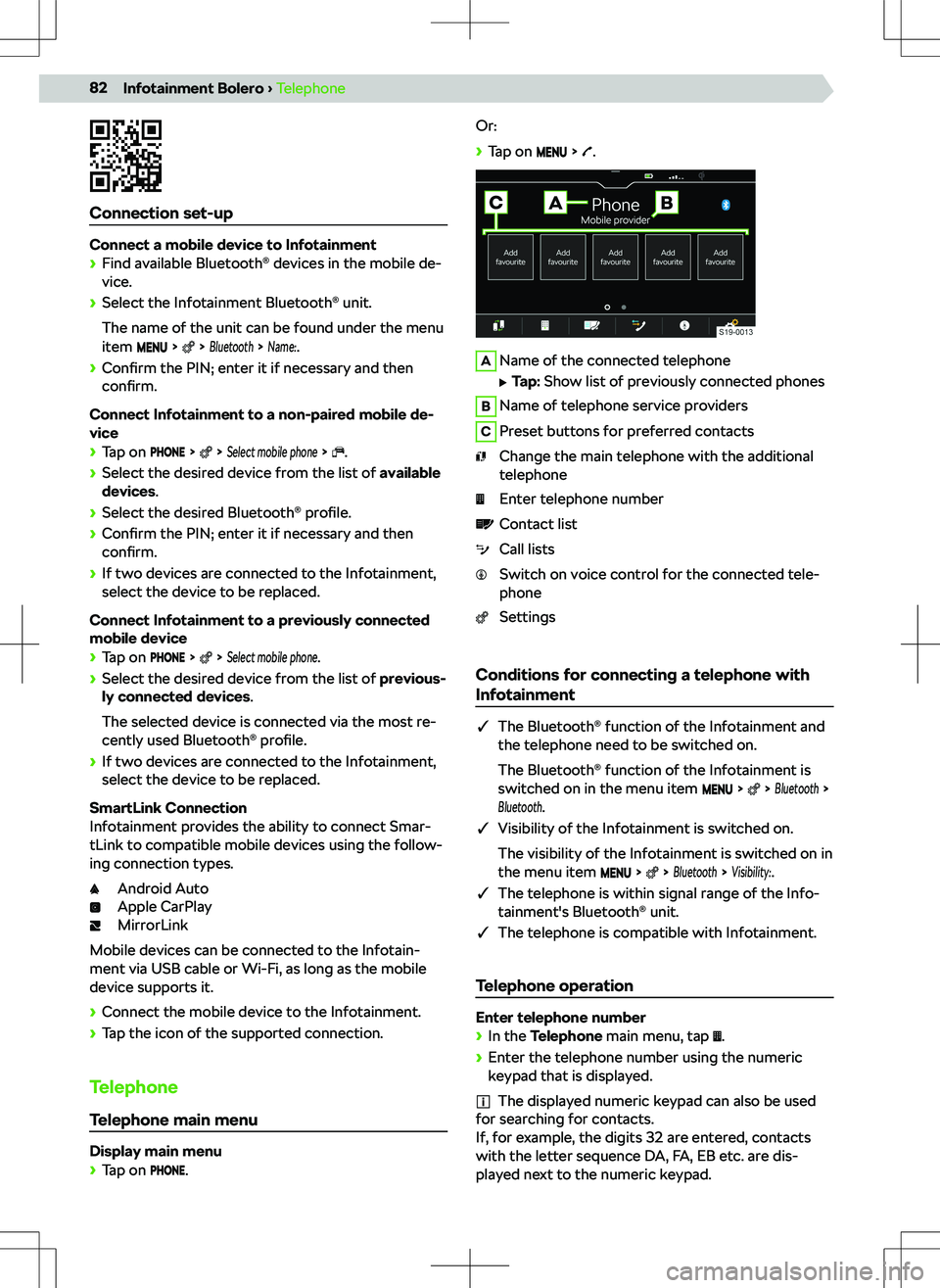
Connection set-up
Connect a mobile device to Infotainment
Page 86 of 194
Connect Infotainment to a previously paired tele-
phone
Page 104 of 194
Settings
The following Infotainment functions are set in the menu.