SKODA KAROQ 2019 Owner´s Manual
KAROQ 2019
SKODA
SKODA
https://www.carmanualsonline.info/img/3/38029/w960_38029-0.png
SKODA KAROQ 2019 Owner´s Manual
Page 180 of 328
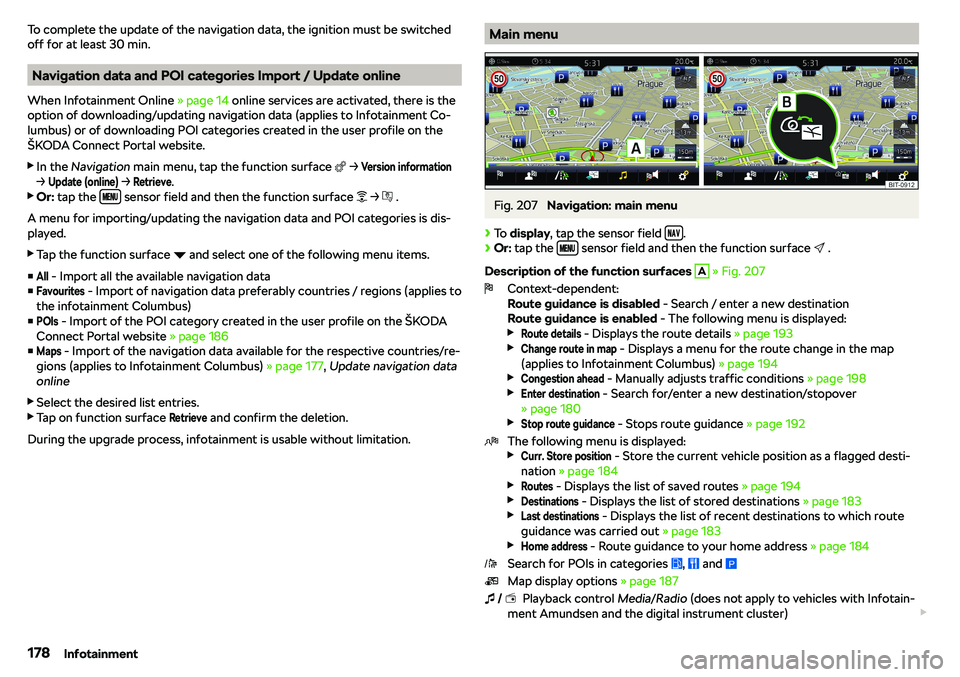
To complete the update of the navigation data, the ignition must be switched
off for at least 30 min.
Navigation data and POI categories Import / Update online
When Infotainment Online
Page 185 of 328
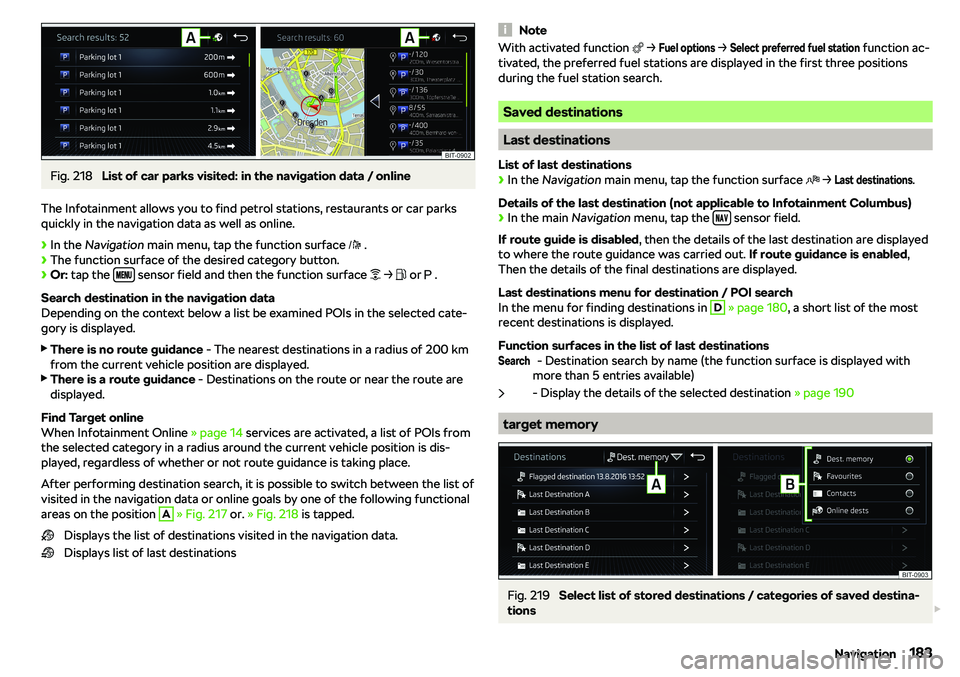
Fig. 218
List of car parks visited: in the navigation data / online
The Infotainment allows you to find petrol stations, restaurants or car parks
quickly in the navigation data as well as online.
Page 189 of 328
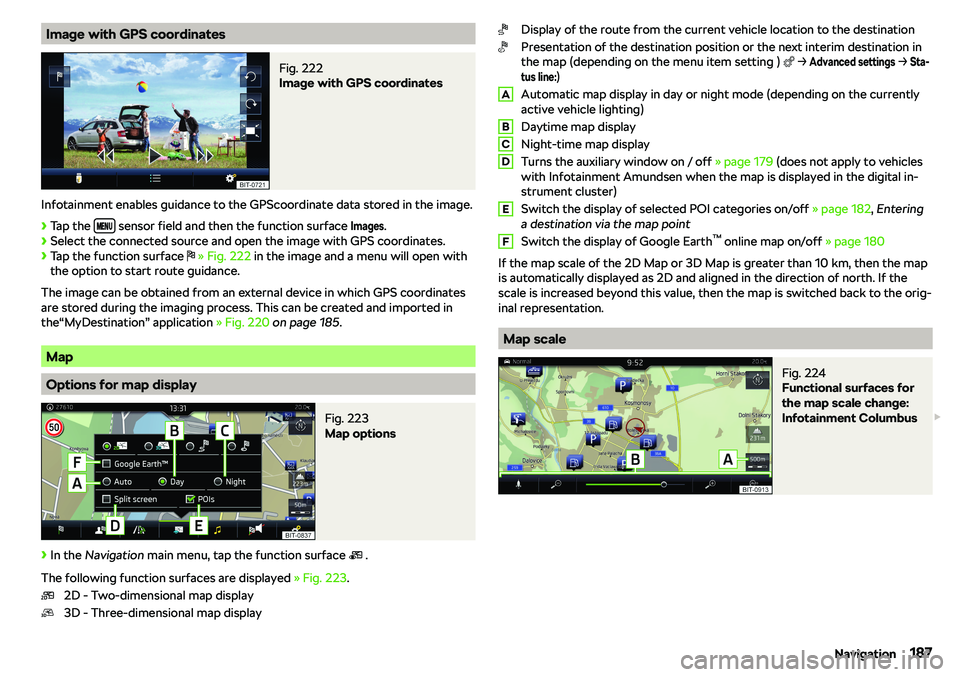
Image with GPS coordinatesFig. 222
Image with GPS coordinates
Infotainment enables guidance to the GPScoordinate data stored in the image.
Page 190 of 328
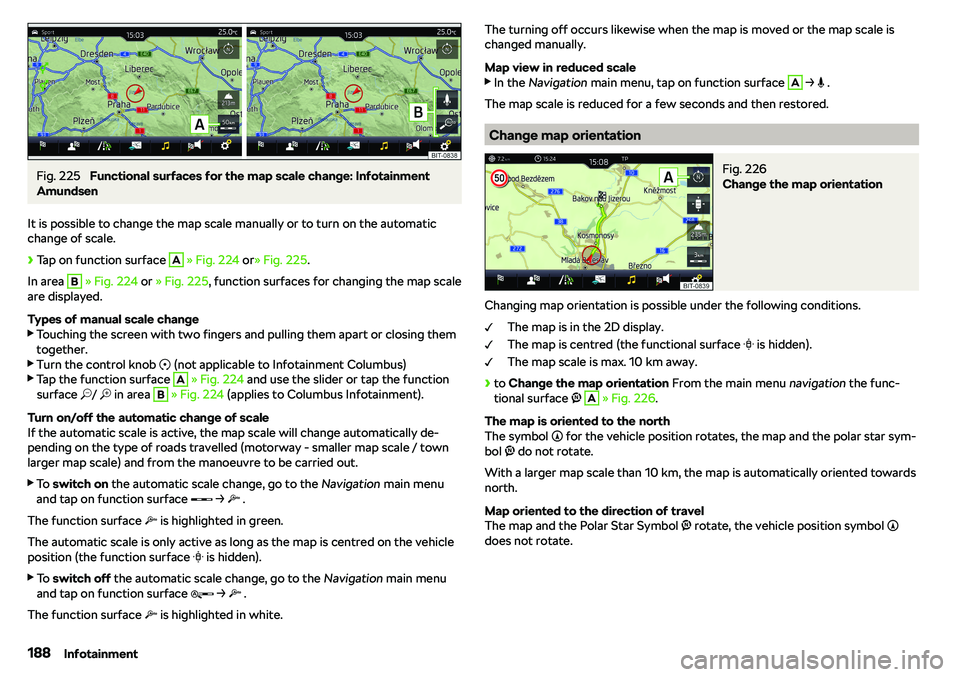
Fig. 225
Functional surfaces for the map scale change: Infotainment
Amundsen
It is possible to change the map scale manually or to turn on the automatic
change of scale.
Page 192 of 328
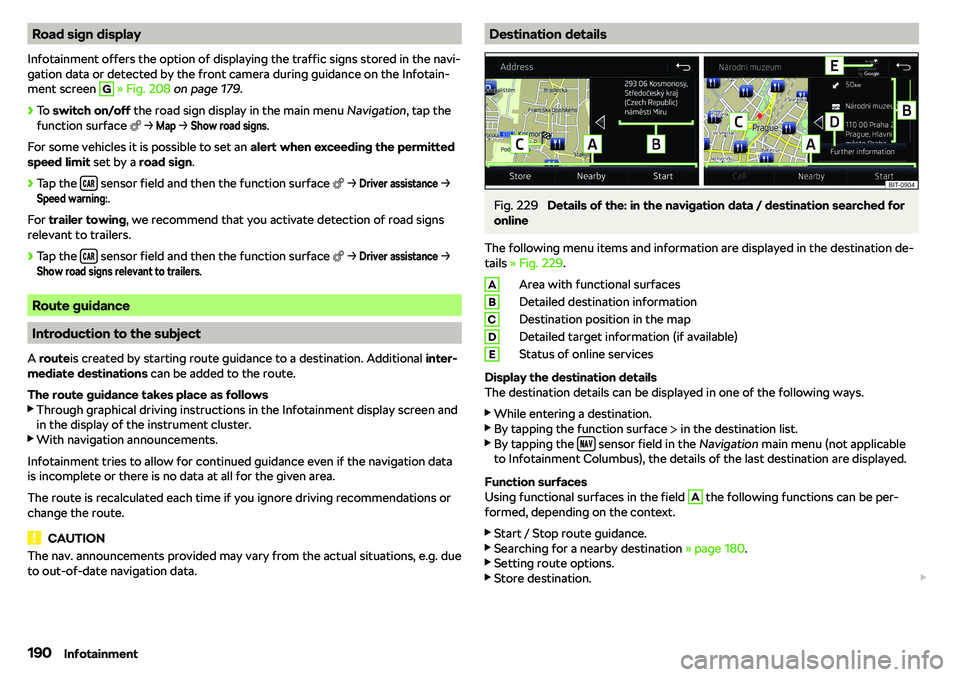
Road sign display
Infotainment offers the option of displaying the traffic signs stored in the navi-
gation data or detected by the front camera during guidance on the Infotain- ment screen G
Page 197 of 328
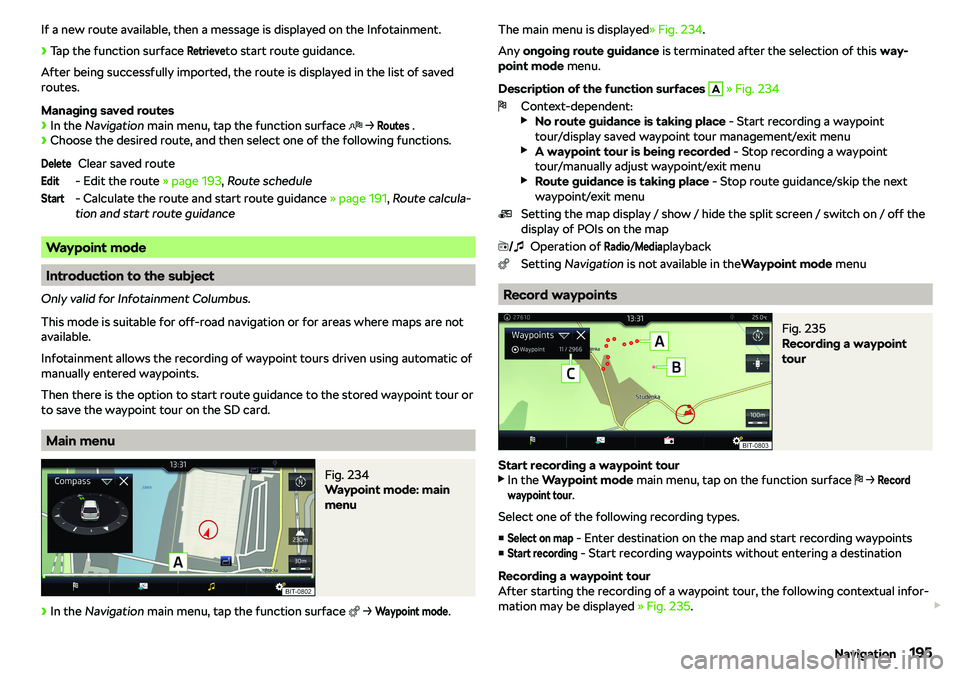
If a new route available, then a message is displayed on the Infotainment.
Page 200 of 328
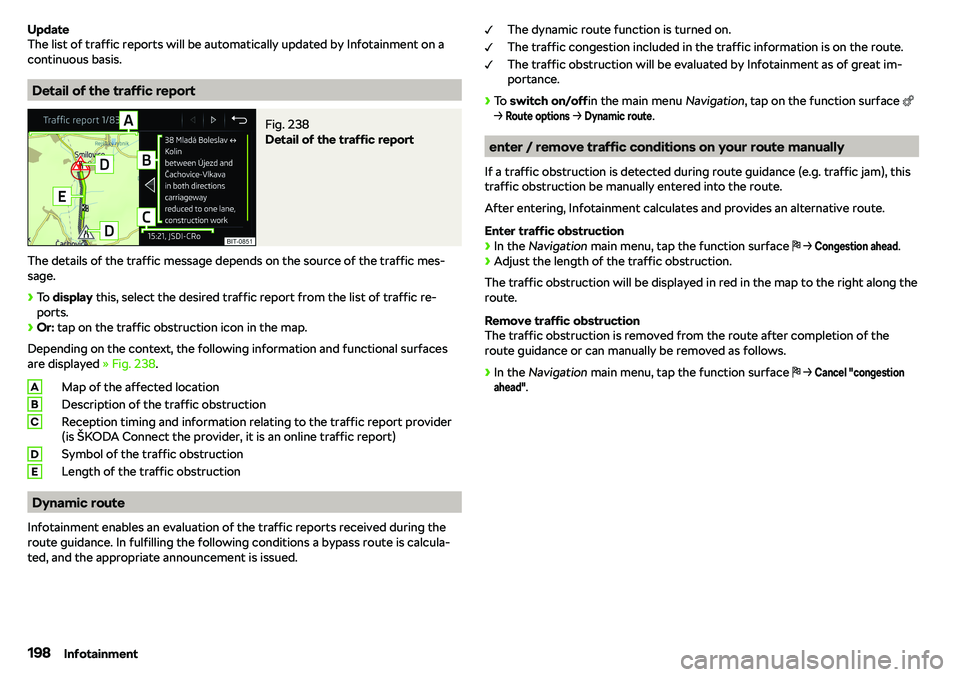
Update
The list of traffic reports will be automatically updated by Infotainment on a
continuous basis.
Detail of the traffic report
Fig. 238
Detail of the traffic report
The details of the traffic message depends on the source of the traffic mes-
sage.
Page 201 of 328
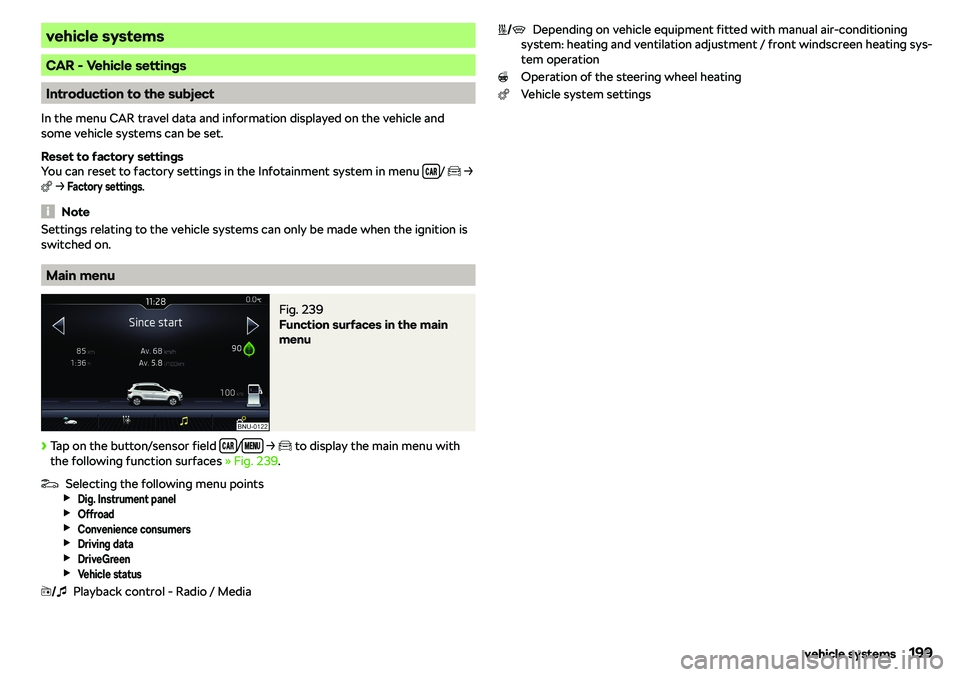
vehicle systems
CAR - Vehicle settings
Introduction to the subject
In the menu CAR travel data and information displayed on the vehicle and
some vehicle systems can be set.
Reset to factory settings
You can reset to factory settings in the Infotainment system in menu
/
e
Page 218 of 328