service belt SKODA OCTAVIA 2016 3.G / (5E) Owner's Manual
[x] Cancel search | Manufacturer: SKODA, Model Year: 2016, Model line: OCTAVIA, Model: SKODA OCTAVIA 2016 3.G / (5E)Pages: 324, PDF Size: 48.85 MB
Page 4 of 324
Table of Contents
Liability for defects and ŠKODA Warranty for
new cars5
Printed Owner's Manual
7
Online Owner's Manual
8
Notes
9
Structure of the Owner's Manual and further
information
10
Abbreviations
Safety
Passive Safety
12
General information
12
Correct and safe seated position
12
Seat belts
15
Using seat belts
15
Inertia reel and belt pretensioners
17
Airbag system
18
Description of the airbag system
18
Airbag deactivation
21
Transporting children safely
22
Child seat
22
Fastening elements
25
Using the system
cockpit
29
Overview
28
Instruments and warning lights
30
Instrument cluster
30
Warning lights
32Information system41Driver information system41
Operation of the information system
43
Driving data (Multifunction display)
44
MAXI DOT display
46
Service interval display
48
SmartGate
48
Unlocking and opening
51
Unlocking and locking
51
Anti-theft alarm system
55
Manually operated tailgate
56
Electric boot lid
57
Window operation
59
Panoramic tilt / slide sunroof
61
Lights and visibility
64
Light
64
Interior lighting
69
Viisibility
70
Windscreen wipers and washers
72
Rear view mirror
73
Seats and head restraints
76
Front seats
76
Rear seats
79
Headrests
80
Seat heaters
81
Useful features
82
Interior fittings
82
Electrical sockets
90
Ashtray and cigarette lighter
91
Tablet holder
92
Transport of cargo
93
Luggage compartment and transporting
objects
93
Variable loading floor in the luggage
compartment (Estate)
100Net partition102Transport on the roof rack103
Heating and ventilation
104
Heating, manual air conditioning system,
Climatronic
104
Auxiliary heating (auxiliary heating and
ventilation)
108
Infotainment
Introductory information
112
Important information
112
Infotainment overview
113
Infotainment operation
116
Infotainment operation
116
Voice control
119
Software update
122
Infotainment settings - Columbus, Amundsen,
Bolero
122
Infotainment system settings
122
Radio menu settings
125
Media menu settings
126
Image menu settings
126
Video DVD menu settings
126
Telephone menu settings
126
SmartLink menu settings
128
Navigation menu settings
128
Infotainment settings - Swing
130
Infotainment system settings
130
Radio menu settings
131
Media menu settings
132
Telephone menu settings
132
Radio
133
Operation
1332Table of Contents
Page 34 of 324
Warning lights
Introduction
This chapter contains information on the following subjects:
Handbrake
33
Braking system
33
Front seat belt warning light
33
Adaptive cruise control (ACC)
33
Power steering / steering lock (KESSY system)
33
Stability control (ESC) / Traction control (TCS)
34
Traction control (TCS) disabled
34
Anti-lock braking system (ABS)
34
Rear fog light
34
Emission control system
35
Preheating unit (diesel)
35
EPC warning light (petrol)
35
Safety systems
35
Tyre pressure
35
Brake linings
36
Low fuel - petrol / diesel
36
Lane assist (Lane Assist)
36
Turn signal system
36
Trailer turn signal lights
36
Fog lights
37
Cruise control
37
Brake pedal (automatic gearbox)
37
Natural gas operation
37
Main beam
37
Automatic gearbox
37
Rear seat belt warning light
37
Generator
37
Coolant
38
Engine oil pressure
38
Engine oil level
38
Lamp failure
39
Diesel particle filter (diesel)
39
Windscreen washer fluid level39High beam assistant39
START-STOPsystem
39
Display a low temperature
39
Water in the fuel filter (diesel)
40
Adaptive cruise control (ACC)
40
Distance warning (Front Assist)
40
Front assist
40
OFF ROAD mode
40
Adaptive Chassis Control (DCC)
40
Service
40
The warning lights in the instrument cluster indicate certain functions or
faults.
Some warning lights can be accompanied by acoustic signals and messages in
the display of the instrument cluster.
After switching on the ignition, some warning lights light up briefly as a func-
tion test. If the tested systems are OK, the corresponding warning lights go
out a few seconds after switching on the ignition or after starting the engine.
The warning lights are located at the following positions in the instrument
cluster » Fig. 17 on page 30 .
▶ Tachometer
1
▶Display
2
▶Speedometer
3
▶Bar with warning lights
5
Warning lights in the display
Depending on the importance the warning light (danger) or
(warning) illu-
minate along with some of the warning lights in the list with the warning
lights.
Depending on vehicle equipment, some warning lights can be displayed in col-
our on the display. For example. the coolant warning lamp may be represented
as follows.
▶ - Segment display / monochromatic (“black and white”) MAXI DOT display
▶ - Coloured MAXI DOT display
32Using the system
Page 193 of 324
Conditions for the system function
The following conditions must be met for the system to function correctly.
The driver's door is closed.
The driver has fastened the seat belt.
The driving speed was higher than 4 km.h after the last stop.
System status
The system status is shown in the display when the vehicle comes to a halt
» Fig. 231 .
The engine is automatically switched off; when the vehicle moves off, the
ignition process will be automatically initiated.
The engine is not automatically switched off.
The engine does not shut down when the vehicle stops, if e.g. the following
applies.
▶ The engine temperature for the proper function of the system has not yet
been reached.
▶ The charge state of the vehicle battery is too low.
▶ The current consumption is too high.
▶ High air conditioning or heating output (high fan speed, big difference be-
tween the desired and actual interior temperature).
If the engine has shut down automatically but the system detects that the en- gine is required to run (e.g. if the brake pedal is pressed repeatedly) then the
system automatically starts up the engine.
More information about the current system status can be displayed in infotain-
ment screen, in the
→
→
Veh. status
menu.
If there is a system fault , the following message will appear in the display of
the instrument cluster. Seek help from a specialist garage.
Note
■ If the driver's seat belt is removed for more than 30 seconds or the driver's
door is opened after the engine has switched off automatically, the engine will
have to be restarted manually.■
No automatic engine shut-down takes place when a vehicle with automatic
transmission is moving at low speed (e.g. during a traffic jam) and remains sta-
tionary after pressing the brake pedal lightly. Automatic engine shut-down
takes place if you press the brake pedal down with more force.
■
For vehicles with automatic transmission there is no automatic engine shut-
down when the system detects a manoeuvring action due to a large steering
angle.
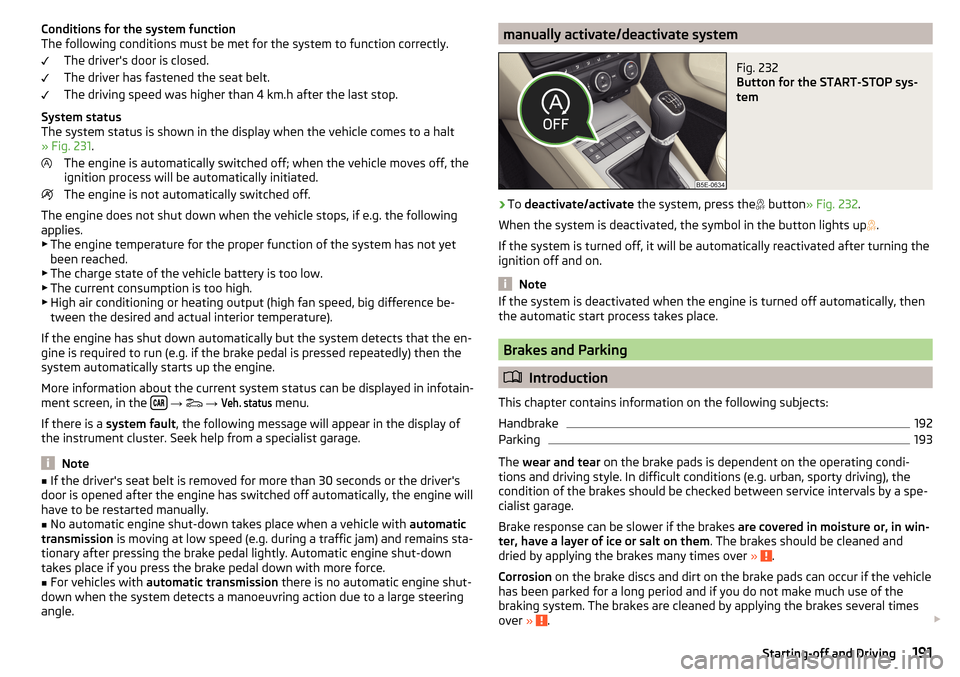
manually activate/deactivate systemFig. 232
Button for the START-STOP sys-
tem
›
To deactivate/activate the system, press the
button
» Fig. 232 .
When the system is deactivated, the symbol in the button lights up .
If the system is turned off, it will be automatically reactivated after turning the
ignition off and on.
Note
If the system is deactivated when the engine is turned off automatically, then
the automatic start process takes place.
Brakes and Parking
Introduction
This chapter contains information on the following subjects:
Handbrake
192
Parking
193
The wear and tear on the brake pads is dependent on the operating condi-
tions and driving style. In difficult conditions (e.g. urban, sporty driving), the
condition of the brakes should be checked between service intervals by a spe-
cialist garage.
Brake response can be slower if the brakes are covered in moisture or, in win-
ter, have a layer of ice or salt on them . The brakes should be cleaned and
dried by applying the brakes many times over »
.
Corrosion on the brake discs and dirt on the brake pads can occur if the vehicle
has been parked for a long period and if you do not make much use of the
braking system. The brakes are cleaned by applying the brakes several times
over »
.
191Starting-off and Driving
Page 226 of 324
WARNINGThe general information relating to the use of assistance systems must be
observed » page 199, in section Introduction .
Note
■
The system component service life is monitored electronically. Further infor-
mation » page 35 , Safety systems .■
If the front passenger front airbag is deactivated, the belt tensioning func-
tion for the front passenger seat is switched off.
Operation
Read and observe
on page 224 first.
In critical driving situations (e.g. during emergency braking or a sudden changein direction), the following steps can be taken separately or combined in order
to reduce the risk of serious injury.
▶ The front passenger's and driver's seatbelts, if worn, are automatically ten-
sioned closely over the body.
▶ Opened door windows in the front doors are closed automatically up to a gap
of about 5 cm from the edge.
▶ The sliding/tilting roof is closed.
Once the critical driving situation has passed, the tension on the seatbelts will
be released again.
The system operates at two levels of protection.
The first level of protection
The system already intervenes in situations that may occur during dynamic
driving. As a result, this primarily helps to keep the driver and the passenger in
the correct seated position.
The first protection level can be deactivated in one of the following ways. ▶ in the menu
Infotainment
→
→
Driver assistance
.
▶ Deactivation of TCS » page 201.
▶ By selecting the driving mode
Sport
» page 223 .
Provided that the driving mode
Sport
is not selected, the system is activated
over the two levels of protection after switching the ignition off and on again.
The second level of protection
The system intervenes only if the situation is evaluated as critical, such as
when panic braking at high speeds.
This level of protection cannot be deactivated.
Lane Departure Warning (Lane Assist)
Introduction
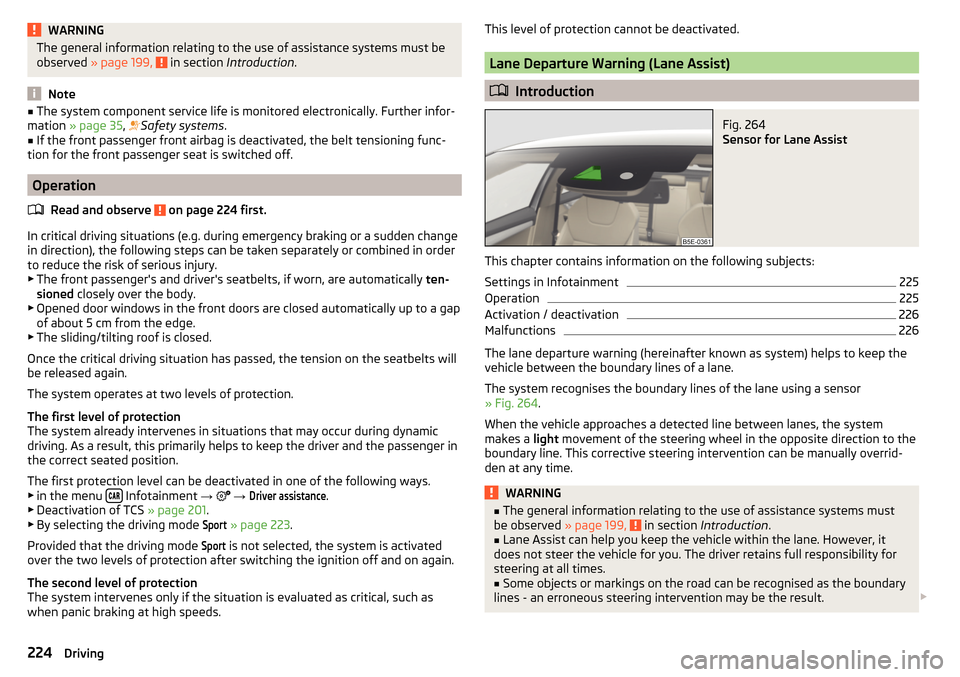
Fig. 264
Sensor for Lane Assist
This chapter contains information on the following subjects:
Settings in Infotainment
225
Operation
225
Activation / deactivation
226
Malfunctions
226
The lane departure warning (hereinafter known as system) helps to keep the
vehicle between the boundary lines of a lane.
The system recognises the boundary lines of the lane using a sensor
» Fig. 264 .
When the vehicle approaches a detected line between lanes, the system
makes a light movement of the steering wheel in the opposite direction to the
boundary line. This corrective steering intervention can be manually overrid-
den at any time.
WARNING■ The general information relating to the use of assistance systems must
be observed » page 199, in section Introduction .■
Lane Assist can help you keep the vehicle within the lane. However, it
does not steer the vehicle for you. The driver retains full responsibility for
steering at all times.
■
Some objects or markings on the road can be recognised as the boundary
lines - an erroneous steering intervention may be the result.
224Driving
Page 244 of 324
WARNING■No changes may be made to airbag system components, the front bump-
er and the bodywork.■
Any work on the airbag system including the installation and removal of
system components due to other repair work (e.g. removal of the steering
wheel) must only be carried out by a specialist garage.
■
Do not manipulate individual parts of the airbag system, as this might re-
sult in the airbag being deployed.
■
If the airbag has been deployed, the airbag system must be replaced.
WARNINGThe airbag system operates using pressure sensors located in the front
doors. For this reason, no adjustments may be carried out to the doors or
door panels (e.g. installation of additional loudspeakers). Resulting damage
can impair the functioning of the airbag system -There is a risk of accidents
and fatal injuries! The following guidelines must therefore be observed.■
Any work on the front doors and their door panels must be carried out by
a specialist garage.
■
Never drive the vehicle with the inner door panels removed or with open-
ings in the panelling.
Acceptance and recycling of used vehicles
Read and observe
on page 240 first.
All new ŠKODA vehicles are 95% recyclable.
Service intervals
Introduction
This chapter contains information on the following subjects:
Overview of service intervals
243
Fixed service intervals QI1 - QI4
243
Variable service interval QI6
243
Digital Service Plan
244
The service interval display in the display of the instrument cluster will remind
you to carry out every service stipulated by the manufacturer at the right time
in order to prevent you from forgetting any » page 48.
The completion of services can be verified through the printed verification
from the digital service schedule and the respective receipts.
The specified service intervals are tailored to normal operating conditions.
In the case of aggravated operating conditions, it will be necessary to have
some service work carried out before the date of the next regular service or
between the specified service intervals. This applies mainly to the cleaning or
the replacement of the air filter insert in regions with heavy dust pollution as
well as checking and replacing the toothed belt, but also to vehicles with die-
sel particle filters, which can put greater strain on the engine oil.
The following is taken to mean aggravated operating conditions:
▶ Fuel containing sulphur.
▶ Frequent short trips.
▶ Longer periods of engine idling (e.g. taxis).
▶ Operation in areas with heavy dust pollution.
▶ Frequent trailer operation.
▶ Predominantly stop-and-go traffic as is e.g. often the case in city driving.
▶ Operation predominantly during winter.
You will be told at the specialist garage whether the operating conditions of
your vehicle may make it necessary for service work to be carried out between
the normal service intervals.
Different service charges may apply according to the particular scope of work
required, the vehicle type and specification, and your vehicle’s condition.
Note
■ The customer is responsible for covering the cost of all services including
changing or replenishing the oil, even during the warranty period, unless sta-
ted otherwise in the ŠKODA AUTO warranty terms or other agreements.■
You will be informed about the service checks and actions at each service by
the specialist garage.
242General Maintenance
Page 313 of 324
Removing thebar ball, Step 1233
bar ball, Step 2234
Repairs and technical alterations240
Replace Battery
275
Replacing Bulbs
282
Fuses278
Windscreen wiper blades277
Restart Infotainment117
restaurant173
Rev counter30
Reversing camera207
Function surfaces208
Operation208
Orientation lines208
Rims260
Road sign178
Roller blind Luggage compartment cover
98
Roof Weight
103
Roof rack103
Route179
New route183
Route list183
Store route181
Route calculation179
Trailer towing180
Route details181
Route information181
Route list183
Route options128
rSAP155
Run-in Engine
196
Running inBrake pads191
Tyres260
S
SafeLock
53
Safe removal of the data source124, 130
safety air bag
18
ISOFIX25
Safety12
Child safety22
Child safety seats22
Correct seated position12
Headrests80
ISOFIX25
TOP TETHER26
SAFE, SAFELOCK See SafeLock
53
Save station135
Saving electrical energy197
Saving fuel197
Screen see Infotainment screen
115
Screen display116
SD card140
Safe removal130
Search for car park173
Search for destination171
Search for petrol station173
Search for restaurant173
Seat belt height adjustment
16
Warning light37
Seat belts15
Belt tensioners17
fastening and unfastening16
Inertia reels17
Warning light33
Seat electrical adjustment77
Seats Electrical adjustment
77
Folding front passenger seat78
front76
Front armrest79
Headrests80
Heating81
Manually adjusting76
Memory Function of the electrically adjustable seat
77
Rear79
Rear armrest80
Rear seat backrests79
Setting76
Storing in memory of remote control key78
Seats and head restraint76
see Instrument cluster see Instrument cluster
30
Select broadcasting See main menu
133
Select Image Source Images
144
Selector lever194
Selector lever control194
Selector lever lock Warning light
37
Select source Media
137
Select station See main menu
133
Select video source Video DVD
145
service240
Service Service interval display
48
Warning light40
Service Interval243
Service intervals242
Service Plan244
311Index