SKODA RAPID SPACEBACK 2018 Owner's Manual
RAPID SPACEBACK 2018
SKODA
SKODA
https://www.carmanualsonline.info/img/3/58448/w960_58448-0.png
SKODA RAPID SPACEBACK 2018 Owner's Manual
Page 128 of 256
CAUTION�vIf several devices are connected to the Infotainment system by means of
WLAN, there is the danger of WLAN overloading and thus also the inability of Media Command to function properly.�v
High-definition video playback (e.g. HD) may cause playback problems or
problems connecting the tablets to the Infotainment system.
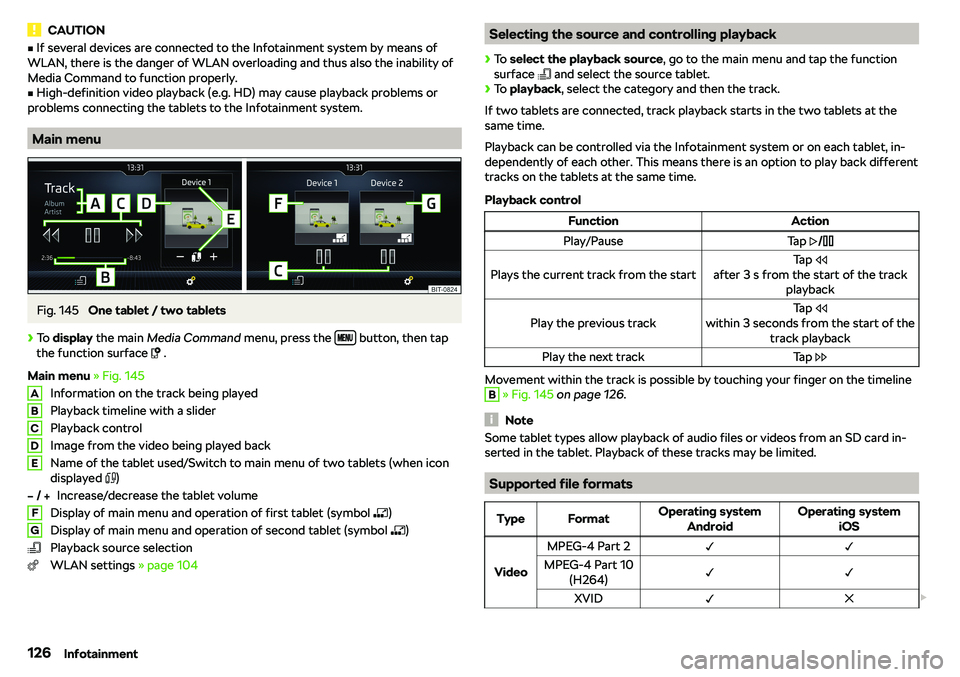
Main menu
Fig. 145
One tablet / two tablets
Page 132 of 256
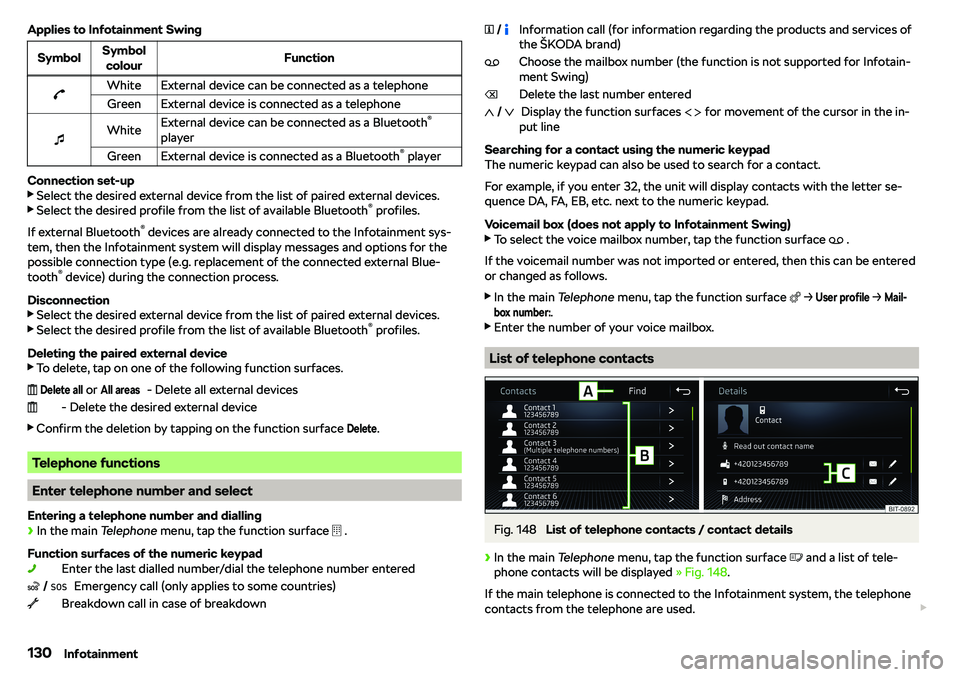
Applies to Infotainment SwingSymbolSymbolcolourFunctionbWhiteExternal device can be connected as a telephoneGreenExternal device is connected as a telephone
Page 133 of 256
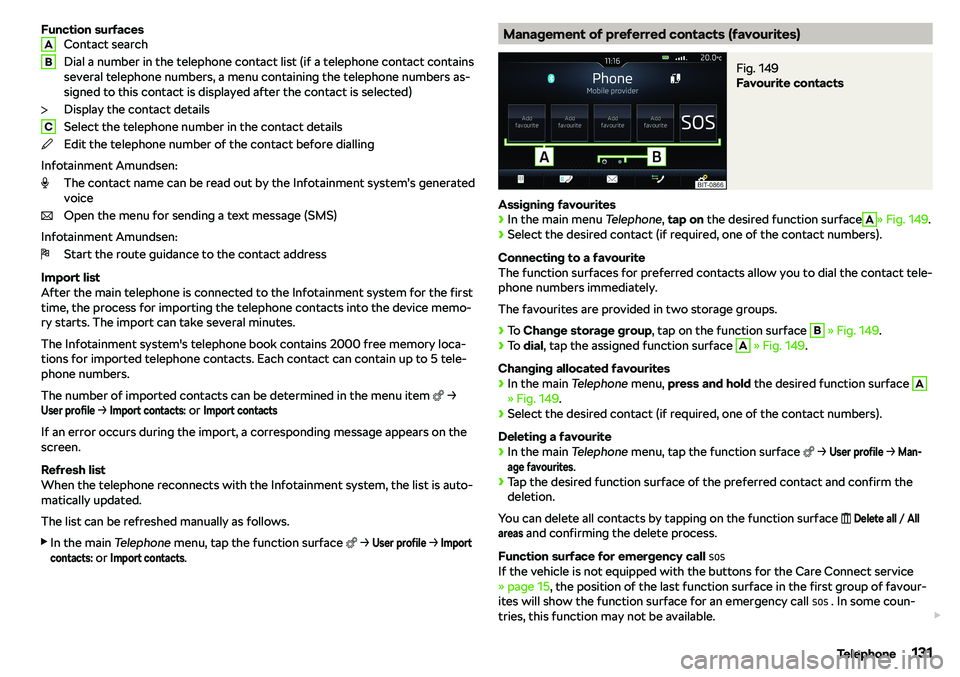
Function surfacesContact search
Dial a number in the telephone contact list (if a telephone contact contains
several telephone numbers, a menu containing the telephone numbers as-
signed to this contact is displayed after the contact is selected)
Display the contact details
Select the telephone number in the contact details
Edit the telephone number of the contact before dialling
Infotainment Amundsen: The contact name can be read out by the Infotainment system
Page 139 of 256
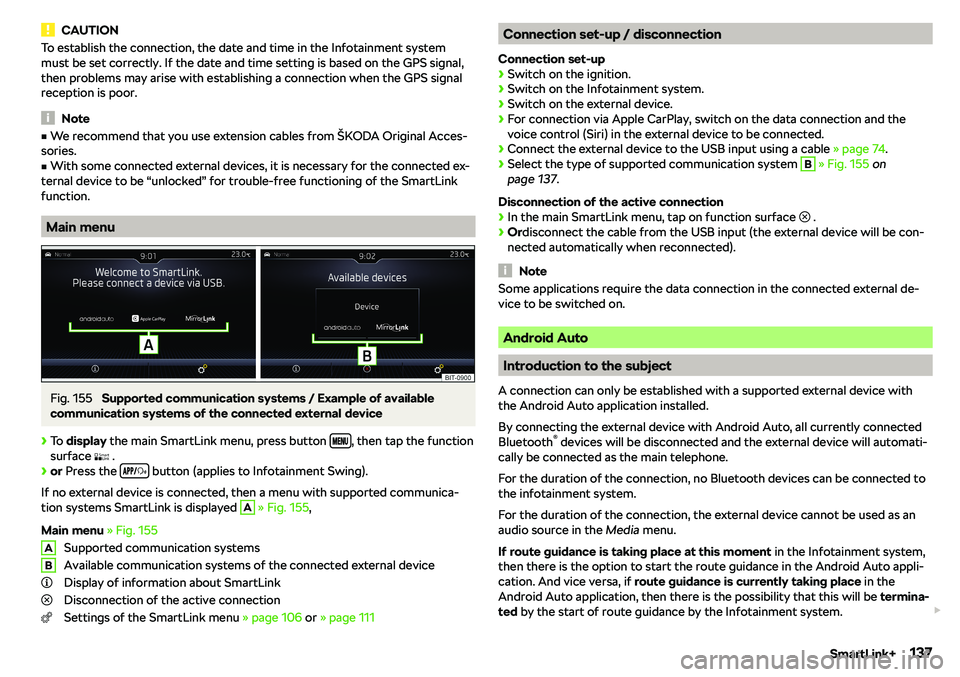
CAUTIONTo establish the connection, the date and time in the Infotainment system
must be set correctly. If the date and time setting is based on the GPS signal,
then problems may arise with establishing a connection when the GPS signal
reception is poor.
Note
�v We recommend that you use extension cables from
Page 141 of 256
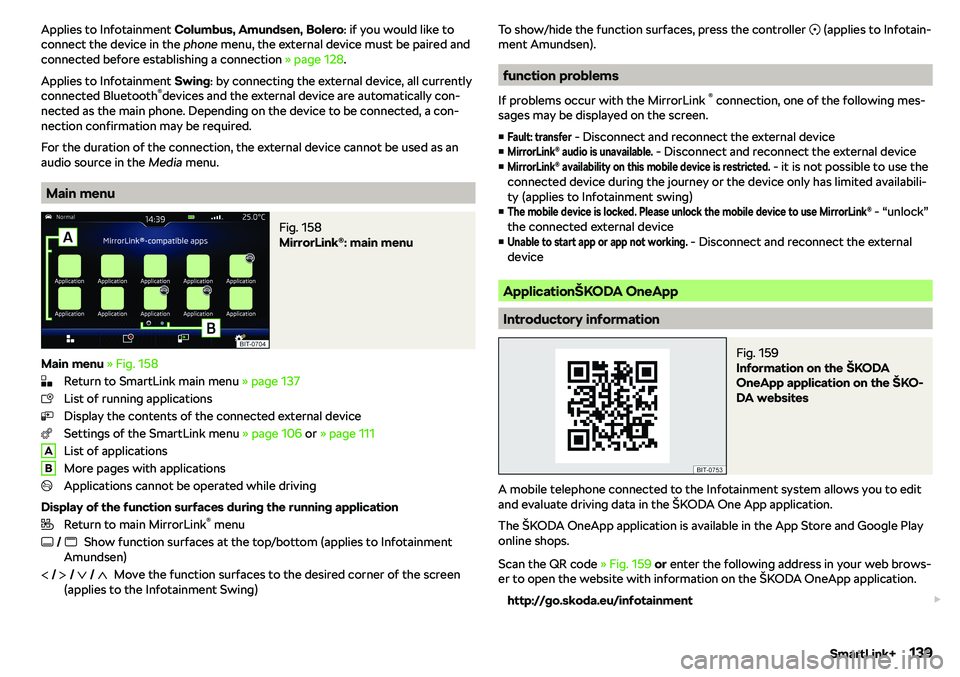
Applies to Infotainment Columbus, Amundsen, Bolero : if you would like to
connect the device in the phone menu, the external device must be paired and
connected before establishing a connection
Page 143 of 256
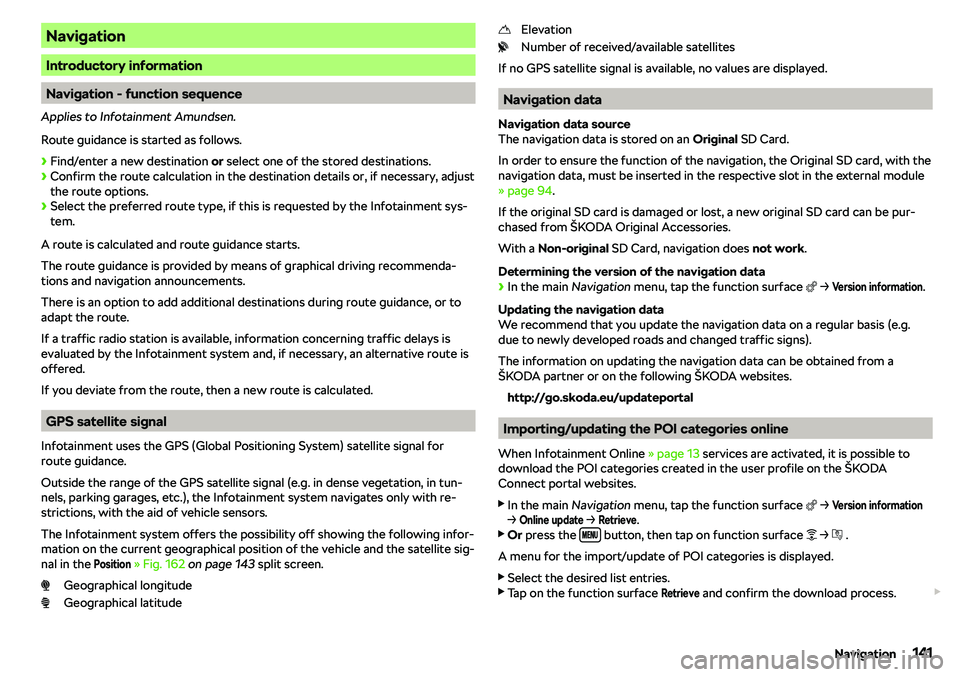
Navigation
Introductory information
Navigation - function sequence
Applies to Infotainment Amundsen.
Route guidance is started as follows.
Page 144 of 256
During the update process, the Infotainment system can be used without re-
striction.
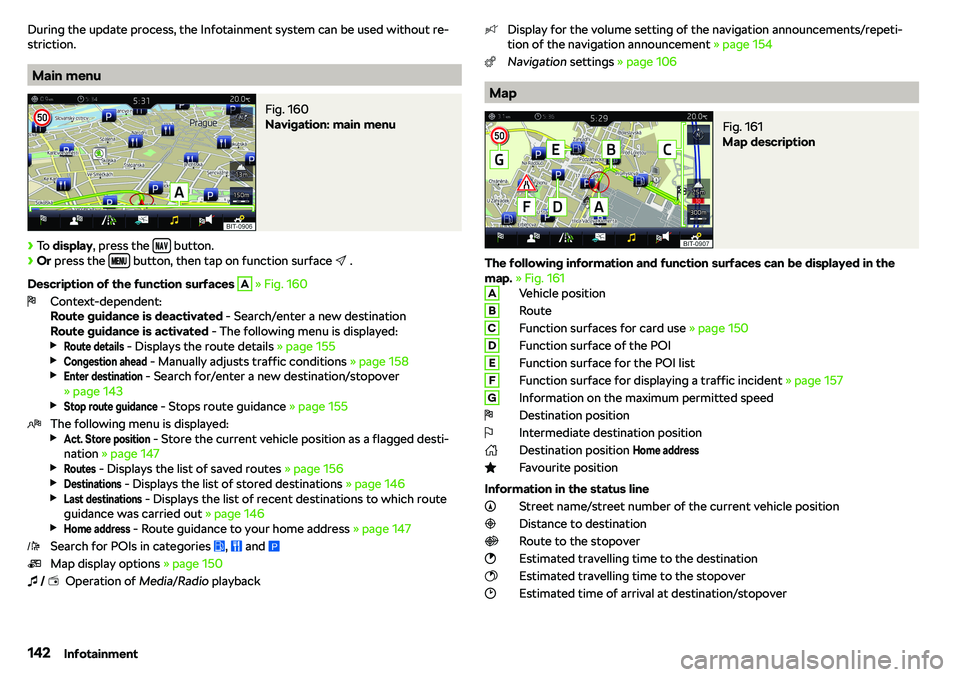
Main menu
Fig. 160
Navigation: main menu
Page 148 of 256
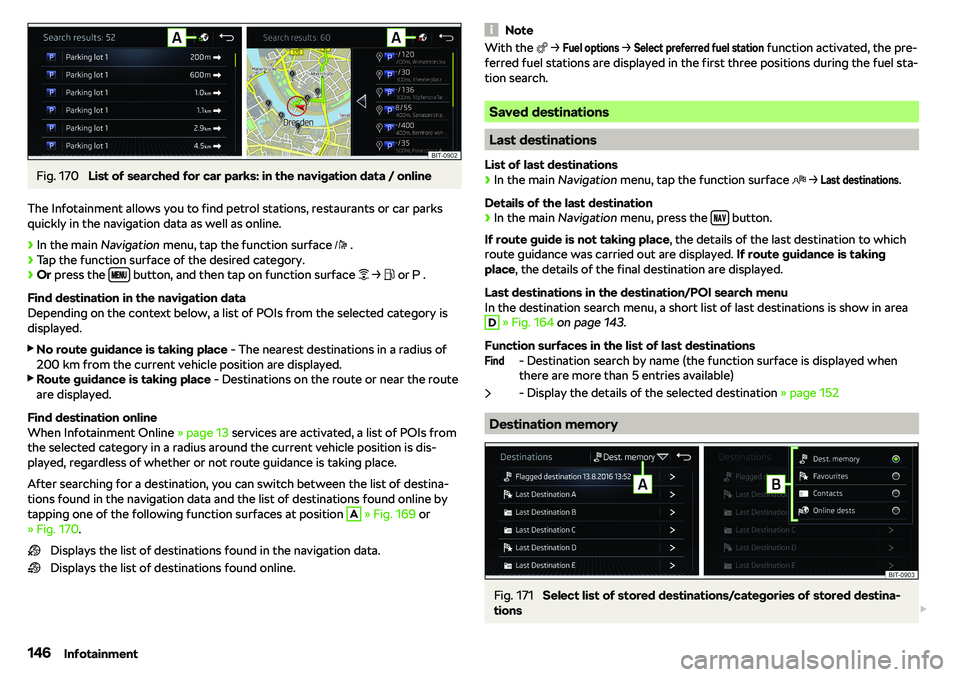
Fig. 170
List of searched for car parks: in the navigation data / online
The Infotainment allows you to find petrol stations, restaurants or car parks
quickly in the navigation data as well as online.
Page 152 of 256
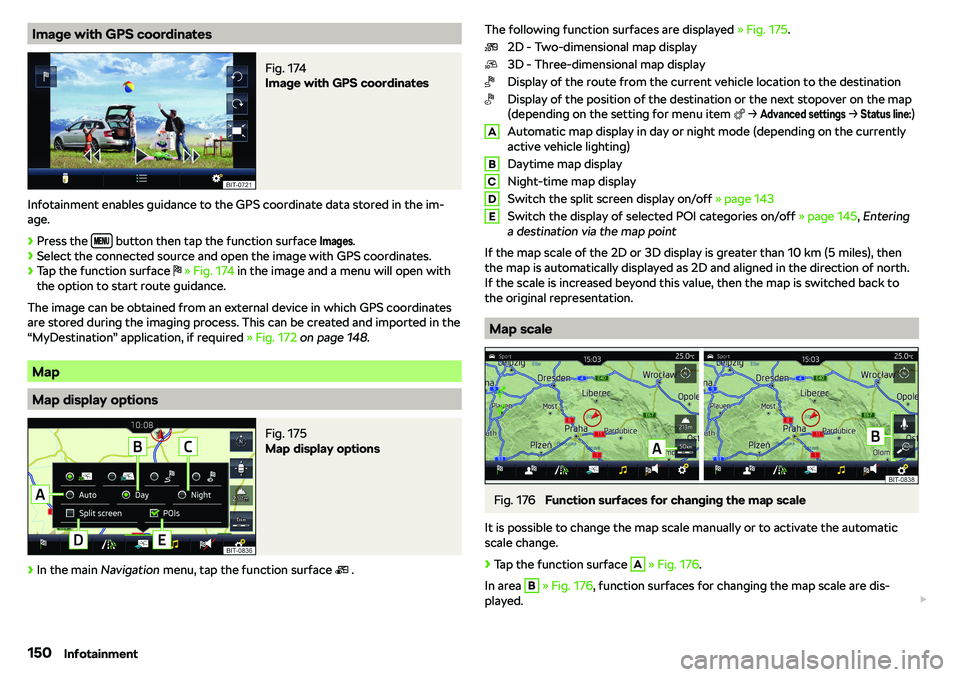
Image with GPS coordinatesFig. 174
Image with GPS coordinates
Infotainment enables guidance to the GPS coordinate data stored in the im-age.
Page 154 of 256
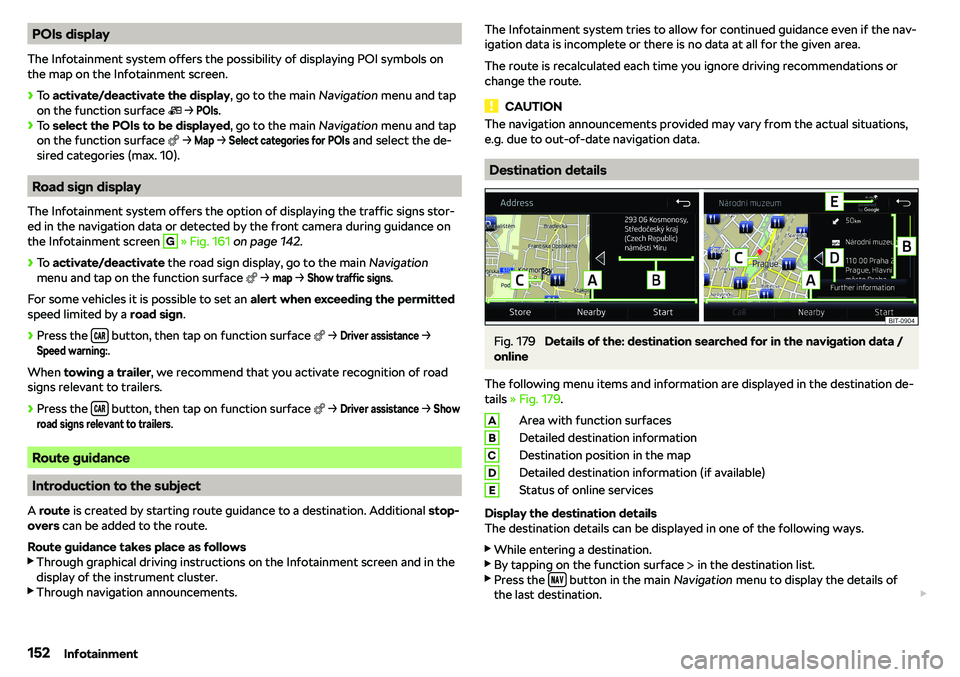
POIs display
The Infotainment system offers the possibility of displaying POI symbols on
the map on the Infotainment screen.