SKODA RAPID SPACEBACK 2019 User Guide
RAPID SPACEBACK 2019
SKODA
SKODA
https://www.carmanualsonline.info/img/3/58447/w960_58447-0.png
SKODA RAPID SPACEBACK 2019 User Guide
Page 98 of 256
If the vehicle is fitted with the starter button, Infotainment will switch off au-
tomatically after the engine is switched off and the door is opened.
With the ignition off, Infotainment will automatically switch off after about 30
minutes.
Infotainment switches off automatically under certain circumstances. Infotain-
ment informs you of this via a text message on the Infotainment display.
Infotainment restart
If Infotainment stops responding (if it “freezes”), it can be restarted by press-
ing and holding
for longer than 10 s (does not apply to Infotainment Blues).
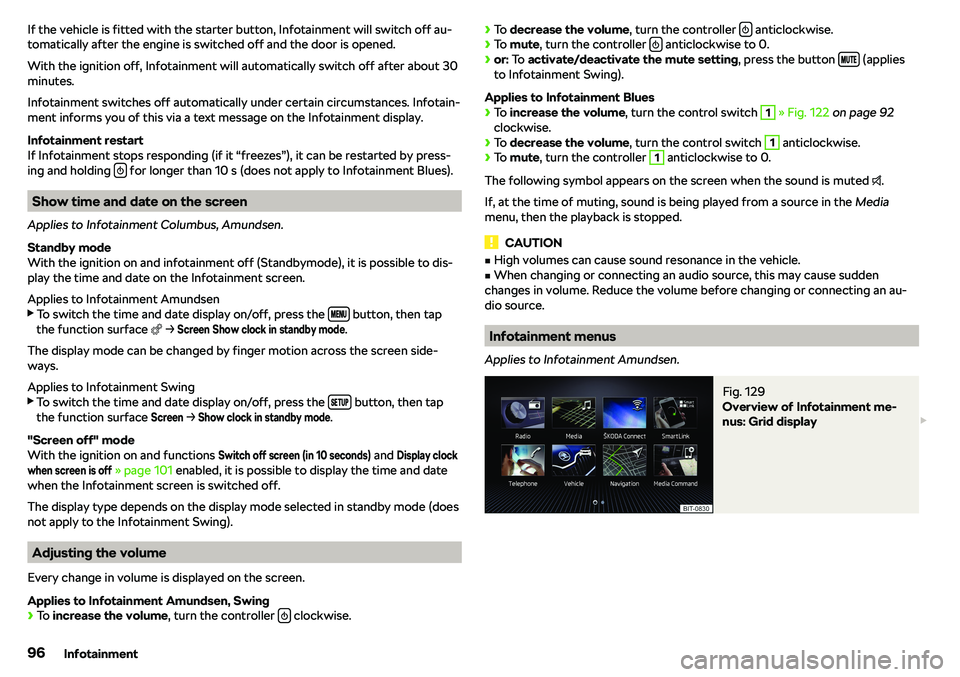
Show time and date on the screen
Applies to Infotainment Columbus, Amundsen.
Standby mode
With the ignition on and infotainment off (Standbymode), it is possible to dis-
play the time and date on the Infotainment screen.
Applies to Infotainment Amundsen
Page 101 of 256
Operation principleFig. 132
Example of screen display
The voice control main menu
Page 102 of 256
Voice commands can be used during voice controlVoice commandFunction“Back ”Return to the previous menu“Help ”Reproduce and display possible voice commands
Voice commands that can be used while browsing the list entries
Voice commandFunction“Next page ”
Browse menu/list/directory
“Previous page ”“First page ”“Last page ”
Additional Information
Navigation
To the destination, you are first required to issue the command “enter ad-
dress” and then follow Infotainment instructions.
It is not necessary to spell city and street names if the entered destination is located in a country that has no voice control available for the language.
Online POI search
When “Infotainment Online”
Page 105 of 256

�vWLAN - List of available hotspots of external devices
�vWLAN
- Switch Infotainment WLAN on/off
�v
WPS quick connection (WPS button)
- Establish a secure connection to the hot-
spot of the external device using WPS (applies to Infotainment Amundsen)
�v
Manual settings
- Parameter settings for searching and connecting to the hot-
spot of the external device �v
Network name
- Enter the Hotspot name
�v
Network key
- Access passkey setting
�v
Security level:
Security setting (WPA2 always set)
�v
Connect
- Establish a connection
�v
Find
- Search / Restore the list of available hotspots
�v
Mobile hotspot
- Infotainment hotspot setting (the symbol
displayed with
the number of connected external devices)
�v
Mobile hotspot
- Switch the Infotainment hotspot on/off
�v
WPS quick connection (WPS button)
- Establish a secure connection to the Info-
tainment hotspot via WPS (applies to Amundsen)
�v
Hotspot (WLAN) settings
- Parameter settings for connection to the Infotain-
ment hotspot �v
Security level:
Security setting (WPA2 always set)
�v
Network key
- Input of the access password
�v
SSID: ...
- Name of the infotainment Hotspots
�v
Do not send network name (SSID)
-Turn Infotainment hotspot visibility on/off
�v
Store
- Storage of the parameters set for the Infotainment hotspot
Network settings
Applies to infotainment Amundsen with the connected Carstick device.
Page 113 of 256
�vClock - Time display on the Infotainment display (with the ignition on and the
Infotainment off)
�vYes
- Switches the display on
�v
No
- Switches the display off
�v
Restore
- Reset to factory settings
�v
Press
- Confirmation of the factory settings
Radio menu settings
Page 114 of 256
Manual / semi-automatic station search
Radio text display (DAB) / picture presentation (DAB)
Settings of menu Radio
Page 118 of 256
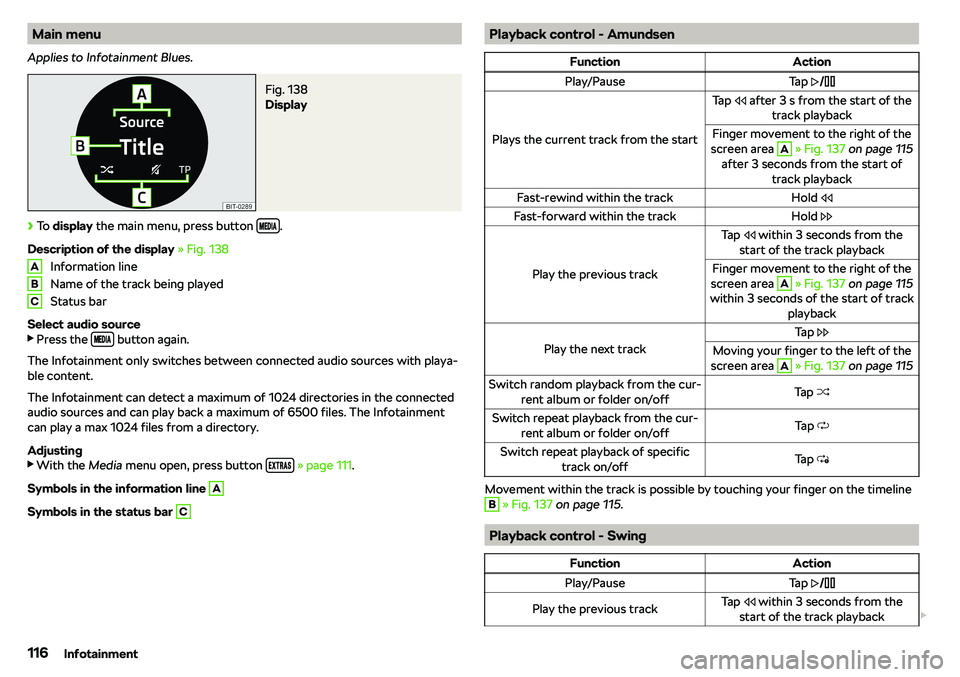
Main menu
Applies to Infotainment Blues.Fig. 138
Display
Page 125 of 256
Controlling viewed imagesFunctionAction
Display the next image
Finger movement across the screen to theleft (with initial representation)Tap
Display the previous image
Finger movement across the screen to the
right (with initial representation)Tap
Increase the image size
Touch the screen with two fingers and pull
apartTurn the knob
Page 143 of 256
A menu for the import/update of POI categories is displayed.
Page 153 of 256
Road sign display
The Infotainment system offers the option of displaying the traffic signs stor- ed in the navigation data or detected by the front camera during guidance on the Infotainment screen G