audio SUBARU IMPREZA 2011 4.G Owner's Guide
[x] Cancel search | Manufacturer: SUBARU, Model Year: 2011, Model line: IMPREZA, Model: SUBARU IMPREZA 2011 4.GPages: 458, PDF Size: 16.22 MB
Page 212 of 458
to insert a CD(s) (type B)”F 5-23.
When a CD is loaded, the player will start
playback of the CD, beginning with the
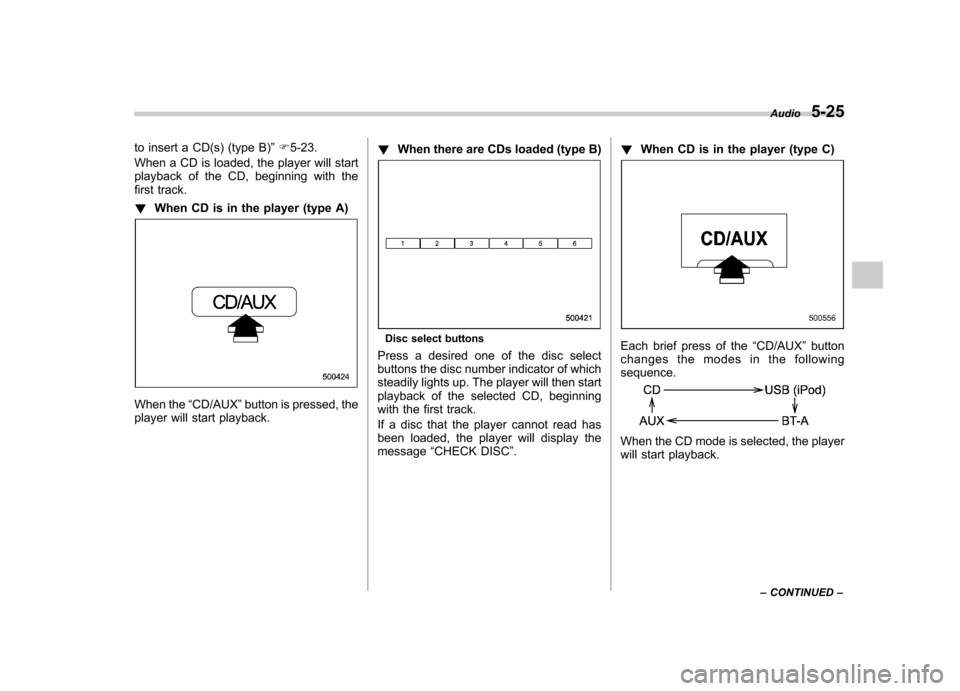
first track. ! When CD is in the player (type A)
When the “CD/AUX ”button is pressed, the
player will start playback. !
When there are CDs loaded (type B)
Disc select buttons
Press a desired one of the disc select
buttons the disc number indicator of which
steadily lights up. The player will then start
playback of the selected CD, beginning
with the first track.
If a disc that the player cannot read has
been loaded, the player will display themessage “CHECK DISC ”. !
When CD is in the player (type C)Each brief press of the “CD/AUX ”button
changes the modes in the following sequence.
When the CD mode is selected, the player
will start playback. Audio
5-25
– CONTINUED –
Page 213 of 458
5-26Audio
& To select a track from its beginning
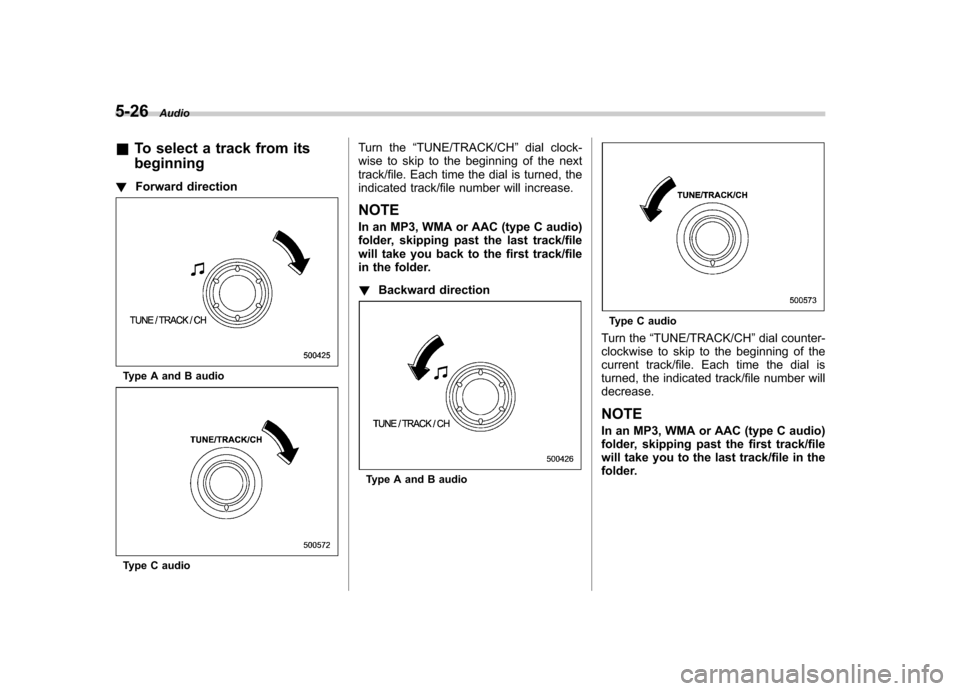
! Forward direction
Type A and B audio
Type C audio Turn the
“TUNE/TRACK/CH ”dial clock-
wise to skip to the beginning of the next
track/file. Each time the dial is turned, the
indicated track/file number will increase. NOTE
In an MP3, WMA or AAC (type C audio)
folder, skipping past the last track/file
will take you back to the first track/file
in the folder. ! Backward direction
Type A and B audio
Type C audio
Turn the “TUNE/TRACK/CH ”dial counter-
clockwise to skip to the beginning of the
current track/file. Each time the dial is
turned, the indicated track/file number willdecrease.
NOTE
In an MP3, WMA or AAC (type C audio)
folder, skipping past the first track/file
will take you to the last track/file in the
folder.
Page 214 of 458
&Fast-forwarding and fast-re- versing
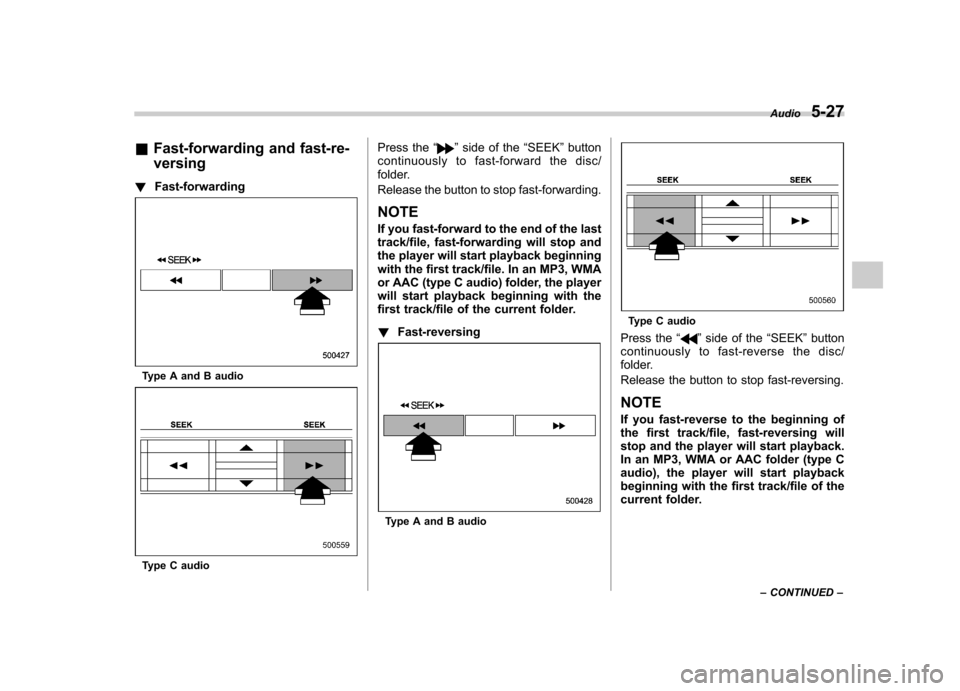
! Fast-forwarding
Type A and B audio
Type C audio Press the
“
”side of the “SEEK ”button
continuously to fast-forward the disc/
folder.
Release the button to stop fast-forwarding.
NOTE
If you fast-forward to the end of the last
track/file, fast-forwarding will stop and
the player will start playback beginning
with the first track/file. In an MP3, WMA
or AAC (type C audio) folder, the player
will start playback beginning with the
first track/file of the current folder. ! Fast-reversing
Type A and B audio
Type C audio
Press the “
”side of the “SEEK ”button
continuously to fast- reverse the disc/
folder.
Release the button to stop fast-reversing. NOTE
If you fast-reverse to the beginning of
the first track/file, fast-reversing will
stop and the player will start playback.
In an MP3, WMA or AAC folder (type C
audio), the player will start playback
beginning with the first track/file of the
current folder. Audio
5-27
– CONTINUED –
Page 215 of 458
5-28Audio
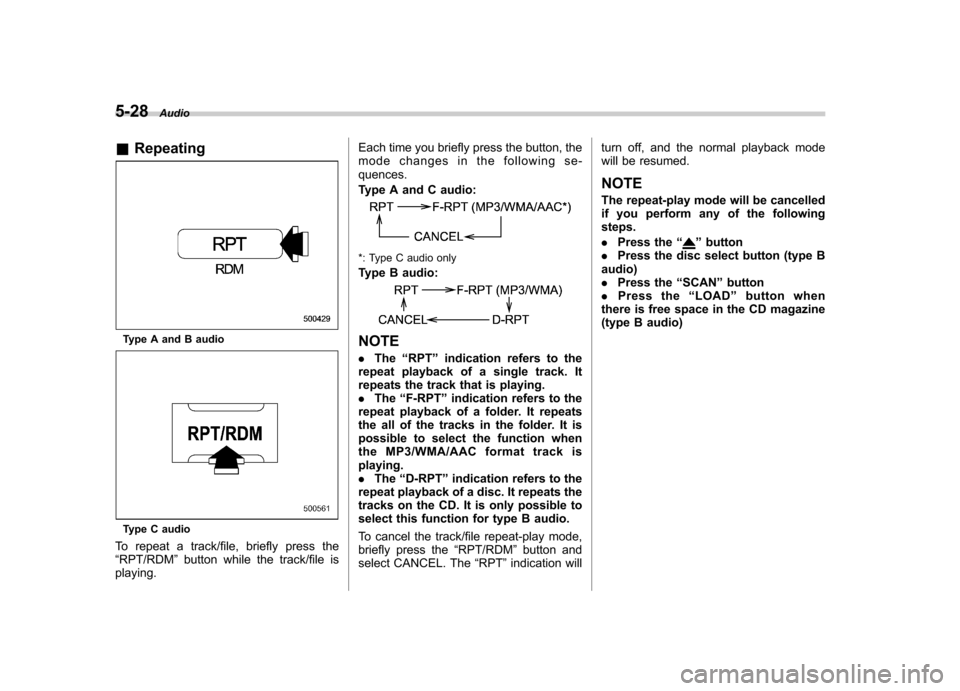
& Repeating
Type A and B audio
Type C audio
To repeat a track/file, briefly press the “ RPT/RDM ”button while the track/file is
playing. Each time you briefly press the button, the
mode changes in the following se-quences.
Type A and C audio:
*: Type C audio only
Type B audio:
NOTE .
The “RPT ”indication refers to the
repeat playback of a single track. It
repeats the track that is playing.. The “F-RPT ”indication refers to the
repeat playback of a folder. It repeats
the all of the tracks in the folder. It is
possible to select the function when
the MP3/WMA/AAC format track isplaying.. The “D-RPT ”indication refers to the
repeat playback of a disc. It repeats the
tracks on the CD. It is only possible to
select this function for type B audio.
To cancel the track/file repeat-play mode,
briefly press the “RPT/RDM ”button and
select CANCEL. The “RPT ”indication will turn off, and the normal playback mode
will be resumed.
NOTE
The repeat-play mode will be cancelled
if you perform any of the following steps. . Press the “
”button
. Press the disc select button (type B
audio) . Press the “SCAN ”button
. Press the “LOAD ”button when
there is free space in the CD magazine
(type B audio)
Page 216 of 458
&Random playback
Type A and B audio
Type C audio
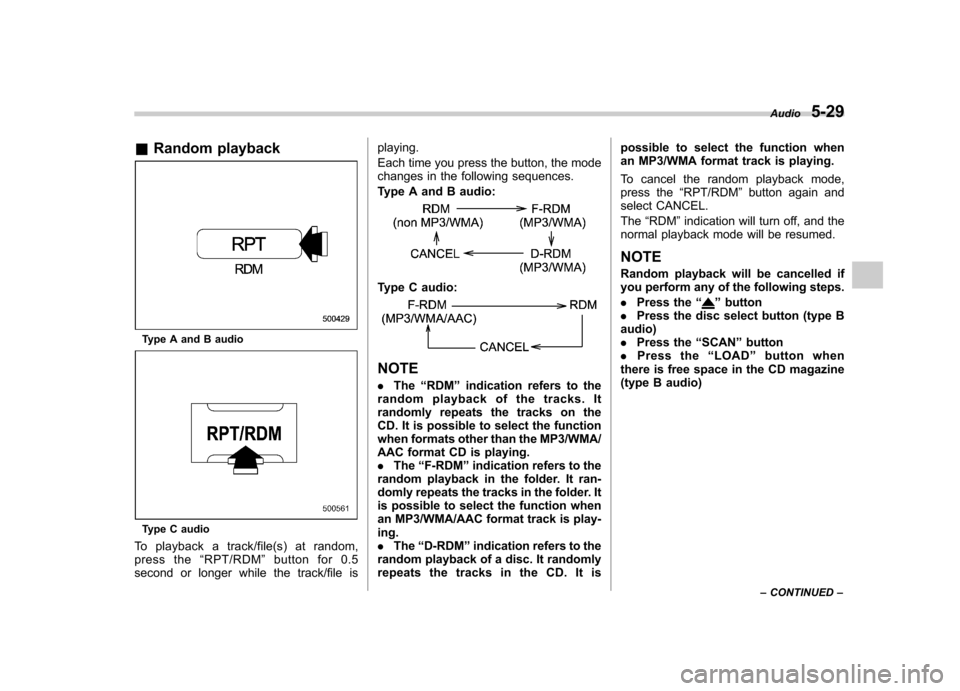
To playback a track/file(s) at random,
press the “RPT/RDM ”button for 0.5
second or longer while the track/file is playing.
Each time you press the button, the mode
changes in the following sequences.
Type A and B audio:
Type C audio:
NOTE .
The “RDM ”indication refers to the
random playback of the tracks. It
randomly repeats the tracks on the
CD. It is possible to select the function
when formats other than the MP3/WMA/
AAC format CD is playing.. The “F-RDM ”indication refers to the
random playback in the folder. It ran-
domly repeats the tracks in the folder. It
is possible to select the function when
an MP3/WMA/AAC format track is play-ing.. The “D-RDM ”indication refers to the
random playback of a disc. It randomly
repeats the tracks in the CD. It is possible to select the function when
an MP3/WMA format track is playing.
To cancel the random playback mode,
press the
“RPT/RDM ”button again and
select CANCEL. The “RDM ”indication will turn off, and the
normal playback mode will be resumed.
NOTE
Random playback will be cancelled if
you perform any of the following steps. . Press the “
”button
. Press the disc select button (type B
audio) . Press the “SCAN ”button
. Press the “LOAD ”button when
there is free space in the CD magazine
(type B audio) Audio
5-29
– CONTINUED –
Page 217 of 458
5-30Audio
& Scan
Type A and B audio
Type C audio
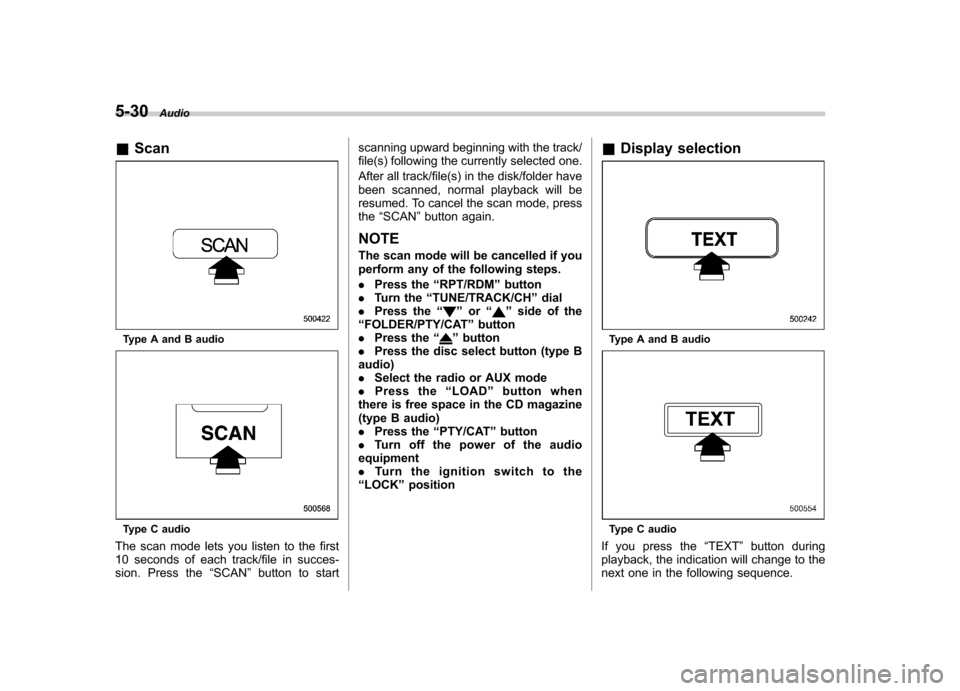
The scan mode lets you listen to the first
10 seconds of each track/file in succes-
sion. Press the “SCAN ”button to start scanning upward beginning with the track/
file(s) following the currently selected one.
After all track/file(s) in the disk/folder have
been scanned, normal playback will be
resumed. To cancel the scan mode, pressthe
“SCAN ”button again.
NOTE
The scan mode will be cancelled if you
perform any of the following steps. . Press the “RPT/RDM ”button
. Turn the “TUNE/TRACK/CH ”dial
. Press the “
”or “”side of the
“ FOLDER/PTY/CAT ”button
. Press the “
”button
. Press the disc select button (type B
audio) . Select the radio or AUX mode
. Press the “LOAD ”button when
there is free space in the CD magazine
(type B audio). Press the “PTY/CAT ”button
. Turn off the power of the audio
equipment. Turn the ignition switch to the
“ LOCK ”position &
Display selectionType A and B audio
Type C audio
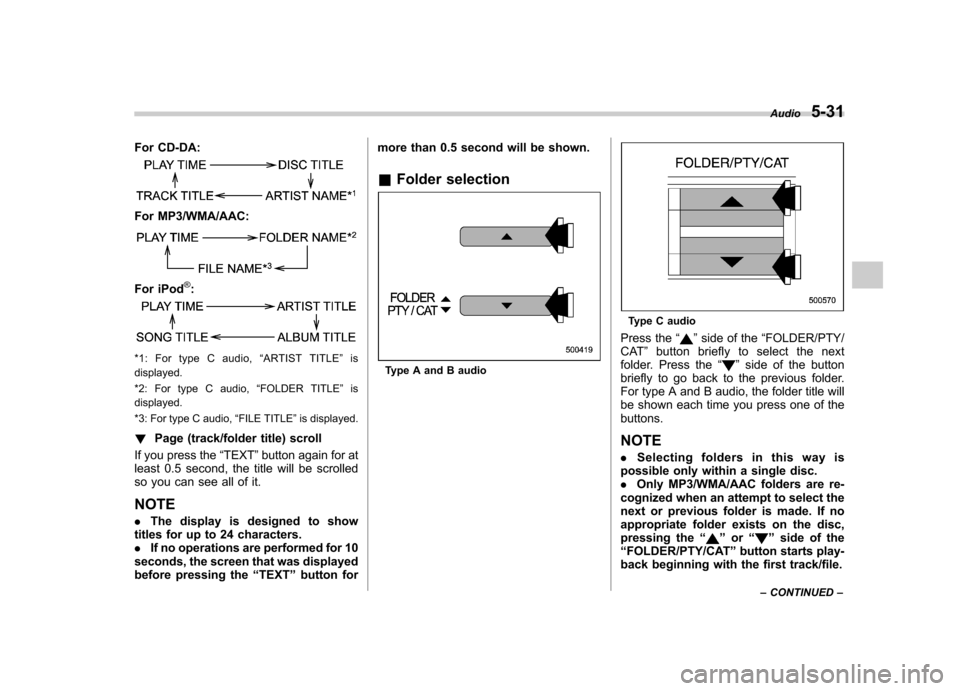
If you press the “TEXT ”button during
playback, the indication will change to the
next one in the following sequence.
Page 218 of 458
For CD-DA:
For MP3/WMA/AAC:
For iPod®:
*1: For type C audio,“ARTIST TITLE ”is
displayed.
*2: For type C audio, “FOLDER TITLE ”is
displayed.
*3: For type C audio, “FILE TITLE ”is displayed.
! Page (track/folder title) scroll
If you press the “TEXT ”button again for at
least 0.5 second, the title will be scrolled
so you can see all of it. NOTE . The display is designed to show
titles for up to 24 characters. . If no operations are performed for 10
seconds, the screen that was displayed
before pressing the “TEXT ”button for more than 0.5 second will be shown.
& Folder selectionType A and B audio
Type C audio
Press the “
”side of the “FOLDER/PTY/
CAT ”button briefly to select the next
folder. Press the “
”side of the button
briefly to go back to the previous folder.
For type A and B audio, the folder title will
be shown each time you press one of thebuttons. NOTE . Selecting folders in this way is
possible only within a single disc. . Only MP3/WMA/AAC folders are re-
cognized when an attempt to select the
next or previous folder is made. If no
appropriate folder exists on the disc,
pressing the “
”or “”side of the
“ FOLDER/PTY/CAT ”button starts play-
back beginning with the first track/file. Audio
5-31
– CONTINUED –
Page 219 of 458
5-32Audio
& How to eject a CD from the
player (type A and C)
When a disc is being played back or when
a disc is in the player, press the ejectbutton “
”. The disc will be ejected.
NOTE . Avoid driving the vehicle with a CD
sticking out, because vibration might
make it fall out. .
If the disc is left ejected for more
than approximately 15 seconds after
the ignition switch is turned to the“ OFF ”position, a disc protection func-
tion will operate, automatically reload-
ing the disc. In this case, the disc is notplayed.
& How to eject CDs from the
player (type B)
! Ejecting a CD from the player
Of the discs loaded, you can select and
remove only one disc.
Disc select buttons
1. Use the disc select button to select the
disc to be ejected.
2. Briefly press the “”button. The
selected disc will be ejected. The disc
number indicator will flash at this time.
When you remove the ejected disc, the
disc number indicator will turn off.
To remove more discs in succession,
repeat steps 1 and 2.
Page 220 of 458
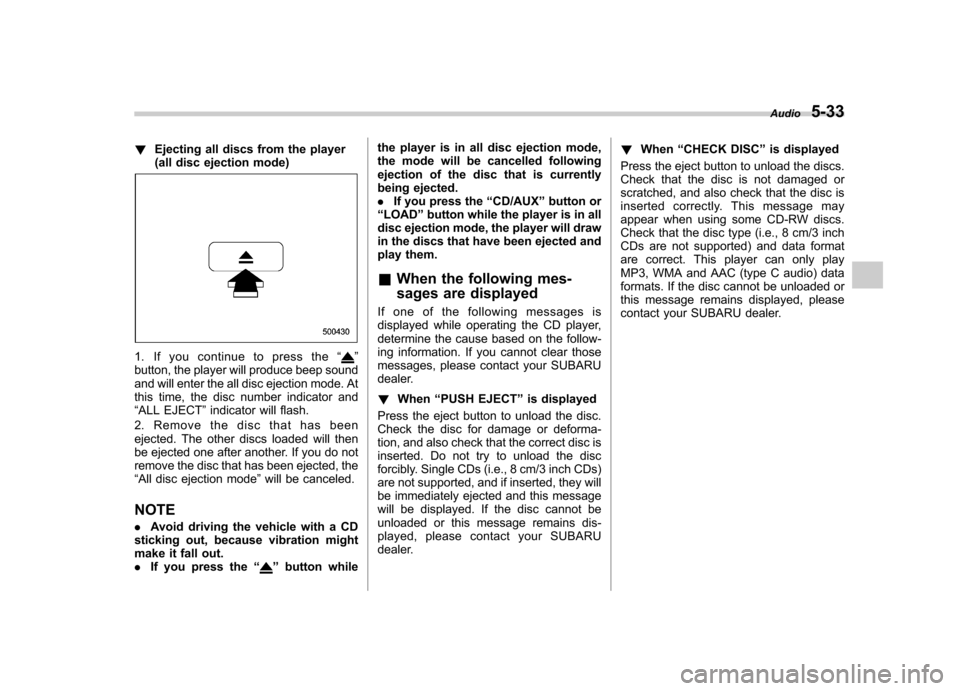
!Ejecting all discs from the player
(all disc ejection mode)
1. If you continue to press the “”
button, the player will produce beep sound
and will enter the all disc ejection mode. At
this time, the disc number indicator and“ ALL EJECT ”indicator will flash.
2. Remove the disc that has been
ejected. The other discs loaded will then
be ejected one after another. If you do not
remove the disc that has been ejected, the“ All disc ejection mode ”will be canceled.
NOTE . Avoid driving the vehicle with a CD
sticking out, because vibration might
make it fall out.. If you press the “
”button while the player is in all disc ejection mode,
the mode will be cancelled following
ejection of the disc that is currently
being ejected..
If you press the “CD/AUX ”button or
“ LOAD ”button while the player is in all
disc ejection mode, the player will draw
in the discs that have been ejected and
play them.
& When the following mes-
sages are displayed
If one of the following messages is
displayed while operating the CD player,
determine the cause based on the follow-
ing information. If you cannot clear those
messages, please contact your SUBARU
dealer. ! When “PUSH EJECT ”is displayed
Press the eject button to unload the disc.
Check the disc for damage or deforma-
tion, and also check that the correct disc is
inserted. Do not try to unload the disc
forcibly. Single CDs (i.e., 8 cm/3 inch CDs)
are not supported, and if inserted, they will
be immediately ejected and this message
will be displayed. If the disc cannot be
unloaded or this message remains dis-
played, please contact your SUBARU
dealer. !
When “CHECK DISC ”is displayed
Press the eject button to unload the discs.
Check that the disc is not damaged or
scratched, and also check that the disc is
inserted correctly. This message may
appear when using some CD-RW discs.
Check that the disc type (i.e., 8 cm/3 inch
CDs are not supported) and data format
are correct. This player can only play
MP3, WMA and AAC (type C audio) data
formats. If the disc cannot be unloaded or
this message remains displayed, please
contact your SUBARU dealer. Audio
5-33
Page 221 of 458
5-34Audio
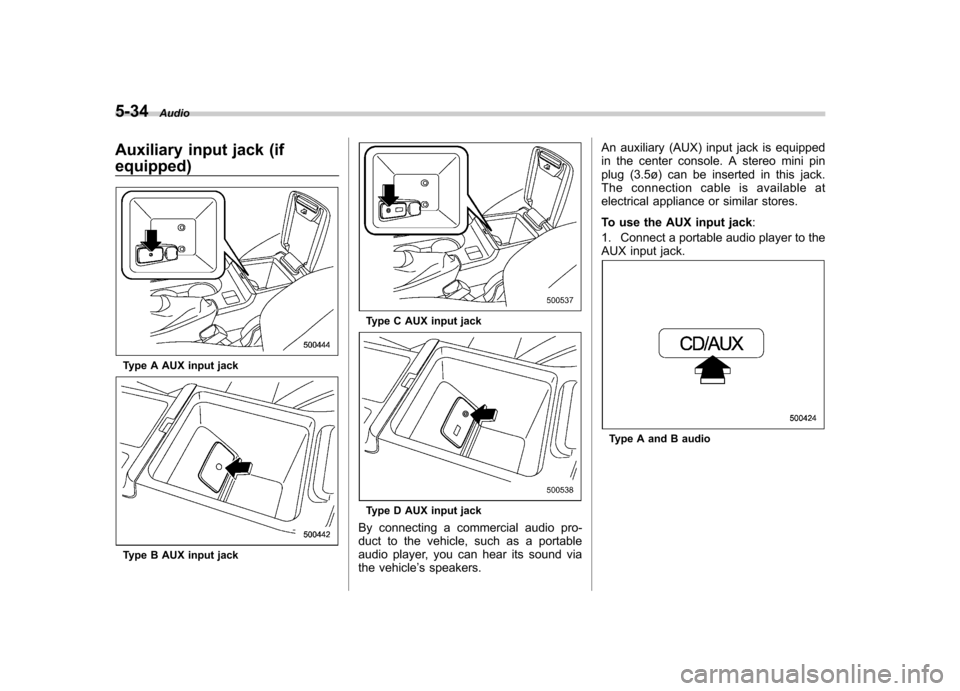
Auxiliary input jack (if equipped)
Type A AUX input jack
Type B AUX input jack
Type C AUX input jack
Type D AUX input jack
By connecting a commercial audio pro-
duct to the vehicle, such as a portable
audio player, you can hear its sound via
the vehicle ’s speakers. An auxiliary (AUX) input jack is equipped
in the center console. A stereo mini pin
plug (3.5ø) can be inserted in this jack.
The connection cable is available at
electrical appliance or similar stores.
To use the AUX input jack
:
1. Connect a portable audio player to the
AUX input jack.
Type A and B audio