ECO mode SUBARU LEGACY 2005 4.G User Guide
[x] Cancel search | Manufacturer: SUBARU, Model Year: 2005, Model line: LEGACY, Model: SUBARU LEGACY 2005 4.GPages: 627, PDF Size: 6.42 MB
Page 189 of 627
3-18
Instruments and controls
Do not operate the engine with the pointer of
the tachometer in the red zone. In this range,
fuel injection will be cut by the engine control
module to protect the engine from overrevving.
The engine will resume running normally after
the engine speed is reduced below the red
zone.
NOTE (3.0-liter models only)
To protect the engine while the “P” or “N” position
is selected, the engine is controlled such that the
engine speed does not become too high even if
the accelerator pedal is pressed hard.
!
Fuel gauge
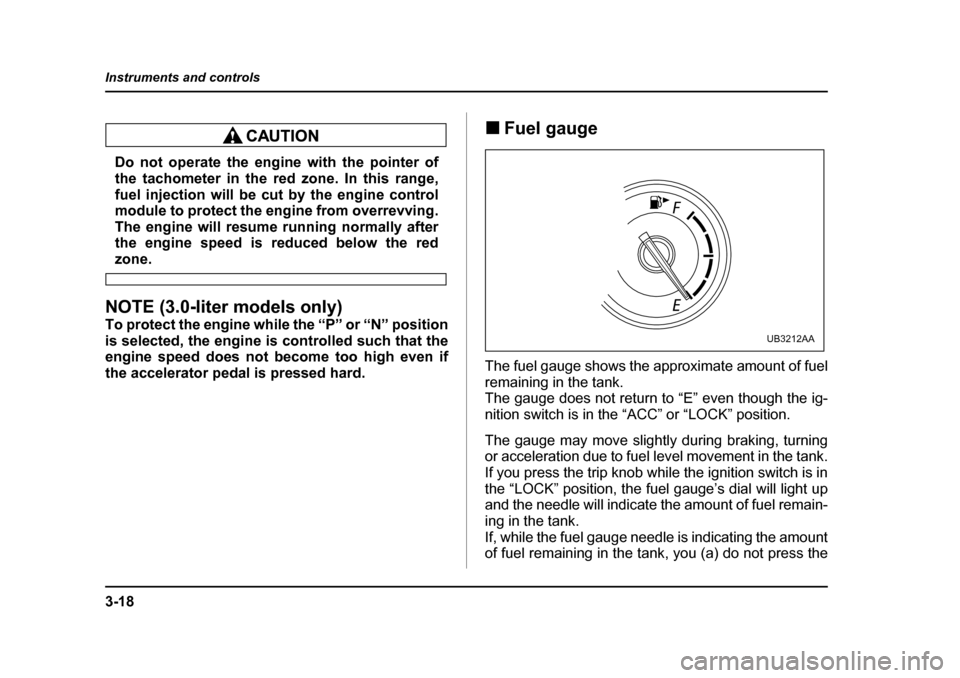
The fuel gauge shows the approximate amount of fuel
remaining in the tank.
The gauge does not return to “E” even though the ig-
nition switch is in the “ACC” or “LOCK” position.
The gauge may move slightly during braking, turning
or acceleration due to fuel level movement in the tank.
If you press the trip knob while the ignition switch is in
the “LOCK” position, the fuel gauge’s dial will light up
and the needle will indicate the amount of fuel remain-
ing in the tank.
If, while the fuel gauge needle is indicating the amount
of fuel remaining in the tank, you (a) do not press the
UB3212AA
Page 191 of 627
3-20
Instruments and controls
We recommend that you drive moderately until the
pointer of the temperature gauge reaches near the
middle of the range. Engine operation is optimum with
the engine coolant at this temperature range and high
revving operation when the engine is not warmed up
enough should be avoided.
If the pointer exceeds the normal operating
range, safely stop the vehicle as soon as possi-
ble.
See the “In case of emergency” in chapter 9.
Warning and indicator lights
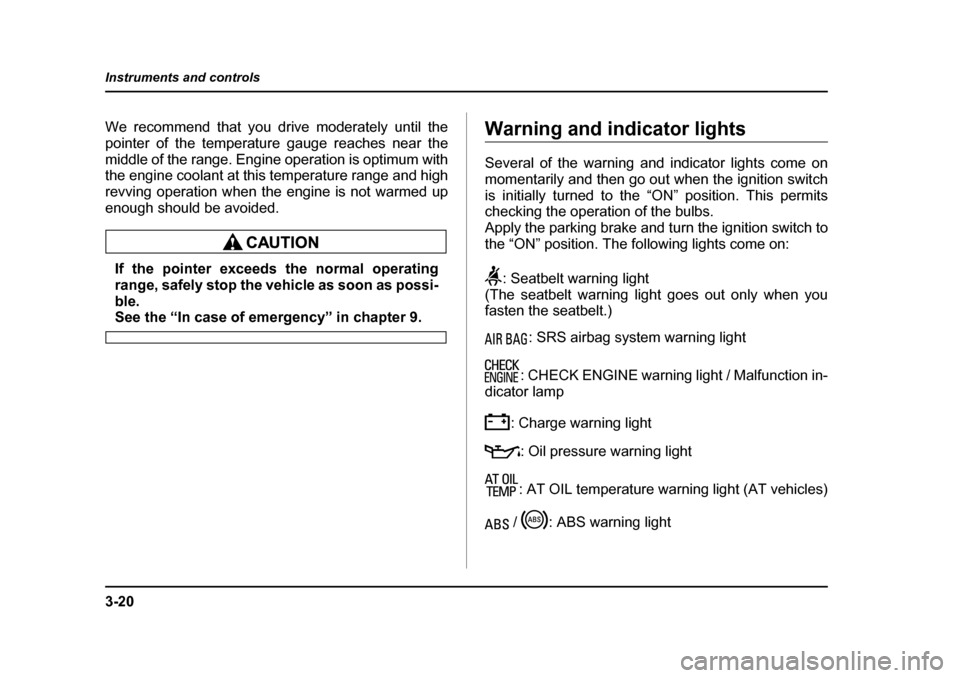
Several of the warning and indicator lights come on
momentarily and then go out when the ignition switch
is initially turned to the “ON” position. This permits
checking the operation of the bulbs.
Apply the parking brake and turn the ignition switch to
the “ON” position. The following lights come on:
: Seatbelt warning light
(The seatbelt warning light goes out only when you
fasten the seatbelt.)
: SRS airbag system warning light
: CHECK ENGINE warning light / Malfunction in-
dicator lamp
: Charge warning light: Oil pressure warning light
: AT OIL temperature warning light (AT vehicles)
/ : ABS warning light
Page 194 of 627
3-23
Instruments and controls
– CONTINUED –
seconds later (21 seconds after turning ON the ignition
switch), the warning lights will alternate between flash-
ing and steady illumination at 15-second intervals, and
the chime will sound while the warning light(s) is/are
flashing.
Alternate flashing and steady illumination of the warn-
ing lights and sounding of the chime will continue until
both driver and front passenger fasten their seatbelts.
NOTE "If the driver and/or front passenger unfasten(s)
the seatbelt(s) after fastening, the seatbelt warn-
ing device operates as follows according to the
vehicle speed. "At speeds lower than approximately 9 mph (15
km/h)
The warning light(s) for unfastened seatbelt(s)
will alternate between flashing and steady illu-
mination at 15-second intervals. The chime will
not sound. " At approximately 9 mph (15 km/h) or higher
speeds
The warning light(s) for unfastened seatbelt(s)
will alternate between flashing and steady illu-
mination at 15-second intervals and the chime
will sound while the warning light(s) is/are flash-
ing.
" If you unfasten and refasten driver’s seatbelt three times within six seconds after turning ON
the ignition switch, the warning operation that fol-lows the 6-second warning after turning ON the ig-
nition switch is canceled. When the ignition switch
is turned ON next time, however, the complete se-
quence of warning operation resumes.
If there is no passenger on the front passenger’s seat,
the seatbelt warning device for front passenger’s seat
will be deactivated. The front passenger’s occupant
detection system monitors whether or not there is a
passenger on the front passenger’s seat. Observe the
following precautions. Failure to do so may prevent
the device from functioning correctly or cause the de-
vice to fail."
Do not install any accessory such as a table or TV
onto the seatback." Do not store a heavy load in the seatback pocket.
" Do not allow the rear seat occupant to place his/her
hands or legs on the front passenger’s seatback, or al-
low him/her to pull the seatback." Do not use front seats with their backward-forward
position and seatback not being locked into place se-
curely. If any of them are not locked securely, adjust
them again. For adjusting procedure, refer to the
“Manual seat” in the front seats section in Chapter 1 in
this owner’s manual. (Models equipped with manualseats only)
Page 195 of 627
3-24
Instruments and controls
If the seatbelt warning device for front passenger’s
seat does not function correctly (e.g., it is activated
even when the front passenger’s seat is empty or it is
deactivated even when the front passenger has not
fastened his/her seatbelt), take the following actions."
Ensure that no article is placed on the seat other
than the child restraint system and the child occupant." Ensure that there is no article left in the seatback
pocket. " Ensure that the backward-forward position and
seatback of front passenger’s seat are locked into
place securely by moving the seat back and forth.
(Models equipped with manual seats only)
If still the seatbelt warning device for front passenger’s
seat does not function correctly after taking relevant
corrective actions described above, immediately con-
tact your SUBARU dealer for an inspection. ! SRS airbag system warning light
When the ignition switch is turned to the “ON” position,
the SRS airbag system warning light will come on for
about seven seconds and go out. This shows the SRS
frontal airbag and SRS side airbag and SRS curtain
airbag and seatbelt pretensioners are in normal oper-
ation. If this light comes on while driving or remains illuminat-
ed even after a period of about 7 seconds from when
the ignition has been turned on, it may indicate that the
SRS frontal airbag system or SRS side airbag system
(if equipped) or SRS curtain airbag or seatbelt preten-
sioner system is not working properly. Contact your
nearest SUBARU dealer immediately. !
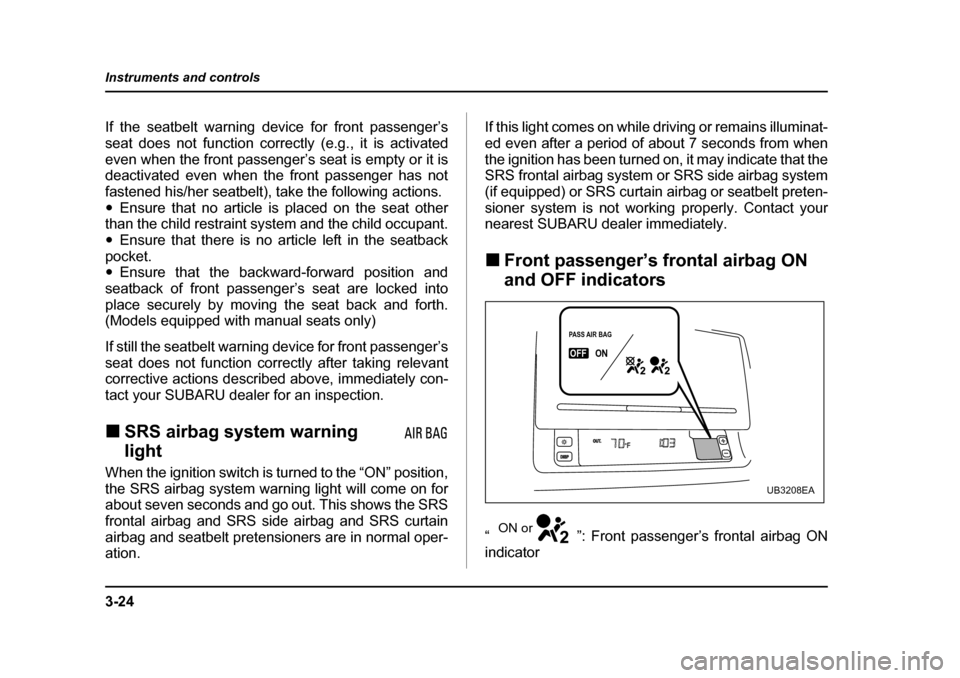
Front passenger’s frontal airbag ON
and OFF indicators
“ ”: Front passenger’s frontal airbag ON
indicator
PASS AIR BAGPASS AIR BAGONONOUT.DISPOFF
PASS AIR BAG
OFFON
UB3208EA
ON or
Page 206 of 627
3-35
Instruments and controls
– CONTINUED –
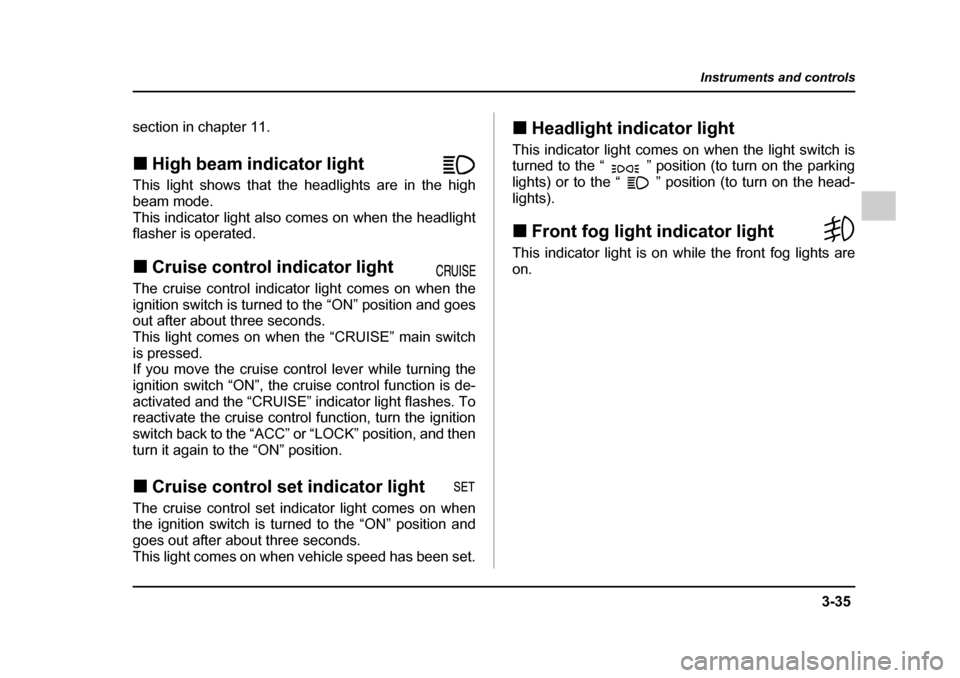
section in chapter 11. !High beam indicator light
This light shows that the headlights are in the high
beam mode.
This indicator light also comes on when the headlight
flasher is operated. ! Cruise control indicator light
The cruise control indicator light comes on when the
ignition switch is turned to the “ON” position and goes
out after about three seconds.
This light comes on when the “CRUISE” main switch
is pressed.
If you move the cruise control lever while turning the
ignition switch “ON”, the cruise control function is de-
activated and the “CRUISE” indicator light flashes. To
reactivate the cruise control function, turn the ignition
switch back to the “ACC” or “LOCK” position, and then
turn it again to the “ON” position. ! Cruise control set indicator light
The cruise control set indicator light comes on when
the ignition switch is turned to the “ON” position and
goes out after about three seconds.
This light comes on when vehicle speed has been set. !
Headlight indicator light
This indicator light comes on when the light switch is
turned to the “ ” position (to turn on the parking
lights) or to the “ ” position (to turn on the head-
lights). ! Front fog light indicator light
This indicator light is on while the front fog lights are on.
Page 231 of 627
3-60
Instruments and controls
dicator light (green) located to the right of the button
will illuminate."
By pressing and releasing the right button, the com-
pass display is toggled on or off. When the compass is
on, an illuminated compass reading will appear in the
lower part of the mirror.
Even with the mirror in anti-glare mode, the mirror sur-
face turns bright if the transmission is shifted into re-
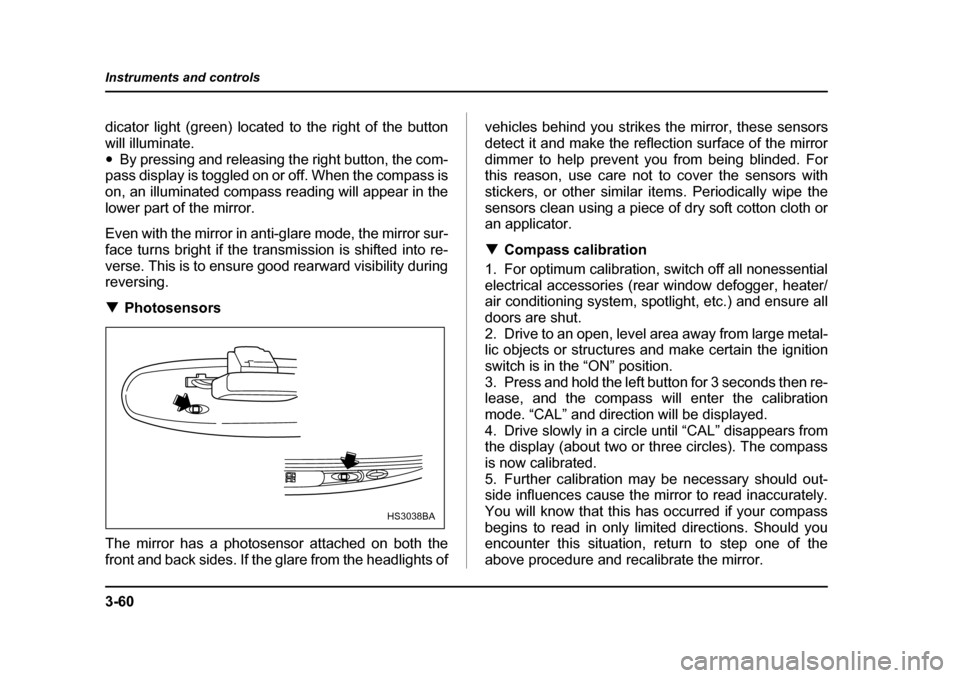
verse. This is to ensure good rearward visibility during reversing. ! Photosensors
The mirror has a photosensor attached on both the
front and back sides. If the glare from the headlights of vehicles behind you strikes the mirror, these sensors
detect it and make the reflection surface of the mirror
dimmer to help prevent you from being blinded. For
this reason, use care not to cover the sensors with
stickers, or other similar items. Periodically wipe the
sensors clean using a piece of dry soft cotton cloth or
an applicator. !
Compass calibration
1. For optimum calibration, switch off all nonessential
electrical accessories (rear window defogger, heater/
air conditioning system, spotlight, etc.) and ensure all
doors are shut.
2. Drive to an open, level area away from large metal-
lic objects or structures and make certain the ignition
switch is in the “ON” position.
3. Press and hold the left button for 3 seconds then re-
lease, and the compass will enter the calibration
mode. “CAL” and direction will be displayed.
4. Drive slowly in a circle until “CAL” disappears from
the display (about two or three circles). The compass
is now calibrated.
5. Further calibration may be necessary should out-
side influences cause the mirror to read inaccurately.
You will know that this has occurred if your compass
begins to read in only limited directions. Should you
encounter this situation, return to step one of the
above procedure and recalibrate the mirror.
HS3038BA
Page 232 of 627
3-61
Instruments and controls
– CONTINUED –
!Compass zone adjustment
1. The zone setting is factory preset to Zone 8. Refer
to the “Compass calibration zone” map attached to the
end of this manual to verify that the compass zone set-
ting is correct for your geographical location.
2. Press and hold the right button for 3 seconds then
release, and the word “ZONE” will briefly appear and
then the zone number will be displayed.
3. Press the right hand button repeatedly to cycle the
display through all possible zone settings. Stop cycling
when the correct zone setting for your location is dis-
played.
4. Releasing the button for 3 seconds will exit the
zone setting mode. ! Outside mirrors
! Convex mirror (Passenger side)
Objects look smaller in a convex mirror and far-
ther away than when viewed in a flat mirror. Do
not use the convex mirror to judge the distance
of vehicles behind you when changing lanes.
Use the inside mirror (or glance backwards) to
determine the actual size and distance of ob-
jects that you view in convex mirror.
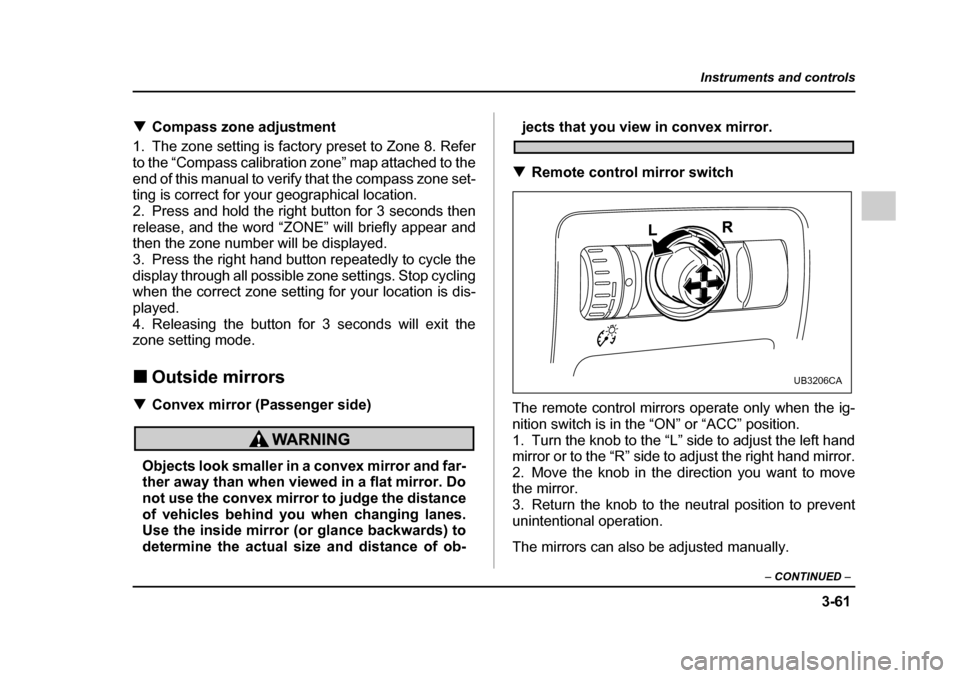
! Remote control mirror switch
The remote control mirrors operate only when the ig-
nition switch is in the “ON” or “ACC” position.
1. Turn the knob to the “L” side to adjust the left hand
mirror or to the “R” side to adjust the right hand mirror.
2. Move the knob in the direction you want to move
the mirror.
3. Return the knob to the neutral position to prevent
unintentional operation.
The mirrors can also be adjusted manually.
UB3206CA
Page 251 of 627
4-16
Climate control
ed, a “ ” indicator light appears on the display.
(Outside air): Outside air is drawn into the pas-
senger compartment. When the climate control sys-
tem is operated in the “AUTO” mode, this position is
selected automatically. (There is one exception: When
the temperature control dial is turned fully counter-
clockwise, the recirculation mode is automatically se-
lected.) When the outside air mode is selected, a
“ ” indicator light appears on the display.
Continued operation in the “ ” position
may fog up the windows. Switch to the
“ ” position as soon as the outside dusty
condition clears.
NOTE
When driving on a dusty road or behind a vehicle
that emits unpleasant exhaust gases, set the air
inlet selection button to the “ ” position.
From time to time, return the air inlet selection but-
ton to the “ ” position to draw outside air
into the passenger compartment. !
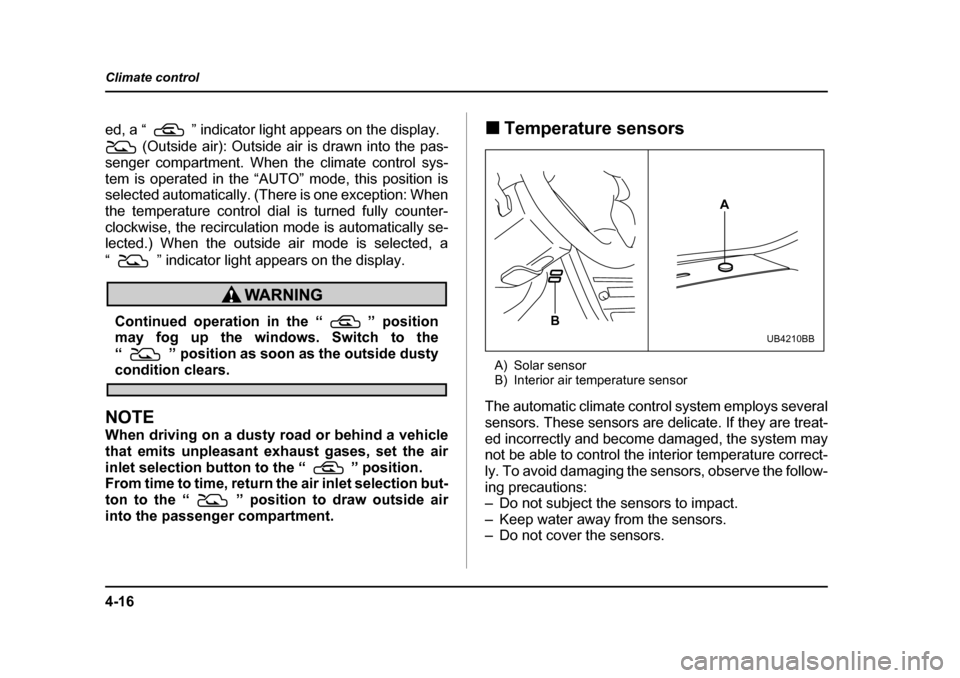
Temperature sensors
A) Solar sensor
B) Interior air temperature sensor
The automatic climate control system employs several
sensors. These sensors are delicate. If they are treat-
ed incorrectly and become damaged, the system may
not be able to control the interior temperature correct-
ly. To avoid damaging the sensors, observe the follow-
ing precautions:
– Do not subject the sensors to impact.
– Keep water away from the sensors.
– Do not cover the sensors.
A
B
UB4210BB
Page 261 of 627
5-6
Audio
!
Radio operation
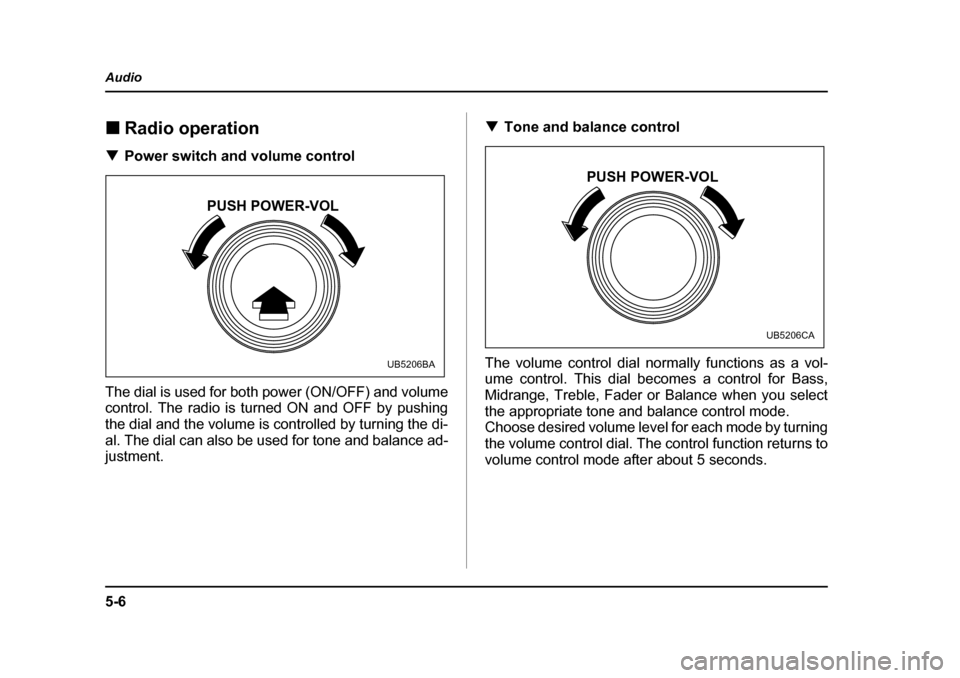
! Power switch and volume control
The dial is used for both power (ON/OFF) and volume
control. The radio is turned ON and OFF by pushing
the dial and the volume is controlled by turning the di-
al. The dial can also be used for tone and balance ad-
justment. !
Tone and balance control
The volume control dial normally functions as a vol-
ume control. This dial becomes a control for Bass,
Midrange, Treble, Fader or Balance when you select
the appropriate tone and balance control mode.
Choose desired volume level for each mode by turning
the volume control dial. The control function returns to
volume control mode after about 5 seconds.
PUSH POWER-VOL
UB5206BA
PUSH POWER-VOL
UB5206CA
Page 265 of 627
5-10
Audio
NOTE
While you are holding down either side of the
TUNE/TRACK button, the tuning frequency will not
stop changing even if the frequency of a receiv-
able station is reached. "
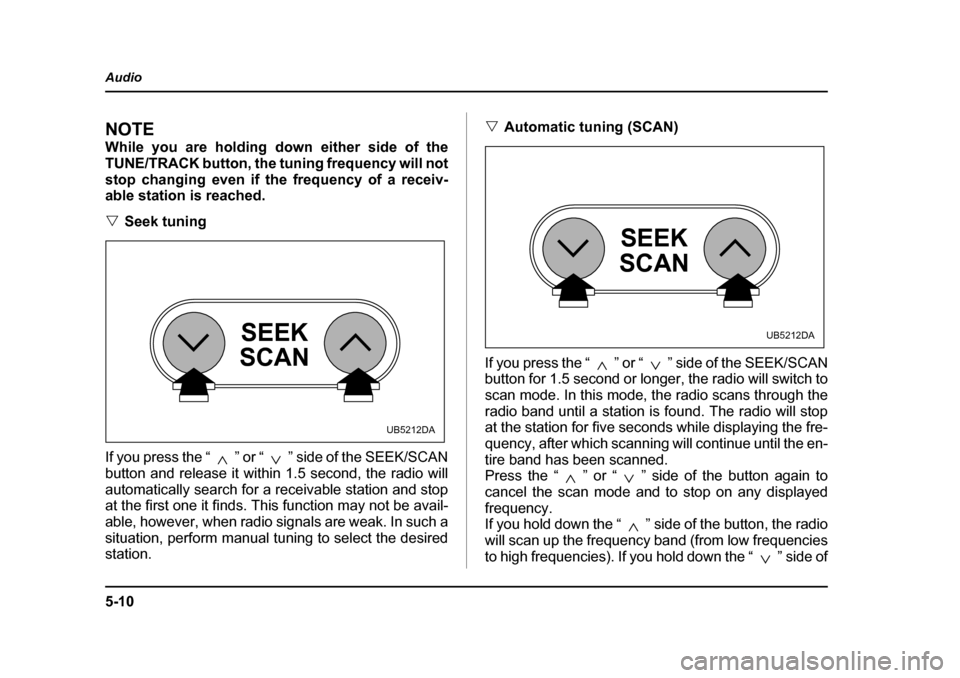
Seek tuning
If you press the “ ” or “ ” side of the SEEK/SCAN
button and release it within 1.5 second, the radio will
automatically search for a receivable station and stop
at the first one it finds. This function may not be avail-
able, however, when radio signals are weak. In such a
situation, perform manual tuning to select the desired
station. "
Automatic tuning (SCAN)
If you press the “ ” or “ ” side of the SEEK/SCAN
button for 1.5 second or longer, the radio will switch to
scan mode. In this mode, the radio scans through the
radio band until a station is found. The radio will stop
at the station for five seconds while displaying the fre-
quency, after which scanning will continue until the en-
tire band has been scanned.
Press the “ ” or “ ” side of the button again to
cancel the scan mode and to stop on any displayed
frequency.
If you hold down the “ ” side of the button, the radio
will scan up the frequency band (from low frequencies
to high frequencies). If you hold down the “ ” side of
SEEK
SCAN
UB5212DA
SEEK
SCAN
UB5212DA