audio SUBARU OUTBACK 2007 4.G Owner's Manual
[x] Cancel search | Manufacturer: SUBARU, Model Year: 2007, Model line: OUTBACK, Model: SUBARU OUTBACK 2007 4.GPages: 442, PDF Size: 13.39 MB
Page 203 of 442
5-16Audio
! Inserting a disc in a desired posi- tion
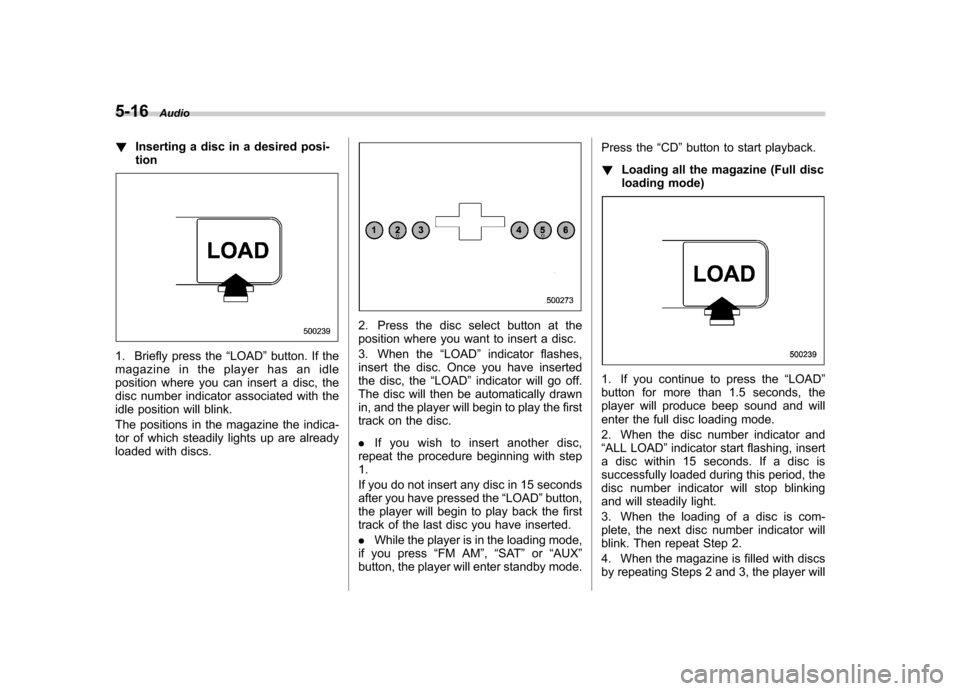
1. Briefly press the “LOAD ”button. If the
magazine in the player has an idle
position where you can insert a disc, the
disc number indicator associated with the
idle position will blink.
The positions in the magazine the indica-
tor of which steadily lights up are already
loaded with discs.
2. Press the disc select button at the
position where you want to insert a disc.
3. When the “LOAD ”indicator flashes,
insert the disc. Once you have inserted
the disc, the “LOAD ”indicator will go off.
The disc will then be automatically drawn
in, and the player will begin to play the first
track on the disc. . If you wish to insert another disc,
repeat the procedure beginning with step 1.
If you do not insert any disc in 15 seconds
after you have pressed the “LOAD ”button,
the player will begin to play back the first
track of the last disc you have inserted. . While the player is in the loading mode,
if you press “FM AM ”, “SAT ”or “AUX ”
button, the player will enter standby mode. Press the
“CD ”button to start playback.
! Loading all the magazine (Full disc
loading mode)
1. If you continue to press the “LOAD ”
button for more than 1.5 seconds, the
player will produce beep sound and will
enter the full disc loading mode.
2. When the disc number indicator and “ ALL LOAD ”indicator start flashing, insert
a disc within 15 seconds. If a disc is
successfully loaded during this period, the
disc number indicator will stop blinking
and will steadily light.
3. When the loading of a disc is com-
plete, the next disc number indicator will
blink. Then repeat Step 2.
4. When the magazine is filled with discs
by repeating Steps 2 and 3, the player will
Page 204 of 442
start playback of the discs, beginning with
the one inserted first.
If you fail to insert any disc during each 15
seconds interval, the full disc loading
mode will be canceled, and the player will
start playback of the disc inserted first. &How to play back a CD
! When there is no CD inserted
Insert a CD by referring to “How to insert a
CD (type A) ”/“How to insert a CD(s) (type
B) ”.
When a CD is loaded, the player will start
playback of the CD, beginning with the
first track. ! When CD is in the player (type A)
When the “CD ”button is pressed, the player will start playback. !
When there are CDs loaded (type B)
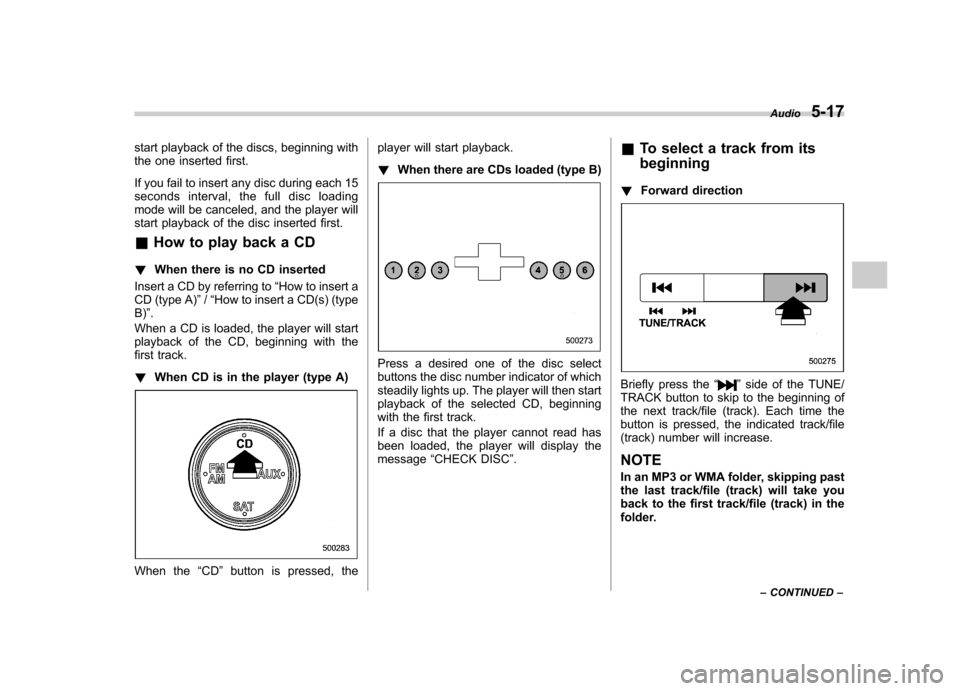
Press a desired one of the disc select
buttons the disc number indicator of which
steadily lights up. The player will then start
playback of the selected CD, beginning
with the first track.
If a disc that the player cannot read has
been loaded, the player will display themessage “CHECK DISC ”. &
To select a track from its beginning
! Forward direction
Briefly press the “”side of the TUNE/
TRACK button to skip to the beginning of
the next track/file (track). Each time the
button is pressed, the indicated track/file
(track) number will increase. NOTE
In an MP3 or WMA folder, skipping past
the last track/file (track) will take you
back to the first track/file (track) in the
folder. Audio
5-17
– CONTINUED –
Page 205 of 442
5-18Audio
! Backward direction
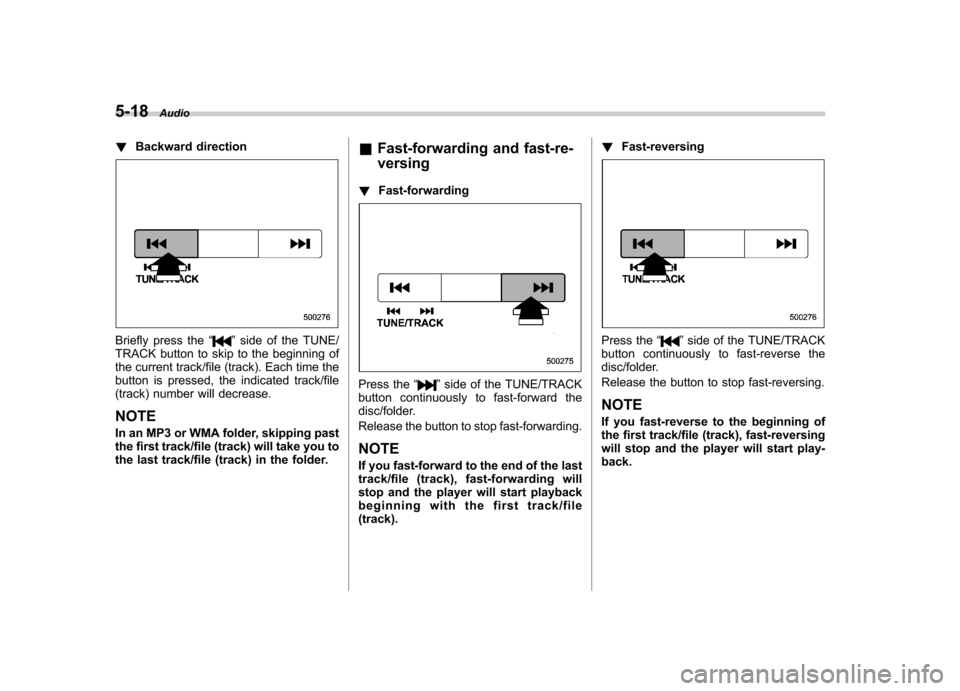
Briefly press the “”side of the TUNE/
TRACK button to skip to the beginning of
the current track/file (track). Each time the
button is pressed, the indicated track/file
(track) number will decrease. NOTE
In an MP3 or WMA folder, skipping past
the first track/file (track) will take you to
the last track/file (track) in the folder. &
Fast-forwarding and fast-re- versing
! Fast-forwarding
Press the “”side of the TUNE/TRACK
button continuously to fast-forward the
disc/folder.
Release the button to stop fast-forwarding. NOTE
If you fast-forward to the end of the last
track/file (track), fast-forwarding will
stop and the player will start playback
beginning with the first track/file(track). !
Fast-reversing
Press the “”side of the TUNE/TRACK
button continuously to fast-reverse the
disc/folder.
Release the button to stop fast-reversing. NOTE
If you fast-reverse to the beginning of
the first track/file (track), fast-reversing
will stop and the player will start play-back.
Page 206 of 442
&Repeating
! To repeat the currently playing
track/file (track)
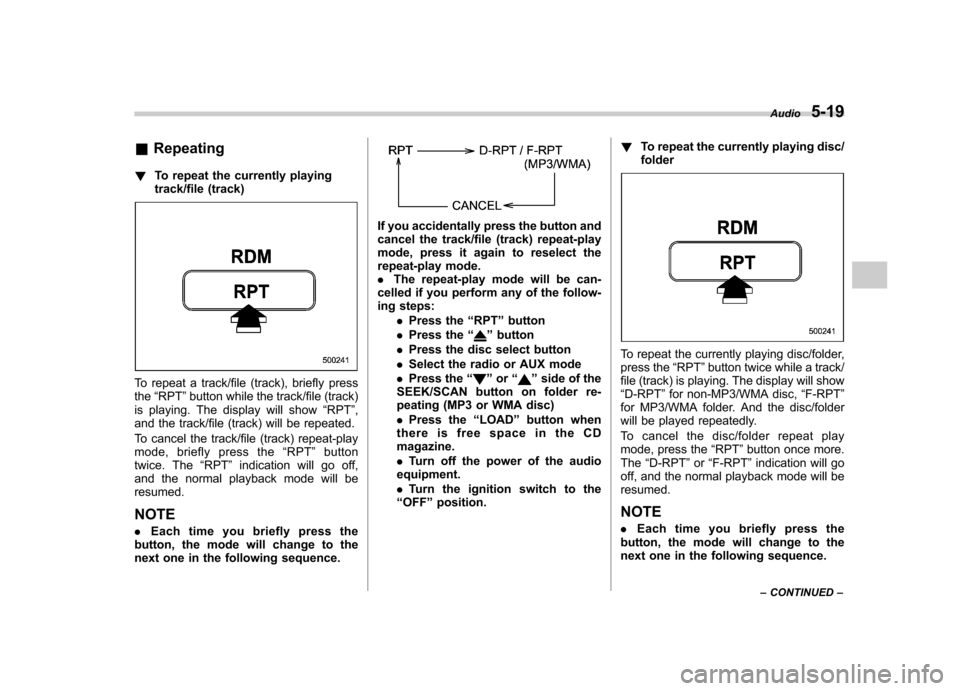
To repeat a track/file (track), briefly press the“RPT ”button while the track/file (track)
is playing. The display will show “RPT ”,
and the track/file (track) will be repeated.
To cancel the track/file (track) repeat-play
mode, briefly press the “RPT ”button
twice. The “RPT ”indication will go off,
and the normal playback mode will beresumed.
NOTE . Each time you briefly press the
button, the mode will change to the
next one in the following sequence.
If you accidentally press the button and
cancel the track/file (track) repeat-play
mode, press it again to reselect the
repeat-play mode.. The repeat-play mode will be can-
celled if you perform any of the follow-
ing steps:
.Press the “RPT ”button
. Press the “
”button
. Press the disc select button
. Select the radio or AUX mode
. Press the “
”or “”side of the
SEEK/SCAN button on folder re-
peating (MP3 or WMA disc) . Press the “LOAD ”button when
thereisfreespaceintheCD magazine. . Turn off the power of the audio
equipment.. Turn the ignition switch to the
“ OFF ”position. !
To repeat the currently playing disc/ folder
To repeat the currently playing disc/folder,
press the “RPT ”button twice while a track/
file (track) is playing. The display will show“ D-RPT ”for non-MP3/WMA disc, “F-RPT ”
for MP3/WMA folder. And the disc/folder
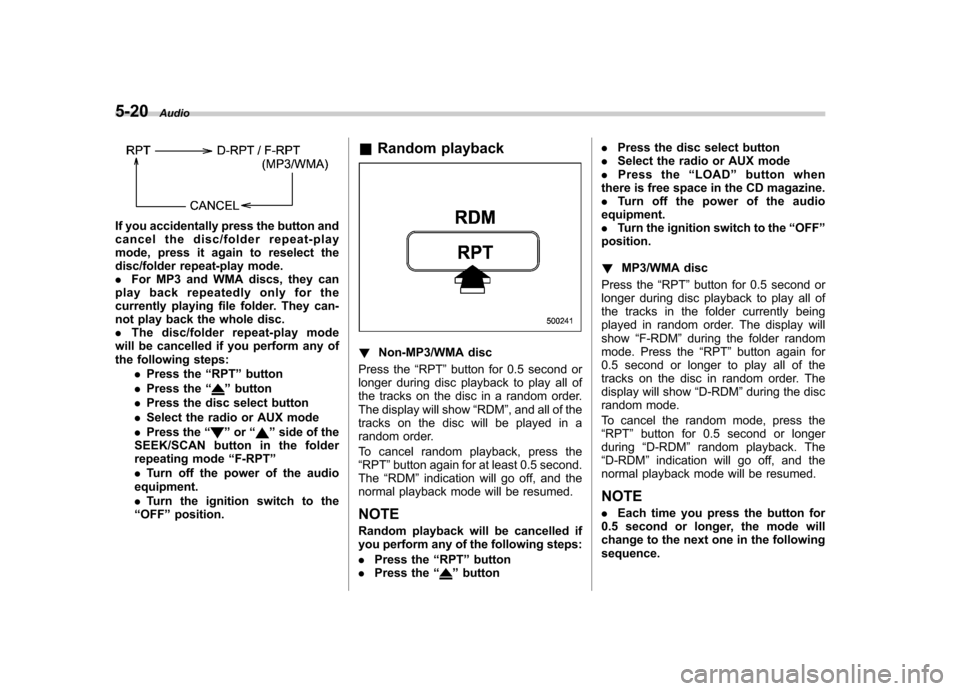
will be played repeatedly.
To cancel the disc/folder repeat play
mode, press the “RPT ”button once more.
The “D-RPT ”or “F-RPT ”indication will go
off, and the normal playback mode will beresumed.
NOTE . Each time you briefly press the
button, the mode will change to the
next one in the following sequence. Audio
5-19
– CONTINUED –
Page 207 of 442
5-20Audio
If you accidentally press the button and
cancel the disc/folder repeat-play
mode, press it again to reselect the
disc/folder repeat-play mode..For MP3 and WMA discs, they can
play back repeatedly only for the
currently playing file folder. They can-
not play back the whole disc.. The disc/folder repeat-play mode
will be cancelled if you perform any of
the following steps:
.Press the “RPT ”button
. Press the “
”button
. Press the disc select button
. Select the radio or AUX mode
. Press the “
”or “”side of the
SEEK/SCAN button in the folder
repeating mode “F-RPT ”
. Turn off the power of the audio
equipment. . Turn the ignition switch to the
“ OFF ”position. &
Random playback
! Non-MP3/WMA disc
Press the “RPT ”button for 0.5 second or
longer during disc playback to play all of
the tracks on the disc in a random order.
The display will show “RDM ”, and all of the
tracks on the disc will be played in a
random order.
To cancel random playback, press the “ RPT ”button again for at least 0.5 second.
The “RDM ”indication will go off, and the
normal playback mode will be resumed.
NOTE
Random playback will be cancelled if
you perform any of the following steps: . Press the “RPT ”button
. Press the “
”button .
Press the disc select button
. Select the radio or AUX mode
. Press the “LOAD ”button when
there is free space in the CD magazine. . Turn off the power of the audio
equipment.. Turn the ignition switch to the “OFF ”
position. ! MP3/WMA disc
Press the “RPT ”button for 0.5 second or
longer during disc playback to play all of
the tracks in the folder currently being
played in random order. The display willshow “F-RDM ”during the folder random
mode. Press the “RPT ”button again for
0.5 second or longer to play all of the
tracks on the disc in random order. The
display will show “D-RDM ”during the disc
random mode.
To cancel the random mode, press the “ RPT ”button for 0.5 second or longer
during “D-RDM ”random playback. The
“ D-RDM ”indication will go off, and the
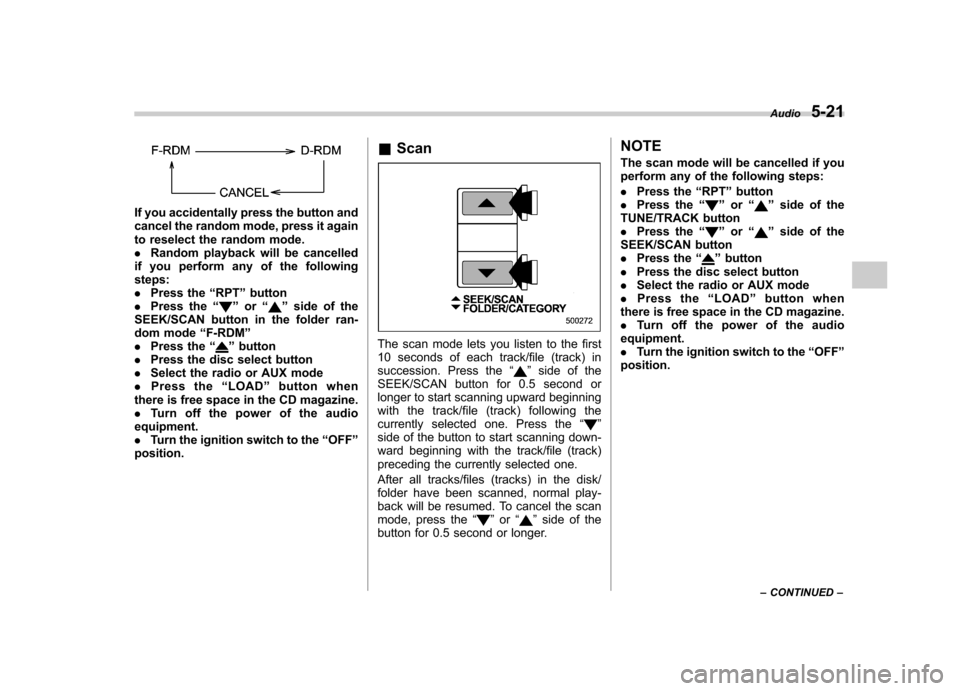
normal playback mode will be resumed. NOTE . Each time you press the button for
0.5 second or longer, the mode will
change to the next one in the followingsequence.
Page 208 of 442
If you accidentally press the button and
cancel the random mode, press it again
to reselect the random mode..Random playback will be cancelled
if you perform any of the followingsteps:. Press the “RPT ”button
. Press the “
”or “”side of the
SEEK/SCAN button in the folder ran-
dom mode “F-RDM ”
. Press the “
”button
. Press the disc select button
. Select the radio or AUX mode
. Press the “LOAD ”button when
there is free space in the CD magazine. . Turn off the power of the audio
equipment.. Turn the ignition switch to the “OFF ”
position. &
ScanThe scan mode lets you listen to the first
10 seconds of each track/file (track) in
succession. Press the “
”side of the
SEEK/SCAN button for 0.5 second or
longer to start scanning upward beginning
with the track/file (track) following the
currently selected one. Press the “
”
side of the button to start scanning down-
ward beginning with the track/file (track)
preceding the currently selected one.
After all tracks/files (tracks) in the disk/
folder have been scanned, normal play-
back will be resumed. To cancel the scan
mode, press the “
”or “”side of the
button for 0.5 second or longer. NOTE
The scan mode will be cancelled if you
perform any of the following steps: .
Press the “RPT ”button
. Press the “
”or “”side of the
TUNE/TRACK button . Press the “
”or “”side of the
SEEK/SCAN button . Press the “
”button
. Press the disc select button
. Select the radio or AUX mode
. Press the “LOAD ”button when
there is free space in the CD magazine. . Turn off the power of the audio
equipment.. Turn the ignition switch to the “OFF ”
position. Audio
5-21
– CONTINUED –
Page 209 of 442
5-22Audio
& Display selection
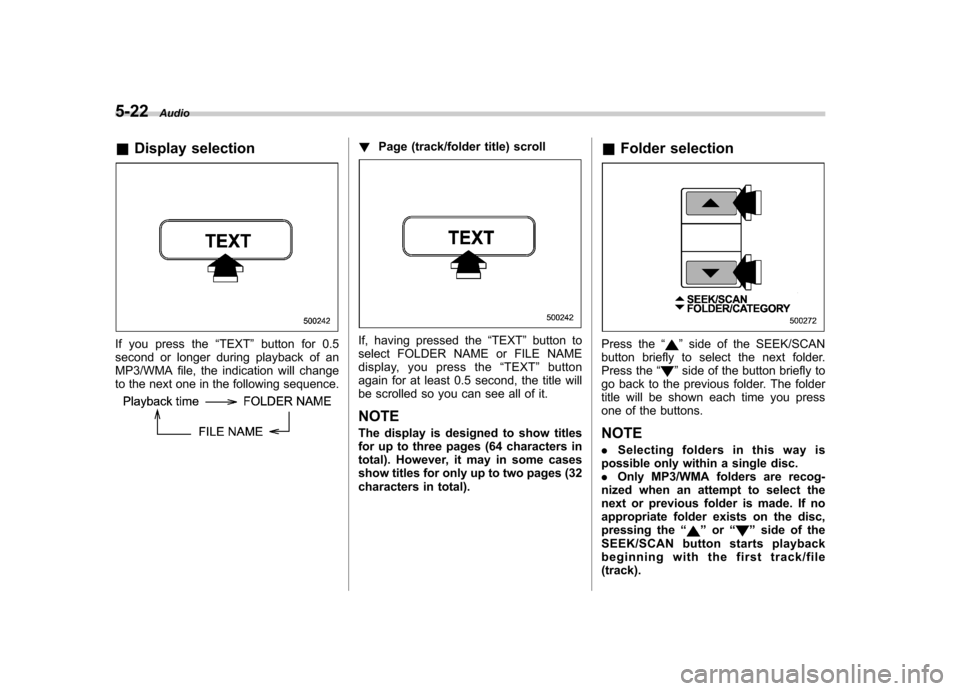
If you press the “TEXT ”button for 0.5
second or longer during playback of an
MP3/WMA file, the indication will change
to the next one in the following sequence.
! Page (track/folder title) scroll
If, having pressed the “TEXT ”button to
select FOLDER NAME or FILE NAME
display, you press the “TEXT ”button
again for at least 0.5 second, the title will
be scrolled so you can see all of it.
NOTE
The display is designed to show titles
for up to three pages (64 characters in
total). However, it may in some cases
show titles for only up to two pages (32
characters in total). &
Folder selectionPress the “”side of the SEEK/SCAN
button briefly to select the next folder.
Press the “
”side of the button briefly to
go back to the previous folder. The folder
title will be shown each time you press
one of the buttons. NOTE . Selecting folders in this way is
possible only within a single disc. . Only MP3/WMA folders are recog-
nized when an attempt to select the
next or previous folder is made. If no
appropriate folder exists on the disc,
pressing the “
”or “”side of the
SEEK/SCAN button starts playback
beginning with the first track/file(track).
Page 210 of 442
&How to eject a CD from the
player (type A)
When a disc is being played back or when
a disc is in the player, press the ejectbutton “
”. The disc will be ejected.
NOTE . Avoid driving the vehicle with a CD
sticking out, because vibration might
make it fall out.. If the disc is left ejected for more
than approximately 15 seconds after
the ignition switch is turned to the“ OFF ”position, a disc protection func-
tion will operate, automatically reload-
ing the disc. In this case, the disc is not played. &
How to eject CDs from the
player (type B)
! Ejecting a CD from the player
Of the discs loaded, you can select and
remove only one disc.
1. Use the disc select button to select the
disc to be ejected.
2. Briefly press the “”button. The
selected disc will be ejected. The disc
number indicator will flash at this time.
When you remove the ejected disc, the
disc number indicator will go off.
To remove more discs in succession,
repeat Steps 1 and 2. Audio
5-23
– CONTINUED –
Page 211 of 442
5-24Audio
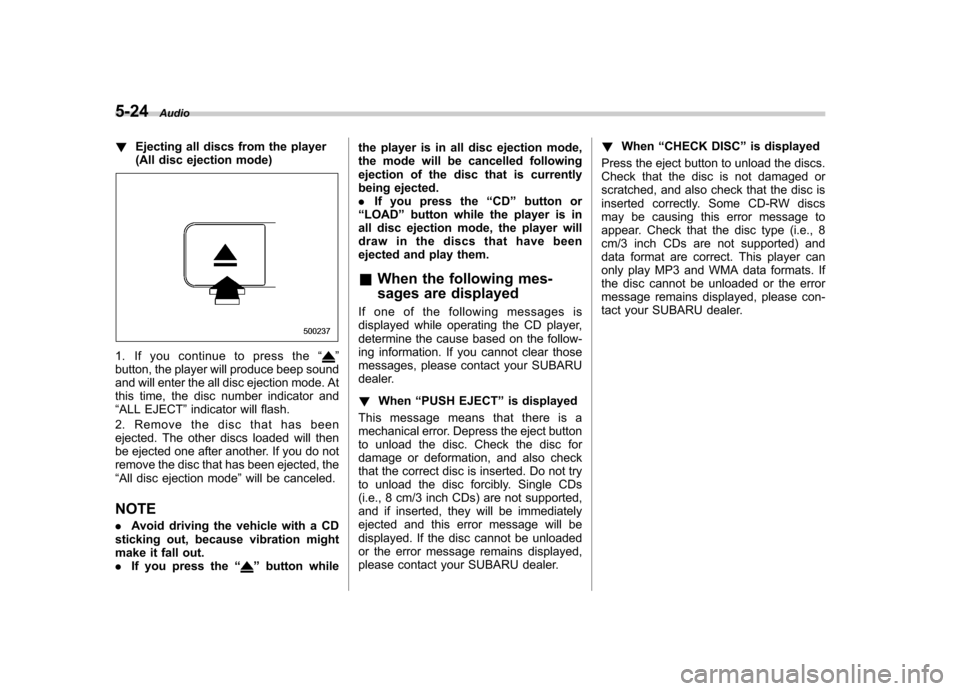
! Ejecting all discs from the player
(All disc ejection mode)
1. If you continue to press the “”
button, the player will produce beep sound
and will enter the all disc ejection mode. At
this time, the disc number indicator and“ ALL EJECT ”indicator will flash.
2. Remove the disc that has been
ejected. The other discs loaded will then
be ejected one after another. If you do not
remove the disc that has been ejected, the“ All disc ejection mode ”will be canceled.
NOTE . Avoid driving the vehicle with a CD
sticking out, because vibration might
make it fall out.. If you press the “
”button while the player is in all disc ejection mode,
the mode will be cancelled following
ejection of the disc that is currently
being ejected..
If you press the “CD ”button or
“ LOAD ”button while the player is in
all disc ejection mode, the player will
draw in the discs that have been
ejected and play them.
& When the following mes-
sages are displayed
If one of the following messages is
displayed while operating the CD player,
determine the cause based on the follow-
ing information. If you cannot clear those
messages, please contact your SUBARU
dealer. ! When “PUSH EJECT ”is displayed
This message means that there is a
mechanical error. Depress the eject button
to unload the disc. Check the disc for
damage or deformation, and also check
that the correct disc is inserted. Do not try
to unload the disc forcibly. Single CDs
(i.e., 8 cm/3 inch CDs) are not supported,
and if inserted, they will be immediately
ejected and this error message will be
displayed. If the disc cannot be unloaded
or the error message remains displayed,
please contact your SUBARU dealer. !
When “CHECK DISC ”is displayed
Press the eject button to unload the discs.
Check that the disc is not damaged or
scratched, and also check that the disc is
inserted correctly. Some CD-RW discs
may be causing this error message to
appear. Check that the disc type (i.e., 8
cm/3 inch CDs are not supported) and
data format are correct. This player can
only play MP3 and WMA data formats. If
the disc cannot be unloaded or the error
message remains displayed, please con-
tact your SUBARU dealer.
Page 212 of 442
AUX unit operation &AUX jack
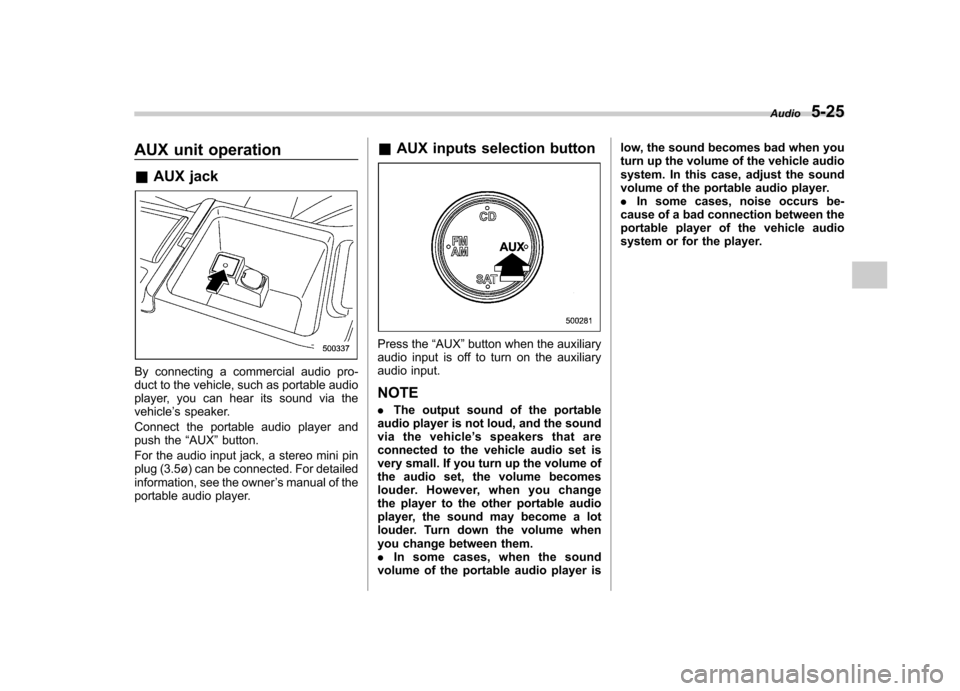
By connecting a commercial audio pro-
duct to the vehicle, such as portable audio
player, you can hear its sound via thevehicle ’s speaker.
Connect the portable audio player and
push the “AUX ”button.
For the audio input jack, a stereo mini pin
plug (3.5ø) can be connected. For detailed
information, see the owner ’s manual of the
portable audio player. &
AUX inputs selection button
Press the “AUX ”button when the auxiliary
audio input is off to turn on the auxiliary
audio input. NOTE . The output sound of the portable
audio player is not loud, and the sound
via the vehicle ’s speakers that are
connected to the vehicle audio set is
very small. If you turn up the volume of
the audio set, the volume becomes
louder. However, when you change
the player to the other portable audio
player, the sound may become a lot
louder. Turn down the volume when
you change between them.. In some cases, when the sound
volume of the portable audio player is low, the sound becomes bad when you
turn up the volume of the vehicle audio
system. In this case, adjust the sound
volume of the portable audio player..
In some cases, noise occurs be-
cause of a bad connection between the
portable player of the vehicle audio
system or for the player. Audio
5-25