change time SUBARU OUTBACK 2009 5.G User Guide
[x] Cancel search | Manufacturer: SUBARU, Model Year: 2009, Model line: OUTBACK, Model: SUBARU OUTBACK 2009 5.GPages: 447, PDF Size: 14.26 MB
Page 140 of 447
tial illumination when regular illumina-
tion (for driving) has begun. !Date/Time settings
The following items can be set or regis-
tered in the “Date/Time ”setting menu.
. Present date & time
. Birthday
. Anniversary
NOTE
To enter “Birthday ”and “Anniversary ”,
“ Present date & time ”must be set.
To enter the “Date/Time ”setting menu,
take the following steps.
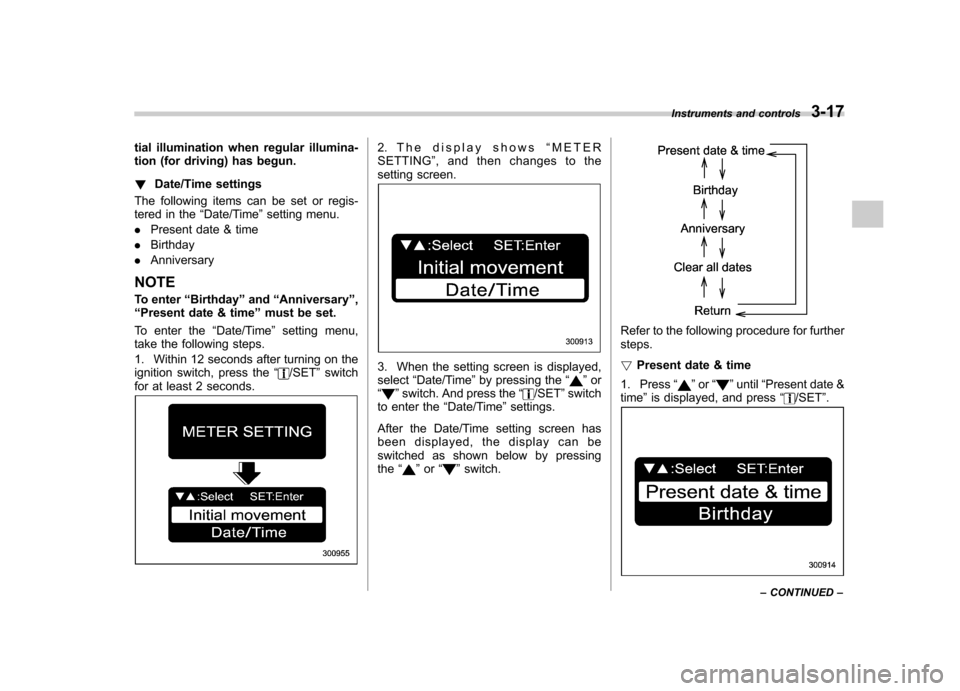
1. Within 12 seconds after turning on the
ignition switch, press the “
/SET”switch
for at least 2 seconds.
2. The display shows “METER
SETTING ”, and then changes to the
setting screen.
3. When the setting screen is displayed, select “Date/Time ”by pressing the “”or
“” switch. And press the “/SET”switch
to enter the “Date/Time ”settings.
After the Date/Time setting screen has
been displayed, the display can be
switched as shown below by pressingthe “
”or “”switch.
Refer to the following procedure for further steps. ! Present date & time
1. Press “
”or “”until “Present date &
time ”is displayed, and press “/SET”.
Instruments and controls 3-17
– CONTINUED –
Page 164 of 447
Clock (vehicle without genu-
ine SUBARU navigation sys-tem) NOTE .If your vehicle is a 2.5 L non-turbo
model equipped with the genuine
SUBARU navigation system, refer to
the Owner ’s Manual supplement for the
navigation system.. If your vehicle is a turbo model or a
3.0 L model equipped with the genuine
SUBARU navigation system, refer tothe “Clock (vehicle with genuine
SUBARU navigation system) ”in the
multi-information display (vehicle with
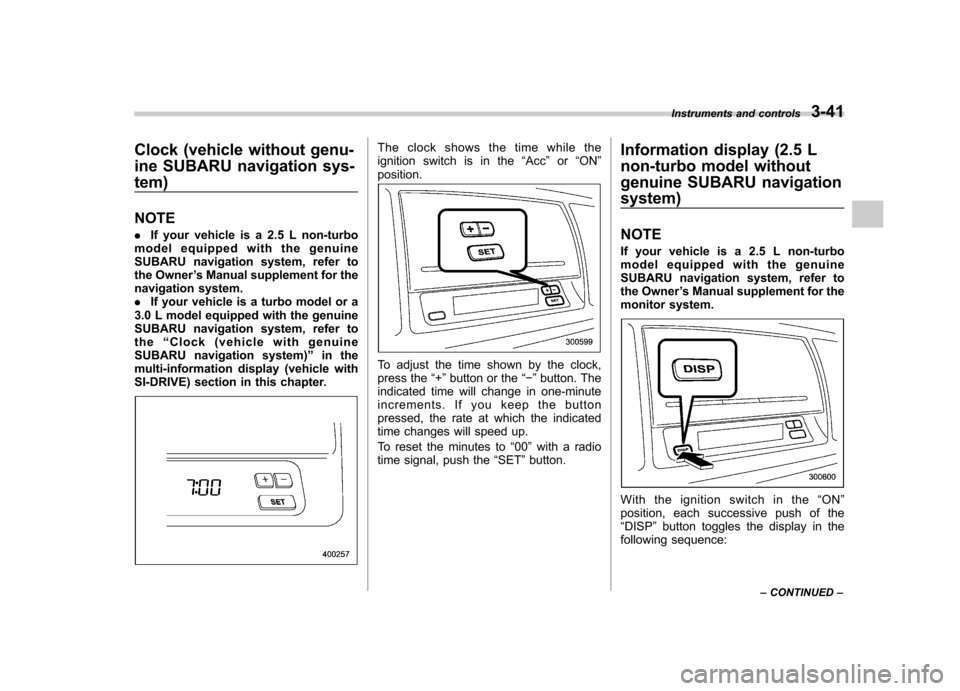
SI-DRIVE) section in this chapter.The clock shows the time while the
ignition switch is in the “Acc ”or “ON ”
position.
To adjust the time shown by the clock,
press the “+ ” button or the “ ” button. The
indicated time will change in one-minute
increments. If you keep the button
pressed, the rate at which the indicated
time changes will speed up.
To reset the minutes to “00 ”with a radio
time signal, push the “SET ”button. Information display (2.5 L
non-turbo model without
genuine SUBARU navigationsystem) NOTE
If your vehicle is a 2.5 L non-turbo
model equipped with the genuine
SUBARU navigation system, refer to
the Owner
’s Manual supplement for the
monitor system.
With the ignition switch in the “ON ”
position, each successive push of the “ DISP ”button toggles the display in the
following sequence: Instruments and controls
3-41
– CONTINUED –
Page 170 of 447
&Headlight flasher
CAUTION
Do not hold the lever in the flashing
position for more than just a fewseconds.
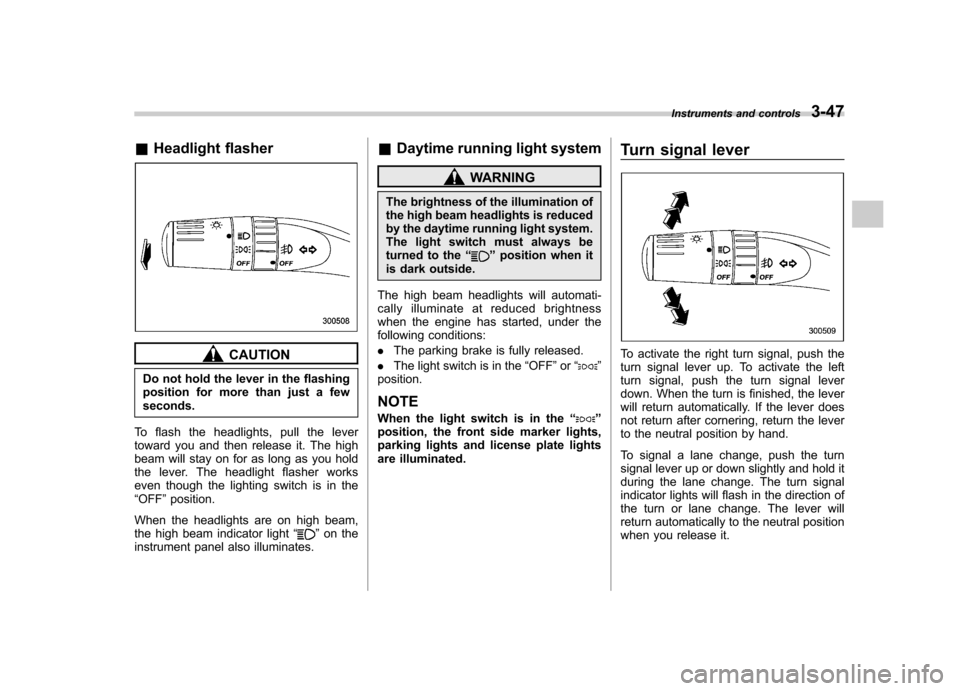
To flash the headlights, pull the lever
toward you and then release it. The high
beam will stay on for as long as you hold
the lever. The headlight flasher works
even though the lighting switch is in the“ OFF ”position.
When the headlights are on high beam,
the high beam indicator light “
”on the
instrument panel also illuminates. &
Daytime running light system
WARNING
The brightness of the illumination of
the high beam headlights is reduced
by the daytime running light system.
The light switch must always be
turned to the “
”position when it
is dark outside.
The high beam headlights will automati-
cally illuminate at reduced brightness
when the engine has started, under the
following conditions: . The parking brake is fully released.
. The light switch is in the “OFF ”or “
”
position. NOTE
When the light switch is in the “
”
position, the front side marker lights,
parking lights and license plate lights
are illuminated. Turn signal lever
To activate the right turn signal, push the
turn signal lever up. To activate the left
turn signal, push the turn signal lever
down. When the turn is finished, the lever
will return automatically. If the lever does
not return after cornering, return the lever
to the neutral position by hand.
To signal a lane change, push the turn
signal lever up or down slightly and hold it
during the lane change. The turn signal
indicator lights will flash in the direction of
the turn or lane change. The lever will
return automatically to the neutral position
when you release it.Instruments and controls
3-47
Page 178 of 447
Vehicle with automatic climate control
system
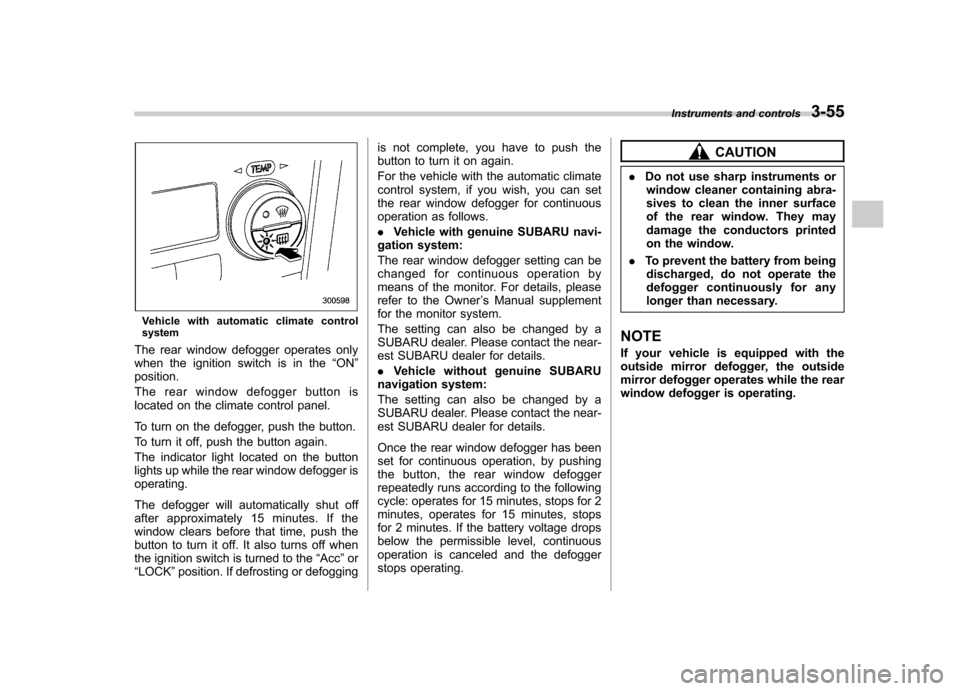
The rear window defogger operates only
when the ignition switch is in the “ON ”
position.
The rear window defogger button is
located on the climate control panel.
To turn on the defogger, push the button.
To turn it off, push the button again.
The indicator light located on the button
lights up while the rear window defogger isoperating.
The defogger will automatically shut off
after approximately 15 minutes. If the
window clears before that time, push the
button to turn it off. It also turns off when
the ignition switch is turned to the “Acc ”or
“ LOCK ”position. If defrosting or defogging is not complete, you have to push the
button to turn it on again.
For the vehicle with the automatic climate
control system, if you wish, you can set
the rear window defogger for continuous
operation as follows. .
Vehicle with genuine SUBARU navi-
gation system:
The rear window defogger setting can be
changed for continuous operation by
means of the monitor. For details, please
refer to the Owner ’s Manual supplement
for the monitor system.
The setting can also be changed by a
SUBARU dealer. Please contact the near-
est SUBARU dealer for details. . Vehicle without genuine SUBARU
navigation system:
The setting can also be changed by a
SUBARU dealer. Please contact the near-
est SUBARU dealer for details.
Once the rear window defogger has been
set for continuous operation, by pushing
the button, the rear window defogger
repeatedly runs according to the following
cycle: operates for 15 minutes, stops for 2
minutes, operates for 15 minutes, stops
for 2 minutes. If the battery voltage drops
below the permissible level, continuous
operation is canceled and the defogger
stops operating.
CAUTION
. Do not use sharp instruments or
window cleaner containing abra-
sives to clean the inner surface
of the rear window. They may
damage the conductors printed
on the window.
. To prevent the battery from being
discharged, do not operate the
defogger continuously for any
longer than necessary.
NOTE
If your vehicle is equipped with the
outside mirror defogger, the outside
mirror defogger operates while the rear
window defogger is operating. Instruments and controls
3-55
Page 195 of 447
Air filtration system
Your vehicle’s air conditioning system is
equipped with an air filtration system.
Replace the air filter element according
to the replacement schedule shown in the
following table. This schedule should be
followed to maintain the filter ’s dust
collection ability. Under extremely dusty
conditions, the filter should be replaced
more frequently. Have your filter checked
or replaced by your SUBARU dealer. For
replacement, use only a genuine
SUBARU air filter kit.
Replacement schedule: Every 12 months or 9,300 miles (15,000
km) whichever comes first
CAUTION
Contact your SUBARU dealer if the
following occurs, even if it is not yet
time to change the filter: . Reduction of the air flow through
the vents.
. Windshield gets easily fogged or
misted. NOTE
The filter can influence the air condi-
tioning, heating and defroster perfor-
mance if not properly maintained.
Climate control
4-13
Page 205 of 447
5-10Audio
FM/AM radio operation &FM/AM selection
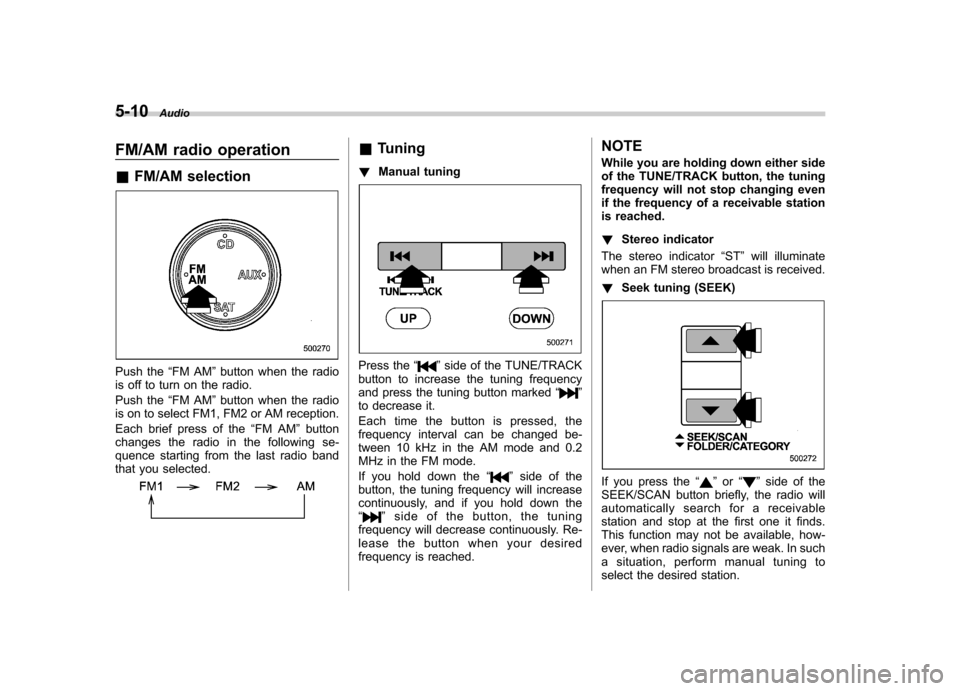
Push the “FM AM ”button when the radio
is off to turn on the radio.
Push the “FM AM ”button when the radio
is on to select FM1, FM2 or AM reception.
Each brief press of the “FM AM ”button
changes the radio in the following se-
quence starting from the last radio band
that you selected.
& Tuning
! Manual tuning
Press the “”side of the TUNE/TRACK
button to increase the tuning frequency
and press the tuning button marked “
”
to decrease it.
Each time the button is pressed, the
frequency interval can be changed be-
tween 10 kHz in the AM mode and 0.2
MHz in the FM mode.
If you hold down the “
”side of the
button, the tuning frequency will increase
continuously, and if you hold down the“
” side of the button, the tuning
frequency will decrease continuously. Re-
lease the button when your desired
frequency is reached. NOTE
While you are holding down either side
of the TUNE/TRACK button, the tuning
frequency will not stop changing even
if the frequency of a receivable station
is reached. !
Stereo indicator
The stereo indicator “ST ”will illuminate
when an FM stereo broadcast is received. ! Seek tuning (SEEK)
If you press the “”or “”side of the
SEEK/SCAN button briefly, the radio will
automatically search for a receivable
station and stop at the first one it finds.
This function may not be available, how-
ever, when radio signals are weak. In such
a situation, perform manual tuning to
select the desired station.
Page 214 of 447
&Repeating
! To repeat the currently playing
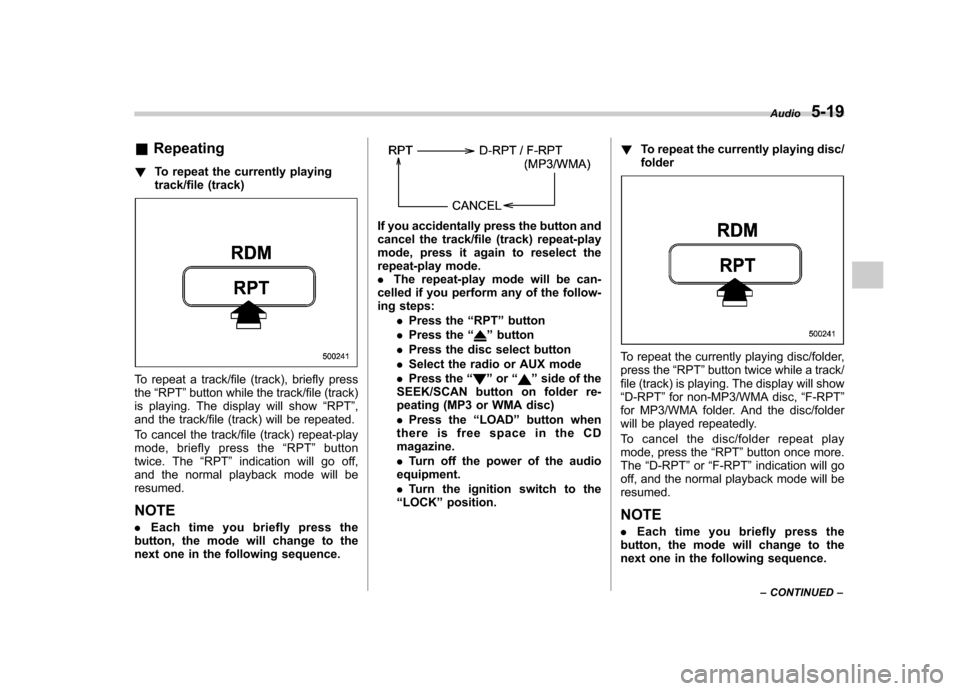
track/file (track)
To repeat a track/file (track), briefly press the“RPT ”button while the track/file (track)
is playing. The display will show “RPT ”,
and the track/file (track) will be repeated.
To cancel the track/file (track) repeat-play
mode, briefly press the “RPT ”button
twice. The “RPT ”indication will go off,
and the normal playback mode will beresumed.
NOTE . Each time you briefly press the
button, the mode will change to the
next one in the following sequence.
If you accidentally press the button and
cancel the track/file (track) repeat-play
mode, press it again to reselect the
repeat-play mode.. The repeat-play mode will be can-
celled if you perform any of the follow-
ing steps:
.Press the “RPT ”button
. Press the “
”button
. Press the disc select button
. Select the radio or AUX mode
. Press the “
”or “”side of the
SEEK/SCAN button on folder re-
peating (MP3 or WMA disc) . Press the “LOAD ”button when
thereisfreespaceintheCD magazine. . Turn off the power of the audio
equipment.. Turn the ignition switch to the
“ LOCK ”position. !
To repeat the currently playing disc/ folder
To repeat the currently playing disc/folder,
press the “RPT ”button twice while a track/
file (track) is playing. The display will show“ D-RPT ”for non-MP3/WMA disc, “F-RPT ”
for MP3/WMA folder. And the disc/folder
will be played repeatedly.
To cancel the disc/folder repeat play
mode, press the “RPT ”button once more.
The “D-RPT ”or “F-RPT ”indication will go
off, and the normal playback mode will beresumed.
NOTE . Each time you briefly press the
button, the mode will change to the
next one in the following sequence. Audio
5-19
– CONTINUED –
Page 215 of 447
5-20Audio
If you accidentally press the button and
cancel the disc/folder repeat-play
mode, press it again to reselect the
disc/folder repeat-play mode..For MP3 and WMA discs, they can
play back repeatedly only for the
currently playing file folder. They can-
not play back the whole disc.. The disc/folder repeat-play mode
will be cancelled if you perform any of
the following steps:
.Press the “RPT ”button
. Press the “
”button
. Press the disc select button
. Select the radio or AUX mode
. Press the “
”or “”side of the
SEEK/SCAN button in the folder
repeating mode “F-RPT ”
. Turn off the power of the audio
equipment. . Turn the ignition switch to the
“ LOCK ”position. &
Random playback
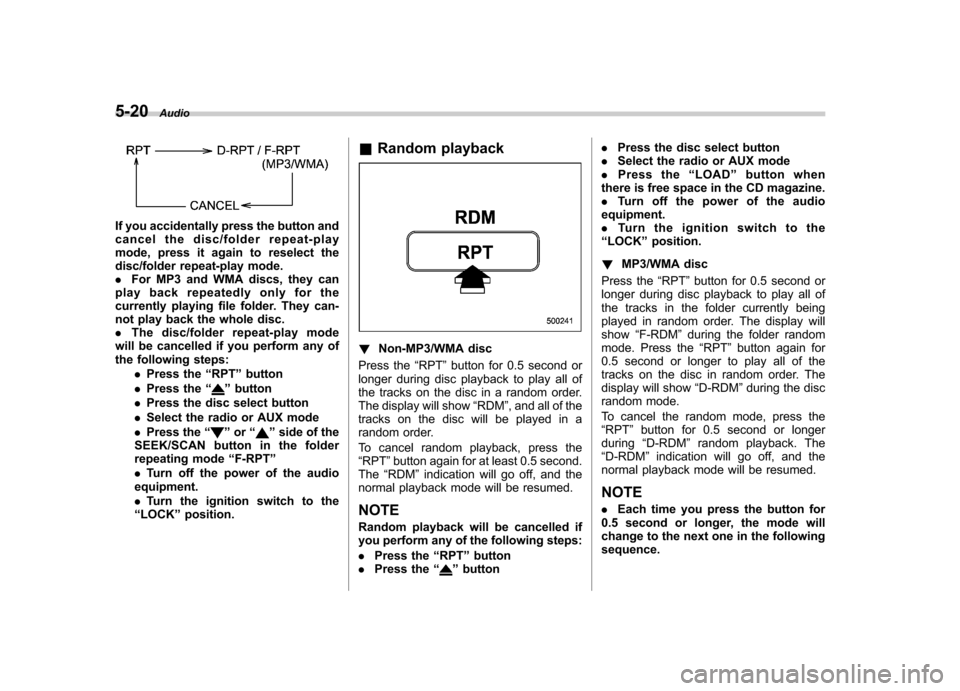
! Non-MP3/WMA disc
Press the “RPT ”button for 0.5 second or
longer during disc playback to play all of
the tracks on the disc in a random order.
The display will show “RDM ”, and all of the
tracks on the disc will be played in a
random order.
To cancel random playback, press the “ RPT ”button again for at least 0.5 second.
The “RDM ”indication will go off, and the
normal playback mode will be resumed.
NOTE
Random playback will be cancelled if
you perform any of the following steps: . Press the “RPT ”button
. Press the “
”button .
Press the disc select button
. Select the radio or AUX mode
. Press the “LOAD ”button when
there is free space in the CD magazine. . Turn off the power of the audio
equipment.. Turntheignitionswitchtothe
“ LOCK ”position.
! MP3/WMA disc
Press the “RPT ”button for 0.5 second or
longer during disc playback to play all of
the tracks in the folder currently being
played in random order. The display willshow “F-RDM ”during the folder random
mode. Press the “RPT ”button again for
0.5 second or longer to play all of the
tracks on the disc in random order. The
display will show “D-RDM ”during the disc
random mode.
To cancel the random mode, press the “ RPT ”button for 0.5 second or longer
during “D-RDM ”random playback. The
“ D-RDM ”indication will go off, and the
normal playback mode will be resumed. NOTE . Each time you press the button for
0.5 second or longer, the mode will
change to the next one in the followingsequence.
Page 217 of 447
5-22Audio
& Display selection
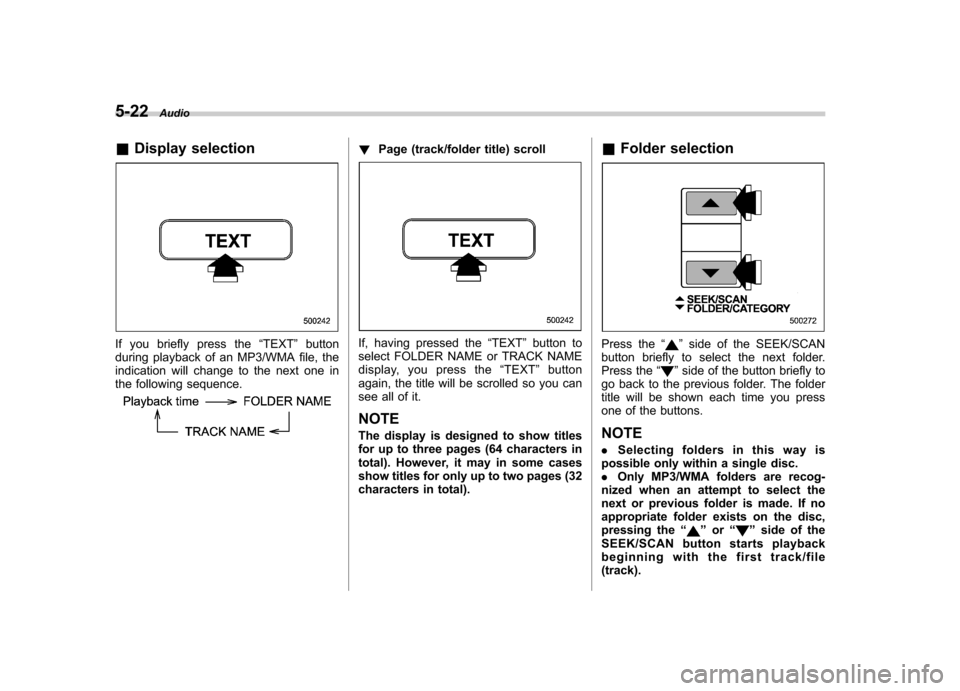
If you briefly press the “TEXT ”button
during playback of an MP3/WMA file, the
indication will change to the next one in
the following sequence.
! Page (track/folder title) scroll
If, having pressed the “TEXT ”button to
select FOLDER NAME or TRACK NAME
display, you press the “TEXT ”button
again, the title will be scrolled so you can
see all of it.
NOTE
The display is designed to show titles
for up to three pages (64 characters in
total). However, it may in some cases
show titles for only up to two pages (32
characters in total). &
Folder selectionPress the “”side of the SEEK/SCAN
button briefly to select the next folder.
Press the “
”side of the button briefly to
go back to the previous folder. The folder
title will be shown each time you press
one of the buttons. NOTE . Selecting folders in this way is
possible only within a single disc. . Only MP3/WMA folders are recog-
nized when an attempt to select the
next or previous folder is made. If no
appropriate folder exists on the disc,
pressing the “
”or “”side of the
SEEK/SCAN button starts playback
beginning with the first track/file(track).
Page 221 of 447
5-26Audio
Audio control buttons
(if equipped)
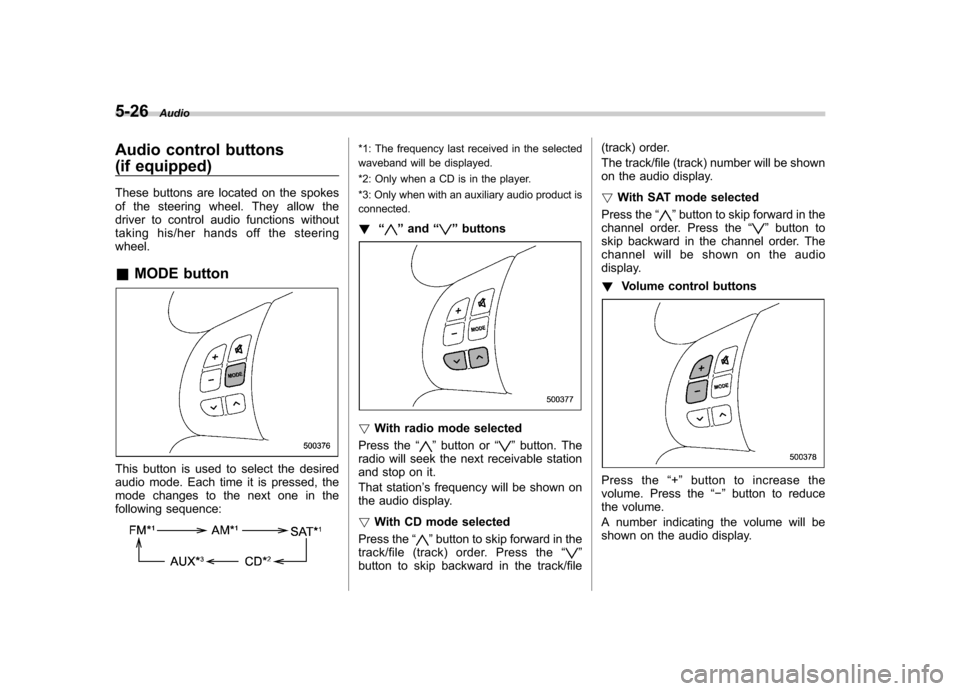
These buttons are located on the spokes
of the steering wheel. They allow the
driver to control audio functions without
taking his/her hands off the steeringwheel. &MODE button
This button is used to select the desired
audio mode. Each time it is pressed, the
mode changes to the next one in the
following sequence:
*1: The frequency last received in the selected
waveband will be displayed.
*2: Only when a CD is in the player.
*3: Only when with an auxiliary audio product is
connected. ! “
”and “”buttons
! With radio mode selected
Press the “
”button or “”button. The
radio will seek the next receivable station
and stop on it.
That station ’s frequency will be shown on
the audio display. ! With CD mode selected
Press the “
”button to skip forward in the
track/file (track) order. Press the “”
button to skip backward in the track/file (track) order.
The track/file (track) number will be shown
on the audio display. !
With SAT mode selected
Press the “
”button to skip forward in the
channel order. Press the “”button to
skip backward in the channel order. The
channel will be shown on the audio
display. ! Volume control buttons
Press the “+ ” button to increase the
volume. Press the “ ” button to reduce
the volume.
A number indicating the volume will be
shown on the audio display.