battery SUBARU SOLTERRA 2023 Owner's Manual
[x] Cancel search | Manufacturer: SUBARU, Model Year: 2023, Model line: SOLTERRA, Model: SUBARU SOLTERRA 2023Pages: 628, PDF Size: 11.91 MB
Page 100 of 628
1002-2. Charging
Owners Manual_USA_M42C01_enminate when the tr
action battery
cooler is on standby or operating.
●When the charge level of the trac-
tion battery is low, the traction bat-
tery cooler may n ot operate, even
if the temperature of the traction
battery is high.
●When the following conditions are
met while the trac tion battery
cooler is operating, the cooling
operation will stop.
• The hood is opened
• The power switch is turned to ACC or ON.
• The shift position is changed to any position other than P
• The Remote Air Conditioning Sys- tem is operated ( P.409)
• The remaining charge of the trac-
tion battery drops below a certain
amount
●The traction battery cooler oper-
ates using power s upplied by the
traction battery and an external
power source.
• While the traction battery cooler is
operating, the charge of the trac-
tion battery will increase and
decrease within a certain range,
and will not increase as during AC
charging.
• When the traction battery cooler operates, charger will recognize it
as the battery being charged. If
this function ope rates while a
charger which charges a charging
fee is connected to the vehicle,
AC charging fees will apply.
■Changing of the traction battery
cooler setting
Setting can be changed on the
multi-information display.
Use the meter control switches
( P.156) and select “Vehicle Set-
tings”, “Charging Se ttings”, “Battery
Cooler”, and change the setting.
When selecting to off, the traction
battery output may be restricted
depending on the driving situation.
To enable the use of battery
electric vehicle, we recommend
systematically charging the
vehicle.
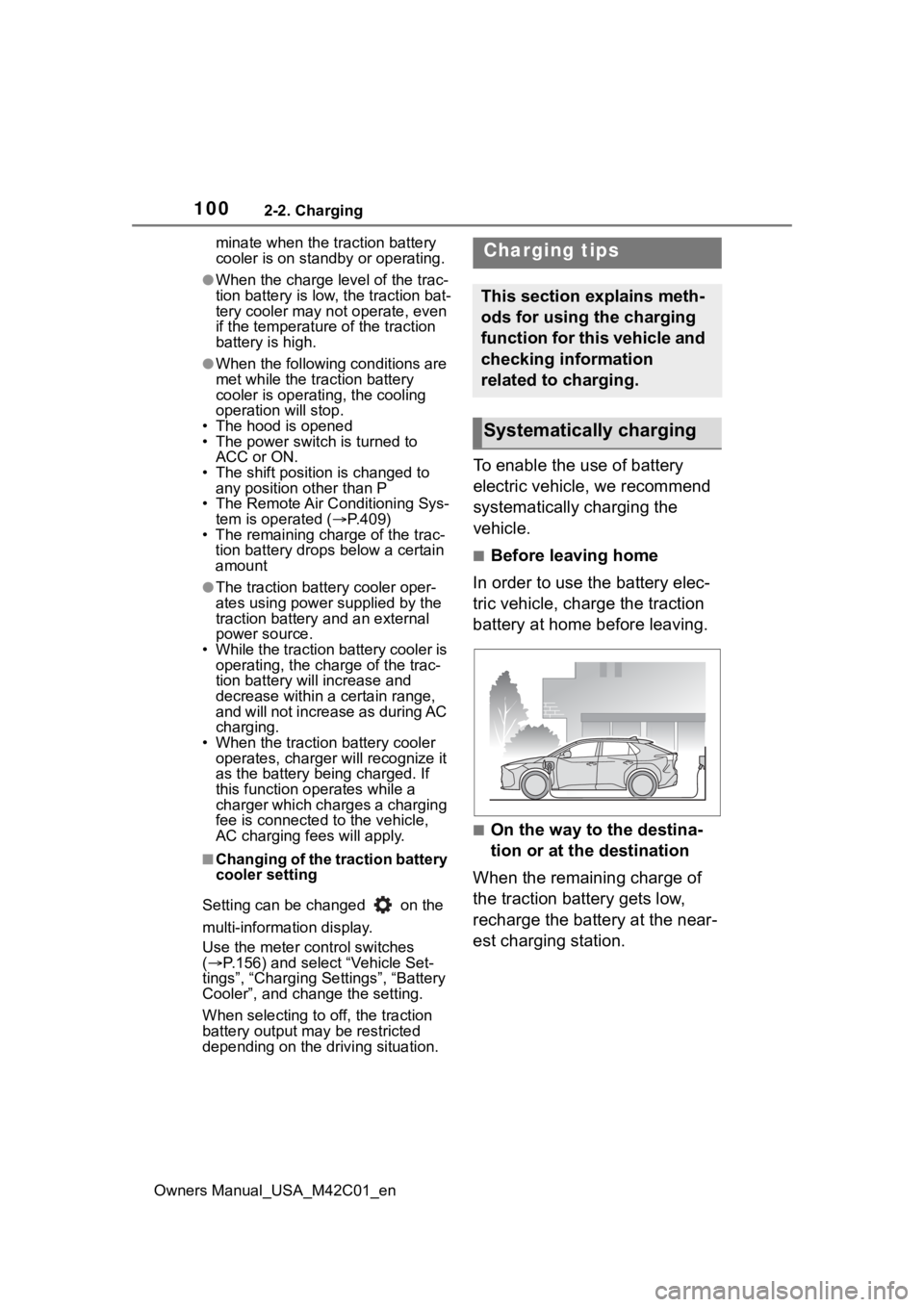
■Before leaving home
In order to use the battery elec-
tric vehicle, charge the traction
battery at home before leaving.
■On the way to the destina-
tion or at the destination
When the remaining charge of
the traction battery gets low,
recharge the battery at the near-
est charging station.
Charging tips
This section explains meth-
ods for using the charging
function for this vehicle and
checking information
related to charging.
Systematically charging
Page 101 of 628
1012-2. Charging
Owners Manual_USA_M42C01_en
2
Electric Vehicle system
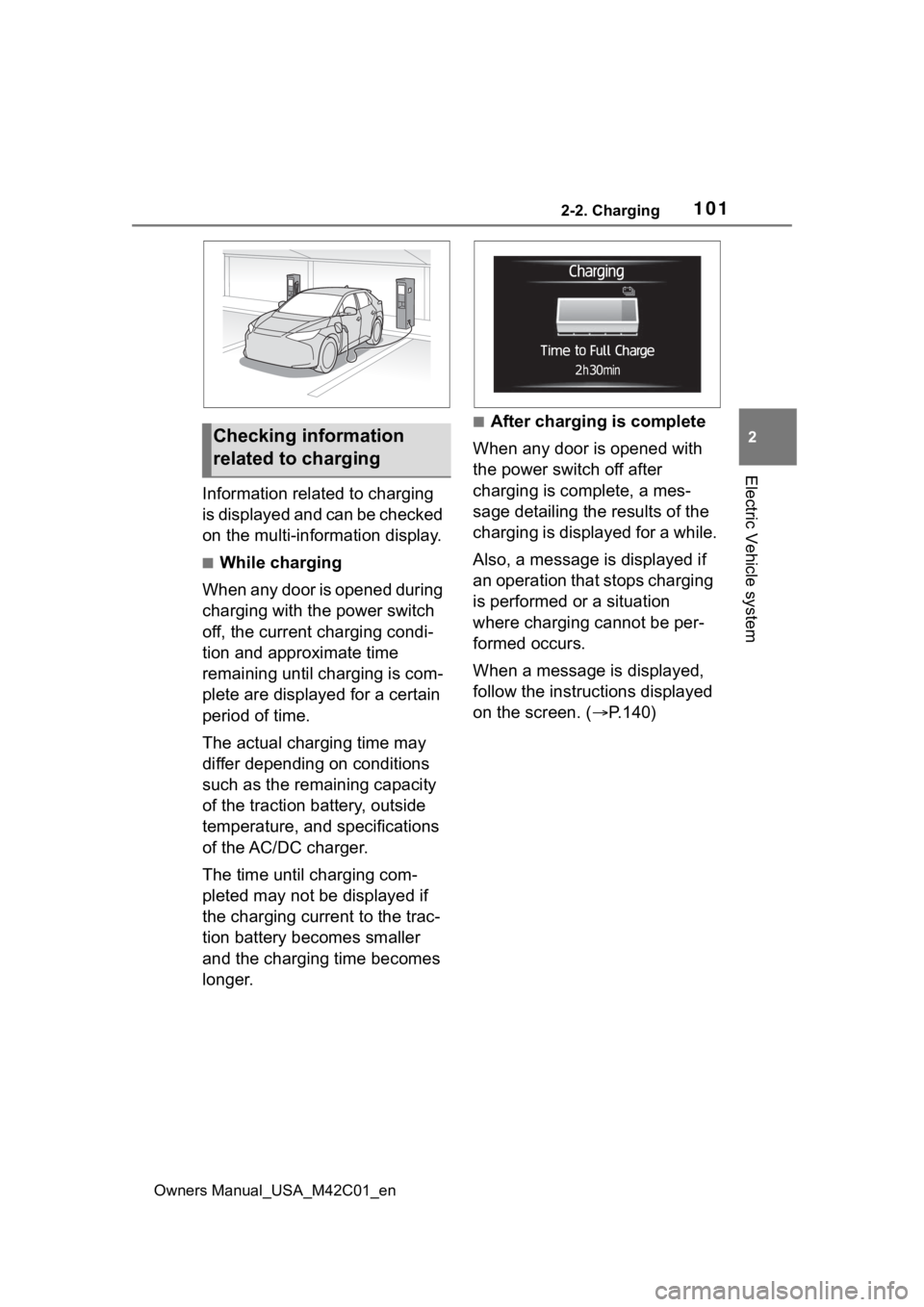
Information related to charging
is displayed and can be checked
on the multi-information display.
■While charging
When any door is opened during
charging with the power switch
off, the current charging condi-
tion and approximate time
remaining until charging is com-
plete are displayed for a certain
period of time.
The actual charging time may
differ depending on conditions
such as the remaining capacity
of the traction battery, outside
temperature, and specifications
of the AC/DC charger.
The time until charging com-
pleted may not be displayed if
the charging current to the trac-
tion battery becomes smaller
and the charging time becomes
longer.
■After charging is complete
When any door is opened with
the power switch off after
charging is complete, a mes-
sage detailing the results of the
charging is displayed for a while.
Also, a message is displayed if
an operation that stops charging
is performed or a situation
where charging cannot be per-
formed occurs.
When a message is displayed,
follow the instructions displayed
on the screen. ( P.140)Checking information
related to charging
Page 103 of 628
1032-2. Charging
Owners Manual_USA_M42C01_en
2
Electric Vehicle system
Before charging, always check
the following items.
The parking brake is applied.
( P.243)
The power switch is turned to
OFF. ( P.231)
Lights such as the headlights,
emergency flashers and inte-
rior lights, etc. are turned off.
If these light switches are turned
on, then these features will con-
sume electricity, and charging time
will increase.
Before charging, make sure that
each part of the AC charging
cable is in good condition.
( P.92)
■During charging
●The charging starting time may
differ depending on the state of
the vehicle, but this does not indi-
cate a malfunction.
●During charging, sounds may be
heard from near the traction bat-
tery in accordance with the opera-
tion of the air conditioning system
or “Battery Cooler” ( P.99).
●During and after charging, the motor compartment and its sur-
rounding area in which the
onboard traction battery charger is
installed may get warm.
●The surface of the CCID
(Charging Circuit Interrupting
Device) may become hot, but this
does not indicate a malfunction.
●Depending on radio wave condi-
tions, interference may be heard
on the radio.
■When charging using a public
charging facility
●When charging using a public
charging facility, check the setting
of the charging schedule function.
• When the charging schedule is registered, temporarily turn off the
function or turn “ Charge Now” on.
( P. 1 1 9 )
• When the charging schedule is set to on, charging will not start even
if the AC charging cable is con-
nected. Also, charging fee may
occur due to connection of the AC
charging cable.
■Capacity reduction of the trac-
tion battery
The capacity of the traction battery
will decline gradually when the trac-
tion battery is in use. The rate at
which it declines will differ in accor-
dance with environmental conditions
and the way in which the vehicle is
used. Observing the following can
help suppress the decline in the
traction battery capacity.
●Avoid parking the vehicle in high
temperature areas, under direct
sunlight when the traction battery
is fully charged.
●Avoid accelerating and decelerat-
ing frequently and suddenly.
●Avoid frequent d riving at high
speed.
●Use the charging schedule func-
tion as much as possible in order
to fully charged the traction bat-
tery before starting off. ( P. 1 1 8 )
NOTICE
●When charging with a charger,
follow the procedures for using
each charger.
Confirm the following
before charging
Inspecting the AC
charging cable
Page 104 of 628
1042-2. Charging
Owners Manual_USA_M42C01_en
●Avoid frequent DC charging
Also, if the capacit y of the traction
battery capacity reduces, the dis-
tance that can be driven decreases.
However, vehicle performance does
not significantly become worse.
■When the remaining charge of
the traction battery is low after
charging
In the following situations, the
remaining charge of the traction bat-
tery after charging completes may
be less than normal in order to pro-
tect the traction bat tery (the driving
range after the battery is fully
charged may be shorter).
*
●Charging is perf ormed when the
outside temperature is low or high
●Charging is perf ormed immedi-
ately after high-l oad driving or in
extreme heat
In any other situati on, if the remain-
ing charge of the traction battery is
significantly lower than normal after
charging completes, have the vehi-
cle inspected by your Toyota dealer.
*: When this occurs, even if the remaining charge display of the
traction battery shows that it is
fully charged, the remaining
charge rapidly decreases faster
than normal.
■When the charging amount sent
to the traction battery
decreases
When the amount of power supplied
by the charger is low or operation of
the battery heater, etc., reduces the
charging power sent to the traction
battery, the charging amount sent to
the traction battery may decrease.
■Certification
This device complies with Part 15 of
the FCC Rules. Operation is subject
to the following two conditions:
(1) this device may not cause harm- ful interference, and (2) this device
must accept any interference
received, including interference that
may cause undesired operation.
■Charging time may increase
In the following situ ations, charging
time may become longer than nor-
mal:
●In very hot or very cold tempera-
tures.
●When the traction battery
becomes hot, such as immedi-
ately after high-load driving.
●The vehicle is consuming a lot of
electricity, for e xample, when the
headlights are on, etc.
●When using “My Room Mode”.
( P.129)
●There is a power outage during
charging.
●There is an interruption in the
electrical supply.
●There is a drop in the voltage of
external power source.
●The charge in the 12-volt battery
is low, for example due to the
vehicle being left unused for a
long period of time.
●When the upper limit of charging
current is changed in the charging
current setting of the vehicle
( P.108)
●When the battery heater operates.
( P. 9 9 )
●When the “Battery Cooler” is oper-
ated before charging. ( P. 9 9 )
●When the plug generates heat
due to a loose outlet connection,
etc.
●When adjusting the power supply
with the charger.
●When frequently and repeatedly
using DC charging.
●When selecting “DC charging
power” setting other than “MAX”.
●When the temperature of
charging-related parts is high.
Page 105 of 628
1052-2. Charging
Owners Manual_USA_M42C01_en
2
Electric Vehicle system
■Charging electricity
This vehicle can be charged up to
approximately 7 kW.
However, depending on the used
charger or AC charging cable,
charging electrici ty may be limited.How to use AC
charging
This section explains the
procedure for charging the
traction battery with an AC
charging cable.
When using an AC charger,
make sure to check the
operation instructions of
the AC charger.
When the charging sched-
ule is registered, make sure
“Charge Now” is turned on
before charging. ( P.124,
128)
NOTICE
■When using the AC charging
cable and related parts
To prevent damage to the AC
charging cable and related parts,
observe the following precautions.
●When interrupting or canceling
charging, remove the charging
connector before removing the
plug.
●When removing the AC
charging cable, check that the
charging connector is unlocked.
●Do not forcefully pull the
charging connector cap and AC
charging inlet cap.
●Do not apply a vibration to the
charging connector while
charging. Charging may be
stopped.
●Do not insert anything but the
charging connector into the AC
charging inlet.
Page 109 of 628
1092-2. Charging
Owners Manual_USA_M42C01_en
2
Electric Vehicle system
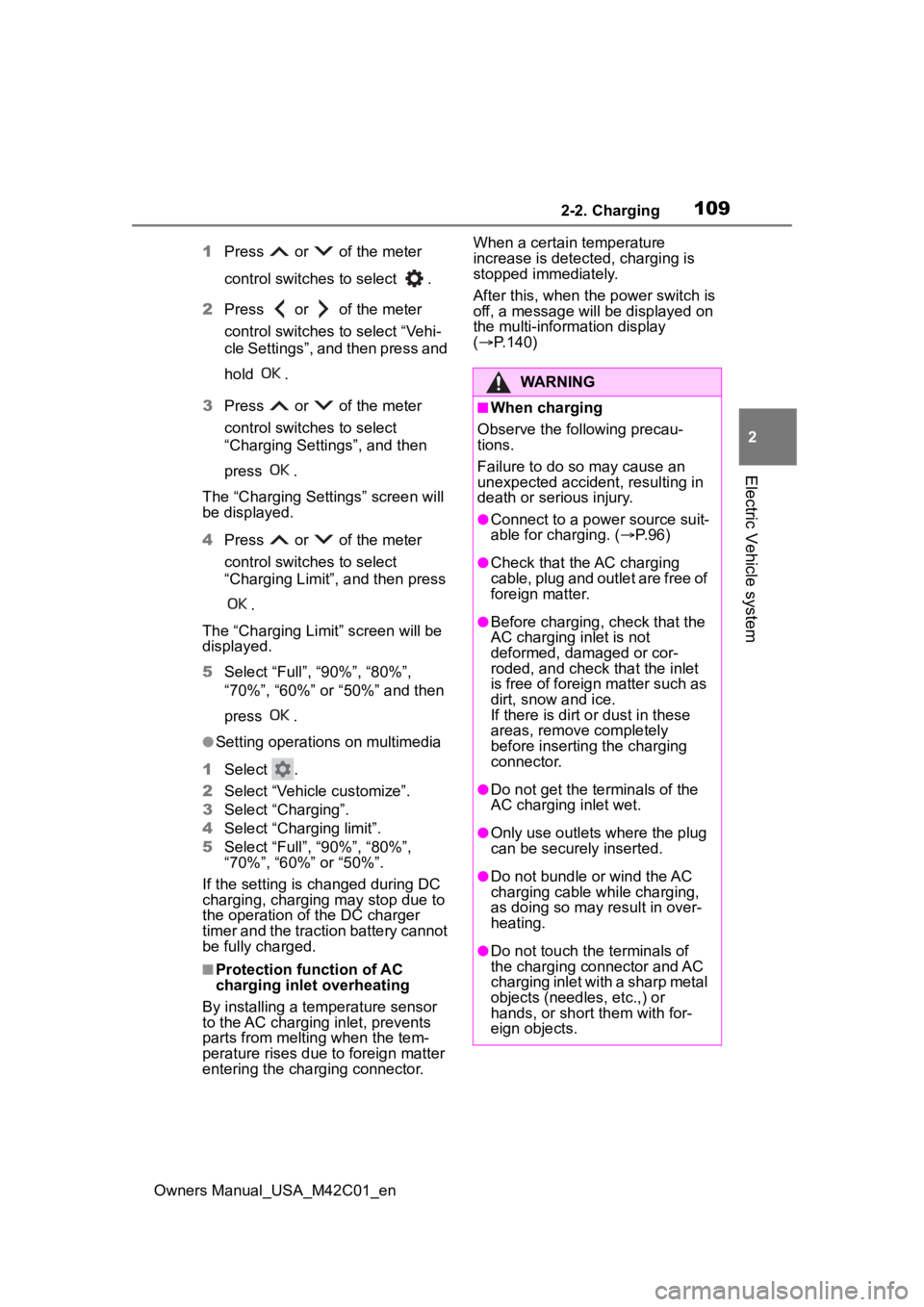
1 Press or of the meter
control switches to select .
2 Press or of the meter
control switches to select “Vehi-
cle Settings”, and then press and
hold .
3 Press or of the meter
control switches to select
“Charging Settings”, and then
press .
The “Charging Sett ings” screen will
be displayed.
4 Press or of the meter
control switches to select
“Charging Limit”, and then press
.
The “Charging Limit” screen will be
displayed.
5 Select “Full”, “90%”, “80%”,
“70%”, “60%” or “50%” and then
press .
●Setting operations on multimedia
1 Select .
2 Select “Vehicle customize”.
3 Select “Charging”.
4 Select “Charging limit”.
5 Select “Full”, “90%”, “80%”,
“70%”, “60%” or “50%”.
If the setting is changed during DC
charging, charging may stop due to
the operation of the DC charger
timer and the traction battery cannot
be fully charged.
■Protection function of AC
charging inlet overheating
By installing a temp erature sensor
to the AC charging inlet, prevents
parts from melting when the tem-
perature rises due to foreign matter
entering the charging connector. When a certain temperature
increase is detected, charging is
stopped immediately.
After this, when the power switch is
off, a message will be displayed on
the multi-information display
(
P.140)
WARNING
■When charging
Observe the following precau-
tions.
Failure to do so may cause an
unexpected accident, resulting in
death or serious injury.
●Connect to a power source suit-
able for charging. ( P. 9 6 )
●Check that the AC charging
cable, plug and outlet are free of
foreign matter.
●Before charging, check that the
AC charging inlet is not
deformed, damaged or cor-
roded, and check that the inlet
is free of foreign matter such as
dirt, snow and ice.
If there is dirt or dust in these
areas, remove completely
before inserting the charging
connector.
●Do not get the te rminals of the
AC charging inlet wet.
●Only use outlets where the plug
can be securely inserted.
●Do not bundle or wind the AC
charging cable while charging,
as doing so may result in over-
heating.
●Do not touch the terminals of
the charging connector and AC
charging inlet with a sharp metal
objects (needles, etc.,) or
hands, or short them with for-
eign objects.
Page 111 of 628
1112-2. Charging
Owners Manual_USA_M42C01_en
2
Electric Vehicle system
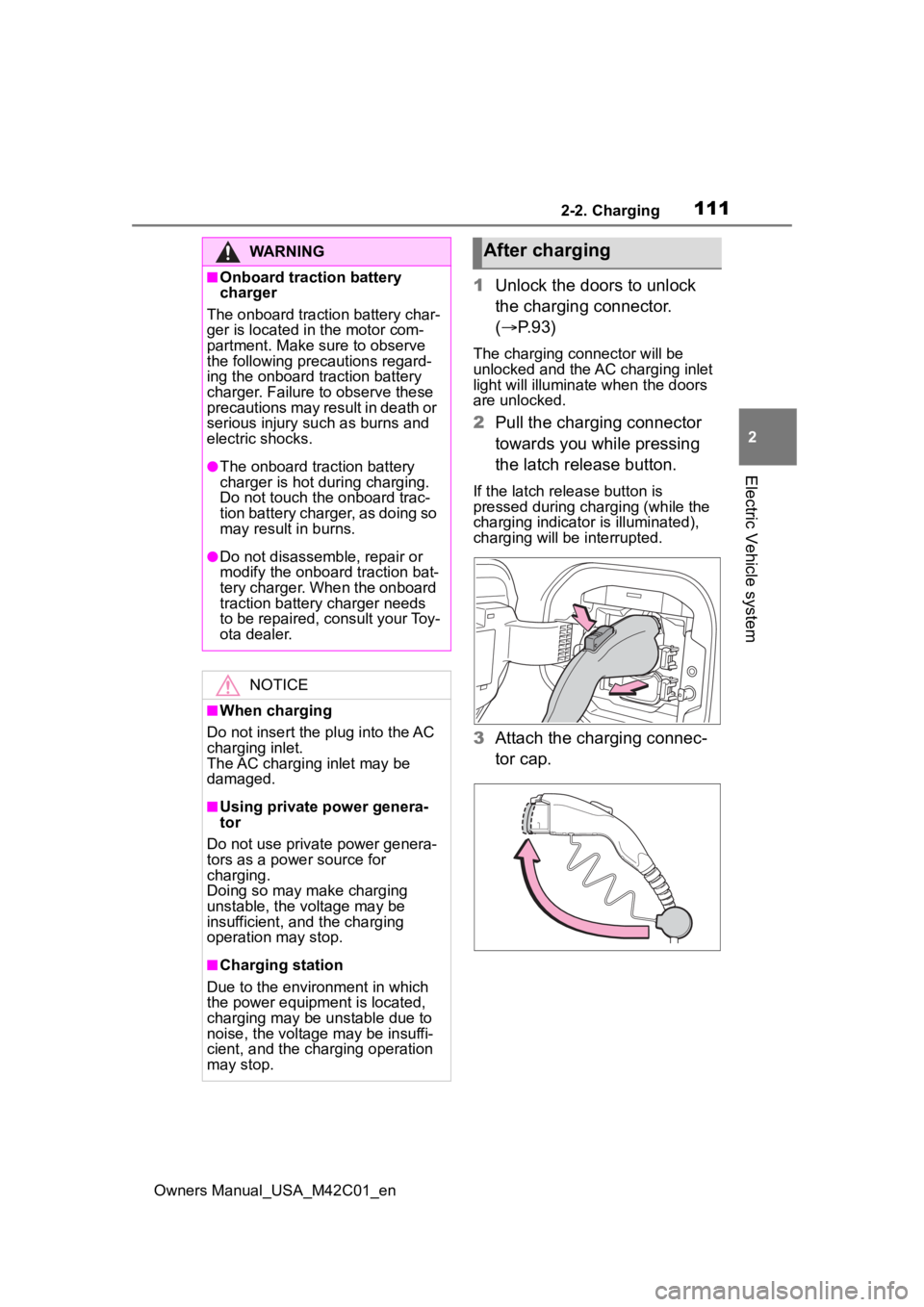
1 Unlock the doors to unlock
the charging connector.
( P.93)
The charging connector will be
unlocked and the AC charging inlet
light will illuminate when the doors
are unlocked.
2Pull the charging connector
towards you while pressing
the latch release button.
If the latch release button is
pressed during charging (while the
charging indicator is illuminated),
charging will be interrupted.
3 Attach the charging connec-
tor cap.
WARNING
■Onboard traction battery
charger
The onboard traction battery char-
ger is located in the motor com-
partment. Make sure to observe
the following precautions regard-
ing the onboard traction battery
charger. Failure to observe these
precautions may result in death or
serious injury suc h as burns and
electric shocks.
●The onboard traction battery
charger is hot during charging.
Do not touch the onboard trac-
tion battery charger, as doing so
may result in burns.
●Do not disassemble, repair or
modify the onboard traction bat-
tery charger. When the onboard
traction battery charger needs
to be repaired, consult your Toy-
ota dealer.
NOTICE
■When charging
Do not insert the p lug into the AC
charging inlet.
The AC charging inlet may be
damaged.
■Using private power genera-
tor
Do not use private power genera-
tors as a power source for
charging.
Doing so may make charging
unstable, the voltage may be
insufficient, and the charging
operation may stop.
■Charging station
Due to the environment in which
the power equipme nt is located,
charging may be unstable due to
noise, the voltage may be insuffi-
cient, and the charging operation
may stop.
After charging
Page 112 of 628
1122-2. Charging
Owners Manual_USA_M42C01_en
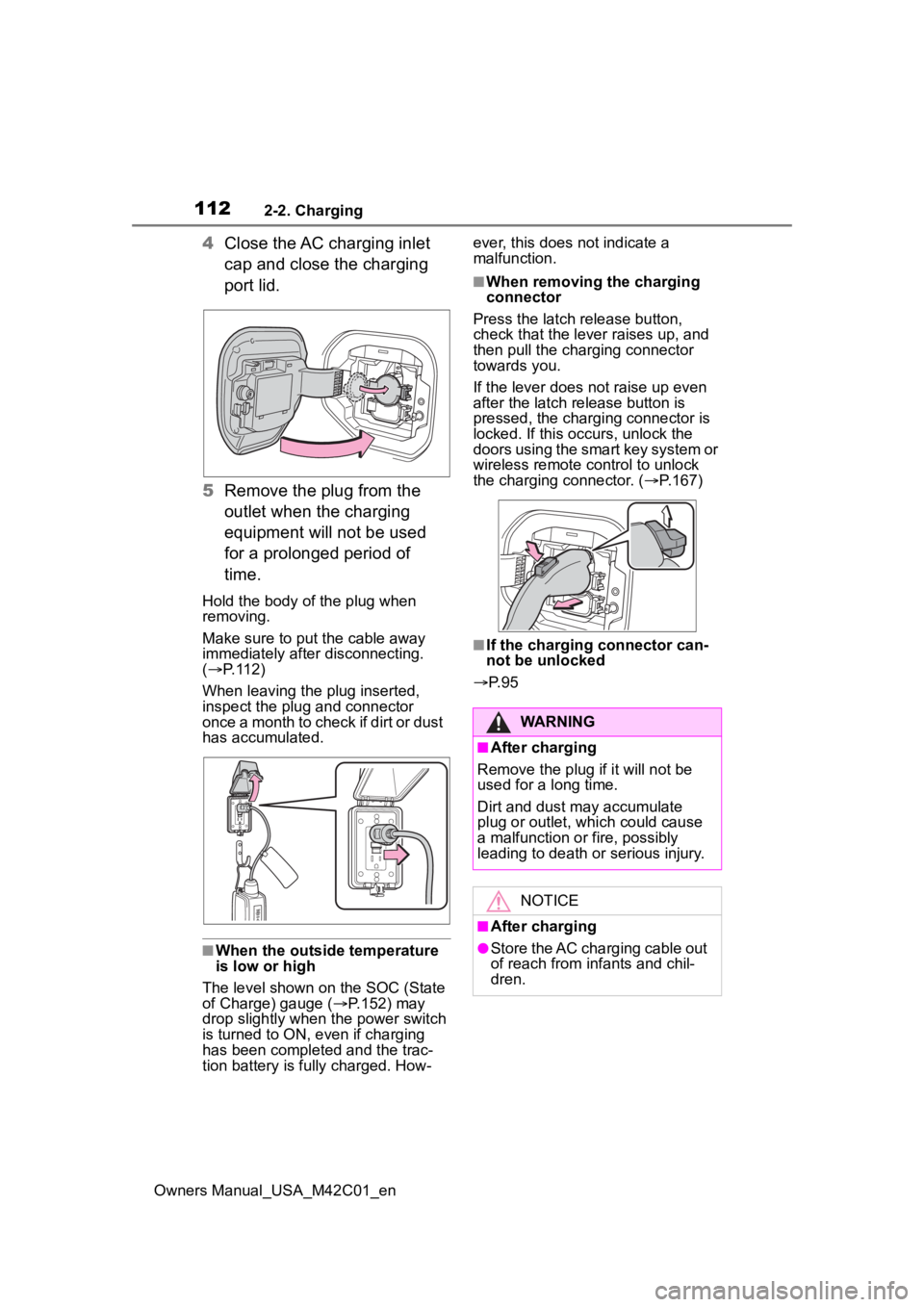
4Close the AC charging inlet
cap and close the charging
port lid.
5 Remove the plug from the
outlet when the charging
equipment will not be used
for a prolonged period of
time.
Hold the body of the plug when
removing.
Make sure to put the cable away
immediately afte r disconnecting.
( P. 1 1 2 )
When leaving the plug inserted,
inspect the plug and connector
once a month to check if dirt or dust
has accumulated.
■When the outside temperature
is low or high
The level shown on the SOC (State
of Charge) gauge ( P.152) may
drop slightly when the power switch
is turned to ON, e ven if charging
has been completed and the trac-
tion battery is fully charged. How- ever, this does not indicate a
malfunction.
■When removing the charging
connector
Press the latch release button,
check that the lever raises up, and
then pull the charging connector
towards you.
If the lever does not raise up even
after the latch release button is
pressed, the charging connector is
locked. If this occurs, unlock the
doors using the smart key system or
wireless remote control to unlock
the charging connector. ( P.167)
■If the charging connector can-
not be unlocked
P. 9 5
WARNING
■After charging
Remove the plug if it will not be
used for a long time.
Dirt and dust may accumulate
plug or outlet, which could cause
a malfunction or fire, possibly
leading to death or serious injury.
NOTICE
■After charging
●Store the AC charging cable out
of reach from infants and chil-
dren.
Page 113 of 628
1132-2. Charging
Owners Manual_USA_M42C01_en
2
Electric Vehicle system
P.102
1 Open the charging port lid.
( P.85)
The charging inlet light will illumi-
NOTICE
●After removing the plug from the
outlet, keep it in a safe place
free from moisture and dust.
The AC charging cable or plug
may be damaged if the cable is
stepped on or ridden over by
the vehicle.
●After disconnecting the charging
connector from the AC charging
inlet, make sure to close the AC
charging inlet cap and close the
charging port lid.
If the AC charging inlet cap is
left open, water or foreign
objects may enter the AC
charging inlet, which could lead
to vehicle damage.
How to use DC
charging
This section explains the
DC charging procedure for
the traction battery.
When using a DC charger,
make sure to check the
operation instructions of
the DC charger.
WARNING
■When using a DC charger
Observe the following precau-
tions.
Failure to do so may cause an
unexpected accident, resulting in
death or serious injury.
●Use a SAE J 1772 compliant
DC charger.
●Do not use the charging cable
longer than 30 meters.
Confirm the following
before charging
When charging
Page 115 of 628
1152-2. Charging
Owners Manual_USA_M42C01_en
2
Electric Vehicle system
cannot be hear d due to noise
occurrence during DC charging
●As the battery approaches full
charge, the charging speed will
decrease and it will take longer to
complete charging.
●The time to complete charging
may change, or charging may
stop before reaching the upper
limit of the charge capacity, due to
the remaining charge of the trac-
tion battery, the outside tempera-
ture, the specifications of the
charger (stand), etc.
●It is recommended to avoid fre-
quent DC charging to prevent a
decline in the traction battery
capacity.
●Quickly move from the DC
charging space for other users
after the DC charging is com-
pleted.
■How to set the DC charging
power
You can change the DC charging
power limit on the multi-information
display or multimedia.
●Setting operations on multi-infor-
mation display
1 Press or of the meter
control switches to select .
2 Press or of the meter
control switches to select “Vehi-
cle Settings”, and then press and
hold .
3 Press or of the meter
control switches to select
“Charging Settings”, and then
press .
The “Charging Sett ings” screen will
be displayed.
4 Press or of the meter
control switches to select “DC charging power”, and then press
.
The “DC charging power” screen
will be displayed.
5 Press or of the meter
control switches to select the
charging power from “MAX”,
“125kW”, “100kW”, “75kW”,
“50kW” and then press .
*The maximum power when
charging is limited to the selected
power or less.
If “MAX” is selected , the vehicle will
be charged with the maximum
power that can be charged.
●Setting operations on multimedia
1 Select .
2 Select “Vehicle customize”.
3 Select “Charging”.
4 Select “DC charging power”.
5 Select from “MAX”, “125kW”,
“100kW”, “75kW”, “50kW”.
*The maximum power when
charging is limited to the selected
power or less.
If “MAX” is selected , the vehicle will
be charged with the maximum
power that can be charged.
■Changing the “Cha rging Limit”
settings
P.108
■If “Check Charging System
Close Charging Port Lid See
Owner’s Manual” is displayed
on the multi-information display
If the system check after DC
charging is not completed success-
fully, the EV system will not start
even if the power switch is pressed
while depressing the brake pedal.
Perform a system check with the fol-
lowing procedures.