qt switch SUZUKI GRAND VITARA 2015 Repair Manual
[x] Cancel search | Manufacturer: SUZUKI, Model Year: 2015, Model line: GRAND VITARA, Model: SUZUKI GRAND VITARA 2015Pages: 482, PDF Size: 21 MB
Page 123 of 482
2-101
BEFORE DRIVING
54P00-01E
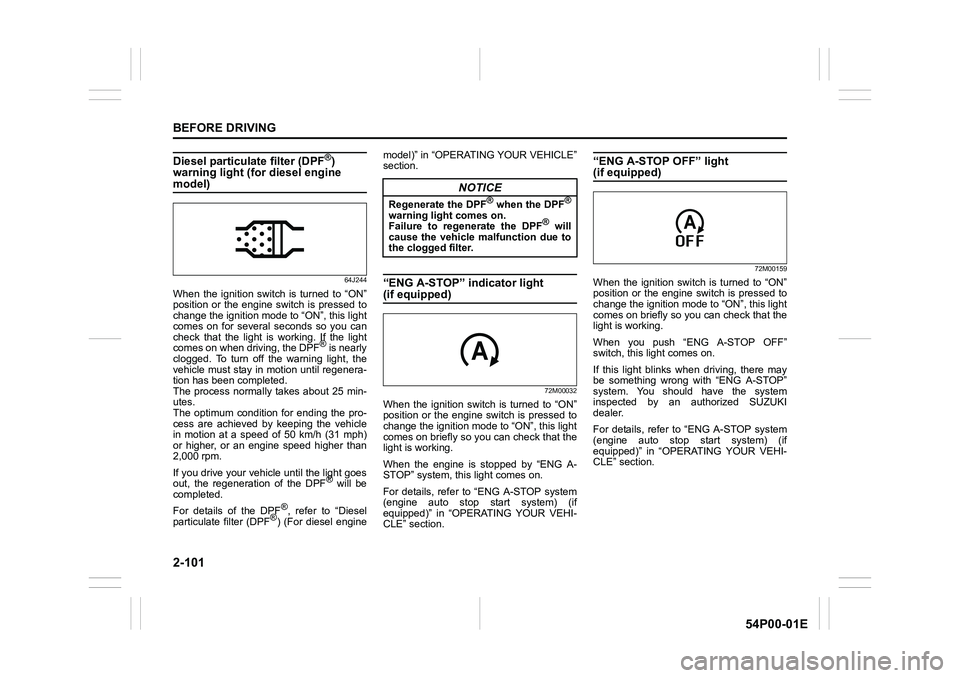
Diesel particulate filter (DPF®)
warning light (for diesel engine
model)
64J244
When the ignition switch is turned to “ON”
position or the engine switch is pressed to
change the ignition mode to “ON”, this light
comes on for several seconds so you can
check that the light is working. If the light
comes on when driving, the DPF
® is nearly
clogged. To turn off the warning light, the
vehicle must stay in motion until regenera-
tion has been completed.
The process normally takes about 25 min-
utes.
The optimum condition for ending the pro-
cess are achieved by keeping the vehicle
in motion at a speed of 50 km/h (31 mph)
or higher, or an engine speed higher than
2,000 rpm.
If you drive your vehicle until the light goes
out, the regeneration of the DPF
® will be
completed.
For details of the DPF
®, refer to “Diesel
particulate filter (DPF®) (For diesel enginemodel)” in “OPERATING YOUR VEHICLE”
section.
“ENG A-STOP” indicator light
(if equipped)
72M00032
When the ignition switch is turned to “ON”
position or the engine switch is pressed to
change the ignition mode to “ON”, this light
comes on briefly so you can check that the
light is working.
When the engine is stopped by “ENG A-
STOP” system, this light comes on.
For details, refer to “ENG A-STOP system
(engine auto stop start system) (if
equipped)” in “OPERATING YOUR VEHI-
CLE” section.
“ENG A-STOP OFF” light (if equipped)
72M00159
When the ignition switch is turned to “ON”
position or the engine switch is pressed to
change the ignition mode to “ON”, this light
comes on briefly so you can check that the
light is working.
When you push “ENG A-STOP OFF”
switch, this light comes on.
If this light blinks when driving, there may
be something wrong with “ENG A-STOP”
system. You should have the system
inspected by an authorized SUZUKI
dealer.
For details, refer to “ENG A-STOP system
(engine auto stop start system) (if
equipped)” in “OPERATING YOUR VEHI-
CLE” section.
NOTICE
Regenerate the DPF® when the DPF®
warning light comes on.
Failure to regenerate the DPF® will
cause the vehicle malfunction due to
the clogged filter.
Page 125 of 482
2-103
BEFORE DRIVING
54P00-01E
61MM0A073
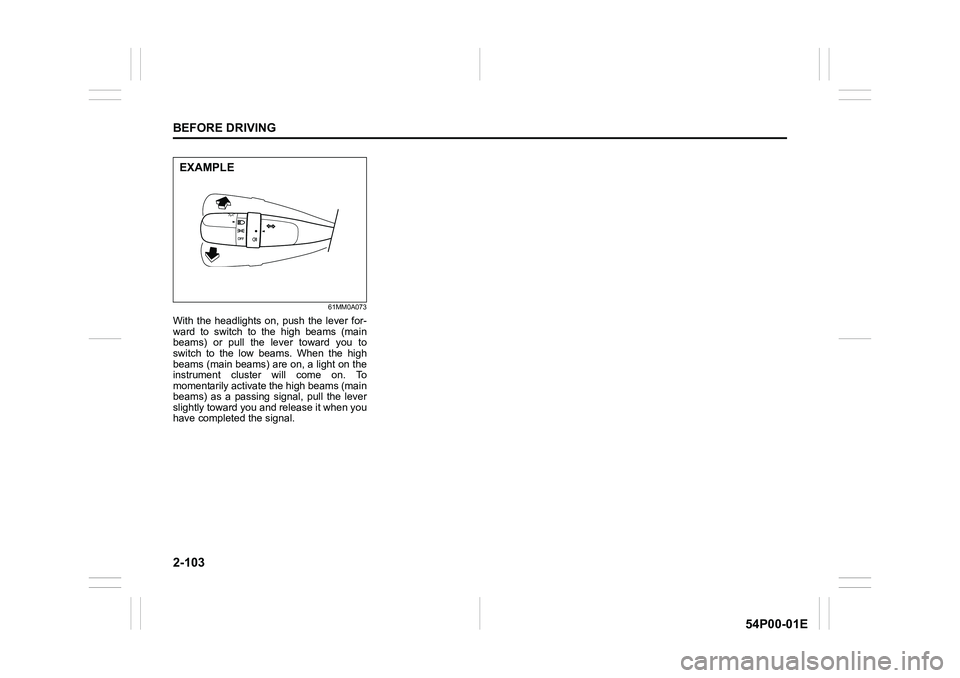
With the headlights on, push the lever for-
ward to switch to the high beams (main
beams) or pull the lever toward you to
switch to the low beams. When the high
beams (main beams) are on, a light on the
instrument cluster will come on. To
momentarily activate the high beams (main
beams) as a passing signal, pull the lever
slightly toward you and release it when you
have completed the signal.
EXAMPLE
Page 126 of 482
2-104
BEFORE DRIVING
54P00-01E
Automatic light operation (if equipped)
61MM0A074
54P000235
(3)(4)
(2)
(1)
EXAMPLE
(5)
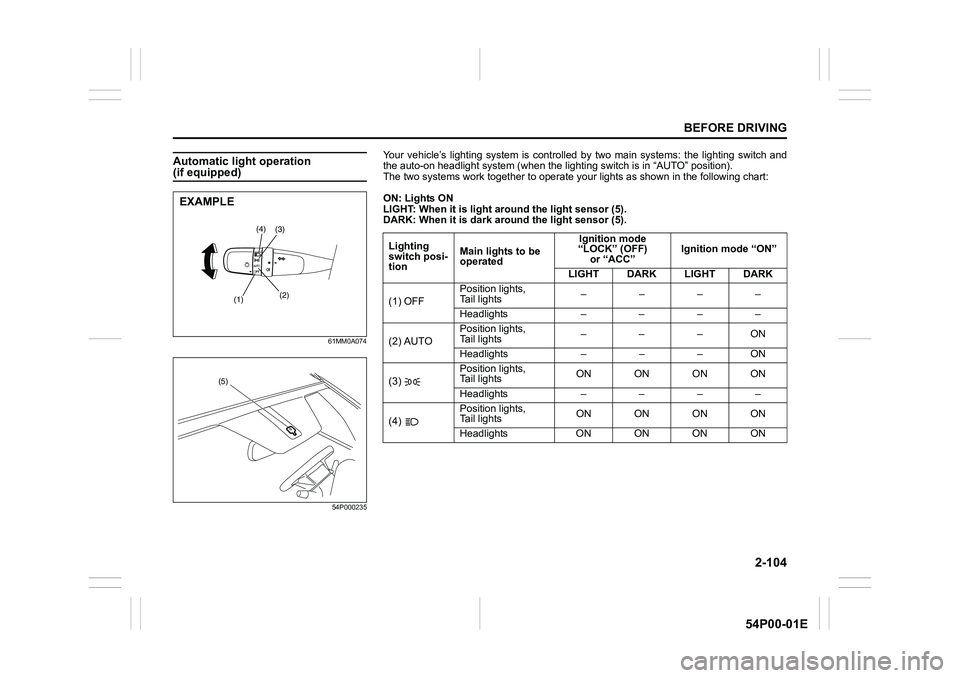
Your vehicle’s lighting system is controlled by two main systems: the lighting switch and
the auto-on headlight system (when the lighting switch is in “AUTO” position).
The two systems work together to operate your lights as shown in the following chart:
ON: Lights ON
LIGHT: When it is light around the light sensor (5).
DARK: When it is dark around the light sensor (5).
Lighting
switch posi-
tionMain lights to be
operatedIgnition mode
“LOCK” (OFF)
or “ACC”Ignition mode “ON”
LIGHT DARK LIGHT DARK
(1) OFFPosition lights,
Tail lights––––
Headlights – – – –
(2) AUTOPosition lights,
Tail lights–––ON
Headlights – – – ON
(3) Position lights,
Tail lightsON ON ON ON
Headlights – – – –
(4) Position lights,
Tail lightsON ON ON ON
Headlights ONONONON
Page 127 of 482
2-105
BEFORE DRIVING
54P00-01E
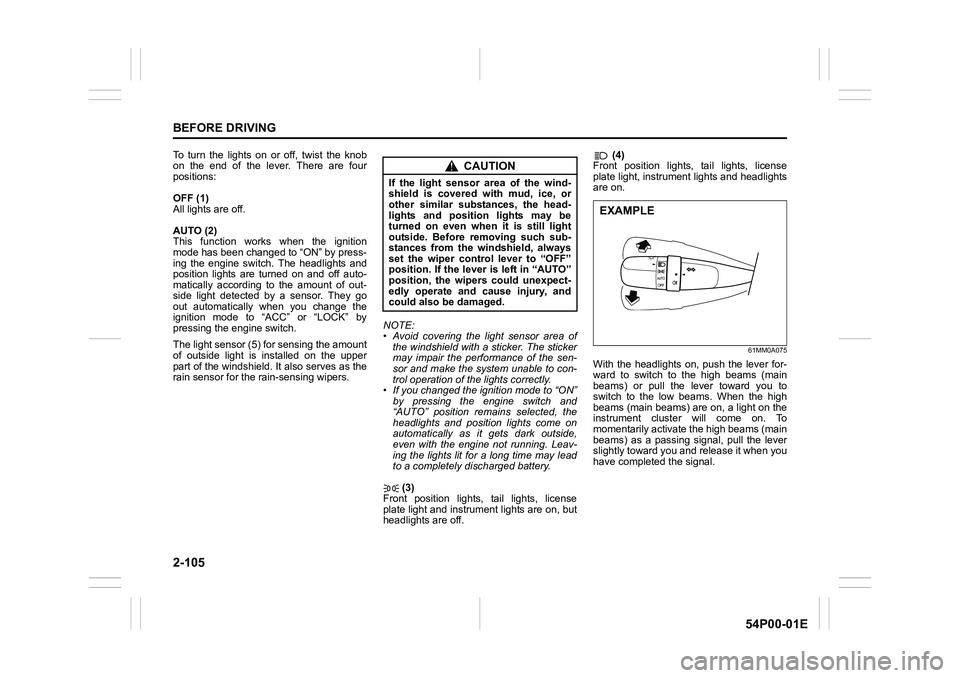
To turn the lights on or off, twist the knob
on the end of the lever. There are four
positions:
OFF (1)
All lights are off.
AUTO (2)
This function works when the ignition
mode has been changed to “ON” by press-
ing the engine switch. The headlights and
position lights are turned on and off auto-
matically according to the amount of out-
side light detected by a sensor. They go
out automatically when you change the
ignition mode to “ACC” or “LOCK” by
pressing the engine switch.
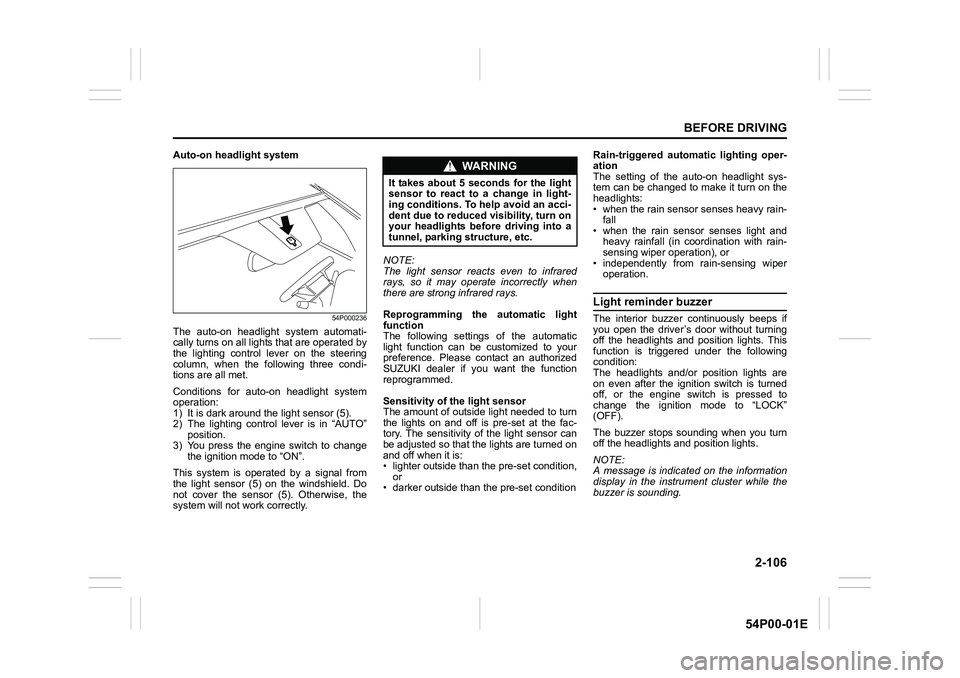
The light sensor (5) for sensing the amount
of outside light is installed on the upper
part of the windshield. It also serves as the
rain sensor for the rain-sensing wipers.NOTE:
• Avoid covering the light sensor area of
the windshield with a sticker. The sticker
may impair the performance of the sen-
sor and make the system unable to con-
trol operation of the lights correctly.
• If you changed the ignition mode to “ON”
by pressing the engine switch and
“AUTO” position remains selected, the
headlights and position lights come on
automatically as it gets dark outside,
even with the engine not running. Leav-
ing the lights lit for a long time may lead
to a completely discharged battery.
(3)
Front position lights, tail lights, license
plate light and instrument lights are on, but
headlights are off. (4)
Front position lights, tail lights, license
plate light, instrument lights and headlights
are on.
61MM0A075
With the headlights on, push the lever for-
ward to switch to the high beams (main
beams) or pull the lever toward you to
switch to the low beams. When the high
beams (main beams) are on, a light on the
instrument cluster will come on. To
momentarily activate the high beams (main
beams) as a passing signal, pull the lever
slightly toward you and release it when you
have completed the signal.
CAUTION
If the light sensor area of the wind-
shield is covered with mud, ice, or
other similar substances, the head-
lights and position lights may be
turned on even when it is still light
outside. Before removing such sub-
stances from the windshield, always
set the wiper control lever to “OFF”
position. If the lever is left in “AUTO”
position, the wipers could unexpect-
edly operate and cause injury, and
could also be damaged.
EXAMPLE
Page 128 of 482
2-106
BEFORE DRIVING
54P00-01E
Auto-on headlight system
54P000236
The auto-on headlight system automati-
cally turns on all lights that are operated by
the lighting control lever on the steering
column, when the following three condi-
tions are all met.
Conditions for auto-on headlight system
operation:
1) It is dark around the light sensor (5).
2) The lighting control lever is in “AUTO”
position.
3) You press the engine switch to change
the ignition mode to “ON”.
This system is operated by a signal from
the light sensor (5) on the windshield. Do
not cover the sensor (5). Otherwise, the
system will not work correctly.NOTE:
The light sensor reacts even to infrared
rays, so it may operate incorrectly when
there are strong infrared rays.
Reprogramming the automatic light
function
The following settings of the automatic
light function can be customized to your
preference. Please contact an authorized
SUZUKI dealer if you want the function
reprogrammed.
Sensitivity of the light sensor
The amount of outside light needed to turn
the lights on and off is pre-set at the fac-
tory. The sensitivity of the light sensor can
be adjusted so that the lights are turned on
and off when it is:
• lighter outside than the pre-set condition,
or
• darker outside than the pre-set conditionRain-triggered automatic lighting oper-
ation
The setting of the auto-on headlight sys-
tem can be changed to make it turn on the
headlights:
• when the rain sensor senses heavy rain-
fall
• when the rain sensor senses light and
heavy rainfall (in coordination with rain-
sensing wiper operation), or
• independently from rain-sensing wiper
operation.
Light reminder buzzer
The interior buzzer continuously beeps if
you open the driver’s door without turning
off the headlights and position lights. This
function is triggered under the following
condition:
The headlights and/or position lights are
on even after the ignition switch is turned
off, or the engine switch is pressed to
change the ignition mode to “LOCK”
(OFF).
The buzzer stops sounding when you turn
off the headlights and position lights.
NOTE:
A message is indicated on the information
display in the instrument cluster while the
buzzer is sounding.
WA R N I N G
It takes about 5 seconds for the light
sensor to react to a change in light-
ing conditions. To help avoid an acci-
dent due to reduced visibility, turn on
your headlights before driving into a
tunnel, parking structure, etc.
Page 129 of 482
2-107
BEFORE DRIVING
54P00-01E
Daytime running light (D.R.L.) sys-tem (if equipped)
When the engine is started, this system
turns on the daytime running lights.
Conditions for D.R.L. system operation
1) The engine is running.
2) Headlights and front fog light (if
equipped) are off.
NOTE:
Brightness of the daytime running lights is
different from the brightness of the position
lights, but it is not a malfunction.
Rear fog light switch (if equipped)
61MM0A214
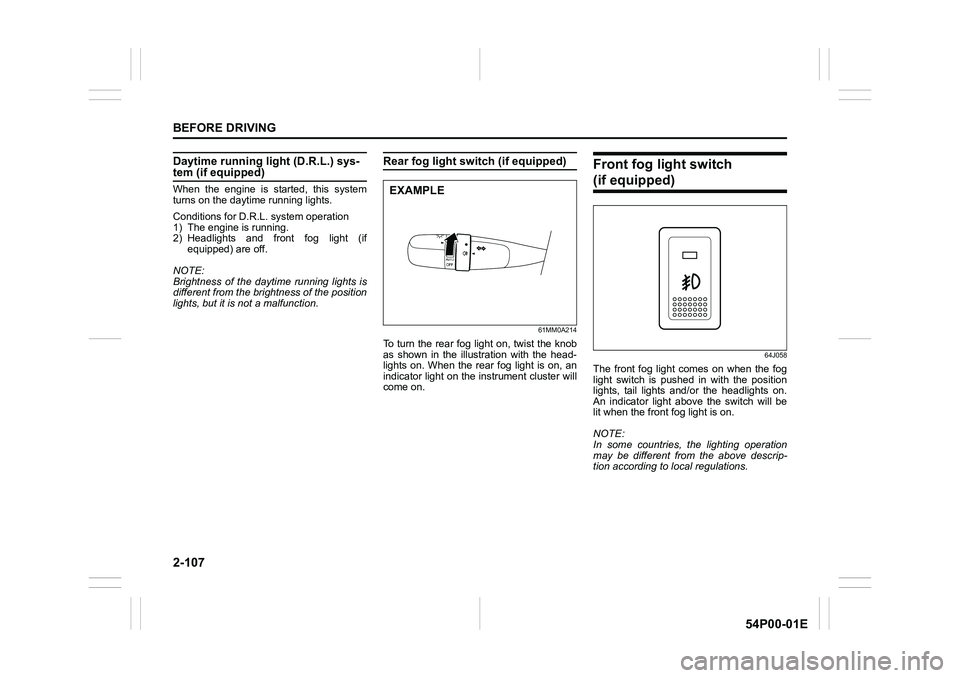
To turn the rear fog light on, twist the knob
as shown in the illustration with the head-
lights on. When the rear fog light is on, an
indicator light on the instrument cluster will
come on.
Front fog light switch
(if equipped)
64J058
The front fog light comes on when the fog
light switch is pushed in with the position
lights, tail lights and/or the headlights on.
An indicator light above the switch will be
lit when the front fog light is on.
NOTE:
In some countries, the lighting operation
may be different from the above descrip-
tion according to local regulations.
EXAMPLE
Page 130 of 482
2-108
BEFORE DRIVING
54P00-01E
Headlight leveling switch
(if equipped)
80JM040
Level the headlight beam according to the
load condition of your vehicle by turning
this switch. The chart below shows the
appropriate switch position for different
vehicle load conditions.
Turn signal control lever
57L21128
Vehicle Load
ConditionSwitch Position
Driver only 0
Driver +
1 passenger
(in front seat)0
Driver +
4 passengers,
no cargo2
Driver +
4 passengers,
cargo added3
Driver +
full cargo4
WA R N I N G
To avoid possible injury, do not oper-
ate controls by reaching through the
steering wheel.
Page 131 of 482
2-109
BEFORE DRIVING
54P00-01E
Turn signal operation
With the ignition switch in “ON” position or
the ignition mode “ON”, move the lever
upward or downward to activate the right
or left turn signals.
Normal turn signal
61MM0A076
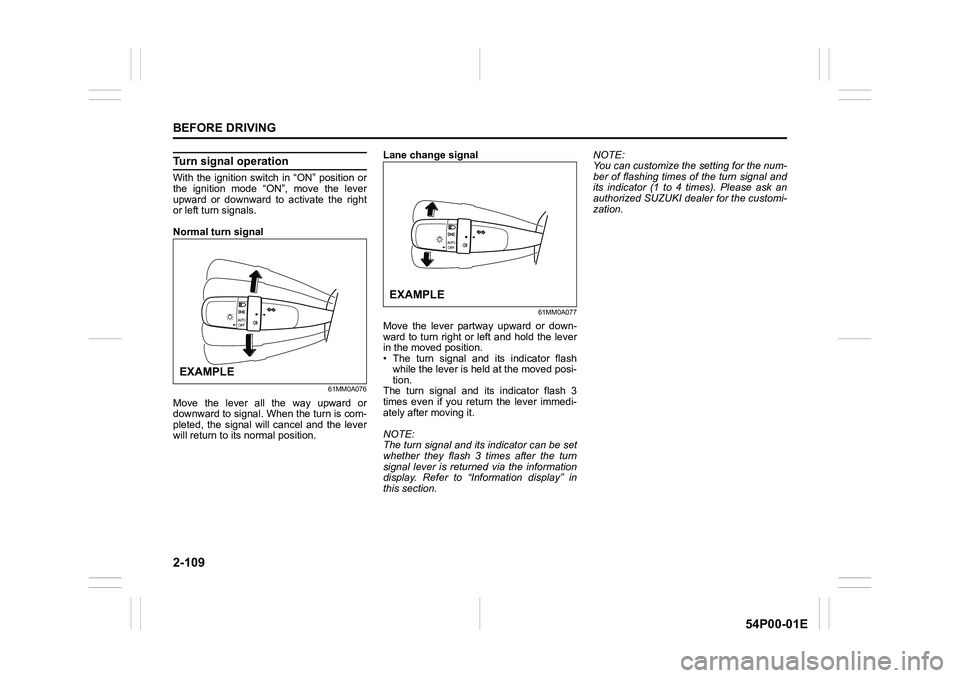
Move the lever all the way upward or
downward to signal. When the turn is com-
pleted, the signal will cancel and the lever
will return to its normal position.Lane change signal
61MM0A077
Move the lever partway upward or down-
ward to turn right or left and hold the lever
in the moved position.
• The turn signal and its indicator flash
while the lever is held at the moved posi-
tion.
The turn signal and its indicator flash 3
times even if you return the lever immedi-
ately after moving it.
NOTE:
The turn signal and its indicator can be set
whether they flash 3 times after the turn
signal lever is returned via the information
display. Refer to “Information display” in
this section.NOTE:
You can customize the setting for the num-
ber of flashing times of the turn signal and
its indicator (1 to 4 times). Please ask an
authorized SUZUKI dealer for the customi-
zation.
EXAMPLE
EXAMPLE
Page 132 of 482
2-110
BEFORE DRIVING
54P00-01E
Hazard warning switch
54P000242
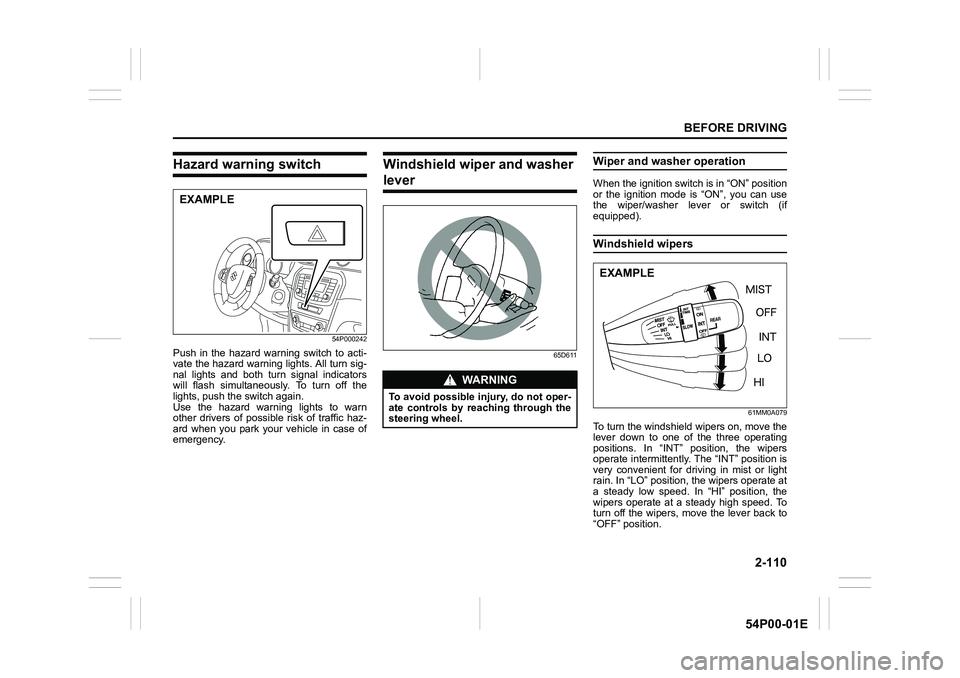
Push in the hazard warning switch to acti-
vate the hazard warning lights. All turn sig-
nal lights and both turn signal indicators
will flash simultaneously. To turn off the
lights, push the switch again.
Use the hazard warning lights to warn
other drivers of possible risk of traffic haz-
ard when you park your vehicle in case of
emergency.
Windshield wiper and washer
lever
65D611
Wiper and washer operation
When the ignition switch is in “ON” position
or the ignition mode is “ON”, you can use
the wiper/washer lever or switch (if
equipped).
Windshield wipers
61MM0A079
To turn the windshield wipers on, move the
lever down to one of the three operating
positions. In “INT” position, the wipers
operate intermittently. The “INT” position is
very convenient for driving in mist or light
rain. In “LO” position, the wipers operate at
a steady low speed. In “HI” position, the
wipers operate at a steady high speed. To
turn off the wipers, move the lever back to
“OFF” position.
EXAMPLE
WA R N I N G
To avoid possible injury, do not oper-
ate controls by reaching through the
steering wheel.
EXAMPLE
Page 133 of 482
2-111
BEFORE DRIVING
54P00-01E
Move the lever up and hold it to “MIST”
position, the windshield wipers will turn on
continuously at low speed.
61MM0A080
If the lever is equipped with “INT TIME”
control, turn the control forward or back-
ward to adjust the intermittent wiper opera-
tion to the desired interval.
Windshield wipers with rain sens-ing function (if equipped)
61MM0A081
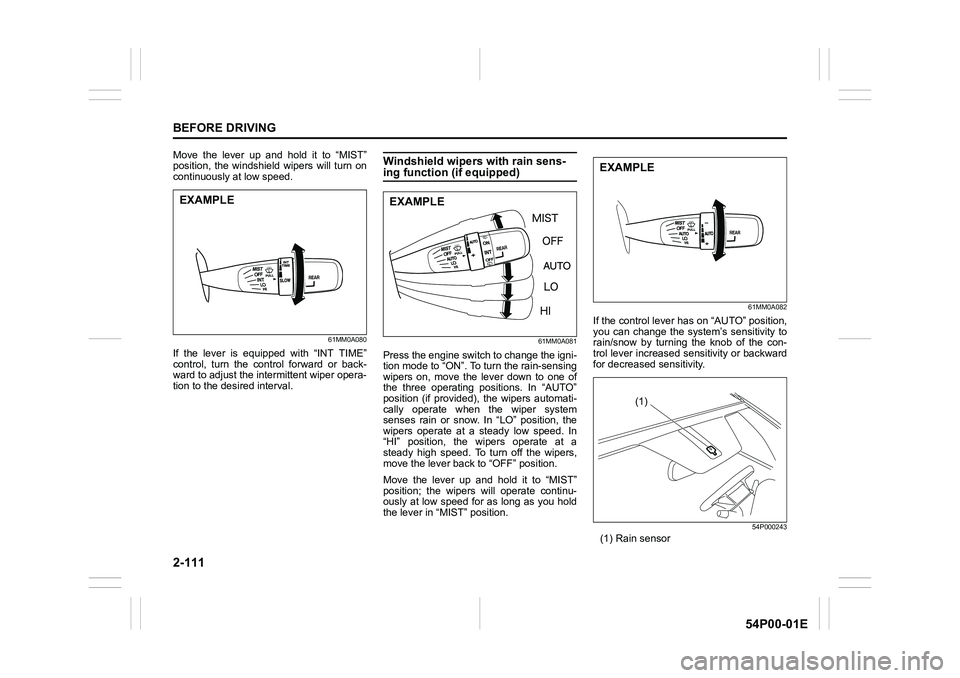
Press the engine switch to change the igni-
tion mode to “ON”. To turn the rain-sensing
wipers on, move the lever down to one of
the three operating positions. In “AUTO”
position (if provided), the wipers automati-
cally operate when the wiper system
senses rain or snow. In “LO” position, the
wipers operate at a steady low speed. In
“HI” position, the wipers operate at a
steady high speed. To turn off the wipers,
move the lever back to “OFF” position.
Move the lever up and hold it to “MIST”
position; the wipers will operate continu-
ously at low speed for as long as you hold
the lever in “MIST” position.
61MM0A082
If the control lever has on “AUTO” position,
you can change the system’s sensitivity to
rain/snow by turning the knob of the con-
trol lever increased sensitivity or backward
for decreased sensitivity.
54P000243
(1) Rain sensor
EXAMPLEEXAMPLE
EXAMPLE
(1)