lights SUZUKI GRAND VITARA 2021 Workshop Manual
[x] Cancel search | Manufacturer: SUZUKI, Model Year: 2021, Model line: GRAND VITARA, Model: SUZUKI GRAND VITARA 2021Pages: 482, PDF Size: 21 MB
Page 214 of 482
3-74
OPERATING YOUR VEHICLE
54P00-01E
If the rear view from the rearview cam-
era is not shown or there is a poor
image
• If the rear view from the rearview camera
is not shown.
– Check that the ignition switch is in
“ON” position or the ignition mode is
“ON”.
– Check that the gearshift lever is
shifted to “R” position.
• If the image from the rearview camera is
poor.
– Check that the camera lens is not dirty.
– Check that light from the sun or the
beam of the headlights from the vehi-
cle behind is not shining directly into
the lens.
If the rearview camera system is still not
working properly after checking the above,
have the system inspected by an autho-
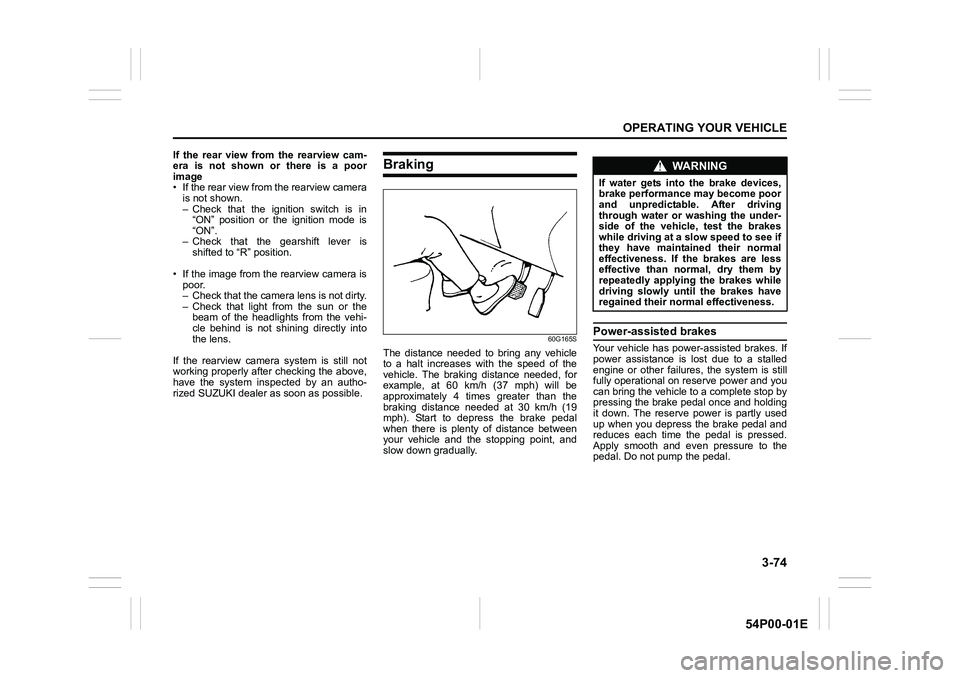
rized SUZUKI dealer as soon as possible.Braking
60G165S
The distance needed to bring any vehicle
to a halt increases with the speed of the
vehicle. The braking distance needed, for
example, at 60 km/h (37 mph) will be
approximately 4 times greater than the
braking distance needed at 30 km/h (19
mph). Start to depress the brake pedal
when there is plenty of distance between
your vehicle and the stopping point, and
slow down gradually.
Power-assisted brakes
Your vehicle has power-assisted brakes. If
power assistance is lost due to a stalled
engine or other failures, the system is still
fully operational on reserve power and you
can bring the vehicle to a complete stop by
pressing the brake pedal once and holding
it down. The reserve power is partly used
up when you depress the brake pedal and
reduces each time the pedal is pressed.
Apply smooth and even pressure to the
pedal. Do not pump the pedal.
WA R N I N G
If water gets into the brake devices,
brake performance may become poor
and unpredictable. After driving
through water or washing the under-
side of the vehicle, test the brakes
while driving at a slow speed to see if
they have maintained their normal
effectiveness. If the brakes are less
effective than normal, dry them by
repeatedly applying the brakes while
driving slowly until the brakes have
regained their normal effectiveness.
Page 218 of 482
3-78
OPERATING YOUR VEHICLE
54P00-01E
The ESP® indicator lights are described
below:
ESP® warning light
52KM133
This light blinks 5 times per second when
one of the following systems is activated.
• Stability control system
• Traction control system
• Hill descent control system (if equipped)
If this light blinks, drive carefully.
When the ignition switch is turned to “ON”
position, or the engine switch is pressed to
change the ignition mode to “ON”, this light
comes on briefly so you can check that the
light is working.NOTE:
When the ESP
® warning light comes on
and stays on while driving, indicating a
malfunction of the ESP
® systems (other
than ABS), the brake system will function
as an ordinary ABS with no additional
ESP
® functions.
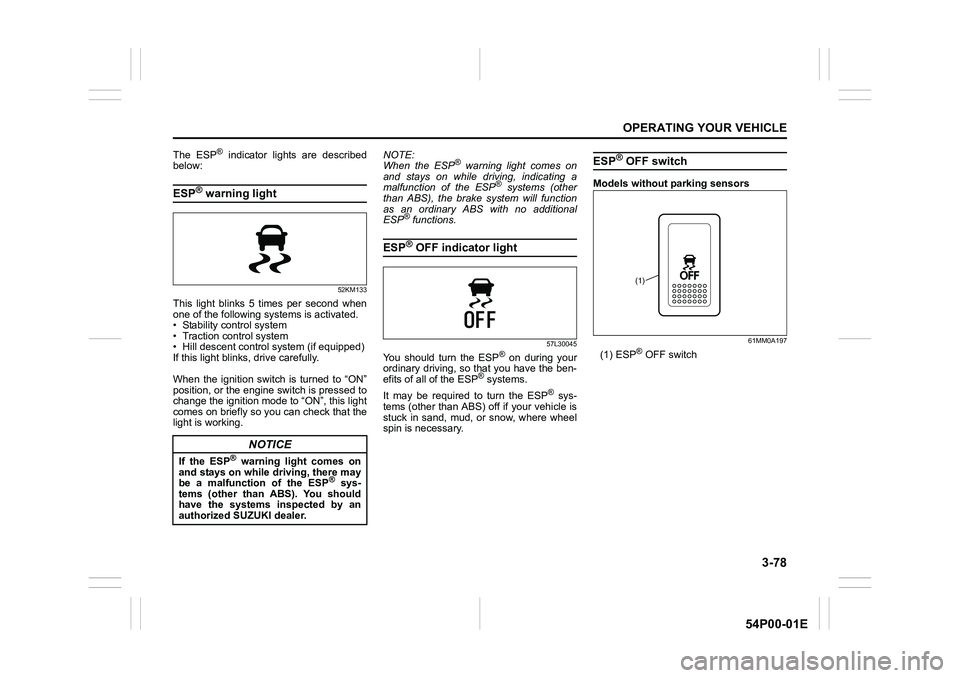
ESP® OFF indicator light
57L30045
You should turn the ESP® on during your
ordinary driving, so that you have the ben-
efits of all of the ESP
® systems.
It may be required to turn the ESP
® sys-
tems (other than ABS) off if your vehicle is
stuck in sand, mud, or snow, where wheel
spin is necessary.
ESP® OFF switch
Models without parking sensors
61MM0A197
(1) ESP® OFF switch
NOTICE
If the ESP® warning light comes on
and stays on while driving, there may
be a malfunction of the ESP
® sys-
tems (other than ABS). You should
have the systems inspected by an
authorized SUZUKI dealer.
(1)
Page 220 of 482
3-80
OPERATING YOUR VEHICLE
54P00-01E
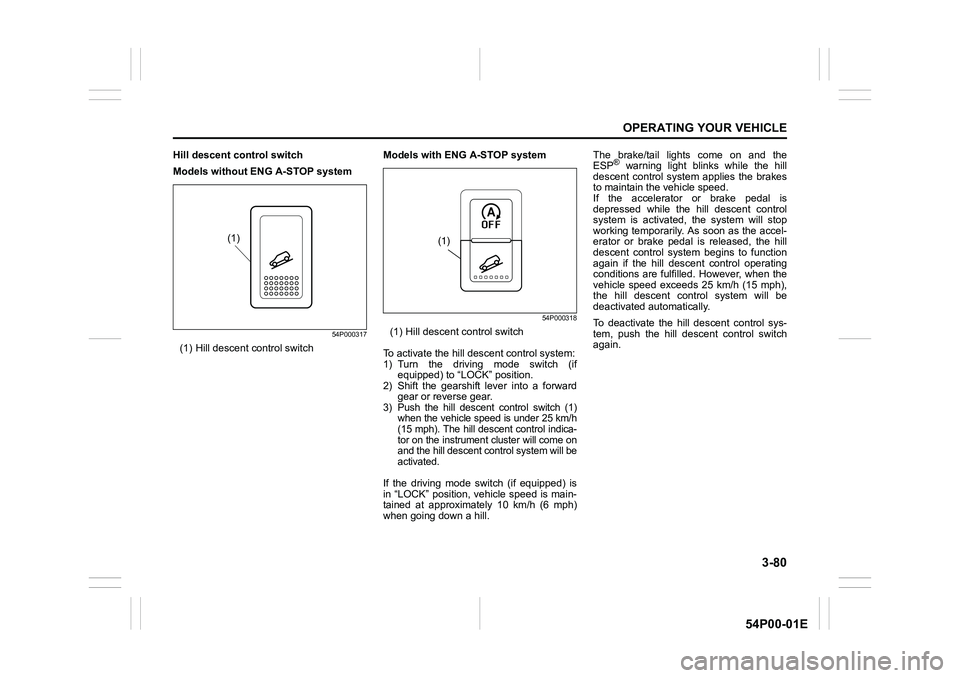
Hill descent control switch
Models without ENG A-STOP system
54P000317
(1) Hill descent control switchModels with ENG A-STOP system
54P000318
(1) Hill descent control switch
To activate the hill descent control system:
1) Turn the driving mode switch (if
equipped) to “LOCK” position.
2) Shift the gearshift lever into a forward
gear or reverse gear.
3) Push the hill descent control switch (1)
when the vehicle speed is under 25 km/h
(15 mph). The hill descent control indica-
tor on the instrument cluster will come on
and the hill descent control system will be
activated.
If the driving mode switch (if equipped) is
in “LOCK” position, vehicle speed is main-
tained at approximately 10 km/h (6 mph)
when going down a hill.The brake/tail lights come on and the
ESP
® warning light blinks while the hill
descent control system applies the brakes
to maintain the vehicle speed.
If the accelerator or brake pedal is
depressed while the hill descent control
system is activated, the system will stop
working temporarily. As soon as the accel-
erator or brake pedal is released, the hill
descent control system begins to function
again if the hill descent control operating
conditions are fulfilled. However, when the
vehicle speed exceeds 25 km/h (15 mph),
the hill descent control system will be
deactivated automatically.
To deactivate the hill descent control sys-
tem, push the hill descent control switch
again.
(1)(1)
Page 236 of 482
4-2
DRIVING TIPS
54P00-01E
heat damage to the catalytic converter and
other vehicle components.
54G584S
Improving fuel economy
The following instructions will help you
improve fuel economy.
Avoid excessive idling
If you park your vehicle for more than one
minute, stop the engine and start it again
later. When warming up a cold engine,
allow the engine to idle until the tempera-
ture gauge pointer comes up to “C” posi-
tion (if the idling is not prohibited). In this
position, the engine is sufficiently warm for
starting off.
Avoid fast starts
Fast starts away from lights or stop signs
will consume fuel unnecessarily and
shorten engine life. Start off slowly.
Avoid unnecessary stops
Avoid unnecessary deceleration and stop-
ping. Try to maintain a slow, steady speed
whenever possible. Slowing down and
then accelerating again uses more fuel.
Keep a steady cruising speed
Drive at a constant speed that road and
traffic conditions will permit.NOTICE
To minimize the possibility of cata-
lytic converter or other vehicle dam-
age:
• Maintain the engine in the proper
operating condition.
• In the event of an engine malfunc-
tion, particularly one involving
engine misfire or other apparent
loss of performance, have the vehi-
cle serviced promptly.
• Do not turn off the engine or inter-
rupt the ignition when the transaxle
is in gear and the vehicle is in
motion.
• Do not try to start the engine by
pushing or towing the vehicle, or
coasting down a hill.
• Do not idle the engine with any
spark plug wires disconnected or
removed, such as during diagnos-
tic testing.
• Do not idle the vehicle for pro-
longed periods if idling seems
rough or there are other malfunc-
tions.
• Do not allow the fuel tank to get
near the empty level.
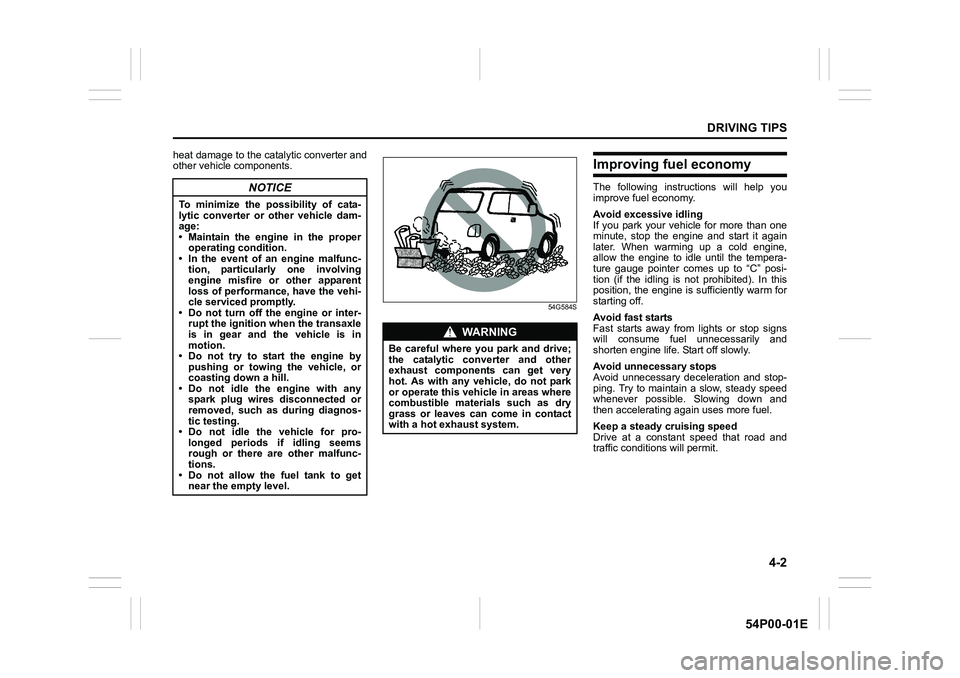
WA R N I N G
Be careful where you park and drive;
the catalytic converter and other
exhaust components can get very
hot. As with any vehicle, do not park
or operate this vehicle in areas where
combustible materials such as dry
grass or leaves can come in contact
with a hot exhaust system.
Page 247 of 482
5-5
OTHER CONTROLS AND EQUIPMENT
54P00-01E
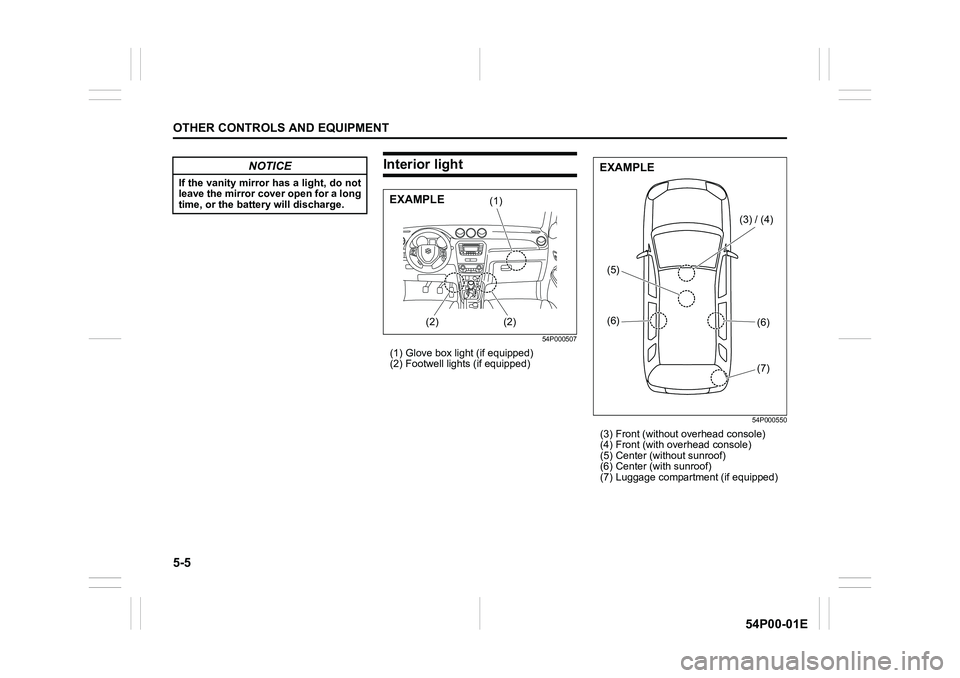
Interior light
54P000507
(1) Glove box light (if equipped)
(2) Footwell lights (if equipped)
54P000550
(3) Front (without overhead console)
(4) Front (with overhead console)
(5) Center (without sunroof)
(6) Center (with sunroof)
(7) Luggage compartment (if equipped)
NOTICE
If the vanity mirror has a light, do not
leave the mirror cover open for a long
time, or the battery will discharge.
(1)
(2) (2)EXAMPLE
(3) / (4)
(6)
(6)
(7) (5)
EXAMPLE
Page 248 of 482
5-6
OTHER CONTROLS AND EQUIPMENT
54P00-01E
Glove box light (if equipped) (1)
Refer to “Glove box” in this section.
Footwell lights (if equipped) (2)
A footwell light is provided in the leg space
in front of each front seat. When any door
(including the tailgate) is open, the footwell
lights on both sides light automatically.
NOTE:
You can change the footwell light opera-
tions via the information display. Refer to
“Information display” in “BEFORE DRIV-
ING” section.
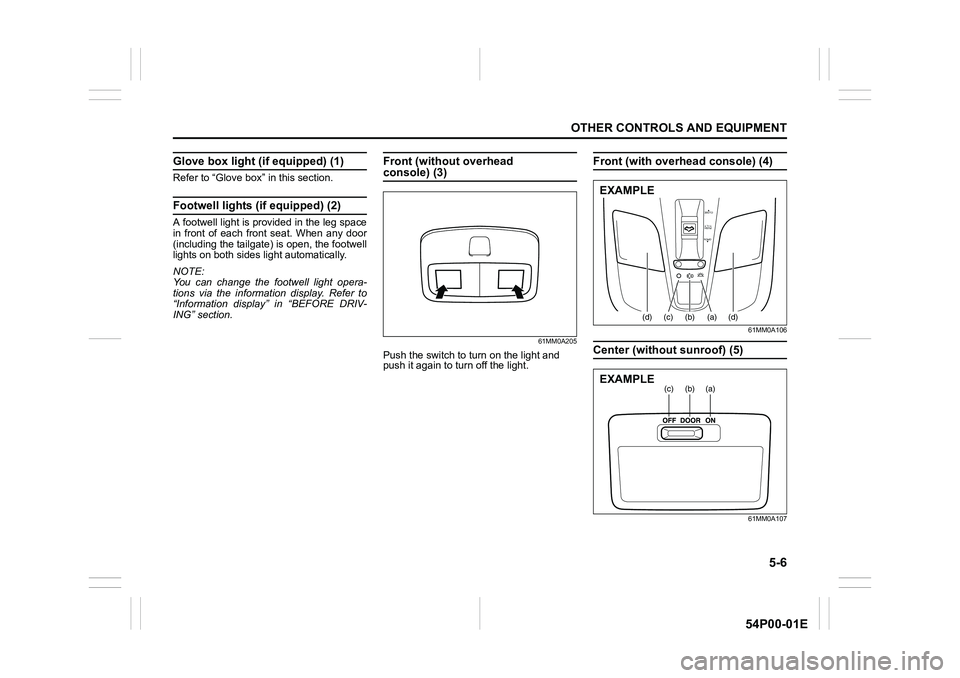
Front (without overhead console) (3)
61MM0A205
Push the switch to turn on the light and
push it again to turn off the light.
Front (with overhead console) (4)
61MM0A106
Center (without sunroof) (5)
61MM0A107
OPEN
PUSH
TILT
CLOSE
(d)(c)(b) (a)(d)
EXAMPLE
(a)(b)(c)EXAMPLE
Page 297 of 482
5-55
OTHER CONTROLS AND EQUIPMENT
54P00-01E
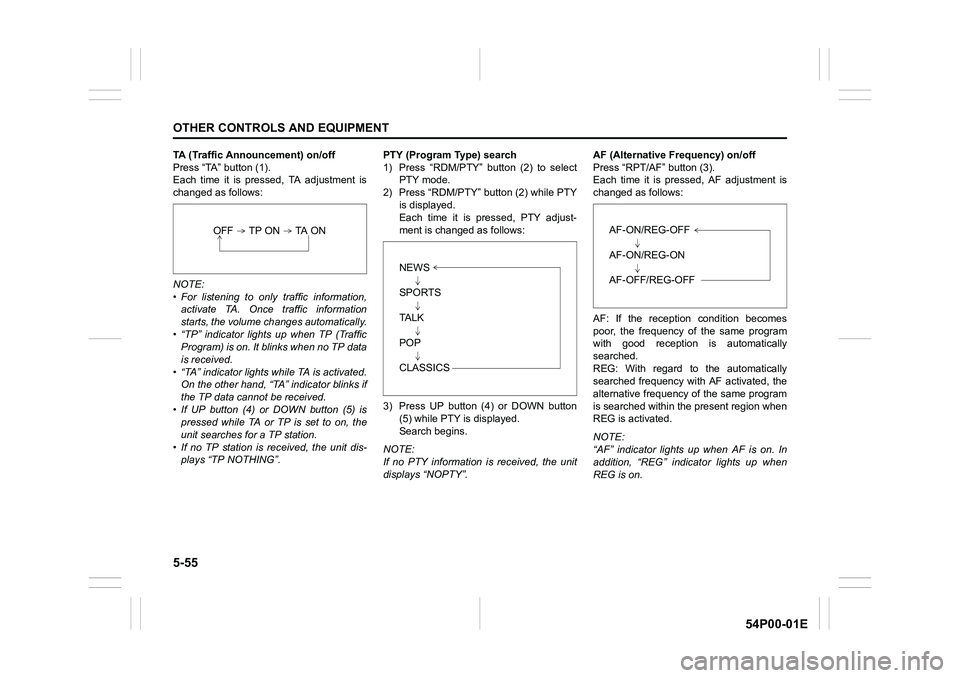
TA (Traffic Announcement) on/off
Press “TA” button (1).
Each time it is pressed, TA adjustment is
changed as follows:
NOTE:
• For listening to only traffic information,
activate TA. Once traffic information
starts, the volume changes automatically.
• “TP” indicator lights up when TP (Traffic
Program) is on. It blinks when no TP data
is received.
• “TA” indicator lights while TA is activated.
On the other hand, “TA” indicator blinks if
the TP data cannot be received.
• If UP button (4) or DOWN button (5) is
pressed while TA or TP is set to on, the
unit searches for a TP station.
• If no TP station is received, the unit dis-
plays “TP NOTHING”.PTY (Program Type) search
1) Press “RDM/PTY” button (2) to select
PTY mode.
2) Press “RDM/PTY” button (2) while PTY
is displayed.
Each time it is pressed, PTY adjust-
ment is changed as follows:
3) Press UP button (4) or DOWN button
(5) while PTY is displayed.
Search begins.
NOTE:
If no PTY information is received, the unit
displays “NOPTY”.AF (Alternative Frequency) on/off
Press “RPT/AF” button (3).
Each time it is pressed, AF adjustment is
changed as follows:
AF: If the reception condition becomes
poor, the frequency of the same program
with good reception is automatically
searched.
REG: With regard to the automatically
searched frequency with AF activated, the
alternative frequency of the same program
is searched within the present region when
REG is activated.
NOTE:
“AF” indicator lights up when AF is on. In
addition, “REG” indicator lights up when
REG is on.
OFF TP ON TA ON
NEWS
SPORTS
TA L K
POP
CLASSICS
AF-ON/REG-OFF
AF-ON/REG-ON
AF-OFF/REG-OFF
Page 298 of 482
5-56
OTHER CONTROLS AND EQUIPMENT
54P00-01E
TA standby
At the moment traffic information is
received while the source is set to CD,
USB, iPod
®, or Bluetooth®audio with TA
activated, the source is automatically
changed to radio. After reception of traffic
information, the source, which was
selected before being changed to radio,
resumes.
NOTE:
If no TP station can be received while the
unit stands by for TA, it automatically
searches for a TP station.
EON (Enhanced Other Network)
When the EON data is received with TP or
TA activated, “EON” indicator lights up,
and the traffic information from a network
other than the currently received station is
allowed to be received.
Emergency announcement reception
Emergency announcements are automati-
cally received and displayed.
Page 334 of 482
6-2
VEHICLE LOADING AND TOWING
54P00-01E
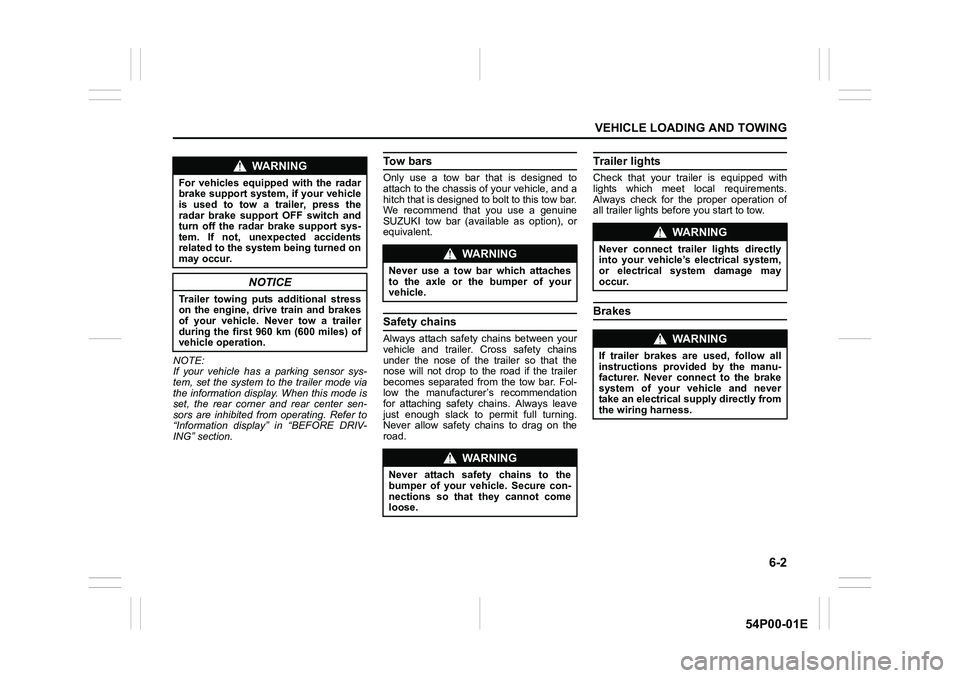
NOTE:
If your vehicle has a parking sensor sys-
tem, set the system to the trailer mode via
the information display. When this mode is
set, the rear corner and rear center sen-
sors are inhibited from operating. Refer to
“Information display” in “BEFORE DRIV-
ING” section.
To w b a r s
Only use a tow bar that is designed to
attach to the chassis of your vehicle, and a
hitch that is designed to bolt to this tow bar.
We recommend that you use a genuine
SUZUKI tow bar (available as option), or
equivalent.
Safety chains
Always attach safety chains between your
vehicle and trailer. Cross safety chains
under the nose of the trailer so that the
nose will not drop to the road if the trailer
becomes separated from the tow bar. Fol-
low the manufacturer’s recommendation
for attaching safety chains. Always leave
just enough slack to permit full turning.
Never allow safety chains to drag on the
road.
Trailer lights
Check that your trailer is equipped with
lights which meet local requirements.
Always check for the proper operation of
all trailer lights before you start to tow.
Brakes
WA R N I N G
For vehicles equipped with the radar
brake support system, if your vehicle
is used to tow a trailer, press the
radar brake support OFF switch and
turn off the radar brake support sys-
tem. If not, unexpected accidents
related to the system being turned on
may occur.
NOTICE
Trailer towing puts additional stress
on the engine, drive train and brakes
of your vehicle. Never tow a trailer
during the first 960 km (600 miles) of
vehicle operation.
WA R N I N G
Never use a tow bar which attaches
to the axle or the bumper of your
vehicle.
WA R N I N G
Never attach safety chains to the
bumper of your vehicle. Secure con-
nections so that they cannot come
loose.
WA R N I N G
Never connect trailer lights directly
into your vehicle’s electrical system,
or electrical system damage may
occur.
WA R N I N G
If trailer brakes are used, follow all
instructions provided by the manu-
facturer. Never connect to the brake
system of your vehicle and never
take an electrical supply directly from
the wiring harness.
Page 335 of 482
6-3
VEHICLE LOADING AND TOWING
54P00-01E
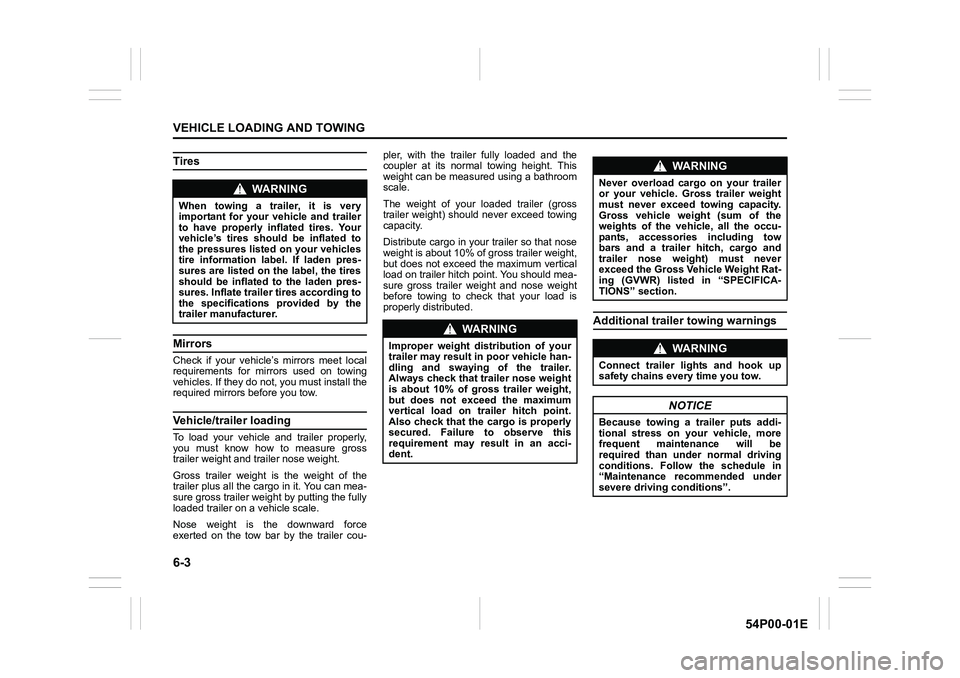
Tires
Mirrors
Check if your vehicle’s mirrors meet local
requirements for mirrors used on towing
vehicles. If they do not, you must install the
required mirrors before you tow.
Vehicle/trailer loading
To load your vehicle and trailer properly,
you must know how to measure gross
trailer weight and trailer nose weight.
Gross trailer weight is the weight of the
trailer plus all the cargo in it. You can mea-
sure gross trailer weight by putting the fully
loaded trailer on a vehicle scale.
Nose weight is the downward force
exerted on the tow bar by the trailer cou-pler, with the trailer fully loaded and the
coupler at its normal towing height. This
weight can be measured using a bathroom
scale.
The weight of your loaded trailer (gross
trailer weight) should never exceed towing
capacity.
Distribute cargo in your trailer so that nose
weight is about 10% of gross trailer weight,
but does not exceed the maximum vertical
load on trailer hitch point. You should mea-
sure gross trailer weight and nose weight
before towing to check that your load is
properly distributed.
Additional trailer towing warnings
WA R N I N G
When towing a trailer, it is very
important for your vehicle and trailer
to have properly inflated tires. Your
vehicle’s tires should be inflated to
the pressures listed on your vehicles
tire information label. If laden pres-
sures are listed on the label, the tires
should be inflated to the laden pres-
sures. Inflate trailer tires according to
the specifications provided by the
trailer manufacturer.
WA R N I N G
Improper weight distribution of your
trailer may result in poor vehicle han-
dling and swaying of the trailer.
Always check that trailer nose weight
is about 10% of gross trailer weight,
but does not exceed the maximum
vertical load on trailer hitch point.
Also check that the cargo is properly
secured. Failure to observe this
requirement may result in an acci-
dent.
WA R N I N G
Never overload cargo on your trailer
or your vehicle. Gross trailer weight
must never exceed towing capacity.
Gross vehicle weight (sum of the
weights of the vehicle, all the occu-
pants, accessories including tow
bars and a trailer hitch, cargo and
trailer nose weight) must never
exceed the Gross Vehicle Weight Rat-
ing (GVWR) listed in “SPECIFICA-
TIONS” section.
WA R N I N G
Connect trailer lights and hook up
safety chains every time you tow.
NOTICE
Because towing a trailer puts addi-
tional stress on your vehicle, more
frequent maintenance will be
required than under normal driving
conditions. Follow the schedule in
“Maintenance recommended under
severe driving conditions”.