charging TESLA MODEL 3 2019 (Europe) User Guide
[x] Cancel search | Manufacturer: TESLA, Model Year: 2019, Model line: MODEL 3, Model: TESLA MODEL 3 2019Pages: 179, PDF Size: 9.18 MB
Page 130 of 179
3.The current automatically sets to the
maximum current available from the
attached charge cable, unless it was
previously reduced to a lower level. If
needed, touch - or + to change the current
(for example, you may want to reduce the
current if you are concerned about
overloading a domestic wiring circuit
shared by other equipment). It is not
possible to set the charging current to a
level that exceeds the maximum available
from the attached charge cable. When
you change the current, Model 3
remembers the location. If you charge at
the same location, you do not need to change it again.
Note: If Model 3 is charging and detects
unexpected
Page 140 of 179
Regularly inspect the exterior paint for
damage. Treat minor chips and scratches
using a paint touch-up pen (available for
purchase from Tesla). Use the touch-up pen
after washing but before polishing or waxing.
Repair rock chips, fractures or scratches. Body
repairs should be performed only by a Tesla
approved body shop. Contact Tesla for a list of
approved body shops.Caution: Do not use cutting pastes, color
restoration compounds, or polishes
containing harsh abrasives. These can
scour the surface and permanently
damage the paint.Caution: Do not use chrome polish or
other abrasive cleaners.
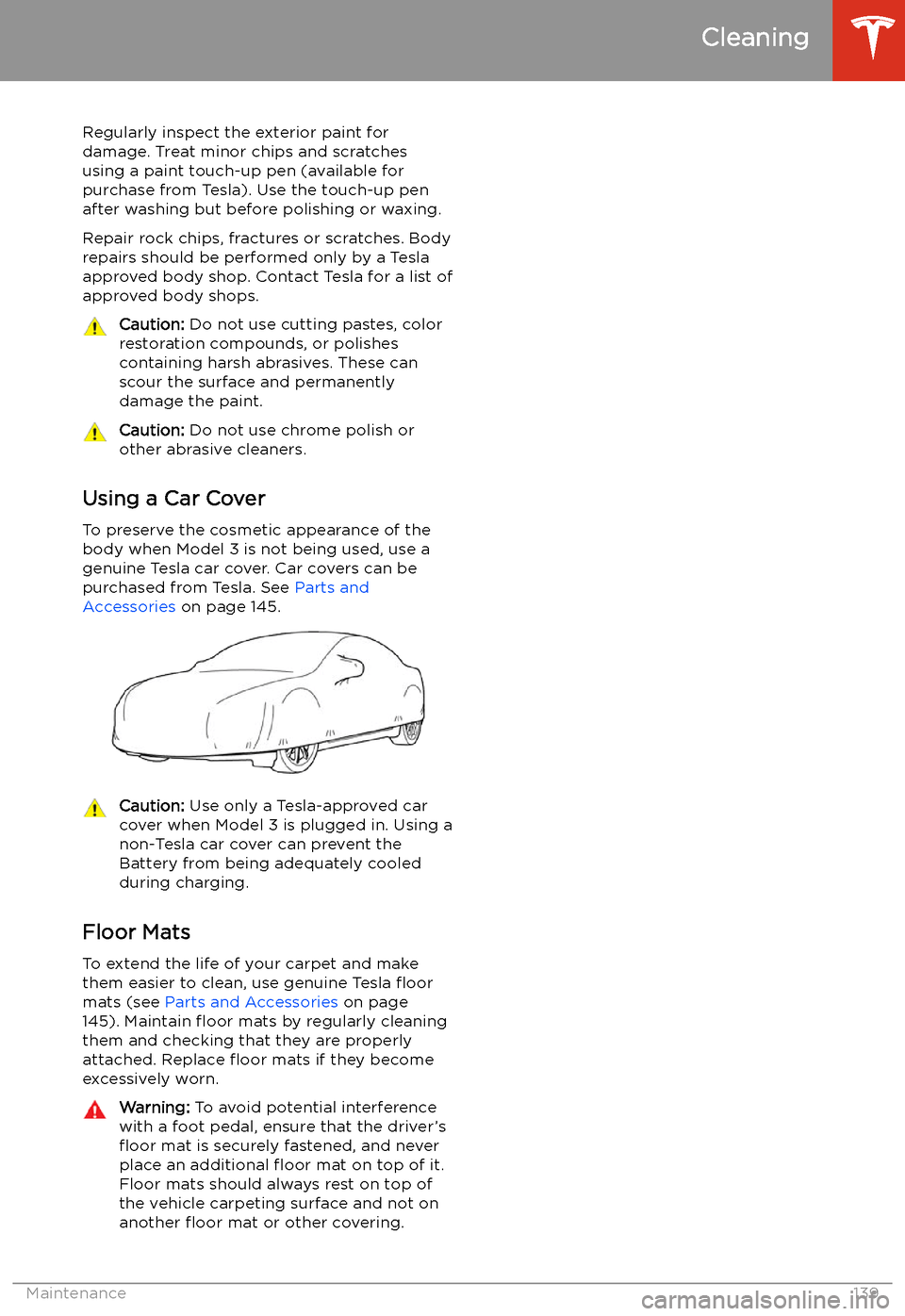
Using a Car Cover
To preserve the cosmetic appearance of the
body when Model 3 is not being used, use a genuine Tesla car cover. Car covers can be
purchased from Tesla. See Parts and
Accessories on page 145.
Caution: Use only a Tesla-approved car
cover when Model 3 is plugged in. Using a
non-Tesla car cover can prevent the
Battery from being adequately cooled
during charging.
Floor Mats
To extend the life of your carpet and make
them easier to clean, use genuine Tesla
Page 145 of 179
Jacking and Lifting
Jacking Procedure
Follow the steps below to lift Model 3. Ensure
that any non-Tesla repair facility is aware of
these lifting points.
1. Position Model 3 centrally between the lift
posts.
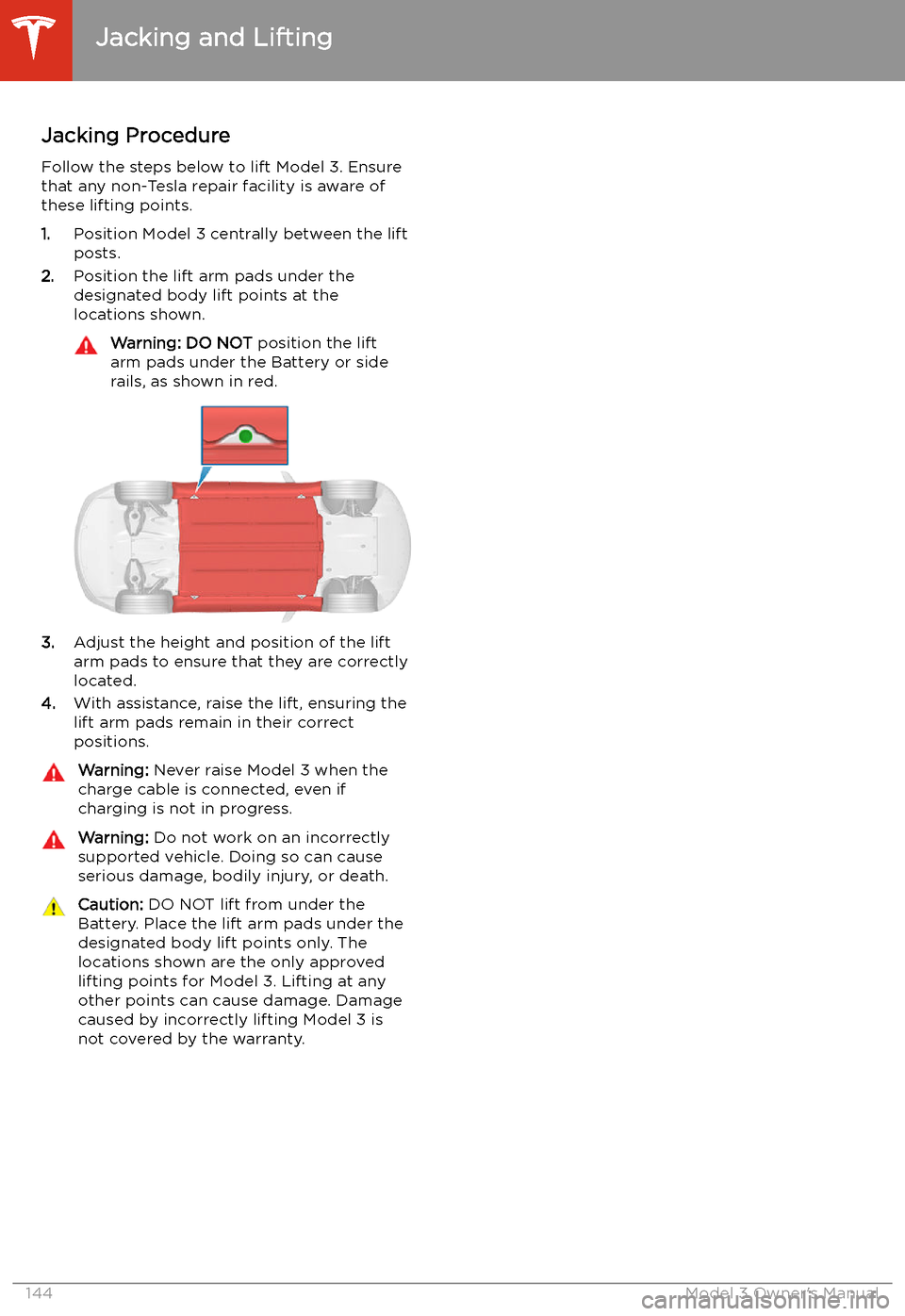
2. Position the lift arm pads under the
designated body lift points at the
locations shown.
Warning: DO NOT position the lift
arm pads under the Battery or side
rails, as shown in red.
3. Adjust the height and position of the lift
arm pads to ensure that they are correctly
located.
4. With assistance, raise the lift, ensuring the
lift arm pads remain in their correct
positions.
Warning: Never raise Model 3 when the
charge cable is connected, even if
charging is not in progress.Warning: Do not work on an incorrectly
supported vehicle. Doing so can cause
serious damage, bodily injury, or death.Caution: DO NOT lift from under the
Battery. Place the lift arm pads under the designated body lift points only. The
locations shown are the only approved lifting points for Model 3. Lifting at anyother points can cause damage. Damage
caused by incorrectly lifting Model 3 is
not covered by the warranty.
Jacking and Lifting
144Model 3 Owner
Page 166 of 179
Disclaimers
Vehicle Telematics
Model 3 is equipped with electronic modules
that monitor and record data from various
vehicle systems, including the motor, Autopilot
components, Battery, braking and electrical systems. The electronic modules record
information about various driving and vehicle conditions, including braking, acceleration, trip
and other related information regarding your
vehicle. These modules also record
information about the vehicle’s features such
as charging events and status, the enabling/
disabling of various systems, diagnostic
trouble codes, VIN, speed, direction and
location.
The data is stored by the vehicle and may be
accessed, used and stored by Tesla service
technicians during vehicle servicing or
periodically transmitted to Tesla wirelessly
through the vehicle’s telematics system. This
data may be used by Tesla for various
purposes, including, but not limited to: providing you with Tesla telematics services;troubleshooting; evaluation of your vehicle’s
quality, functionality and performance; analysis and research by Tesla and its partners
for the improvement and design of our
vehicles and systems; and as otherwise may
be required by law. In servicing your vehicle,
Tesla can potentially resolve issues remotely
simply by reviewing your vehicle’s data log.
Tesla’s telematics system wirelessly transmits
vehicle information to Tesla on a periodic
basis. The data is used as previously described
and helps ensure the proper maintenance of
your vehicle. Additional Model 3 features may
use your vehicle’s telematics system and the
information provided, including features such
as charging reminders, software updates, and remote access to, and control of, various
systems of your vehicle.
Tesla does not disclose the data recorded in
your vehicle to any third party except when:
Page 177 of 179
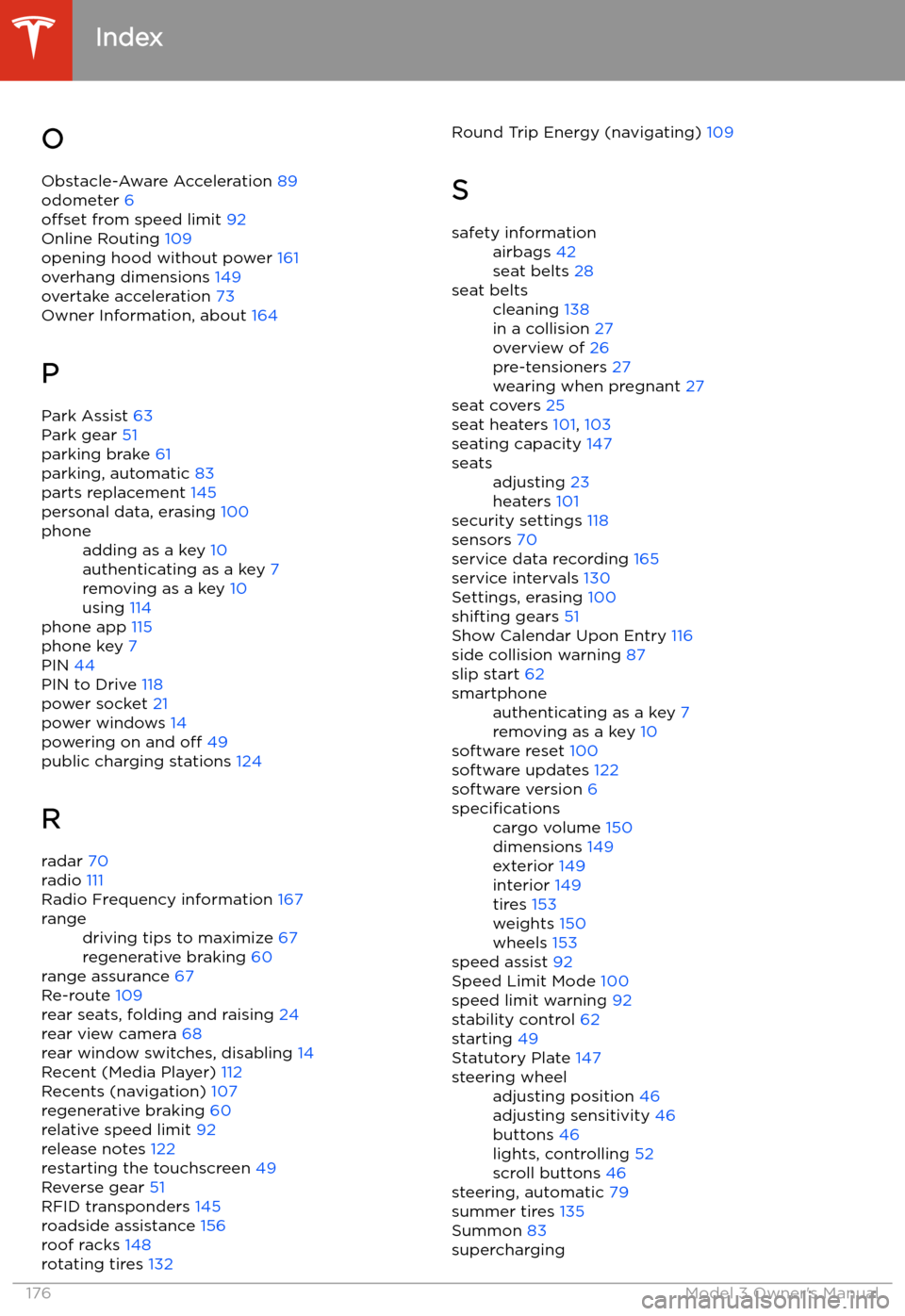
OObstacle-Aware Acceleration 89
odometer 6
offset from speed limit 92
Online Routing 109
opening hood without power 161
overhang dimensions 149
overtake acceleration 73
Owner Information, about 164
P Park Assist 63
Park gear 51
parking brake 61
parking, automatic 83
parts replacement 145
personal data, erasing 100phoneadding as a key 10
authenticating as a key 7
removing as a key 10
using 114
phone app 115
phone key 7
PIN 44
PIN to Drive 118
power socket 21
power windows 14
powering on and off 49
public charging stations 124
R
radar 70
radio 111
Radio Frequency information 167
rangedriving tips to maximize 67
regenerative braking 60
range assurance 67
Re-route 109
rear seats, folding and raising 24
rear view camera 68
rear window switches, disabling 14
Recent (Media Player) 112
Recents (navigation) 107
regenerative braking 60
relative speed limit 92
release notes 122
restarting the touchscreen 49
Reverse gear 51
RFID transponders 145
roadside assistance 156
roof racks 148
rotating tires 132
Round Trip Energy (navigating)
109
Ssafety informationairbags 42
seat belts 28seat beltscleaning 138
in a collision 27
overview of 26
pre-tensioners 27
wearing when pregnant 27
seat covers 25
seat heaters 101, 103
seating capacity 147
seatsadjusting 23
heaters 101
security settings 118
sensors 70
service data recording 165
service intervals 130
Settings, erasing 100
shifting gears 51
Show Calendar Upon Entry 116
side collision warning 87
slip start 62
smartphoneauthenticating as a key 7
removing as a key 10
software reset 100
software updates 122
software version 6
specificationscargo volume 150
dimensions 149
exterior 149
interior 149
tires 153
weights 150
wheels 153
speed assist 92
Speed Limit Mode 100
speed limit warning 92
stability control 62
starting 49
Statutory Plate 147
steering wheeladjusting position 46
adjusting sensitivity 46
buttons 46
lights, controlling 52
scroll buttons 46
steering, automatic 79
summer tires 135
Summon 83
supercharging
Index
176Model 3 Owner
Page 178 of 179
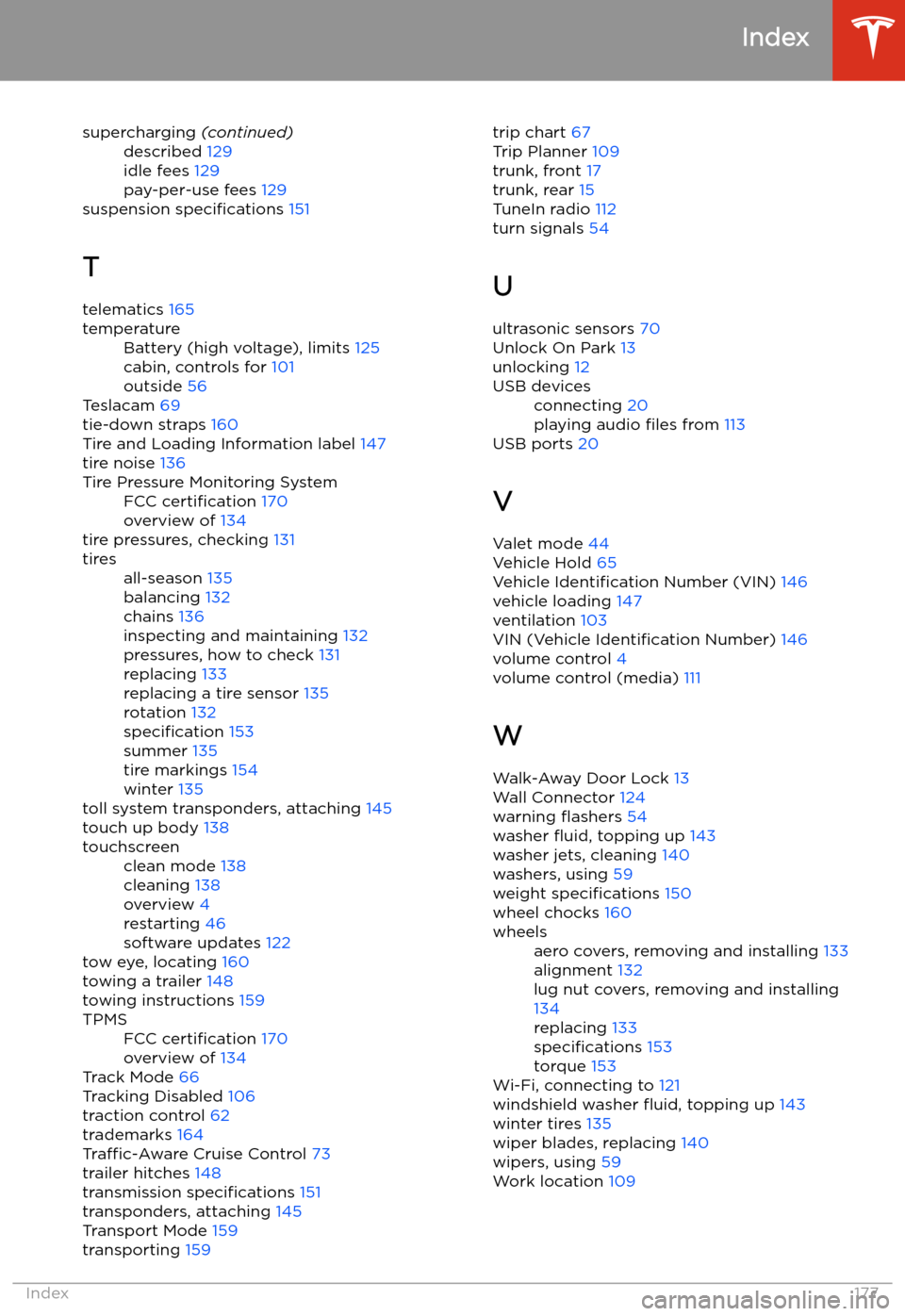
supercharging (continued)described 129
idle fees 129
pay-per-use fees 129
suspension specifications 151
T telematics 165
temperatureBattery (high voltage), limits 125
cabin, controls for 101
outside 56
Teslacam 69
tie-down straps 160
Tire and Loading Information label 147
tire noise 136
Tire Pressure Monitoring SystemFCC certification 170
overview of 134
tire pressures, checking 131
tiresall-season 135
balancing 132
chains 136
inspecting and maintaining 132
pressures, how to check 131
replacing 133
replacing a tire sensor 135
rotation 132
specification 153
summer 135
tire markings 154
winter 135
toll system transponders, attaching 145
touch up body 138
touchscreenclean mode 138
cleaning 138
overview 4
restarting 46
software updates 122
tow eye, locating 160
towing a trailer 148
towing instructions 159
TPMSFCC certification 170
overview of 134
Track Mode 66
Tracking Disabled 106
traction control 62
trademarks 164
Traffic-Aware Cruise Control 73
trailer hitches 148
transmission specifications 151
transponders, attaching 145
Transport Mode 159
transporting 159
trip chart
67
Trip Planner 109
trunk, front 17
trunk, rear 15
TuneIn radio 112
turn signals 54
U
ultrasonic sensors 70
Unlock On Park 13
unlocking 12USB devicesconnecting 20
playing audio files from 113
USB ports 20
V
Valet mode 44
Vehicle Hold 65
Vehicle Identification Number (VIN) 146
vehicle loading 147
ventilation 103
VIN (Vehicle Identification Number) 146
volume control 4
volume control (media) 111
W
Walk-Away Door Lock 13
Wall Connector 124
warning