warning sign TESLA MODEL 3 2020 s User Guide
[x] Cancel search | Manufacturer: TESLA, Model Year: 2020, Model line: MODEL 3, Model: TESLA MODEL 3 2020Pages: 220, PDF Size: 9.65 MB
Page 115 of 220
Speed Assist
How Speed Assist Works
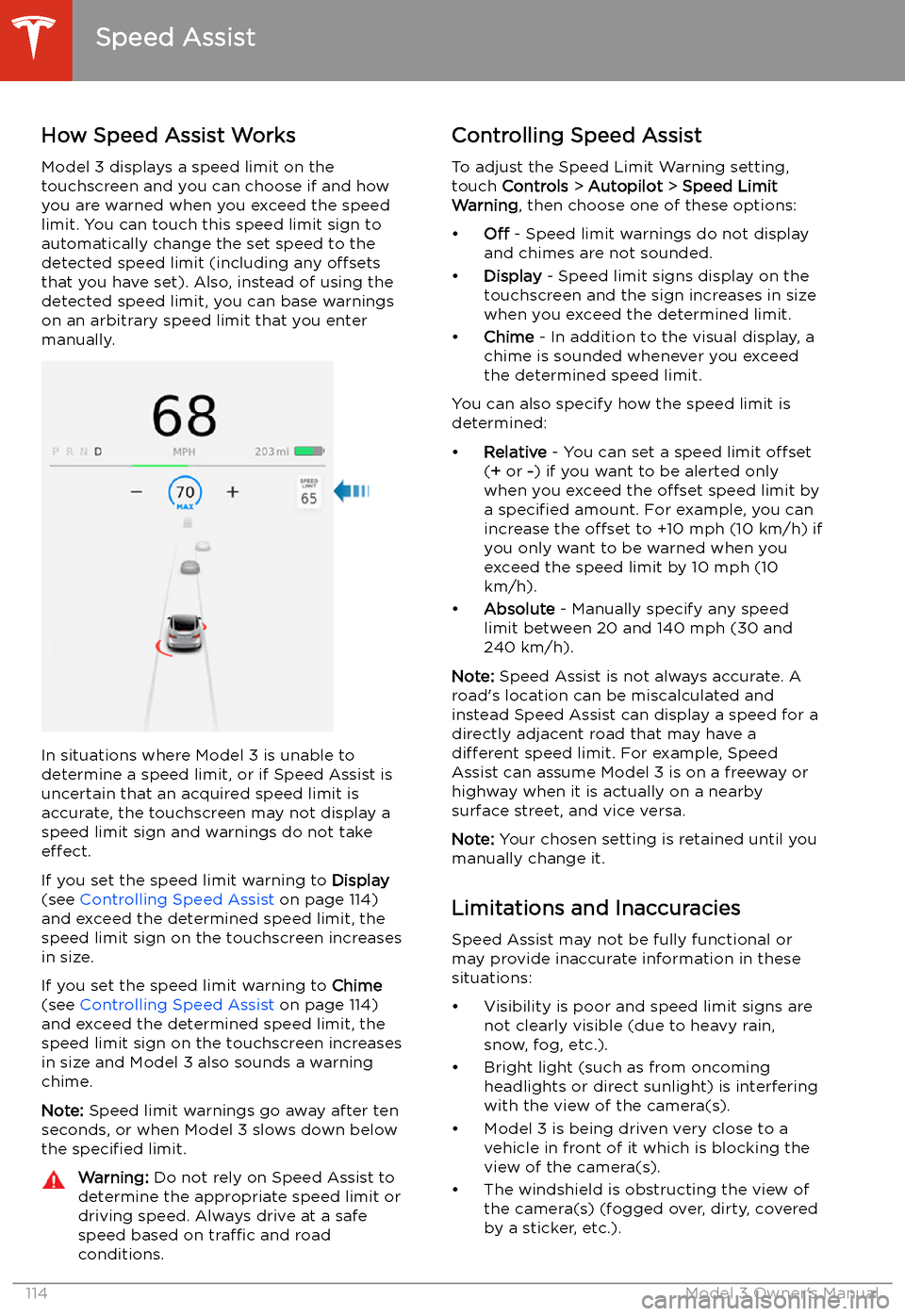
Model 3 displays a speed limit on the
touchscreen and you can choose if and how
you are warned when you exceed the speed
limit. You can touch this speed limit sign to automatically change the set speed to thedetected speed limit (including any offsets
that you have set). Also, instead of using the detected speed limit, you can base warnings
on an arbitrary speed limit that you enter manually.
In situations where Model 3 is unable to
determine a speed limit, or if Speed Assist is
uncertain that an acquired speed limit is
accurate, the touchscreen may not display a
speed limit sign and warnings do not take effect.
If you set the speed limit warning to Display
(see Controlling Speed Assist on page 114)
and exceed the determined speed limit, the
speed limit sign on the touchscreen increases
in size.
If you set the speed limit warning to Chime
(see Controlling Speed Assist on page 114)
and exceed the determined speed limit, the
speed limit sign on the touchscreen increases
in size and Model 3 also sounds a warning
chime.
Note: Speed limit warnings go away after ten
seconds, or when Model 3 slows down below
the specified limit.
Warning:
Do not rely on Speed Assist to
determine the appropriate speed limit or driving speed. Always drive at a safe
speed based on traffic and road
conditions.Controlling Speed Assist
To adjust the Speed Limit Warning setting,
touch Controls > Autopilot > Speed Limit
Warning , then choose one of these options:
Page 160 of 220
4.Pull the charge cable from the charge
port.Caution: The release cable is designed for
use only in situations where the charge
cable cannot be released from the charge
port using the usual methods. Continuous
use may result in damage to the release
cable or charging equipment.Warning: Do not perform this procedure
while your vehicle is charging or if any
orange high voltage conductors are
exposed. Failure to follow these
instructions can result in electric shock and serious injury or damage to the
vehicle. If you have any uncertainty as to
how to safely perform this procedure,
contact your closest Service Center.Warning: Do not attempt to remove the
charge cable while simultaneously pulling the release cable. Always pull the release
cable before attempting to remove the
charge cable from the charge port.
Failure to follow these instructions can
result in electric shock and serious injury.
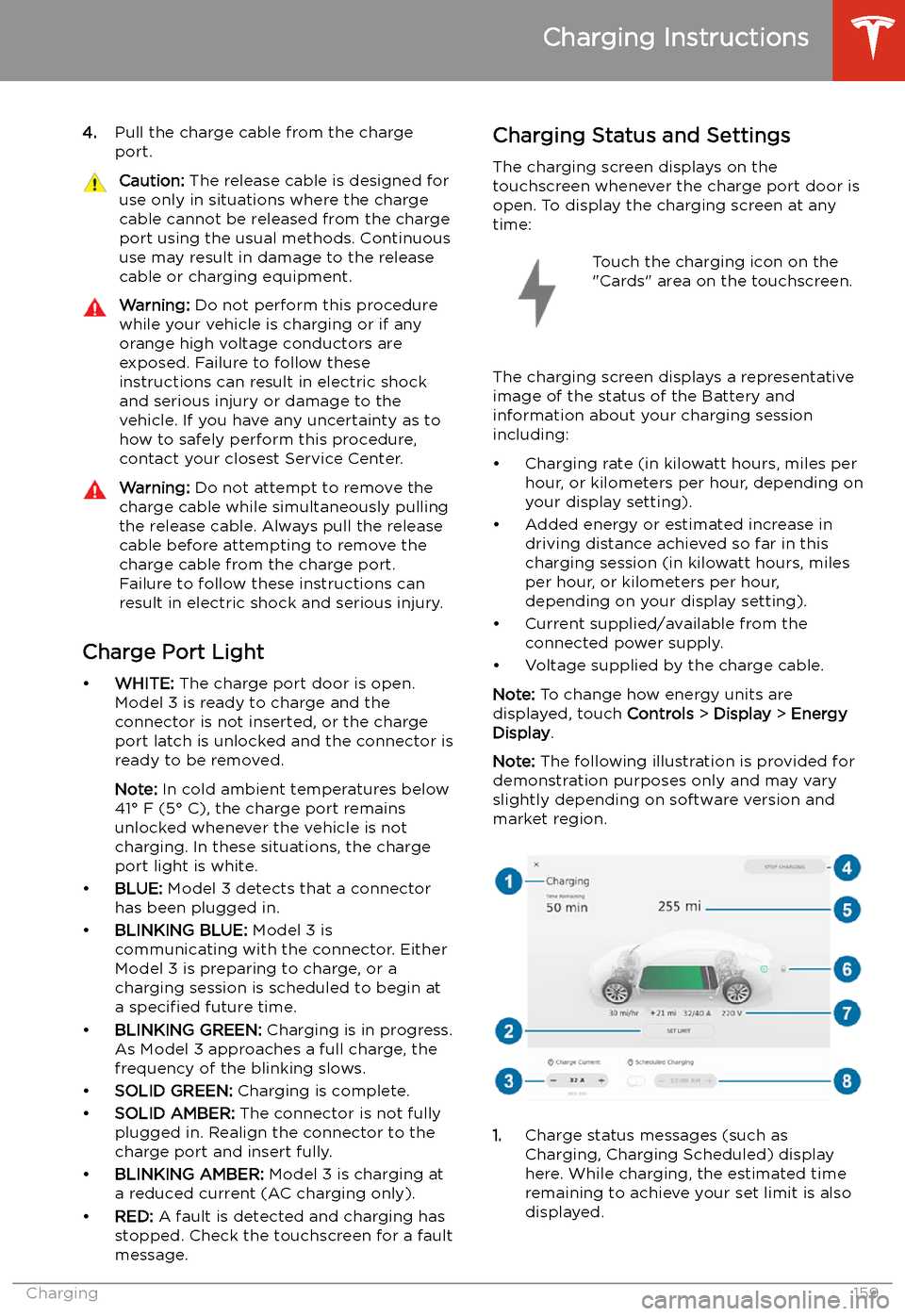
Charge Port Light
Page 166 of 220
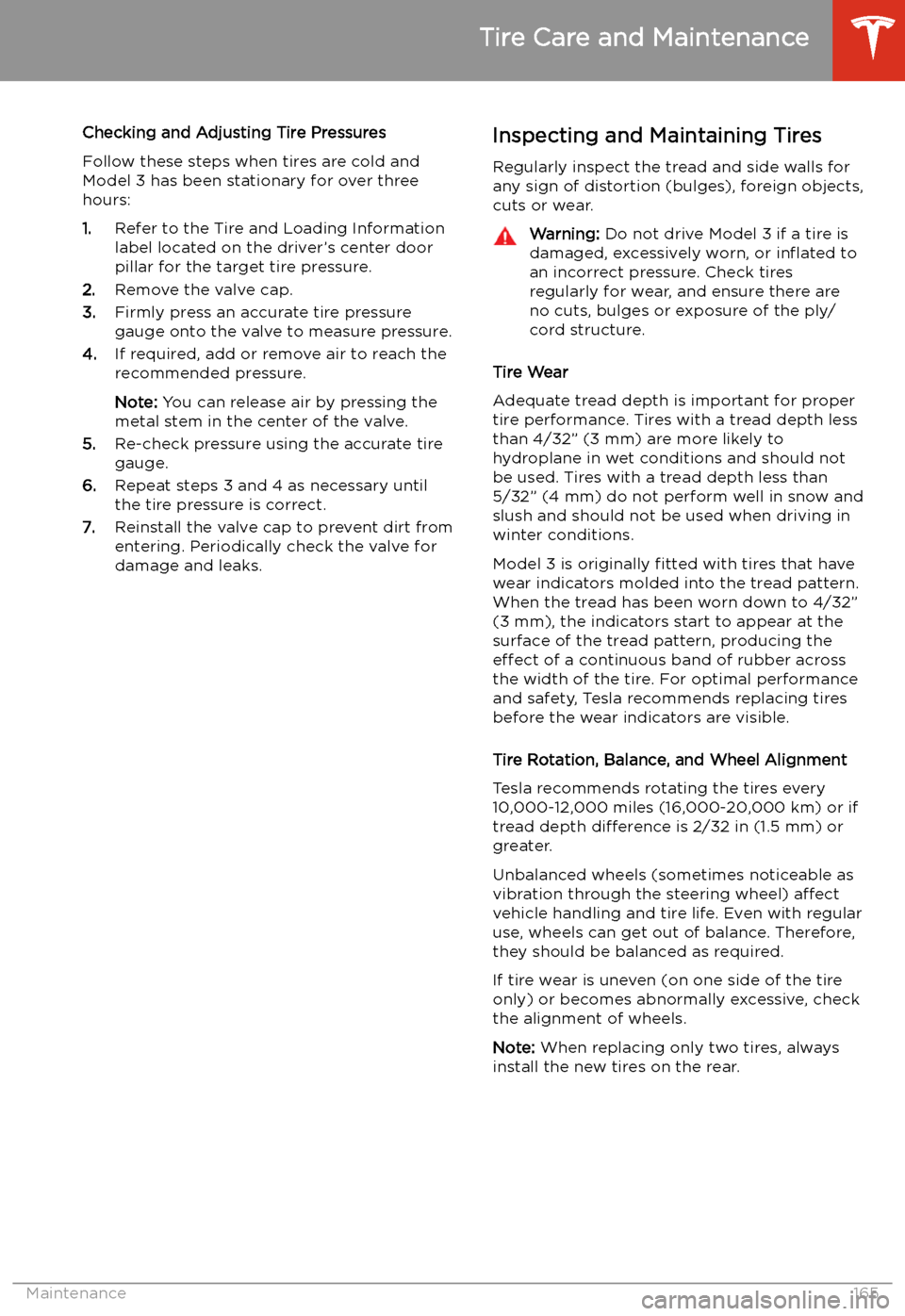
Checking and Adjusting Tire PressuresFollow these steps when tires are cold andModel 3 has been stationary for over three
hours:
1. Refer to the Tire and Loading Information
label located on the driver’s center door
pillar for the target tire pressure.
2. Remove the valve cap.
3. Firmly press an accurate tire pressure
gauge onto the valve to measure pressure.
4. If required, add or remove air to reach the
recommended pressure.
Note: You can release air by pressing the
metal stem in the center of the valve.
5. Re-check pressure using the accurate tire
gauge.
6. Repeat steps 3 and 4 as necessary until
the tire pressure is correct.
7. Reinstall the valve cap to prevent dirt from
entering. Periodically check the valve for
damage and leaks.Inspecting and Maintaining Tires
Regularly inspect the tread and side walls for
any sign of distortion (bulges), foreign objects,
cuts or wear.Warning: Do not drive Model 3 if a tire is
damaged, excessively worn, or in
Page 170 of 220
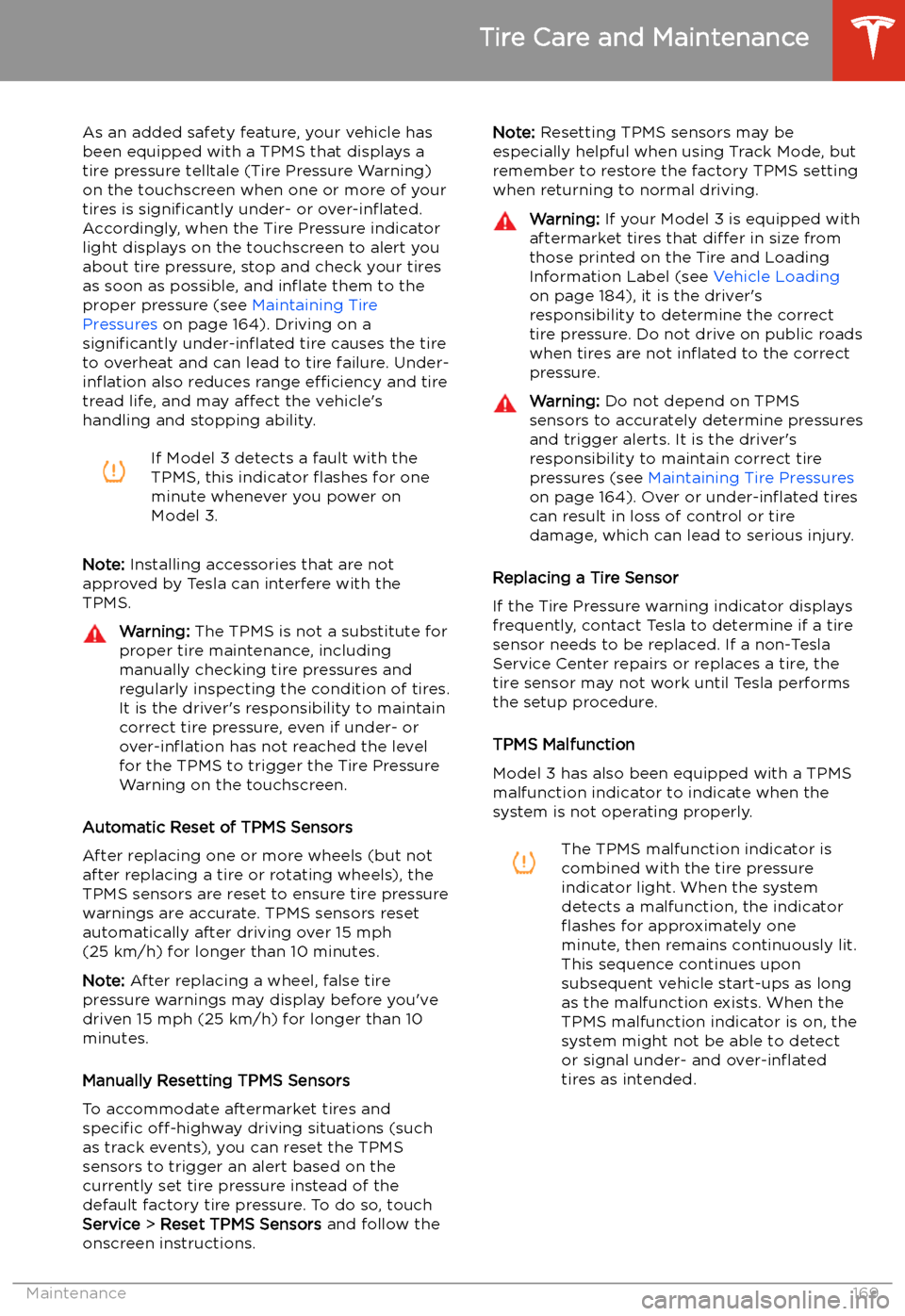
As an added safety feature, your vehicle has
been equipped with a TPMS that displays a
tire pressure telltale (Tire Pressure Warning)
on the touchscreen when one or more of your
tires is significantly under- or over-in
Page 171 of 220
TPMS malfunctions can occur for a variety of
reasons, including installing replacement or
alternate tires or wheels that prevent the
TPMS from functioning properly. Always check
the TPMS malfunction indicator light after replacing one or more tires or wheels on yourvehicle to ensure that the replacement tires or
wheels allow the TPMS to continue to function
properly.
Note: If a tire has been replaced or repaired
using a different tire sealant than the one
available from Tesla, and a low tire pressure is
detected, it is possible that the tire sensor has
been damaged. Contact Tesla to have the fault repaired as soon as possible.Seasonal Tire Types
Summer Tires
Your vehicle may be originally equipped with high performance summer tires or all season
tires. Tesla recommends using winter tires if
driving in cold temperatures or on roads
where snow or ice may be present. Contact
Tesla for winter tire recommendations.Warning: In cold temperatures or on snow
or ice, summer tires do not provide
adequate traction. Selecting and installing the appropriate tires for winter conditions
is important to ensure the safety and
optimum performance of your Model 3.
All-Season Tires
Your Model 3 may be originally equipped with all-season tires. These tires are designed to
provide adequate traction in most conditions
year-round, but may not provide the same level of traction as winter tires in snowy or icy
conditions. All-season tires can be identified
by “ALL SEASON" and/or "M+S” (mud and
snow) on the tire sidewall.
Winter Tires
Use winter tires to increase traction in snowy
or icy conditions. When installing winter tires,
always install a complete set of four tires at
the same time. Winter tires must be the same
diameter, brand, construction and tread
pattern on all four wheels. Contact Tesla for
winter tire recommendations.
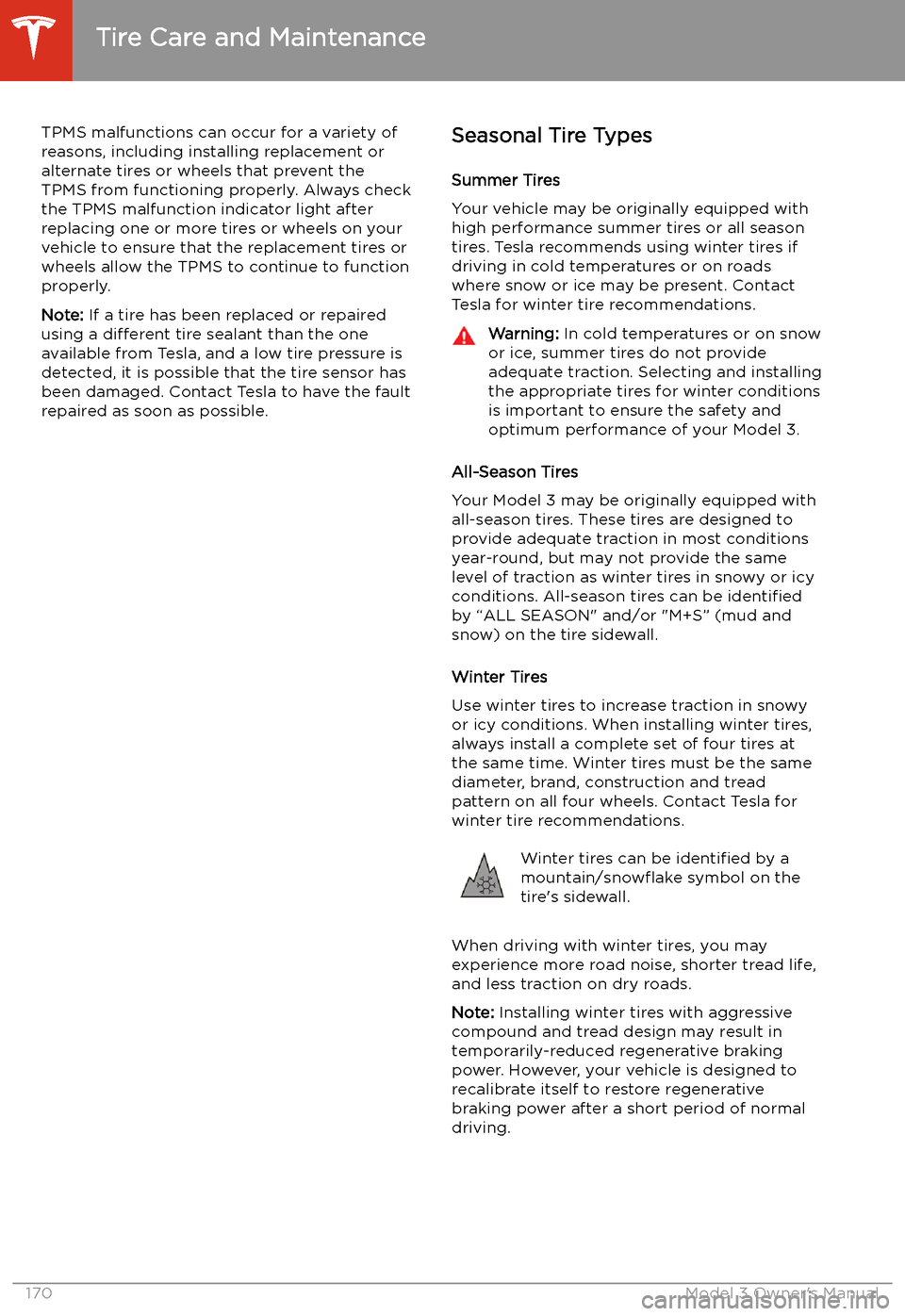
Winter tires can be identified by a
mountain/snow
Page 179 of 220
Jacking and Lifting
Jacking Procedure
Follow the steps below to lift Model 3. Ensure
that any non-Tesla repair facility is aware of
these lifting points.
1. Position Model 3 centrally between the lift
posts.
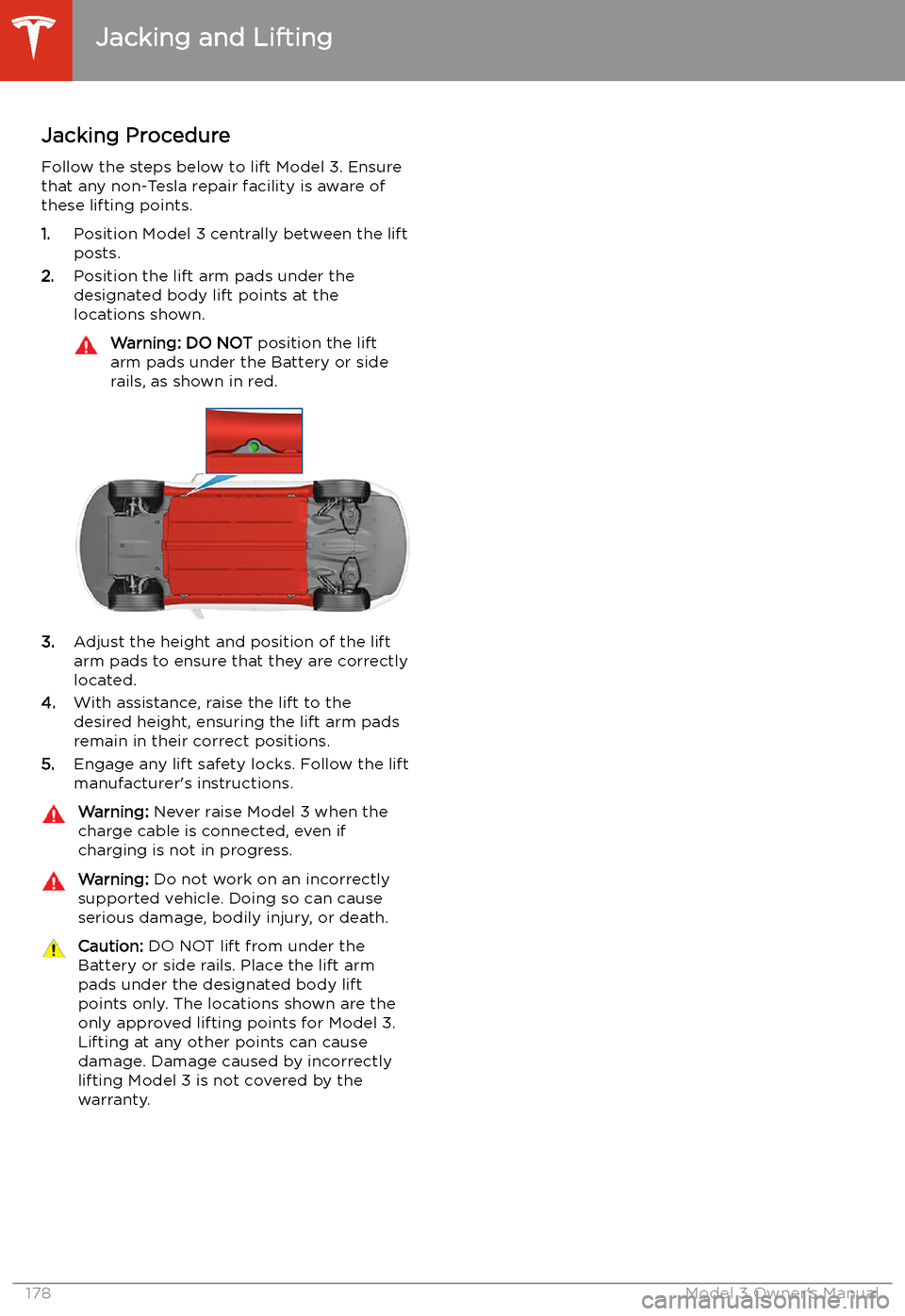
2. Position the lift arm pads under the
designated body lift points at the
locations shown.
Warning: DO NOT position the lift
arm pads under the Battery or side
rails, as shown in red.
3. Adjust the height and position of the lift
arm pads to ensure that they are correctly
located.
4. With assistance, raise the lift to the
desired height, ensuring the lift arm pads remain in their correct positions.
5. Engage any lift safety locks. Follow the lift
manufacturer
Page 200 of 220
Instructions for Transporters
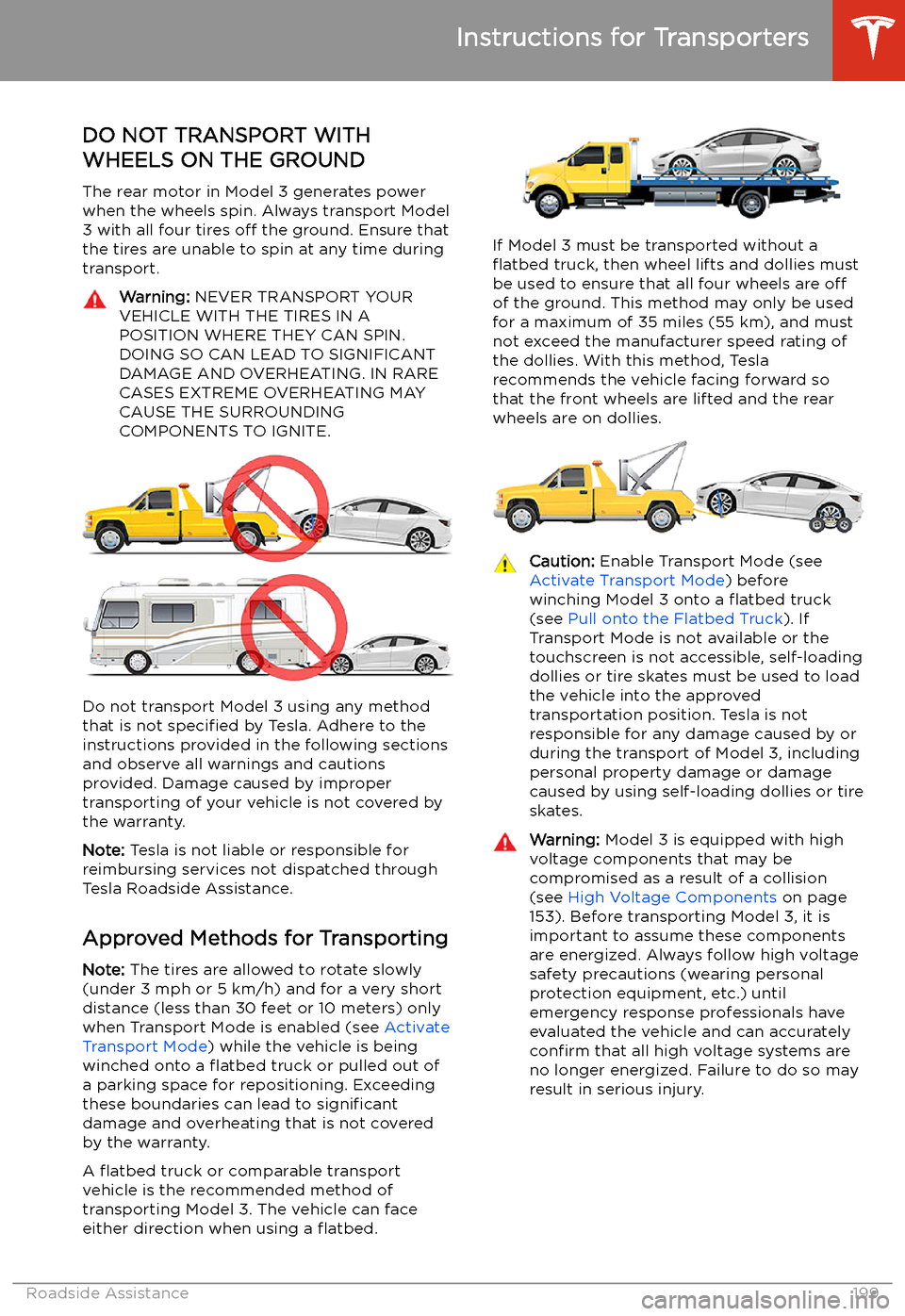
DO NOT TRANSPORT WITH
WHEELS ON THE GROUND
The rear motor in Model 3 generates power
when the wheels spin. Always transport Model 3 with all four tires off the ground. Ensure that
the tires are unable to spin at any time during
transport.
Warning: NEVER TRANSPORT YOUR
VEHICLE WITH THE TIRES IN A
POSITION WHERE THEY CAN SPIN. DOING SO CAN LEAD TO SIGNIFICANT
DAMAGE AND OVERHEATING. IN RARE CASES EXTREME OVERHEATING MAY
CAUSE THE SURROUNDING
COMPONENTS TO IGNITE.
Do not transport Model 3 using any method
that is not specified by Tesla. Adhere to the
instructions provided in the following sections
and observe all warnings and cautions provided. Damage caused by impropertransporting of your vehicle is not covered by
the warranty.
Note: Tesla is not liable or responsible for
reimbursing services not dispatched through
Tesla Roadside Assistance.
Approved Methods for Transporting Note: The tires are allowed to rotate slowly
(under 3 mph or 5 km/h) and for a very short
distance (less than 30 feet or 10 meters) only
when Transport Mode is enabled (see Activate
Transport Mode ) while the vehicle is being
winched onto a
Page 218 of 220
slip start 69
Smart Summon 105smartphoneauthenticating as a key 9
removing as a key 12
software reset 124
software update preferences 151
software updates 151
software version 8
specifications12V battery 189
brakes 188
cargo volume 187
dimensions 186
exterior 186
High Voltage Battery 189
interior 186
motor 188
steering 188
subsystems 188
suspension 189
tires 191
transmission 188
weights 187
wheels 190
speed assist 114
Speed Limit Mode 124
speed limit warning 114
stability control 69
starting 54
steering specifications 188
steering wheeladjusting position 50
adjusting sensitivity 50
buttons 50
lights, controlling 58
scroll buttons 50
steering, automatic 93
streaming radio 136
streaming services 136
summer tires 170
Summon 102
Summon Distance 102
superchargingdescribed 161
idle fees 161
pay-per-use fees 161
suspension specifications 189
T telematics 206
temperatureBattery (high voltage), limits 155
cabin, controls for 125
outside 61
tires 194
Teslacam 76
tie-down straps
200
tilt/intrusion detection 143
Tire and Loading Information label 184
tire noise 171Tire Pressure Monitoring Systemoverview of 168
tire pressures, checking 164
tiresall-season 170
balancing 165
chains 171
inspecting and maintaining 165
pressures, how to check 164
quality grading 194
replacing 166
replacing a tire sensor 169
rotation 165
specification 191
summer 170
temperature grades 194
tire markings 192
traction grade 194
treadwear grade 194
wheel configuration 164
winter 170
toll system transponders, attaching 179
torque specifications 188
touch up body 173
touchscreencleaning 173
overview 4
restarting 50
software updates 151
towing a trailer 185
towing instructions 199
TPMSoverview of 168
Track Mode 73
Tracking Disabled 130
traction control 69
trademarks 204
Traffic-Aware Cruise Control 87
trailer hitches 185
transmission specifications 188
transponders, attaching 179
Transport Canada, contacting 208
Transport Mode 200
transporting 199
trip chart 74
Trip Planner 134
trunk, front 21
trunk, rear 19
turn signals 60
U
ultrasonic sensors 84
uniform tire quality grading 194
Index
Index217