lights TESLA MODEL S 2014 (Europe) User Guide
[x] Cancel search | Manufacturer: TESLA, Model Year: 2014, Model line: MODEL S, Model: TESLA MODEL S 2014Pages: 152, PDF Size: 17.5 MB
Page 52 of 152
LightsLights
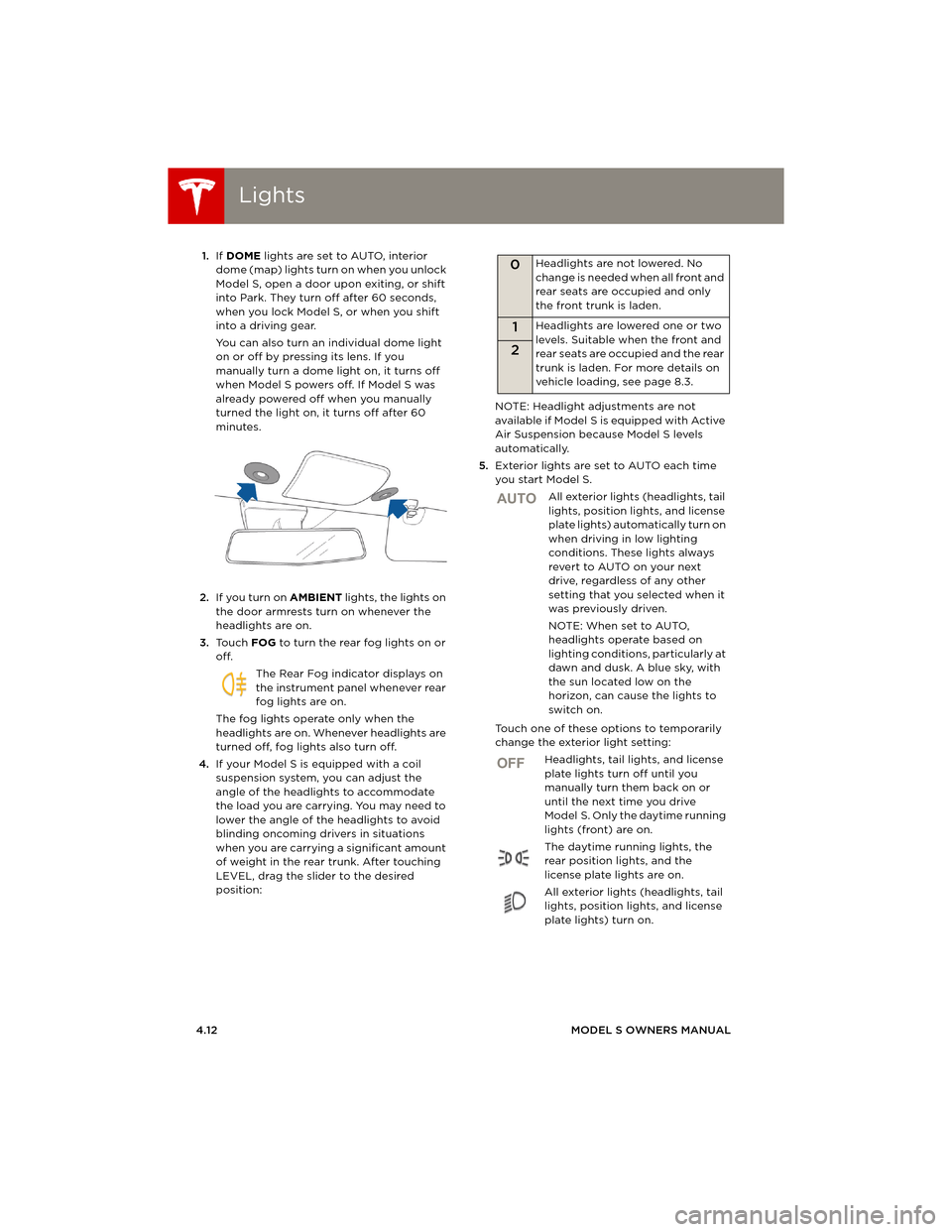
4.12MODEL S OWNERS MANUAL 1.If DOME lights are set to AUTO, interior
dome (map) lights turn on when you unlock
Model S, open a door upon exiting, or shift
into Park. They turn off after 60 seconds,
when you lock Model S, or when you shift
into a driving gear.
You can also turn an individual dome light
on or off by pressing its lens. If you
manually turn a dome light on, it turns off
when Model S powers off. If Model S was
already powered off when you manually
turned the light on, it turns off after 60
minutes.
2.If you turn on AMBIENT lights, the lights on
the door armrests turn on whenever the
headlights are on.
3.To u c h FOG to turn the rear fog lights on or
off.
The Rear Fog indicator displays on
the instrument panel whenever rear
fog lights are on.
The fog lights operate only when the
headlights are on. Whenever headlights are
turned off, fog lights also turn off.
4.If your Model S is equipped with a coil
suspension system, you can adjust the
angle of the headlights to accommodate
the load you are carrying. You may need to
lower the angle of the headlights to avoid
blinding oncoming drivers in situations
when you are carrying a significant amount
of weight in the rear trunk. After touching
LEVEL, drag the slider to the desired
position:NOTE: Headlight adjustments are not
available if Model S is equipped with Active
Air Suspension because Model S levels
automatically.
5.Exterior lights are set to AUTO each time
you start Model S.
All exterior lights (headlights, tail
lights, position lights, and license
plate lights) automatically turn on
when driving in low lighting
conditions. These lights always
revert to AUTO on your next
drive, regardless of any other
setting that you selected when it
was previously driven.
NOTE: When set to AUTO,
headlights operate based on
lighting conditions, particularly at
dawn and dusk. A blue sky, with
the sun located low on the
horizon, can cause the lights to
switch on.
Touch one of these options to temporarily
change the exterior light setting:
Headlights, tail lights, and license
plate lights turn off until you
manually turn them back on or
until the next time you drive
Model S. Only the daytime running
lights (front) are on.
The daytime running lights, the
rear position lights, and the
license plate lights are on.
All exterior lights (headlights, tail
lights, position lights, and license
plate lights) turn on.
0Headlights are not lowered. No
change is needed when all front and
rear seats are occupied and only
the front trunk is laden.
1Headlights are lowered one or two
levels. Suitable when the front and
rear seats are occupied and the rear
trunk is laden. For more details on
vehicle loading, see page 8.3.
2
AUTO
OFF
book.book Page 12 Friday, July 19, 2013 12:53 PM
Page 53 of 152
Lights
DRIVING4.13
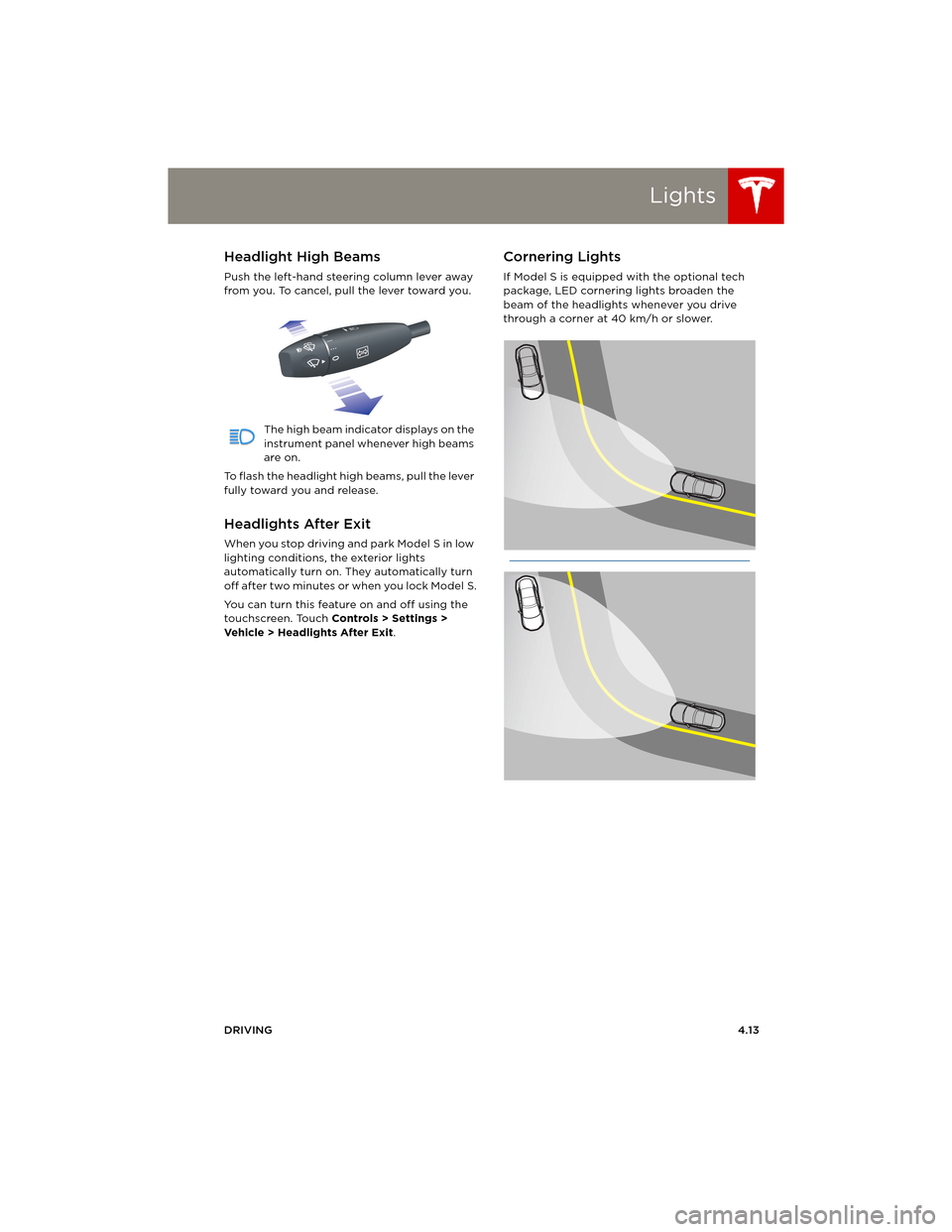
Headlight High Beams
Push the left-hand steering column lever away
from you. To cancel, pull the lever toward you.
The high beam indicator displays on the
instrument panel whenever high beams
are on.
To flash the headlight high beams, pull the lever
fully toward you and release.
Headlights After Exit
When you stop driving and park Model S in low
lighting conditions, the exterior lights
automatically turn on. They automatically turn
off after two minutes or when you lock Model S.
You can turn this feature on and off using the
touchscreen. Touch Controls > Settings >
Vehicle > Headlights After Exit.
Cornering Lights
If Model S is equipped with the optional tech
package, LED cornering lights broaden the
beam of the headlights whenever you drive
through a corner at 40 km/h or slower.
book.book Page 13 Friday, July 19, 2013 12:53 PM
Page 54 of 152
LightsLights
4.14MODEL S OWNERS MANUAL
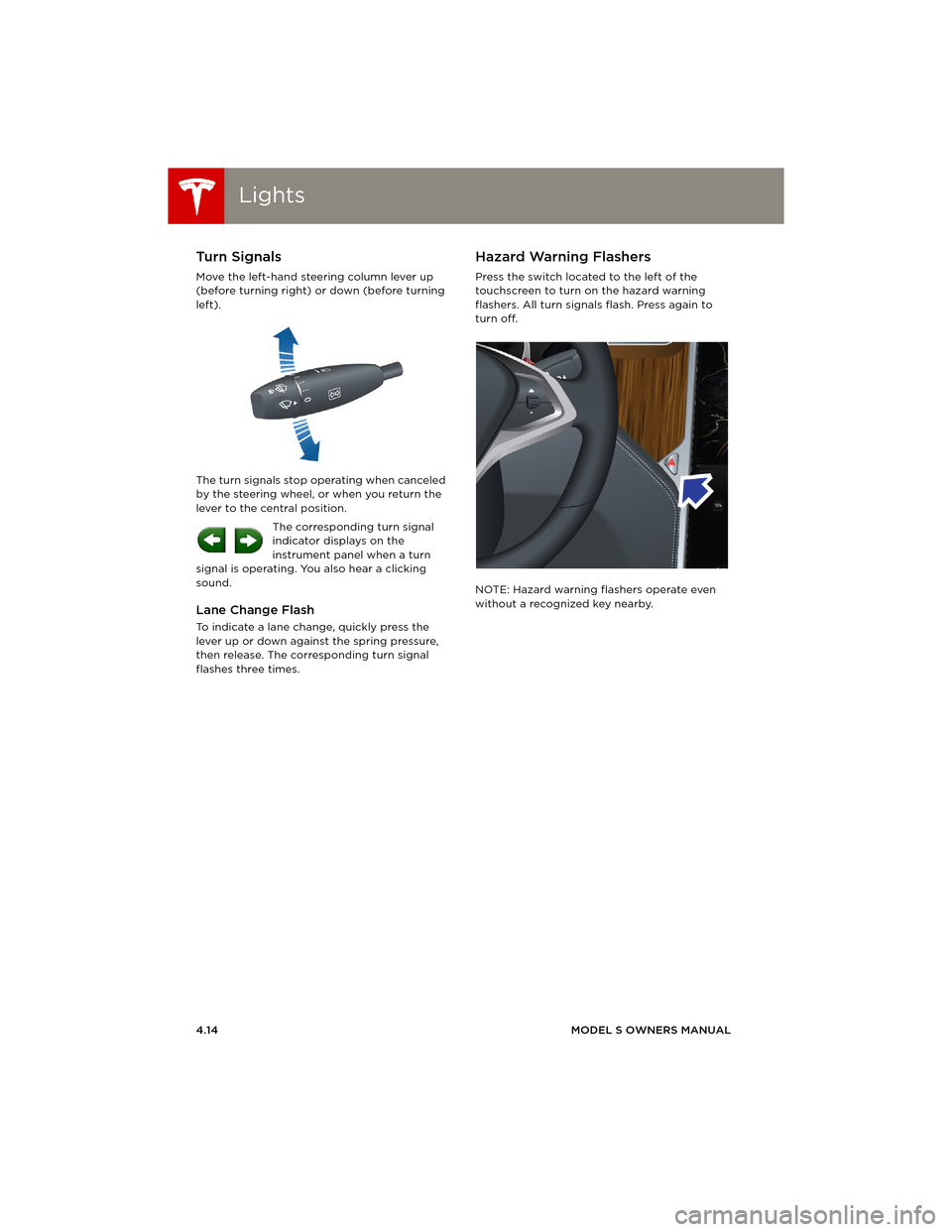
Turn Signals
Move the left-hand steering column lever up
(before turning right) or down (before turning
left).
The turn signals stop operating when canceled
by the steering wheel, or when you return the
lever to the central position.
The corresponding turn signal
indicator displays on the
instrument panel when a turn
signal is operating. You also hear a clicking
sound.
Lane Change Flash
To indicate a lane change, quickly press the
lever up or down against the spring pressure,
then release. The corresponding turn signal
flashes three times.
Hazard Warning Flashers
Press the switch located to the left of the
touchscreen to turn on the hazard warning
flashers. All turn signals flash. Press again to
turn off.
NOTE: Hazard warning flashers operate even
without a recognized key nearby.
book.book Page 14 Friday, July 19, 2013 12:53 PM
Page 55 of 152
Wipers and Washers
DRIVING4.15
Wipers and WashersWipers
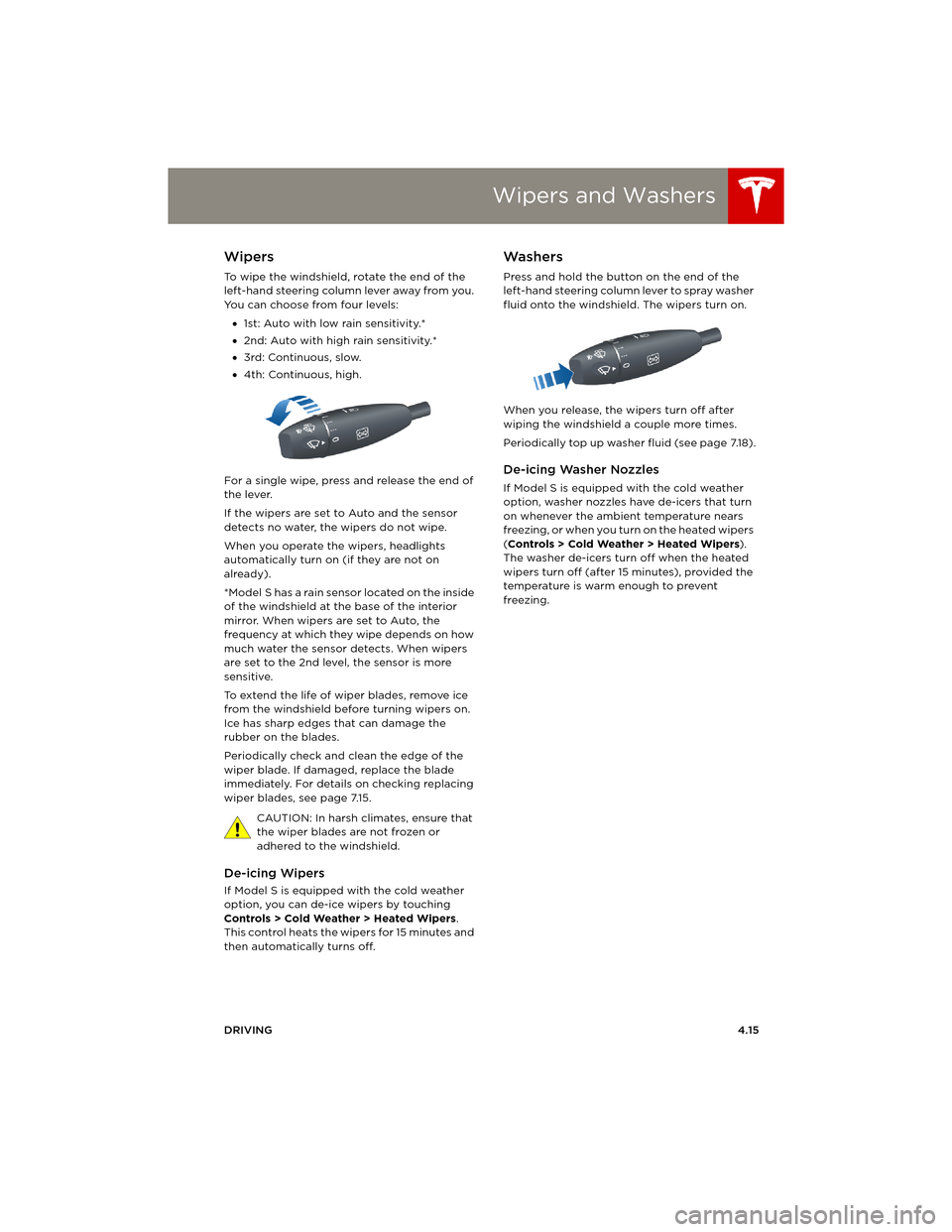
To wipe the windshield, rotate the end of the
left-hand steering column lever away from you.
You can choose from four levels:
•1st: Auto with low rain sensitivity.*
•2nd: Auto with high rain sensitivity.*
•3rd: Continuous, slow.
•4th: Continuous, high.
For a single wipe, press and release the end of
the lever.
If the wipers are set to Auto and the sensor
detects no water, the wipers do not wipe.
When you operate the wipers, headlights
automatically turn on (if they are not on
already).
*Model S has a rain sensor located on the inside
of the windshield at the base of the interior
mirror. When wipers are set to Auto, the
frequency at which they wipe depends on how
much water the sensor detects. When wipers
are set to the 2nd level, the sensor is more
sensitive.
To extend the life of wiper blades, remove ice
from the windshield before turning wipers on.
Ice has sharp edges that can damage the
rubber on the blades.
Periodically check and clean the edge of the
wiper blade. If damaged, replace the blade
immediately. For details on checking replacing
wiper blades, see page 7.15.
CAUTION: In harsh climates, ensure that
the wiper blades are not frozen or
adhered to the windshield.
De-icing Wipers
If Model S is equipped with the cold weather
option, you can de-ice wipers by touching
Controls > Cold Weather > Heated Wipers.
This control heats the wipers for 15 minutes and
then automatically turns off.
Washers
Press and hold the button on the end of the
left-hand steering column lever to spray washer
fluid onto the windshield. The wipers turn on.
When you release, the wipers turn off after
wiping the windshield a couple more times.
Periodically top up washer fluid (see page 7.18).
De-icing Washer Nozzles
If Model S is equipped with the cold weather
option, washer nozzles have de-icers that turn
on whenever the ambient temperature nears
freezing, or when you turn on the heated wipers
(Controls > Cold Weather > Heated Wipers).
The washer de-icers turn off when the heated
wipers turn off (after 15 minutes), provided the
temperature is warm enough to prevent
freezing.
book.book Page 15 Friday, July 19, 2013 12:53 PM
Page 61 of 152
Brakes
DRIVING4.21
Regenerative Braking
Whenever Model S is moving and your foot is
off the accelerator, regenerative braking slows
down Model S and feeds any surplus energy
back to the Battery.
By anticipating your stops and simply removing
your foot from the accelerator to slow down,
you can take advantage of regenerative
braking to increase driving range. Of course,
this is no substitute for regular braking when
needed for safety.
NOTE: If regenerative braking is aggressively
slowing Model S, such as on a steep descent,
brake lights turn on to alert other road users
that you are slowing down.
The power meter on the instrument panel
displays real-time feedback on the amount of
energy being gained by regenerative braking.
The amount of energy fed back to the Battery
using regenerative braking can depend on the
current state of the Battery and the charge
level setting that you are using. If regenerative
braking is limited, a dashed yellow line displays
on the power meter. For example, regenerative
braking may be limited if the Battery is
extremely hot or cold because the surplus
energy is used to cool or heat the Battery.
Regenerative braking is also limited if the
Battery is already fully charged.
To Set the Regenerative Braking Level
You can use the touchscreen to change the
level of regenerative braking:
1.Touch Controls.
2.Choose from two levels:
•Standard - provides the maximum
amount of regenerative braking. When
you release the accelerator, Model S slows
down faster, reducing the need to use the
brakes.
•Low - limits the amount of regenerative
braking. When you release the
accelerator, Model S takes longer to slow
down and coasts further.
NOTE: Regenerative braking resets to Standard
each time you start Model S.
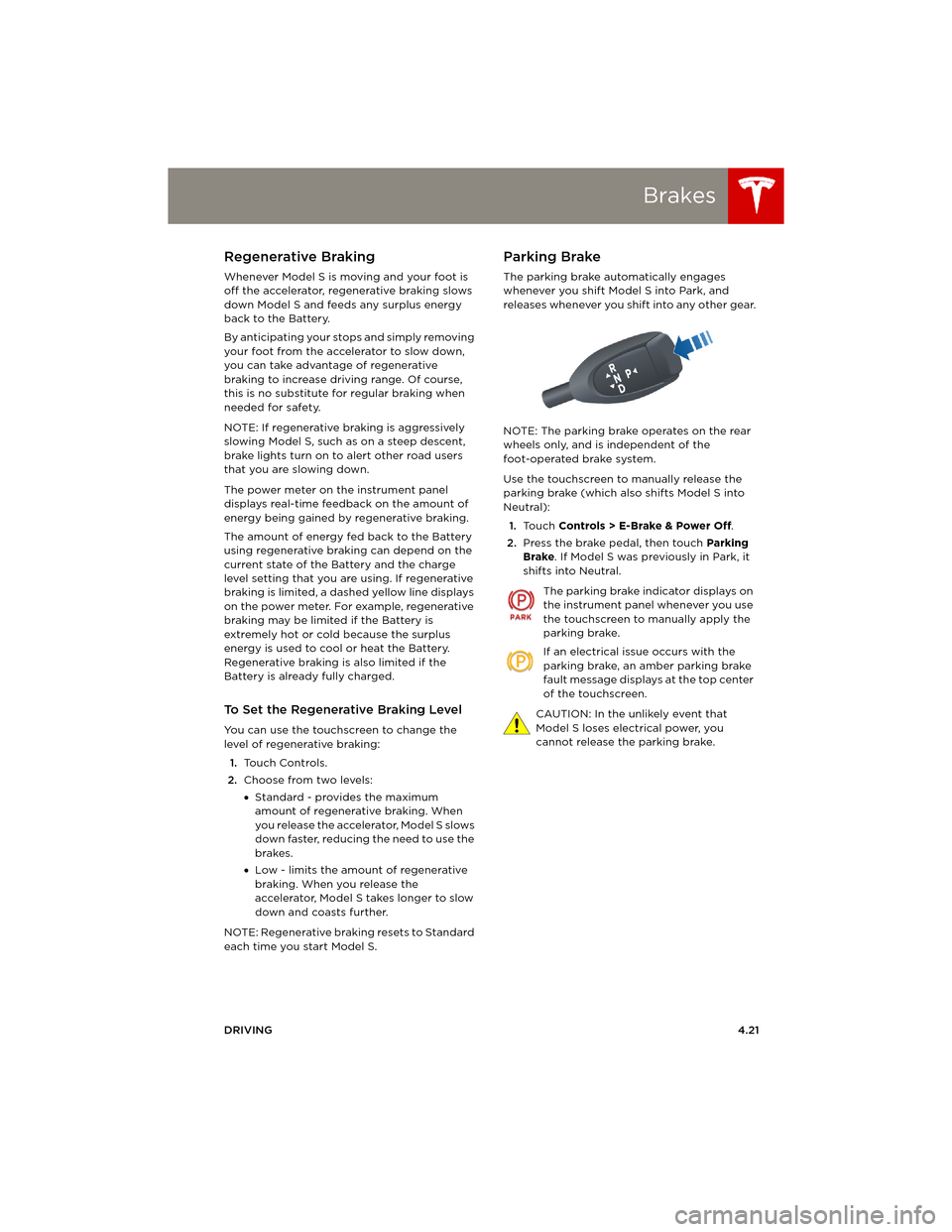
Parking Brake
The parking brake automatically engages
whenever you shift Model S into Park, and
releases whenever you shift into any other gear.
NOTE: The parking brake operates on the rear
wheels only, and is independent of the
foot-operated brake system.
Use the touchscreen to manually release the
parking brake (which also shifts Model S into
Neutral):
1.Touch Controls > E-Brake & Power Off.
2.Press the brake pedal, then touch Parking
Brake. If Model S was previously in Park, it
shifts into Neutral.
The parking brake indicator displays on
the instrument panel whenever you use
the touchscreen to manually apply the
parking brake.
If an electrical issue occurs with the
parking brake, an amber parking brake
fault message displays at the top center
of the touchscreen.
CAUTION: In the unlikely event that
Model S loses electrical power, you
cannot release the parking brake.
book.book Page 21 Friday, July 19, 2013 12:53 PM
Page 67 of 152
Touchscreen Overview
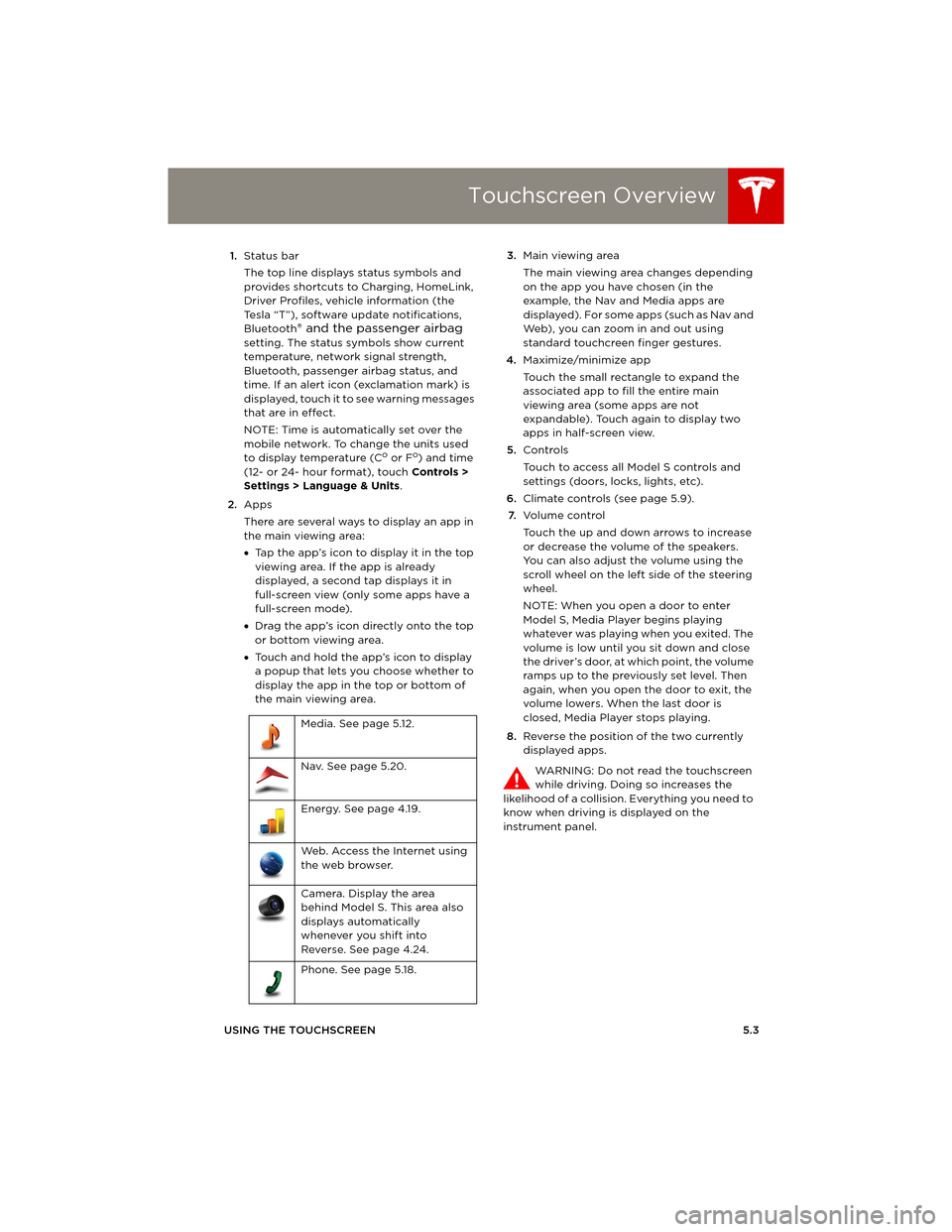
USING THE TOUCHSCREEN5.3 1.Status bar
The top line displays status symbols and
provides shortcuts to Charging, HomeLink,
Driver Profiles, vehicle information (the
Tesla “T”), software update notifications,
Bluetooth
® and the passenger airbag
setting. The status symbols show current
temperature, network signal strength,
Bluetooth, passenger airbag status, and
time. If an alert icon (exclamation mark) is
displayed, touch it to see warning messages
that are in effect.
NOTE: Time is automatically set over the
mobile network. To change the units used
to display temperature (C
o or Fo) and time
(12- or 24- hour format), touch Controls >
Settings > Language & Units.
2.Apps
There are several ways to display an app in
the main viewing area:
•Tap the app’s icon to display it in the top
viewing area. If the app is already
displayed, a second tap displays it in
full-screen view (only some apps have a
full-screen mode).
•Drag the app’s icon directly onto the top
or bottom viewing area.
•Touch and hold the app’s icon to display
a popup that lets you choose whether to
display the app in the top or bottom of
the main viewing area. 3.Main viewing area
The main viewing area changes depending
on the app you have chosen (in the
example, the Nav and Media apps are
displayed). For some apps (such as Nav and
Web), you can zoom in and out using
standard touchcreen finger gestures.
4.Maximize/minimize app
Touch the small rectangle to expand the
associated app to fill the entire main
viewing area (some apps are not
expandable). Touch again to display two
apps in half-screen view.
5.Controls
Touch to access all Model S controls and
settings (doors, locks, lights, etc).
6.Climate controls (see page 5.9).
7.Vo l u m e co n t r o l
Touch the up and down arrows to increase
or decrease the volume of the speakers.
You can also adjust the volume using the
scroll wheel on the left side of the steering
wheel.
NOTE: When you open a door to enter
Model S, Media Player begins playing
whatever was playing when you exited. The
volume is low until you sit down and close
the driver’s door, at which point, the volume
ramps up to the previously set level. Then
again, when you open the door to exit, the
volume lowers. When the last door is
closed, Media Player stops playing.
8.Reverse the position of the two currently
displayed apps.
WARNING: Do not read the touchscreen
while driving. Doing so increases the
likelihood of a collision. Everything you need to
know when driving is displayed on the
instrument panel. Media. See page 5.12.
Nav. See page 5.20.
Energy. See page 4.19.
Web. Access the Internet using
the web browser.
Camera. Display the area
behind Model S. This area also
displays automatically
whenever you shift into
Reverse. See page 4.24.
Phone. See page 5.18.
book.book Page 3 Friday, July 19, 2013 12:53 PM
Page 69 of 152
Touchscreen - Controls
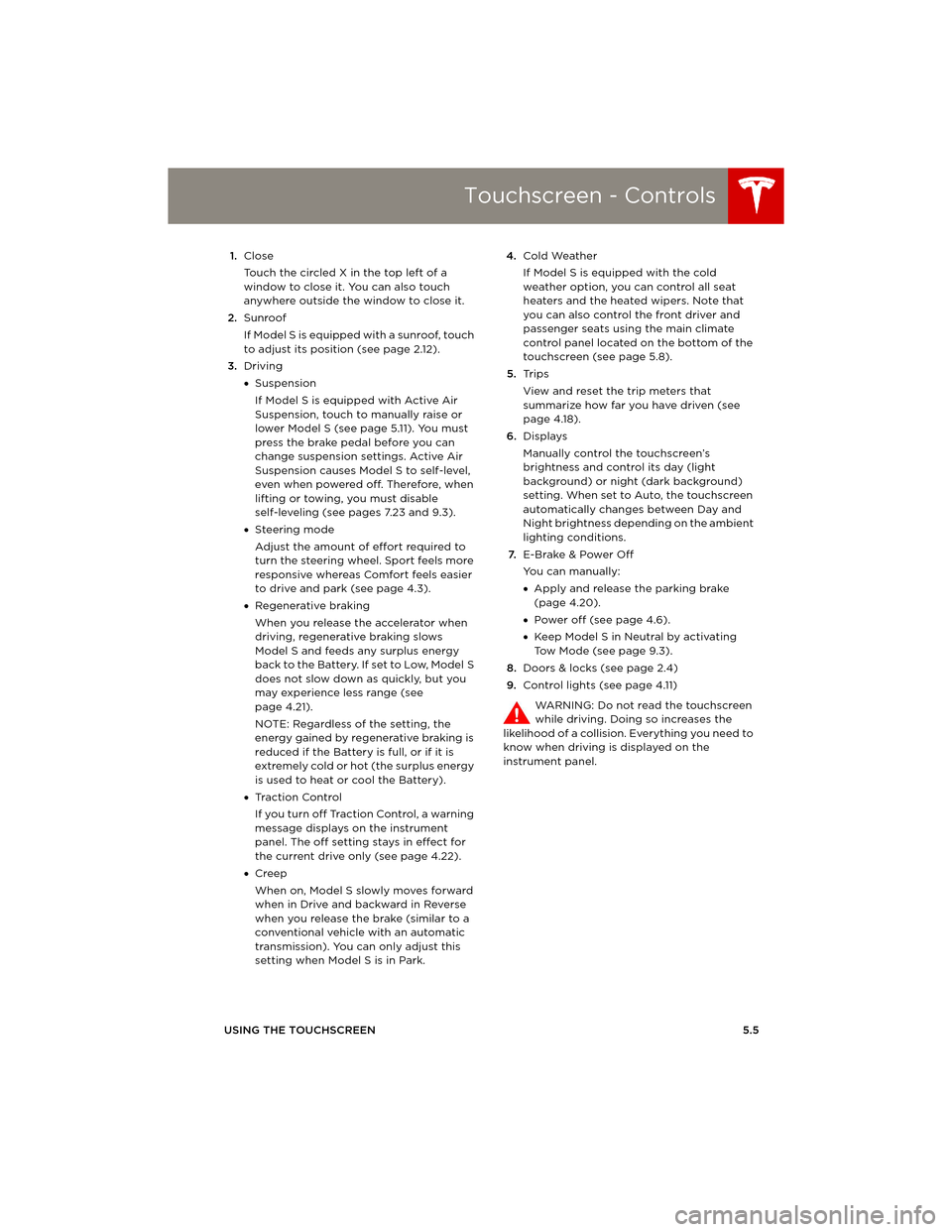
USING THE TOUCHSCREEN5.5 1.Close
Touch the circled X in the top left of a
window to close it. You can also touch
anywhere outside the window to close it.
2.Sunroof
If Model S is equipped with a sunroof, touch
to adjust its position (see page 2.12).
3.Driving
•Suspension
If Model S is equipped with Active Air
Suspension, touch to manually raise or
lower Model S (see page 5.11). You must
press the brake pedal before you can
change suspension settings. Active Air
Suspension causes Model S to self-level,
even when powered off. Therefore, when
lifting or towing, you must disable
self-leveling (see pages 7.23 and 9.3).
•Steering mode
Adjust the amount of effort required to
turn the steering wheel. Sport feels more
responsive whereas Comfort feels easier
to drive and park (see page 4.3).
•Regenerative braking
When you release the accelerator when
driving, regenerative braking slows
Model S and feeds any surplus energy
b a c k t o t h e B a t t e r y. I f s e t t o L o w, M o d e l S
does not slow down as quickly, but you
may experience less range (see
page 4.21).
NOTE: Regardless of the setting, the
energy gained by regenerative braking is
reduced if the Battery is full, or if it is
extremely cold or hot (the surplus energy
is used to heat or cool the Battery).
•Tr a c t i o n C o n t r o l
If you turn off Traction Control, a warning
message displays on the instrument
panel. The off setting stays in effect for
the current drive only (see page 4.22).
•Creep
When on, Model S slowly moves forward
when in Drive and backward in Reverse
when you release the brake (similar to a
conventional vehicle with an automatic
transmission). You can only adjust this
setting when Model S is in Park.4.Cold Weather
If Model S is equipped with the cold
weather option, you can control all seat
heaters and the heated wipers. Note that
you can also control the front driver and
passenger seats using the main climate
control panel located on the bottom of the
touchscreen (see page 5.8).
5.Tr i p s
View and reset the trip meters that
summarize how far you have driven (see
page 4.18).
6.Displays
Manually control the touchscreen’s
brightness and control its day (light
background) or night (dark background)
setting. When set to Auto, the touchscreen
automatically changes between Day and
Night brightness depending on the ambient
lighting conditions.
7.E-Brake & Power Off
You can manually:
•Apply and release the parking brake
(page 4.20).
•Power off (see page 4.6).
•Keep Model S in Neutral by activating
Tow Mode (see page 9.3).
8.Doors & locks (see page 2.4)
9.Control lights (see page 4.11)
WARNING: Do not read the touchscreen
while driving. Doing so increases the
likelihood of a collision. Everything you need to
know when driving is displayed on the
instrument panel.
book.book Page 5 Friday, July 19, 2013 12:53 PM
Page 71 of 152
Touchscreen - Settings
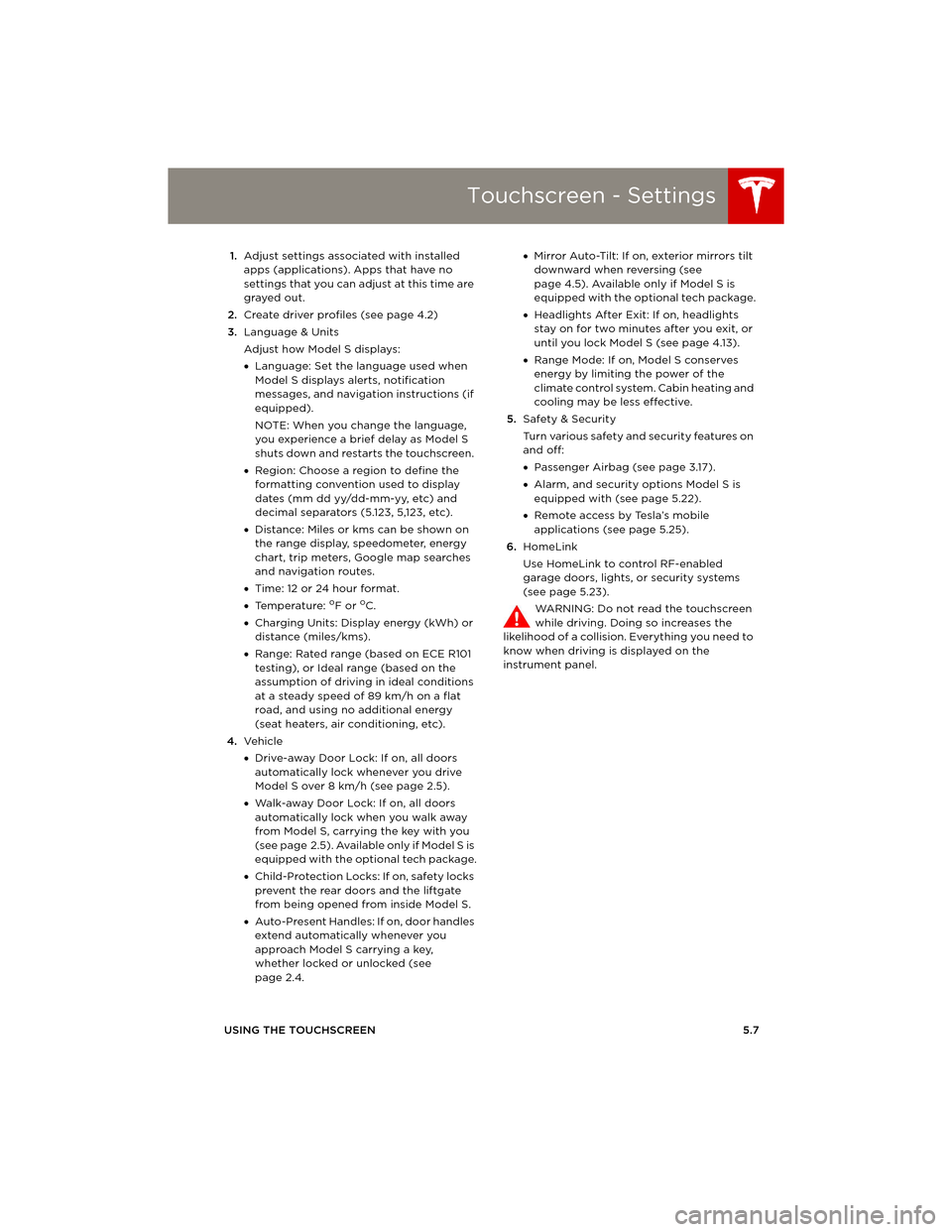
USING THE TOUCHSCREEN5.7 1.Adjust settings associated with installed
apps (applications). Apps that have no
settings that you can adjust at this time are
grayed out.
2.Create driver profiles (see page 4.2)
3.Language & Units
Adjust how Model S displays:
•Language: Set the language used when
Model S displays alerts, notification
messages, and navigation instructions (if
equipped).
NOTE: When you change the language,
you experience a brief delay as Model S
shuts down and restarts the touchscreen.
•Region: Choose a region to define the
formatting convention used to display
dates (mm dd yy/dd-mm-yy, etc) and
decimal separators (5.123, 5,123, etc).
•Distance: Miles or kms can be shown on
the range display, speedometer, energy
chart, trip meters, Google map searches
and navigation routes.
•Time: 12 or 24 hour format.
•Temperature:
oF or oC.
•Charging Units: Display energy (kWh) or
distance (miles/kms).
•Range: Rated range (based on ECE R101
testing), or Ideal range (based on the
assumption of driving in ideal conditions
at a steady speed of 89 km/h on a flat
road, and using no additional energy
(seat heaters, air conditioning, etc).
4.Ve h i c l e
•Drive-away Door Lock: If on, all doors
automatically lock whenever you drive
Model S over 8 km/h (see page 2.5).
•Walk-away Door Lock: If on, all doors
automatically lock when you walk away
from Model S, carrying the key with you
(see page 2.5). Available only if Model S is
equipped with the optional tech package.
•Child-Protection Locks: If on, safety locks
prevent the rear doors and the liftgate
from being opened from inside Model S.
•Auto-Present Handles: If on, door handles
extend automatically whenever you
approach Model S carrying a key,
whether locked or unlocked (see
page 2.4.•Mirror Auto-Tilt: If on, exterior mirrors tilt
downward when reversing (see
page 4.5). Available only if Model S is
equipped with the optional tech package.
•Headlights After Exit: If on, headlights
stay on for two minutes after you exit, or
until you lock Model S (see page 4.13).
•Range Mode: If on, Model S conserves
energy by limiting the power of the
climate control system. Cabin heating and
cooling may be less effective.
5.Safety & Security
Turn various safety and security features on
and off:
•Passenger Airbag (see page 3.17).
•Alarm, and security options Model S is
equipped with (see page 5.22).
•Remote access by Tesla’s mobile
applications (see page 5.25).
6.HomeLink
Use HomeLink to control RF-enabled
garage doors, lights, or security systems
(see page 5.23).
WARNING: Do not read the touchscreen
while driving. Doing so increases the
likelihood of a collision. Everything you need to
know when driving is displayed on the
instrument panel.
book.book Page 7 Friday, July 19, 2013 12:53 PM
Page 86 of 152
Security SettingsSecurity Settings
5.22MODEL S OWNERS MANUAL
Security SettingsAbout the Security System
If Model S does not detect a key nearby and a
locked door or trunk is opened, the horn beeps
and headlights and turn signals flash. To
deactivate the alarm, press any button on the
key.
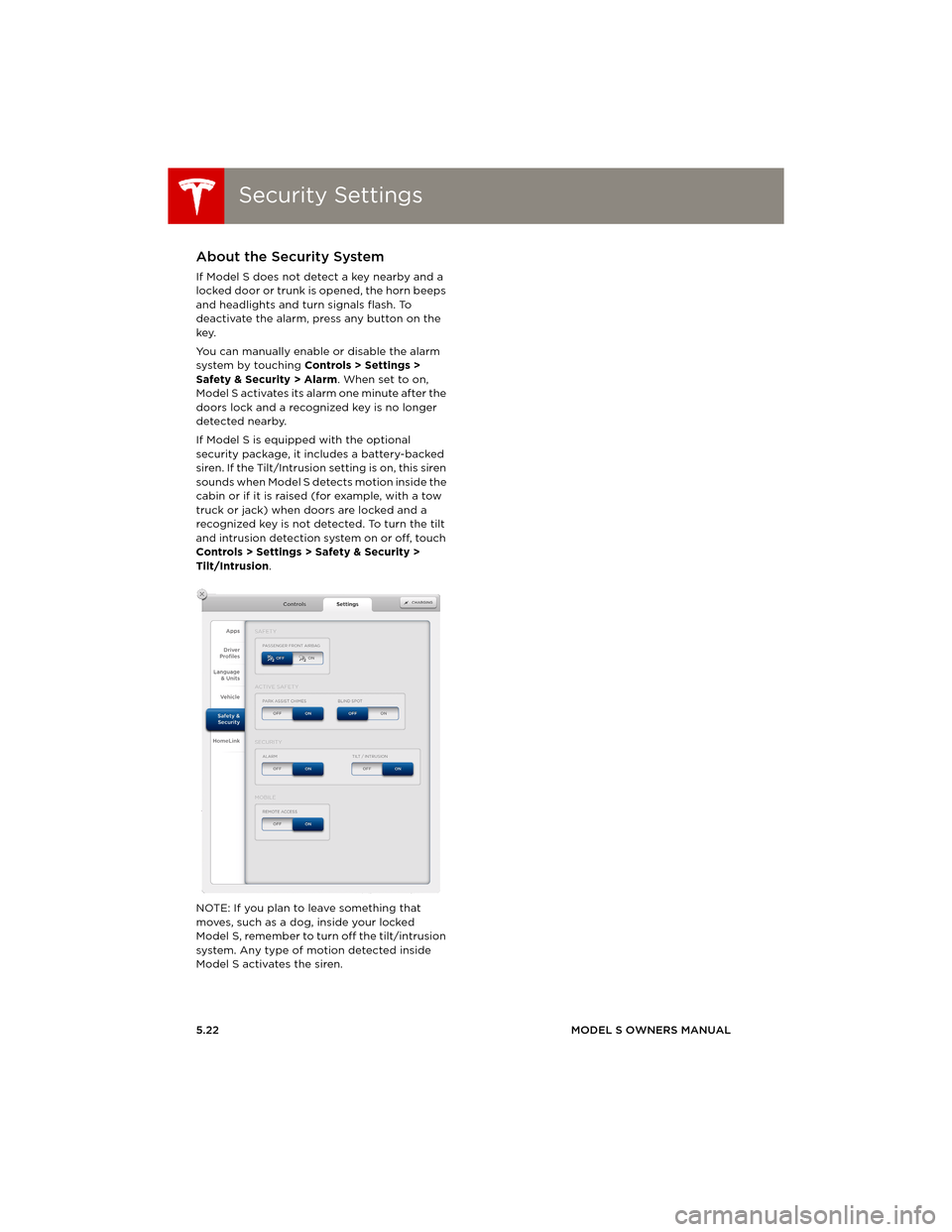
You can manually enable or disable the alarm
system by touching Controls > Settings >
Safety & Security > Alarm. When set to on,
Model S activates its alarm one minute after the
doors lock and a recognized key is no longer
detected nearby.
If Model S is equipped with the optional
security package, it includes a battery-backed
siren. If the Tilt/Intrusion setting is on, this siren
sounds when Model S detects motion inside the
cabin or if it is raised (for example, with a tow
truck or jack) when doors are locked and a
recognized key is not detected. To turn the tilt
and intrusion detection system on or off, touch
Controls > Settings > Safety & Security >
Tilt/Intrusion.
NOTE: If you plan to leave something that
moves, such as a dog, inside your locked
Model S, remember to turn off the tilt/intrusion
system. Any type of motion detected inside
Model S activates the siren.
book.book Page 22 Friday, July 19, 2013 12:53 PM
Page 87 of 152
HomeLink® Universal Transceiver
USING THE TOUCHSCREEN5.23
HomeLink® Universal TransceiverAbout HomeLink®
If Model S is equipped with the optional
tech package, you can program the
HomeLink® Universal Transceiver to operate up
to three garage doors, gates, lights, and
security systems that can transmit Radio
Frequency (RF) signals.
Programming HomeLink
1.Park in front of the device you want to
program, and have the device’s remote
control ready.
2.To u c h Controls > Settings > HomeLink on
the touchscreen.
3.To u c h Enter Name, then use the onscreen
keyboard to enter a name for your
HomeLink device.
4.To u c h Create HomeLink.
5.Follow the onscreen instructions.
Once programmed, you can operate the device
by touching its corresponding HomeLink icon
on the touchscreen’s status bar. HomeLink
remembers the location of your programmed
devices. When you approach a known location,
the HomeLink control on the touchscreen
automatically drops down. When you drive
away, it disappears.
NOTE: For security reasons, erase your
HomeLink settings if you sell Model S.
WARNING: Your device might open or
close during programming. Before
programming, make sure that the device
is clear of any people or objects.
WARNING: Do not use the HomeLink
Universal Transceiver with a garage door
that does not meet federal safety
standards. A garage door opener that
cannot detect an object in its path and
then automatically stop and reverse,
does not meet these standards. Using a
garage door opener without these
features increases the risk of injury or
death.
book.book Page 23 Friday, July 19, 2013 12:53 PM