brakes TESLA MODEL S 2015 User Guide
[x] Cancel search | Manufacturer: TESLA, Model Year: 2015, Model line: MODEL S, Model: TESLA MODEL S 2015Pages: 164, PDF Size: 4.78 MB
Page 124 of 164

Checking Brake FluidWarning: Contact Tesla immediately if
you notice increased movement of the
brake pedal or a significant loss of brake
fluid. Driving under these conditions can result in extended stopping distances orcomplete brake failure.The Brake indicator on the
instrument panel alerts you if the
quantity of fluid in the brake
reservoir drops below the
recommended level. If it displays
while driving, stop as soon as safety
permits by gently applying the
brakes. Do not continue driving.
Contact Tesla immediately.
Fluid Level Check
Tesla checks the brake fluid level at the
regularly scheduled maintenance intervals. To check it yourself, park Model S on level
ground. When Model S is cool, remove the maintenance panel (see Removing the
Maintenance Panel on page 123).
Check the fluid level visually by looking at the
outside marks on the side of the reservoir
without removing the filler cap.
The brake fluid level should always be
between the MIN and the MAX marks.
Note: Although brake fluid level drops slightly
during normal use as a result of brake pad wear, it should not drop below the MIN mark.
Topping Up the Brake Fluid
Do not top up your brake fluid. Tesla service does this when you bring Model S in for
regular servicing. The following instructions are provided for information purposes andfuture reference only:
1. Clean the filler cap before removing to
prevent dirt from entering the reservoir.
2. Unscrew the cap and remove.
3. Top up the reservoir to the MAX mark
using brake fluid meeting DOT3 or DOT4 specifications.
4. Replace the filler cap.Warning: Only use new fluid from a
sealed air-tight container. Never use previously used fluid or fluid from apreviously opened container—fluid
absorbs moisture which decreases
braking performance.Warning: Brake fluid is highly toxic. Keep
containers sealed and out of the reach of children. In the event of accidentalconsumption, seek medical attention
immediately.Caution: Brake fluid damages painted
surfaces. Immediately soak up any spills
with an absorbent cloth and wash the
area with a mixture of car shampoo and
water.
Fluid Reservoirs
124Model S Owner's Manual
Page 141 of 164

Brakes
Type
4-wheel anti-lock braking system (ABS)with Electronic Brake Force Distribution,
Integrated Advanced Stability Control
and Electronic Accelerator pedal actuated
regenerative braking systemCalipersFour piston fixedRotor Diameters (ventilated)Front: 13.98”/355 mm
Rear: 14.37”/365 mmFront Rotor thicknessNew: 1.26”/32 mm
Service limit: 1.18”/30 mmRear Rotor thicknessNew: 1.10”/28 mm
Service limit: 1.02”/26 mmFront Brake Pad Thickness (excluding back plate)New: 0.354”/9.0 mm
Service limit: 0.078”/2 mmRear Brake Pad Thickness (excluding back plate)New: 0.315”/8.0 mm
Service limit: 0.078”/2 mmElectronic Parking Brake (EPB) Pad Thickness
(excluding back plate). Electronic calipers self-
adjust for pad wear.New: 0.216”/5.5 mm
Service limit: 0.039”/1 mmParking brakeElectrically actuated parking brake
calipers
Suspension
FrontIndependent, double wishbone, air spring
or coil spring/telescopic damper, sway barRearIndependent, multi-link, air spring or coil
spring/telescopic damper, sway bar (air suspension vehicles only)For alignment values, see Wheel Alignment Values on page 143.
Battery - 12V
Rating33 amp-hr or higherVoltage and Polarity12V negative (-) ground
Subsystems
Specifications141
Page 160 of 164
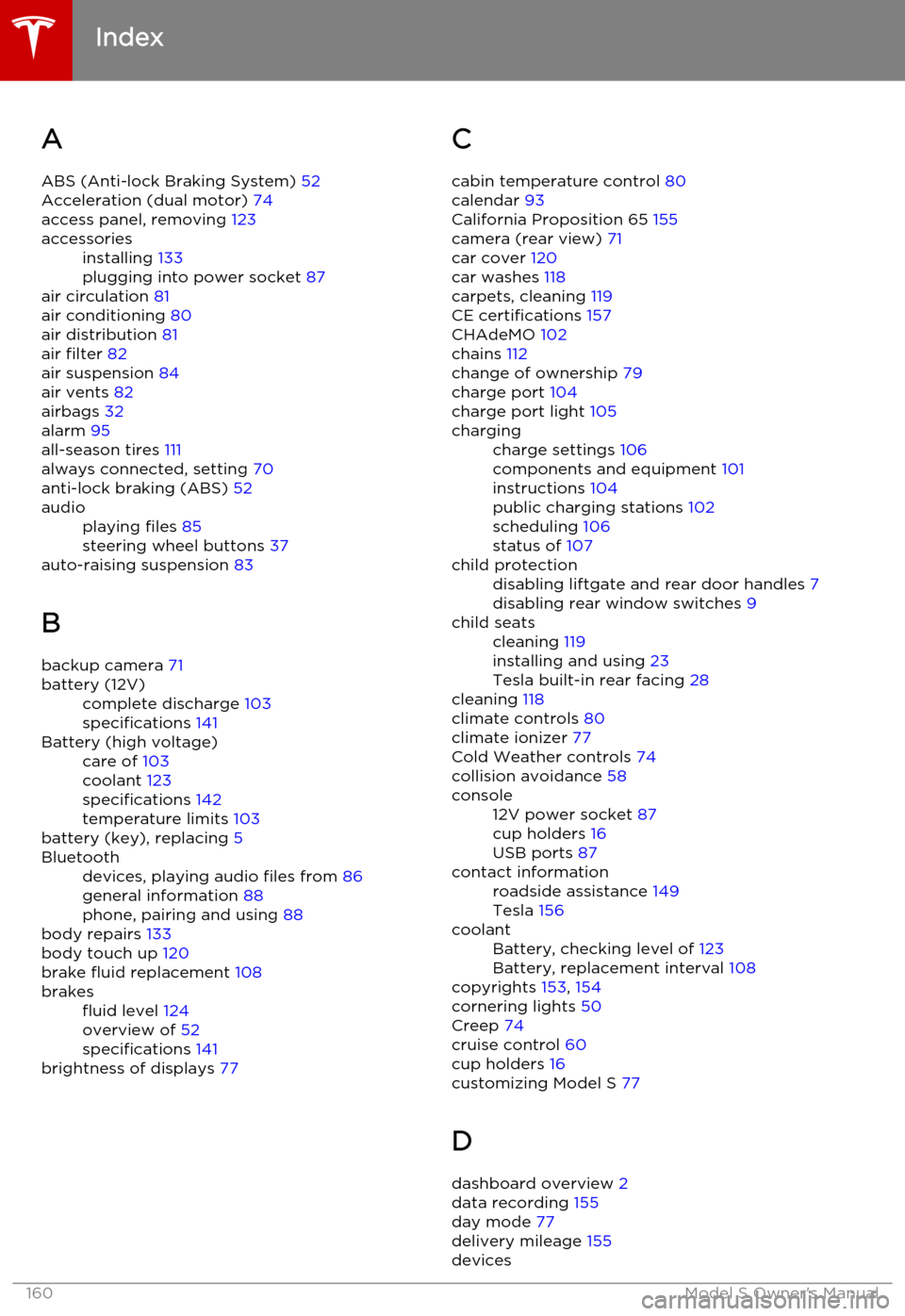
AABS (Anti-lock Braking System) 52
Acceleration (dual motor) 74
access panel, removing 123accessoriesinstalling 133
plugging into power socket 87
air circulation 81
air conditioning 80
air distribution 81
air filter 82
air suspension 84
air vents 82
airbags 32
alarm 95
all-season tires 111
always connected, setting 70
anti-lock braking (ABS) 52
audioplaying files 85
steering wheel buttons 37
auto-raising suspension 83
B
backup camera 71
battery (12V)complete discharge 103
specifications 141Battery (high voltage)care of 103
coolant 123
specifications 142
temperature limits 103
battery (key), replacing 5
Bluetoothdevices, playing audio files from 86
general information 88
phone, pairing and using 88
body repairs 133
body touch up 120
brake fluid replacement 108
brakesfluid level 124
overview of 52
specifications 141
brightness of displays 77
C
cabin temperature control 80
calendar 93
California Proposition 65 155
camera (rear view) 71
car cover 120
car washes 118
carpets, cleaning 119
CE certifications 157
CHAdeMO 102
chains 112
change of ownership 79
charge port 104
charge port light 105chargingcharge settings 106
components and equipment 101
instructions 104
public charging stations 102
scheduling 106
status of 107child protectiondisabling liftgate and rear door handles 7
disabling rear window switches 9child seatscleaning 119
installing and using 23
Tesla built-in rear facing 28
cleaning 118
climate controls 80
climate ionizer 77
Cold Weather controls 74
collision avoidance 58
console12V power socket 87
cup holders 16
USB ports 87contact informationroadside assistance 149
Tesla 156coolantBattery, checking level of 123
Battery, replacement interval 108
copyrights 153, 154
cornering lights 50
Creep 74
cruise control 60
cup holders 16
customizing Model S 77
D dashboard overview 2
data recording 155
day mode 77
delivery mileage 155
devices
Index
160Model S Owner's Manual