trunk TESLA MODEL S 2022 Owner´s Manual
[x] Cancel search | Manufacturer: TESLA, Model Year: 2022, Model line: MODEL S, Model: TESLA MODEL S 2022Pages: 281, PDF Size: 7.63 MB
Page 184 of 281

2. While holding the public charging handle
in one hand and the adapter in the other
hand, press and hold the button on the
public charging handle and pull both
outwards, removing the handle and adapter at the same time.
NOTE: If the charging station handle
separates from the adapter, leaving the
adapter in
Model S, use the touchscreen
to unlock the charge port (touch the
charging icon on the overhead view of the
vehicle).
3.
Press and hold the charging handle button again to release the adapter from
the charging handle.
NOTE: The charge port automatically closes
within approximately 10 seconds of removing
the connector from the charge port.
CAUTION: Tesla strongly recommends leaving Model S plugged in when not in use. This maintains the Battery at the optimum level of charge.
Manually Releasing Charge
Cable
If the usual methods for releasing a charge
cable from the charge port (using the charge
handle release button, touchscreen, or mobile
app) do not work, carefully follow these steps:
1.
Ensure that Model S is not actively
charging by displaying the charging
screen on the touchscreen. If necessary,
touch
Stop Charging.
2.
Open the rear trunk.
3.
Pull the charge port
Page 197 of 281
CAUTION: Do not aim water hoses directly at windows, door, or hood seals or at electronic modules or exposed cabling.
CAUTION: To avoid corrosive damage that may not be covered by the warranty, rinse away any road salt from the underside of the vehicle, wheel wells, and brakes. After cleaning the vehicle, dry the brakes by going on a short drive and applying the brakes multiple times.
CAUTION: Avoid using tight-napped or rough cloths, such as washing mitts. A high-quality microfiber cleaning cloth is recommended.
CAUTION: If washing in an automatic car wash, use touchless car washes only. These car washes have no parts (brushes, etc.) that touch the surfaces of Model S. Some touchless car washes use caustic solutions that, over time, can cause discoloration of decorative exterior trim. Avoid exposure to soaps and chemicals above pH 13. If unsure, check the product label or ask the staff at the car wash. Damage caused by improper washing is not covered by the warranty.
CAUTION: If washing in an automatic car wash, make sure the vehicle is locked. In addition, avoid using controls on the touchscreen that can result in accidentally opening doors or trunks while the vehicle is being washed. Any damage caused is not covered by the warranty.
CAUTION: Ensure the wipers are off
before washing Model S to avoid the risk of damaging the wipers.
CAUTION: Do not use chemical based wheel cleaners or pre-wash products. These can damage the finish on the wheels.
WARNING: Never spray liquid at a high velocity (for example, if using a pressure washer) towards the charge port while Model S is charging. Failure to follow these instructions can result in serious injury or damage to the vehicle, charging equipment, or property.
Cleaning the Interior
Frequently inspect and clean the interior to
maintain its appearance and to prevent
premature wear. If possible, immediately wipe up spills and remove marks. For general cleaning, wipe interior surfaces using a soft cloth (such as
microfiber) dampened with a
mixture of warm water and mild non-
detergent cleaner (test all cleaners on a
concealed area before use). To avoid streaks,
dry immediately with a soft lint-free cloth.
Interior Glass
Do not scrape, or use any abrasive cleaning fluid on glass or mirrored surfaces. This can
damage the reflective surface of the mirror
and the heating elements in the rear window.
Airbags
Do not allow any substance to enter an airbag
cover. This could affect correct operation.
Dashboard and Plastic Surfaces
Do not polish the upper surfaces of the dashboard. Polished surfaces are reflective and could interfere with your driving view.
Seats
Wipe spills as soon as possible using a soft
cloth moistened with warm water and non- detergent soap. Wipe gently in a circular
motion. Then wipe dry using a soft, lint-free
cloth.
If equipped with leather seats, note that
leather is prone to dye-transfer which can
cause discoloration, particularly on light
colored leather. White and tan leather is
coated with an anti-soiling treatment. Using
detergents or commercially available leather
cleaners and conditioners is not
recommended because they can discolor or dry out the leather.
If equipped with polyurethane seats, be
careful with dyes, such as from clothing or
denim, that come into contact with the seats.
Over time, dyes can
diffuse into the seat
material and cause staining.
Vacuum cloth seats as needed to remove any
loose dirt.
Cleaning
195Maintenance
Page 201 of 281
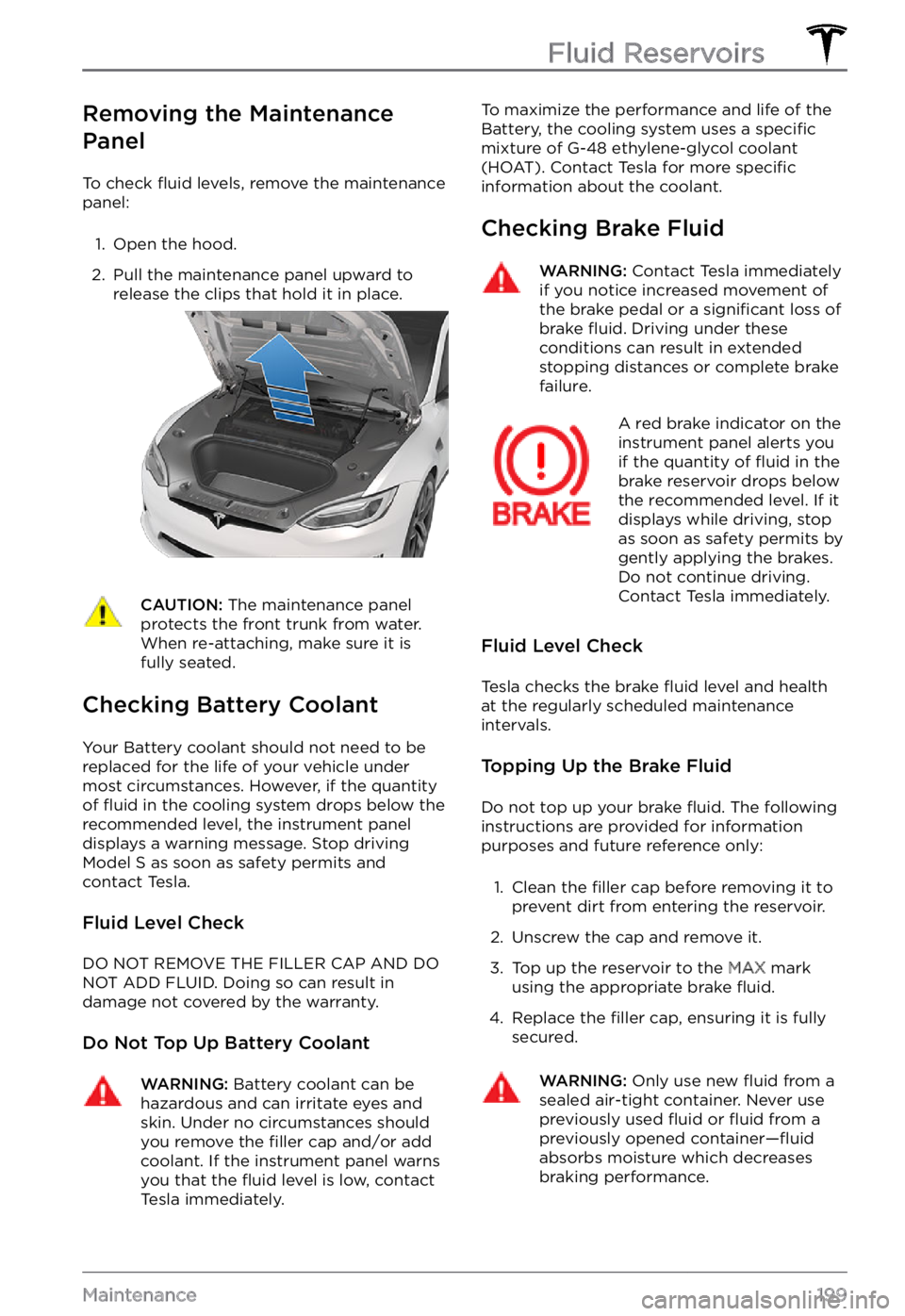
Removing the Maintenance
Panel
To check fluid levels, remove the maintenance
panel:
1.
Open the hood.
2.
Pull the maintenance panel upward to
release the clips that hold it in place.
CAUTION: The maintenance panel protects the front trunk from water. When re-attaching, make sure it is fully seated.
Checking Battery Coolant
Your Battery coolant should not need to be
replaced for the life of your vehicle under
most circumstances. However, if the quantity
of
fluid in the cooling system drops below the
recommended level, the instrument panel displays a warning message. Stop driving Model S as soon as safety permits and
contact Tesla.
Fluid Level Check
DO NOT REMOVE THE FILLER CAP AND DO NOT ADD FLUID. Doing so can result in damage not covered by the warranty.
Do Not Top Up Battery Coolant
WARNING: Battery coolant can be hazardous and can irritate eyes and skin. Under no circumstances should you remove the filler cap and/or add coolant. If the instrument panel warns you that the fluid level is low, contact Tesla immediately.
To maximize the performance and life of the
Battery, the cooling system uses a specific
mixture of G-48 ethylene-glycol coolant
(HOAT). Contact Tesla for more specific information about the coolant.
Checking Brake Fluid
WARNING: Contact Tesla immediately if you notice increased movement of the brake pedal or a significant loss of brake fluid. Driving under these conditions can result in extended stopping distances or complete brake failure.
A red brake indicator on the instrument panel alerts you
if the quantity of fluid in the
brake reservoir drops below
the recommended level. If it
displays while driving, stop
as soon as safety permits by
gently applying the brakes.
Do not continue driving.
Contact Tesla immediately.
Fluid Level Check
Tesla checks the brake fluid level and health
at the regularly scheduled maintenance intervals.
Topping Up the Brake Fluid
Do not top up your brake fluid. The following
instructions are provided for information purposes and future reference only:
1.
Clean the filler cap before removing it to
prevent dirt from entering the reservoir.
2.
Unscrew the cap and remove it.
3.
Top up the reservoir to the MAX mark
using the appropriate brake fluid.
4.
Replace the filler cap, ensuring it is fully
secured.
WARNING: Only use new fluid from a sealed air-tight container. Never use previously used fluid or fluid from a previously opened container
Page 202 of 281

WARNING: Brake fluid is highly toxic. Keep containers sealed and out of the reach of children. In the event of accidental consumption, seek medical attention immediately.
CAUTION: Brake fluid damages painted surfaces. Immediately soak up any spills with an absorbent cloth and wash the area with a mixture of car shampoo and water.
Topping Up Windshield Washer Fluid
The only reservoir into which you can add fluid is the windshield washer fluid reservoir,
which is located behind the front trunk. When
the level is low, a message displays on the
instrument panel.
To top up the washer fluid:
1.
Open the hood.
2.
Clean around the filler cap before opening
it to prevent dirt from entering the
reservoir.
3.
Open the filler cap.
4.
While avoiding spilling, fill the reservoir
until the fluid level is visible just below the filler neck.
5.
Wipe up any spills immediately and wash
the affected area with water.
6.
Replace the filler cap.
NOTE: Some national or local regulations
restrict the use of Volatile Organic Compounds (VOCs). VOCs are commonly
used as antifreeze in washer
fluid. Use a
washer fluid with limited VOC content only if
it provides adequate freeze resistance for all
climates in which you drive
Model S.
CAUTION: Do not add formulated washer fluids that contain water repellent or bug wash. These fluids
can cause streaking, smearing, and squeaking or other noises.
WARNING: In temperatures below 40
Page 206 of 281

Load Capacity Labeling
It is important to understand how much
weight your Model S can safely carry. This
weight is called the vehicle capacity weight
and includes the weight of all occupants,
cargo and any additional equipment added to
your
Model S since it was manufactured.
Two labels attached to the center door pillar
indicate how much weight Model S can safely
carry. Labels are visible when the front door is
open.
1.
Tire and Loading Information Label
2.
Vehicle Certification Label
WARNING: Overloading Model S has an adverse effect on braking and handling, which can compromise your safety or cause damage.
CAUTION: Never load more than 110 lbs (50 kg) in the front trunk. Doing so can cause damage.
CAUTION: Never load more than 175 lbs (80 kg) on the rear load floor or in the lower trunk compartment. Doing so can cause damage.
CAUTION: Never store large amounts of liquid in Model S. A significant spill can cause electrical components to malfunction.
Tire and Loading Information
Label
The Tire and Loading Information label
provides:
Page 209 of 281

AreaLocationMeasurement (in)Measurement (mm)Leg RoomFront42.41,077Rear35.5901Shoulder RoomFront58.41,484Rear55.11,399Hip RoomFront54.81,393Rear50.31,278
Cargo Volume
AreaVolume (liters)Volume (cubic feet)Front trunk893.1Behind first row, second row folded flat1,73961.4Behind second row70925.0Maximum total cargo volume with driver and front
passenger1,82864.6Maximum total cargo volume with driver and 4
passengers79828.2
Weights
Refer to the certification label for mass data (see Identification Labels on page 203).
Dimensions and Weights
207Specifications
Page 276 of 281
car cover: 197
cleaning: 194
dimensions: 206
lights: 56
overview: 3
polishing, touch up, & repair: 196
F
favorites (Media Player): 150
Favorites (navigation): 142
FCC certifications: 229
features, downloading new: 170
firmware (software) updates: 170
flashers, warning: 58
floor mats: 197
fluids: 187, 199
replacement intervals: 187
reservoirs, checking: 199
fog lights: 56
forward collision warning: 122
front passenger detection: 40
front trunk: 19
G
garage doors, opening: 166
gates, opening: 166
GAWR: 204
gears: 53
glovebox: 22
Glovebox PIN: 161
Gross Axle Weight Rating: 204
Gross Vehicle Weight Rating: 204
ground clearance: 206
GVWR: 204
H
hazard warning flashers: 58
head restraints: 27
head supports: 27
headlights: 56, 57, 58
adaptive: 58
after exit: 58
high beams: 57
heating: 135
height adjustments (suspension): 201
disabling (Jack mode): 201
high beam headlights: 57
high voltage: 175, 187, 210
Battery specifications: 210
components: 175
safety: 187
Home: 6
button: 6
screen: 6
Home location: 144
HomeLink: 111, 166
programming and using: 166
when using Summon: 111
hood: 19
horn: 49
hub caps: 190
I
I
Page 280 of 281
trip meter: 73
Trip Planner: 147
trunk, front: 19
trunk, rear: 17
turn signals: 58
U
ultrasonic sensors: 84
uniform tire quality grading: 213
Unlock On Park: 15
unlocking: 14
USB devices: 23
connecting: 23
USB flash drive: 161
USB ports: 23
V
Valet mode: 45
vehicle certification label: 204
Vehicle Identification Number (VIN): 203
vehicle loading: 204
ventilation: 138
videos and recording: 78, 163
VIN (Vehicle Identification Number): 203
volume control: 6
volume control (media): 149
W
Walk-Away Door Lock: 15
Wall Connector: 176
warning flashers: 58
washer fluid, topping up: 200
washer jets, cleaning: 198
washers, using: 65
wheel chocks: 221
wheels: 189, 190, 210
aero covers, removing and installing: 190
alignment: 189
replacing: 190
specifications: 210
torque: 210
Wi-Fi, connecting to: 169
windshield washer fluid, topping up: 200
winter tires: 192
wiper blades, replacing: 198
wipers, using: 65
wireless phone charger: 23
Work location: 144
Index