tow TESLA MODEL X 2017 (UK) Owner's Guide
[x] Cancel search | Manufacturer: TESLA, Model Year: 2017, Model line: MODEL X, Model: TESLA MODEL X 2017Pages: 202, PDF Size: 4.82 MB
Page 184 of 202
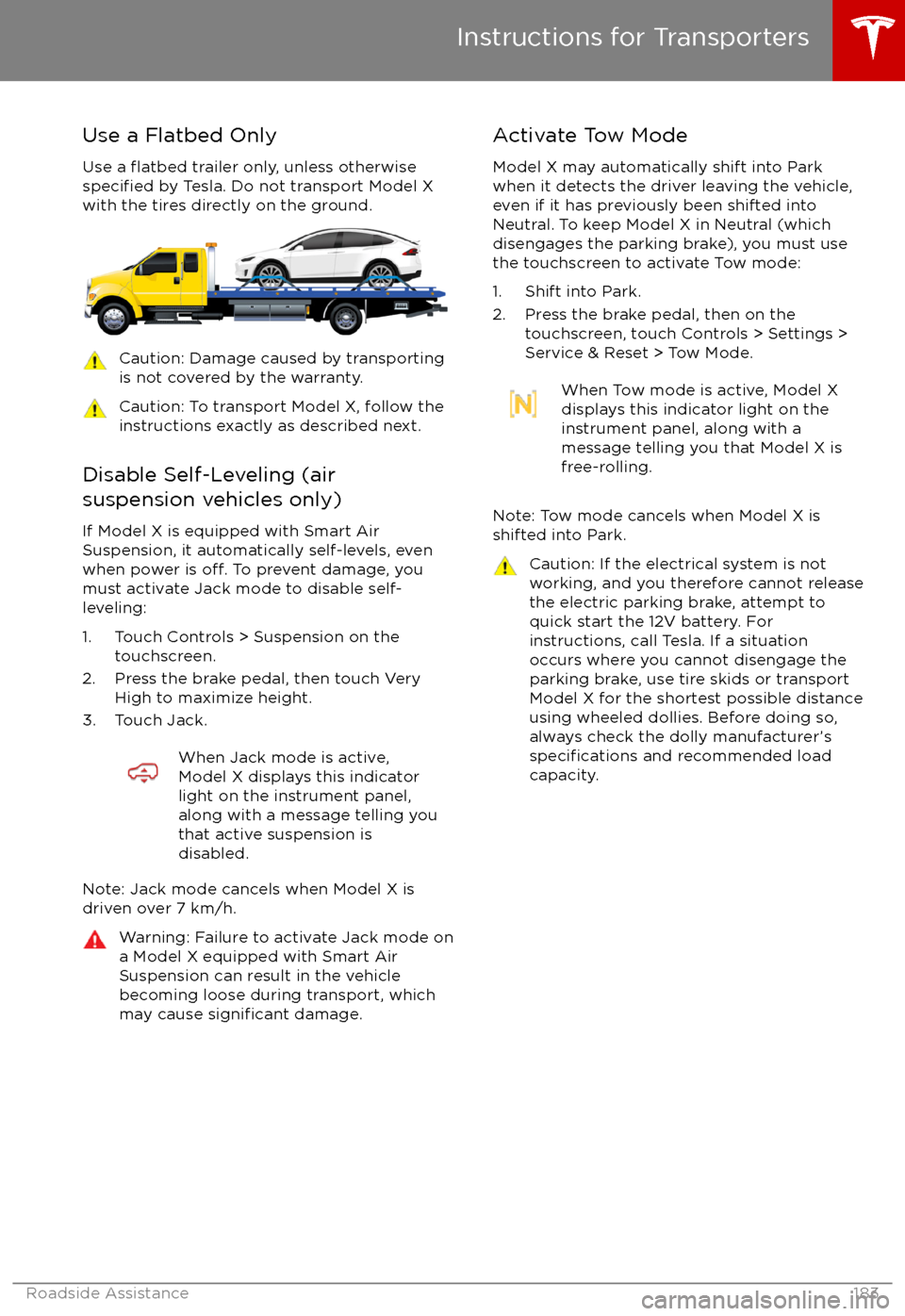
Use a Flatbed OnlyUse a
flatbed trailer only, unless otherwisespecified by Tesla. Do not transport Model X
with the tires directly on the ground.
Caution: Damage caused by transporting is not covered by the warranty.Caution: To transport Model X, follow the
instructions exactly as described next.
Disable Self-Leveling (air
suspension vehicles only)
If Model X is equipped with Smart Air
Suspension, it automatically self-levels, even
when power is
off. To prevent damage, you
must activate Jack mode to disable self-
leveling:
1. Touch Controls > Suspension on the touchscreen.
2. Press the brake pedal, then touch Very High to maximize height.
3. Touch Jack.
When Jack mode is active,
Model X displays this indicator
light on the instrument panel,
along with a message telling you
that active suspension is
disabled.
Note: Jack mode cancels when Model X is
driven over 7 km/h.
Warning: Failure to activate Jack mode on
a Model X equipped with Smart Air
Suspension can result in the vehicle
becoming loose during transport, which
may cause
significant damage.
Activate Tow Mode
Model X may automatically shift into Park
when it detects the driver leaving the vehicle,
even if it has previously been shifted into Neutral. To keep Model X in Neutral (which
disengages the parking brake), you must use
the touchscreen to activate Tow mode:
1. Shift into Park.
2. Press the brake pedal, then on the touchscreen, touch Controls > Settings >
Service & Reset > Tow Mode.When Tow mode is active, Model X
displays this indicator light on the
instrument panel, along with a
message telling you that Model X is
free-rolling.
Note: Tow mode cancels when Model X is
shifted into Park.
Caution: If the electrical system is not
working, and you therefore cannot release
the electric parking brake, attempt to
quick start the 12V battery. For
instructions, call Tesla. If a situation
occurs where you cannot disengage the
parking brake, use tire skids or transport Model X for the shortest possible distance
using wheeled dollies. Before doing so,
always check the dolly manufacturer
Page 185 of 202

Connect the Towing Eye1. Locate the towing eye in the front trunk.
2. Remove the tow hook cover by inserting a small
flat screwdriver into the slot located
along the top of the cover, then prying
gently to release the cover from the top
snap.
3. Insert the towing eye.
Fully insert the towing eye into the
opening on the right side, then turn it
counter-clockwise until securely fastened.
4. Attach the winch cable to the towing eye.
Caution: Before pulling, make sure the
towing eye is securely tightened.Pull Onto the Trailer and Secure the
Wheels
Secure wheels using the eight-point tie-downmethod with basket straps or tie-down straps:
Page 199 of 202

temperature (continued)heated steering wheel 44
outside 48
third row seats, folding and raising 20
tie-down straps 184
tilt detection 136
Tire and Loading Information label 170
tire noise 154
Tire Pressure Monitoring SystemFCC certification 189
overview of 154
tire pressures, checking 151
tire pressures, when towing 71
tire repair kitinflating with air only 158inflating with sealant 157
replacing the sealant canister 159tiresall-season 153
balancing 152
chains 154
inspecting and maintaining 152
pressures, how to check 151
replacing 153
replacing a tire sensor 154
rotation 152
specification 177
summer 153
tire markings 178
tire sealant 156
winter 153
toll system transponders, attaching 167
tolls, avoiding 131
torque
specifications 174
touch up body 162
touchscreenclean mode 161
cleaning 161
Controls 107
overview 102
Settings 111
software updates 140
Tow mode 183
towing 183
towing a trailer 71
towing eye, locating 184
towing instructions 183
Towing Label 169
Towing Mode 71
TPMSFCC certification 189
overview of 154
traction control 61
trademarks 185, 186
Traffic-Aware Cruise Control 79Traffic-Based Routing 131
trailer, towing 71
transmission
specifications 174
transponders, attaching 167
transporting 183
trip chart
67
trip meter 66
trip overview 131
trip planner 131
trunk, front 14trunk, rearchild protection lock 9
disabling interior handle 9
TuneIn radio 124
turn signals 57
Typical range 111
U ultrasonic sensors 77
Unlock on Park 4
unlockingtrunk, front 14
trunk, rear 12
unlocking and locking doors 4
unlocking when key doesn