plug TESLA MODEL Y 2023 User Guide
[x] Cancel search | Manufacturer: TESLA, Model Year: 2023, Model line: MODEL Y, Model: TESLA MODEL Y 2023Pages: 298, PDF Size: 10.28 MB
Page 240 of 298

This is not typically an issue with your vehicle or your Wall Connector, but rather an issue with the building wiring. This may be caused by a loose building wiring connection to the Wall Connector and can be
fixed quickly by an
electrician.
To regain normal charge operation, try the following steps.
If the Wall Connector is plugged into a wall outlet, make sure:
Page 241 of 298

4. Once your electrician has completed all work and restored power to the Wall Connector, try charging again by
reconnecting the Wall Connector to the vehicle.5.
If the issue persists, the Wall Connector requires service.
For more information, see the installation guide for your Wall Connector.
CC_a015
Unable to charge - Vehicle connection issue
Insert charge handle fully into charge port
What this alert means:
A communication error occurred between the Wall Connector and the vehicle.
What to do:
Try charging again by disconnecting the Wall Connector from the vehicle and reconnecting.
1.
If the issue persists, turn OFF the circuit breaker servicing the Wall Connector, wait 10 seconds, turn the circuit breaker ON again, then try reconnecting the Wall Connector to the vehicle.
2.
If the issue persists and other charging equipment is available, plug the vehicle into another Wall Connector or a
Mobile Connector to determine if the vehicle is able to communicate with other charging equipment.
3.
If the issue persists, service is required.
For more information, see the installation guide for your Wall Connector.
CC_a016
Unable to charge - Vehicle connection issue
Insert charge handle fully into charge port
What this alert means:
A communication error occurred between the Wall Connector and the vehicle.
What to do:
Try charging again by disconnecting the Wall Connector from the vehicle and reconnecting.
1.
If the issue persists, turn OFF the circuit breaker servicing the Wall Connector, wait 10 seconds, turn the circuit
breaker ON again, then try reconnecting the Wall Connector to the vehicle.
2.
If the issue persists and other charging equipment is available, plug the vehicle into another Wall Connector or a
Mobile Connector to determine if the vehicle is able to communicate with other charging equipment.
3.
If the issue persists, service is required.
For more information, see the installation guide for your Wall Connector.
CC_a017
Unable to charge - Vehicle connection issue
Insert charge handle fully into charge port
What this alert means:
A communication error occurred between the Wall Connector and the vehicle.
What to do:
Troubleshooting Alerts
239Troubleshooting
Page 242 of 298

Try charging again by disconnecting the Wall Connector from the vehicle and reconnecting.1.
If the issue persists, turn OFF the circuit breaker servicing the Wall Connector, wait 10 seconds, turn the circuit breaker ON again, then try reconnecting the Wall Connector to the vehicle.
2.
If the issue persists and other charging equipment is available, plug the vehicle into another Wall Connector or a
Mobile Connector to determine if the vehicle is able to communicate with other charging equipment.
3.
If the issue persists, service is required.
For more information, see the installation guide for your Wall Connector.
CC_a018
Unable to charge - Vehicle connection issue
Insert charge handle fully into charge port
What this alert means:
A communication error occurred between the Wall Connector and the vehicle.
What to do:
Try charging again by disconnecting the Wall Connector from the vehicle and reconnecting.
1.
If the issue persists, turn OFF the circuit breaker servicing the Wall Connector, wait 10 seconds, turn the circuit breaker ON again, then try reconnecting the Wall Connector to the vehicle.
2.
If the issue persists and other charging equipment is available, plug the vehicle into another Wall Connector or a
Mobile Connector to determine if the vehicle is able to communicate with other charging equipment.
3.
If the issue persists, service is required.
For more information, see the installation guide for your Wall Connector.
CC_a019
Unable to charge - Vehicle connection issue
Insert charge handle fully into charge port
What this alert means:
A communication error occurred between the Wall Connector and the vehicle.
What to do:
Try charging again by disconnecting the Wall Connector from the vehicle and reconnecting.
1.
If the issue persists, turn OFF the circuit breaker servicing the Wall Connector, wait 10 seconds, turn the circuit breaker ON again, then try reconnecting the Wall Connector to the vehicle.
2.
If the issue persists and other charging equipment is available, plug the vehicle into another Wall Connector or a
Mobile Connector to determine if the vehicle is able to communicate with other charging equipment.
3.
If the issue persists, service is required.
For more information, see the installation guide for your Wall Connector.
CC_a020
Unable to charge - Wall Connector issue
Wall Connector needs service
What this alert means:
Troubleshooting Alerts
240MODEL Y Owner
Page 270 of 298

This does not indicate an issue with your Mobile Connector or vehicle, but instead points to an issue with the wall
outlet / electrical installation the Mobile Connector is connected to.
A warm outlet may be caused by a plug that is not fully inserted, a loose building wiring connection to the outlet, or
an outlet that is beginning to wear out.
What to do:
Make sure your adapter is fully plugged into the outlet. If charging speed does not return to normal, contact an
electrician to inspect the outlet and building wiring connections to the outlet and complete any repairs needed.
If the outlet is worn, it should be replaced with a high-quality outlet. Consider upgrading to a Tesla Wall Connector
for greater convenience and highest charging speed.
UMC_a009
Cannot charge - Charge handle temperature high
Check charge handle or charge port for debris
What this alert means:
Charging has been interrupted because the Mobile Connector has detected a high temperature in the charge handle
that connects to your vehicle
Page 271 of 298

After unplugging from the power source (wall outlet), inspect the wall plug adapter connection and the Mobile
Connector control box connection for any obstructions or moisture. Make sure any obstruction has been removed
and any moisture has been allowed to dry, then try re-inserting the wall plug adapter into the Mobile Connector and
then connecting to the power source (wall outlet).
Once the Mobile Connector control box temperature has decreased and any obstruction has been removed, the alert
should clear and charging should possible.
You can also try charging your vehicle using a Tesla Supercharger or Destination Charging location, all of which can
be located through the map on your vehicle
Page 273 of 298

UMC_a014
Wall plug adapter error - Charge rate reduced
Plug adapter fully into Mobile Connector and retry
What this alert means:
Your Mobile Connector is unable to communicate with the wall plug adapter. Because your Mobile Connector cannot
identify the type of wall outlet the wall plug adapter is connected to, charge current is automatically reduced to 8A.
What to do:
1.
Unplug your Mobile Connector, including the wall plug adapter, completely from the wall outlet.
2.
Make sure the connection between the wall plug adapter and the main body of your Mobile Connector is secure.
a.
Disconnect the wall plug adapter completely from the main body of your Mobile Connector.
b.
Fully reinsert the wall plug adapter into the main body of your Mobile Connector by pushing it into the socket until it snaps into place.
3.
Try charging again by plugging the Mobile Connector, including wall plug adapter, fully into the wall outlet.
4.
If the alert persists, try using a different wall plug adapter (see steps above to make sure the adapter is fully
connected to your Mobile Connector).
a.
If the alert is no longer present, the issue is likely with the wall plug adapter you were using previously.
b.
If the alert persists, the issue is likely with your Mobile Connector.
If needed, obtain another wall plug adapter or Mobile Connector. In the meantime, you can continue to charge with
the same equipment. The charge rate will be reduced, as charge current will be limited to 8A while this condition
persists.
You can also try charging your vehicle using a Tesla Supercharger or Destination Charging location, all of which can
be located through the map on your vehicle
Page 274 of 298

If needed, obtain another wall plug adapter or Mobile Connector. In the meantime, you can continue to charge with
the same equipment. The charge rate will be reduced, as charge current will be limited to 8A while this condition
persists.
You can also try charging your vehicle using a Tesla Supercharger or Destination Charging location, all of which can
be located through the map on your vehicle
Page 291 of 298
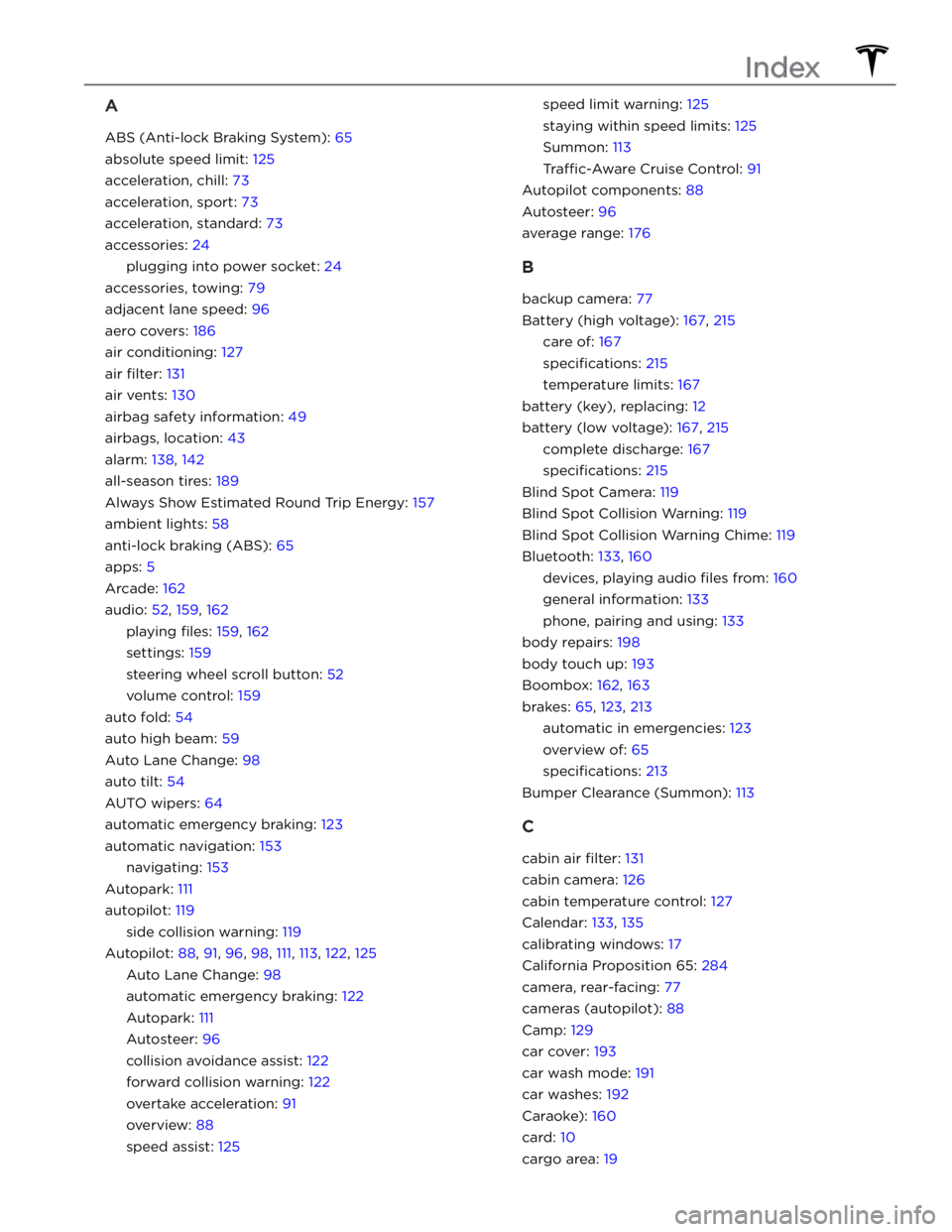
A
ABS (Anti-lock Braking System): 65
absolute speed limit: 125
acceleration, chill: 73
acceleration, sport: 73
acceleration, standard: 73
accessories: 24
plugging into power socket: 24
accessories, towing: 79
adjacent lane speed: 96
aero covers: 186
air conditioning: 127
air filter: 131
air vents: 130
airbag safety information: 49
airbags, location: 43
alarm: 138, 142
all-season tires: 189
Always Show Estimated Round Trip Energy: 157
ambient lights: 58
anti-lock braking (ABS): 65
apps: 5
Arcade: 162
audio: 52, 159, 162
playing files: 159, 162
settings: 159
steering wheel scroll button: 52
volume control: 159
auto fold: 54
auto high beam: 59
Auto Lane Change: 98
auto tilt: 54
AUTO wipers: 64
automatic emergency braking: 123
automatic navigation: 153
navigating: 153
Autopark: 111
autopilot: 119
side collision warning: 119
Autopilot: 88, 91, 96, 98, 111, 113, 122, 125
Auto Lane Change: 98
automatic emergency braking: 122
Autopark: 111
Autosteer: 96
collision avoidance assist: 122
forward collision warning: 122
overtake acceleration: 91
overview: 88
speed assist: 125
speed limit warning: 125
staying within speed limits: 125
Summon: 113
Traffic-Aware Cruise Control: 91
Autopilot components: 88
Autosteer: 96
average range: 176
B
backup camera: 77
Battery (high voltage): 167, 215
care of: 167
specifications: 215
temperature limits: 167
battery (key), replacing: 12
battery (low voltage): 167, 215
complete discharge: 167
specifications: 215
Blind Spot Camera: 119
Blind Spot Collision Warning: 119
Blind Spot Collision Warning Chime: 119
Bluetooth: 133, 160
devices, playing audio files from: 160
general information: 133
phone, pairing and using: 133
body repairs: 198
body touch up: 193
Boombox: 162, 163
brakes: 65, 123, 213
automatic in emergencies: 123
overview of: 65
specifications: 213
Bumper Clearance (Summon): 113
C
cabin air filter: 131
cabin camera: 126
cabin temperature control: 127
Calendar: 133, 135
calibrating windows: 17
California Proposition 65: 284
camera, rear-facing: 77
cameras (autopilot): 88
Camp: 129
car cover: 193
car wash mode: 191
car washes: 192
Caraoke): 160
card: 10
cargo area: 19
Index