Date TOYOTA AURIS 2011 Owners Manual (in English)
[x] Cancel search | Manufacturer: TOYOTA, Model Year: 2011, Model line: AURIS, Model: TOYOTA AURIS 2011Pages: 524, PDF Size: 25.6 MB
Page 198 of 524
198
2-2. Instrument cluster
UK_AURIS_HV_EE
Multi-infor mation display
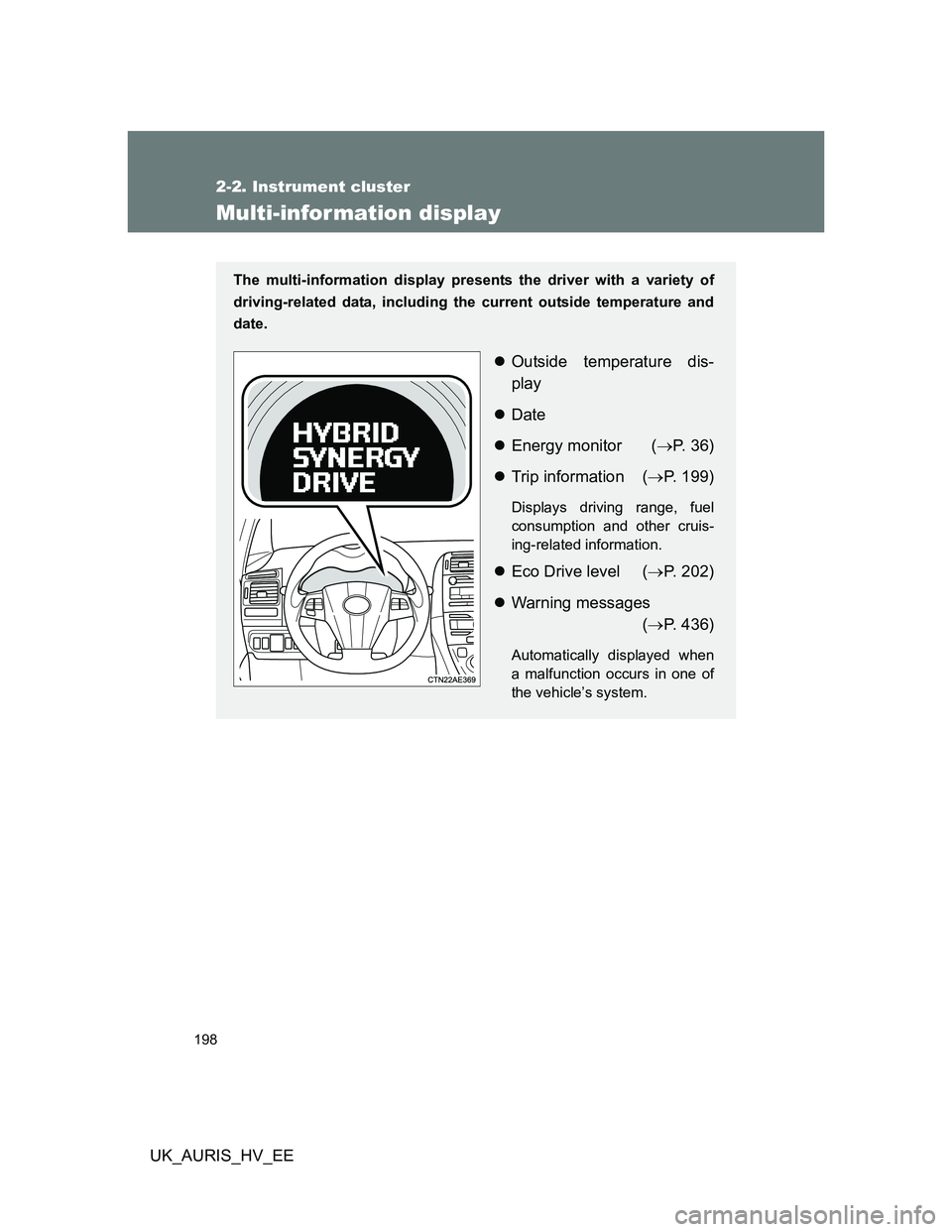
The multi-information display presents the driver with a variety of
driving-related data, including the current outside temperature and
date.
Outside temperature dis-
play
Date
Energy monitor (P. 36)
Trip information (P. 199)
Displays driving range, fuel
consumption and other cruis-
ing-related information.
Eco Drive level (P. 202)
Warning messages
(P. 436)
Automatically displayed when
a malfunction occurs in one of
the vehicle’s system.
Page 199 of 524
199 2-2. Instrument cluster
2
When driving
UK_AURIS_HV_EE
Switching the display
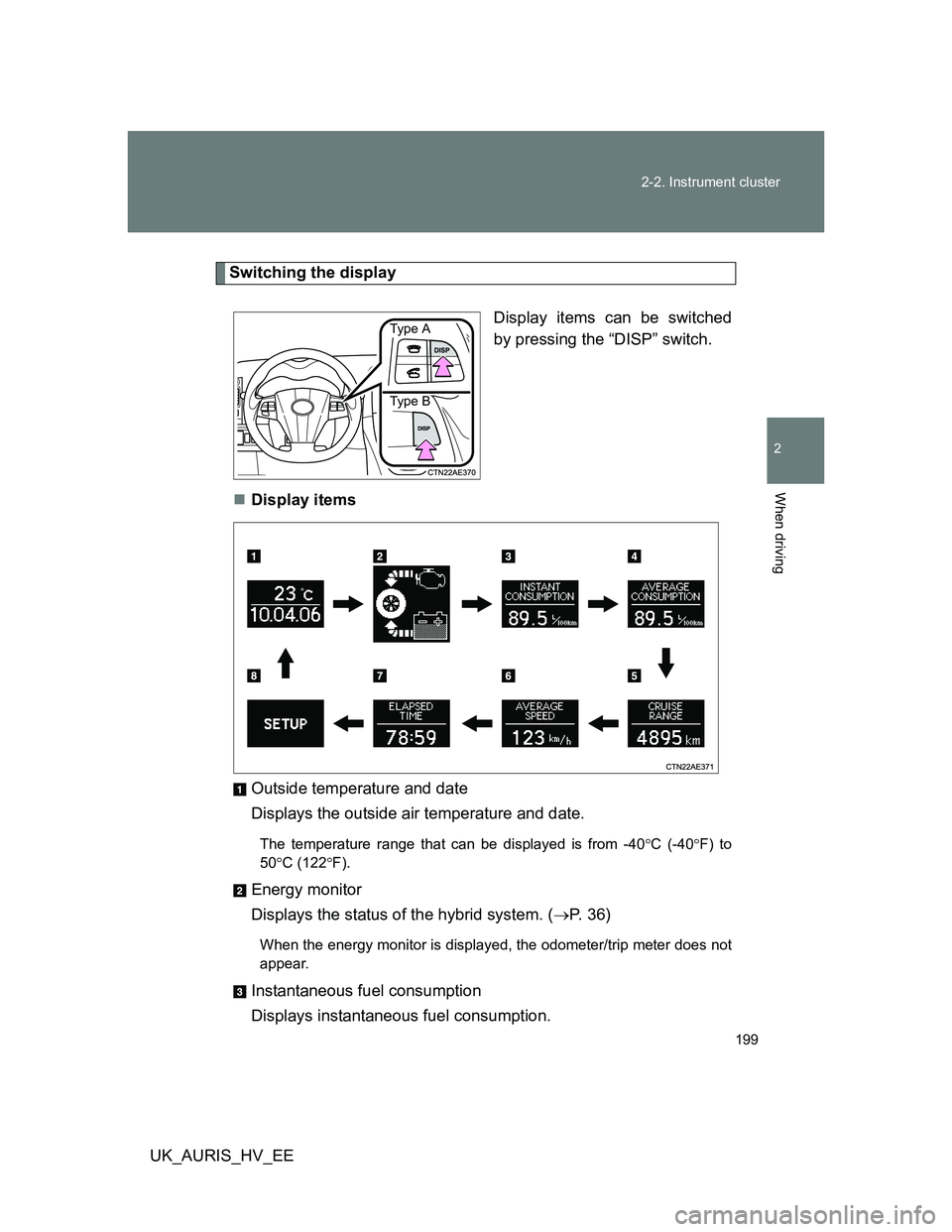
Display items can be switched
by pressing the “DISP” switch.
Display items
Outside temperature and date
Displays the outside air temperature and date.
The temperature range that can be displayed is from -40C (-40F) to
50C (122F).
Energy monitor
Displays the status of the hybrid system. (P. 3 6 )
When the energy monitor is displayed, the odometer/trip meter does not
appear.
Instantaneous fuel consumption
Displays instantaneous fuel consumption.
Ty pe A
Ty pe B
Page 200 of 524
200 2-2. Instrument cluster
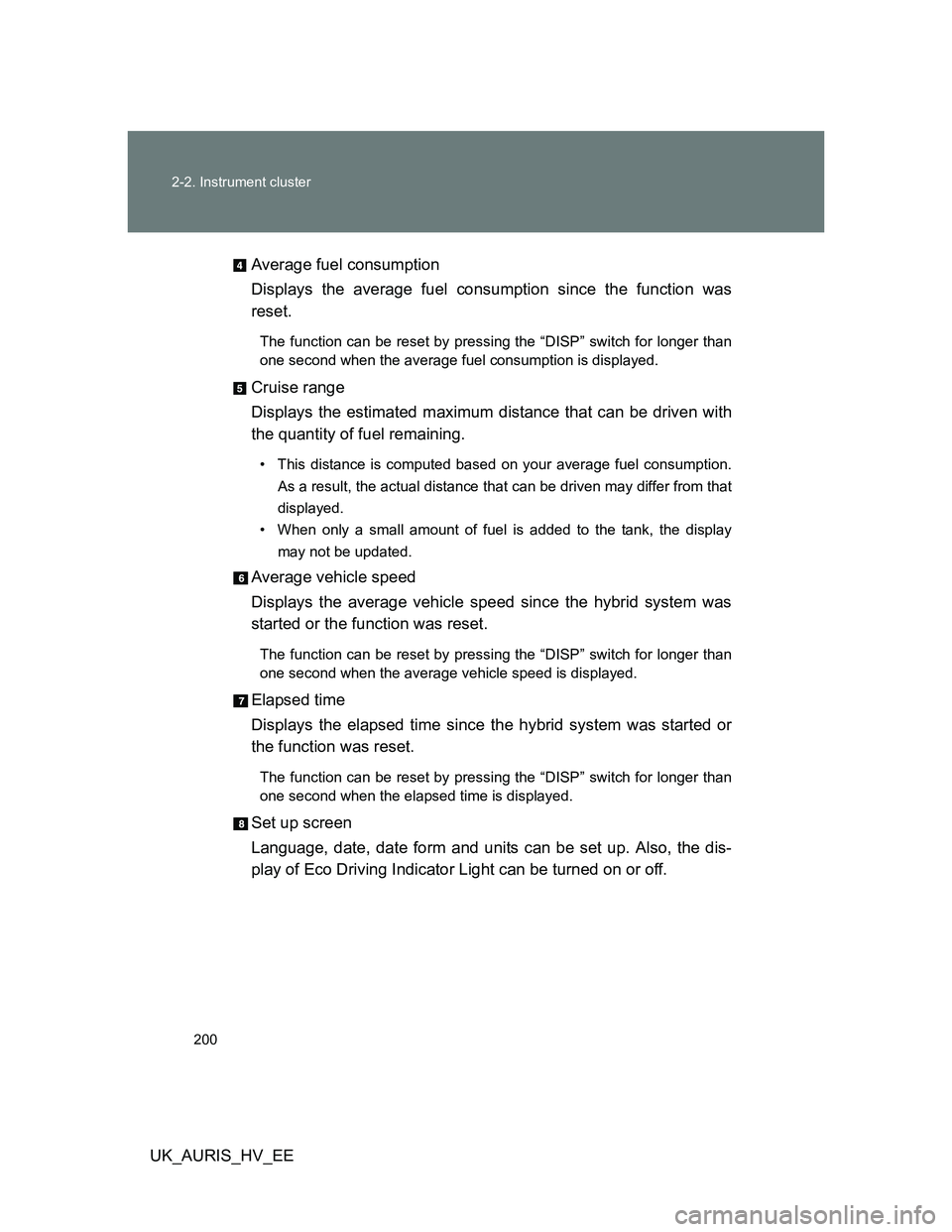
UK_AURIS_HV_EEAverage fuel consumption
Displays the average fuel consumption since the function was
reset.
The function can be reset by pressing the “DISP” switch for longer than
one second when the average fuel consumption is displayed.
Cruise range
Displays the estimated maximum distance that can be driven with
the quantity of fuel remaining.
• This distance is computed based on your average fuel consumption.
As a result, the actual distance that can be driven may differ from that
displayed.
• When only a small amount of fuel is added to the tank, the display
may not be updated.
Average vehicle speed
Displays the average vehicle speed since the hybrid system was
started or the function was reset.
The function can be reset by pressing the “DISP” switch for longer than
one second when the average vehicle speed is displayed.
Elapsed time
Displays the elapsed time since the hybrid system was started or
the function was reset.
The function can be reset by pressing the “DISP” switch for longer than
one second when the elapsed time is displayed.
Set up screen
Language, date, date form and units can be set up. Also, the dis-
play of Eco Driving Indicator Light can be turned on or off.
Page 201 of 524
201 2-2. Instrument cluster
2
When driving
UK_AURIS_HV_EE
Setting up display
Make sure that the vehicle is stopped in a safe place before begin-
ning set up.
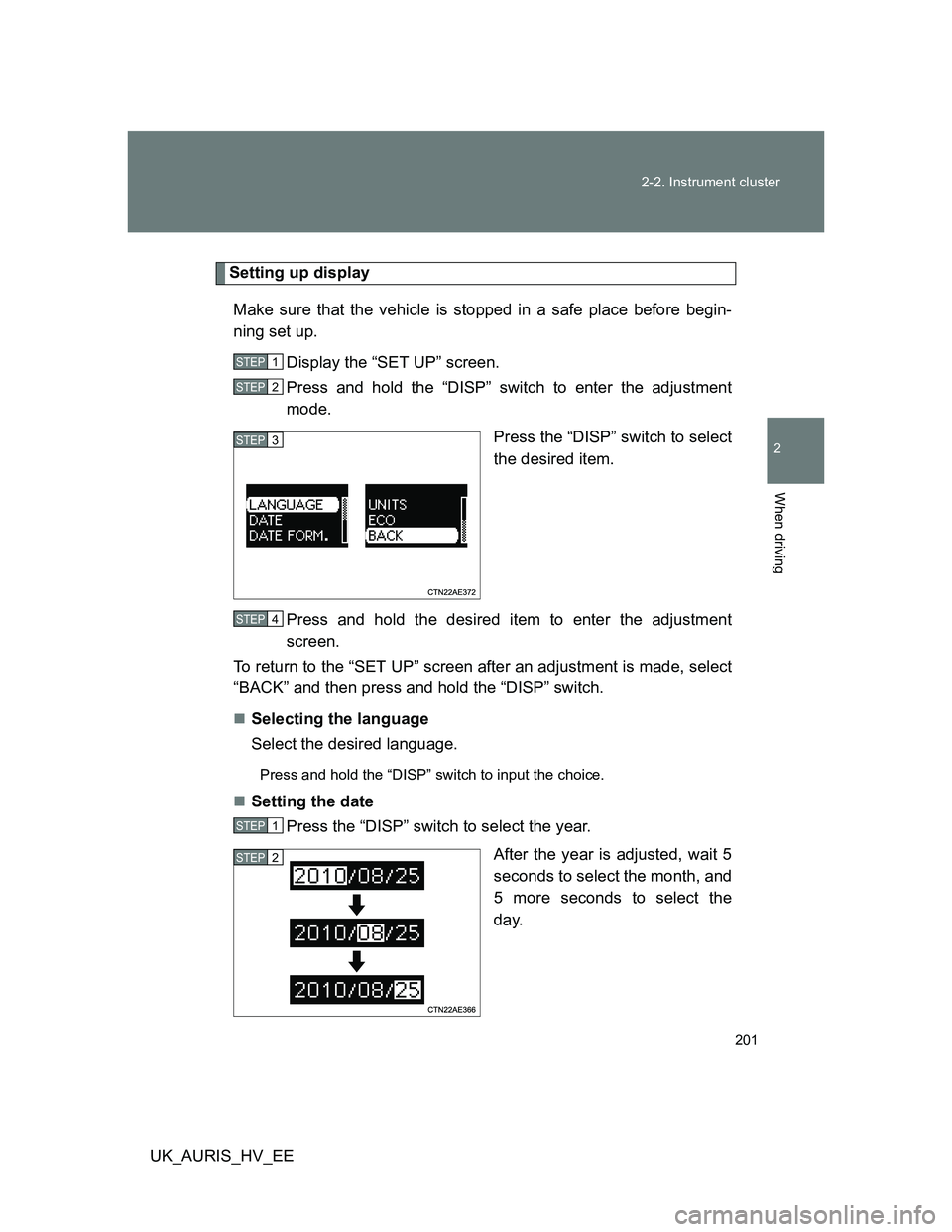
Display the “SET UP” screen.
Press and hold the “DISP” switch to enter the adjustment
mode.
Press the “DISP” switch to select
the desired item.
Press and hold the desired item to enter the adjustment
screen.
To return to the “SET UP” screen after an adjustment is made, select
“BACK” and then press and hold the “DISP” switch.
Selecting the language
Select the desired language.
Press and hold the “DISP” switch to input the choice.
Setting the date
Press the “DISP” switch to select the year.
After the year is adjusted, wait 5
seconds to select the month, and
5 more seconds to select the
day.
STEP1
STEP2
STEP3
STEP4
STEP1
STEP2
Page 202 of 524
202 2-2. Instrument cluster
UK_AURIS_HV_EESelecting the date form
Select the desired date form.
Press and hold the “DISP” switch to input the choice.
Selecting the units
Select the desired distance and consumption units.
Press and hold the “DISP” switch to input the choice.
Selecting to enable or disable Eco Driving Indicator Light
(P. 193)
Select “ON” or “OFF”.
Press and hold the “DISP” switch to input the choice.
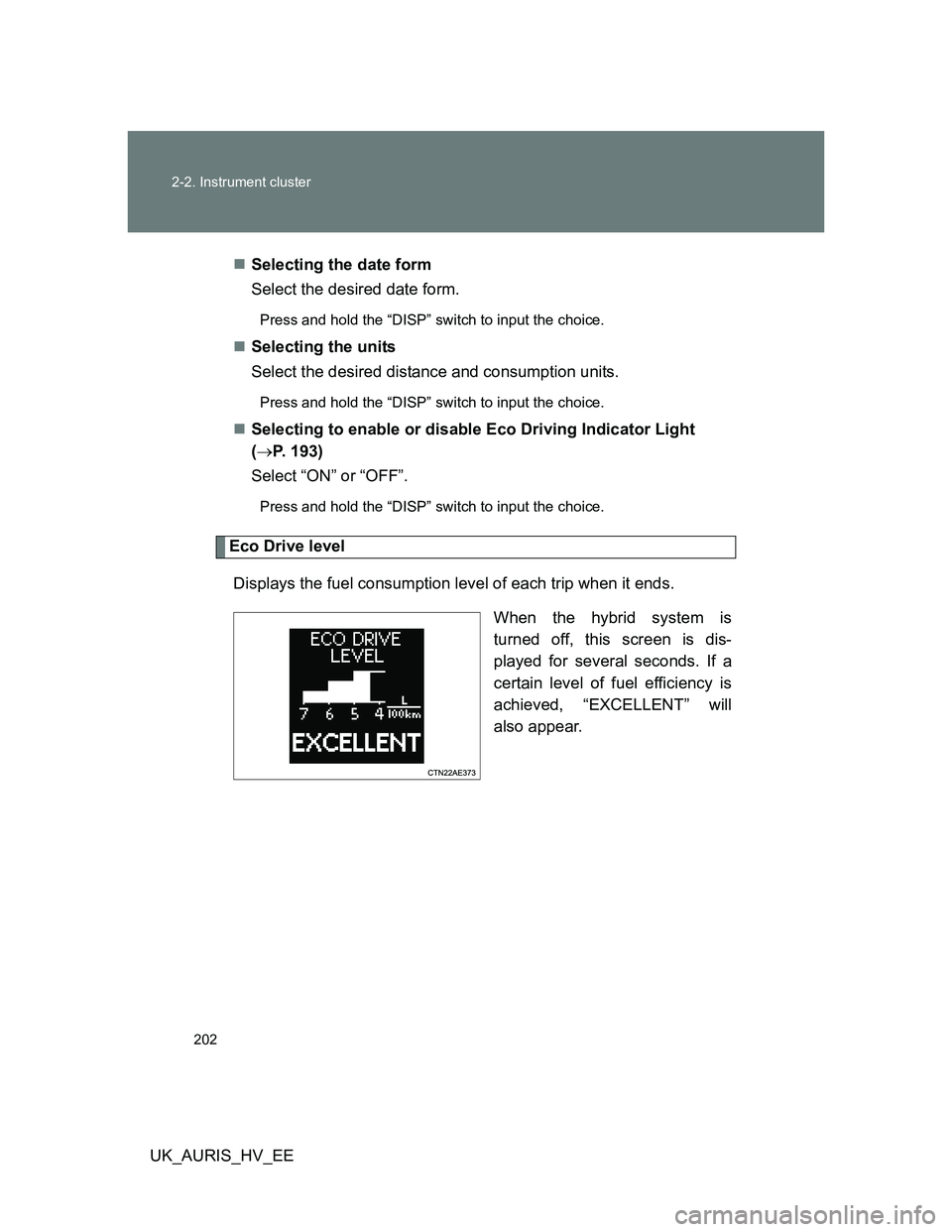
Eco Drive level
Displays the fuel consumption level of each trip when it ends.
When the hybrid system is
turned off, this screen is dis-
played for several seconds. If a
certain level of fuel efficiency is
achieved, “EXCELLENT” will
also appear.
Page 203 of 524
203 2-2. Instrument cluster
2
When driving
UK_AURIS_HV_EE
When disconnecting and reconnecting 12-volt battery terminals
The following information data will be reset.
Date
Average fuel consumption
Driving range
Average vehicle speed
Elapsed time
Outside temperature display
In the following situations, the correct outside temperature may not be dis-
played, or the display may take longer than normal to change.
When stopped, or driving at low speeds (less than 25 km/h [16 mph])
When the outside temperature has changed suddenly (at the entrance/
exit of a garage, tunnel, etc.)
NOTICE
The multi-information display at low temperatures
Allow the interior of the vehicle to warm up before using the liquid crystal
information display. At extremely low temperatures, the information display
monitor may respond slowly, and display changes may be delayed.
Page 278 of 524
278 3-2. Using the audio system
UK_AURIS_HV_EE
iPod problems
To resolve most problems encountered when using your iPod, disconnect
your iPod from the vehicle iPod connection and reset it.
For instructions on how to reset your iPod, refer to your iPod Owner’s Man-
ual.
Display
P. 264
Error messages
“ERROR”: This indicates a problem in the iPod or its connection.
“NO MUSIC”: This indicates that there is no music data in the iPod.
“EMPTY”: This indicates that some available songs are not found in a
selected playlist.
“UPDATE”: This indicates that the version of the iPod is not compatible.
Upgrade your iPod software to the latest version.
Compatible models
Depending on differences between models or software version etc., some
models listed above might be incompatible with this system.
iPod 4th generation and earlier models are not compatible with this system.
iPhone, iPod mini, iPod shuffle and iPod photo are not compatible with this
system.
Items related to standards and limitations are as follows:
Maximum number of lists in device: 9999
Maximum number of songs in device: 65535
Maximum number of songs per list: 65535
ModelGenerationSoftware version
iPod 5th generation Ver. 1.2.0 or higher
iPod nano 1st generation Ver. 1.3.0 or higher
2nd generation Ver. 1.1.2 or higher
3rd generation Ver. 1.0.0 or higher
iPod touch 1st generation Ver. 1.1.0 or higher
iPod classic 1st generation Ver. 1.0.0 or higher
Page 466 of 524
466 5-2. Steps to take in an emergency
UK_AURIS_HV_EE
Sealant
One tire can be repaired using the bottle of sealant stored in the emer-
gency tire puncture repair kit.
The sealant can be used when the outside temperature is from -30°C
(-22°F) to 60°C (140°F).
The sealant has a limited lifespan. The expiry date is marked on the bot-
tle. The sealant should be replaced before the expiry date. Contact any
authorized Toyota dealer or repairer, or another duly qualified and
equipped professional.
If the sealant gets on your clothes, it may stain.
After using the sealant, bring the empty bottle of sealant to any autho-
rized Toyota dealer or repairer, or another duly qualified and equipped
professional and purchase a new bottle. Keep the new bottle of sealant in
your vehicle.
Compressor
The compressor is a pneumatic filling type for passenger vehicles.
When the compressor is operating, a loud operating noise will be pro-
duced.
This does not indicate a malfunction.
The wheel of a tire that has been repaired
If you remove the sealant adhering to the wheel with a rag, you can reuse
the wheel.
Page 502 of 524
502
6-1. Specifications
UK_AURIS_HV_EE
Fuel infor mation
Fuel tank opening for unleaded gasoline
To help prevent incorrect fueling, your Toyota has a fuel tank opening that
only accommodates the special nozzle on unleaded fuel pumps.
If your engine knocks
Consult any authorized Toyota dealer or repairer, or another duly quali-
fied and equipped professional.
You may occasionally notice light knocking for a short time while acceler-
ating or driving uphill. This is normal and there is no need for concern.
EU area:
Your vehicle must use only unleaded gasoline conforming to European
standard EN228.
For optimum engine performance, select unleaded gasoline with a
Research Octane Number of 95 or higher.
Except EU area:
Your vehicle must use only unleaded gasoline.
For optimum engine performance, select unleaded gasoline with a
Research Octane Number of 95 or higher.