sport mode TOYOTA AURIS TOURING SPORTS 2013 Manual PDF
[x] Cancel search | Manufacturer: TOYOTA, Model Year: 2013, Model line: AURIS TOURING SPORTS, Model: TOYOTA AURIS TOURING SPORTS 2013Pages: 616, PDF Size: 17.28 MB
Page 303 of 616
3035-1. Using the air conditioning system and defogger
Auris Touring Sports_EE (OM12G12E)
5
Interior features
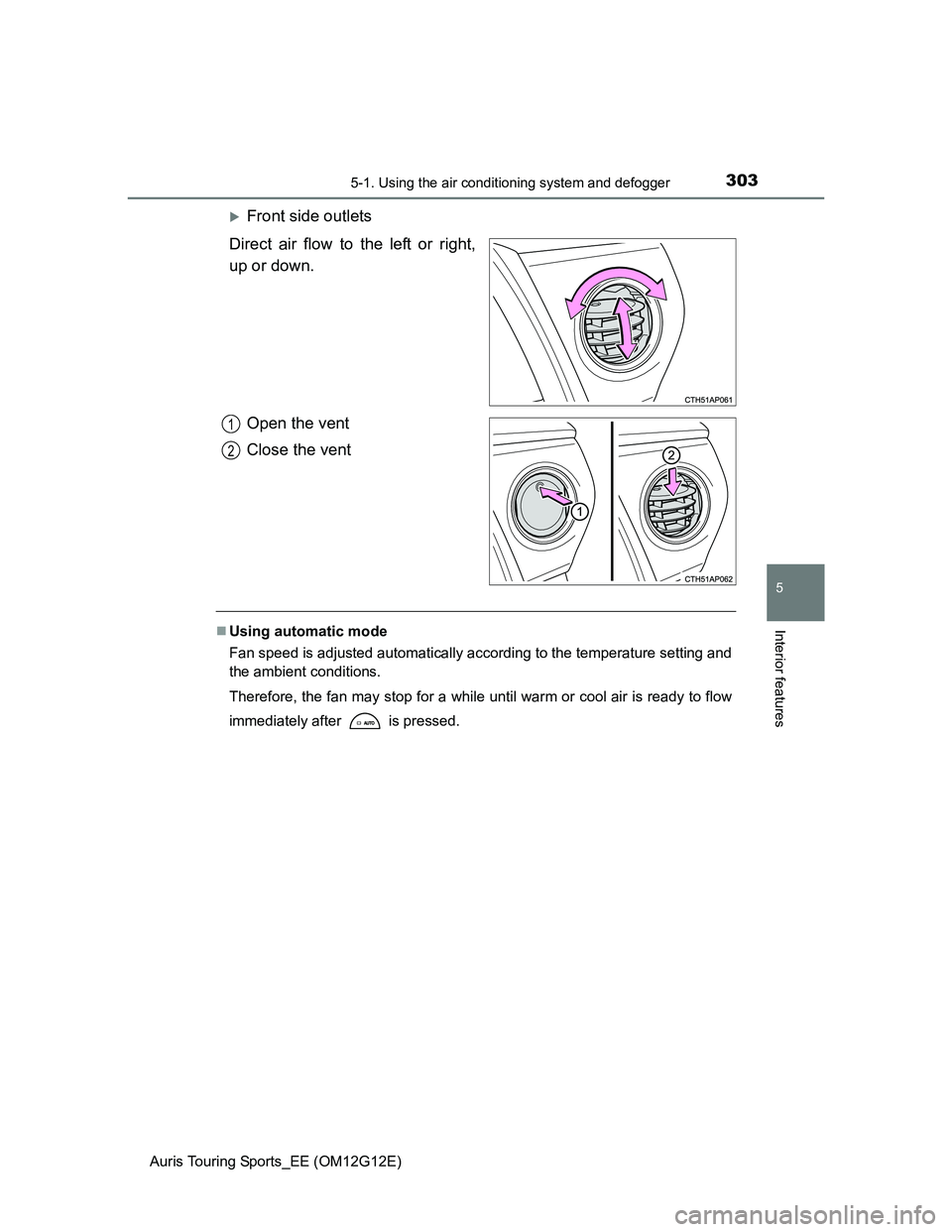
Front side outlets
Direct air flow to the left or right,
up or down.
Open the vent
Close the vent
Using automatic mode
Fan speed is adjusted automatically according to the temperature setting and
the ambient conditions.
Therefore, the fan may stop for a while until warm or cool air is ready to flow
immediately after is pressed.
1
2
Page 304 of 616
3045-1. Using the air conditioning system and defogger
Auris Touring Sports_EE (OM12G12E)Fogging up of the windows
The windows will easily fog up when the humidity in the vehicle is high.
Turning on will dehumidify the air from the outlets and defog the wind-
shield effectively.
If you turn off, the windows may fog up more easily.
The windows may fog up if the recirculated air mode is used.
Outside/recirculated air mode
When driving on dusty roads such as tunnels or in heavy traffic, set the out-
side/recirculated air mode button to the recirculated air mode. This is effec-
tive in preventing outside air from entering the vehicle interior. During
cooling operation, setting the recirculated air mode will also cool the vehicle
interior effectively.
Outside/recirculated air mode may automatically switch depending on the
temperature setting or the inside temperature.
When the outside temperature is low
The dehumidification function may not operate even when is pressed.
When
is selected for the air outlets used
For your driving comfort, air flowing to the feet may be warmer than air flow-
ing to the upper body depending on the position of the temperature adjust-
ment dial.
Air conditioning odors
During use, various odors from inside and outside the vehicle may enter into
and accumulate in the air conditioning system. This may then cause odor to
be emitted from the vents.
To reduce potential odors from occurring:
• It is recommended that the air conditioning system be set to outside air
mode prior to turning the vehicle off.
• The start timing of the blower may be delayed for a short period of time
immediately after the air conditioning system is started in automatic
mode.
Air conditioning system operations when the engine is stopped due to
the Stop & Start system (vehicles with a Stop & Start system)
When the engine is stopped due to Stop & Start system operation, the air
conditioning cooling, heating and dehumidification functions turn off and only
ambient temperature air is blown, and there is a possibility that the blowing of
ambient temperature air will stop. To prevent the air conditioning system from
turning off, press the Stop & Start cancel switch to deactivate the system.
Page 309 of 616
3095-1. Using the air conditioning system and defogger
Auris Touring Sports_EE (OM12G12E)
5
Interior features
The defoggers can be operated when
Vehicles without a smart entry & start system
The engine switch is in the “ON” position.
Vehicles with a smart entry & start system
The engine switch is in IGNITION ON mode.
Outside rear view mirror defoggers
Turning the rear window defogger on will turn the outside rear view mirror
defoggers on.
CAUTION
When the outside rear view mirror defoggers are on
Do not touch the outside surface of the rear view mirrors, as they can
become very hot and burn you.
Page 311 of 616
3115-2. Using the audio system
Auris Touring Sports_EE (OM12G12E)
5
Interior features
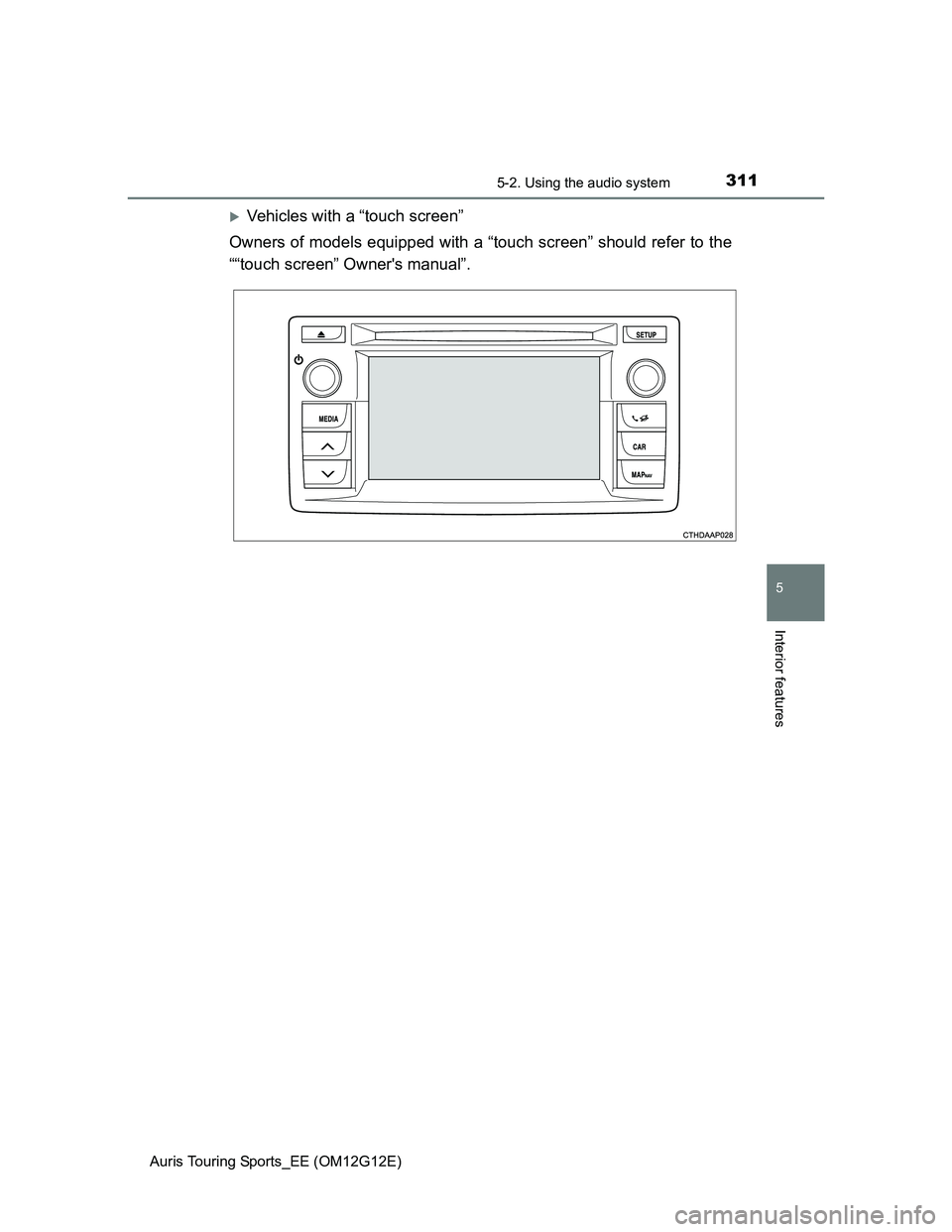
Vehicles with a “touch screen”
Owners of models equipped with a “touch screen” should refer to the
““touch screen” Owner's manual”.
Page 314 of 616
3145-2. Using the audio system
Auris Touring Sports_EE (OM12G12E)
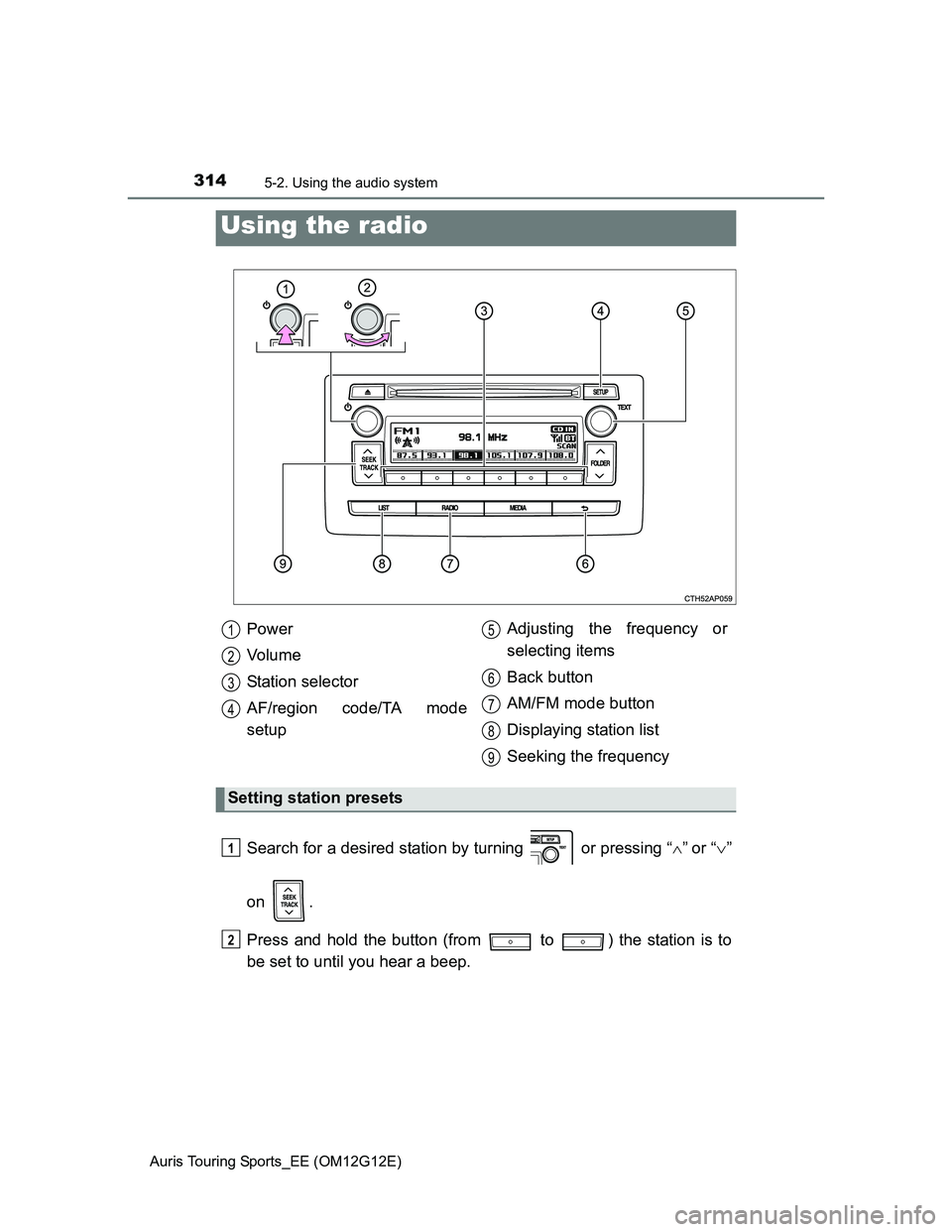
Search for a desired station by turning or pressing “”or “”
on .
Press and hold the button (from to ) the station is to
be set to until you hear a beep.
Using the radio
Power
Vo l u m e
Station selector
AF/region code/TA mode
setupAdjusting the frequency or
selecting items
Back button
AM/FM mode button
Displaying station list
Seeking the frequency
Setting station presets
1
2
3
4
5
6
7
8
9
1
2
Page 315 of 616
3155-2. Using the audio system
Auris Touring Sports_EE (OM12G12E)
5
Interior features
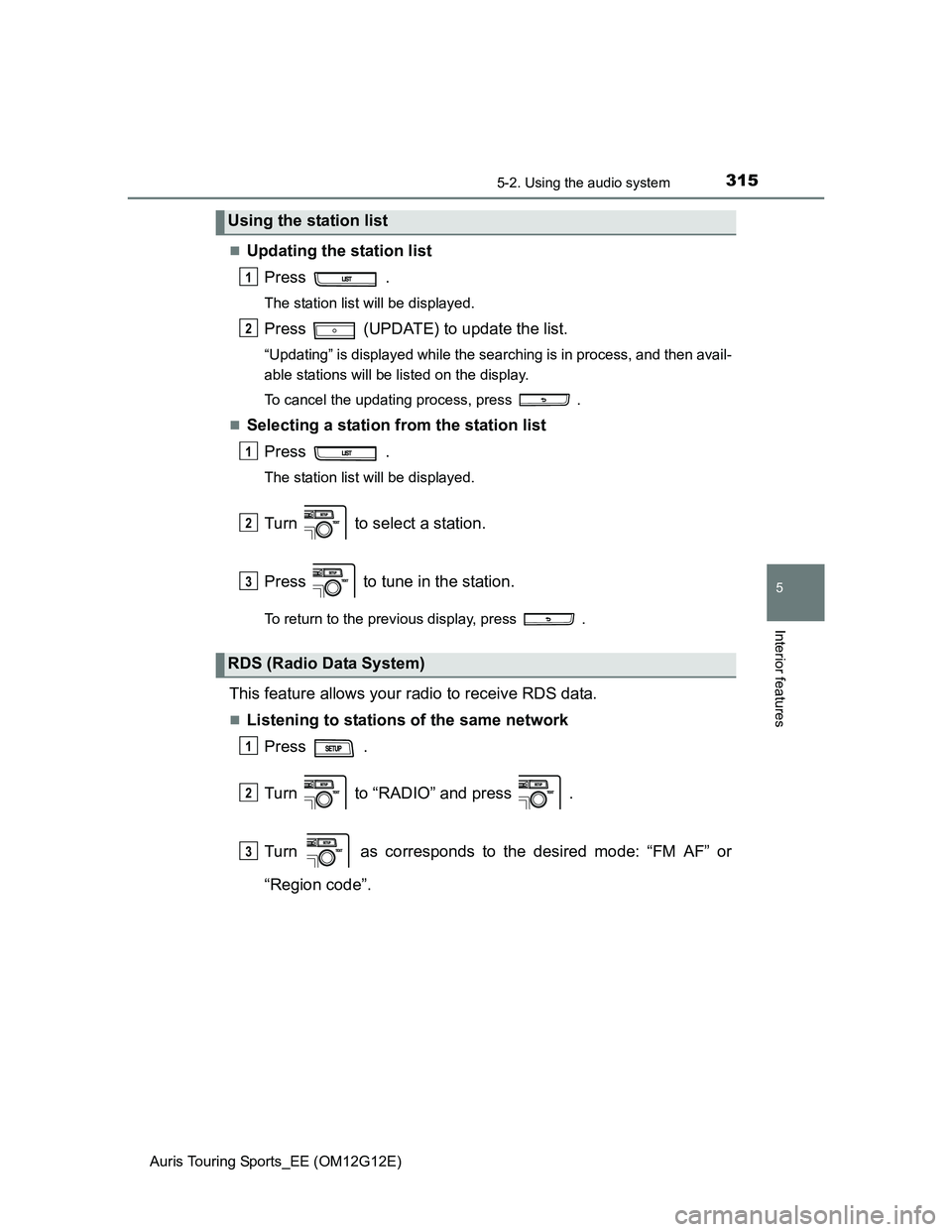
Updating the station list
Press .
The station list will be displayed.
Press (UPDATE) to update the list.
“Updating” is displayed while the searching is in process, and then avail-
able stations will be listed on the display.
To cancel the updating process, press .
Selecting a station from the station list
Press .
The station list will be displayed.
Turn to select a station.
Press to tune in the station.
To return to the previous display, press .
This feature allows your radio to receive RDS data.
Listening to stations of the same network
Press .
Turn to “RADIO” and press .
Turn as corresponds to the desired mode: “FM AF” or
“Region code”.
Using the station list
RDS (Radio Data System)
1
2
1
2
3
1
2
3
Page 316 of 616
3165-2. Using the audio system
Auris Touring Sports_EE (OM12G12E)
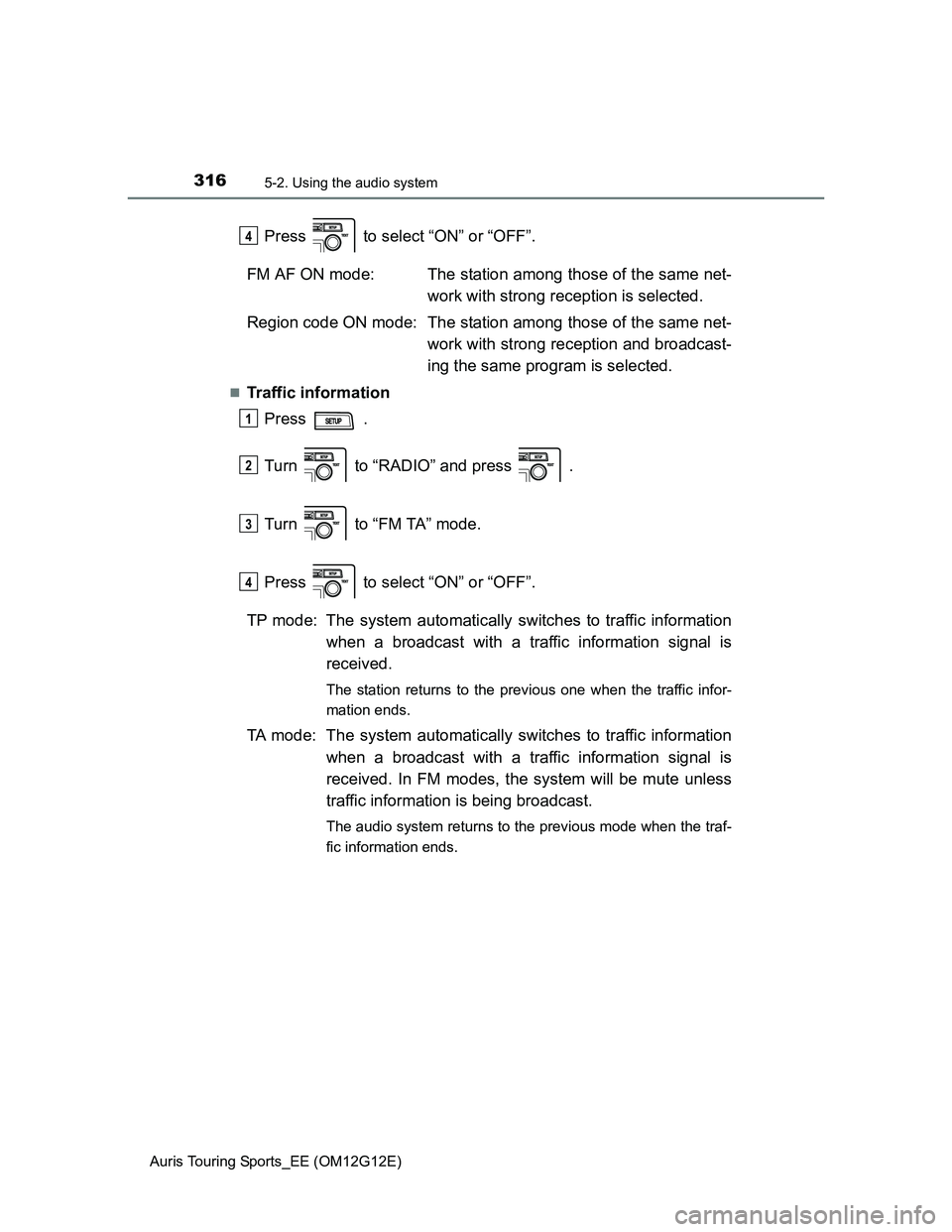
Press to select “ON” or “OFF”.
FM AF ON mode: The station among those of the same net-
work with strong reception is selected.
Region code ON mode: The station among those of the same net-
work with strong reception and broadcast-
ing the same program is selected.
Traffic information
Press .
Turn to “RADIO” and press .
Turn to “FM TA” mode.
Press to select “ON” or “OFF”.
TP mode: The system automatically switches to traffic information
when a broadcast with a traffic information signal is
received.
The station returns to the previous one when the traffic infor-
mation ends.
TA mode: The system automatically switches to traffic information
when a broadcast with a traffic information signal is
received. In FM modes, the system will be mute unless
traffic information is being broadcast.
The audio system returns to the previous mode when the traf-
fic information ends.
4
1
2
3
4
Page 317 of 616
3175-2. Using the audio system
Auris Touring Sports_EE (OM12G12E)
5
Interior features
EON (Enhanced Other Network) system (for traffic announcement func-
tion)
If the RDS station (with EON data) you are listening to is not broadcasting a
traffic information program and the audio system is in the TA (traffic
announcement) mode, the radio will be switched automatically to a station
broadcasting a traffic information program in the EON AF list when traffic
information begins.
When the battery is disconnected
Stations presets are erased.
Reception sensitivity
Maintaining perfect radio reception at all times is difficult due to the continu-
ally changing position of the antenna, differences in signal strength and sur-
rounding objects, such as trains, transmitters, etc.
The radio antenna is mounted on the rear roof. The antenna can be
removed from the base by turning it.
NOTICE
To prevent damage, remove the antenna in the following cases.
The antenna will touch the ceiling of a garage.
A cover will be put on the roof.
Page 324 of 616
3245-2. Using the audio system
Auris Touring Sports_EE (OM12G12E)
To select the desired folder, press “” or “” on .
To return to the first folder, press and hold “” on until you hear a
beep.
Selecting a folder and file from folder lists
Press .
The folder list will be displayed.
Turn and press to select a folder and a file.
To return to the previous display, press .
To exit, press .
Selecting a file
Turn or press “” or “” on to select the desired file.
To fast-forward or reverse, press and hold “
” or “” on .
Pressing (RPT) changes modes in the following order:
File repeat Folder repeat* Off.
*: Available except when RDM (random playback) is selected
Selecting a folder
Selecting and scanning files
Fast-forwarding and reversing files
Repeat play
1
2
Page 325 of 616
3255-2. Using the audio system
Auris Touring Sports_EE (OM12G12E)
5
Interior features
Pressing (RDM) changes modes in the following order:
Folder random Disc random Off.
Press .
Track title, Artist name and Album title (MP3 only) are shown on the dis-
play.
To return to the previous display, press or .
Display
P. 320
Canceling random and repeat playback
Press
(RPT) or (RDM), or press and hold “” on .
Error messages
“ERROR”: This indicates a problem either in the CD or inside the
player.
“CD CHECK”: The CD may be dirty, damaged or inserted up-side down.
“WAIT”: Operation has stopped due to a high temperature inside the
player. If the CD still cannot be played back, contact any
authorized Toyota dealer or repairer, or another duly quali-
fied and equipped professional.
“NO SUPPORT”: This indicates that MP3/WMA files are not included in the
CD.
Random playback
Switching the display