set clock TOYOTA AURIS TOURING SPORTS 2013 Owners Manual
[x] Cancel search | Manufacturer: TOYOTA, Model Year: 2013, Model line: AURIS TOURING SPORTS, Model: TOYOTA AURIS TOURING SPORTS 2013Pages: 616, PDF Size: 17.28 MB
Page 285 of 616
2855-1. Using the air conditioning system and defogger
Auris Touring Sports_EE (OM12G12E)
5
Interior features
To adjust the fan speed, turn the fan speed control dial clockwise
(increase) or counterclockwise (decrease).
Press to turn fan off.
To adjust the temperature setting, turn the temperature control
dial clockwise (high) or counterclockwise (low).
To change the air outlets, press “” or “” on .
The air outlets used are switched each time either side of the button is
pressed.
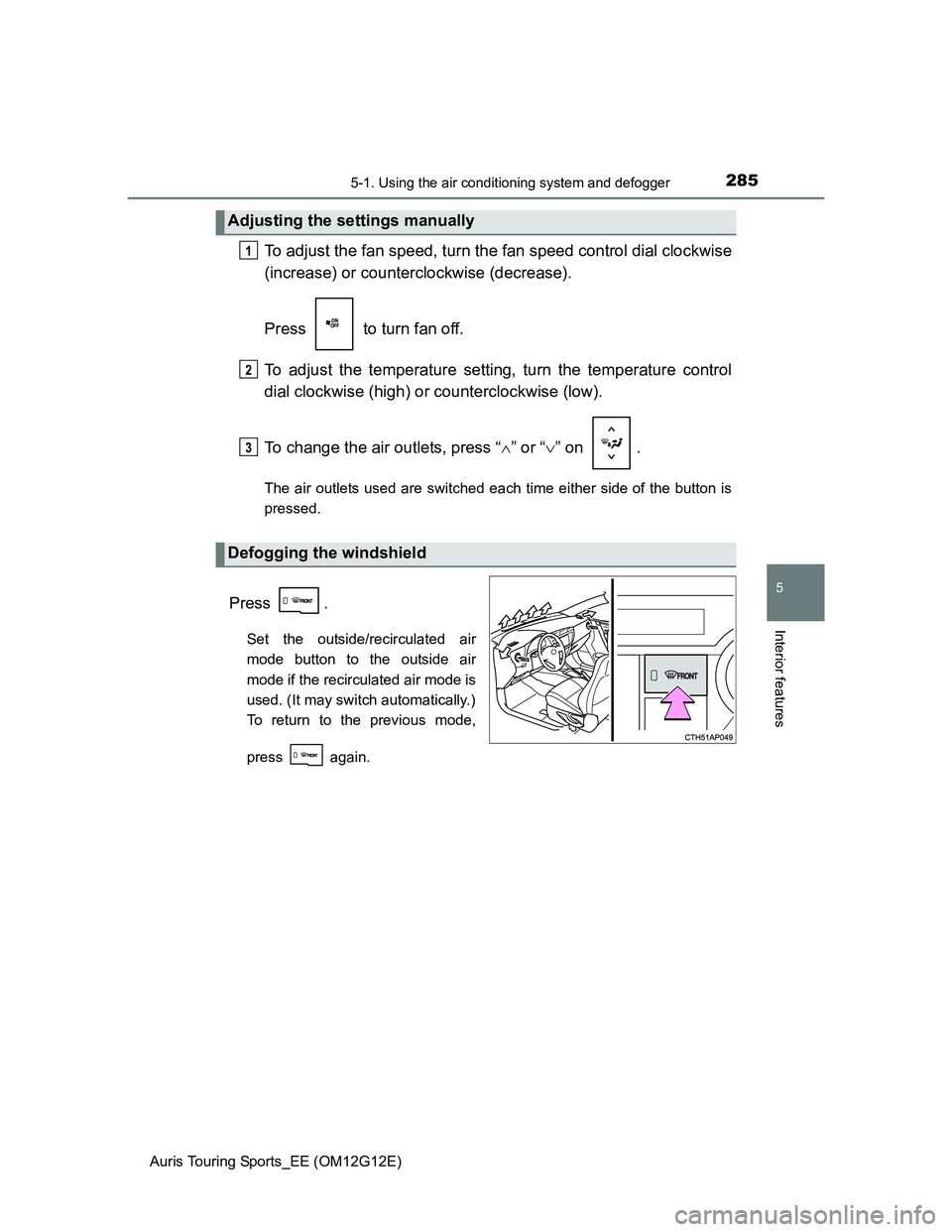
Press .
Set the outside/recirculated air
mode button to the outside air
mode if the recirculated air mode is
used. (It may switch automatically.)
To return to the previous mode,
press again.
Adjusting the settings manually
Defogging the windshield
1
2
3
Page 290 of 616
2905-1. Using the air conditioning system and defogger
Auris Touring Sports_EE (OM12G12E)
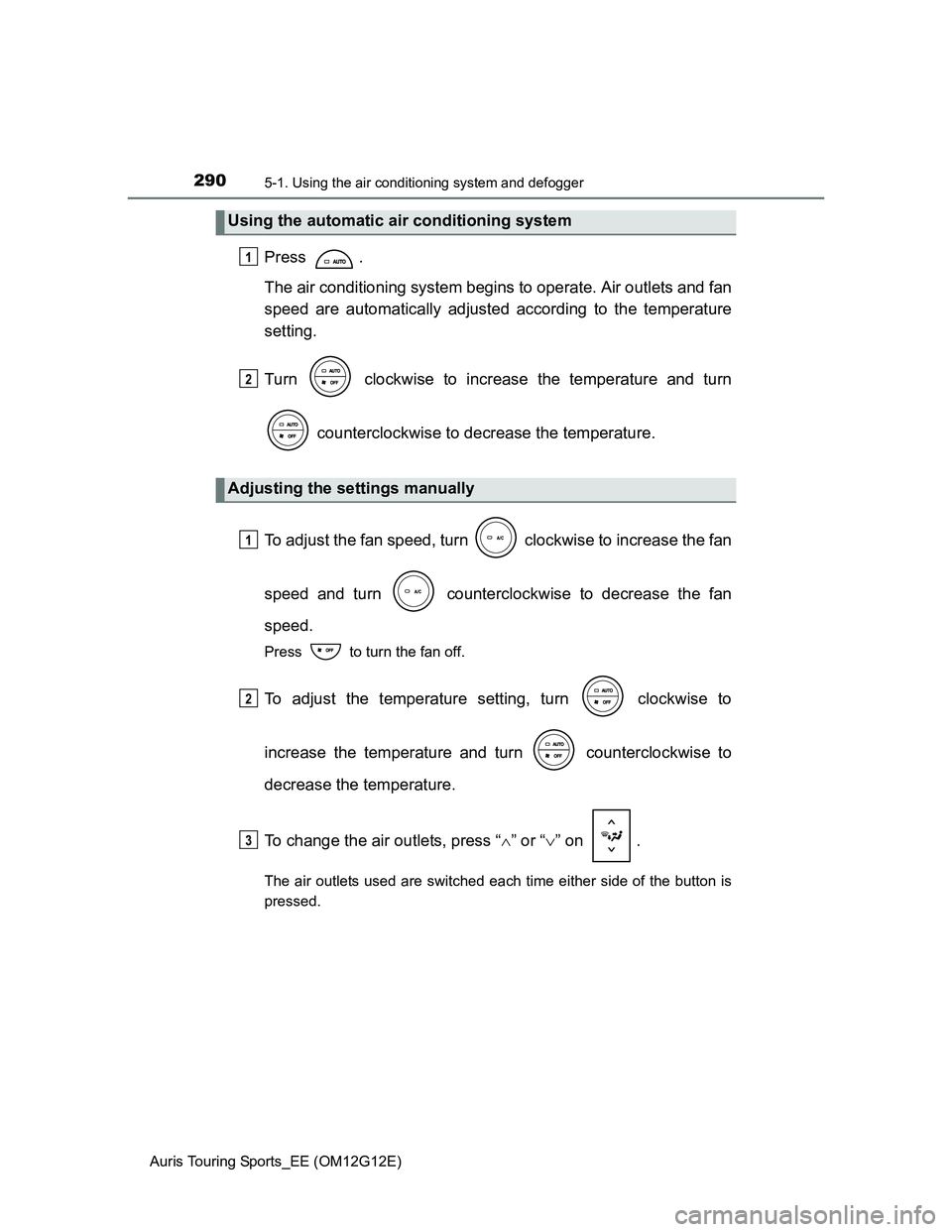
Press .
The air conditioning system begins to operate. Air outlets and fan
speed are automatically adjusted according to the temperature
setting.
Turn clockwise to increase the temperature and turn
counterclockwise to decrease the temperature.
To adjust the fan speed, turn clockwise to increase the fan
speed and turn counterclockwise to decrease the fan
speed.
Press to turn the fan off.
To adjust the temperature setting, turn clockwise to
increase the temperature and turn counterclockwise to
decrease the temperature.
To change the air outlets, press “” or “” on .
The air outlets used are switched each time either side of the button is
pressed.
Using the automatic air conditioning system
Adjusting the settings manually
1
2
1
2
3
Page 299 of 616
2995-1. Using the air conditioning system and defogger
Auris Touring Sports_EE (OM12G12E)
5
Interior features
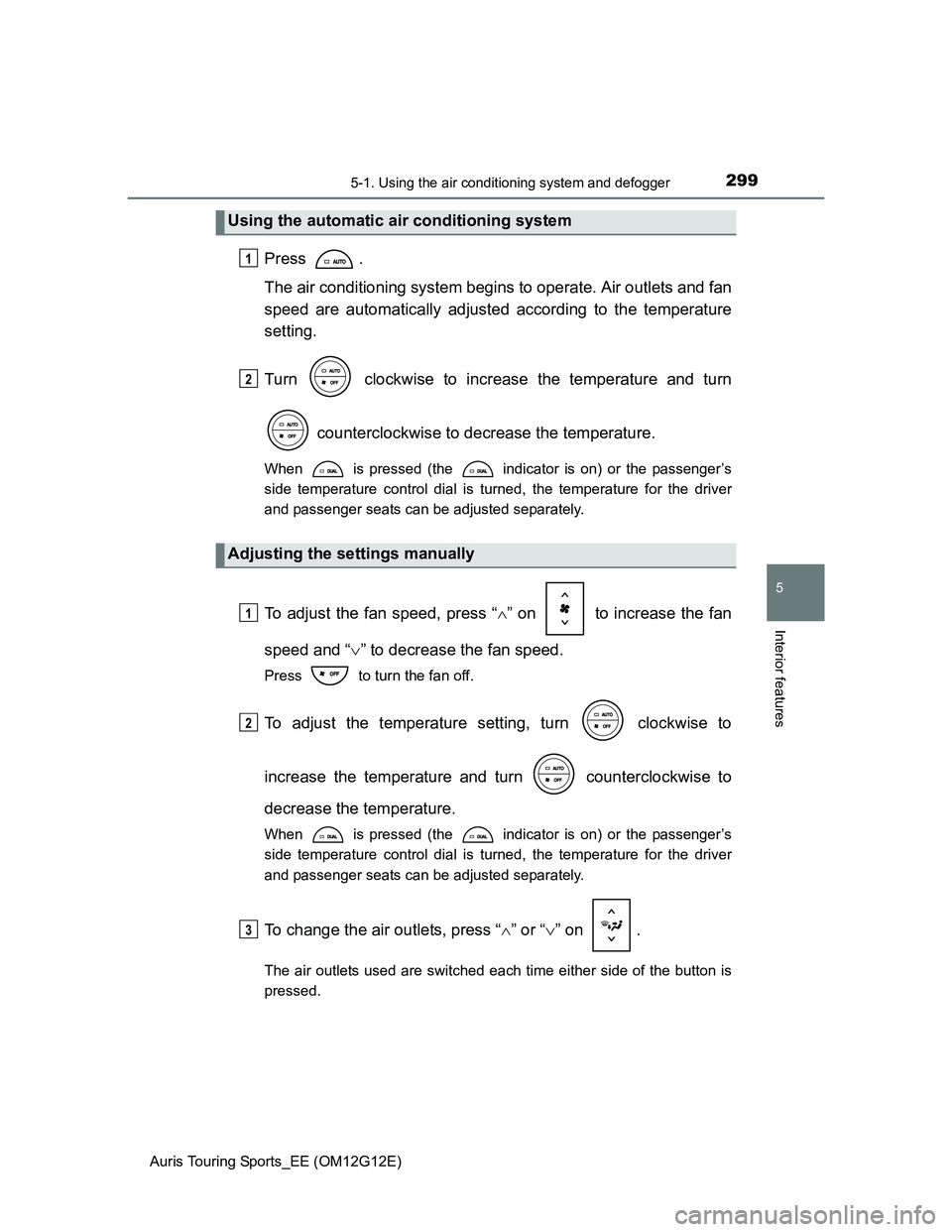
Press .
The air conditioning system begins to operate. Air outlets and fan
speed are automatically adjusted according to the temperature
setting.
Turn clockwise to increase the temperature and turn
counterclockwise to decrease the temperature.
When is pressed (the indicator is on) or the passenger’s
side temperature control dial is turned, the temperature for the driver
and passenger seats can be adjusted separately.
To adjust the fan speed, press “” on to increase the fan
speed and “” to decrease the fan speed.
Press to turn the fan off.
To adjust the temperature setting, turn clockwise to
increase the temperature and turn counterclockwise to
decrease the temperature.
When is pressed (the indicator is on) or the passenger’s
side temperature control dial is turned, the temperature for the driver
and passenger seats can be adjusted separately.
To change the air outlets, press “” or “” on .
The air outlets used are switched each time either side of the button is
pressed.
Using the automatic air conditioning system
Adjusting the settings manually
1
2
1
2
3
Page 374 of 616
3745-5. Other interior features
Auris Touring Sports_EE (OM12G12E)
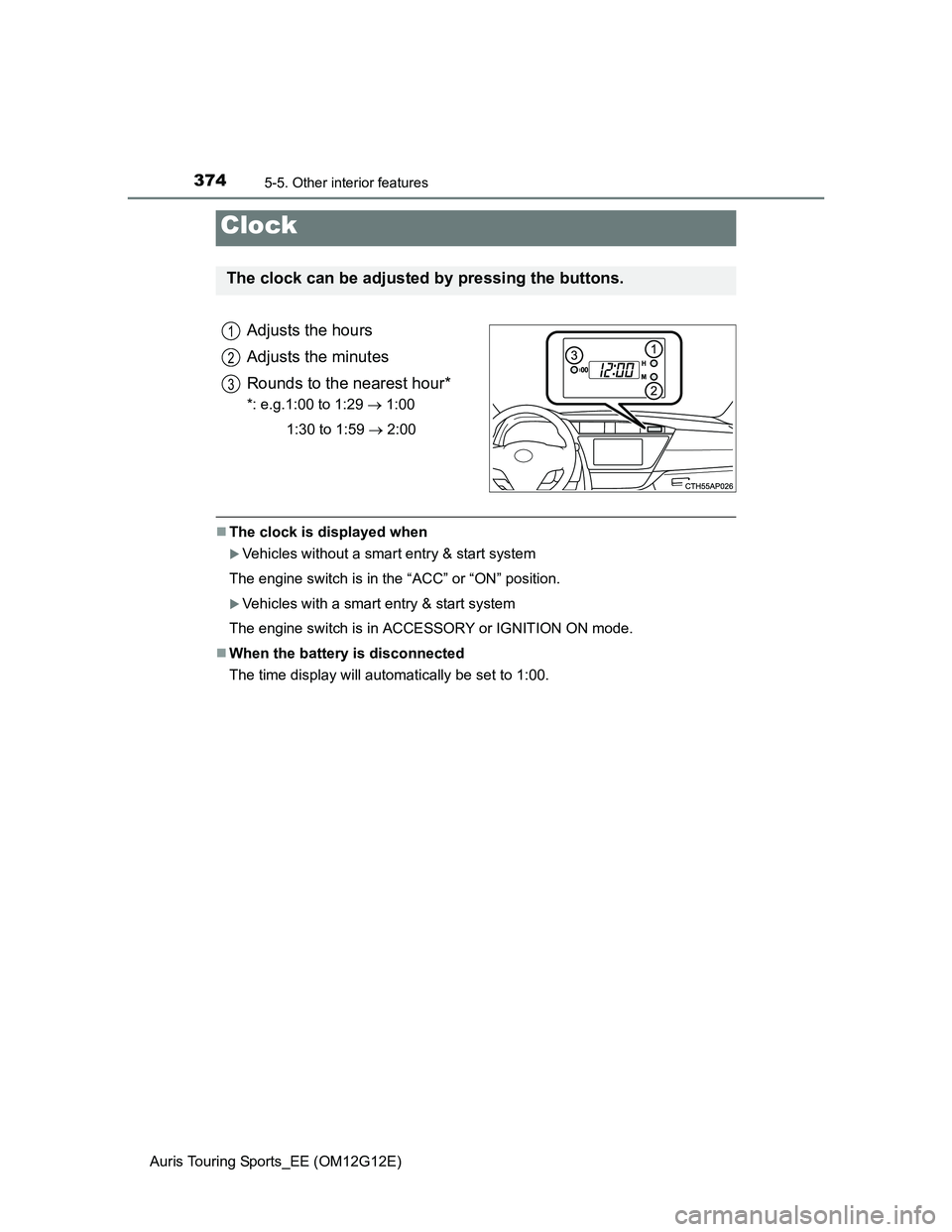
Adjusts the hours
Adjusts the minutes
Rounds to the nearest hour*
*: e.g.1:00 to 1:29 1:00
1:30 to 1:59 2:00
The clock is displayed when
Vehicles without a smart entry & start system
The engine switch is in the “ACC” or “ON” position.
Vehicles with a smart entry & start system
The engine switch is in ACCESSORY or IGNITION ON mode.
When the battery is disconnected
The time display will automatically be set to 1:00.
Clock
The clock can be adjusted by pressing the buttons.
1
2
3